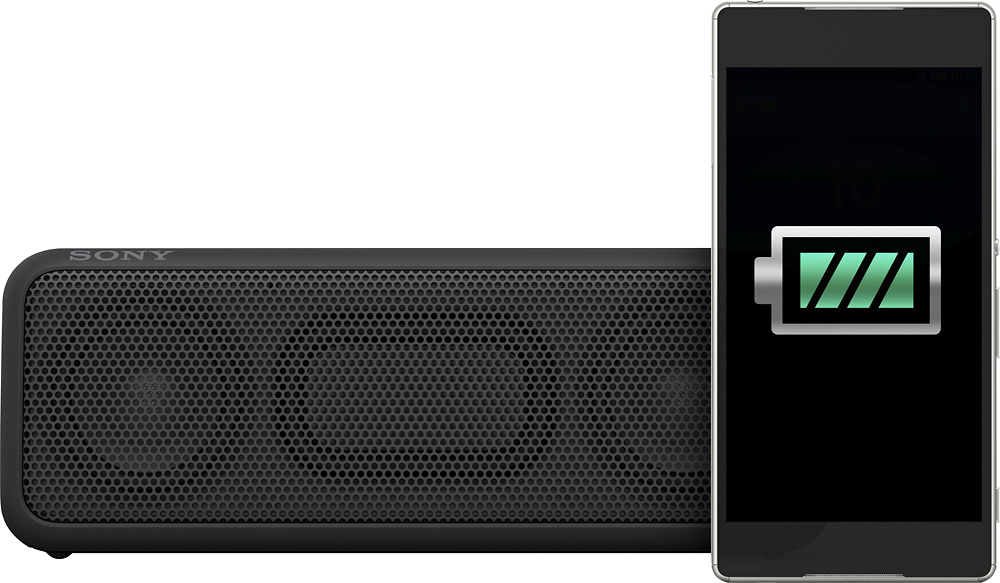
A:AnswerI have used it several times without it being plugged into a outlet and it will shut itself off once it gets to low in battery. If connected wirelessly it will stop working that is the first signal of a low battery and work intermittently when used as a phone speaker. Once fully charged it works for hours same as a cell that has a seal battery when it get low internally turns itself off to keep from damaging the battery.
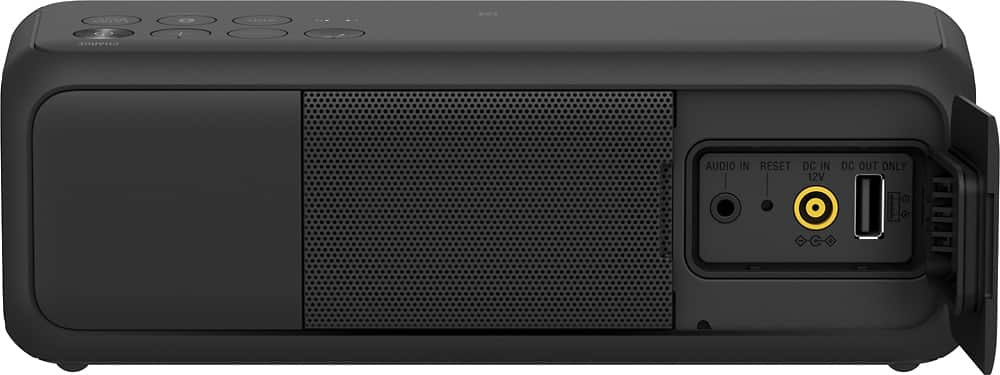
A:AnswerIt supports 3.5mm headphone jack and Bluetooth. If your TV has either connectivity, you can use it to play sound for your TV. Also note that you can buy two of these and assign one of them to be left speaker and the other right speaker. Although at that point, I'd rather buy an actual sound bar made for TV.
A:AnswerHi Paseo81,
Yes it can still play music while charging however, we highly do not recommend this setup. Kindly charge the speaker first before using it.
Thanks,
>Joffrey
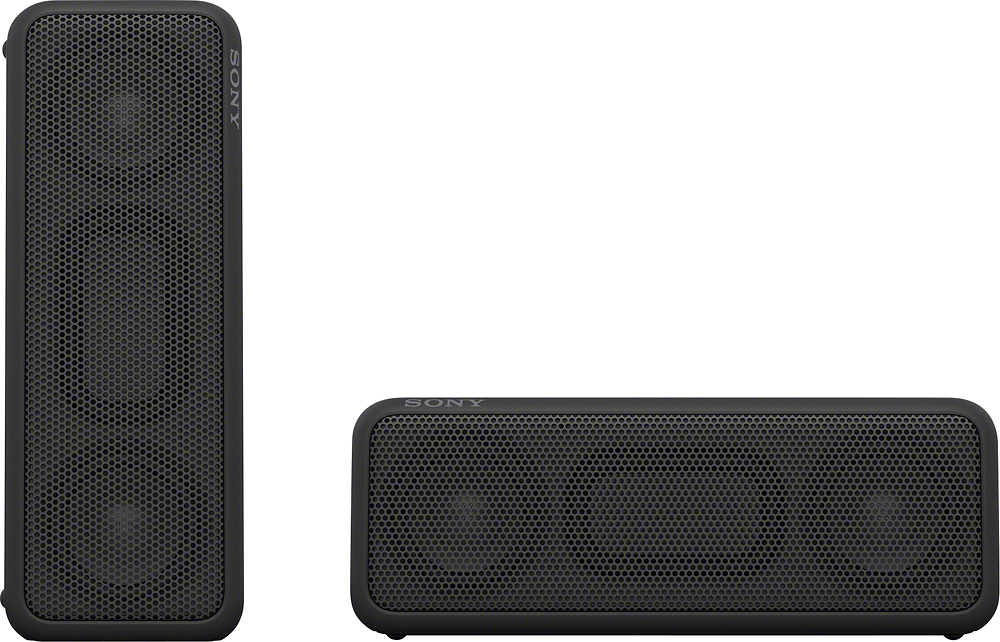
A:AnswerHi. By connecting two SRS-XB3 speakers via BLUETOOTH, you can select audio reproduction between stereo mode (stereo sound)
and double mode (monaural sound). I hope this helps, Dave
A:AnswerIt will charge fully in an hour or so.
Remember that this is a piece of equipment that cannot have its battery replaced. Lithium ion batteries are sure powerful, but eventually, any battery will run out of charges.
The one good thing when this happens is that you can still run the speaker off of house current using the wall wart.
Buy environmentally. I dread the hundreds of millions of electronic devices that will choke land fills because their non-replaceable battery limited their life-saving to a year or two.
Maybe if we all buy stuff with replaceable batteries, we can convince manufacturers to stop ripping us off this way.
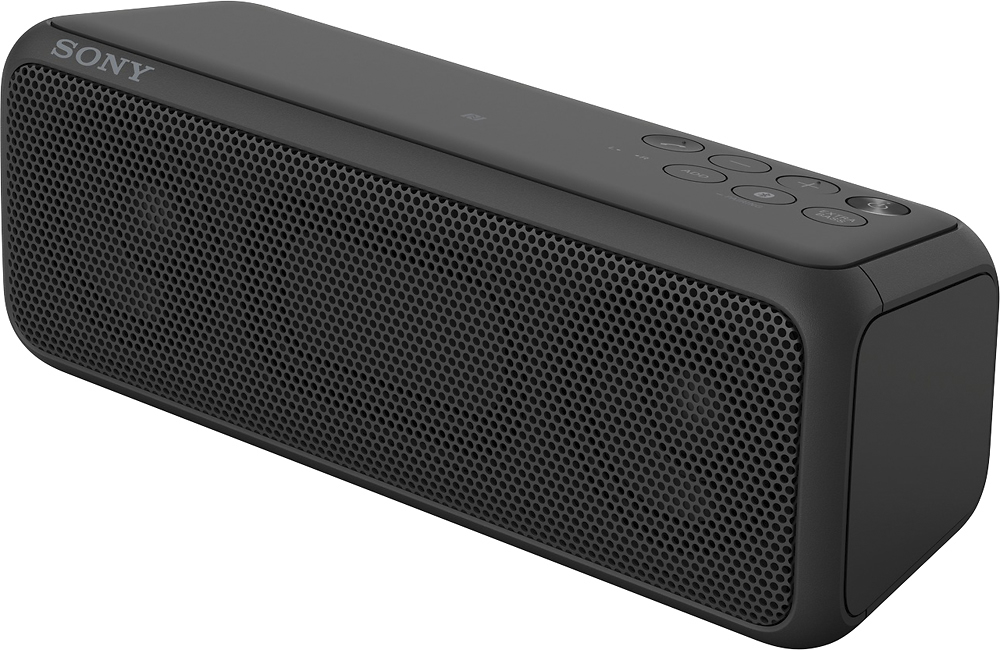
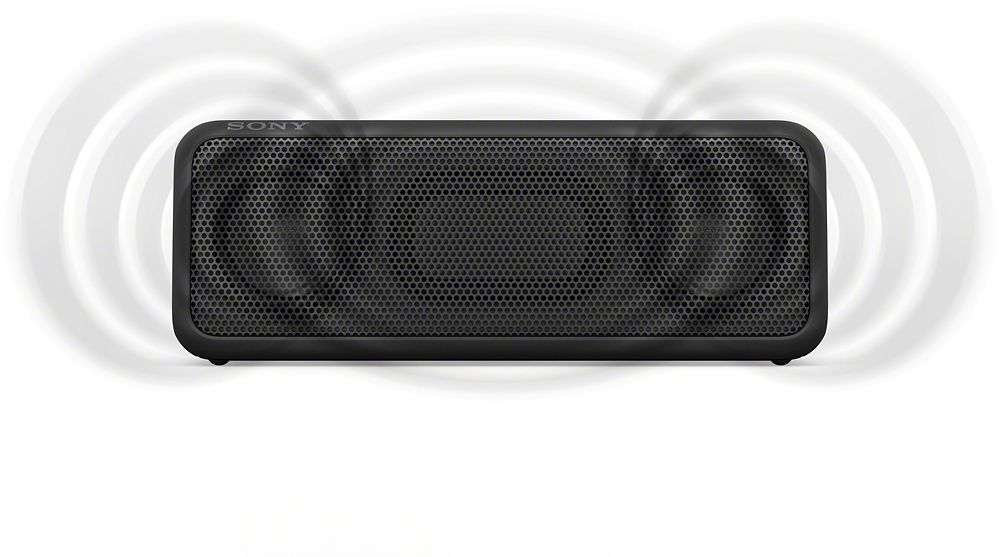
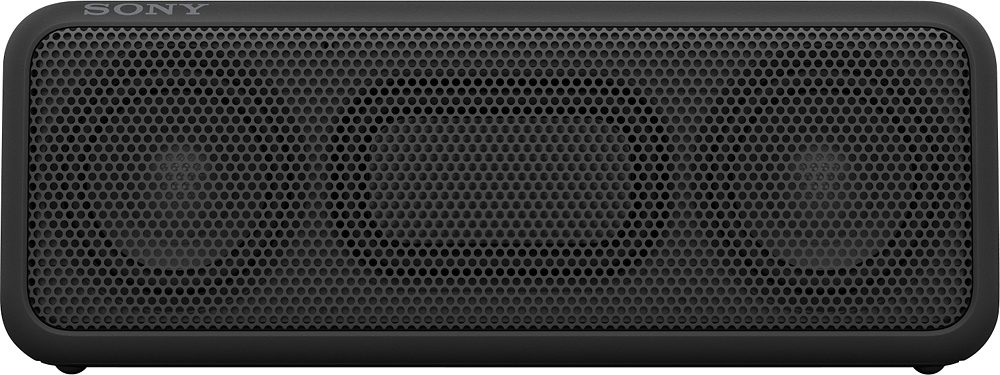
A:AnswerHi. SteveCt, this unit have 2ch speakers + 2 passive radiators. By connecting two SRS-XB3 speakers via BLUETOOTH, you can select audio reproduction between stereo mode (stereo sound) and double mode (monaural sound). For more information about this Speaker add functionality, check out this link: http://helpguide.sony.net/speaker/srs-xb3/v1/en/contents/TP0001030926.html. Dave
A:AnswerHello tommymac, thank you for your message. Power Type DC+AC Adaptor. For more information, check the link below: https://docs.sony.com/release//Manual_4587046111.pdf. -Oscar.
A:AnswerYes, this will pair with the 4th generation Apple TV via Bluetooth. The XB3 will show up in the audio portion of the Apple TV General Settings when pairing is activated. Once it is connected to the Apple TV, you can now control the volume of the XB3 using the Apple TV remote. Works great, and sounds much better than my old iLive 37" sound bar, which I'm now going to get rid of.
A:AnswerHi Gregg, For us to better assist you, please send us an email at [email protected] with your product details and a brief description of your concern. -Jerome