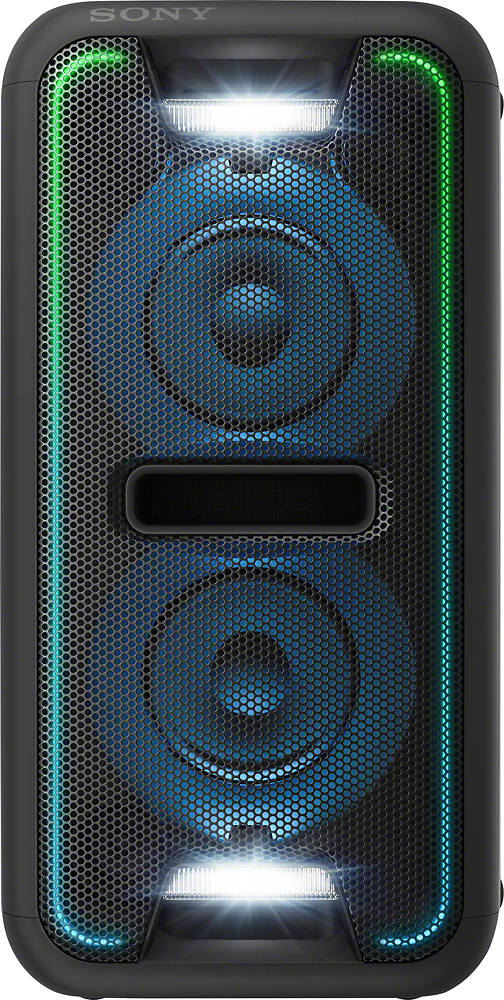
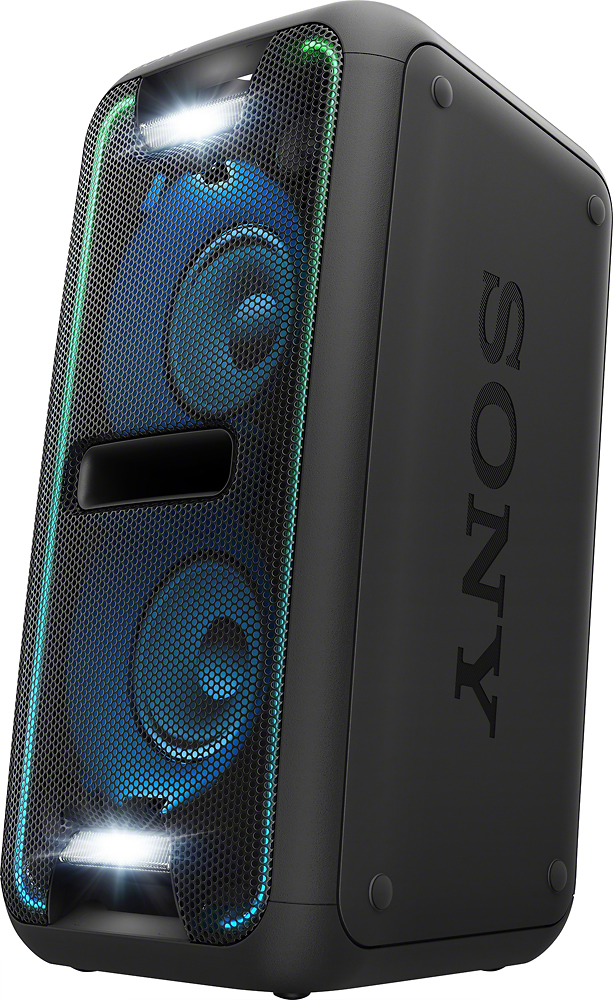
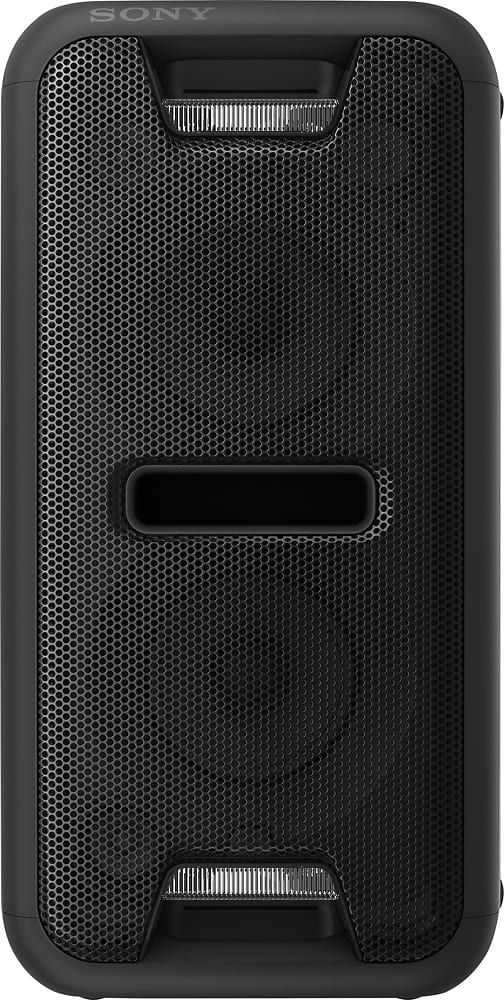
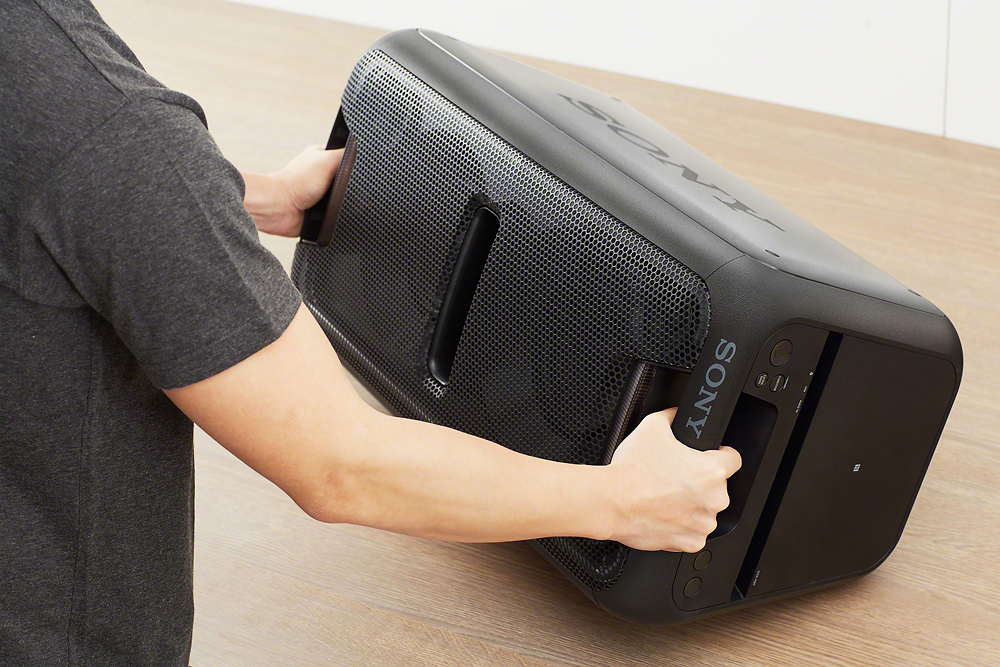
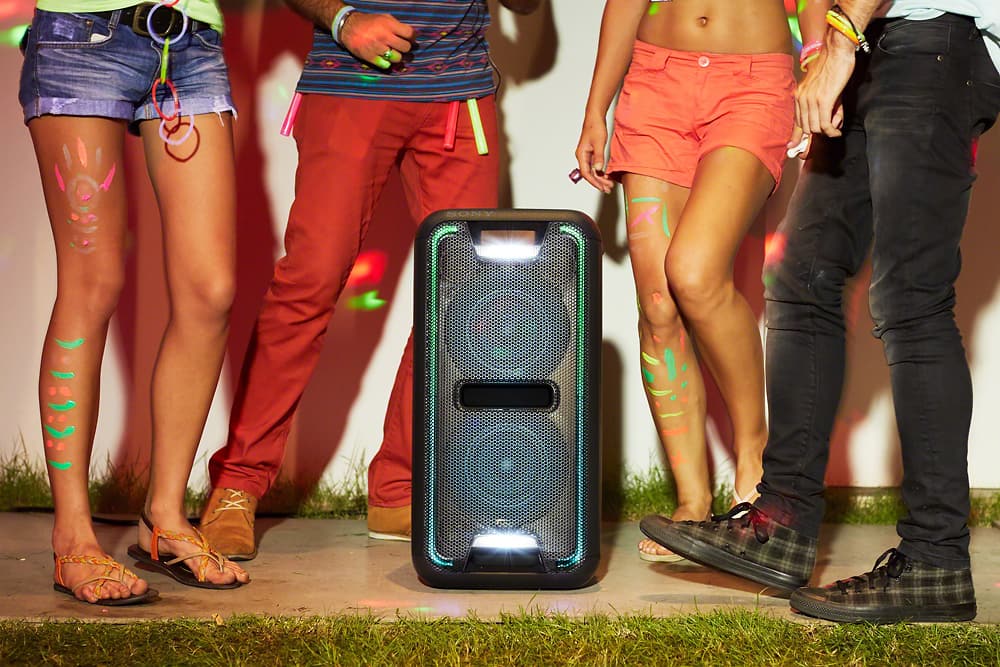
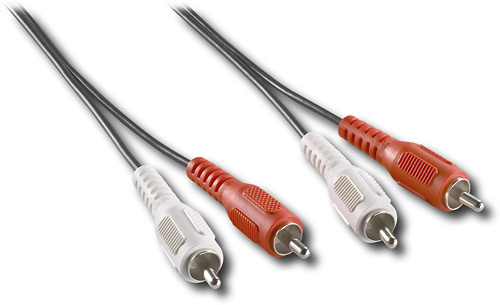
A:AnswerThis product has Input and Output connections..Yes you can connect this device to a CD player, or any home sound system with the proper RCA connections.
A:AnswerThe Speaker has RCA (red & white) input jacks (female). So practically anything that has an RCA-type output cord with male ends would connect to the speaker. Most likely, your TV has an RCA-output jacks (it probably has red/white/yellow) - in that case, the yellow is for video while the red & white are audio - so you'd only use the red & white jacks. No need to connect the yellow one at the TV side if your cord has all 3 colors - actually a 2-color RCA cord (just red & white) would work. Plug the male ends into both the TV and the Speaker and you're ready to play.
A:AnswerDepends on the size of the party. If it's for a few people, then I would have two speakers. You can set the inputs via remote or by the Songpal app. The RCA inputs should be fine. Run a RCA cable from your mixer master out to the back of the speaker (line in), then run another RCA cable from its output to the line-in on the 2nd speaker. Set both speakers to "audio in".
A:AnswerYes, as I just purchased my 2nd one of these yesterday, it provides left and right channels. Both have to be plugged in or sync'd via bluetooth.
A:AnswerHi, Ant! Unfortunately, the GTK-XB7 doesn't support this function. You may refer to his link for more information:
https://helpguide.sony.net/has/gtk-xb72/v1/en/contents/TP0002012577.html
~Ralph
A:AnswerHi, Merz! We regret to hear about what happened. We would like to know more about the issue and help you out. Please send us an email at [email protected]. ~Ralph