Year-End SaleEnds 1/1/26. Limited quantities. No rainchecks.

Main Content

Questions & Answers

Your price for this item is $93.99
Clearance
The comparable value price is $399.99
Page Showing 21-40 of 268 questions
  • QuestionWhat capacity usb drive is compatible? Could i use 128 gb stick with over 7500 songs on it? Will it shuffle said songs? Is the usb powered? Will an external drive work? Can i leave this plugged in all the time, or do i need to unplug when fully charged?

    Asked by DEAD.

    • Answer Hi DEAD, Thank you for your interest! The XP500 is compatible with USB devices formatted with the FAT (except exFAT) file system and compliant with USB Mass Storage Class. More details about connecting USB devices are on the link below. https://helpguide.sony.net/speaker/srs-xp500/v1/en/contents/TP1000243075.html?search=usb The speaker is unable to play audio files on the USB device in the event of the following. The total number of audio files on the connected USB device exceeds 2000. The number of folders on the connected USB device exceeds 300, including the “ROOT” folder and empty folders. The above figures vary depending on the file and folder structure. On the USB device containing audio files, do not save files of different types or unnecessary folders. Find out more here: https://helpguide.sony.net/speaker/srs-xp500/v1/en/contents/TP1000243080.html Also, using the Sony Music Center app you can choose shuffle as an option. While the speaker is turned on, it charges the built-in battery as long as the speaker is connected to an AC outlet by the supplied AC power cord (mains lead). Depending on the usage of the speaker, however, it may take a long time before charging completes. It is recommended that you turn off the speaker before battery charging. Regards, David

      Answered by SonyListens

  • QuestionIs this compatible with the Sony GTX XB90? Will it link with this speaker with the party chain feature?

    Asked by JerseyShore.

    • Answer Hi JerseyShore, Thanks for your inquiry. Unfortunately, no. Devices* compatible with the Party Connect function of the SRSXP500 are as follows: SRS-XB43, SRS-XB33, SRS-XB23, SRS-XG500, SRS-XP500, SRS-XP700 The wireless party chain function of the XB90 only works on these devices: SRS-XB22, SRS-XB32, SRS-XB21, SRS-XB31, SRS-XB41, SRS-XB20, SRS-XB30, SRS-XB40, GTK-XB60, GTK-XB90 Hope this helps! -Sam

      Answered by SonyListens

  • QuestionHow is the sound quality?

    Asked by Riatudo.

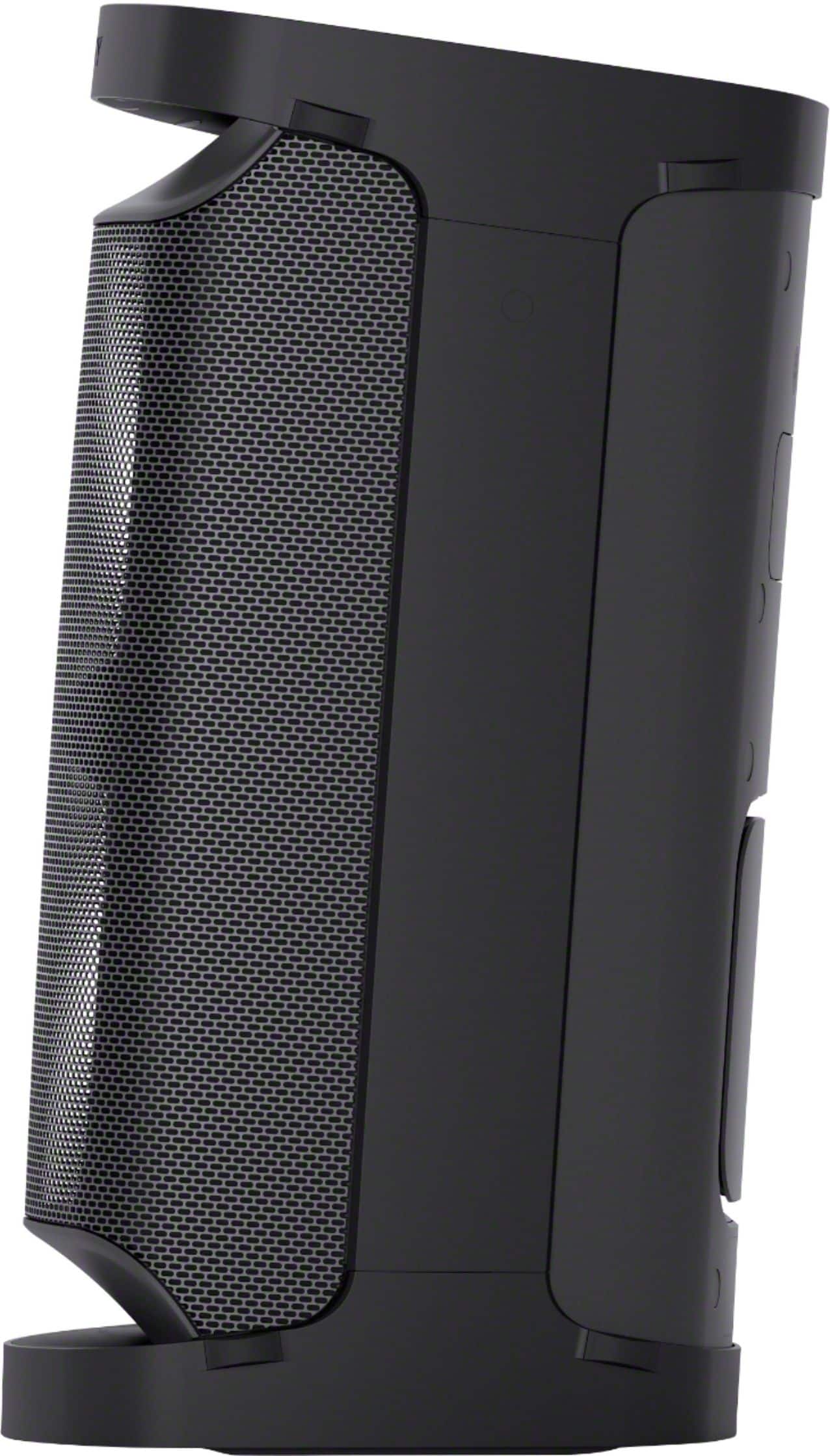
    • Answer Hi Riatudo, thank you for your interest in the SRSXP500! In terms of sound quality, the XP500 supports front tweeter and woofers combine to give the XP500 a superb sound, punchy and deep vocals, and a crisp surround sound feel. Also, the X-Balanced Speaker unit has a non-circular diaphragm with more area than conventional speakers. That means that you’ll get a richer, clearer sound, no matter what style of music you’re listening to. Hope this helps! -Sam

      Answered by SonyListens

  • QuestionHi, Can this speaker mute the vocals from a song in order to make it a karaoke song? Please let me know. John

    Asked by Johnteacher.

    • Answer It has an app to download that does karaoke. I haven’t tried it yet.

      Answered by NicksFatherDay

  • QuestionI have one and would like to purchase another to pair with the one I already have my question is when I pair them together will the sound automatically blend together or will there be some lagging behind.

    Asked by Donna.

    • Answer Hi Donna, Thanks for the inquiry! The two speakers should be in sync in Stereo Pair function. The 2 speakers connected via Bluetooth connections play sounds in stereo, where 1 speaker plays the sound on the right channel (right side) and the other plays the sound on the left channel (left side) so there should be no delay or lagging. Hope this helps! -Sam

      Answered by SonyListens

  • QuestionCan you turn the light off? Don't always want it on

    Asked by Zonker78.

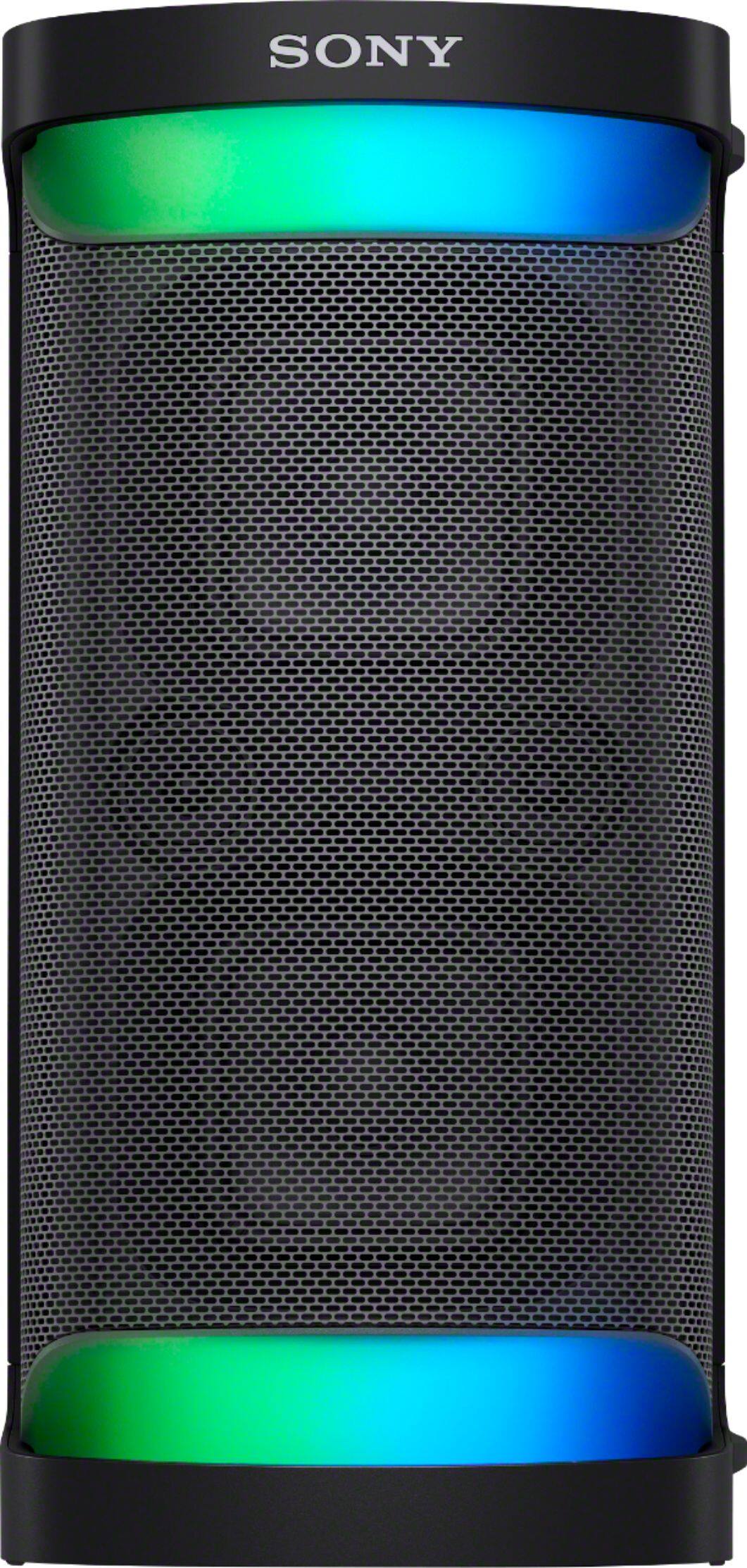
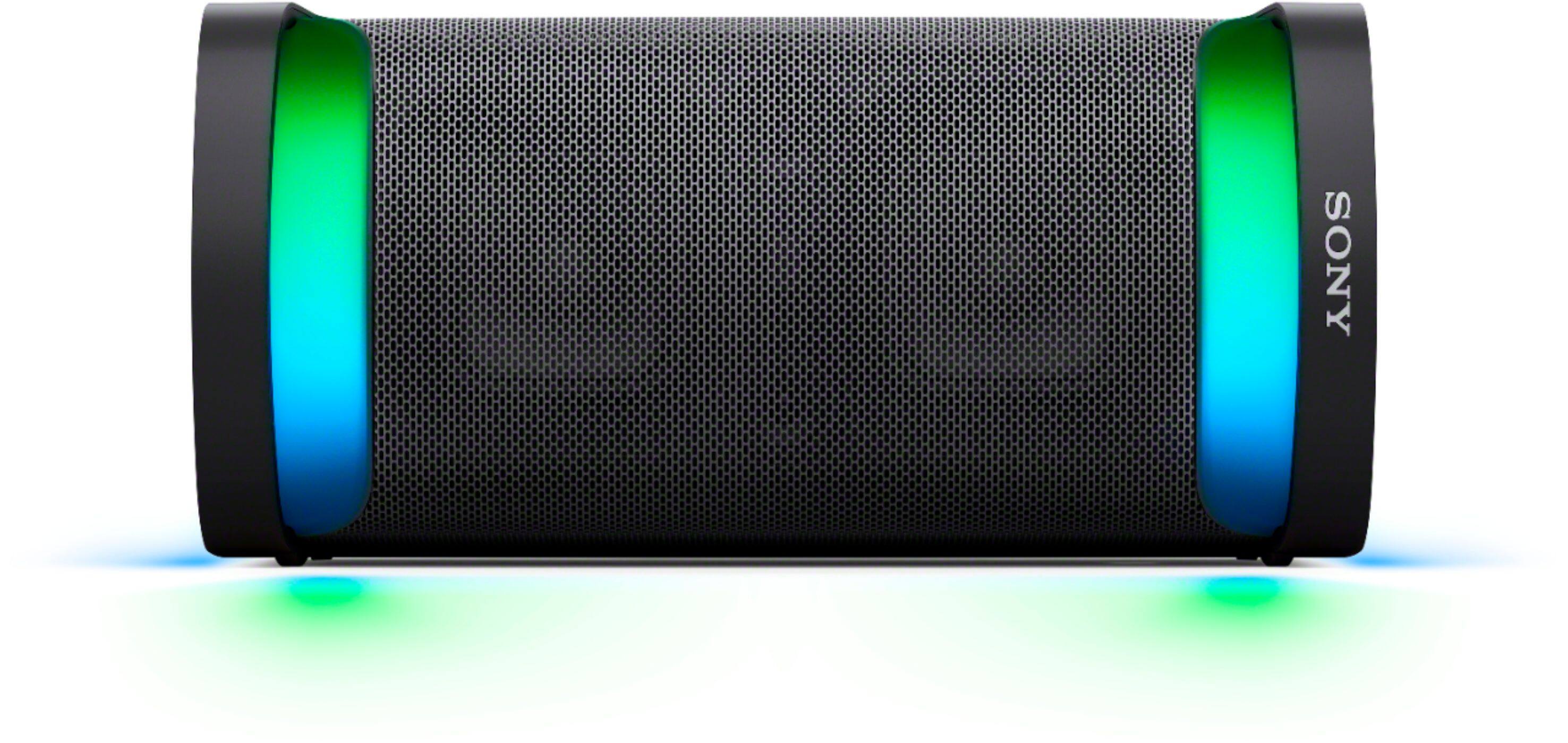
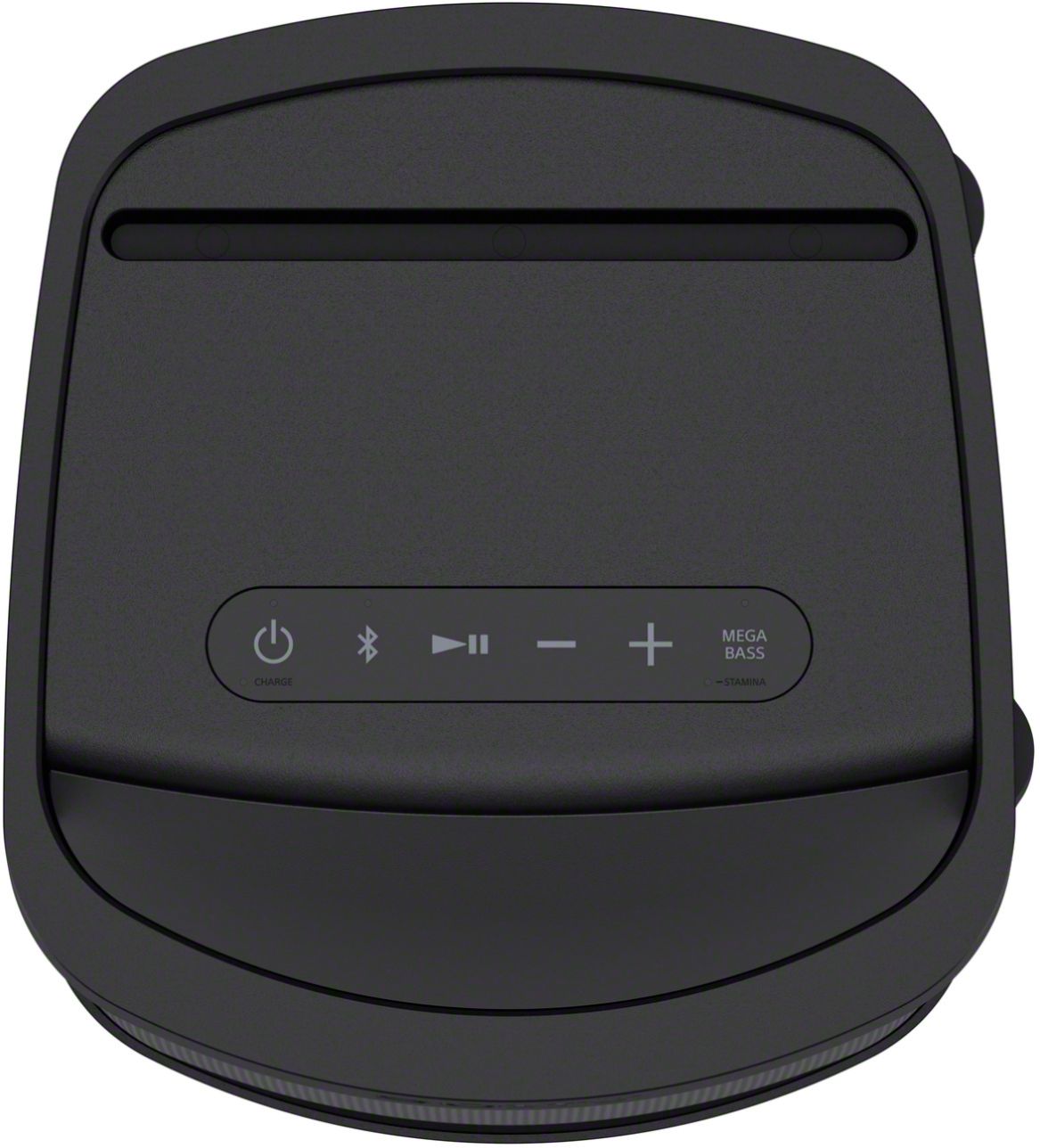
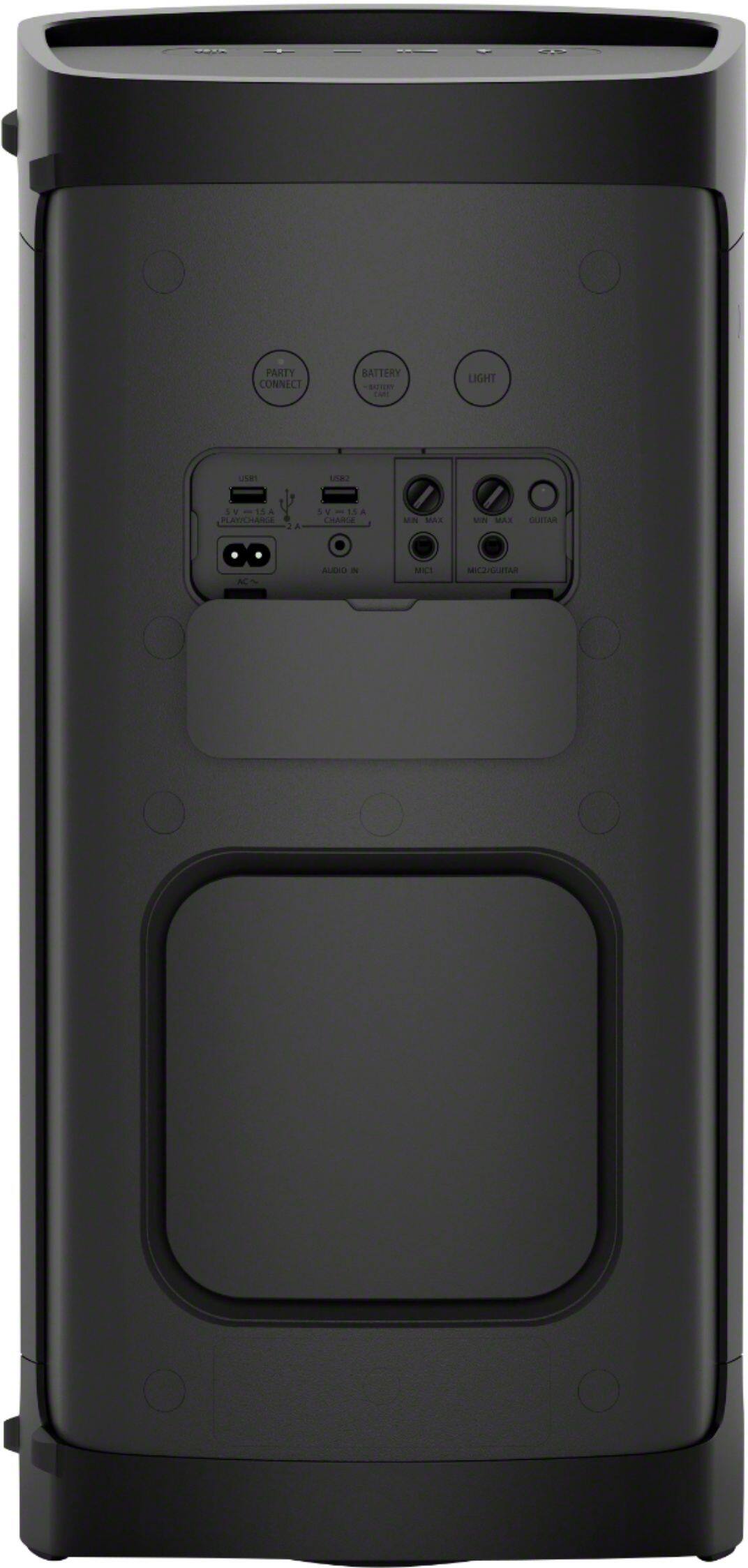
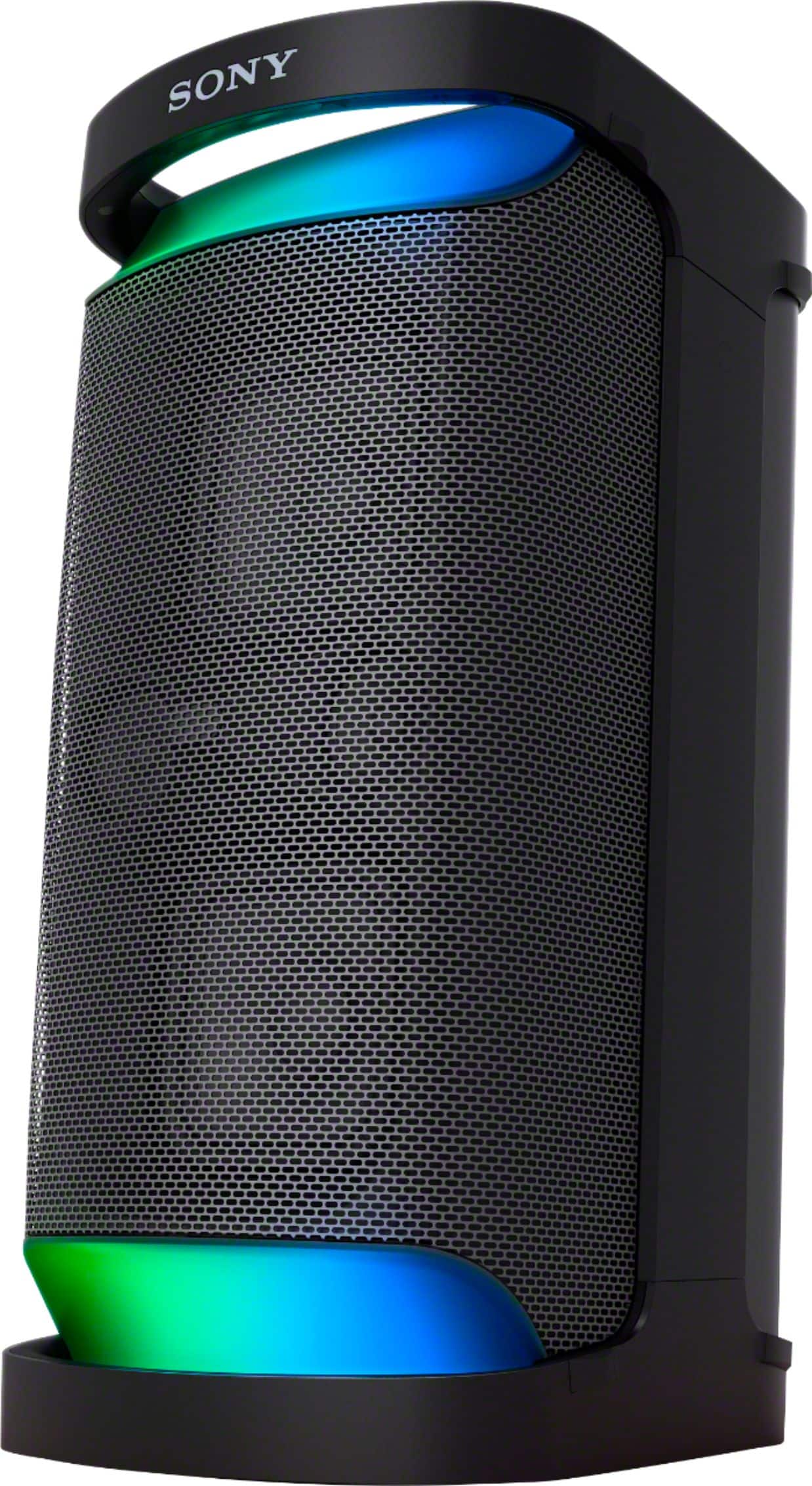
    • Answer Hi Zonker78, thanks for the inquiry! Yes, you can press the LIGHT button on the rear side of the speaker to turn off/on the lighting function. Also, by using the “Illumination” function on “Sony | Music Center” app, you can turn on/off the lighting function or choose the various lighting modes. Hope this helps! -Sam

      Answered by SonyListens

  • QuestionCan you pair a bluetooth microphone?

    Asked by Shortdiggity.

    • Answer Hello Shortdiggity, If your Wireless Mic uses a standard 1/4” plug and has its own receiver, it should work. But you cannot connect via Bluetooth to a microphone https://helpguide.sony.net/speaker/srs-xp500/v1/en/contents/TP1000243091.html?search=microphone Hope this helps, David

      Answered by SonyListens

  • QuestionIf I have two Sony XP500, and connect them via party connect, would I be able to use one microphone to work with both speakers? Or would I be able to connect the microphone to the phone with the Bluetooth to share the signal?

    Asked by madi.

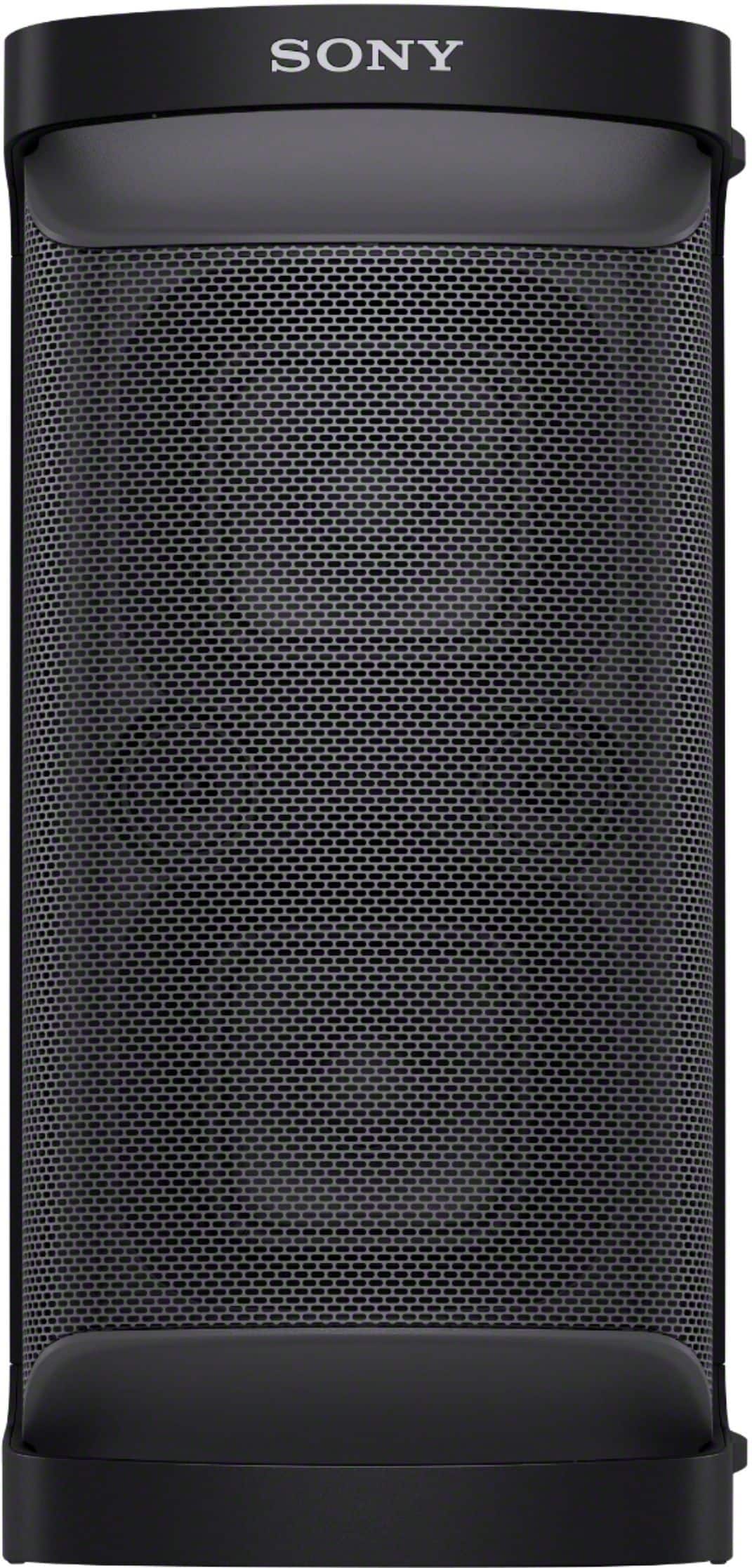
    • Answer Hi madi, Great question! When using the Party Connect or Stereo Pair function, sound from the microphone is only output from the speaker to which the microphone is connected. As for your second question, we cannot guarantee to the functionality of a BT mic connected to your mobile device. However, if the audio signal that is being transmitted from your phone contains both song and mic audio, it might be transmitted to both speakers. Again, we can not guarantee this will work. Hope this helps! The XP500 combines superb sound with plenty of party features to make it a fun and versatile speaker. With Powerful Party Sound by the X-Balanced Speaker Unit and the front high-efficiency tweeter, it sends out rich, clear, and high-quality sound. It is perfect for parties, inside or outside the home, has plenty of battery life, is IPX4 Water-resistant, and has an easy-to-use handle for moving from one party to the next. -Sam

      Answered by SonyListens

  • QuestionCan it be connected to a television?

    Asked by Masterangler134.

    • Answer Hi Masterangler134, Good question! If your TV features A2DP (Advanced Audio Distribution Profile) Bluetooth profile, then you should be able to connect your TV to this speaker. Also, If your TV has a Headphone audio out (3.5 mm) port, then you should be able to connect it to the AUDIO IN jack of the SRSXP500 using a 3.5mm audio cable. Hope this helps! Regards, Sam

      Answered by SonyListens

  • QuestionCan you pair the Sony XP700 to the Sony GTX-XB90?

    Asked by SaltLife.

    • Answer Hi Mz772, Thank you for your inquiry! Unfortunately, no. Here are the devices that you can pair with the SRSXP700 and are compatible with the Party Connect function: SRS-XB43, SRS-XB33, SRS-XB23, SRS-XG500, SRS-XP500, SRS-XP700 The XB90 uses Wireless Party Chain and is compatible with these models: GTK-PG10, GTK-XB60, GTK-XB72, GTK-XB60, MHC-M20, MHC-V13, MHC-V21, MHC-V71, SRS-XB20, SRS-XB21, SRS-XB22, SRS-XB30, SRS-XB31, SRS-XB32, SRS-XB40, SRS-XB41 Regards, Sam
      Answered by SonyListens

  • QuestionThis SONY SRS-XP700, can you hook up 2 guitars and microphone, and play music for back ground and do all 4 things at the same time? if so, do I need at special adapters or anything to make it work??

    Asked by SATORU.

    • Answer Hi SATORU, Thank you for your inquiry! You can only connect 1 mic and 1 guitar, or 2 mics, since this speaker only supports MIC1 jack and MIC2/GUITAR jack inputs. You may refer to the link below for more details on how to connect a microphone and a guitar: https://helpguide.sony.net/speaker/srs-xp500/v1/en/contents/TP1000243091.html https://helpguide.sony.net/speaker/srs-xp500/v1/en/contents/TP1000243092.html And yes, you can play your guitar or sing into the microphone while playing music on the background without using any special adapters. Hope this helps! Regards, Sam

      Answered by SonyListens

  • QuestionIs there a way to use two of these together with a microphone? If so, which microphones can I use? Is it possible to use a Bluetooth microphone this way?

    Asked by Alexi.

    • Answer Hi Alexi, Good to question. Yes, you can. When two speakers are connected using Party Connect or Stereo Pair function, sound from the microphone is only output from the speaker to which the microphone is connected. And yes, you can use a Bluetooth microphone. It just needs to be able to connect with 1/4” standard mic input. Hope this helps! -Sam

      Answered by SonyListens

  • Questioncome with remote control?

    Asked by Anonymous.

    • Answer Hi there, thank you so much for reaching out to us. We are sorry, but the SRSXP500 doesn't come with remote control. However, this Portable Wireless Speaker supports our Sony | Music Center app which allows you to optimize audio settings, control music, choose lighting patterns, and manage your devices right from your phone. I hope this helps! Thanks! - Romeo

      Answered by SonyListens

  • QuestionCan I use this in Europe with 220-240v as power input?

    Asked by BK.

    • Answer Hello BK, Thank you for considering Sony products! We appreciate your inquiry and are happy to assist you. The Sony SRS-XP700 speaker is designed to operate on an AC power supply of 120V at 60Hz. In Europe, the standard voltage typically ranges from 220V to 240V at 50Hz. Using a device rated for 120V with a higher voltage supply of 220-240V can cause serious damage to the speaker and may pose safety risks. Please refer to the product label to verify the required voltage. If the voltage in your destination differs from what is specified on the label, it is strongly advised not to plug the device directly into the outlet. For your safety and to ensure the longevity of your Sony SRS-XP700, using it with a 220-240V power input in Europe is not recommended. For further information, please refer to the following Sony support article: https://www.sony.com/electronics/support/articles/00024429 Best regards, -Fred

      Answered by SonyListens

  • QuestionHow many watts

    Asked by Skills.

    • Answer Do not remember how many watts this unit supplied but it was replaced not impressed with it. Sound quality or its volume level disappointed in unit.

      Answered by MikeS

  • Question....can this speaker connect to our TV, via wireless or cords?

    Asked by RyanC.

    • Answer Hi RyanC, thanks for your question. Yes, this XP700 requires the A2DP Bluetooth Profile for Bluetooth audio playback. You need to check the specs of your TV if it supports the said profile for compatibility. For a wired connection, you can use an audio cable to connect the speaker to the TV. The XP700 has an AUX input that can be used for this purpose. Hope this helps. With Omnidirectional Party Sound provided by the X-Balanced Speaker Unit and the front and rear high-efficiency tweeter, it sends out rich, clear sound in all directions. It’s perfect for parties, inside or outside the home, and has plenty of battery life, is IPX4 Splash resistant and has an easy-to-use handle for moving from one party to the next. You can also optimize audio settings, control music, choose lighting patterns and manage your devices right from your phone using the Sony | Music Center and You can also access fun features like making party playlists, karaoke, and so much more with the Fiestable app. ~Earl

      Answered by SonyListens

  • QuestionHow can I use my Sony speaker for karaoke? Is there an app you recommend that will work and connect thru blue tooth?

    Asked by Anonymous.

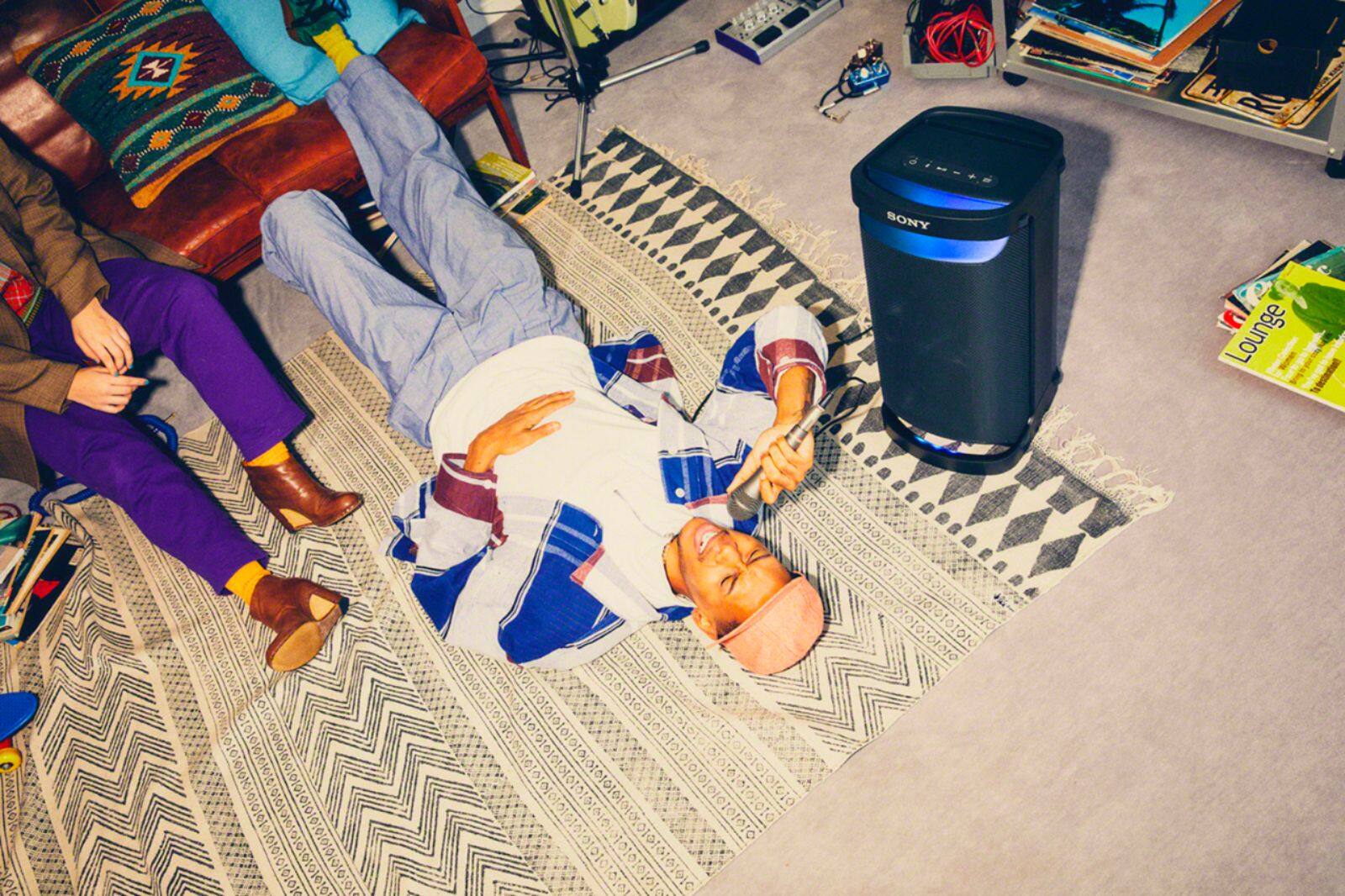
    • Answer Hi there, Good question! You just have to plug in a microphone via the mic/guitar dual inputs in the rear port of the unit. Then connect your smartphone or your USB to the USB port and play a karaoke track/minus one track to enjoy the karaoke capability of this unit. Hope this helps! The XP500 combines superb sound with plenty of party features to make it a fun and versatile speaker. With Powerful Party Sound by the X-Balanced Speaker Unit and the front high-efficiency tweeter, it sends out rich, clear, and high-quality sound. It is perfect for parties, inside or outside the home, has plenty of battery life, is IPX4 Water-resistant, and has an easy-to-use handle for moving from one party to the next. Regards, Sam

      Answered by SonyListens

  • QuestionCan I play my iPod Classic (which holds 160 GB of memory/music) on this Sony Portable Bluetooth Speaker?

    Asked by Beesknees.

    • Answer You can... but, why would you? You can bluetooth STREAM millions of songs from your cellphone and other streaming services like youtube music, pandora, whatever... no need to be teathered to the speaker using an old @$$ ipod and a wire!!!

      Answered by Grunt1058

  • QuestionWhat is the difference between this and the SONT BT speaker that is $599??

    Asked by Sheri.

    • Answer Hi Sheri, Thank you for your interest in the Sony SRSXP500! We're unable to find the exact Sony BT speaker that you're describing so we cannot make a direct comparison. But here is a quick overview of the features of the SRSXP500: The XP500 combines superb sound with plenty of party features to make it a fun and versatile speaker. With Powerful Party Sound by the X-Balanced Speaker Unit and the front high-efficiency tweeter, it sends out rich, clear, and high-quality sound. It is perfect for parties, inside or outside the home, has plenty of battery life, is IPX4 Water-resistant, and has an easy-to-use handle for moving from one party to the next. For more information about the SRSXP500 and other Sony portable Bluetooth speakers, please visit this link from our website at: https://electronics.sony.com/audio/speakers/c/wireless-speakers?currentPage=1 Hope this helps! Regards, Sam

      Answered by SonyListens