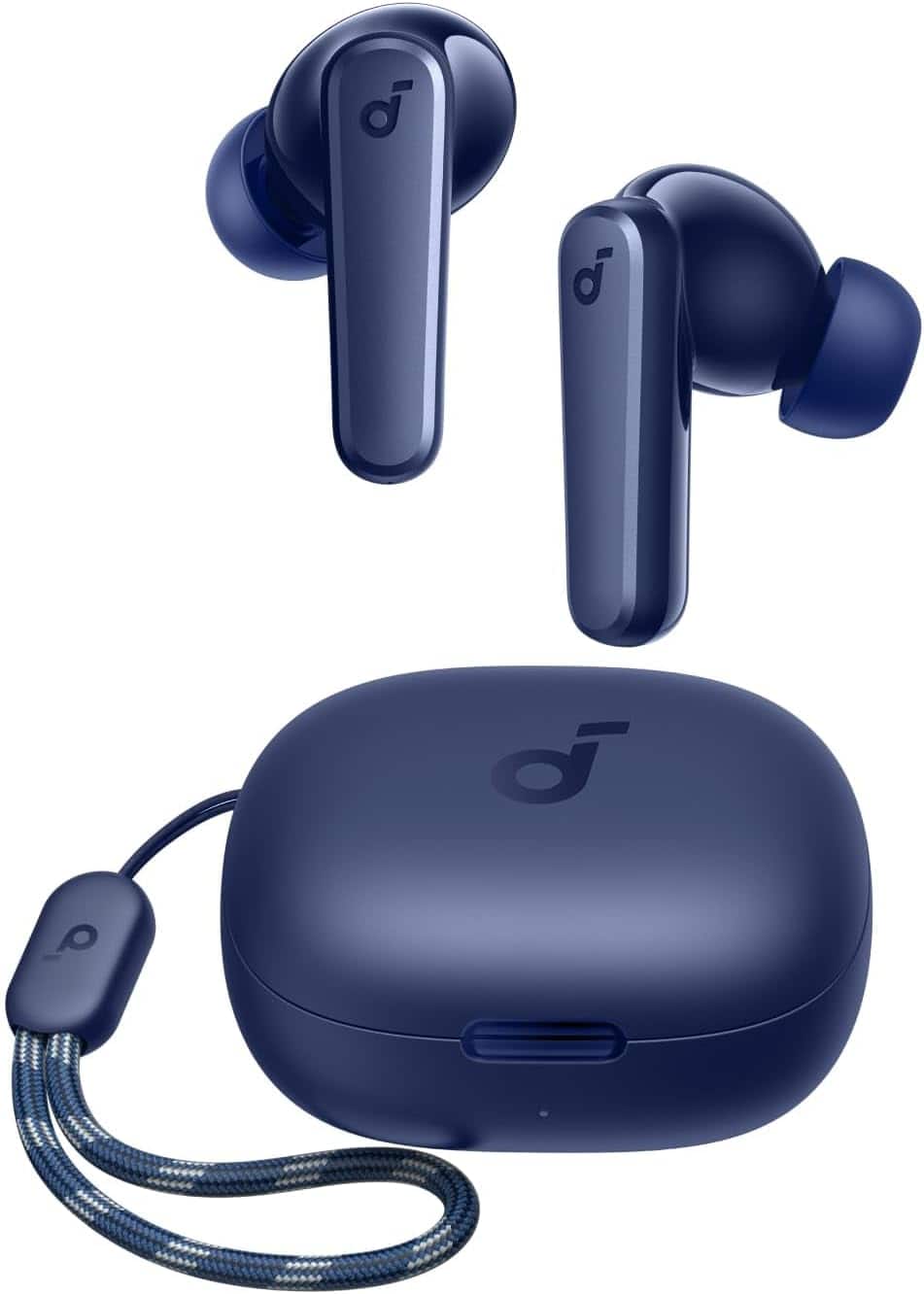
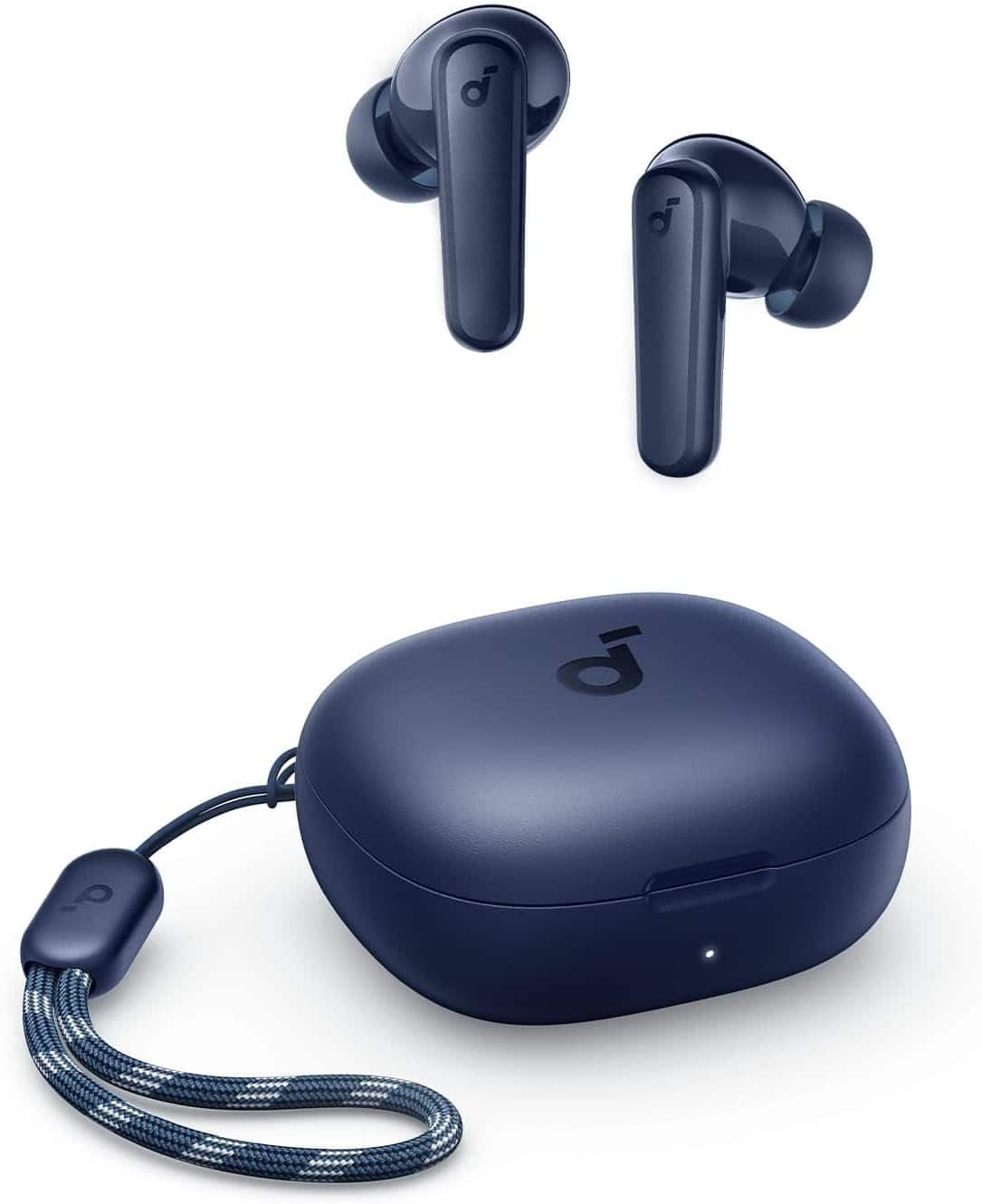
A:Answer "AI processing" in the context of audio devices like the Soundcore by Anker P25i typically refers to the use of artificial intelligence algorithms to enhance or modify the sound experience. Here’s how AI is generally used to alter sounds in such devices:
Noise Cancellation: AI algorithms can analyze ambient noise and generate anti-noise signals to cancel it out, providing a quieter listening experience. This is often referred to as Active Noise Cancellation (ANC).
Sound Optimization: AI can adjust the sound profile based on the type of content being played (e.g., music, podcasts, movies) or the user's preferences. This might involve tweaking the equalizer settings to enhance bass, treble, or mid-range frequencies.
Adaptive Sound: AI can dynamically adjust the sound settings based on the environment. For example, it can increase volume or enhance certain frequencies when you are in a noisy environment and reduce them when you are in a quiet place.
Voice Enhancement: For calls, AI can enhance voice clarity by filtering out background noise and focusing on the speaker's voice.