A:AnswerYes
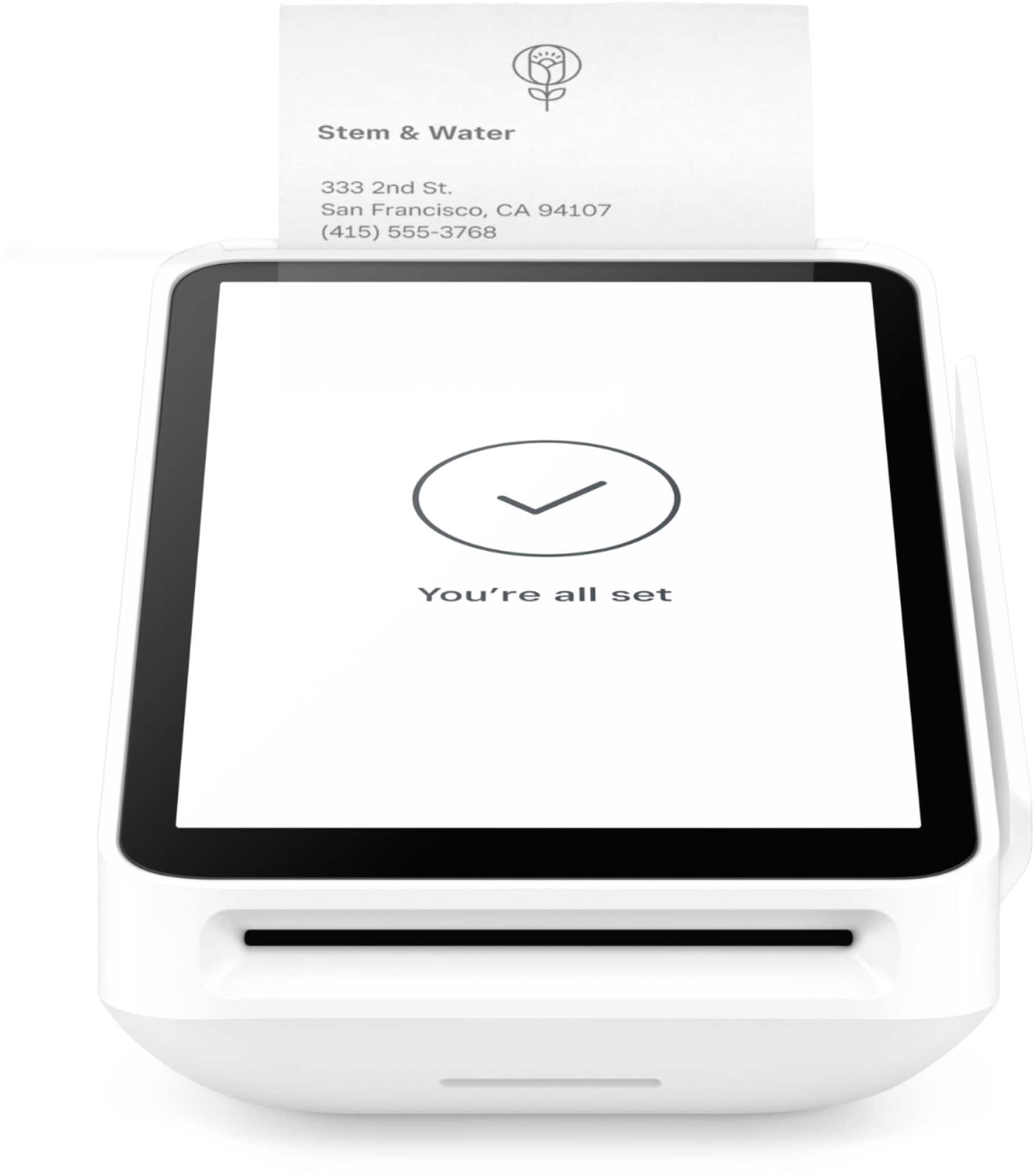
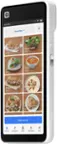
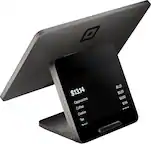
At our churches annual fundraiser, we have used 5 tablets at different stands for purchases at the same time, same account. This year we purchased the Terminal to use with receipts at our new "food court" area & also use the tablets at other single booths.
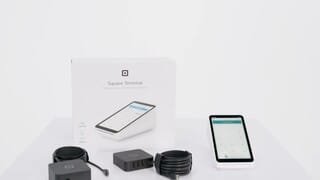
A:AnswerYou can use the terminal offline. However, at some point you will need to connect to wifi to clear all transactions out of the system. It's also a self contained unit, so you can do everything on it and can but don't have to connect to a PC.
A:AnswerNot at this time. If you are unable to connect to a network via a Hotspot or Bluetooth connection, the only other option would be to connect via Ethernet. In order to do this, you would also need to purchase The Hub for Square Terminal.
A:AnswerI'm not quite sure if I understand what you're asking, but you can charge multiple items and then get a total at the end for the amount owed for all items. You can also tender cash and it will tell you how much to give back if they need change. I hope this answers your question.
A:AnswerYes when you are logged into the same account.. From Square Terminal, go to more (5th tab on bottom)/Transactions/Click the transaction you want to print/Click 'New Receipt'/Click Paper Receipt. Done