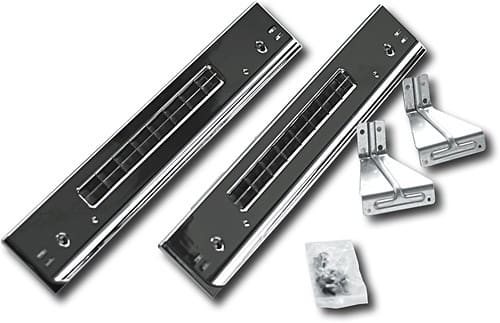
A:Answer To remove the stacking kit from your dryer, simply remove the screws that attach the bracket to the back of the dryer. Lift the dryer off and lay it carefully on the floor, being careful not to scratch it or damage the plastic, chrome-colored trim pieces on the side. If you plan to re-stack the units once they're moved, you can leave the brackets in place so you'll need only to replace the four screws in the back.
If you'd like to unstack them permanently, you can remove the screws holding the brackets in place on the back of the washer, and those holding the trim pieces in place on the bottom of the dryer. Once the screws are removed, the trim should snap off. You'll need to replace the legs on the dryer before standing it up on the floor. If you no longer have the legs that came with the dryer, please call 888-BEST BUY or 800-SAMSUNG for information and availability of these replacement parts.
- Ms. Samsung