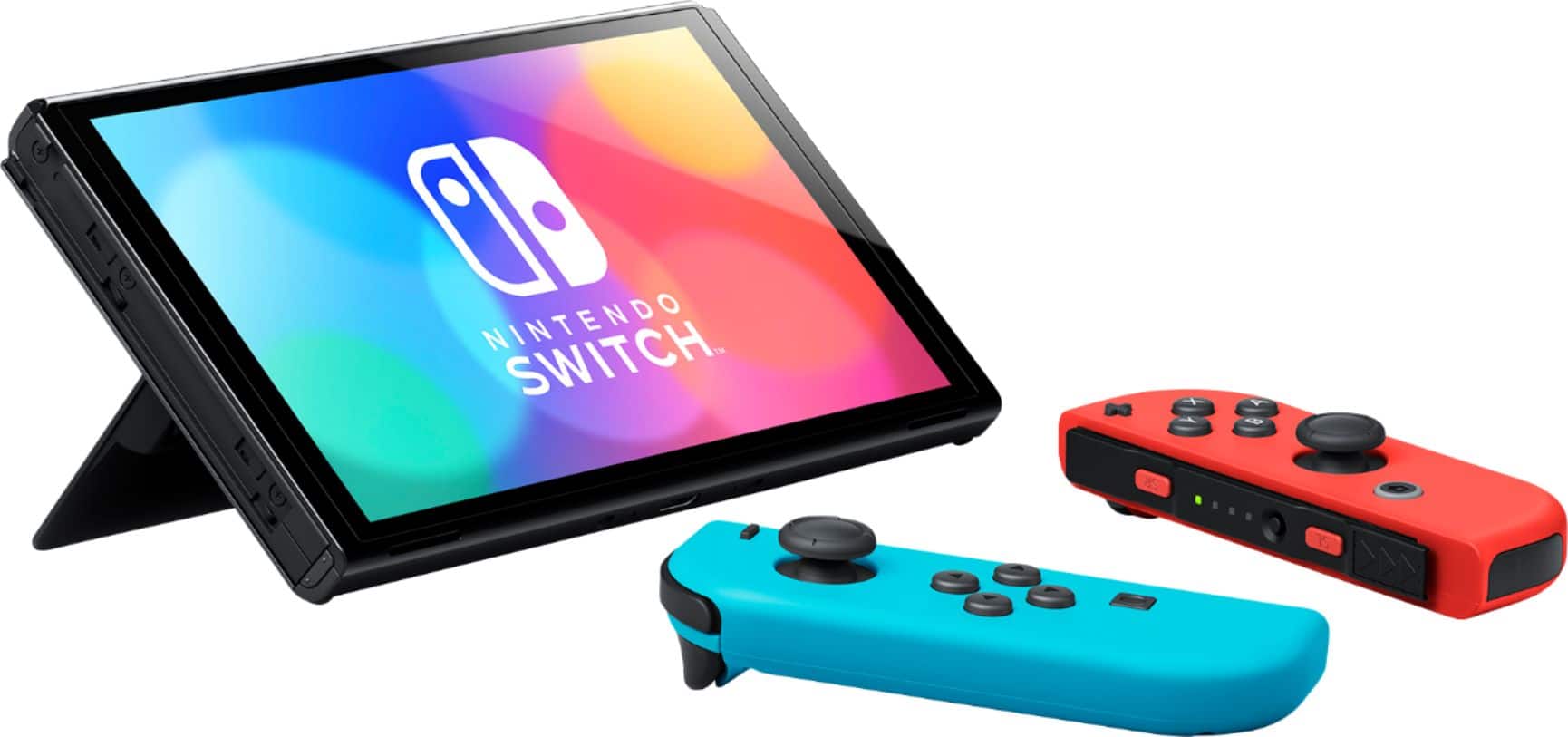
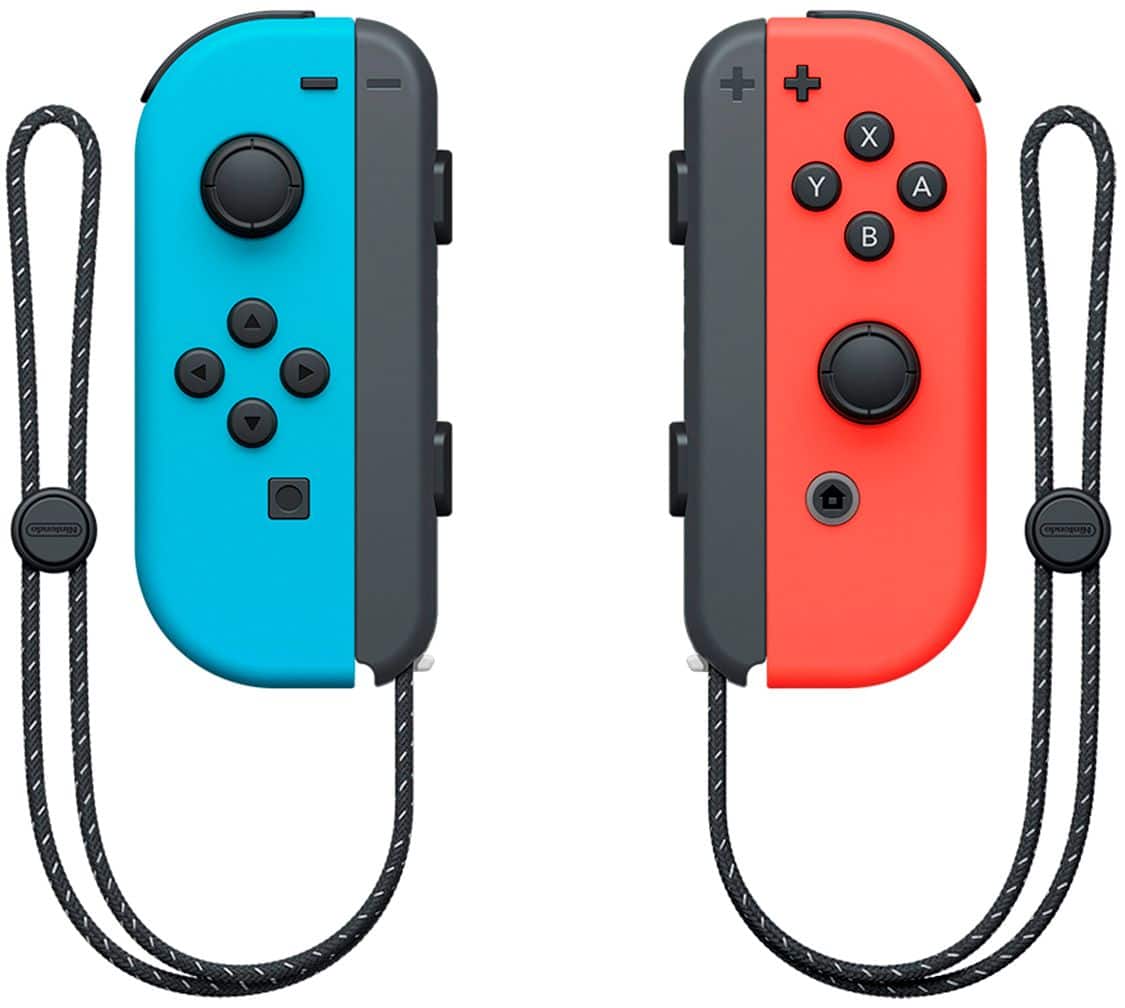
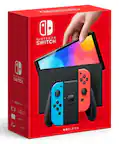
A:AnswerYes for the times you’re using it away from your TV like perhaps on a plane. You can set up the OLED as a tabletop screen & use the controllers as your handheld part, or keep it intact & just use it like a big, clunky handheld. I use mine almost exclusively on the TV but it’s nice to have options, especially when the OLED doesn’t cost that much more & includes access to all the retro games, even as far back as Nintendo 64.
A:AnswerYes, you can transfer the games to the new one. You simply "re-download" them on the new device. You can still play on the old device, however, the primary device gets priority when playing games on that account
A:AnswerI ordered mine back in late October and it wasn't ready to pickup till November 7th seeing as December is upon us now I would think sometime in the coming weeks unless they use up all the chips they have for the old model with the mario kart 8 bundle which would be stupid on their part cause they could get more people to buy the new one if they don't do that
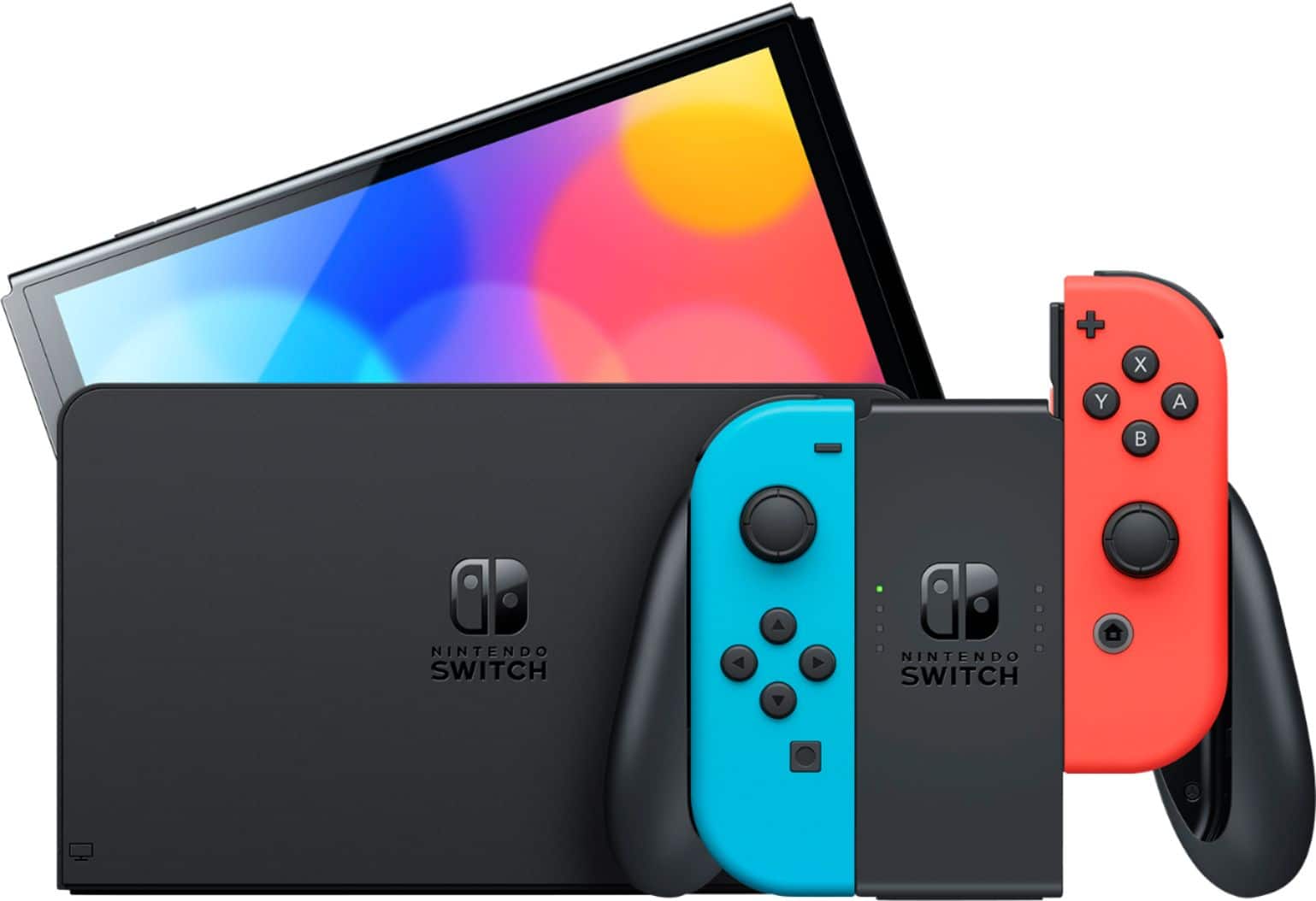
A:AnswerYes you can use the kickstand to prop it up on a table and detach the joycons and give one to a friend to play together as long as the game is 2 players can also connect it to the tv with the included dock and do the same thing
A:AnswerNot at best buy, unless you know someone lol. The reserves arnt really possable now at best buy. But if you can talk with a manager that could messageyou when they come in its posable.