A:AnswerProduct Height With Stand, 18.9 inches Product Width, 28.8 inches, Product Depth With Stand, 17.1 inches Product Height Without Stand 17.2 inches Product Depth Without Stand 2.9 inches. Its found in the specs.
A:AnswerThis TCL Roku TV features various inputs that can be used to connect external devices like a cable box. Hope this helps! Thank you, TCL Customer Support
A:AnswerIn order for us to better assist, please reach out to us at [email protected] with your contact information and a description of what you need help with. Thank you, TCL Customer Support
A:AnswerAlthough this TCL Roku TV is designed with the primary role of television in mind, it does come with 3 HDMI ports. Any of these ports can be used to connect the TV to external devices, such as a PC. Hope this helps! Thank you, TCL Customer Support
A:AnswerJane-
All TCL TVs come with a remote. In addition to the TCL Roku remote that comes with this TV you can also download the free Roku mobile app onto any compatible smart devices.
-TCL US Support
A:AnswerHello,
Here are the dimensions of the TV:
Product Height With Stand
18.9 inches
Product WidthInfo
28.8 inches
Product Depth With Stand
7.1 inches
Product Height Without Stand
17.2 inches
Product Depth Without Stand
2.9 inches
-TCL US Support
A:AnswerAbsolutely! Through our TCL Roku TV you have access to Roku's complete database of content, which includes thousands of streaming channels as well as over 500,000 different movies and TV episodes. Roku offers a specific YouTube TV app that can be found in the streaming channel store.
-TCL US Support
A:AnswerHi Bill,
No, none of our TCL Roku TVs have built in Bluetooth. If your are looking to connect with an audio device you can connect via HDMI ARC, Optical, or the 3.5mm headphone jack.
-TCL US Support
A:AnswerThis TCL Roku TV has the ability to connect to the Internet via WiFi. It does not feature an Ethernet port. Hope this helps! Thank you, TCL Customer Support
A:AnswerThe IR remotes that come with this TV are not programmed indivually. However, you can download the free Roku mobile app on your Smartphone or tablet to use as a remote. Through the Roku mobile app, you gain access to power toggle, volume toggle, private listening, voice search, and more. With the Roku mobile app, you would select one TV at a time to control. Hope this helps! Thank you, TCL Customer Support
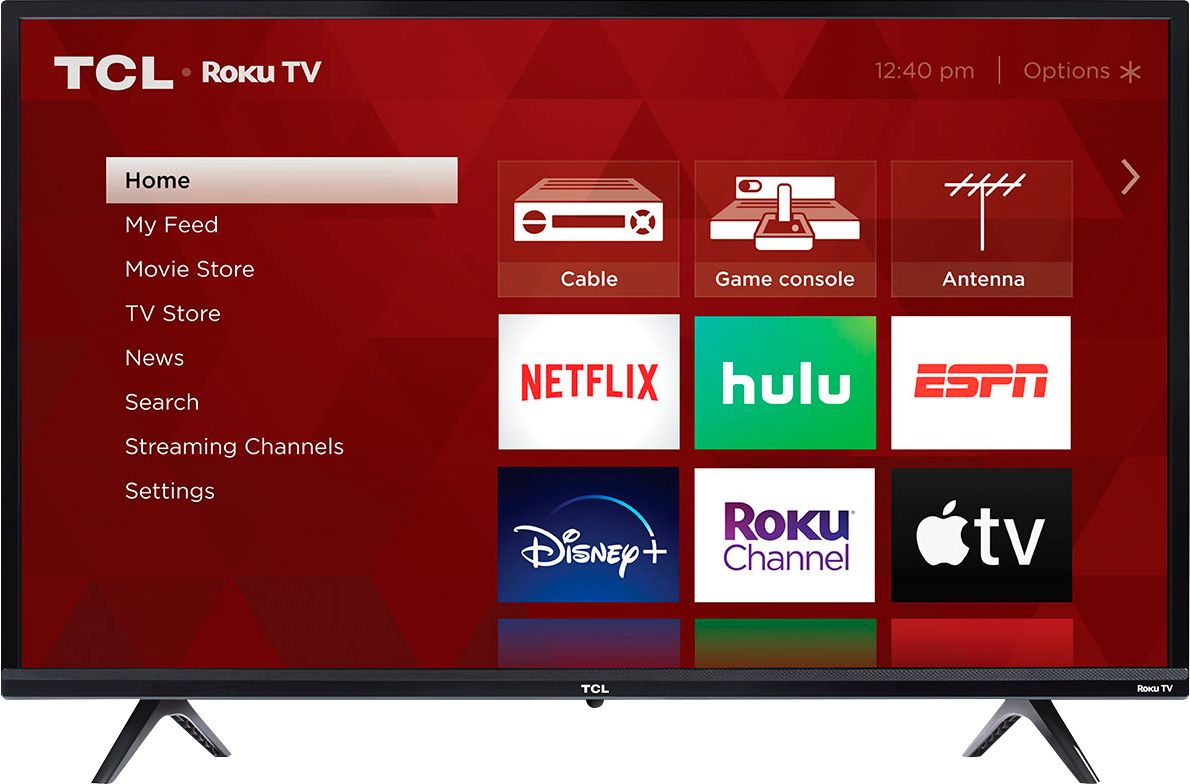
A:AnswerIn addition to the smart features, this TV also has various inputs that can be used to connect external devices like a cable box. Hope this helps! Thank you, TCL Customer Support
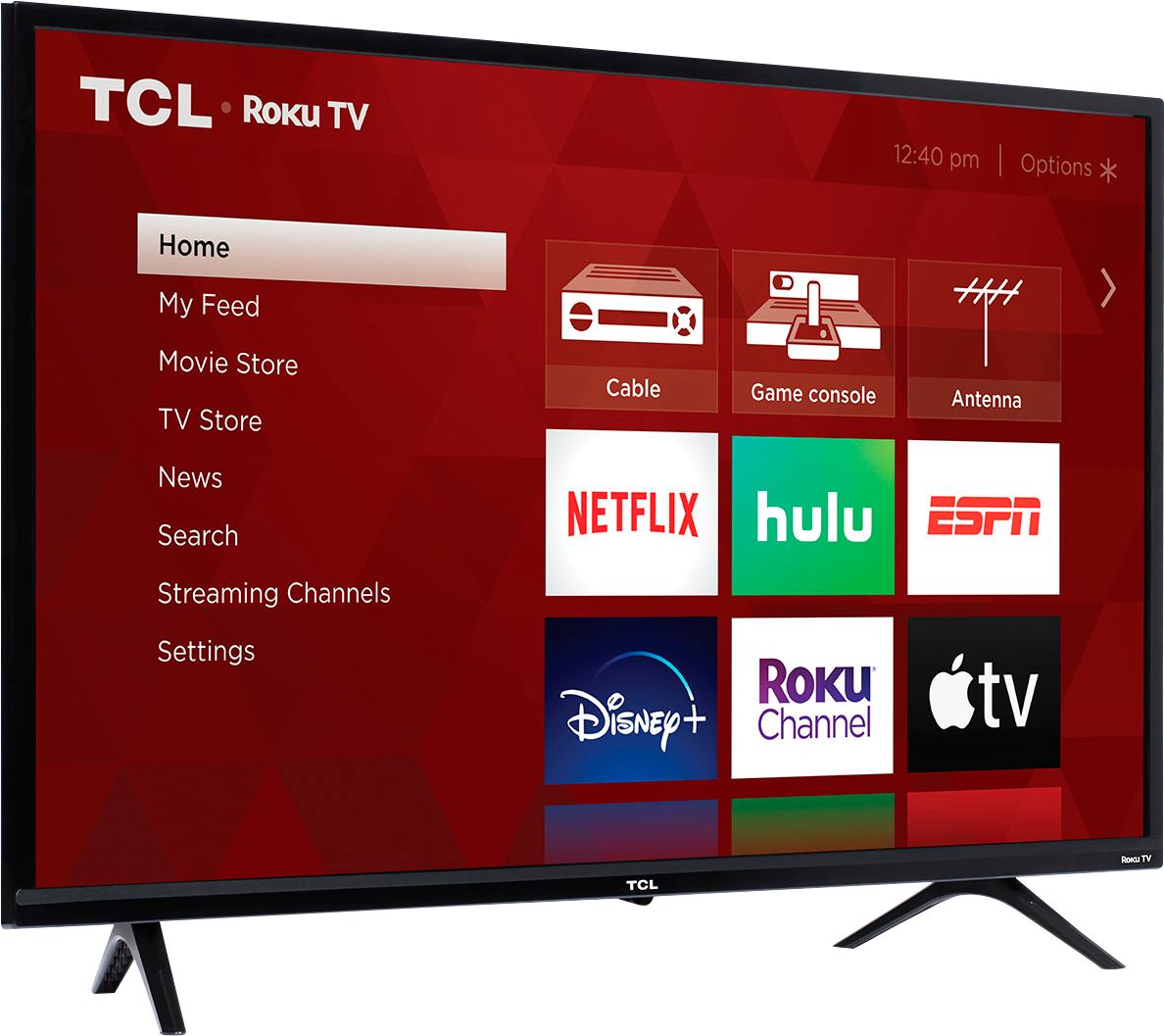
A:AnswerAbsolutely! This TCL Roku TV is compatible with most wall mounts that support a 100mm x 100mm VESA mounting pattern. Hope this helps! Thank you, TCL Customer Support
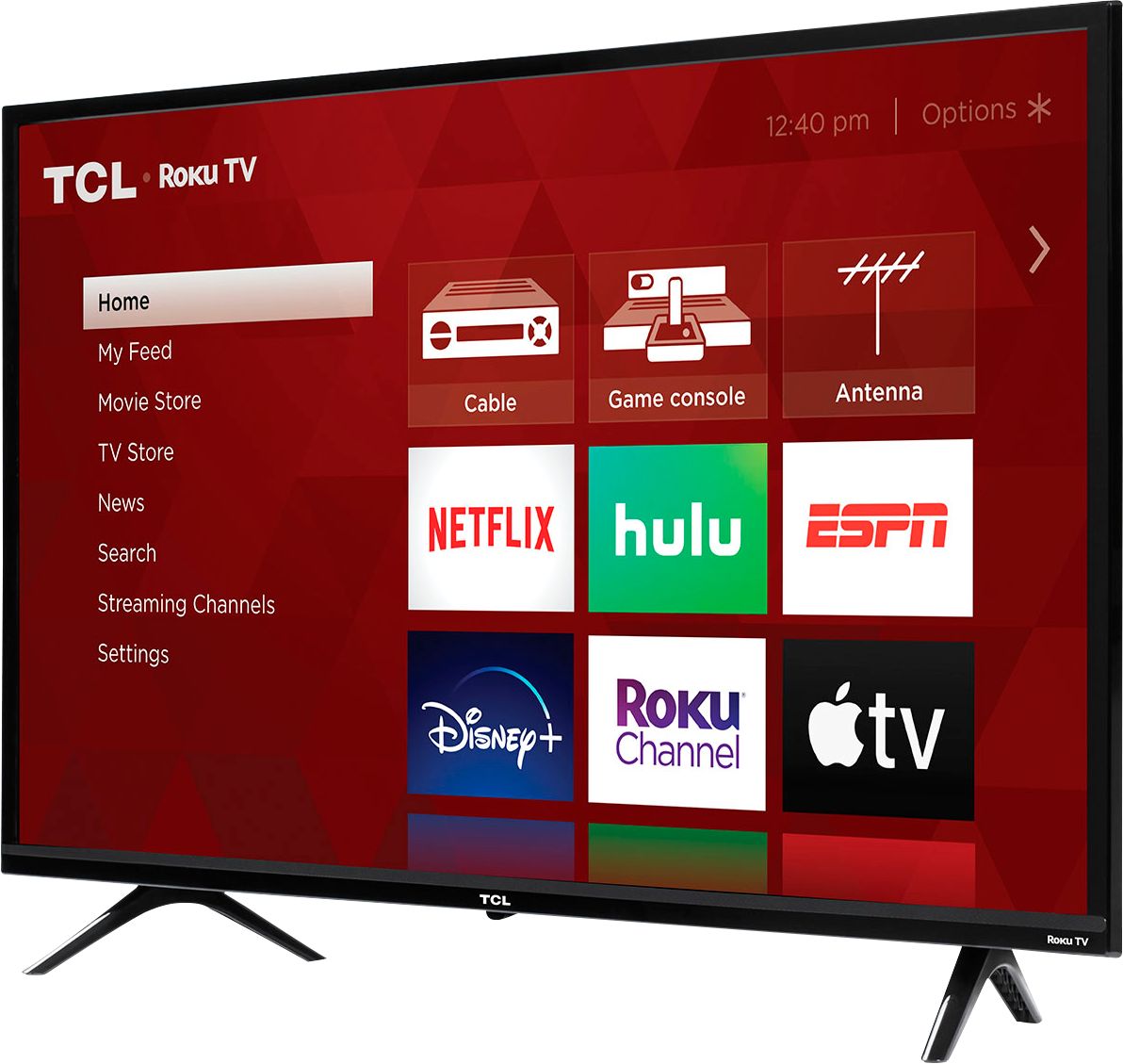
A:AnswerThis TCL TV features various inputs that can be used to connect external devices like a DVD player. Hope this helps! Thank you, TCL Customer Support
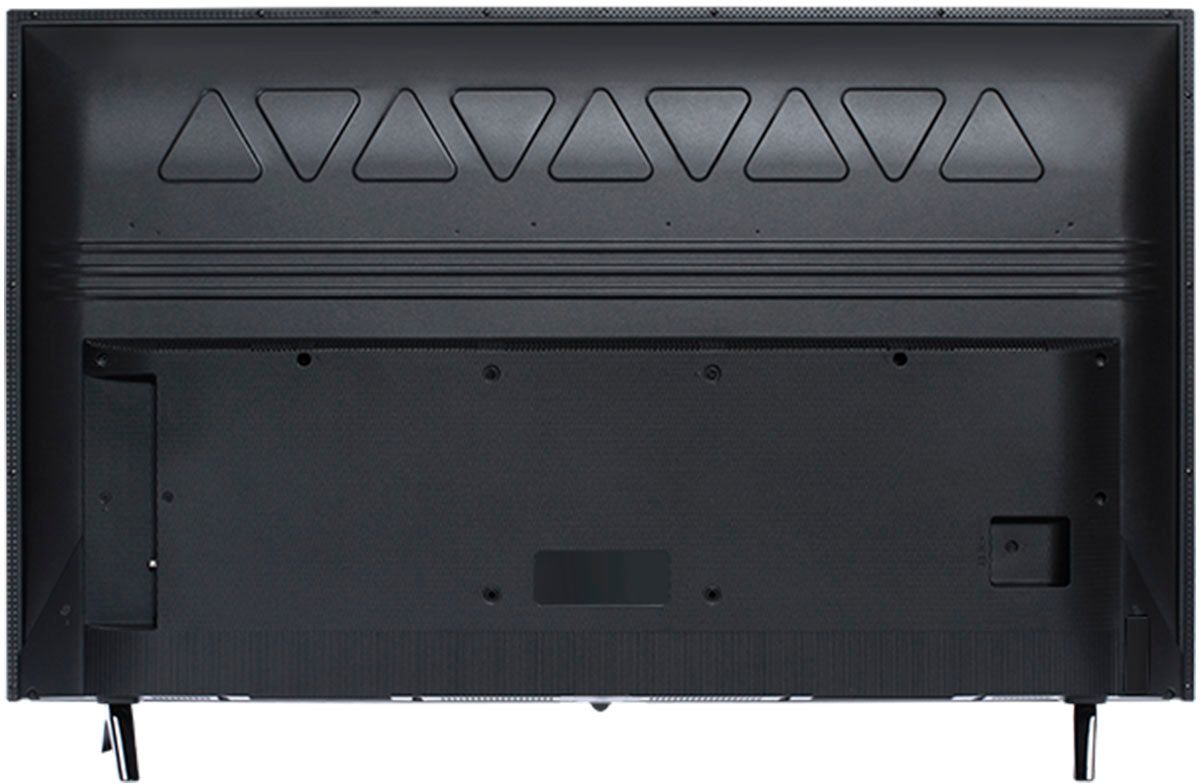
A:AnswerThe composite connection for this TCL TV is a single input located between the coaxial input and the Headphone Jack. You would need to use an adapter to connect the traditional red/white/yellow cables you are used to seeing. Hope this helps! Thank you, TCL Customer Support
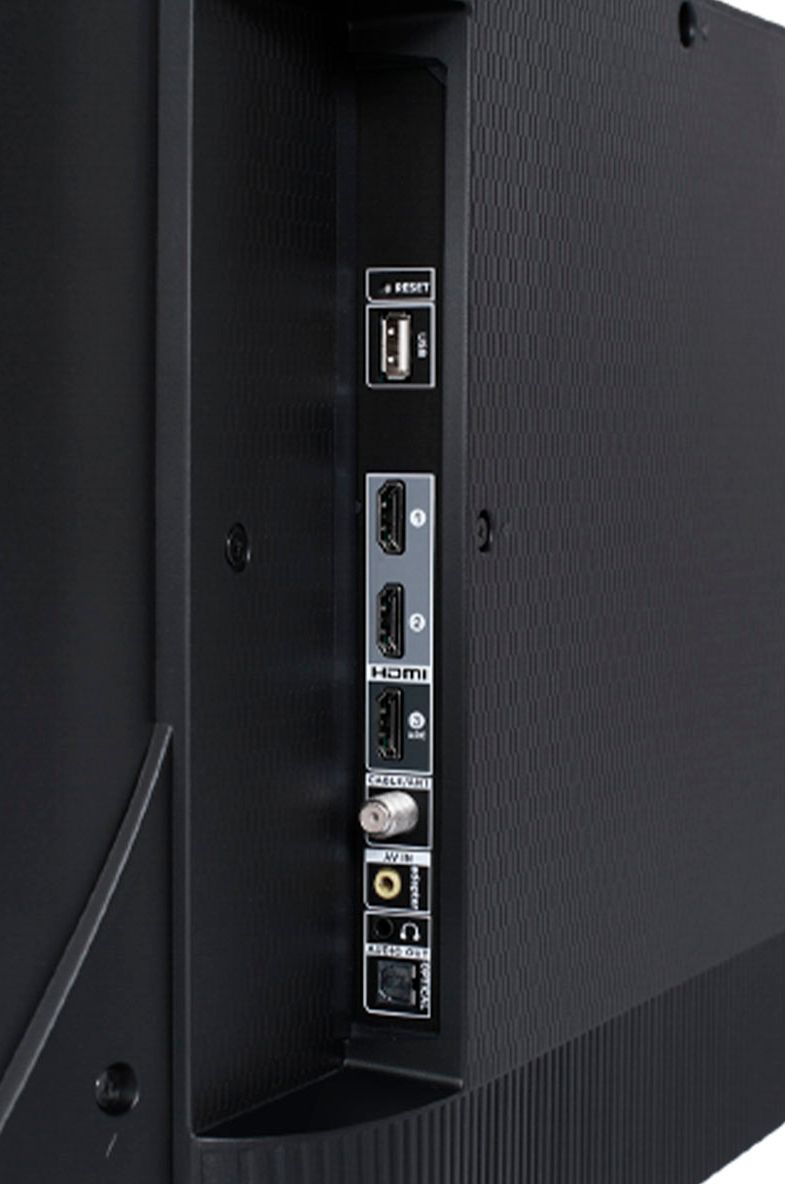
A:AnswerYes. Currently, if you connect headphones for private listening it will automatically disable the the TV speakers. Hope this helps! Thank you, TCL Customer Support
A:AnswerThere is a physical power button on the TV. Additionally, you can download the free Roku mobile app on your Smartphone or tablet to use as a remote. Through the Roku mobile app, you gain access to power toggle, volume toggle, private listening, voice search, and more. Thank you, TCL Customer Support