A:AnswerYou would find this sort of information about the TV on the About screen. You would go to Home>Settings>System>About. For further assistance, please reach out to us at [email protected] with your contact information and a description of what you need help with. Thank you, TCL Customer Support
A:AnswerIf you unplug the TV, it should remember the information for the accounts that you logged into. Hope this helps! Thank you, TCL Customer Support
A:AnswerDownload the roku mobile app. The app includes using a remote via your phone and there is a headphone option that lets you listen thru your Bluetooth ear buds.
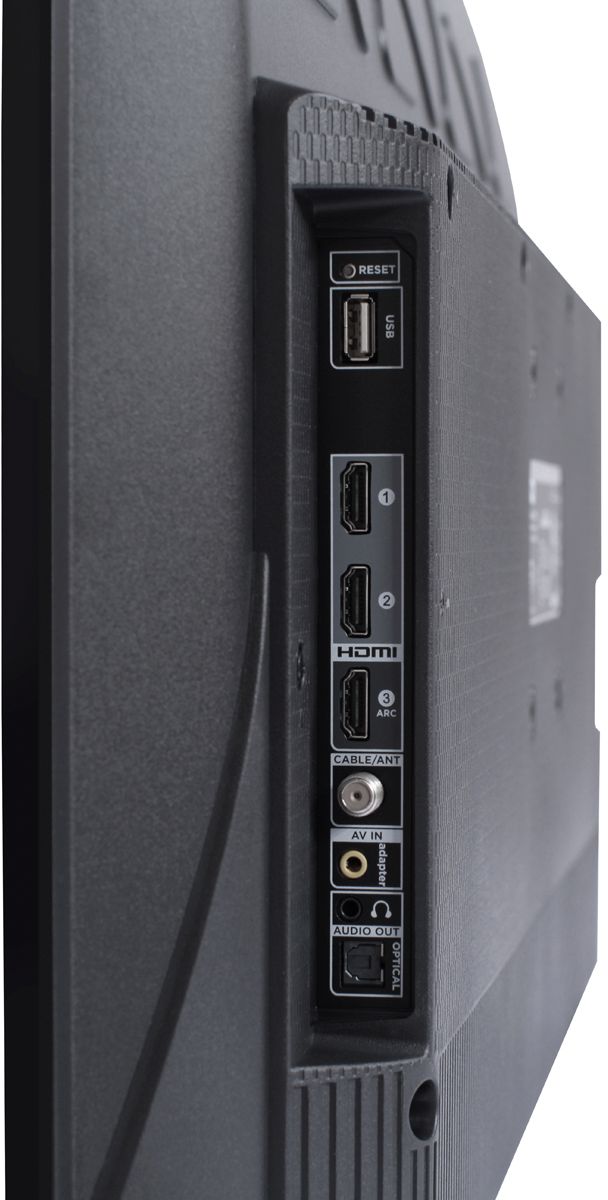
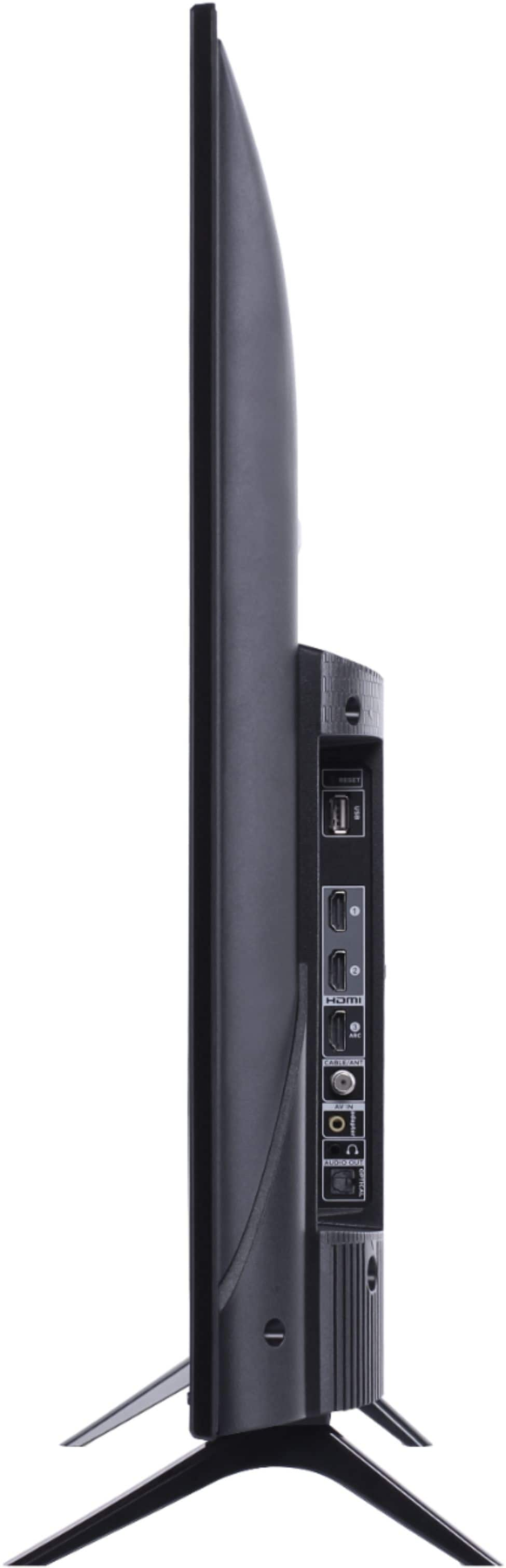
A:AnswerThis TCL Roku TV has the ability to connect to the Internet via WiFi. It does not feature an Ethernet port. Hope this helps! Thank you, TCL Customer Support
A:AnswerYou can go to channelstore.roku.com/browse to see what streaming channels and apps are offered through the Roku Channel Store. To search for a specific channel you would simply want to enter that information into the search section. Hope this helps! Thank you, TCL Customer Support
A:AnswerAll new TCL TVs come with a standard one-year part and labor warranty. You can visit https://support.tcl.com/us/tclus-tv-warranty-information for more specific warranty questions. Hope this helps! Thank you, TCL Customer Support
A:AnswerIn order for us to better assist, please reach out to us at [email protected] with your contact information and a description of what you need help with. Thank you, TCL Customer Support
A:AnswerYou can go to channelstore.roku.com/browse to see what streaming channels and apps are offered through the Roku Channel Store. To search for a specific channel you would simply want to enter that information into the search section. Hope this helps! Thank you, TCL Customer Support
A:AnswerThe TCL Roku TVs are specifically designed to be used with the TCL Roku remote that comes with it. However, you can download the free Roku app on your smartphone or tablet to use with your TCL Roku TV. Through the Roku mobile app, you gain access to power toggle, volume toggle, private listening, voice search, and more. Hope this helps! Thank you, TCL Customer Support
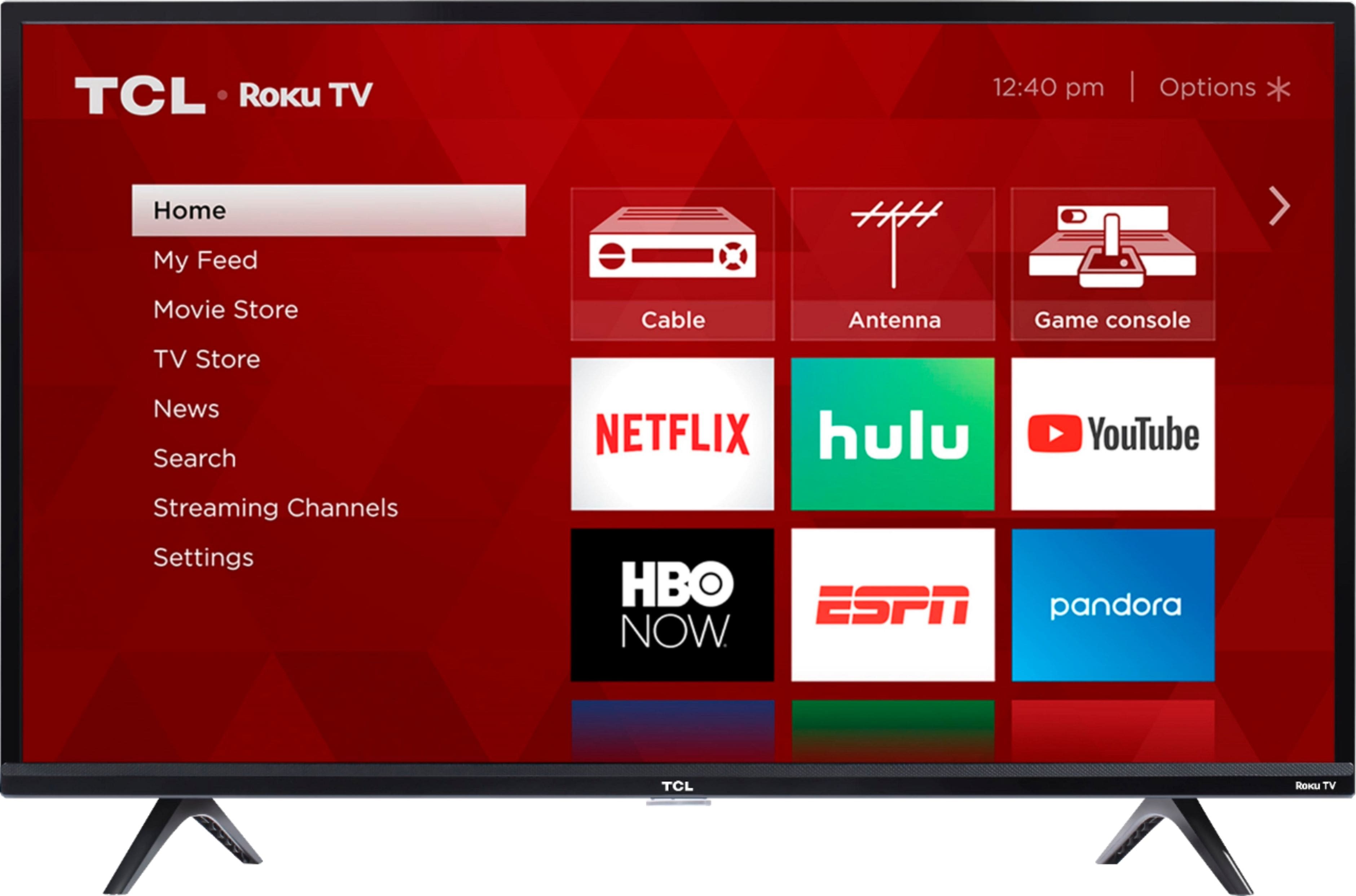
A:AnswerYes, the Xfinity Stream app can be installed on Roku TV devices. It provides the essentials for watching live TV as well as recordings. It works well for us on both recently-purchased TCL Roku TV devices (TCL 40 inch 3-Series LED and TCL 43 inch 4-Series 4K UHD) as well as older Insignia Roku TV models that are four to five years old.
A:AnswerNot for the tv or the free tv shows and movies that are free . There are some shows and movies that require a subscription and monthly fee if you choose to watch or view them!