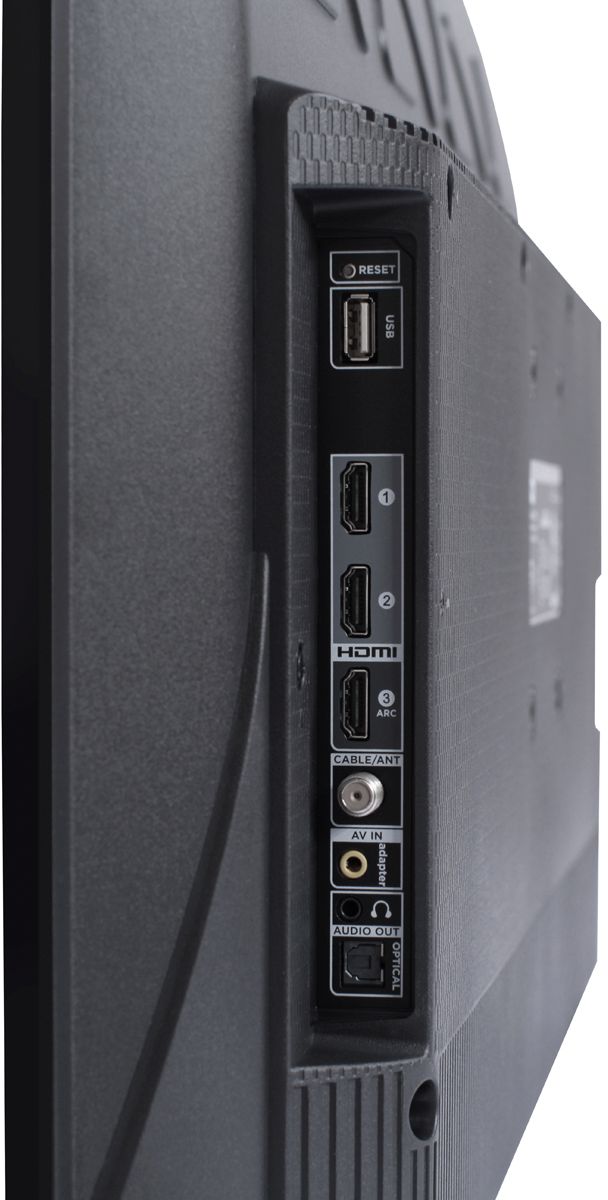
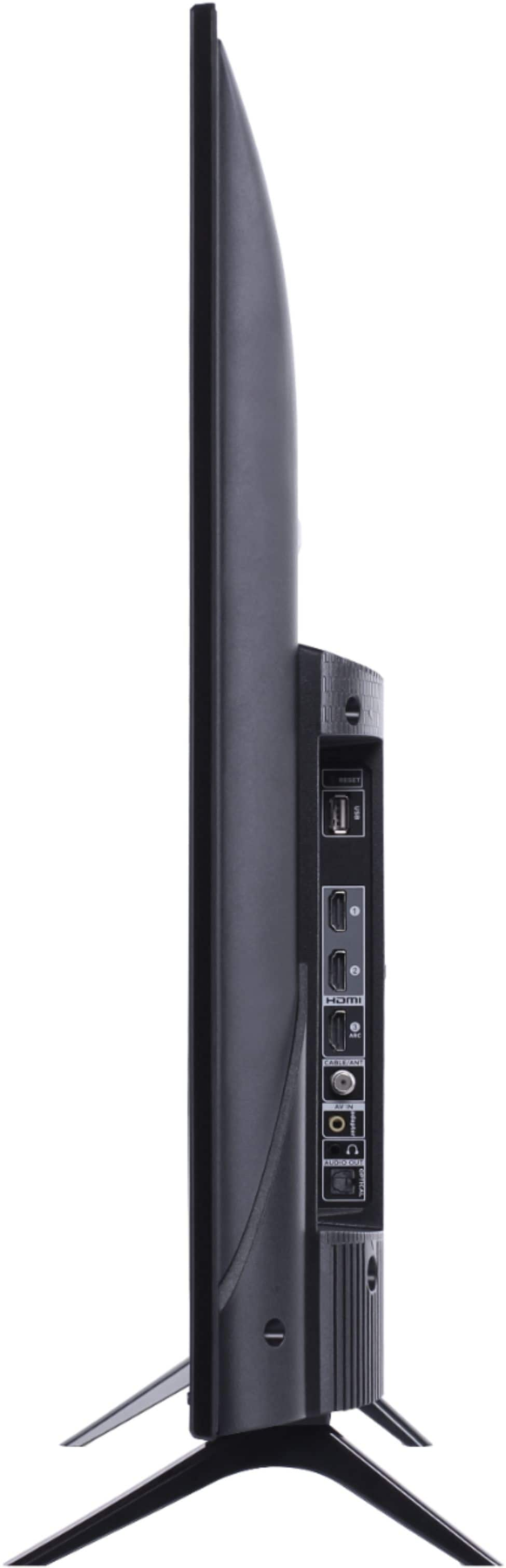
A:AnswerCurrently, our TVs do not support Bluetooth. If you are trying to connect a sound bar or speakers you can use the Optical port, or the HDMI ARC port. For Headphones, there is a Headphone jack on the back of the TV, or you can download the Free Roku app for private listening. Hope this helps! Thank you, TCL Customer Support
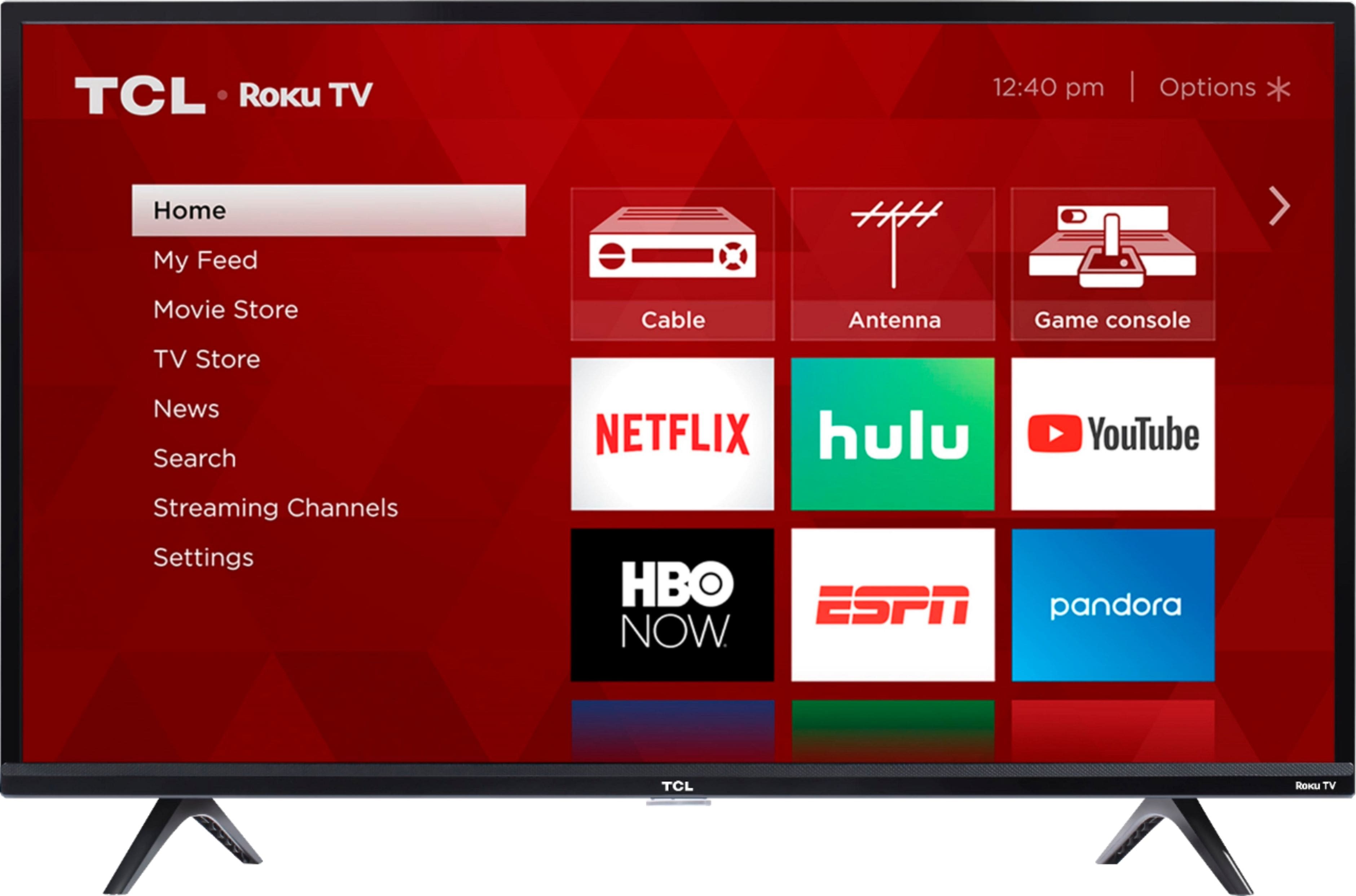
A:AnswerAbsolutely! This TCL Roku TV is compatible with most wall mounts that support a 100mm x 100mm VESA mounting pattern. Hope this helps! Thank you, TCL Customer Support
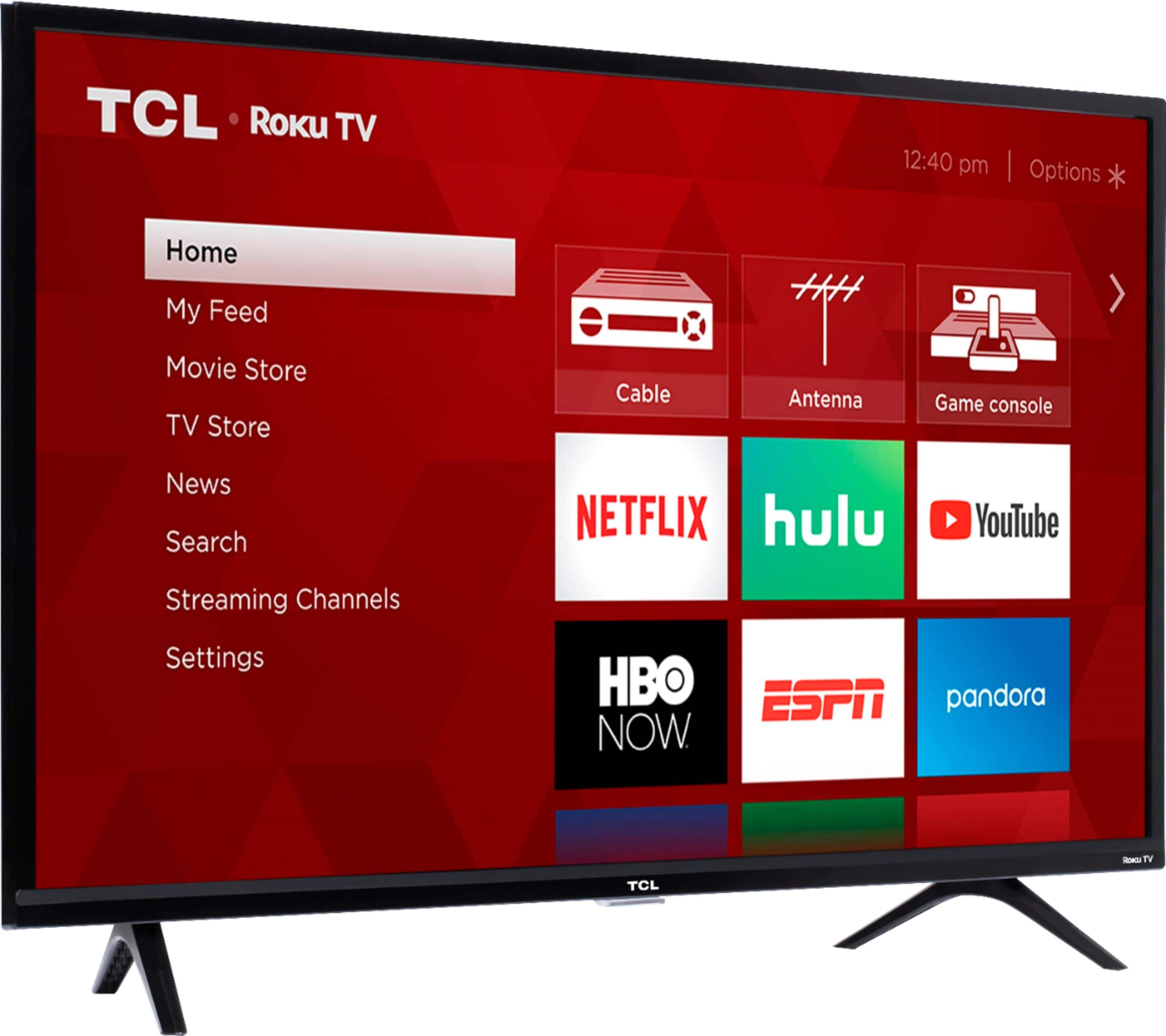
A:AnswerThe TV cannot be used as a computer. However, you can use it as a display be connecting your computer to it via HDMI. You would want to connect the keyboard to the computer when using the TV as a display. Hope this helps! Thank you, TCL Customer Support
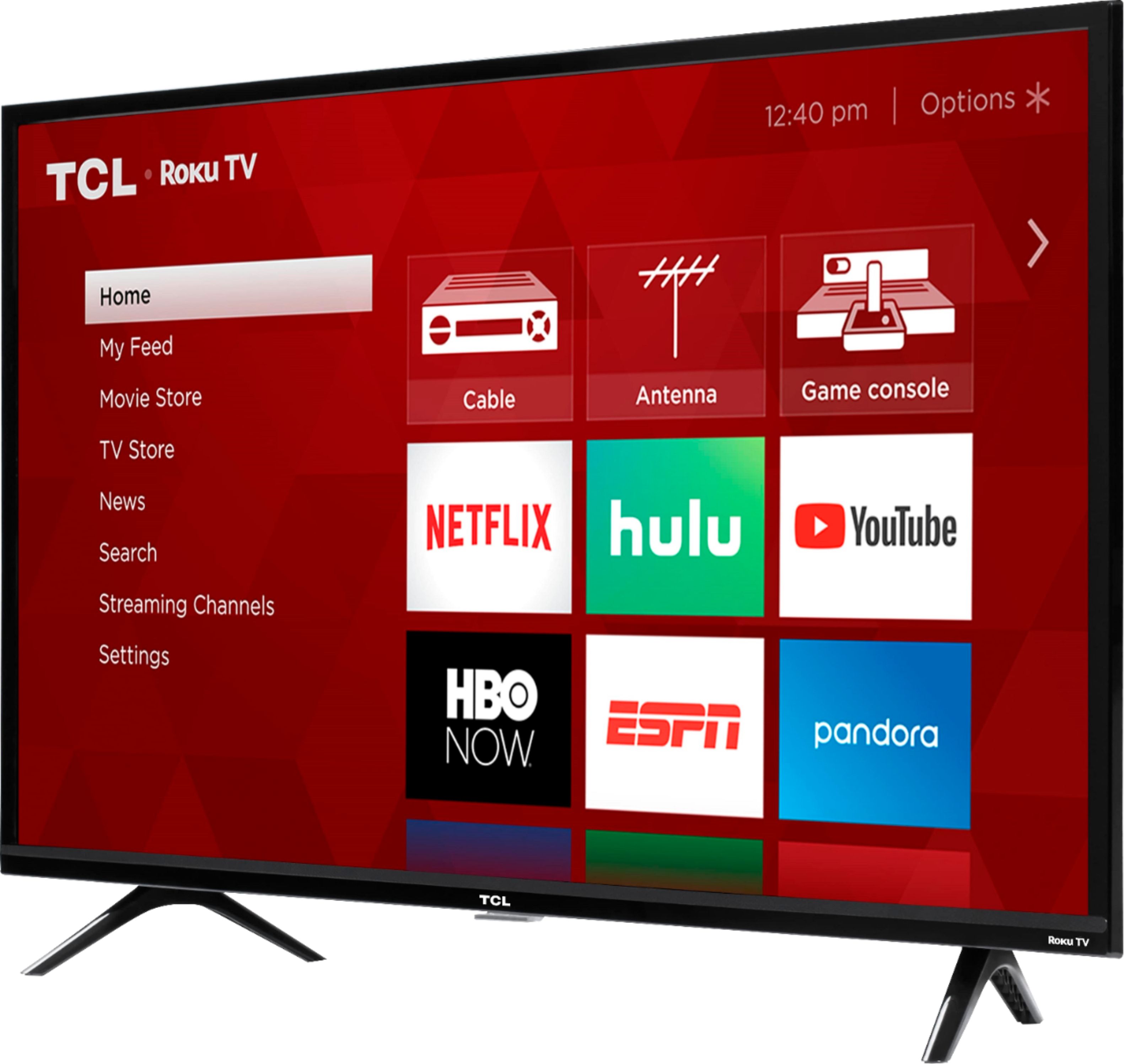
A:AnswerThat menu shows up if you originally set up the TV in store mode - to get rid of it, you can either go into settings and turn off store messaging, or if you do a factory reset of the TV and choose the option for a home setup rather than a store setup.
A:AnswerAlthough this TCL Roku TV is designed with the primary role of television in mind, it does come with 3 HDMI ports. Any of these ports can be used to connect the TV to external devices, such as a PC. Hope this helps! Thank you, TCL Customer Support
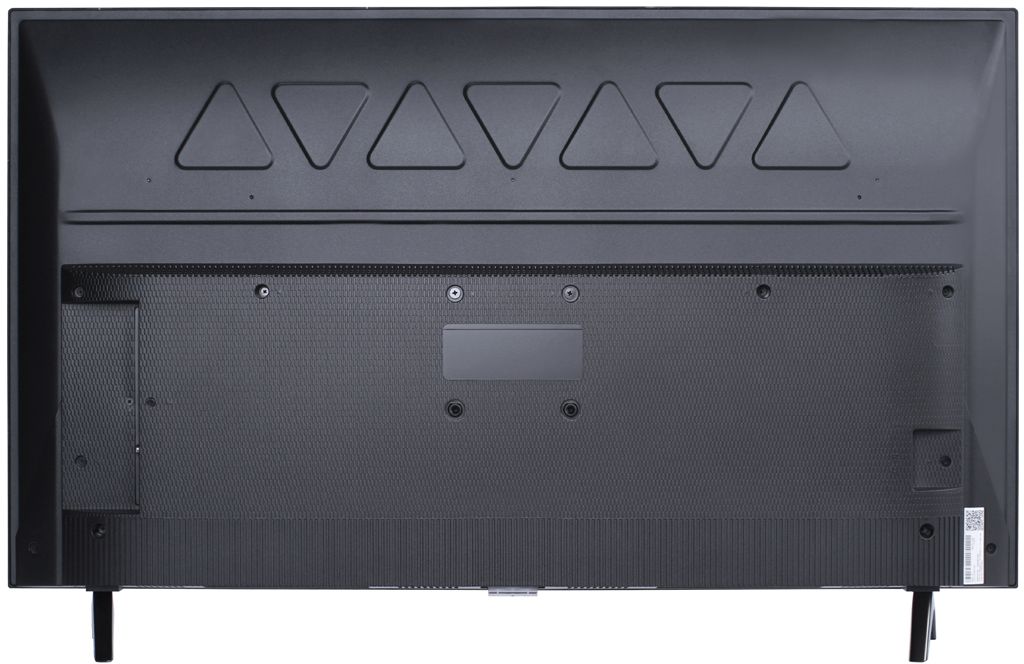
A:AnswerGram and everyone else looking for product specs - I.e. width, height, weight, depth, etc. You can find all product specifications for each product on the Best Buy web site under the “Specifications “ button. Check it out.
A:AnswerIn order for us to better assist, please reach out to us at [email protected] with your contact information and a description of what you need assistance with. Thank you, TCL Customer Support
A:AnswerThis TCL Roku TV comes with two feet with screws to secure them, a power cord, a TCL Roku remote with batteries, and a quick start guide. Hope this helps! Thank you, TCL Customer Support
A:AnswerIn order for us to better assist, please reach out to us at [email protected] with your contact information and a description of what you need assistance with. Thank you, TCL Customer Support
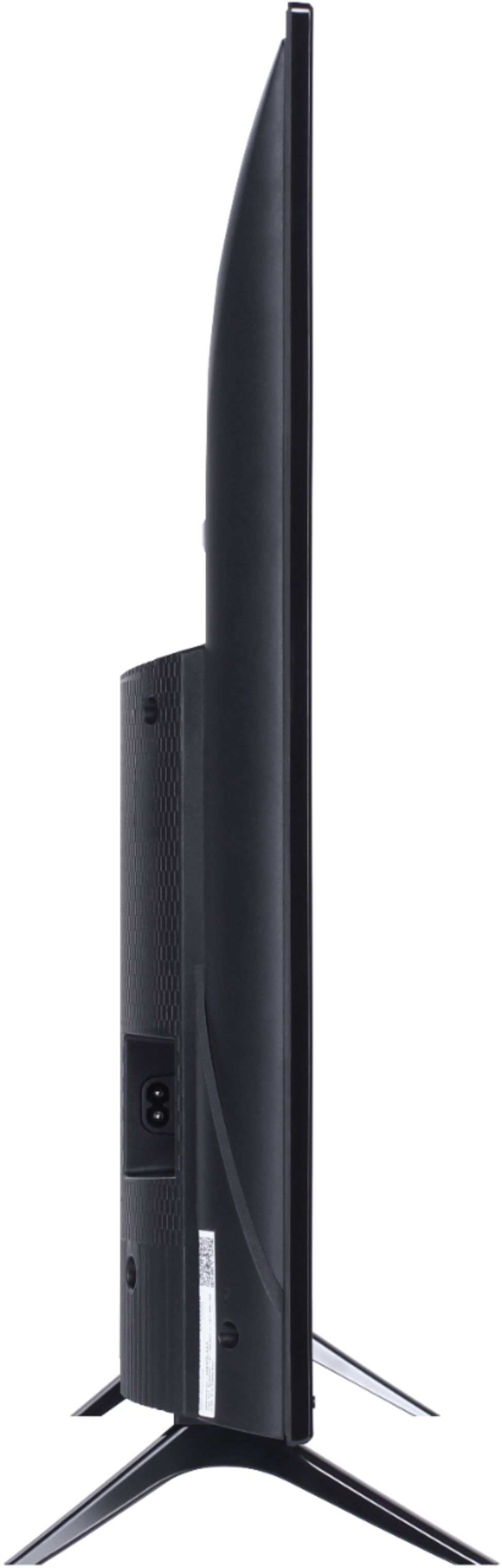
A:AnswerThe dimensions of this TCL Roku TV without the feet attached are as follows: (W x H x D) 35.6" x 20.5" x 2.9". Hope this helps! Thank you, TCL Customer Support
A:AnswerYou would need to log into your Roku account online to reset your Pin, or contact Roku Customer Support for further assistance. Hope this helps! Thank you, TCL Customer Support
A:AnswerThis TV typically produces a good picture. There are options available to adjust the picture settings to better fit your personal preference. You can access the Options menu on the TV by pressing the asterisk (*) button on your remote while watching content. If you need any further assistance, please reach out to us at [email protected] with your contact information and a description of what you need help with. Enjoy! Thank you, TCL Customer Support
A:AnswerAbsolutely! This TCL Roku TV has a coaxial located on the back of the TV near the other inputs. By connecting an antenna you can receive over-the-air channels. However, the reception depends on the signal strength. Hope this helps! Thank you, TCL Customer Support