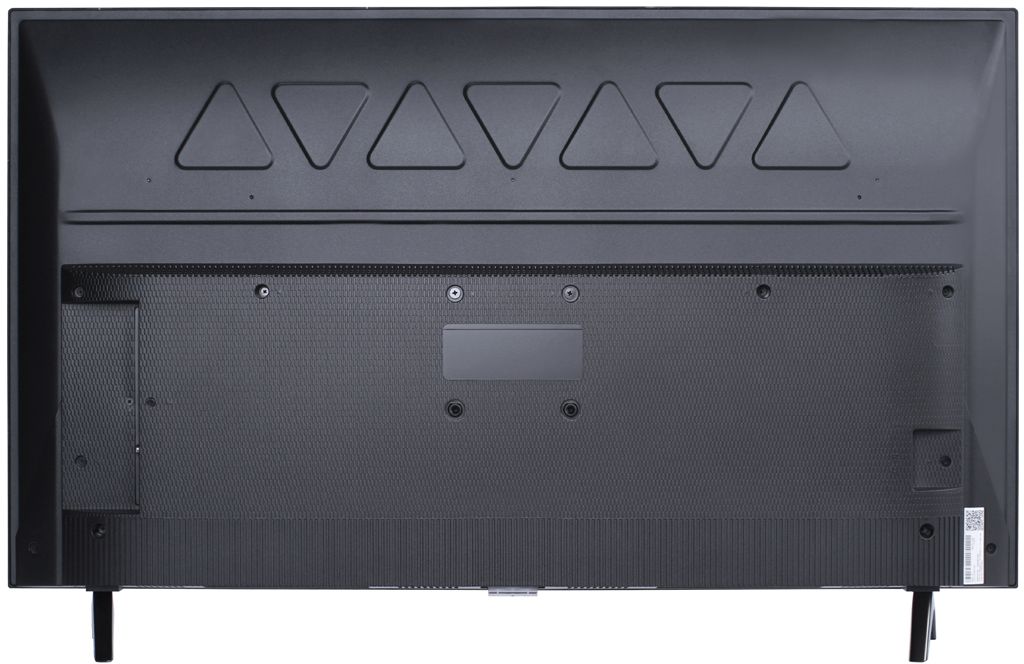
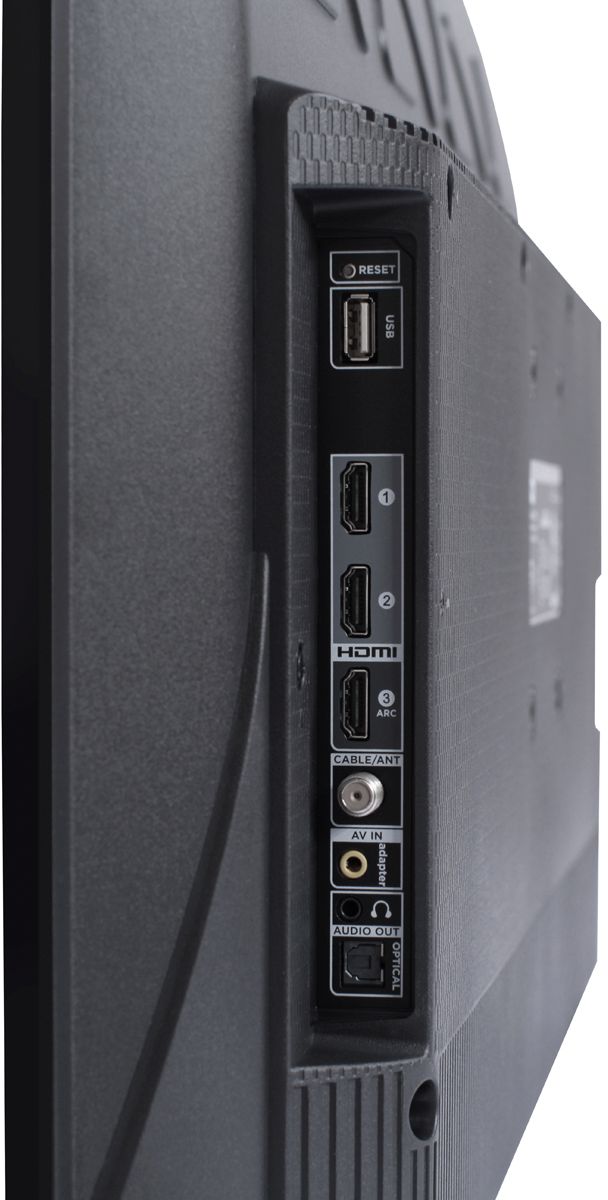
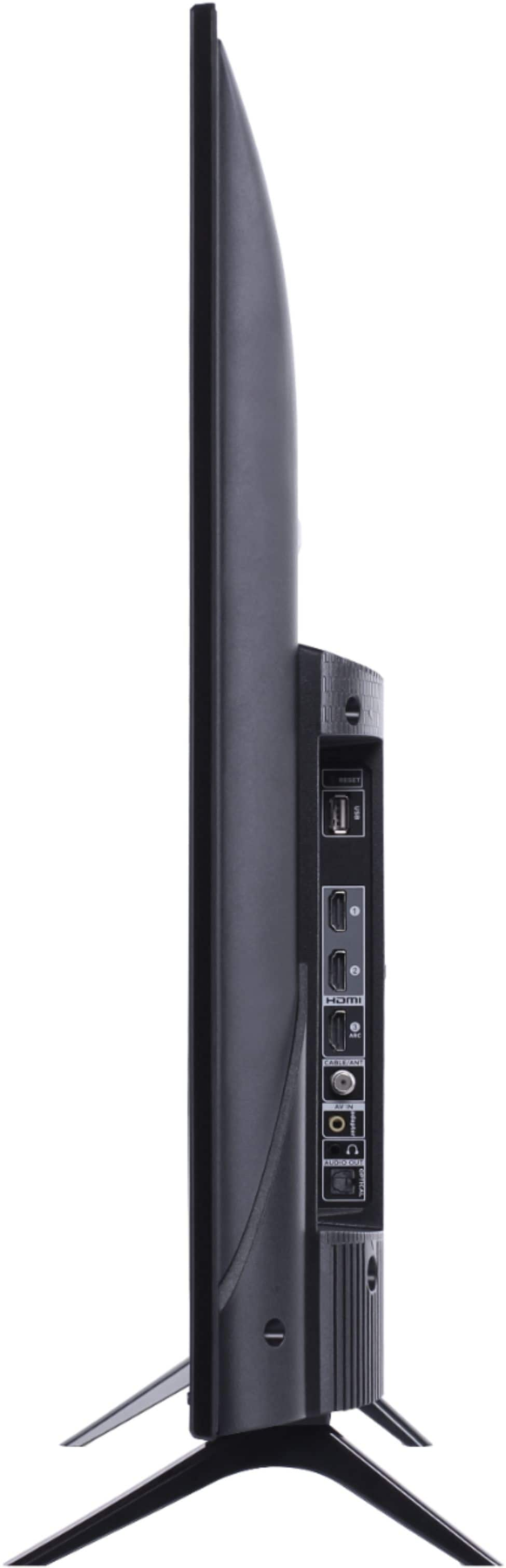
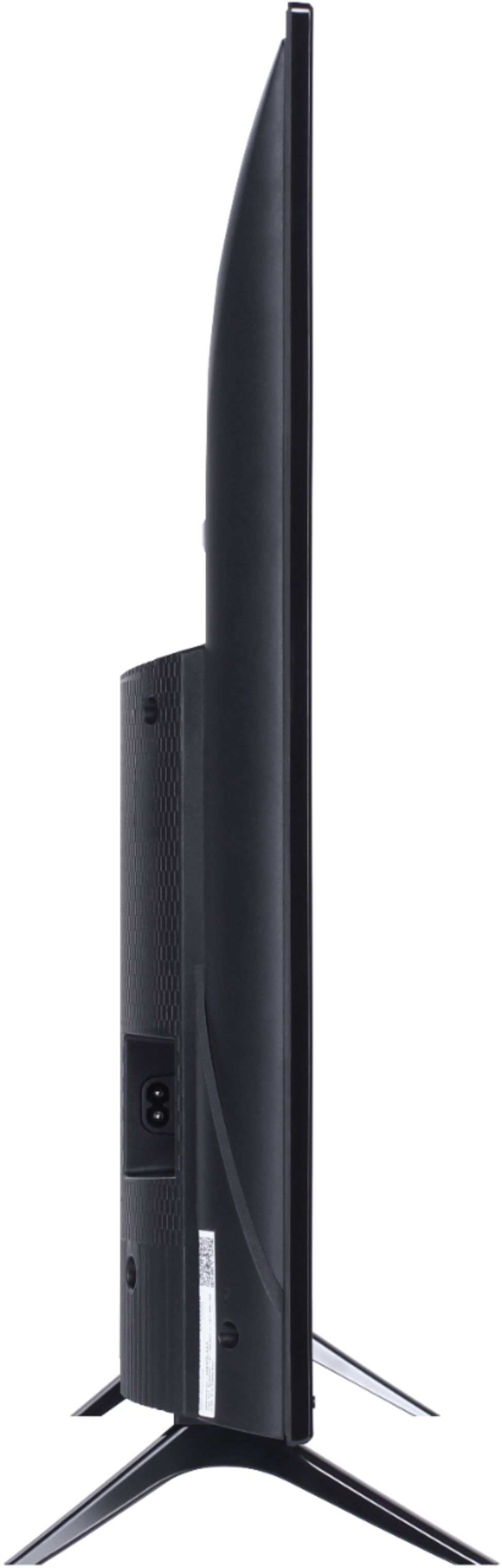
A:AnswerThis TCL Roku TV has the ability to connect to the Internet via WiFi. It does not currently feature an Ethernet port. If you are looking specifically for a TV with a Ethernet port, you would want to look at our 4, 5, or 6-Series TVs. Hope this helps! Thank you, TCL Customer Support
A:AnswerTCL Roku TVs have access to thousands of streaming channels, and over 500,000 movies and tv episodes to fulfill almost any streaming need. This TV also includes 3 HDMI ports to connect external devices, such as that of a Firestick. Hope this helps! Thank you, TCL Customer Support
A:AnswerAbsolutely! The NFL Sunday Ticket streaming channel is one of the thousands of streaming channels offered through the Roku Channel Store. You can also visit www.roku.com/whats-on to see other streaming channels Roku offers. Hope this helps! Thank you, TCL Customer Support
A:AnswerYou can watch your complete Comcast video lineup on Roku, but you also need a Comcast/Xfinity video set-top. Comcast has an app on Roku called Xfinity Stream that allows you to watch the same channels that you subscribe to via your Xfinity X1 set-top.
A:AnswerIn order to use the smart features of this TCL Roku TV, you would need to complete the guided setup. This includes connecting to the Internet via WiFi, creating a Roku account (completely free), and activating the TV (completely free). However, if you just want to use this TV as a traditional TV by connecting external devices through the various inputs and not use the smart features, you can elect to not connect this TV to the Internet at start up. Hope this helps! Thank you, TCL Customer Support
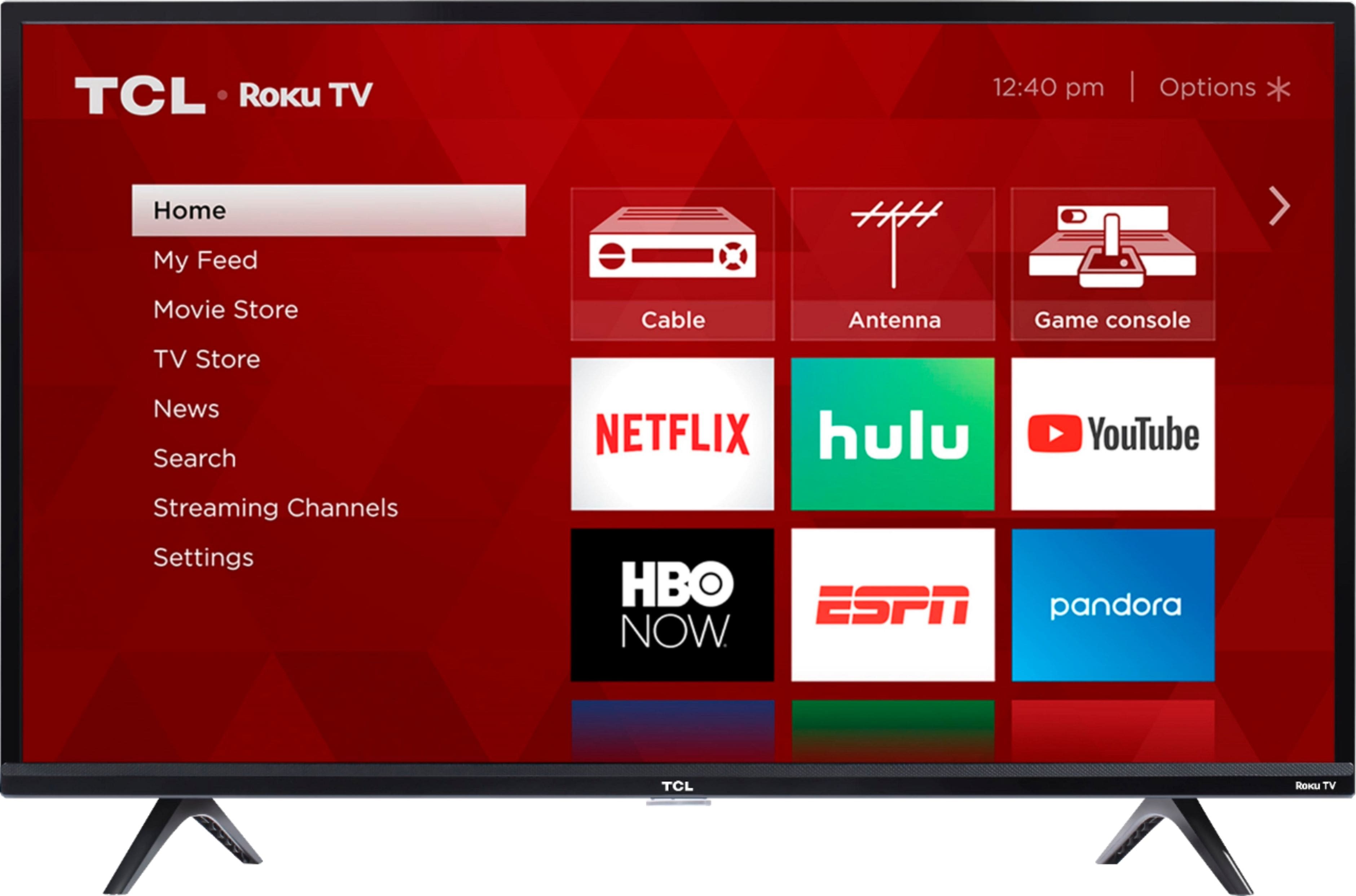
A:AnswerAbsolutely! This TCL Roku TV has various inputs that can be used to connect external devices, such as a DVD player. You would connect it as you would any traditional TV. Hope this helps! Thank you, TCL Customer Support
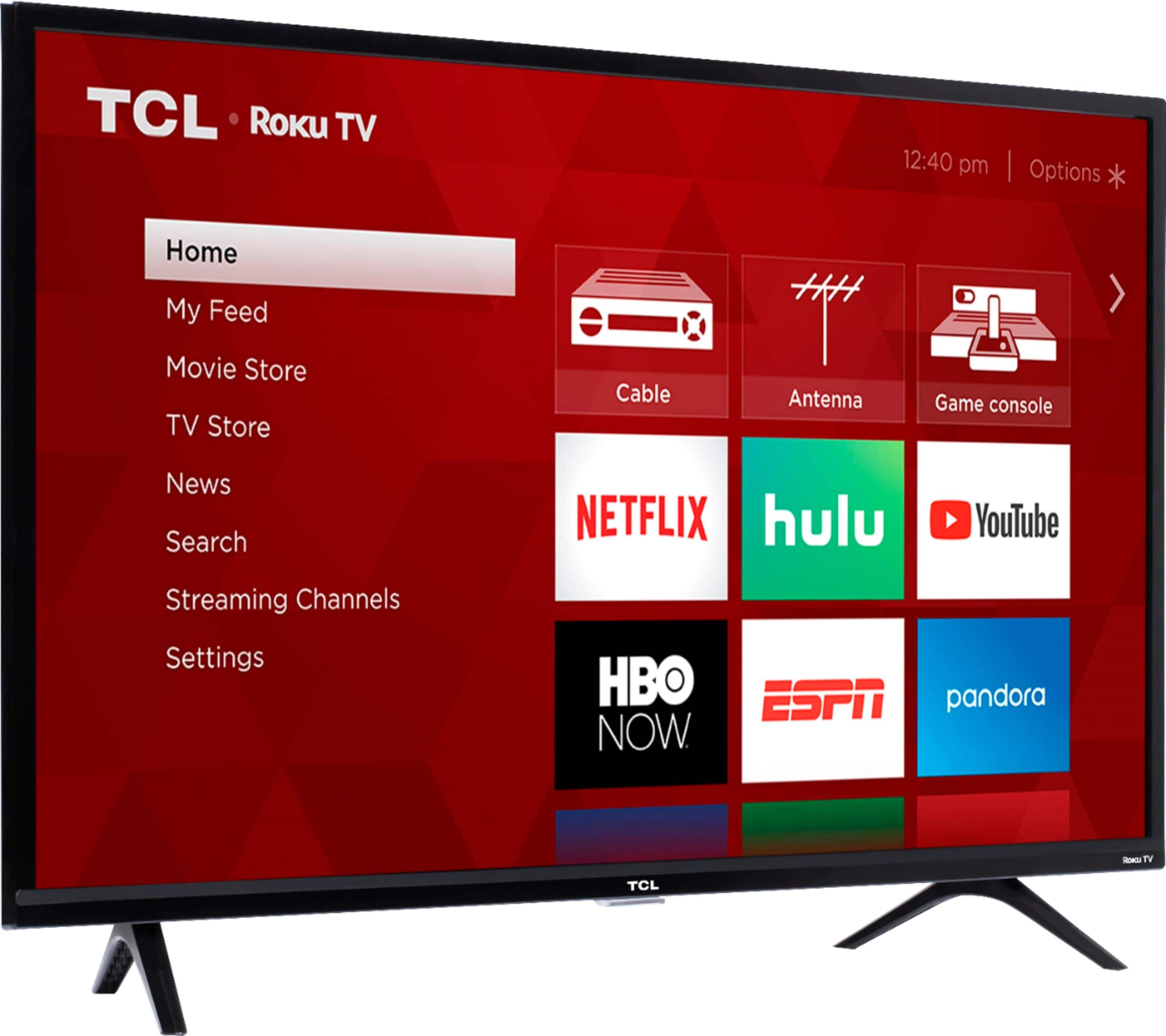
A:AnswerCurrently, our TVs do not support Bluetooth. If you are trying to connect a sound bar or speakers you can use the Optical port, or the HDMI ARC port. For Headphones, there is a Headphone jack on the back of the TV, or you can download the Free Roku app for private listening. Hope this helps! Thank you, TCL Customer Support
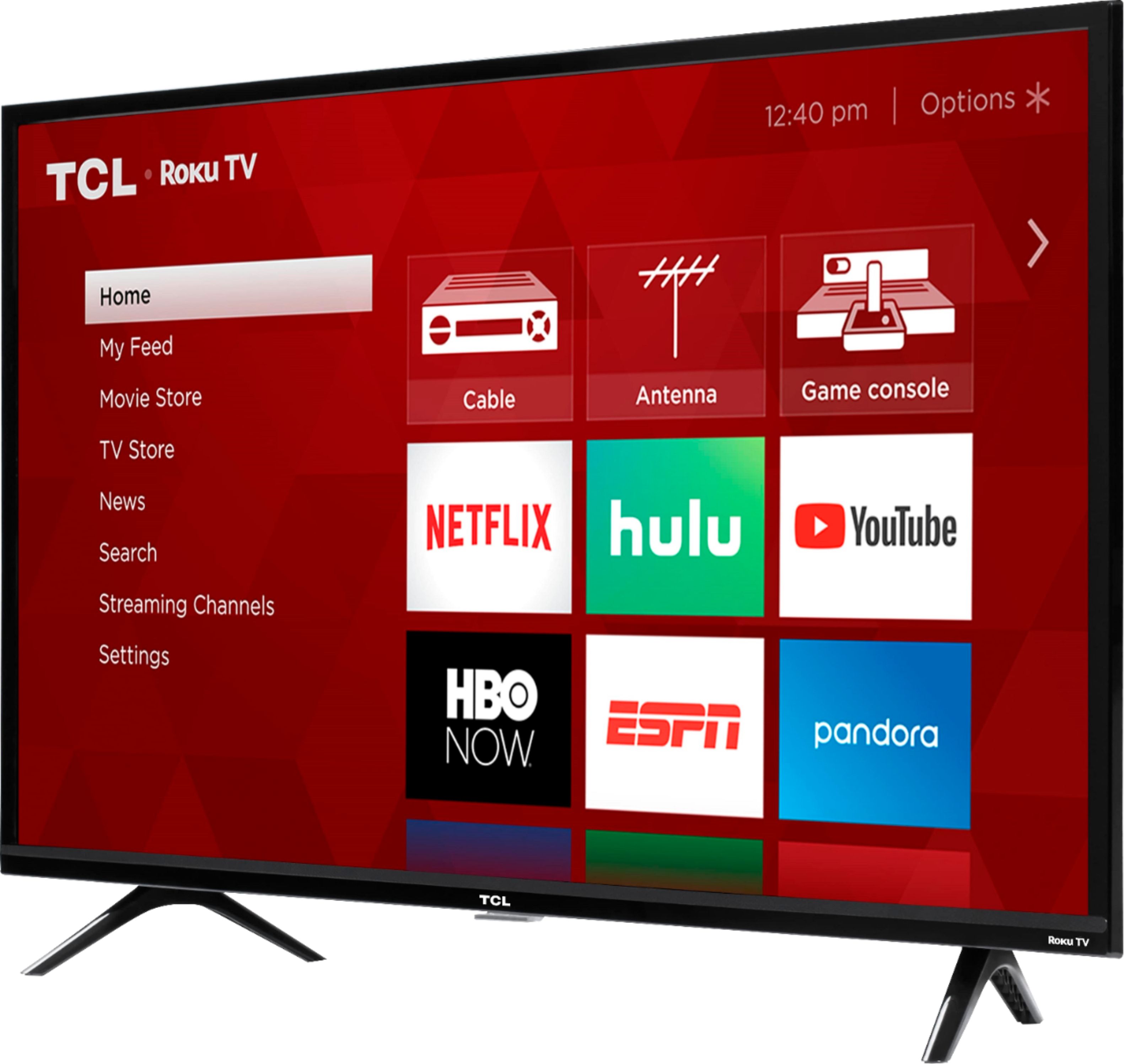
A:AnswerFor all product information for this specific model, you can visit https://www.tclusa.com/products/home-theater/3-series/tcl-40-class-3-series-fhd-led-roku-smart-tv-40s325. Hope this helps! Thank you, TCL Customer Support