A:AnswerDuring initial setup, you would elect to not connect the TV to the Internet and follow the remainder of the guided setup. If you need further assistance, please reach out to us at [email protected] with your contact information and a description of what you need help with. Thank you, TCL Customer Support
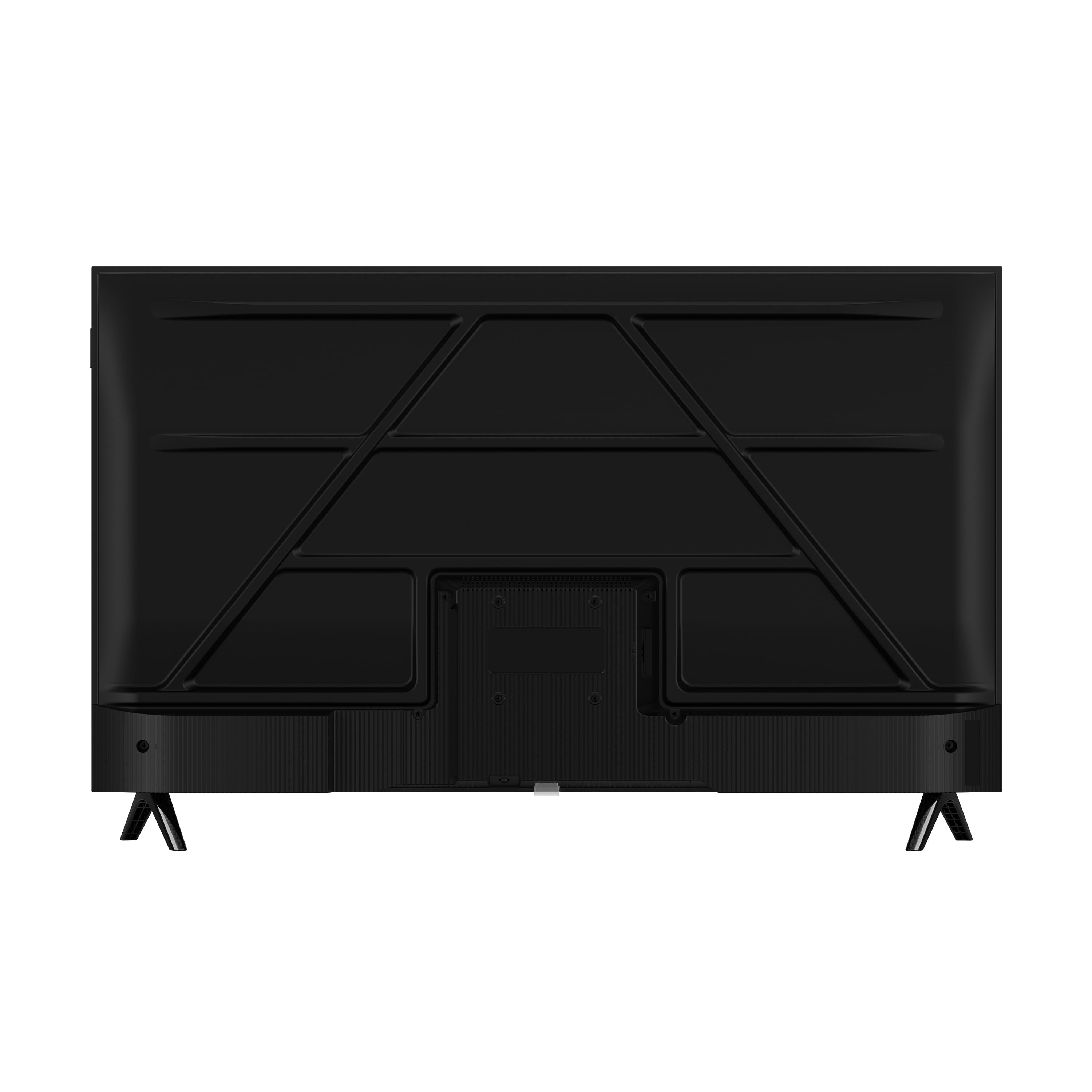
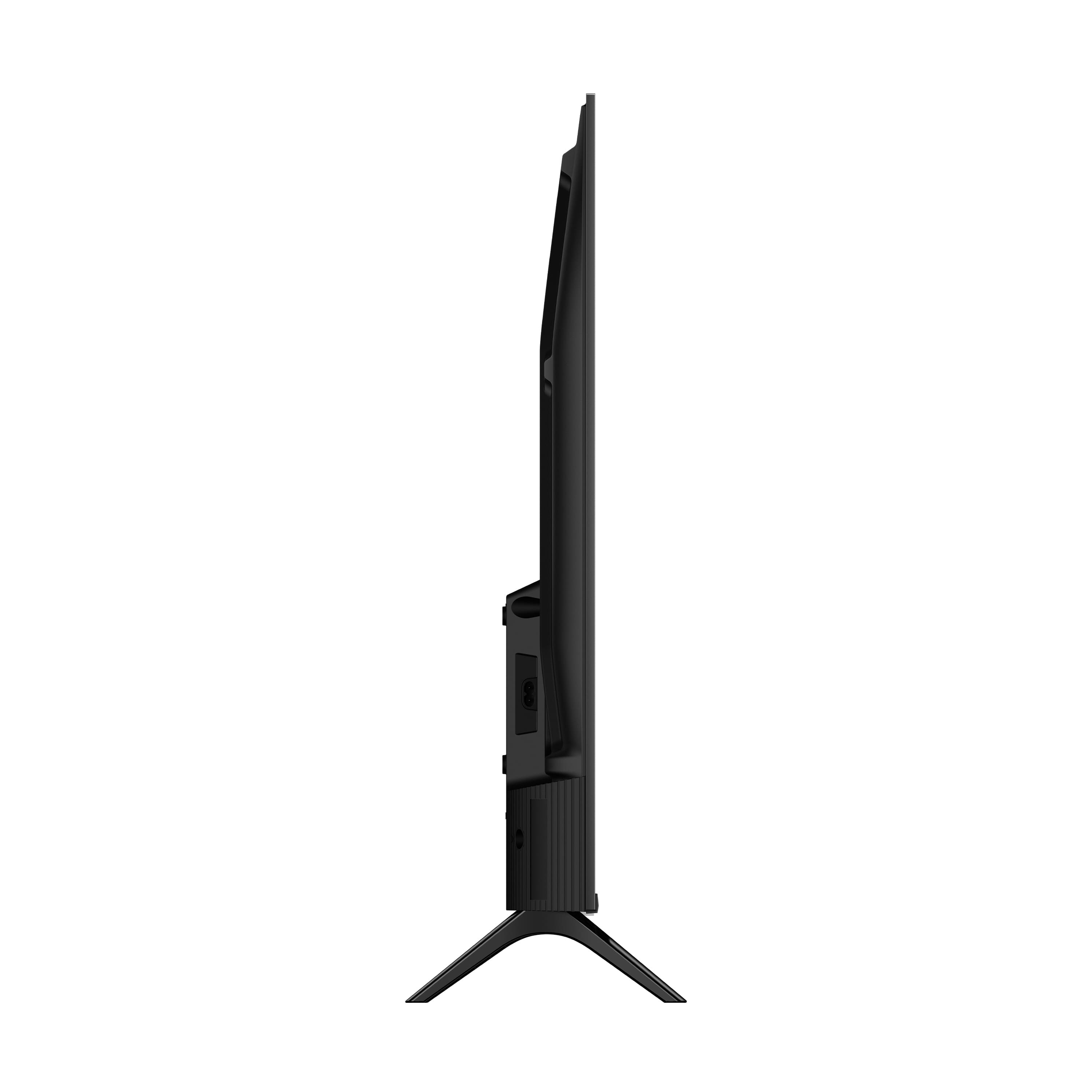
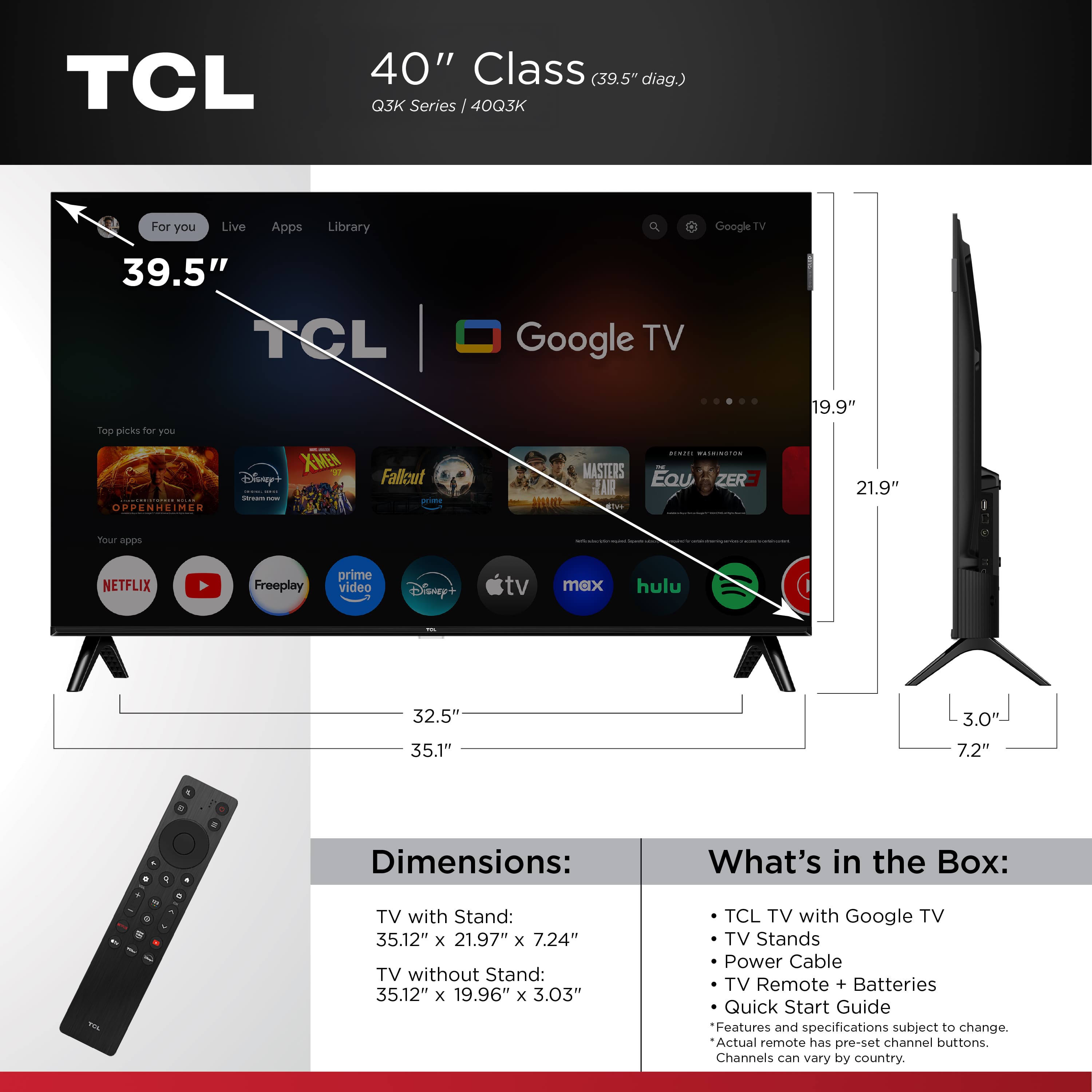
A:AnswerThe TV does not come with mounting screws. This TV utilizes M6 screws for mounting purposes. The length of the screw depends on the mount you are using. Different mounts may have different thicknesses and some people elect to use spacers. This is why the length depends on your specific setup and hardware. Most mounts come with a "screw kit" that has various screw sizes in different lengths. Hope this helps! Thank you, TCL Customer Support
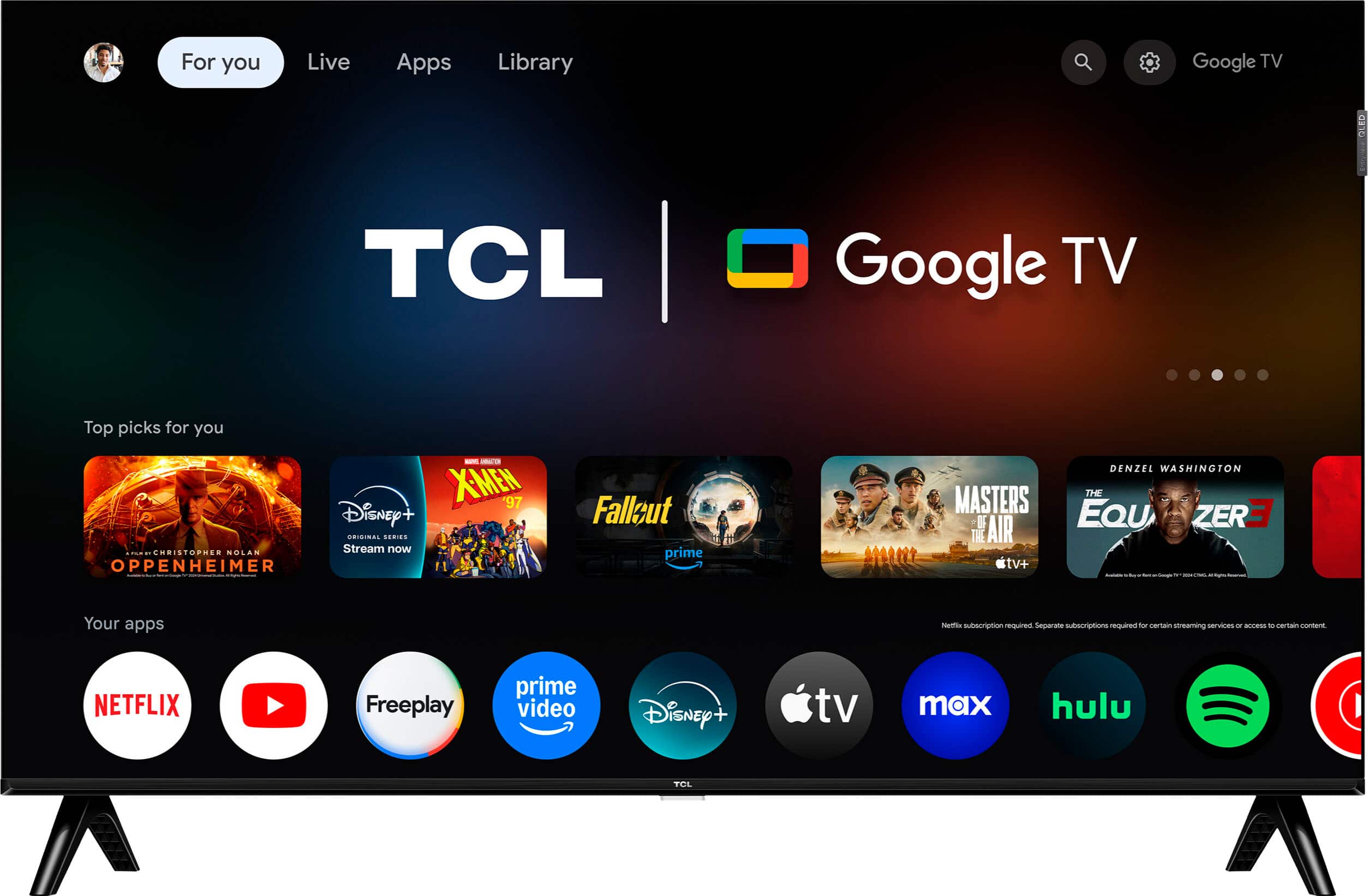
A:AnswerYou can turn off the Standby LED by 1.) Power on TV; 2.) Press the gear button on TV Remote; 3.) Navigate to: Settings -> System -> Advanced Settings -> Standby LED -> Off. Hope this helps! Thank you, TCL Customer Support
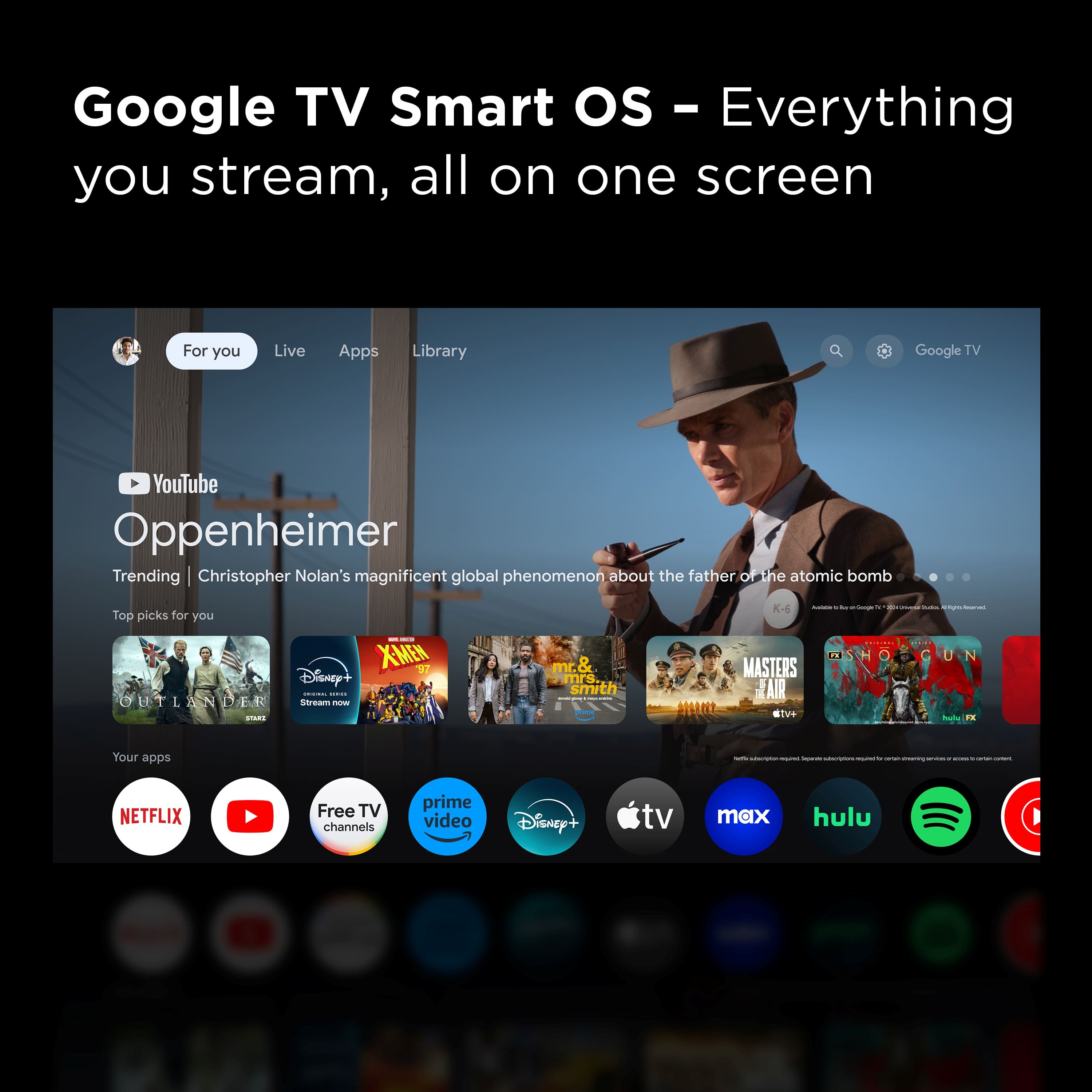
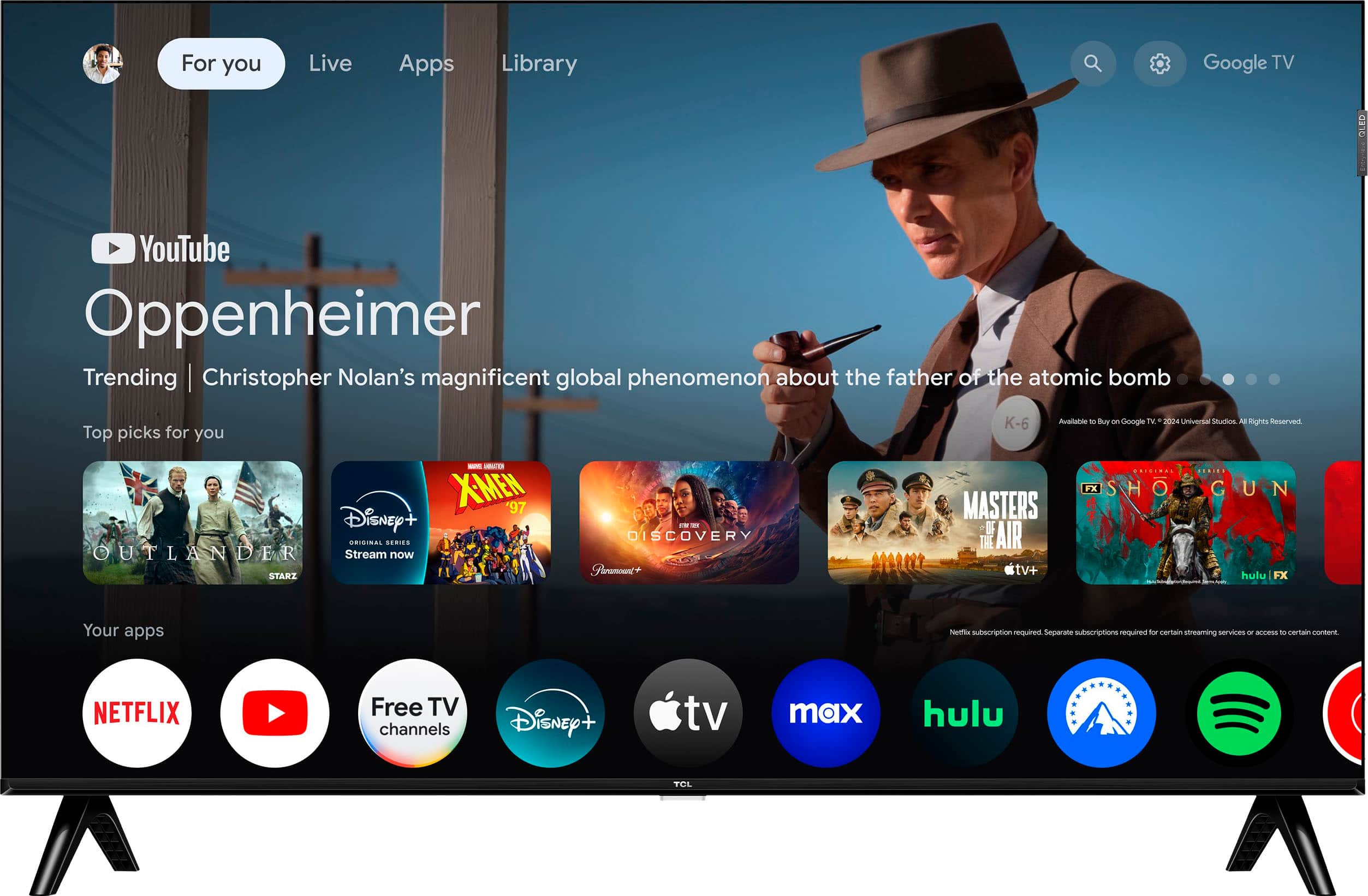
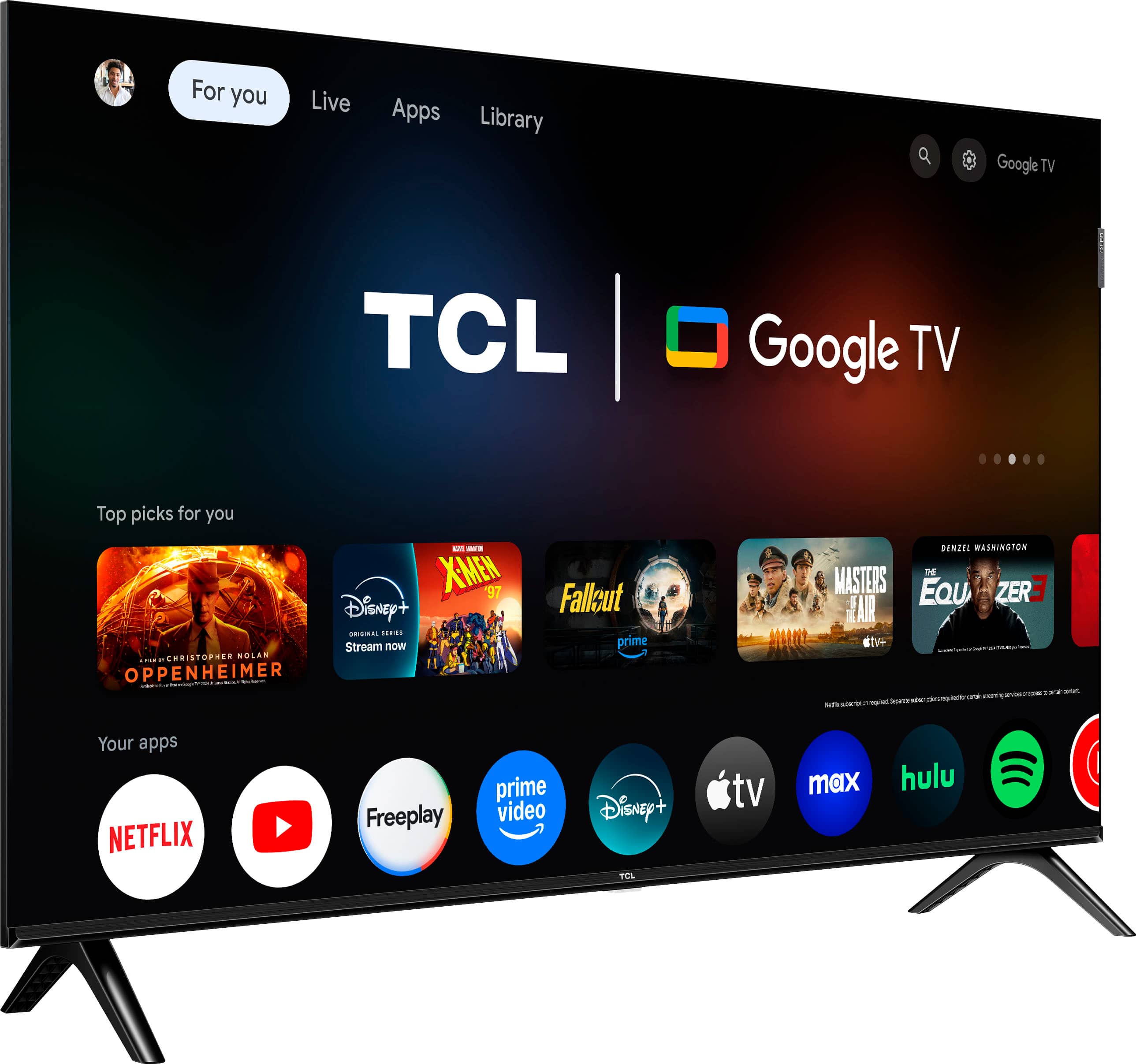
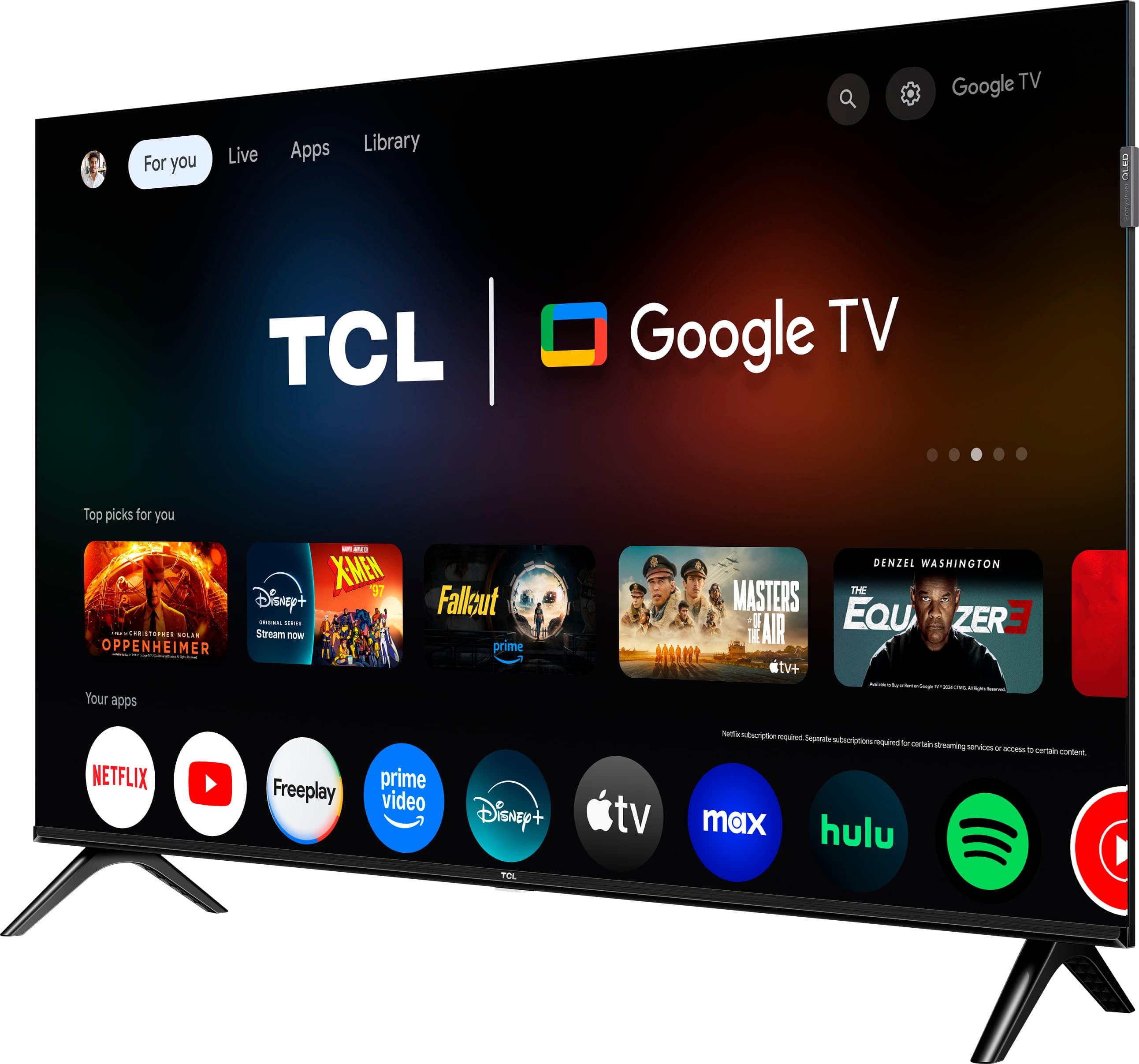
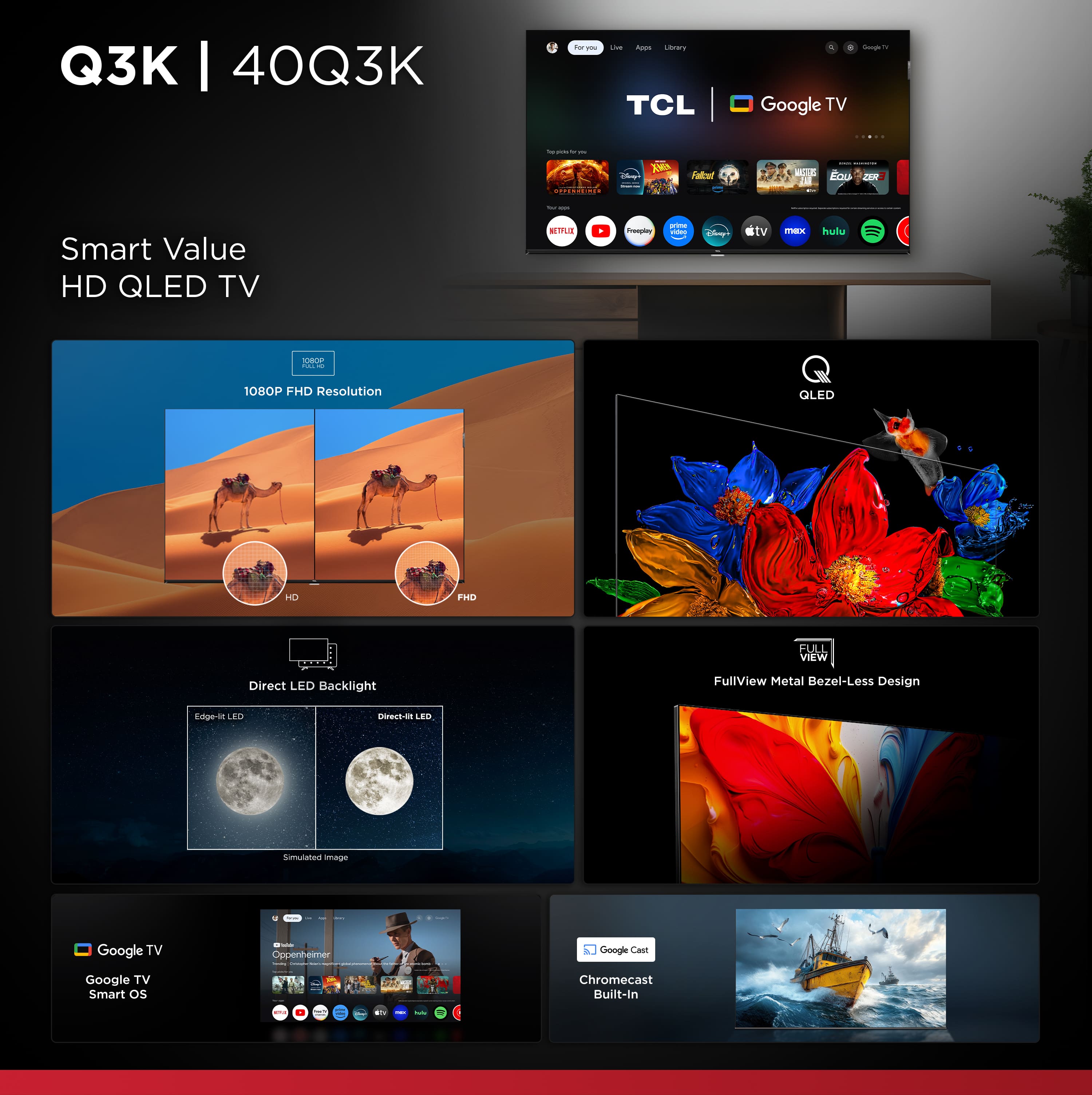
A:AnswerThis TCL TV features a Google TV operating system with access to 5,000+ apps with over 500,000 TV shows and movies available through the App Store. Hope this helps! Thank you, TCL Customer Support
A:AnswerThere are parental controls that can be set on the TV concerning purchasing apps or content through the TV. Hope this helps! Thank you, TCL Customer Support
A:AnswerYes, the PS remote play app is available on OS12. In order for us to better assist, please reach out to us at [email protected] with your contact information and a description of what you need help with. Thank you, TCL Customer Support
A:AnswerThis TCL TV is compatible with most soundbars and speakers and can be connected via HDMI ARC, Optical, or Bluetooth. Hope this helps! Thank you, TCL Customer Support
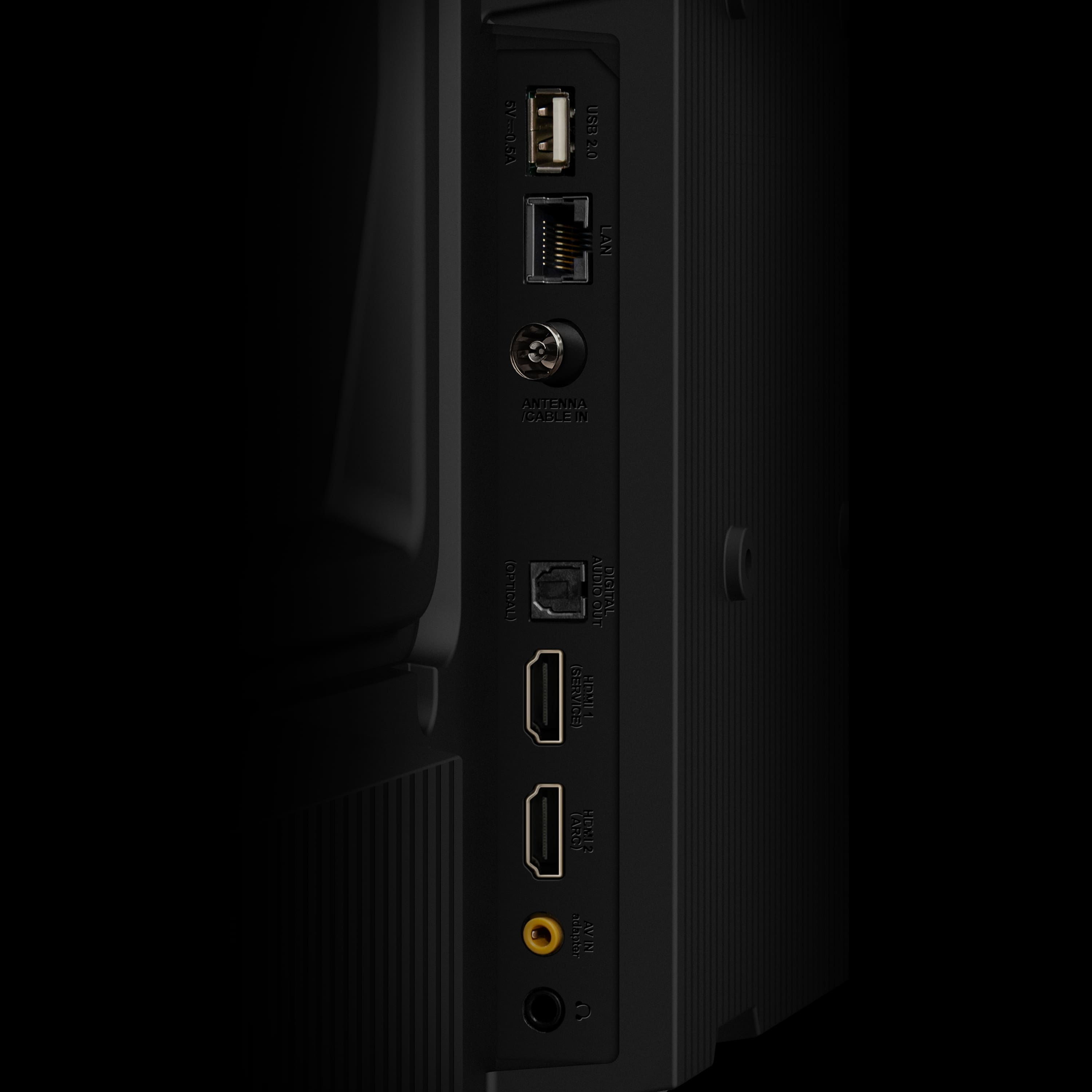
A:AnswerThis TCL TV features various inputs that can be used to connect external devices like a game console. Hope this helps! Thank you, TCL Customer Support
A:AnswerYou can visit www.tcl.com/us/en/products/home-theater/q3k-class/40-class-1080p-fhd-qled-smart-google-tv-40q3k and find the Energy Guide under the "Downloads" section. Hope this helps! Thank you, TCL Customer Support
A:AnswerYes. Verizon was changing to new boxes at same time i was putting in new TV. It does work with their newest generation of equipment. I assume it does with older stuff but can't say for sure. I had a verizon Tech in to install since was putting tv in new room and didn't feel like running cables etc. it took him only a few minutes(a few clicks )to pair the remote to the TV. Im not Tech savvy so i know it would have taken me forever