A:AnswerUnfortunately no. The TCL Roku TVs are specifically designed to be used with the TCL Roku remote that comes with it. However, you can download the free Roku app on your smart phone or tablet to use with your TCL Roku TV. By using the app you can use voice search, voice control, and experience private listening. In addition, you will also gain access to more settings and Smart features. Hope this helps! Thank you, TCL Customer Support
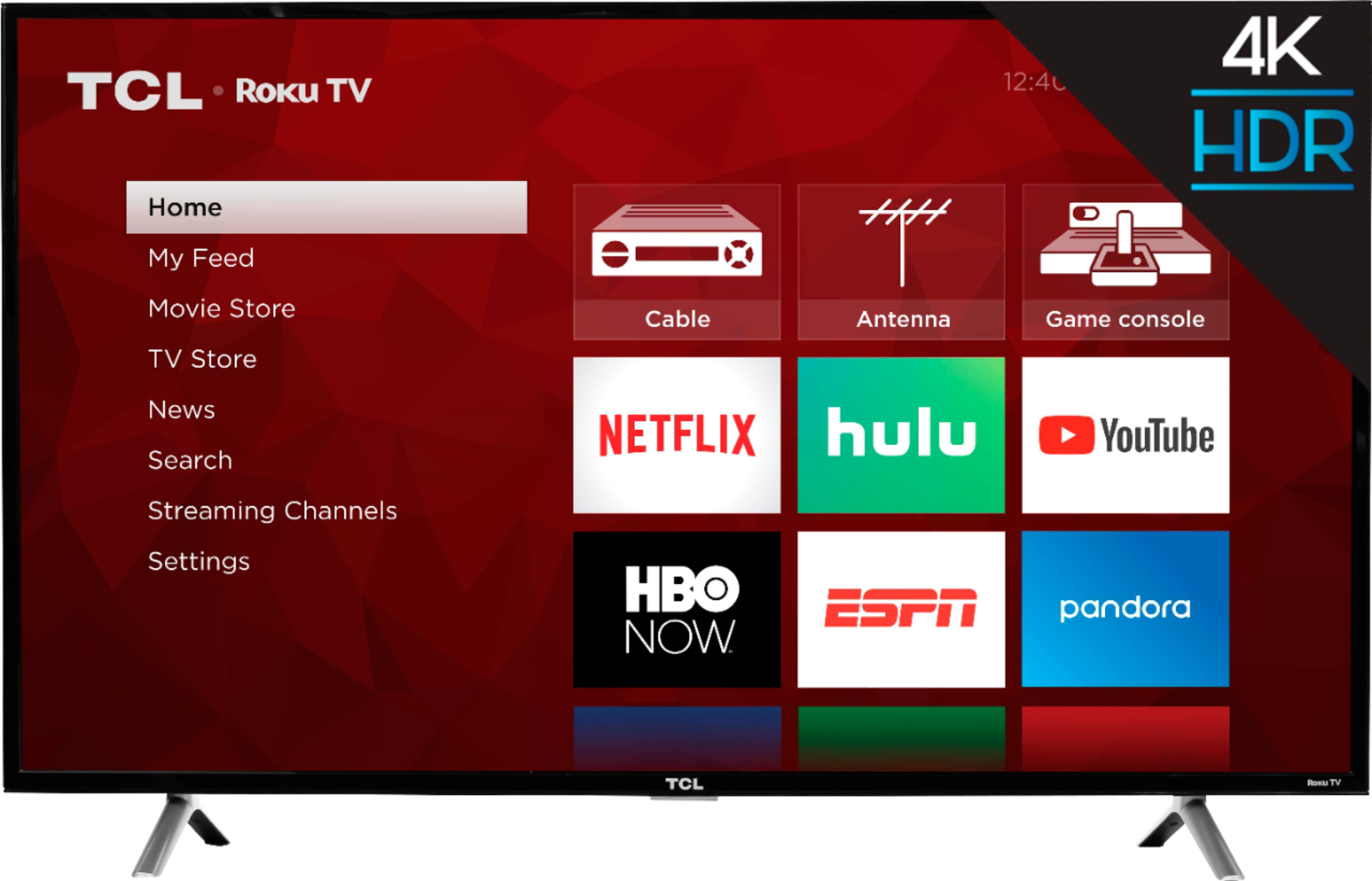
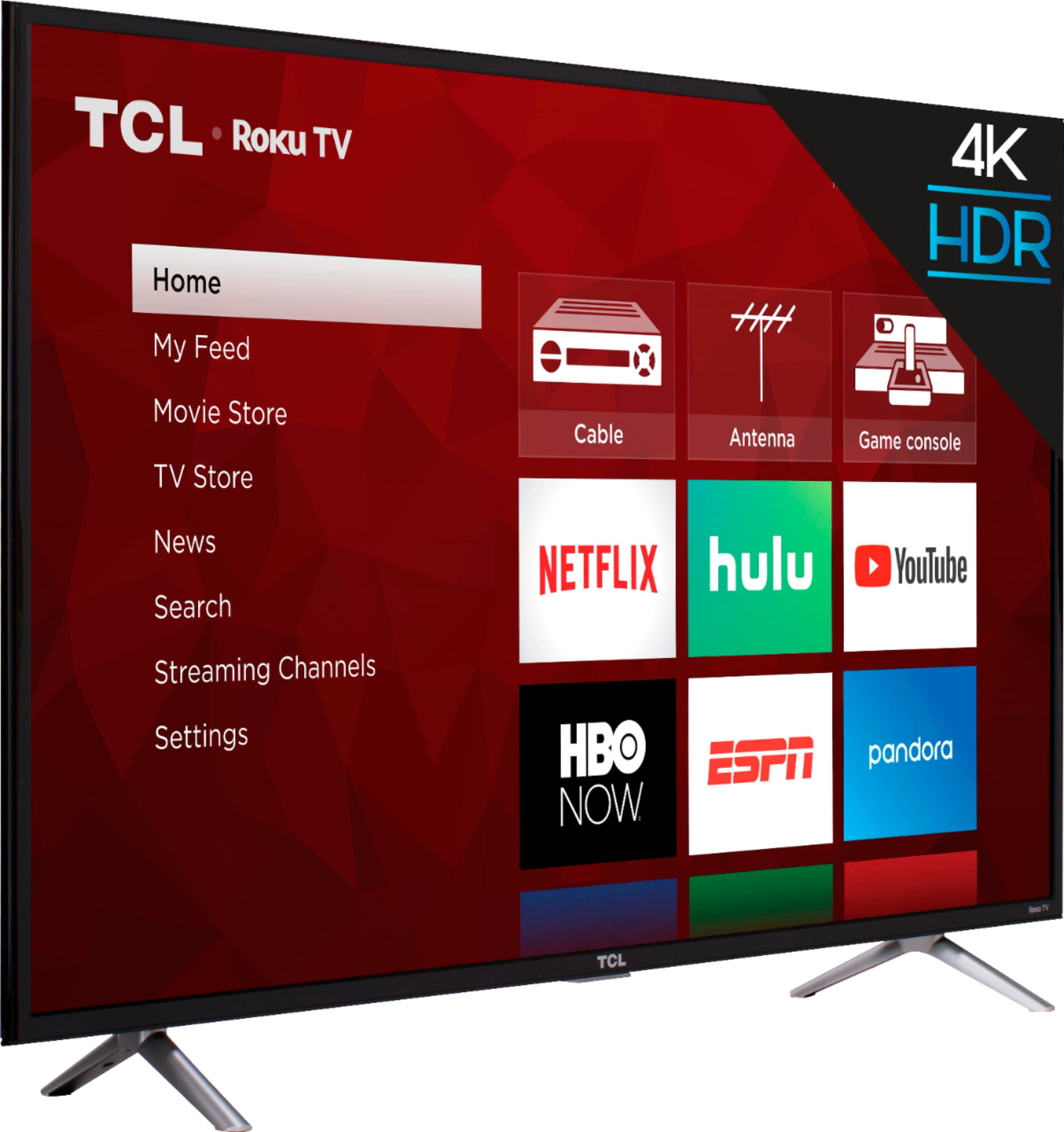
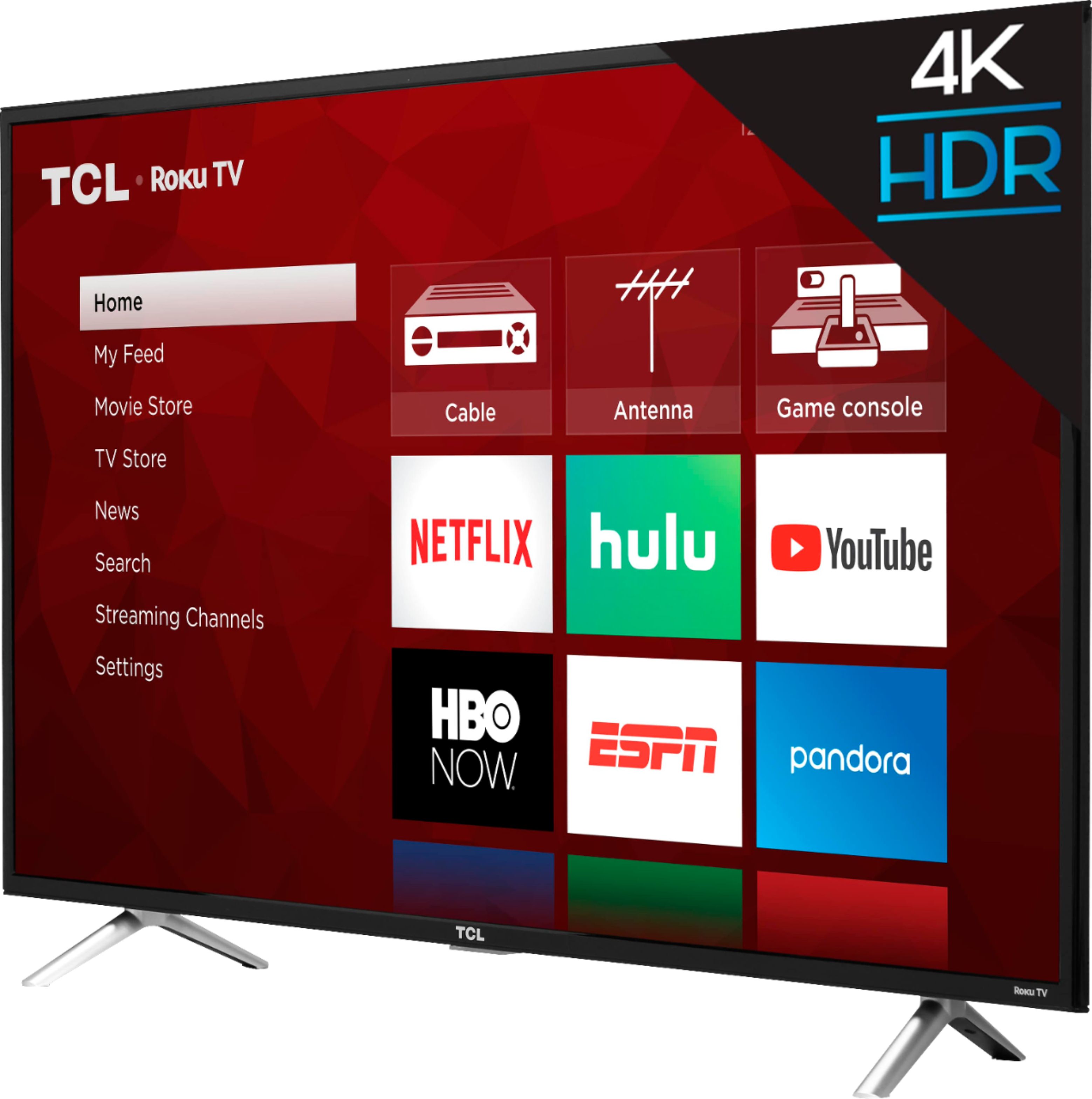
A:AnswerAll apps are added to this TV through Roku only. However you may be able to attach a firestick to the TV and use the app that way, but there's no direct way to install an app w/o Roku.
A:AnswerIt has built-in Roku which is what you use to add apps. It's super easy to install any app compatible w/ Roku. If you add an app for a TV Everywhere cable/satellite channel like TBS or CNN, you will have to verify once that you have that channel in your cable/satellite subscription which requires a computer or smartphone on the same network. Same for subscription streaming services like Netflix, Hulu, Amazon Prime, etc. You only have to do this once and then once the subscription is verified, the app will load when you select it.
A:AnswerOn the TCL Roku remote, the volume buttons are on the right edge of the remote (so you are correct that you cannot see them from the front.) Regardless, there are definitely volume controls on the remote itself.