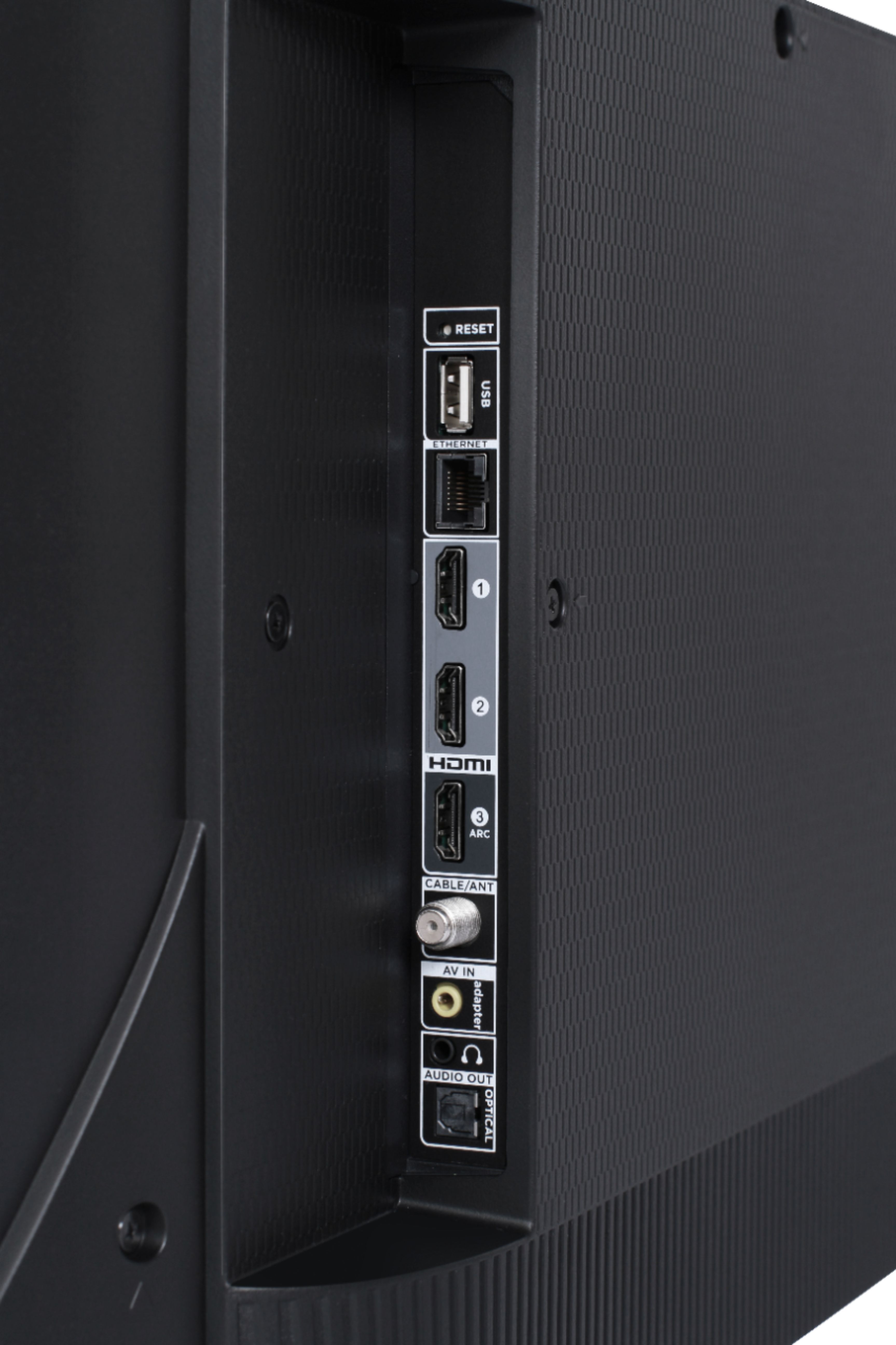
A:AnswerThe TV comes with one adaptor to convert the two-audio-one-video connectors on most old DVD players into the single composite (or is it component?) input.
A:AnswerThere are options available to adjust the picture settings to better fit your personal preference. You can access the Options menu on the TV by pressing the asterisk (*) button on your remote while watching content. Additionally, you can access expert picture settings by downloading the free Roku mobile app on a smartphone or tablet. The Roku mobile app works as a remote and allows you to access additional features like voice search, private listening, expert picture settings, and more. Hope this helps & happy viewing! Thank you, TCL Customer Support
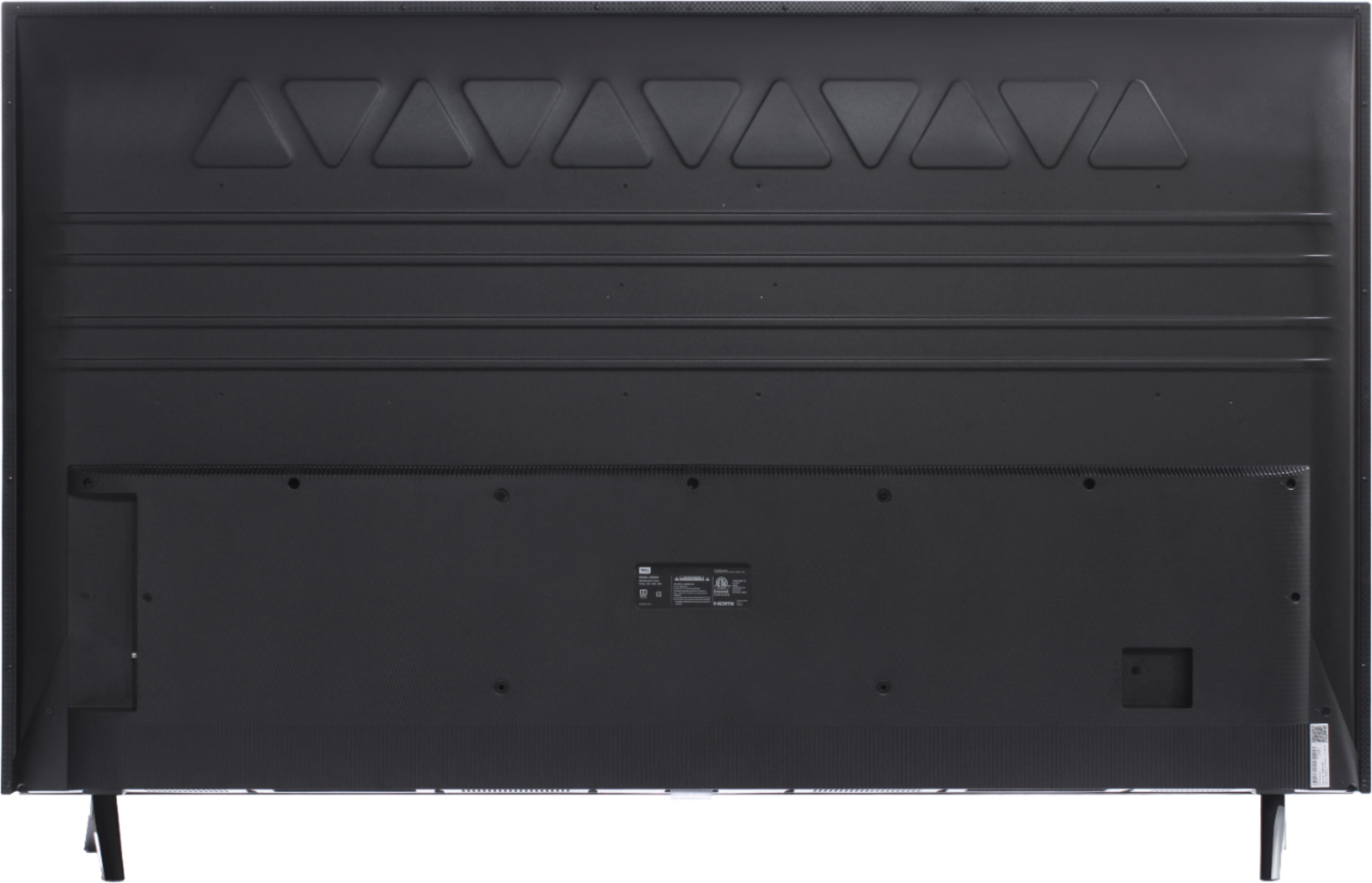
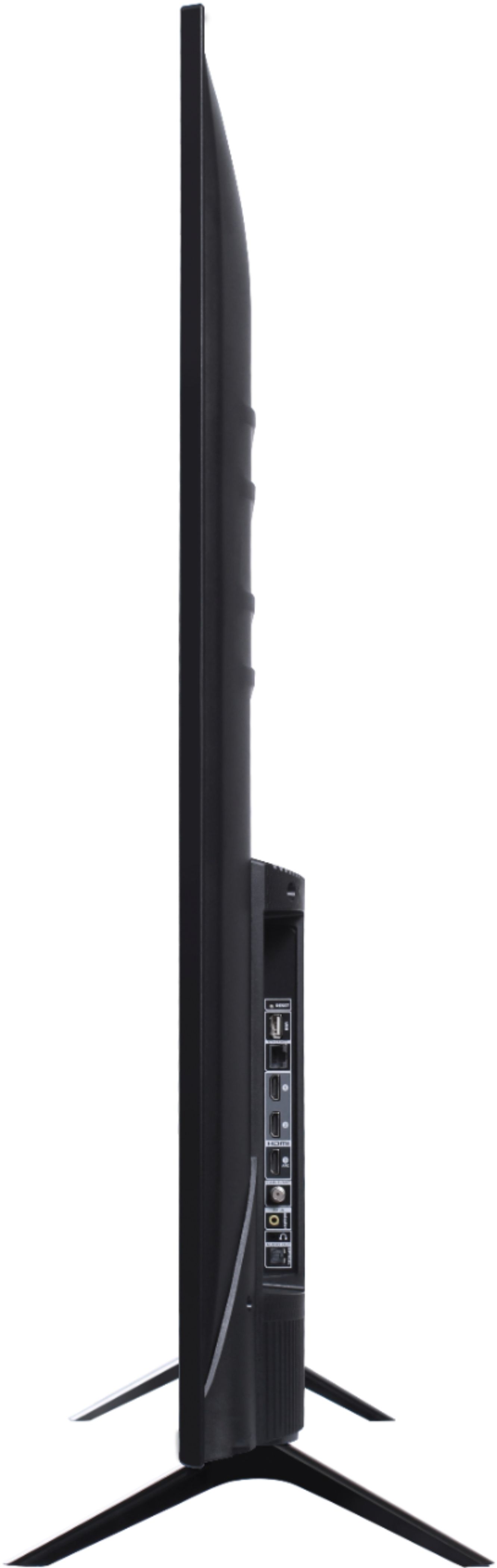
A:AnswerThis TCL Roku TV has the following Inputs: 3 HDMI (one with HDMI ARC), 1 USB (media player), Coaxial, Composite, Headphone Jack, Optical audio Out, and Ethernet. Hope this helps! Thank you, TCL Customer Support