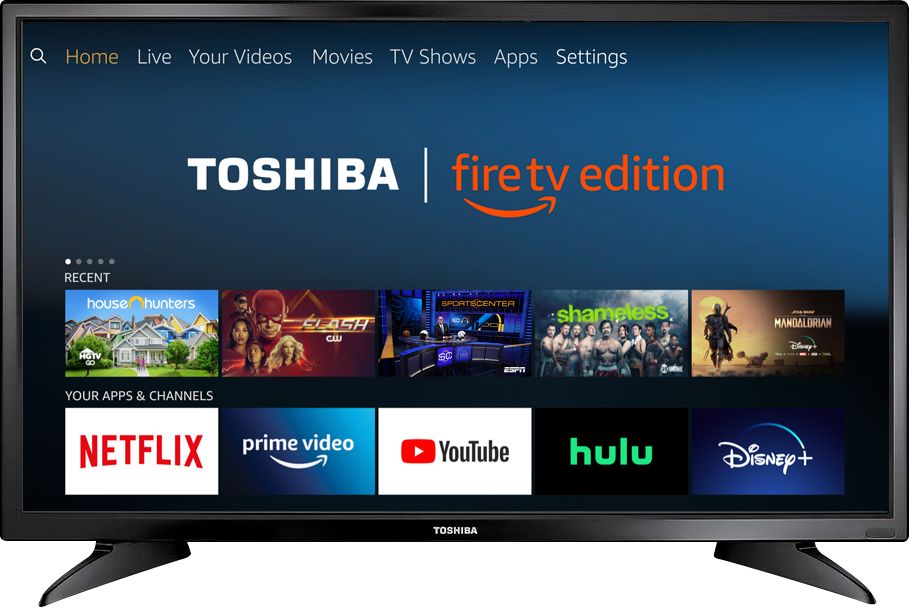
A:AnswerTo do a Factory Reset for the Fire TV Edition television, using the included Voice Remote, go Home > Settings > Device & Software > Reset to Factory Defaults.
David M. - Toshiba Support
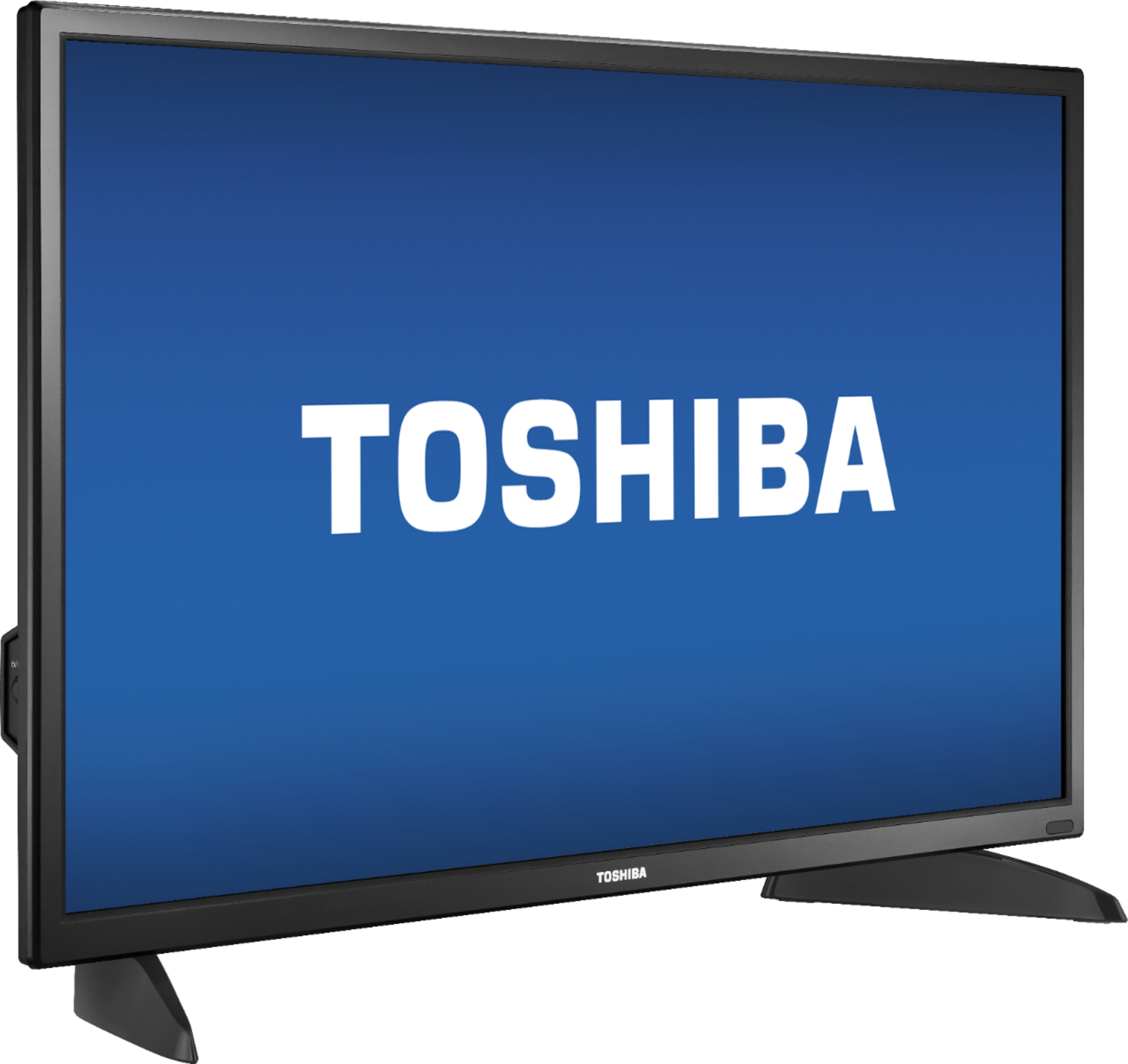
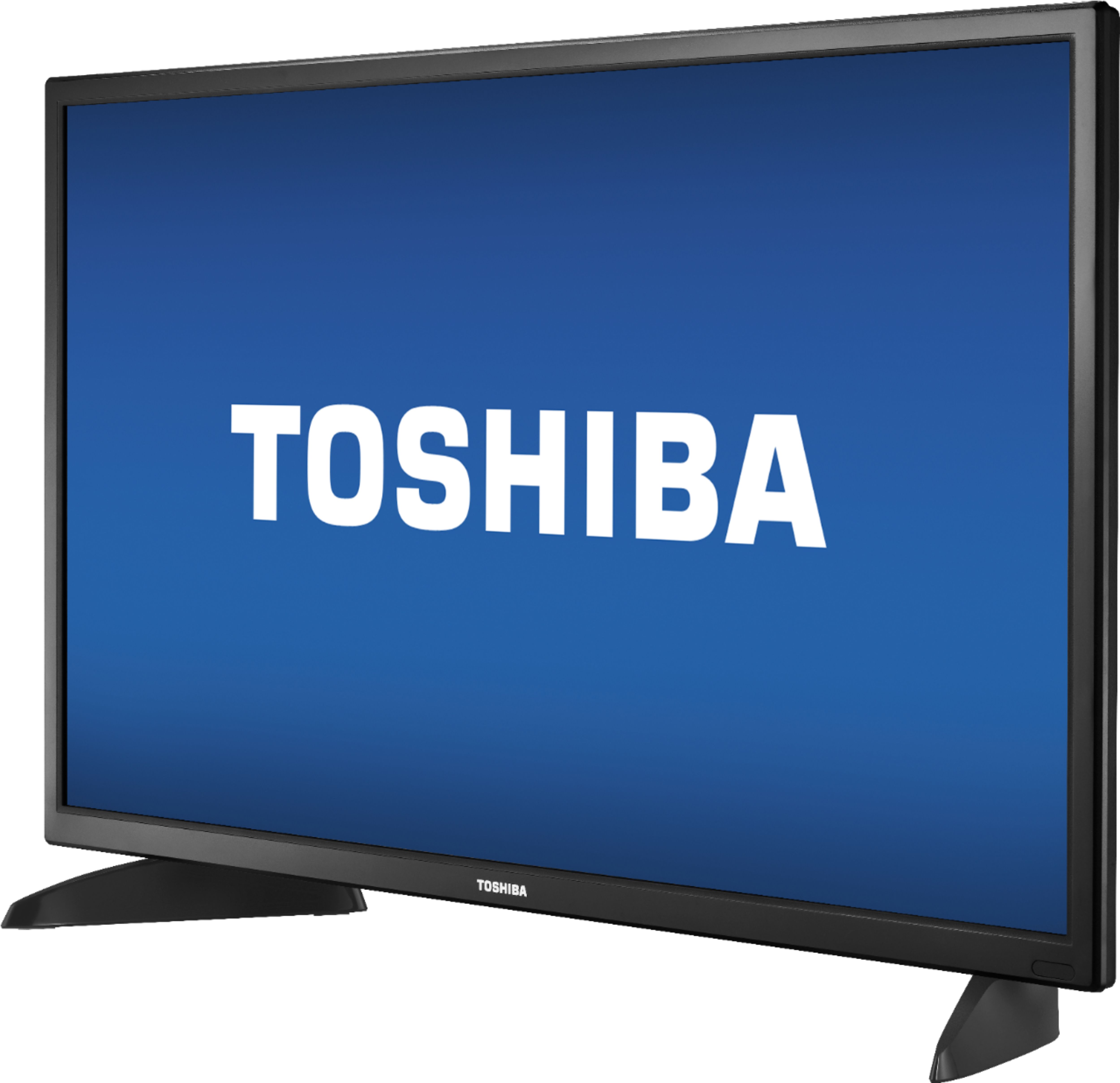
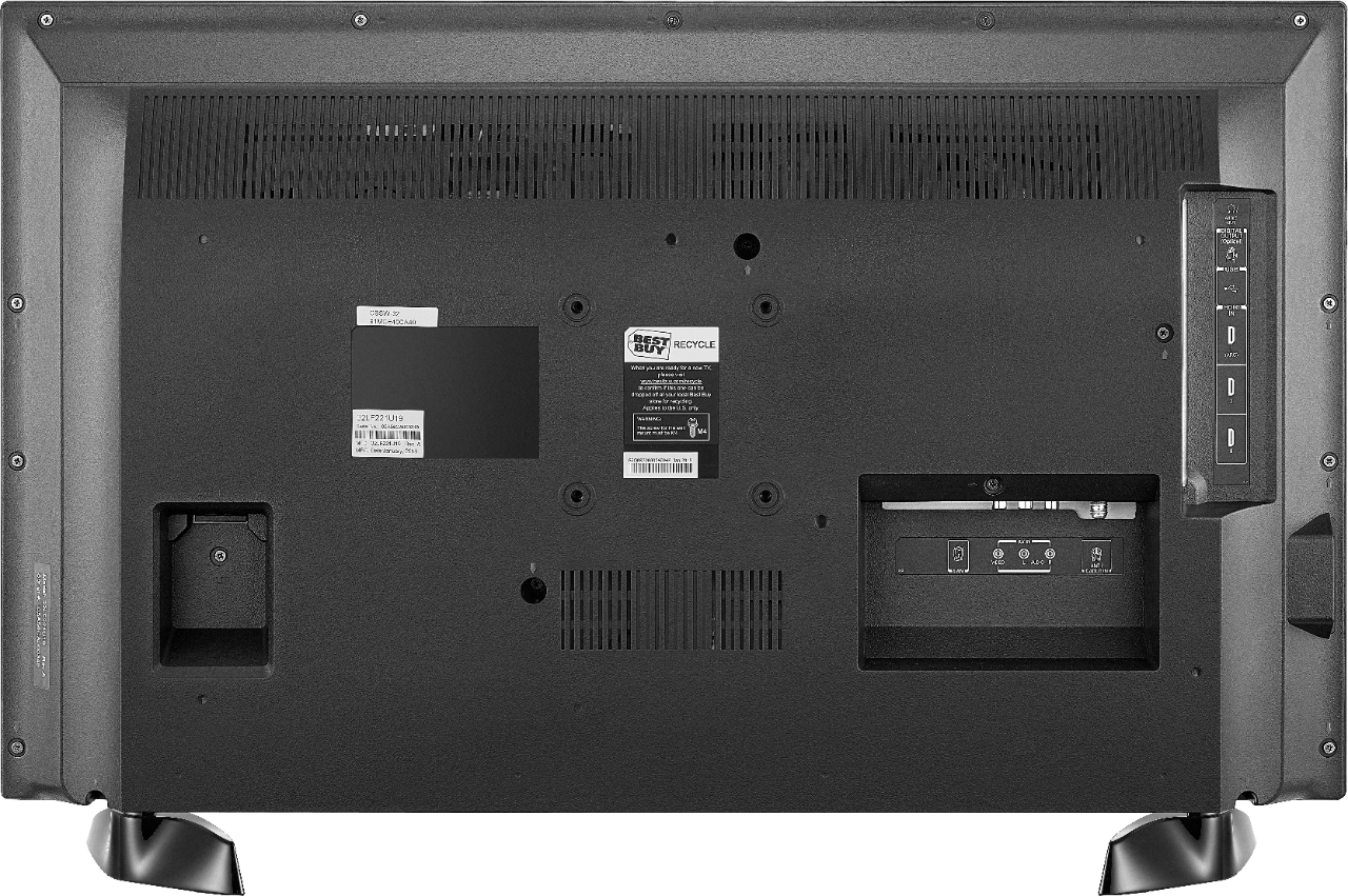
A:AnswerFor the Fire TV Edition television model 32LF221U19, these are the dimensions:
Product Width: 29 inches
The distance from left to right at the widest part of the stand (footprint): 26 inches
Product Depth Without Stand 3.3 inches
Product Depth With Stand: 7.1 inches
Product Height Without Stand: 17.2 inches
Product Height With Stand: 18.6 inches
Product Weight With Stand 11 pounds
Product Weight Without Stand 10.6 pounds
David M. - Toshiba Support
A:AnswerThe Fire TV Edition television requires a strong stable high-speed internet connection to stream content. For example Netflix and YouTube recommend an internet speed of 5 Mbps.
David M. - Toshiba Support
A:AnswerThe Fire TV Edition television works using 120 V - 60 Hz - NTSC.
For more information about the TV, please visit:
https://tvna.compal-toshiba.com/us/en/models/32lf221u19/
David M. - Toshiba Support
A:AnswerYou can connect an HD Antenna to watch free over-the-air broadcasts from your local channels. For more information about antennas, please visit: https://www.fcc.gov/consumers/guides/antennas-and-digital-television
David M. - Toshiba Support
A:AnswerConnect an Apple TV to your Fire TV Edition television using HDMI, then use the AirPlay function on your iPad so you can view it wirelessly on your TV.
David M. - Toshiba Support
A:AnswerYes, there’s a way to do it but it takes a little effort. The thing you need is an app called AirScreen from the App Store on the tv. It’s a free app so you don’t have to worry about paying but you could buy the paid version to get rid of some ads that pop up sometimes. Once you download the app to your tv, you can look at the instructions for the device you want to use and how to connect to it. It may seem confusing at first but just play around with it a little and you’ll figure it out.
A:AnswerThe YouTube TV app is not available for the Fire TV Edition television.
Please visit https://tv.youtube.com/welcome/ to see the list of supported devices. You can connect a supported device to the TV using HDMI.
David M. - Toshiba Support
A:AnswerThe Fire TV Edition television does not support Screen Mirroring,
You can connect an adapter or streaming device that supports it using HDMI.
David M. - Toshiba Support
A:AnswerThe YouTube TV app is not available for the Fire TV Edition television.
Please visit https://tv.youtube.com/welcome/ to see the list of supported devices. You can connect a supported device to the TV using HDMI.
David M. - Toshiba Support
A:AnswerThe app Acorn TV by RLJ Entertainment shows as available for the Fire TV Edition television experience. To search for more available apps, go to:
amazon.com > Menu - Shop By Category > Fire TV > Fire TV Apps & Channels > Refine by Device Type select Fire TV Edition TV and search.
David M. - Toshiba Support