A:AnswerNo. I bought 4 of these TV's and 2 Alexa's. The TV's are up and running and I have yet to set up either Alexa. It is voice activated right out of the box. But beware, ..I bought these thinking that with the built in "firestick" I would be able to get streaming Fox News. Well, you can't. But since I did want to "chuck" cable, I subscribed to Hulu. It is 45.00 a month but well worth it. Gives you many more options. Enjoy your new TV!! I surely am enjoying the newest 4 members of my family!!!
A:AnswerNo, we had the same thing, we bought a display model that didn't come with a remote and they told me a universal remote would work, it wouldn't. I tried a Firestick remote and the FireTV app, they also wouldn't work. Try calling Toshiba and letting them know your TV came without a remote and see if they can help you.
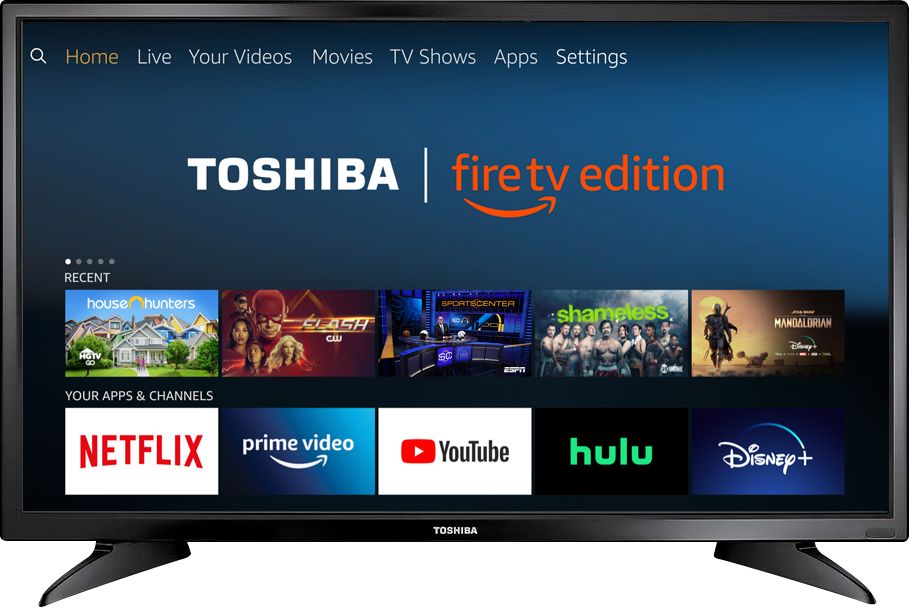
A:AnswerNo, this TV does nos support multicast nor AirPlay and it does not connect with mobile devices via Bluetooth.
You could try to use an AV adapter and HDMI cable to connect your iPad to the TV.
David M. - Toshiba Support
A:AnswerIf the content you are watching has Audio Description, you can enable audio narration just like choosing subtitles and alternate audio.
David M. - Toshiba Support
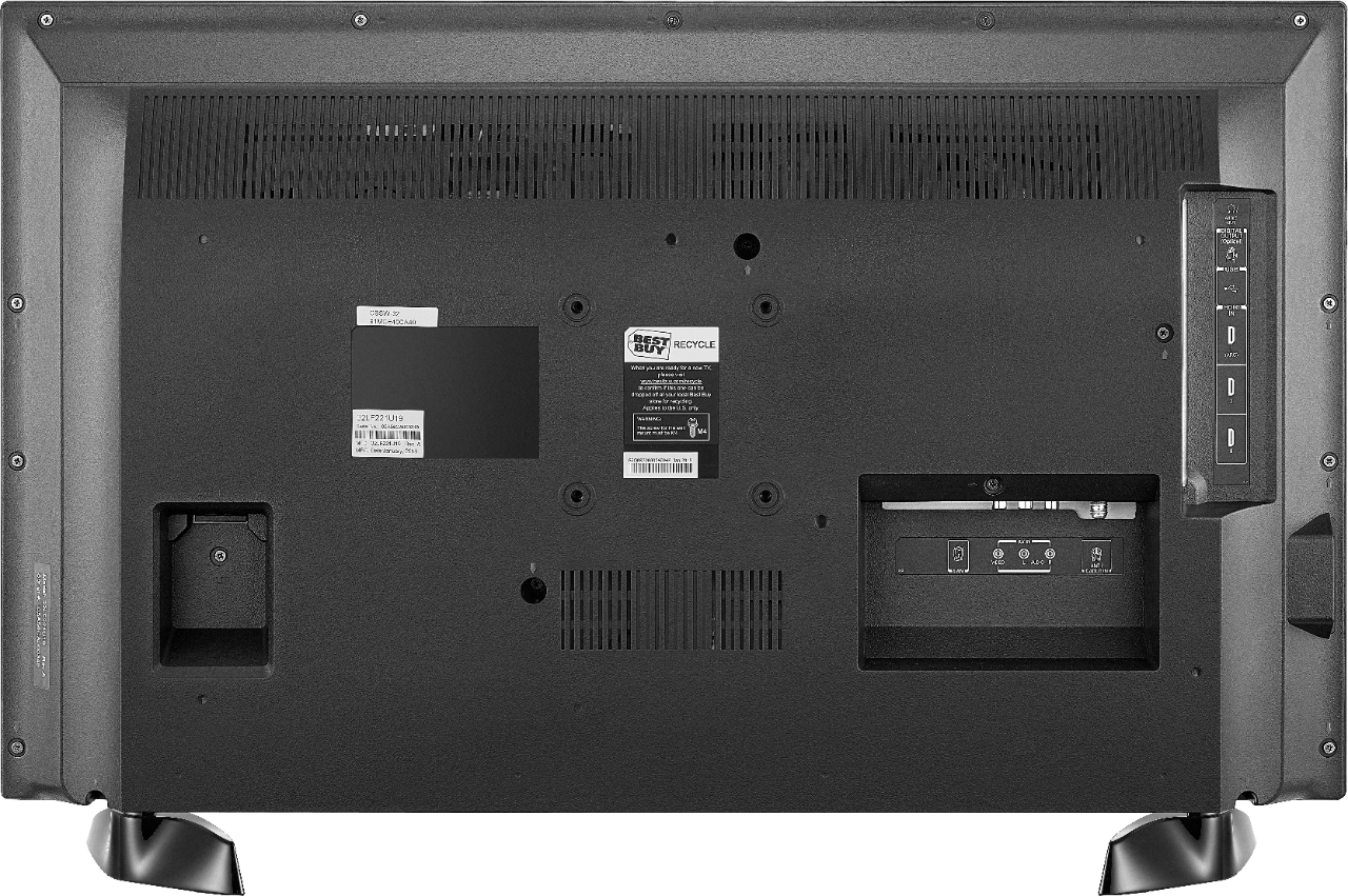
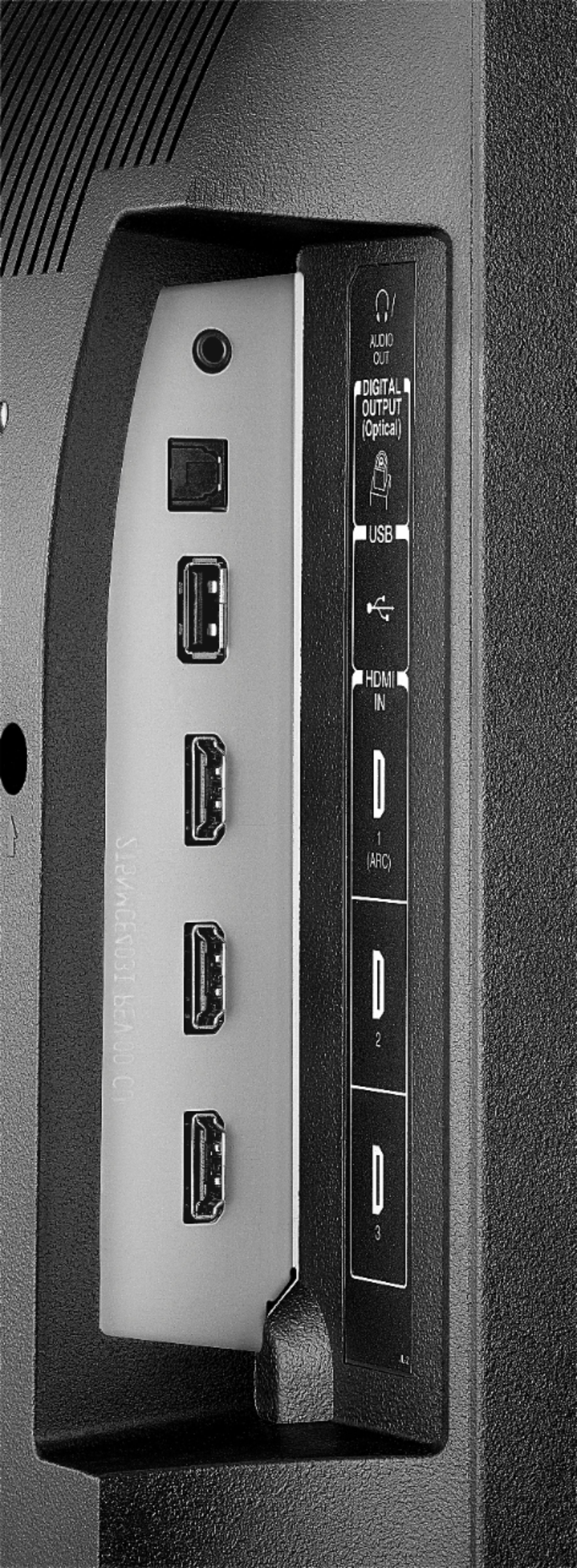
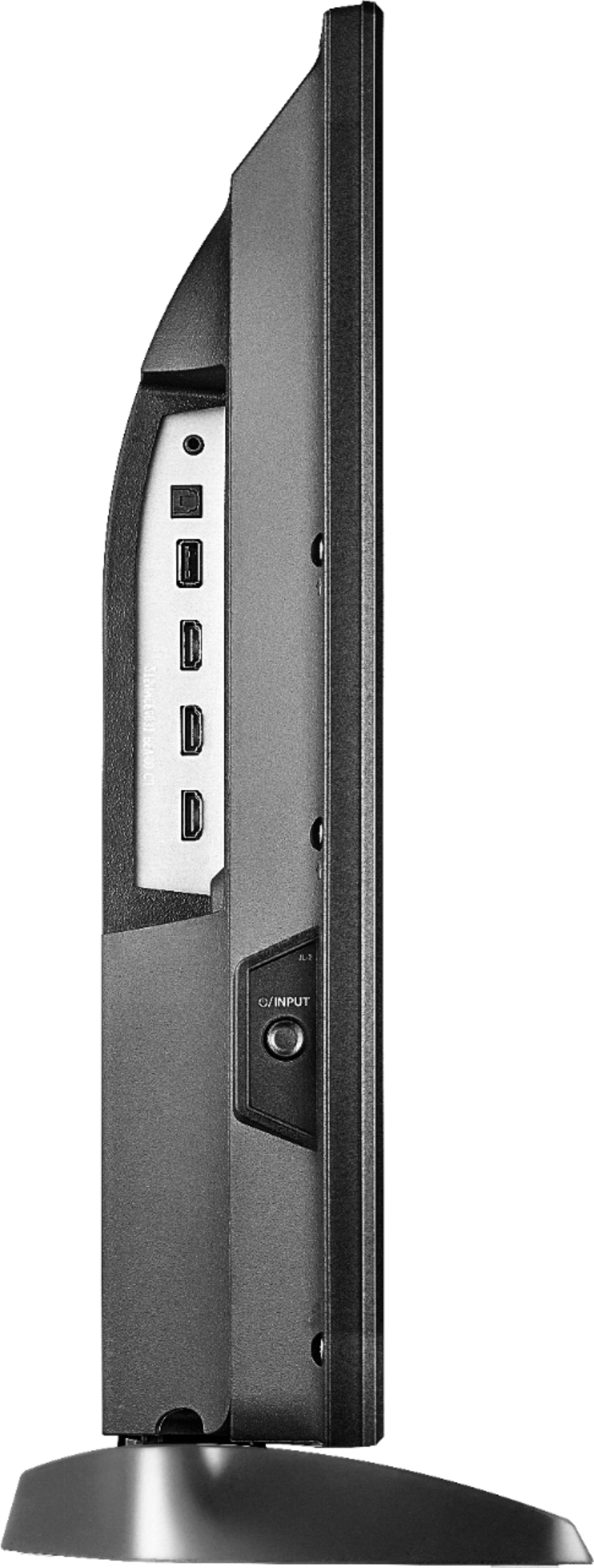
A:AnswerThis TV has a Digital Optical Audio Output. To change the Audio Output settings go: Home > Settings > Display and Sounds > Audio Output > Turn TV Speakers OFF and Select Digital Audio Format PCM.
A:AnswerThis TV only supports one Audio Output at any time.
If you connect an external Audio device, the TV speakers will automatically turn off.
You could try to use a 3.5 mm splitter and connect 2 audio devices to the same audio output.
David M. - Toshiba Support
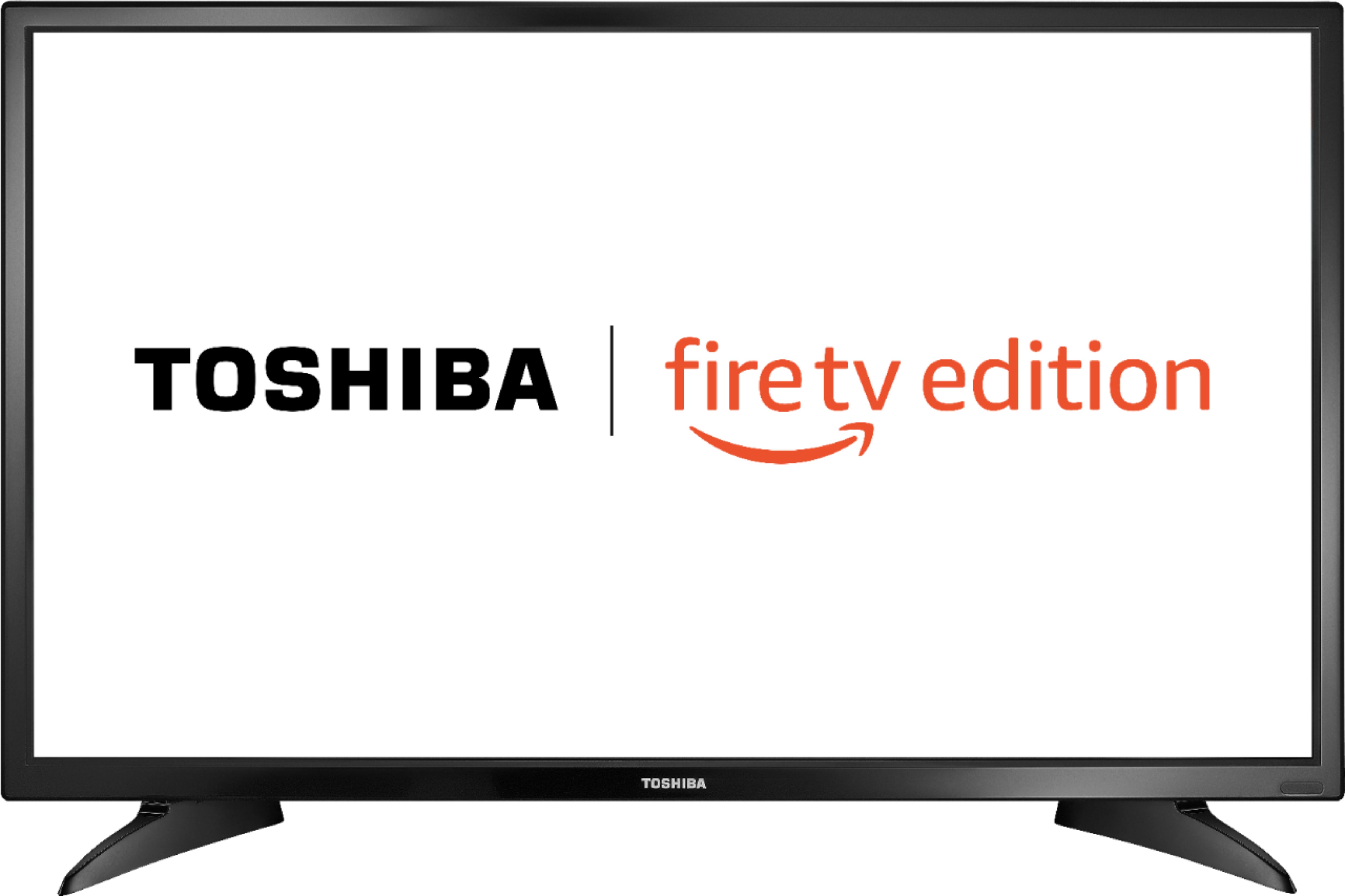
A:AnswerThe actual dimensions of the TV are
Product Height With Stand
18.6 inches
Product Width
29 inches
Product Depth With Stand
7.1 inches
Product Height Without Stand
17.2 inches
Product Depth Without Stand
3.3 inches
Product Weight With Stand
11 pounds
Product Weight Without Stand
10.6 pounds
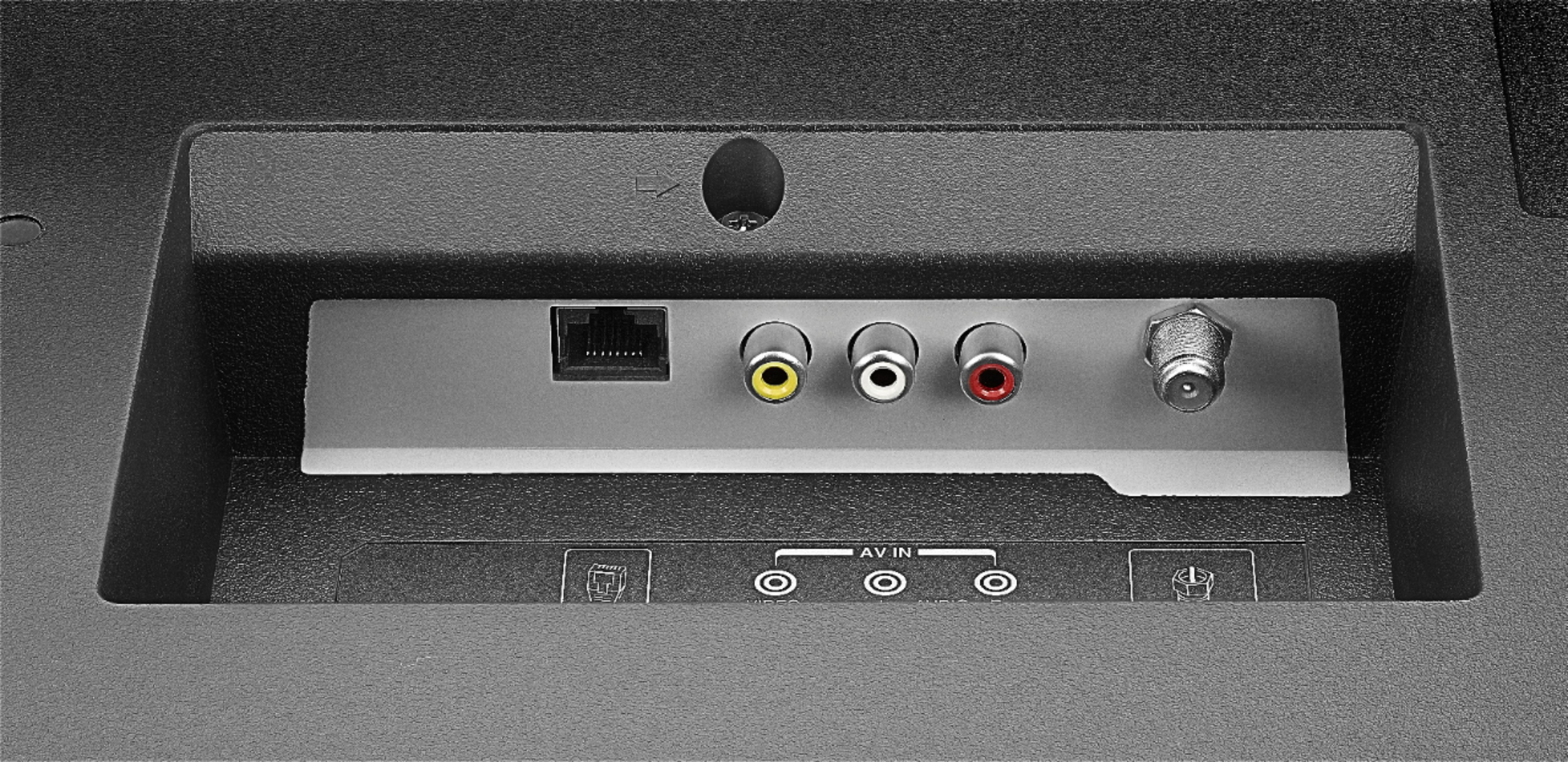
A:AnswerYes, you can connect an Antenna to watch free over-the-air broadcasts from your local channels or your multimedia devices using an HDMI cable.
David M. - Toshiba Support
A:AnswerDid you resolve this? I'm on the phone with Toshiba support and they are basically saying the Switch is not compatible. My next move is to try an aftermarket dock.
A:AnswerFirst you need to go to the home screen and select settings. From the settings menu you have to select preferences. Under preferences you have a setting for time zones. You select time zone, and in my case ,I chose North America and Central Standard time. The date and time were automatically populated so I am assuming that the television queries the internet to obtain the correct date and time.