A:AnswerYes you can listen to the headphones and TV at the same time. The headphones work in regular "TV Speaker" mode. If you switch to "audio system" within your audio options/speakers menu on your tv then only the headphones will work.
Rudson S.| Toshiba Support.
A:AnswerHi there,
Below are the steps on how to connect your air pods with your TV:
1.From your Fire TV, scroll over to Settings.
2.Then select Controllers & Bluetooth Devices.
3.Select Other Bluetooth Devices.
4.Select Add Bluetooth Devices.
5.Your Fire TV will begin searching for nearby Bluetooth-ready devices.
Gem
Toshiba Products
A:AnswerHi,
FireTV
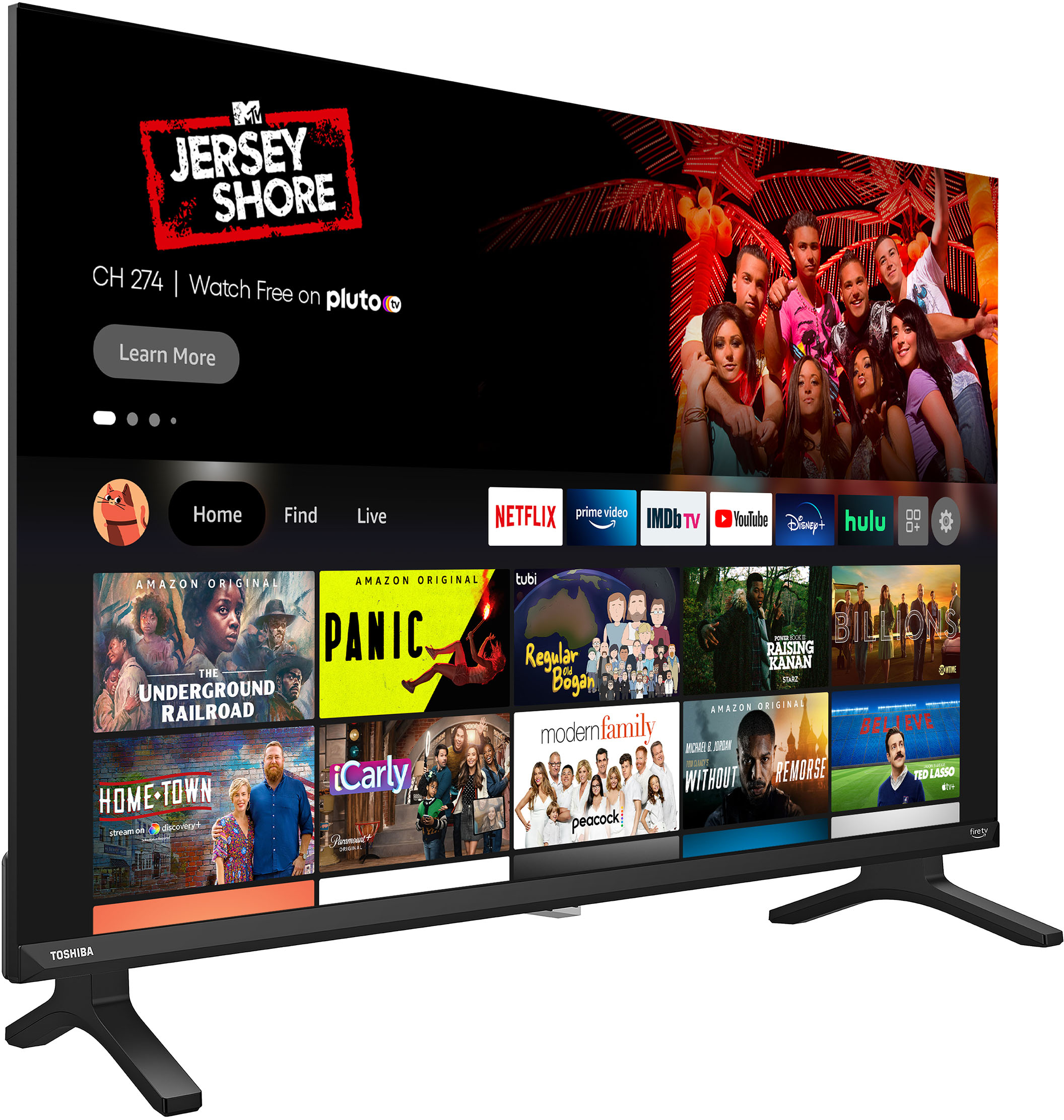
Fire TV brings live, over-the-air TV, streaming channels, and your favorite apps together onto one convenient home screen. Subscriptions may be required. Content availability subject to change.
Toshiba Support
Lea
https://tvna.compal-toshiba.com/
A:AnswerHello Cjs1,
Yes, this Toshiba TV can mirror android phones.
-Open Settings.
-Tap Display.
-Tap Cast Screen.
-In the upper right-hand corner, tap the Menu icon.
-Tap the checkbox for Enable wireless display to enable it.
-Available device names will appear, tap on the name of the device you wish to mirror your Android device's display to.
Toshiba Support,
Merjorie
www.toshiba.com/support
A:AnswerHi Jake,
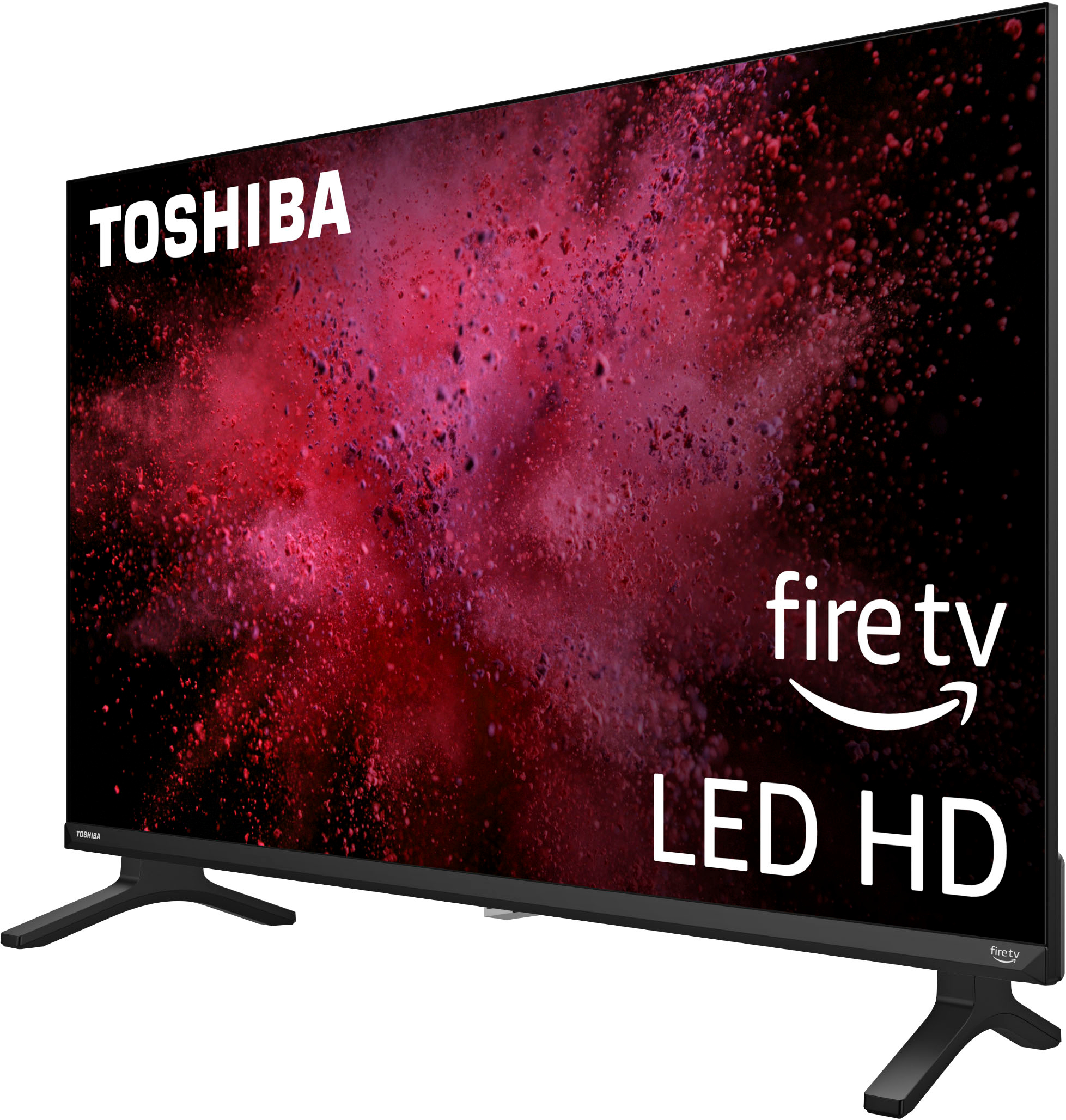
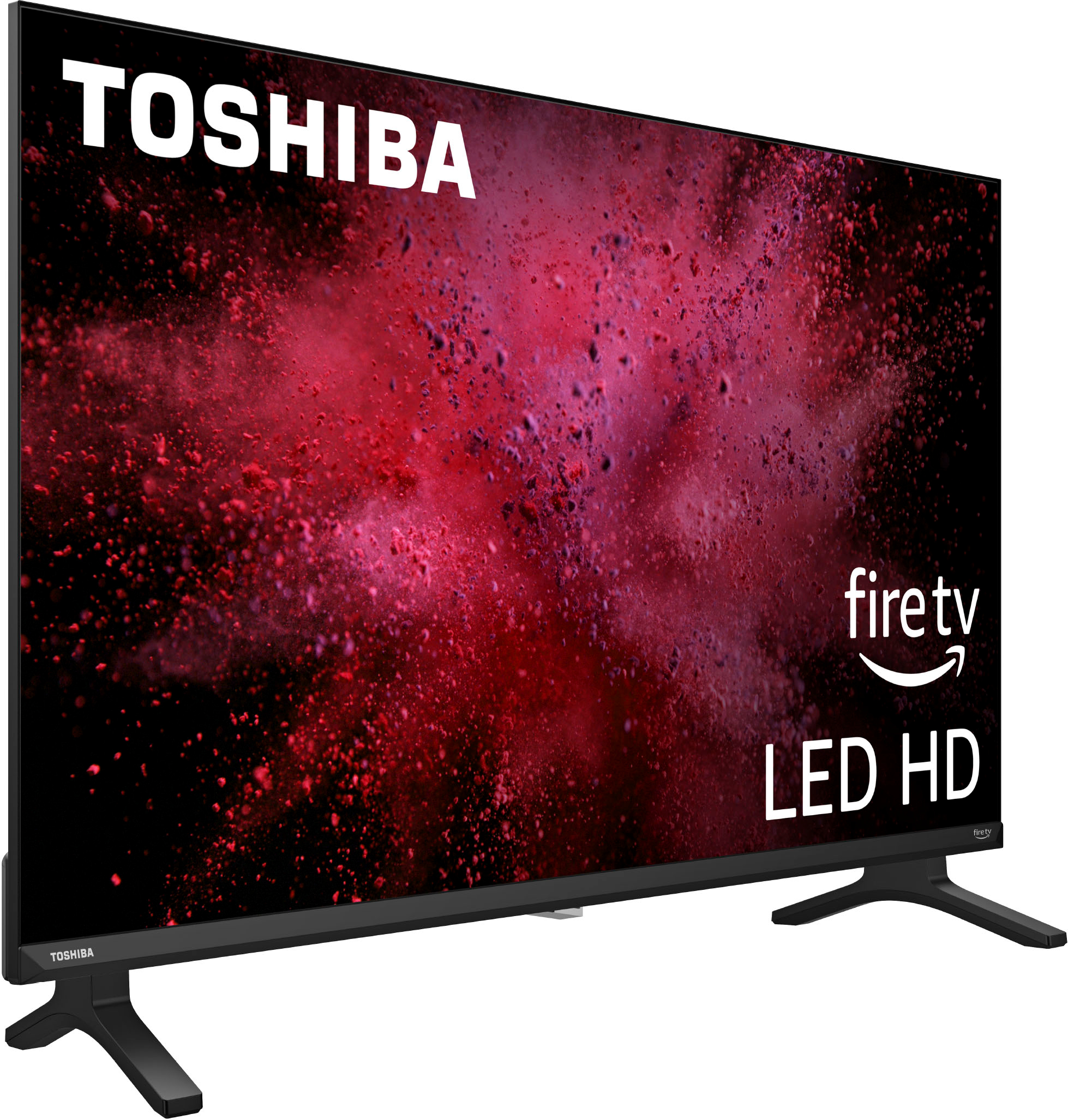
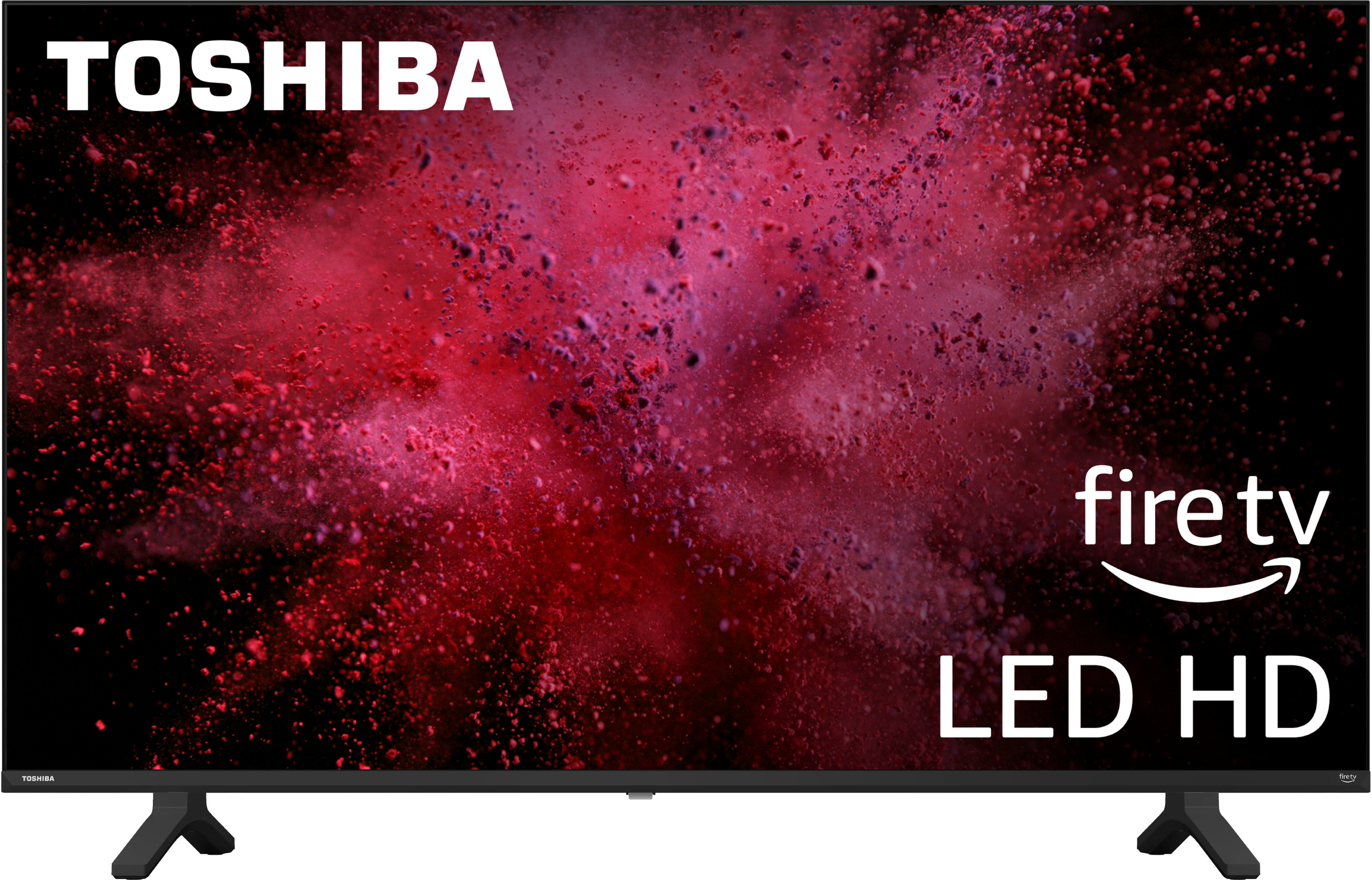
You need to download manually the Xfinity app on your Toshiba - 32" Class V35 Series LED HD Smart Fire TV.
Toshiba Products
Lisa
http://tvna.compal-toshiba.com/us/en/
A:AnswerHi Wally,
You may need an HDMI cable to connect it. For further assistance, please call your cable provider for further assistance.
Gem
Toshiba Products
Please visit us at www.toshiba.com