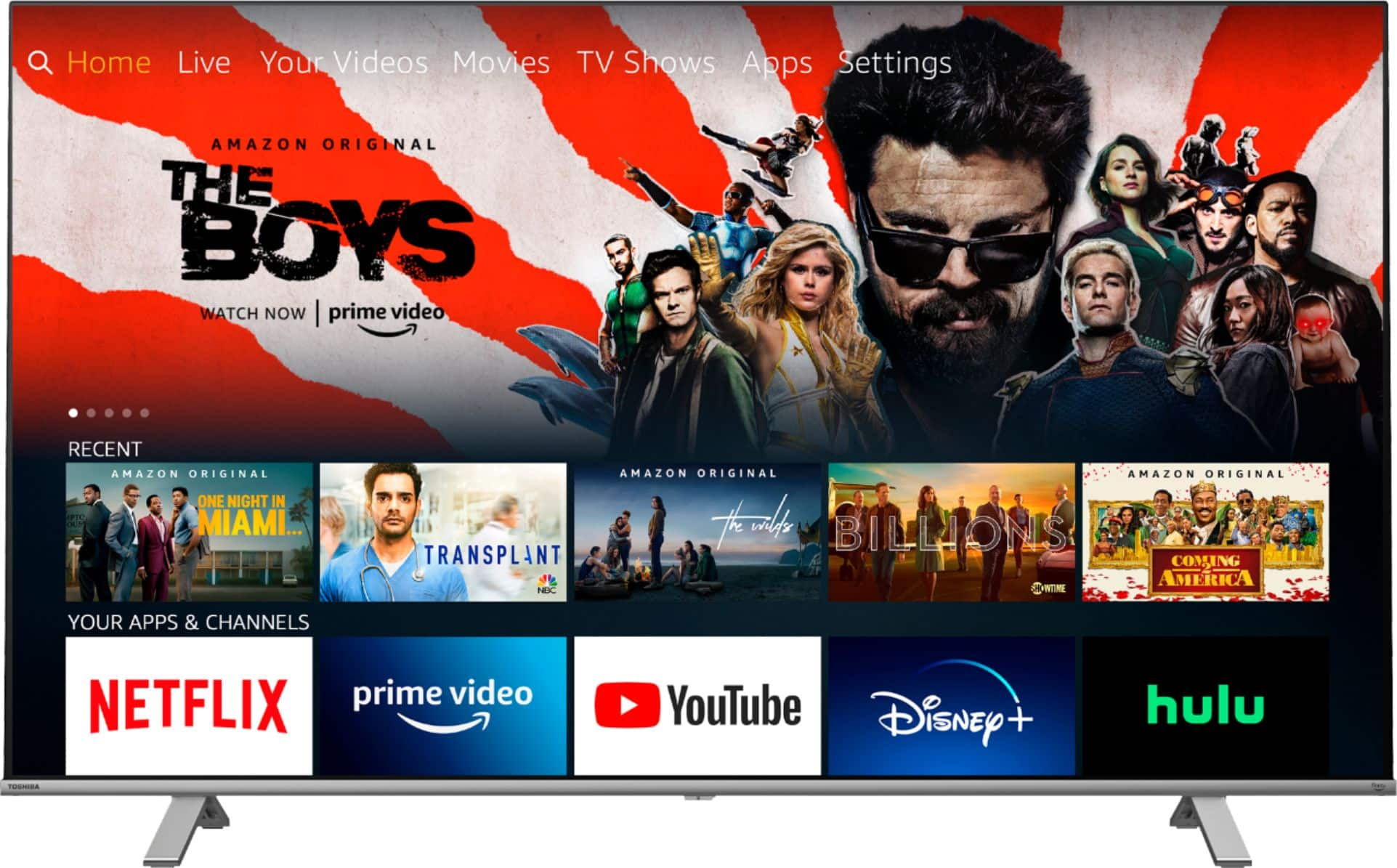
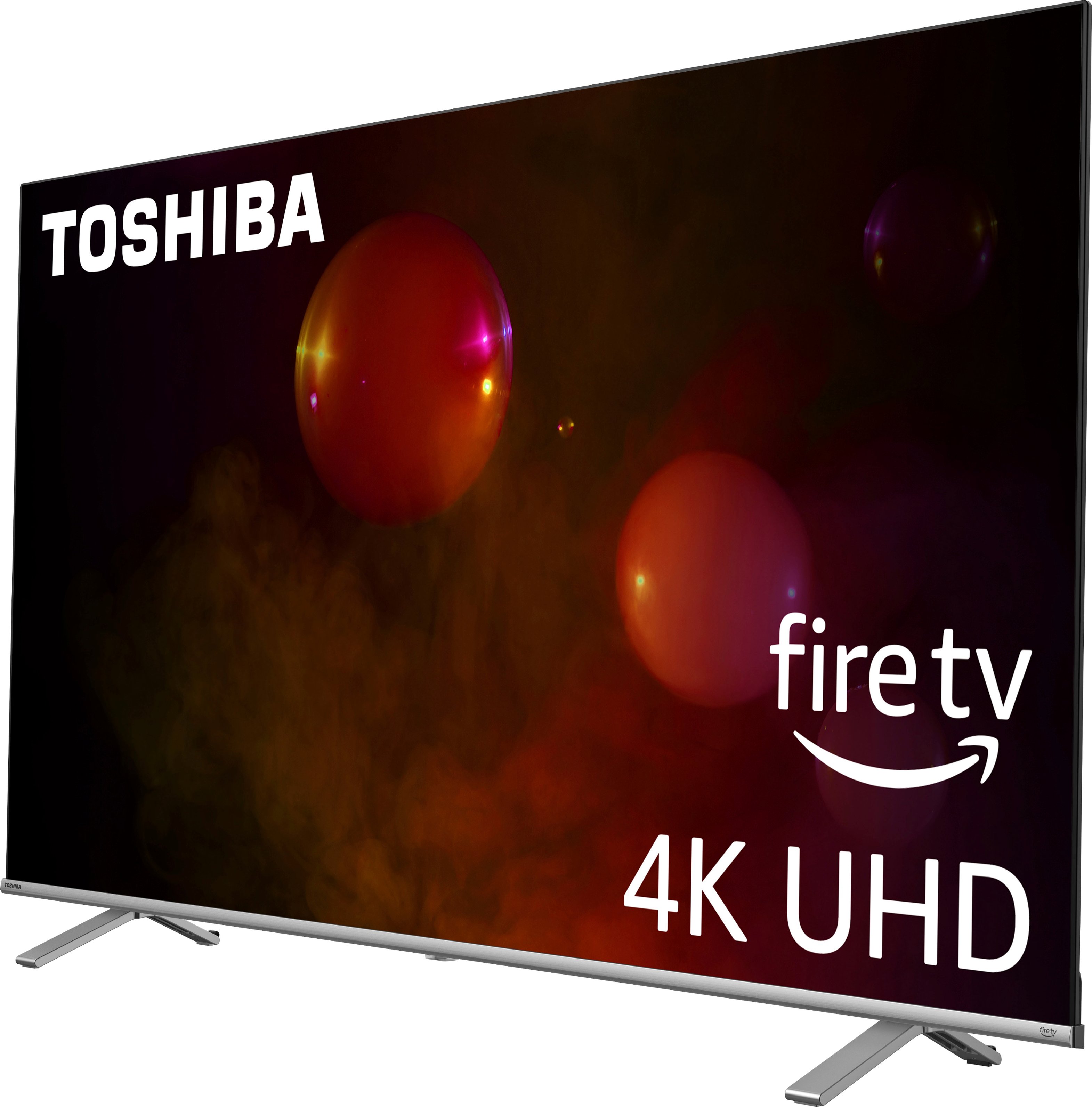
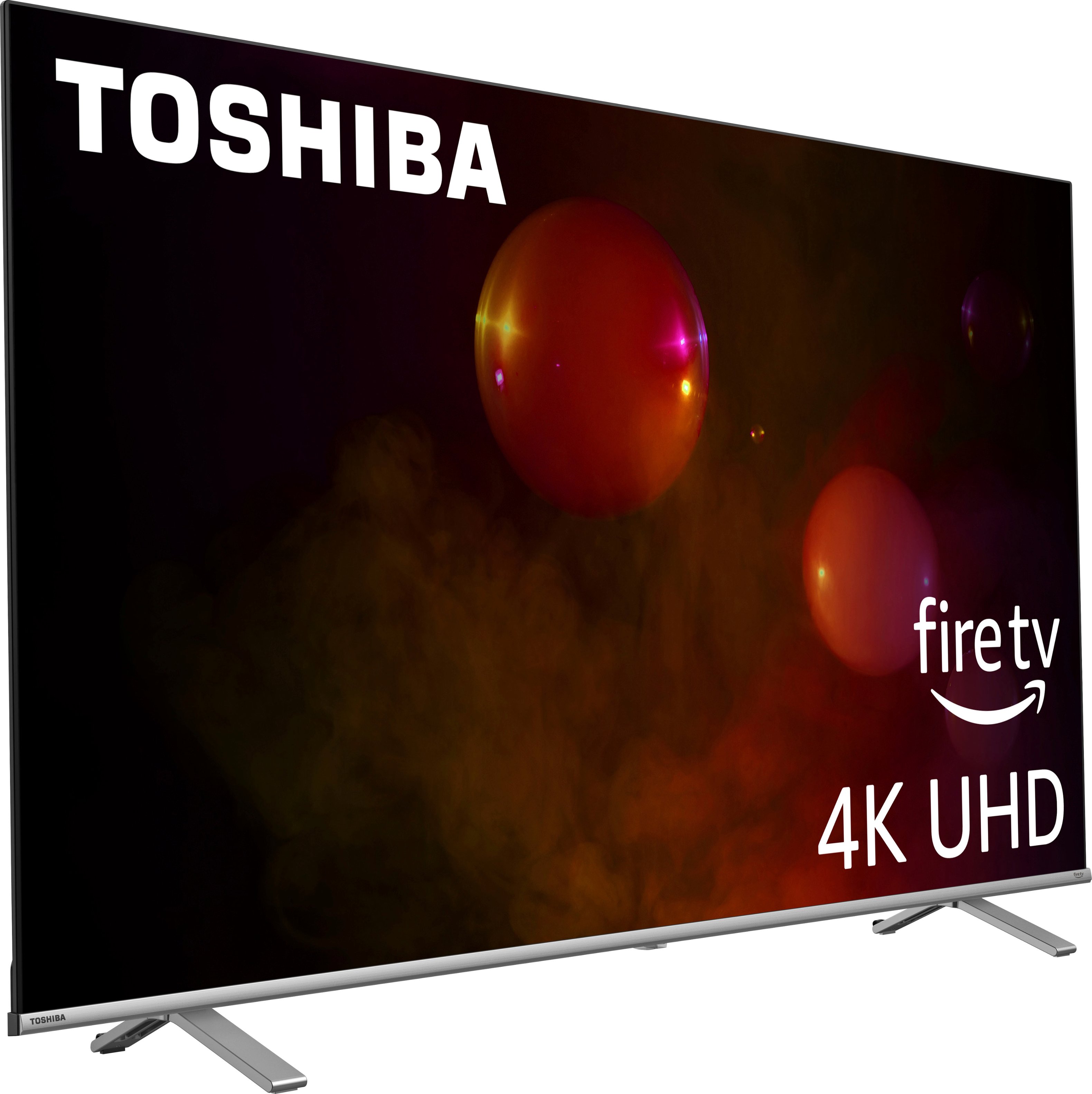
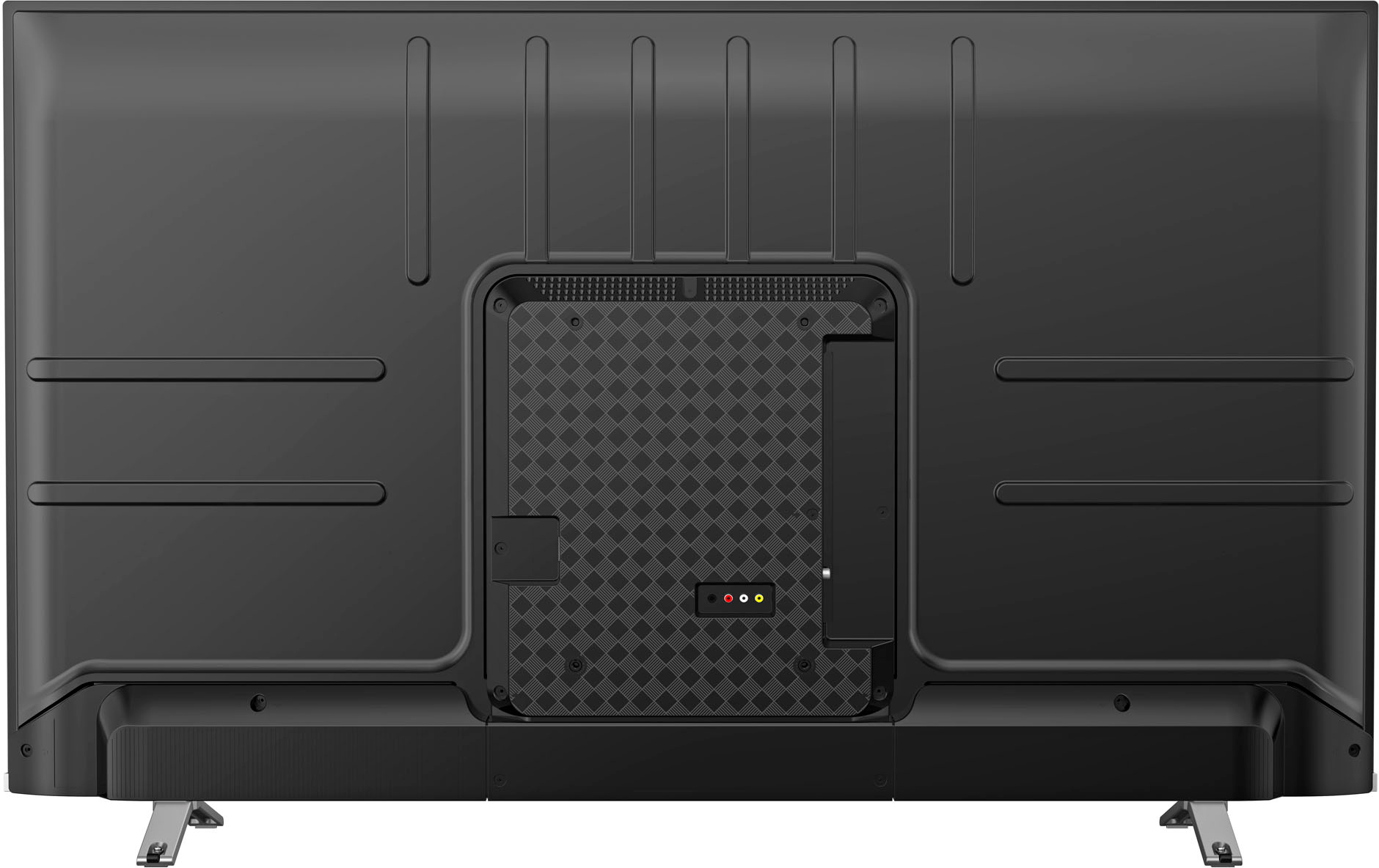
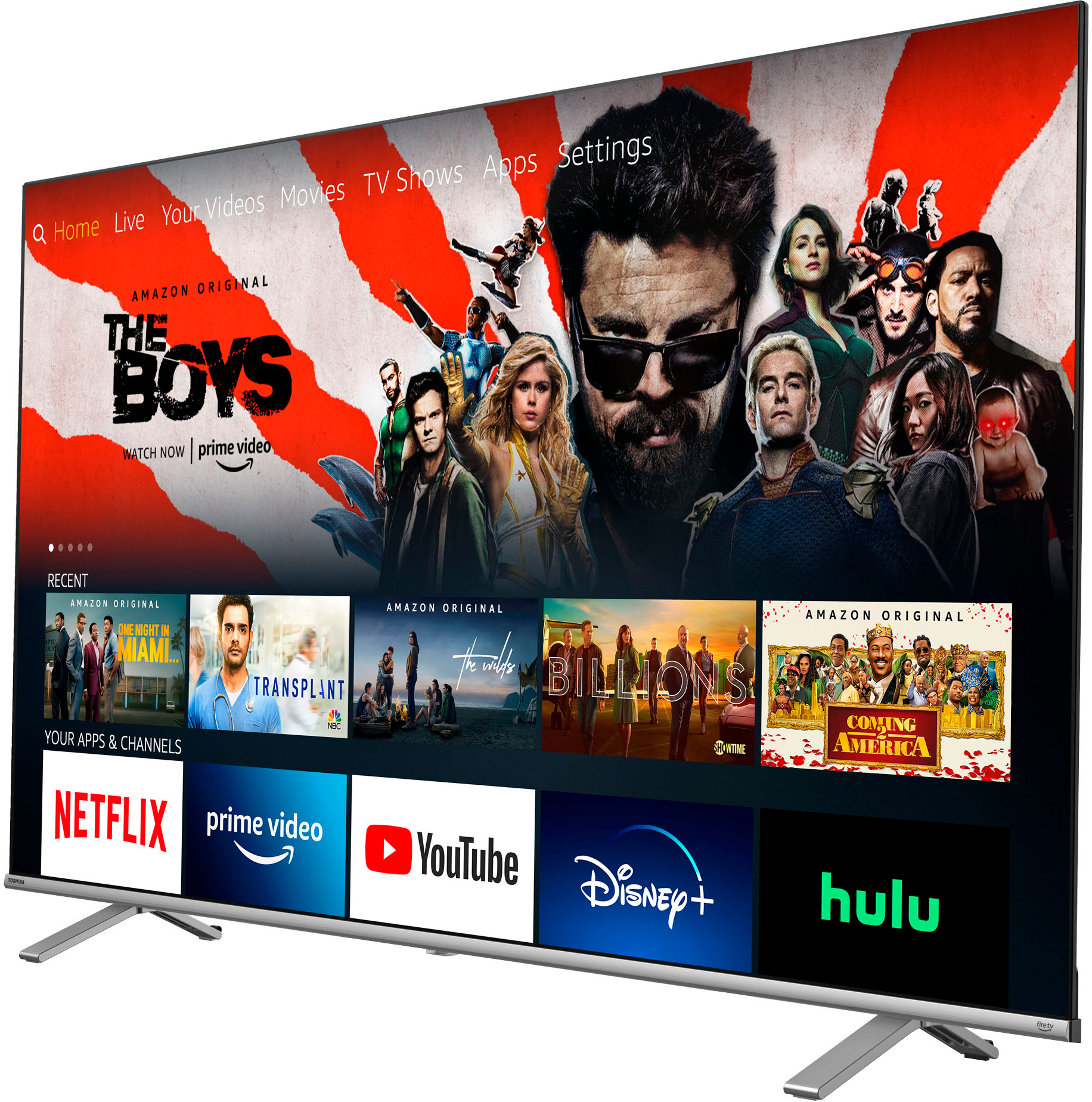
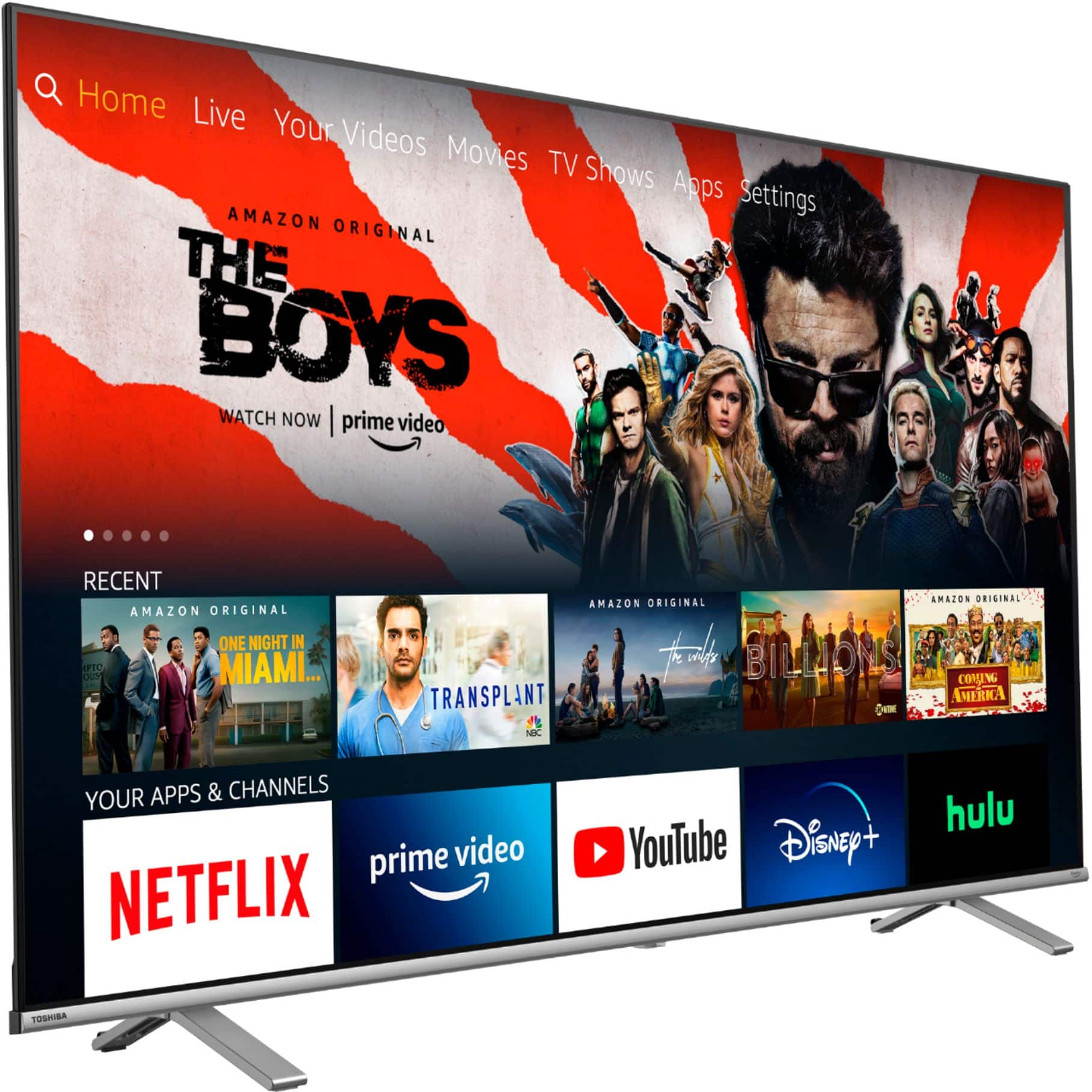
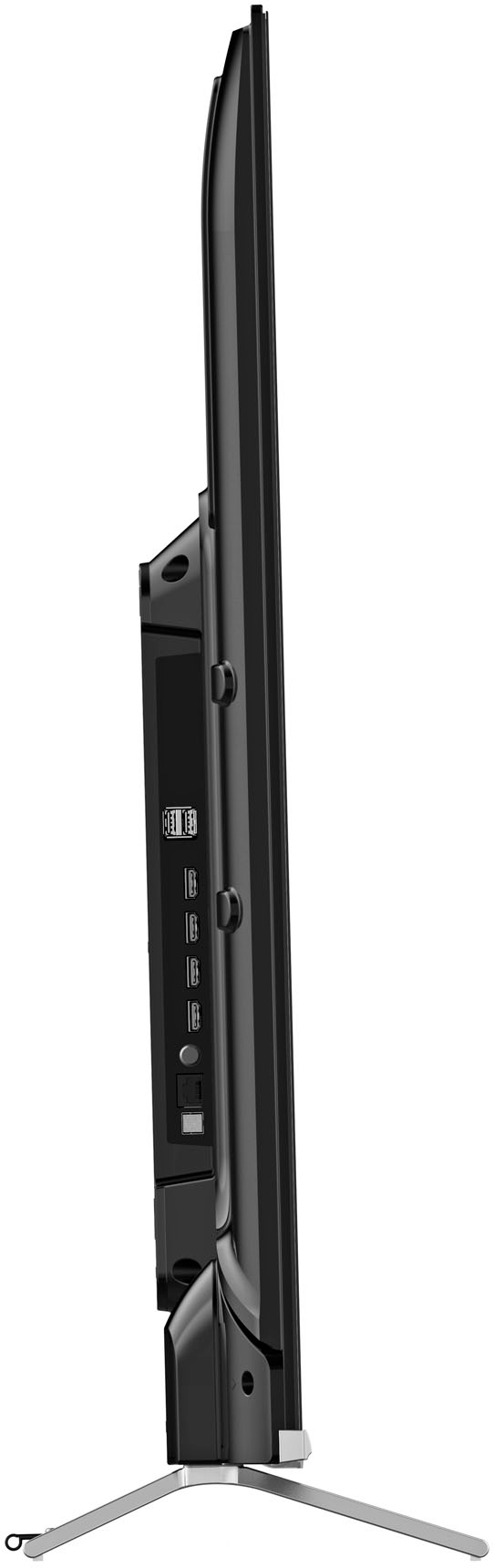
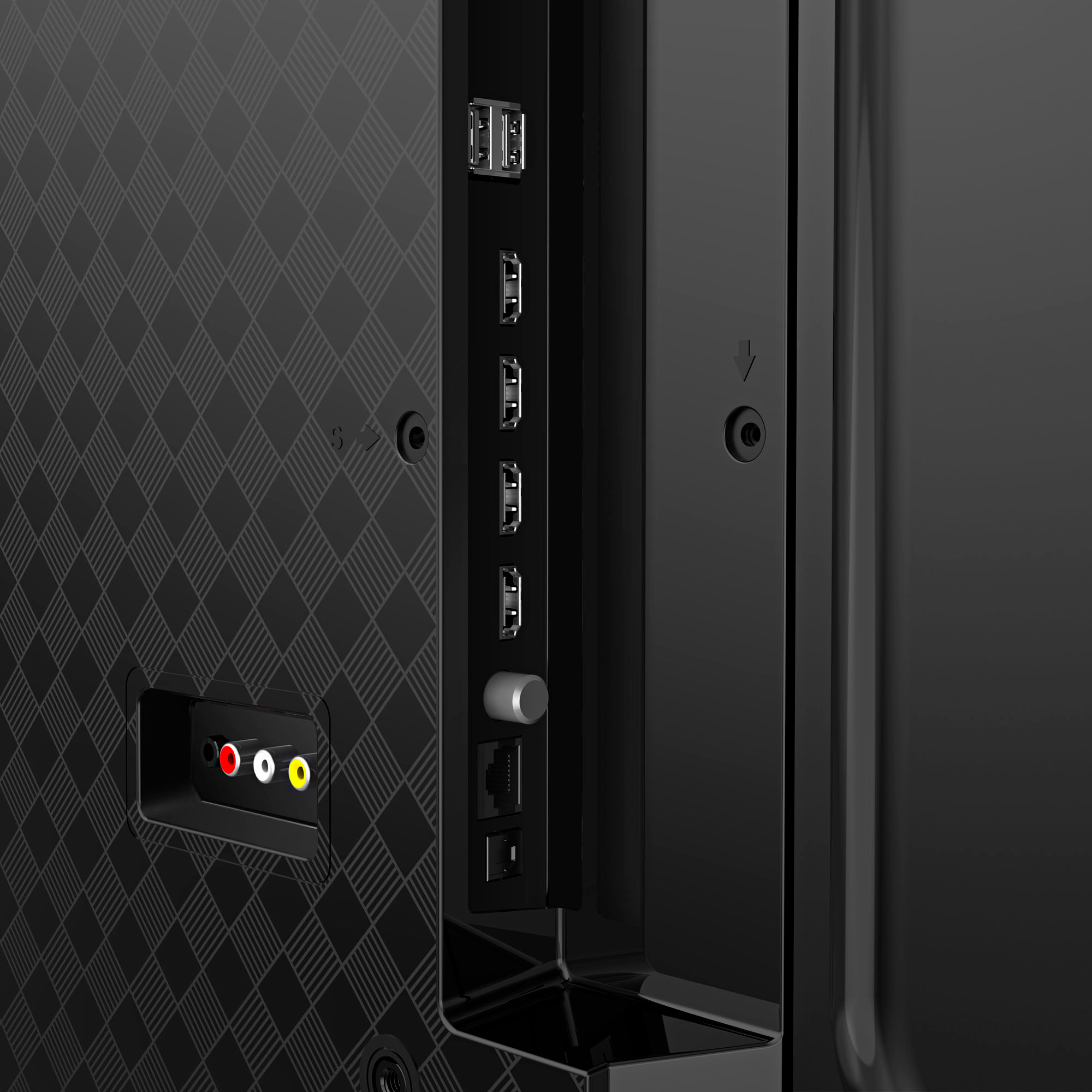
A:AnswerAbsolutely. FireTV is built in, meaning you don't need to add anything else to use it (other than connecting to your home wifi), but you can still connect anything you want to the HDMI ports such as a cable box or Roku stick.
A:AnswerOn home screen with profile pic on left and gear or cog wheel on far right scroll to gear to see page with grey boxes. Open one that says display and sounds. Scroll down to Display settings tap circle to open the different inputs (each input can have different or same settings) select input you want to change select picture size and you can choose between Full wide 1 2 or 3. 4.3 or Native
A:AnswerYou need a converter box like anything else and goes HDMI from there. As an alternative if you have a Comcast account you could just download their app. and go that way with slightly limited functionality, and save the rental fee.
A:AnswerNot sure about that. It comes with Alexa voice control to search for contents in your video library. I would recommend to use a Bluetooth keyboard if you search for movies and TV shows frequently. That's because the voice control can stop working in random times. Other than that, the TV works great at its screen size 55 inch and price level.
A:AnswerThe first answer is wrong. Using the digital audio output you can hook it up to your stereo and still use the onboard speakers at the same time. One can then control the volume's separately.
A:AnswerIt also powered off and on and updated a few times before settling in for me. Must have a few different updates needed. Hasn't needed an update since.