Questions & Answers
- Model:
- 55C350NU
- |
- SKU:
- 6618504
Q: QuestionDoes it support a headphone
Asked by Mac.
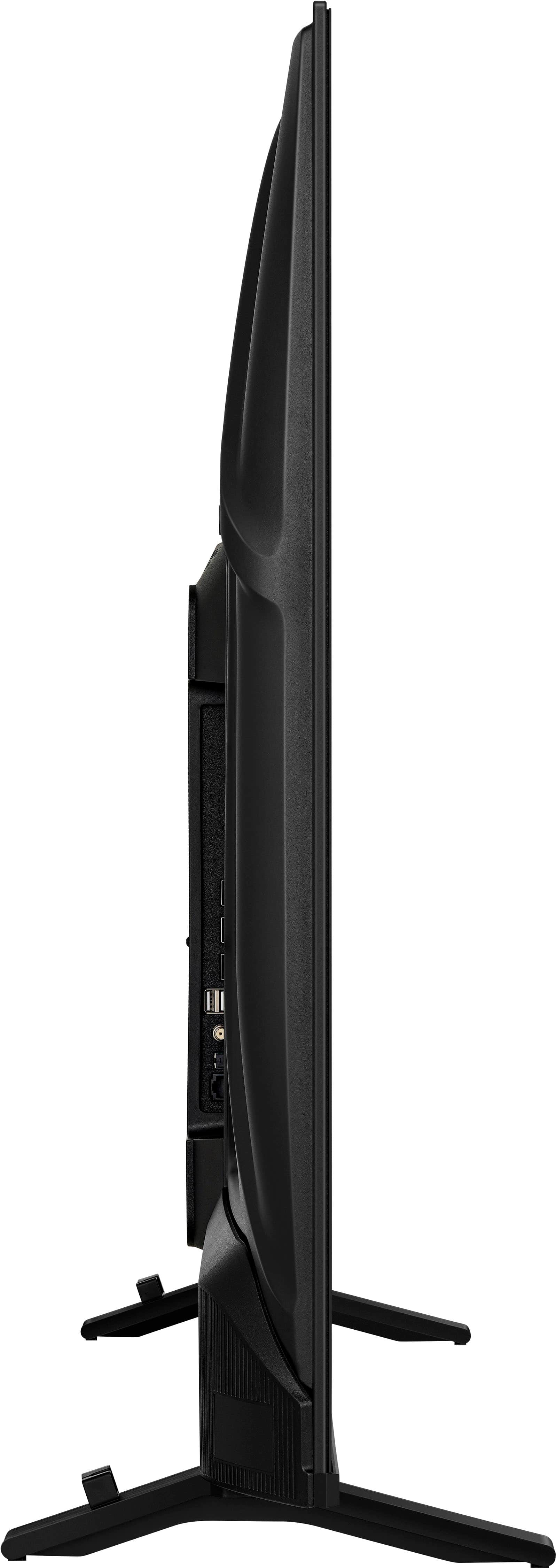
- A:Answer Hello, thank you for the question. Yes, the Toshiba 55" Class C350 Series Fire TV supports headphones. It features a 3.5 mm audio output for wired headphones and also supports Bluetooth connectivity, allowing you to pair compatible wireless Bluetooth headphones for private listening. Poojitha | Toshiba
Answered by Toshiba Customer Care
Q: QuestionDoes this tv have a headphone jack
Asked by Mac.
- A:Answer Hello, thank you for the question. Yes, the Toshiba 55" Class C350 Series Fire TV includes a 3.5 mm headphone jack, allowing you to connect compatible wired headphones directly to the TV. It also supports Bluetooth connectivity for compatible wireless headphones. Poojitha | Toshiba
Answered by Toshiba Customer Care
Q: Questionwhat are the dimensions of the box? Need to make sure it fits in my car
Asked by Anonymous.
- A:Answer Hello! Thank you for your question. The box dimensions for the Toshiba™ 55" Class C350 Series LED 4K UHD Smart Fire TV are approximately 53 inches wide, 33.5 inches high, and 5 inches deep. The box cubic dimension is 8,878 in³. We recommend measuring your vehicle's cargo area before pickup to ensure the TV will fit safely for transport. Vennila | Toshiba
Answered by Toshiba Customer Care
Q: QuestionIs there a remote?
Asked by Jack.
- A:Answer Hello Jack! Thank you for your question. Yes, the Toshiba™ 55" Class C350 Series LED 4K UHD Smart Fire TV includes a remote control in the box, allowing you to easily navigate the Fire TV interface, access streaming apps, and control the TV's settings and features. If you need additional assistance, please contact Toshiba Customer Support at 1‑855‑527‑2411. Vennila | Toshiba
Answered by Toshiba Customer Care
Q: QuestionCan i use bluetooth speakers with this tv?
Asked by Anonymous.
- A:Answer Hello, thank you for the question. Yes, the Toshiba 55" Class C350 Series Fire TV supports Bluetooth connectivity, allowing you to pair compatible Bluetooth speakers for wireless audio. This can be a convenient way to enhance your TV's sound without needing additional cables. Poojitha | Toshiba
Answered by Toshiba Customer Care
Q: QuestionDoes the TV come with a remote and feet to stand the TV on a table?
Asked by Anonymous.
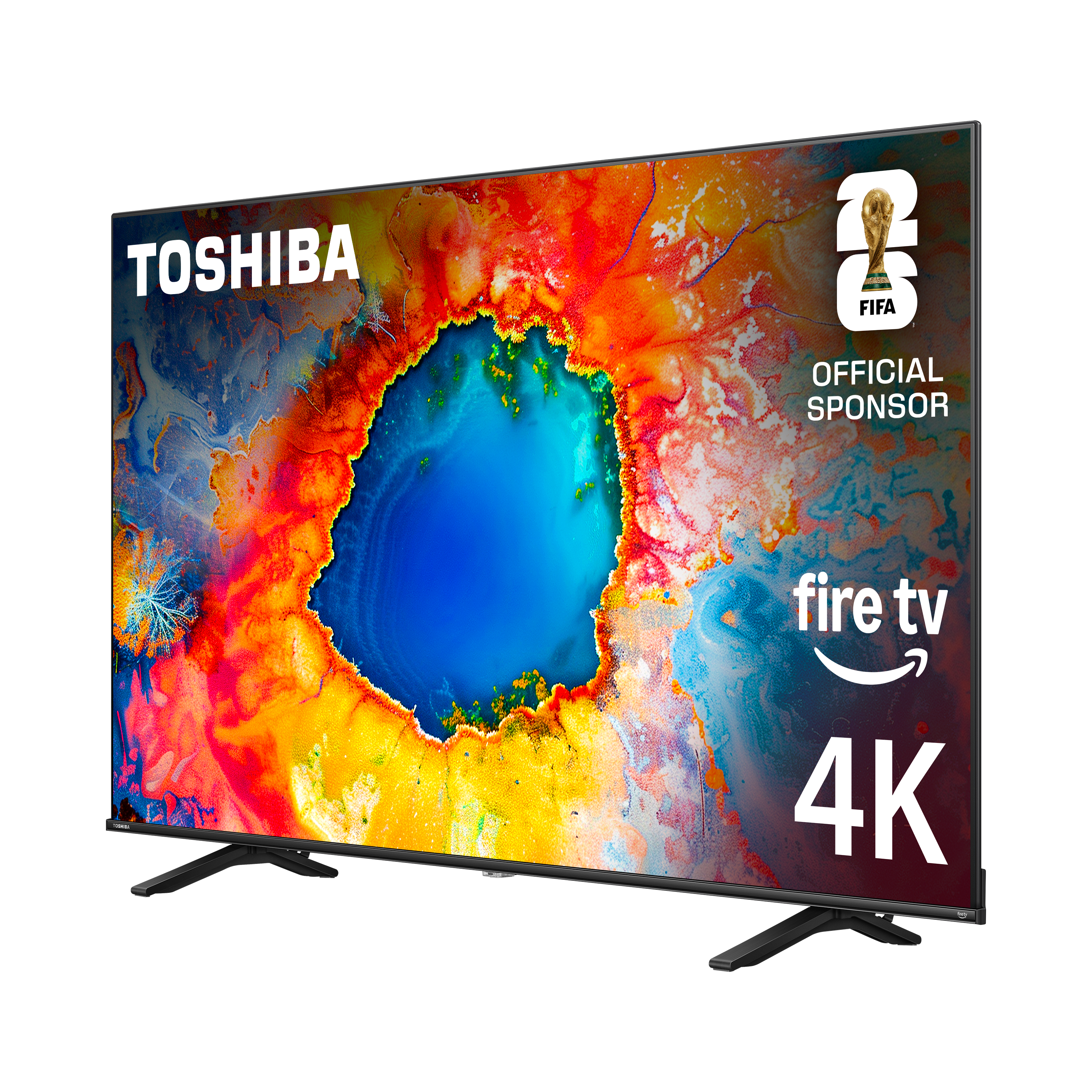
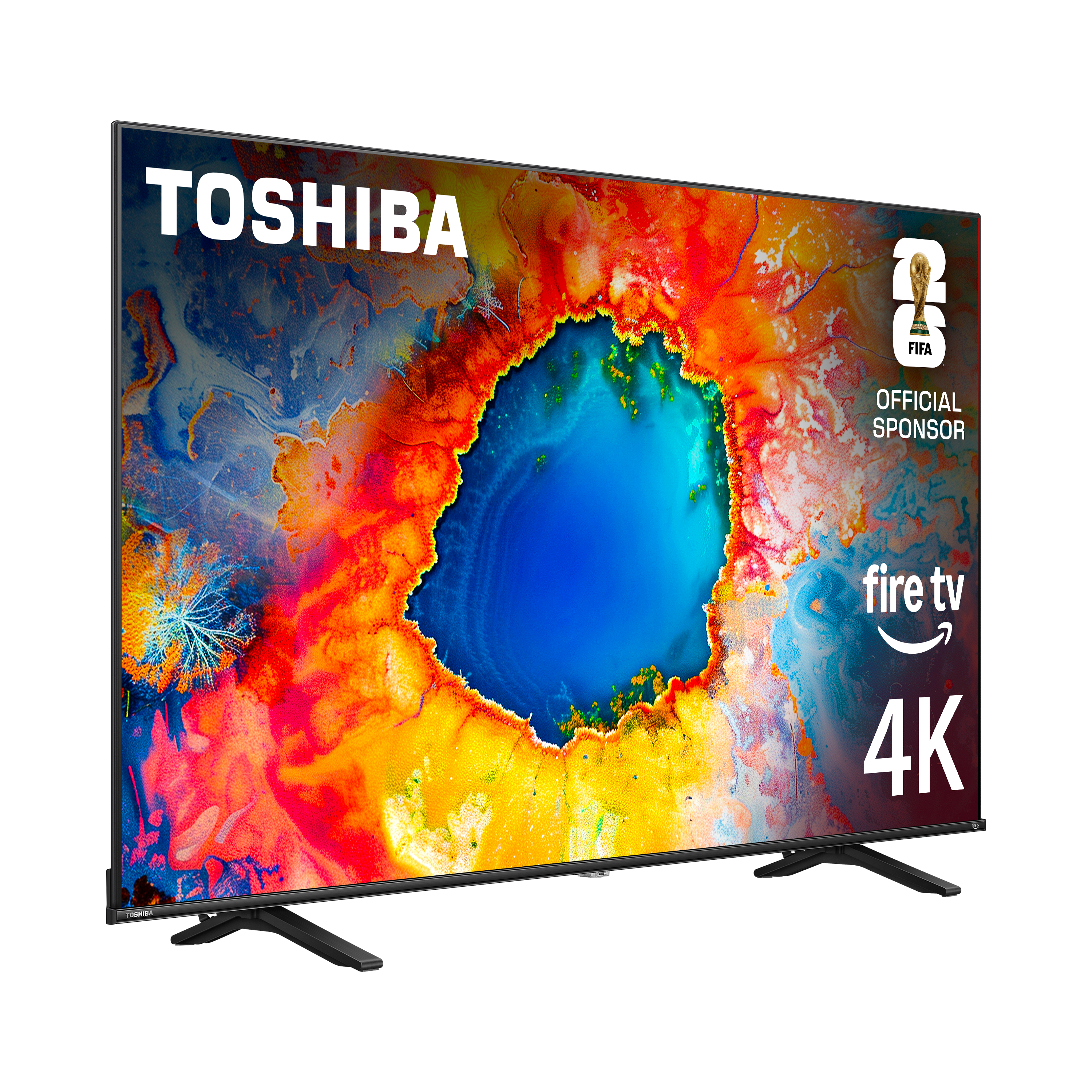
- A:Answer Hello! Thank you for your question. Yes, the Toshiba™ 55" Class C350 Series LED 4K UHD Smart Fire TV comes with a remote control as well as the stand legs (feet) needed for tabletop installation, so you can set up and start using the TV right out of the box. If you need additional assistance, please contact Toshiba Customer Support at 1‑855‑527‑2411. Vennila | Toshiba
Answered by Toshiba Customer Care
Q: QuestionCould you connect Bluetooth headphones,and what is the quality of sound
Asked by Anonymous.
- A:Answer Hello, thank you for the question. Yes, the Toshiba 55" Class C350 Series Fire TV supports Bluetooth connectivity, allowing you to pair compatible Bluetooth headphones for private listening. The TV also supports Dolby Atmos audio, and many customers find the sound clear and enjoyable for movies, shows, and everyday viewing. The overall audio experience will also depend on the quality of the headphones you use. Poojitha | Toshiba
Answered by Toshiba Customer Care
Q: QuestionDoes this TV have a digital tuner?
Asked by Skippy.
- A:Answer Hello! Thank you for your question. Yes. The Toshiba 55" Class C350 Series LED 4K UHD Smart Fire TV includes a built-in ATSC digital tuner, which allows you to receive free over-the-air local TV channels with an antenna. Darshan | Toshiba
Answered by Toshiba Customer Care
Q: QuestionCan this TV be attached to a TV Stand in the middel similar to a Wall Mount? My cabinet is only 36 inches wide and I would like the TV on top of it with a middle support.
Asked by Phrumpel.
- A:Answer Wall mount is a standard measurement with the holes defined by industry standards. If the TV stand matched a wall mount, YES IT CAN
Answered by MICHAELB
Q: QuestionCan you download local stations
Asked by dcarter.
- A:Answer Hello, thank you for the question. Yes, the Toshiba 55" Class C350 Series Fire TV can receive local channels when connected to a compatible over-the-air antenna. Simply connect the antenna to the coaxial input and run a channel scan in the TV settings to find available local stations in your area. Poojitha | Toshiba
Answered by Toshiba Customer Care
Q: QuestionCan i add onn streaming device Google tv.
Asked by Ivan.
- A:Answer Hello Ivan! Thank you for your question. Yes, you can connect an onn. Google TV streaming device to the Toshiba 55" Class C350 Series Smart Fire TV using one of the TV's HDMI ports. The TV supports external streaming devices, so you can use Google TV even though Fire TV is already built in. Darshan | Toshiba
Answered by Toshiba Customer Care
Q: QuestionWhat are the measurements for the back TV nuts to attach to a hanging bracket?
Asked by Bracket.
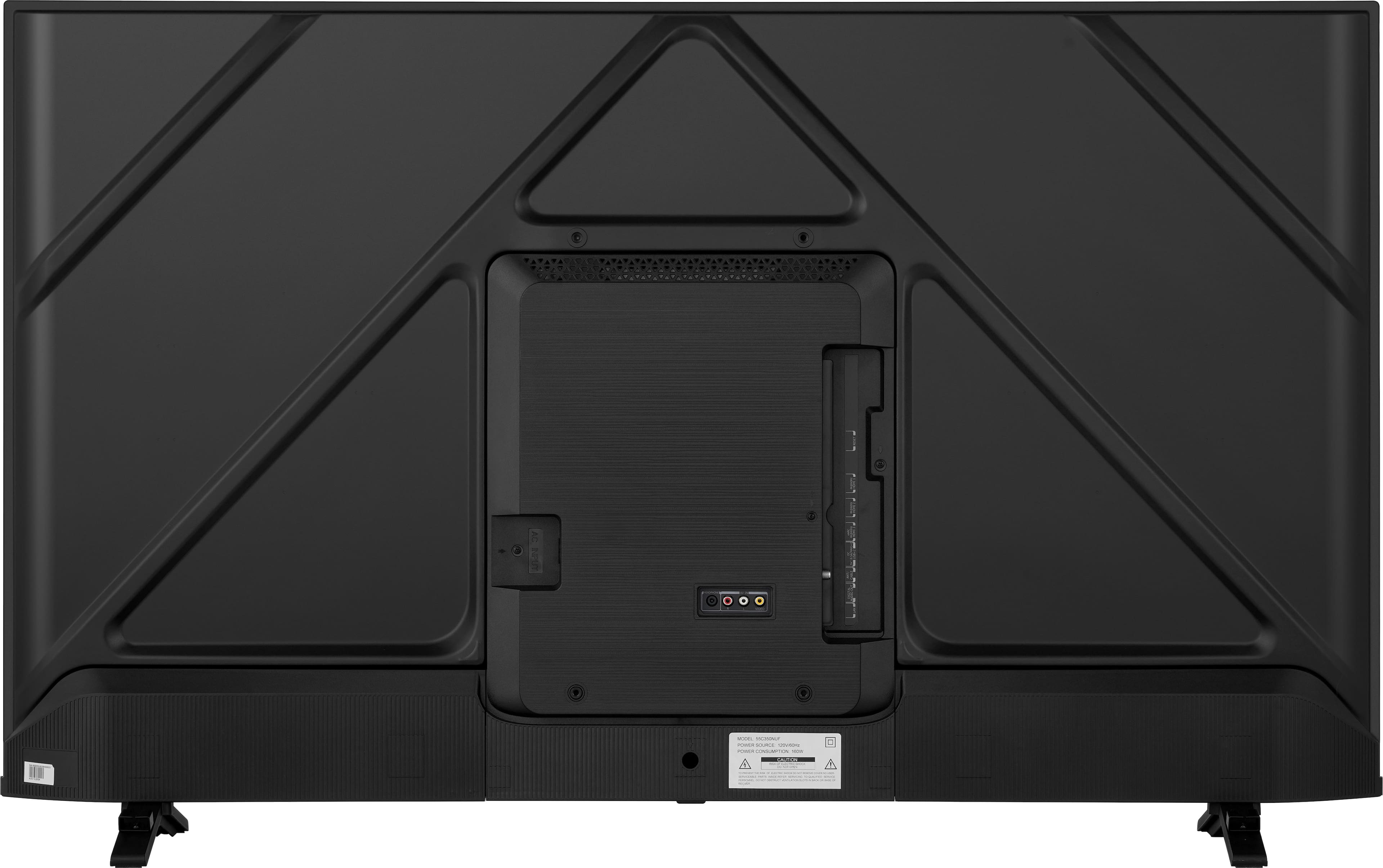
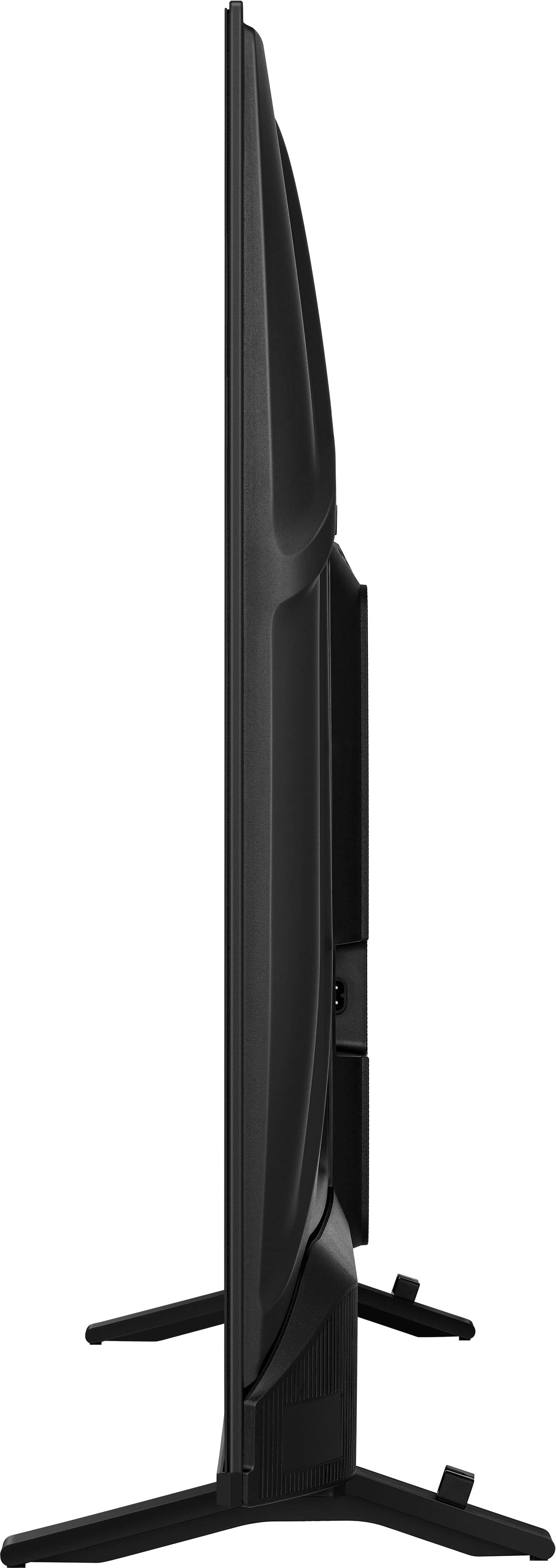
- A:Answer Hello, thank you for the question. The Toshiba 55" Class C350 Series Fire TV uses a 200 mm × 400 mm VESA wall mount pattern and requires four M6 mounting screws. For wall mounting, the recommended screw insertion depth is 8.0–10.0 mm, and the TV includes two mounting nuts that are installed into the back of the TV before attaching the wall mount bracket. Be sure your wall mount supports the 200 × 400 mm VESA pattern and uses compatible M6 hardware. Poojitha | Toshiba

Answered by Toshiba Customer Care
Q: QuestionWhat cords will I need to get for this TV to get it up and running?
Asked by Kimb.
- A:Answer Hello Kim, thanks for your question. To set up the Toshiba 55" C350 Series Fire TV (55C350NU), you really only need the included power cord, and if you plan to connect devices like a cable box or game console, an HDMI cable is the only additional cord you’d need; everything else for basic operation is already built in. Sidhartha | Toshiba
Answered by Toshiba Customer Care
Q: QuestionDoes this tv support a vizio soundbar
Asked by Dave.
- A:Answer Hello Dave! Thank you for your question. the Toshiba 55" C350 Series 4K Fire TV works perfectly with a Vizio sound bar. As long as the sound bar connects through a standard audio option like HDMI ARC, optical, or Bluetooth (if your Vizio model supports it), the TV will send audio without any compatibility issues. Just plug the sound bar into one of those supported ports and select the correct audio output in the TV’s settings. Darshan | Toshiba
Answered by Toshiba Customer Care
Q: Questionis there pairing compatibility with you your Bluetooth TV with my hearing aids? I have a hard wired headphone system now
Asked by billyB.
- A:Answer Hello, thank you for the question. The Toshiba 55" C350 Series Fire TV supports Bluetooth audio, but it is generally designed for standard Bluetooth headphones or speakers, and may not directly pair with all hearing aids due to compatibility differences. Since you already use a hard‑wired headphone system, that will remain the most reliable option. For hearing aids, you may need a compatible transmitter or accessory specifically designed for your device. Poojitha | Toshiba
Answered by Toshiba Customer Care
Q: QuestionWill this TV stream television programs without cable TV (such as Mediacom) subscription?
Asked by PJZMF.
- A:Answer Hello, thank you for the question. Yes, the Toshiba 55" C350 Series Fire TV can stream television programs without a cable TV subscription by using built‑in apps like Prime Video, Netflix, Hulu, and free streaming services. You will need an internet connection and any required app subscriptions, but no cable provider is necessary for streaming content. Poojitha | Toshiba
Answered by Toshiba Customer Care
Q: QuestionDoes this tv have an hdmi arc port
Asked by Anonymous.
- A:Answer Hello! Thank you for your question. Yes, the Toshiba 55" Class C350 Series LED 4K UHD Smart Fire TV does include an HDMI ARC port, allowing you to connect a compatible sound bar or audio system using a single HDMI cable for simplified setup and improved audio performance. Darshan | Toshiba
Answered by Toshiba Customer Care
Q: QuestionThis TV turns itself off. I do not have sleep timer on at all and want it to remain on until I turn it off. I have looked online and cannot find a way to stop it from doing this. How can I stop it from turning itself off?
Asked by Shyandbuck.
- A:Answer Hello, thank you for the question. Try checking Settings > Preferences and turning off any power or inactivity options, and review CEC settings if external devices are connected. You can also update the TV software or perform a factory reset to see if that resolves the issue. For further assistance, please contact 1-888-407-0396 or support@toshibatv-usa.com. Poojitha | Toshiba
Answered by Toshiba Customer Care
Q: QuestionHow is video resolution set. There are no options for video resolution on Fire TV. I go to "home" on remote, then to settings, "Display and Sound" but there is no option to change the video resolution. I would like to be able to use 4K when available.
Asked by ricks.
- A:Answer Hello, thank you for the question. On the Toshiba 55" C350 Series Fire TV, video resolution is automatically set rather than manually adjusted, so the TV will switch to 4K when supported content and sources are available. If you’re not seeing 4K, ensure you’re using a compatible app and subscription that supports 4K, and check that the setting under Settings > Display & Sounds > Display > Video Resolution (if shown) is set to Auto so the TV can select the highest quality available. Poojitha | Toshiba
Answered by Toshiba Customer Care
Q: QuestionDo I need a fire stick or can i.just download Hulu and Prime and paramount On the screen
Asked by Olemeiniowa2.
- A:Answer Hello! Thank you for your question. You don’t need a Fire Stick for your Toshiba 55" C350 Series Fire TV. it already has Fire TV built in, so you can download apps like Hulu, Prime Video, and Paramount+ directly from the App store on the TV and start streaming right away. Darshan | Toshiba
Answered by Toshiba Customer Care