A:AnswerThe Hz speed is how many times per second the image refreshes. It has nothing to do with brightness. You can adjust the brightness in the settings of the TV.
A:AnswerHi Toshiba Customer, thank you for your interest in the 65C350KU. Yes you can use the TV without WiFi. You can connect an antenna and watch local channels. As well as connecting a cable box or game console. If you have any further questions or concerns, please give us a call at 1-888-407-0396 or email us at [email protected]. Thanks again, Toshiba Support Team.
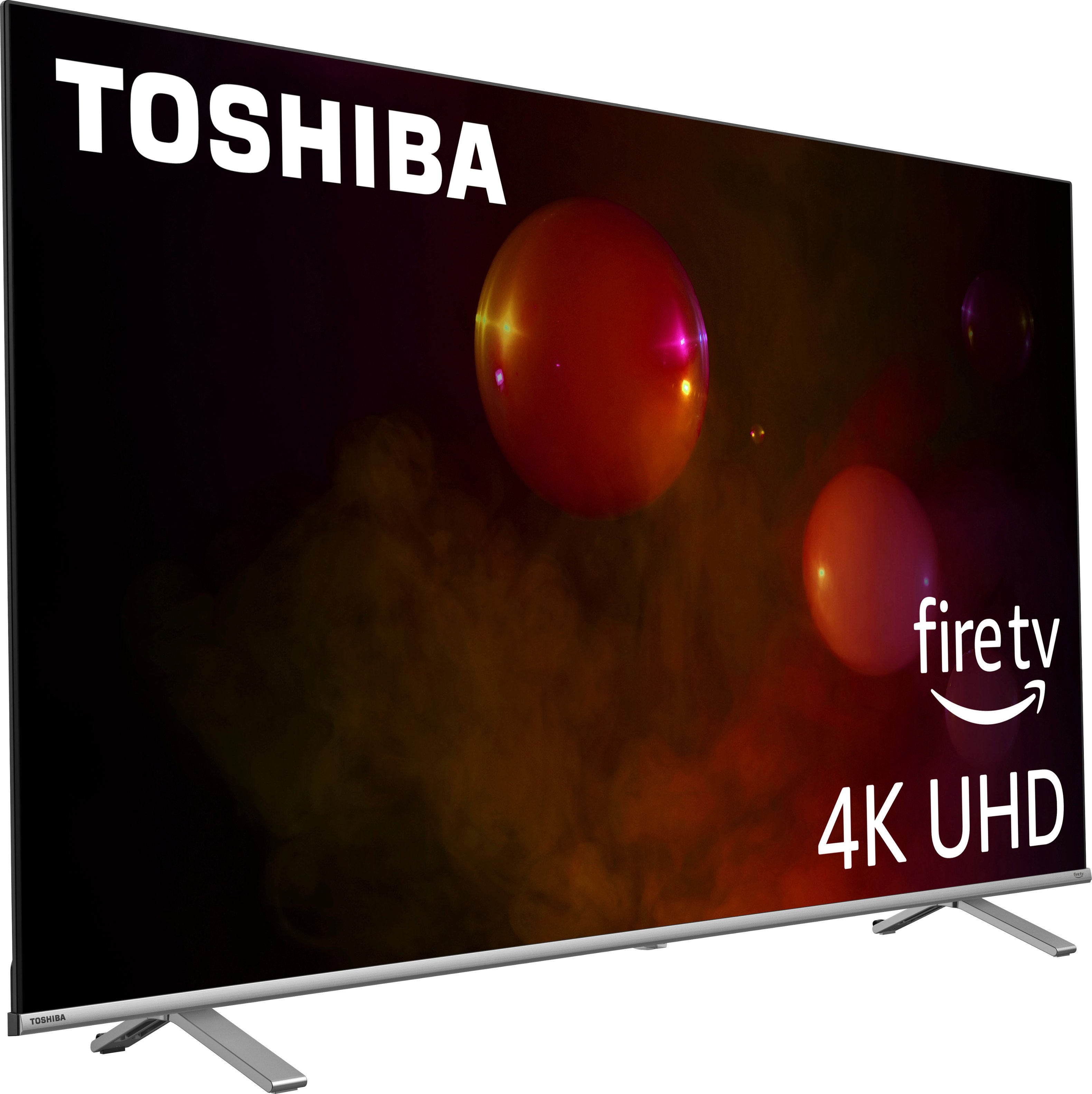
A:AnswerBy purchasing a flat mount, TV mount. Make sure that you're anchoring the mount into studs in your wall. Otherwise you run the risk of the TV & the mount separating from the wall & having an expensive mess.
A:AnswerHello Matt, thank you for your interest in the Toshiba 65C350KU. This TV has 16GB internal storage. If you have any further questions or concerns, please give us a call at 1-888-407-0396 or email us at [email protected]. Thanks again, Toshiba Support Team.
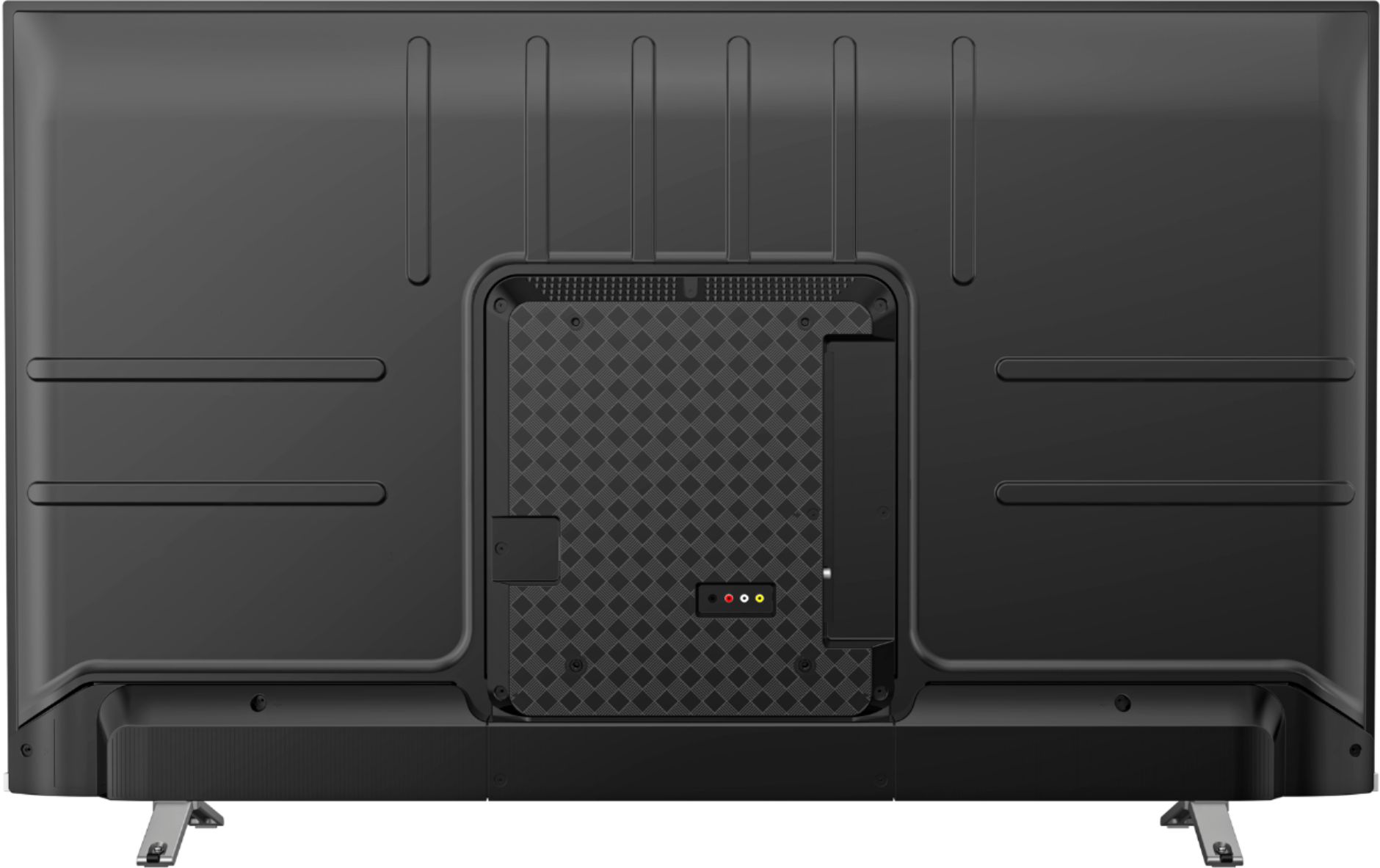
A:AnswerHello Motion, thank you for your interest in the Toshiba 65C350KU. Regrettably, this unit does not have a soap opera or motion flow picture setting. If you have any further questions or concerns, please give us a call at 1-888-407-0396 or email us at [email protected]. Thanks again, Toshiba Support Team.
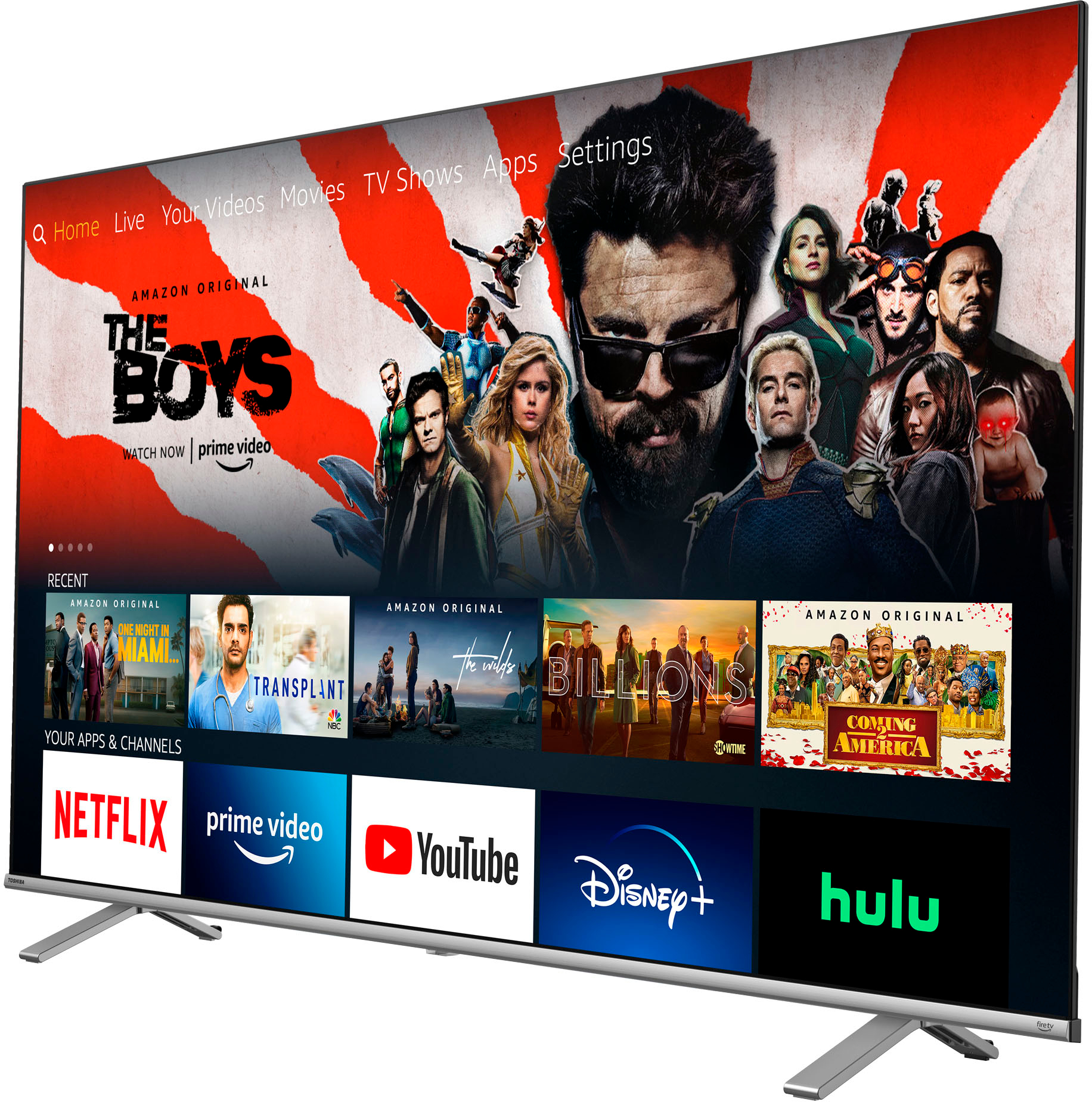
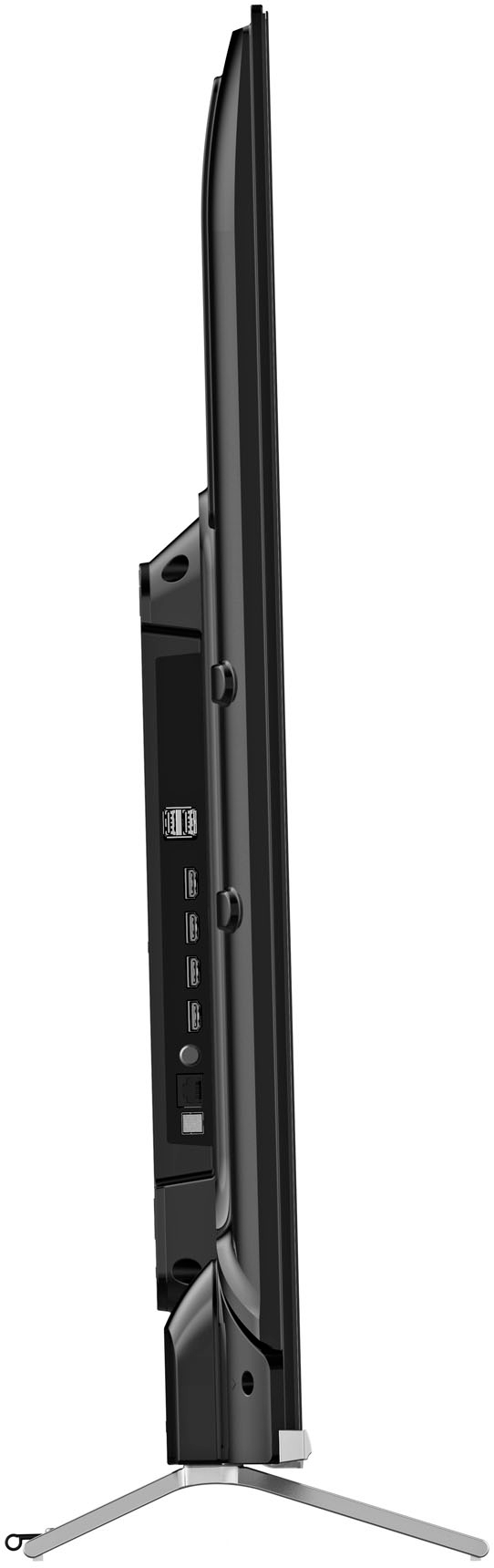
A:AnswerHello Ken, thank you for your interest in the Toshiba 65C350KU. You are able to connect a sound bar to this TV using Bluetooth, optical, HDMI-eARC or auxiliary connections. If you have any further questions or concerns, please give us a call at 1-888-407-0396 or email us at [email protected]. Thanks again, Toshiba Support Team.
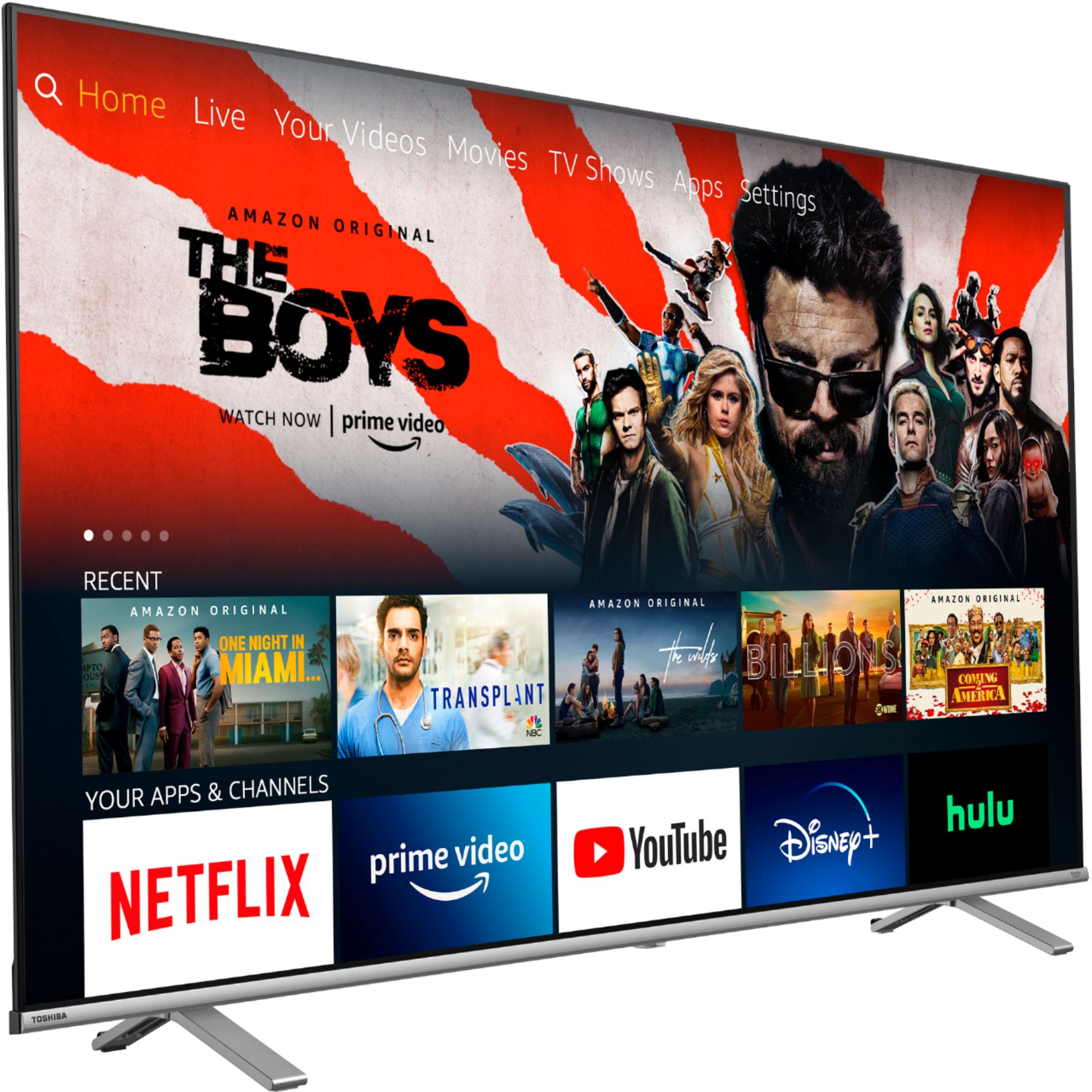
A:AnswerHello tyler, thank you for your interest in the Toshiba 65C350KU. You are able to play videos from a USB flash drive. You may have to download a media play that supports these file types from the Amazon App Store. If you have any further questions, feel free to give us a call at 1-888-407-0396 or send us an email at [email protected]. Thanks again, Toshiba Support Team.
A:AnswerHello Elders, thank you for your interest in the Toshiba 65C350KU. Unfortunately, you are not able to get sound from both wireless headphones and an external speaker simultaneously. If you have any further questions, feel free to give us a call at 1-888-407-0396 or send us an email at [email protected]. Thanks again, Toshiba Support Team.
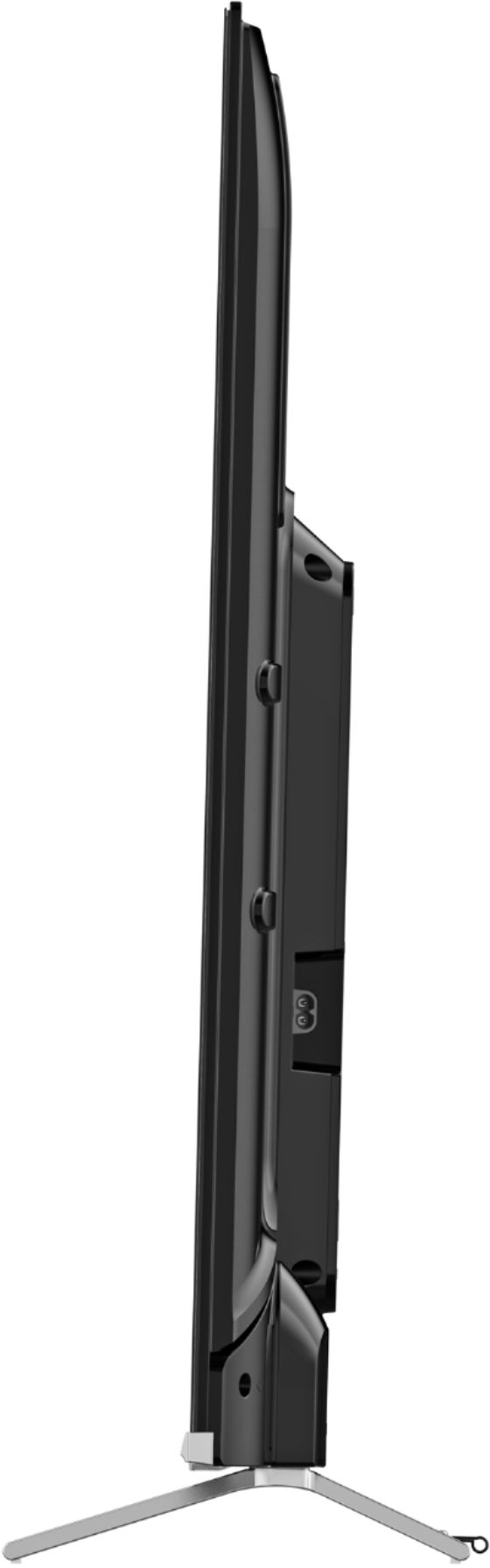
A:AnswerHello, thank you for your interest in the Toshiba 65C350KU. You are able to connect a Roku Streaming device to one of the HDMI ports. If you have any further questions, feel free to give us a call at 1-888-407-0396 or send us an email at [email protected]. Thanks again, Toshiba Support Team.
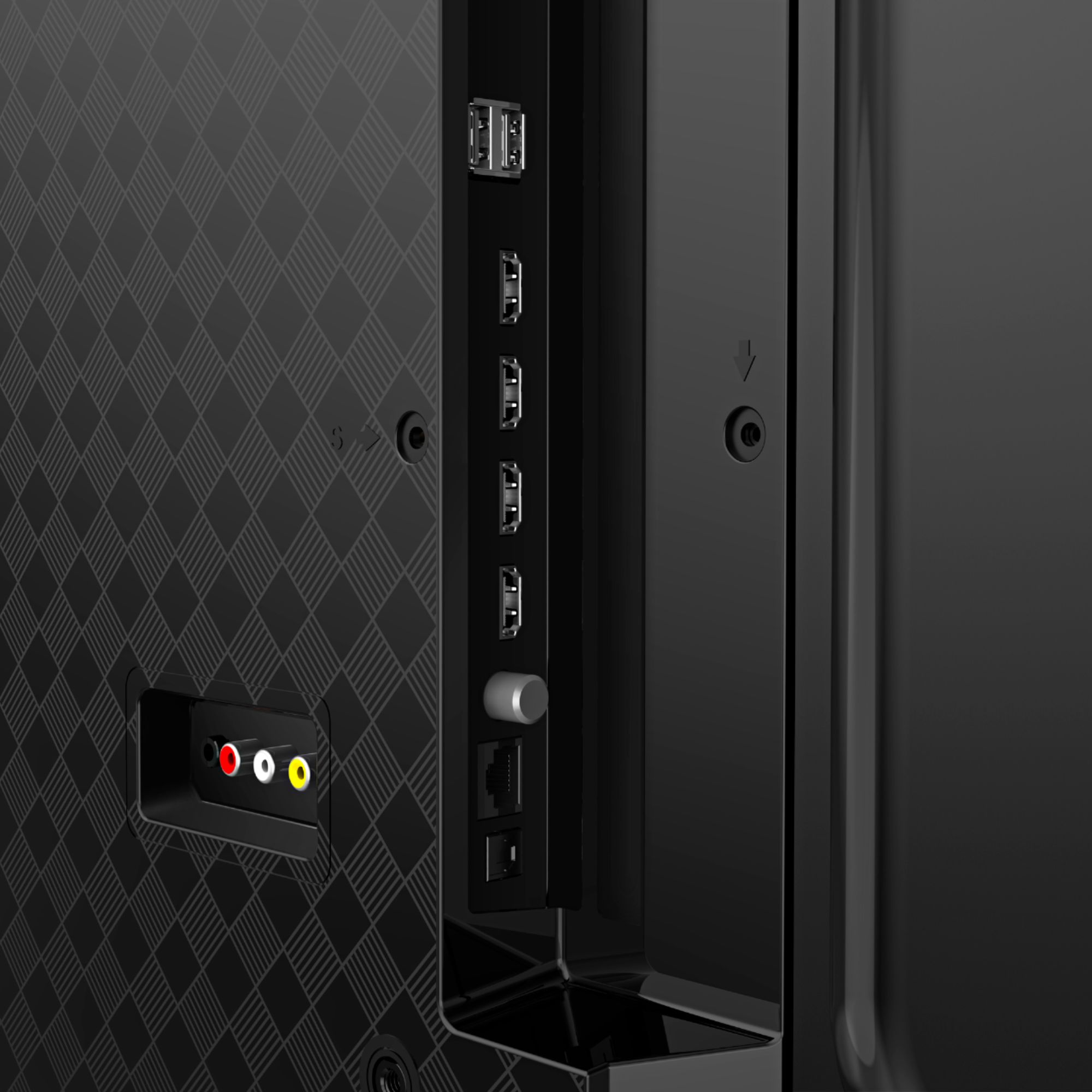
A:AnswerHello ab, thank you for your interest in the Toshiba 65C350KU. The TV dimensions (W×H×D) are 57.2 x 32.8 x 2.9 inches without the stand and 57.2 x 35.2 x 12.1 inches with the stand. If you have any further questions, feel free to give us a call at 1-888-407-0396 or send us an email at [email protected]. Thanks again, Toshiba Support Team.
A:AnswerHello Jerry, thank you for your interest in the Toshiba 65C350KU. The Amazon Silk web browser can be downloaded from the Amazon App Store. If you have any further questions or concerns, please give us a call at 1-888-407-0396 or email us at [email protected]. Thanks again, Toshiba Support Team.

A:AnswerThis is what is shown under the overview tab...
Apple Airplay
Supports Apple AirPlay. Share videos, photos, music and more from an Apple device to your TV with the touch of a button.
A:AnswerHello Ohio, thank you for your interest in the Toshiba 65C350KU. Yes, the TV has a back light. The resolution is 3840x2160P - 4K UHD. If you have any further questions or concerns, please give us a call at 1-888-407-0396 or email us at [email protected]. Thanks again, Toshiba Support Team.

A:AnswerHello Bicasheb, thank you for your interest in the Toshiba 65C350KU. This TV supports 120V power. If you have any further questions or concerns, please give us a call at 1-888-407-0396 or email us at [email protected]. Thanks again, Toshiba Support Team.