Questions & Answers
- Model:
- 50859VRP
- |
- SKU:
- 6513766
Highly rated by customers for: Battery Life, Durability, Charging Speed
Page Showing 21-23 of 23 questions
Q: QuestionHow long does the tough tested 24 power pack take to initially charge by way of electrical cord into and outlet
Asked by Sugarb52.
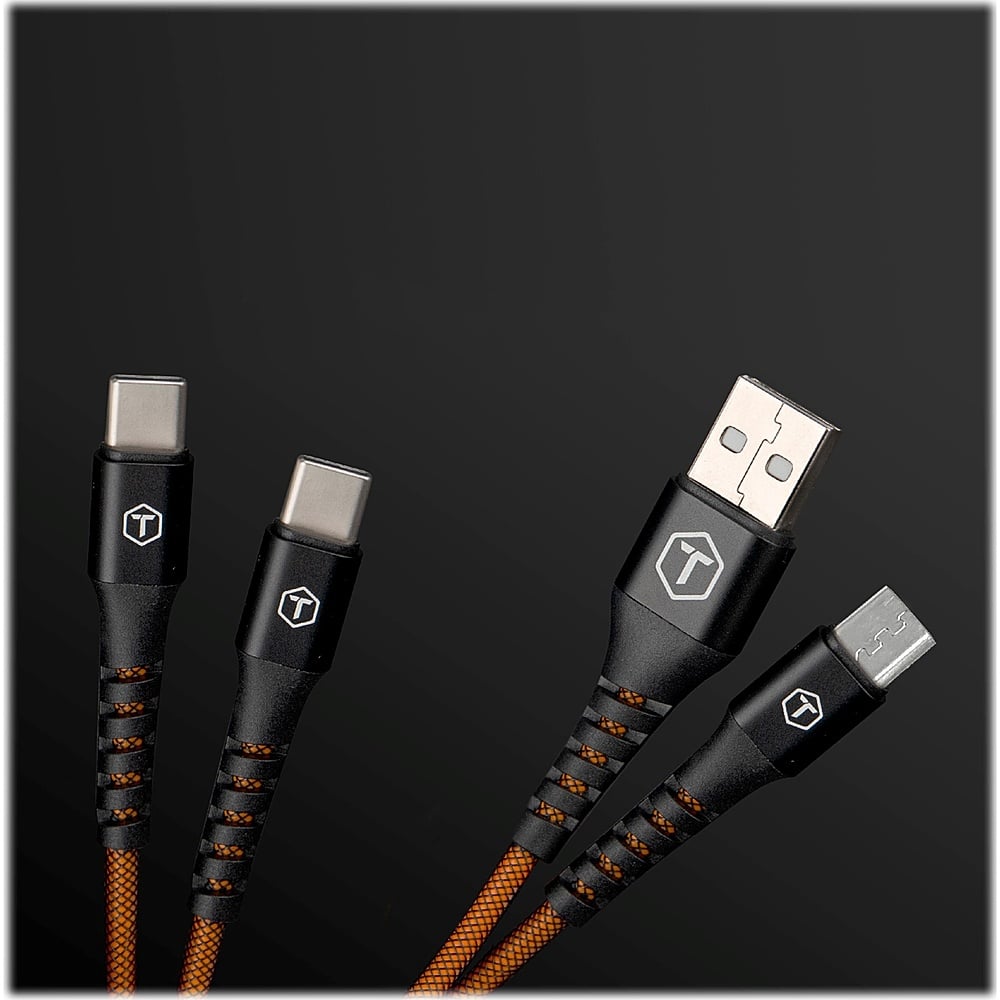
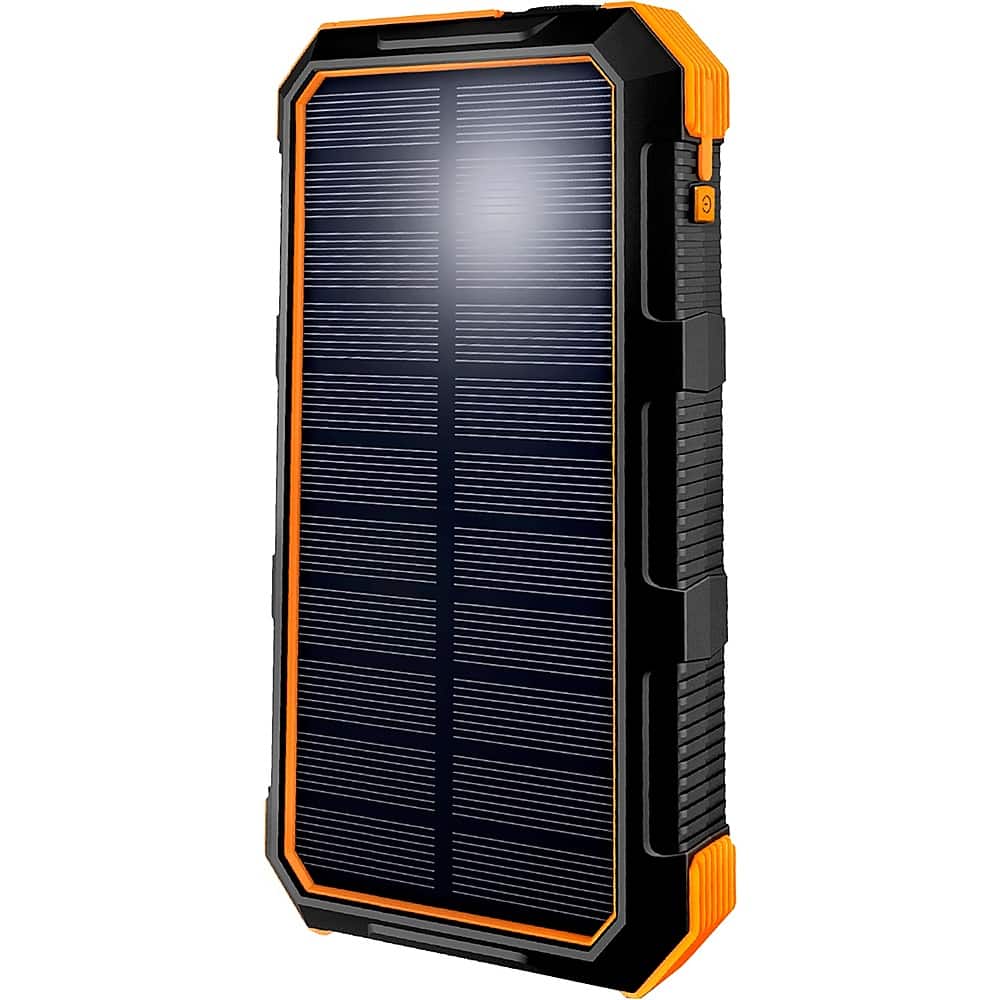
- A:Answer The charging time for the ToughTested - Solar24 24,000 mAh Portable Charger via an electrical cord plugged into an outlet can vary depending on several factors: 1. Battery Capacity: The ToughTested - Solar24 has a capacity of 24,000 mAh. 2. Charging Speed: The charging speed is influenced by the power output of the charger you're using. A higher-output charger will generally charge the power bank faster. 3. Current Battery Level: If the power bank is completely drained (0% charge), it will take longer to charge compared to topping up a partially charged power bank. 4. Cable Quality: The quality and condition of the charging cable can affect charging speed. It's recommended to use a good-quality USB cable for efficient charging. 5. Power Outlet Voltage: Standard USB chargers typically output 5 volts, but the amperage (current) can vary. Higher amperage chargers (e.g., 2.1A or 2.4A) will charge the power bank faster than lower amperage ones. As a rough estimate, charging a 24,000 mAh power bank from 0% to 100% using a standard charger with an output of around 2.1A to 2.4A may take approximately 8 to 10 hours. However, please note that these are general estimates, and the actual charging time may vary based on the factors mentioned above. For the most accurate information regarding the charging time of your specific ToughTested - Solar24 power pack, I recommend checking the product's user manual or contacting the manufacturer for detailed specifications and guidelines related to charging.
Answered by ChaseT
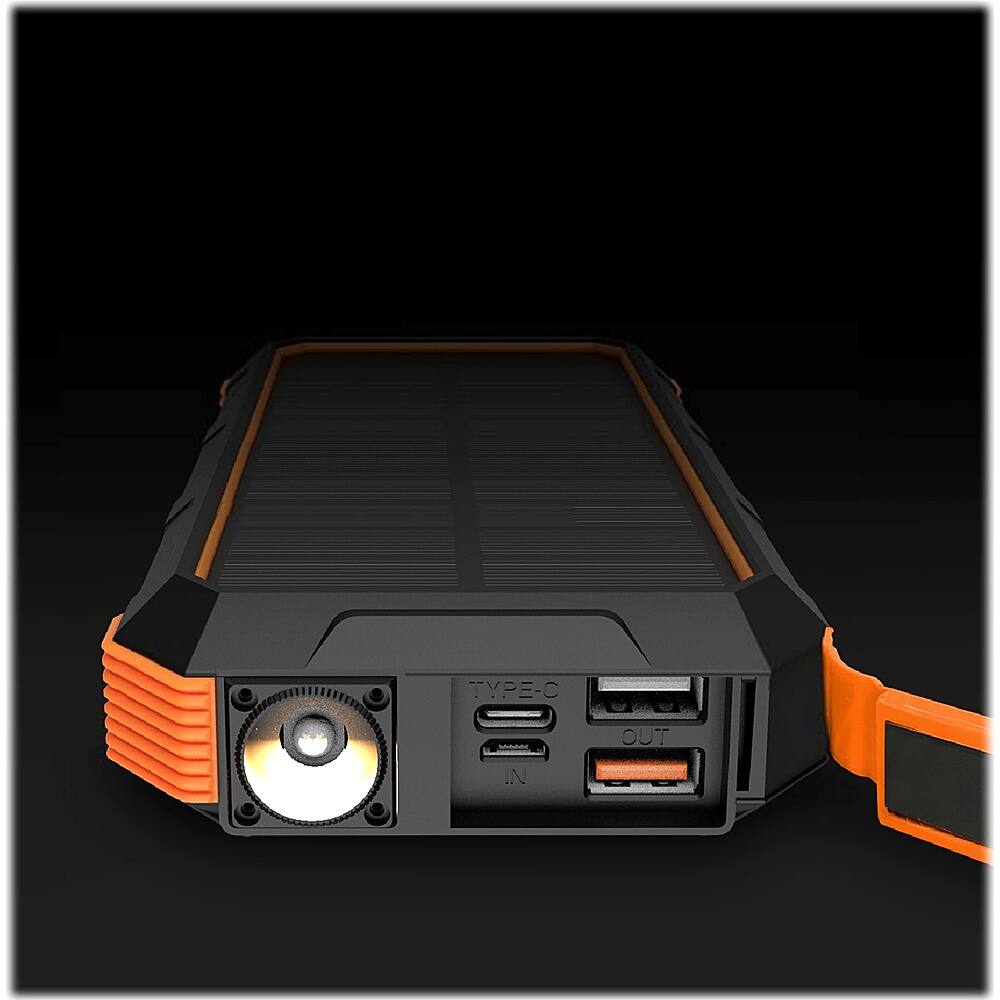
Q: QuestionHow do you turn on the flashlight?
Asked by NDark.
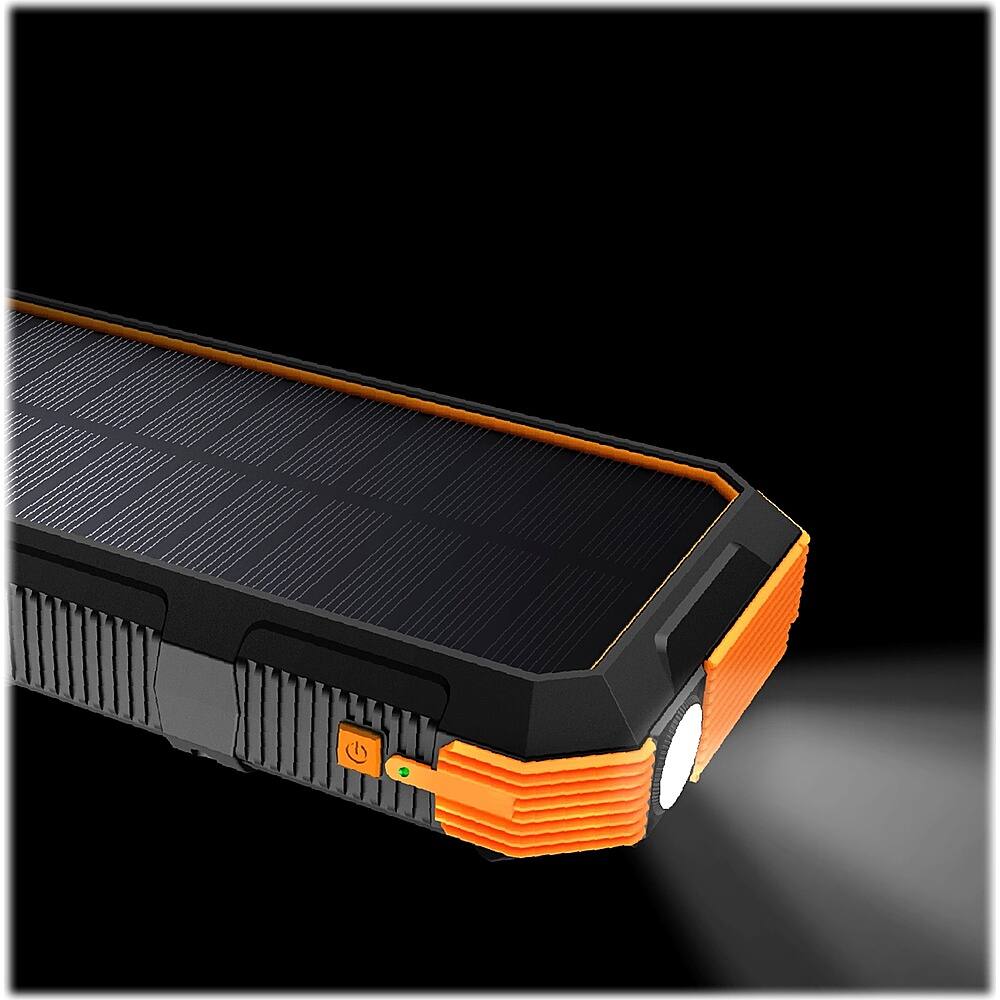
- A:Answer To turn on the flashlight on the ToughTested - Solar24 24,000 mAh Portable Charger, you typically need to follow these steps: 1. Locate the flashlight button or switch: On most portable chargers with built-in flashlights, there is a dedicated button or switch specifically for turning the flashlight on and off. 2. Press or slide the flashlight button: Once you've identified the flashlight button or switch, press it or slide it into the "on" position. This action should activate the flashlight function. 3. Adjust flashlight settings (if applicable): Some portable chargers with flashlights may have multiple lighting modes (e.g., high brightness, low brightness, strobe). If your charger has different modes, you may need to cycle through them by pressing the flashlight button multiple times or using a separate control button. 4. Turn off the flashlight: To turn off the flashlight, simply press or slide the flashlight button or switch again to the "off" position. If you're uncertain about the location of the flashlight button or switch on your specific model of the ToughTested - Solar24 charger, I recommend referring to the user manual that came with the product. The manual should provide clear instructions on how to operate the flashlight function and any other features of the charger.
Answered by ChaseT
Q: QuestionIs there an attachment that allows this to be clipped onto a backpack or belt loop?
Asked by Solarman.
- A:Answer The ToughTested - Solar24 24,000 mAh Portable Charger does not come with a built-in attachment or clip for attaching it to a backpack or belt loop. However, you can explore third-party accessories such as carabiner clips, belt pouches, or specially designed carrying cases for portable chargers, which can provide a convenient and secure way to carry the charger while on the go. When selecting an accessory, ensure that it is compatible with the dimensions and design of your specific portable charger for a snug and secure fit.
Answered by ChaseT
Page 2, Showing 21-23 of 23 questions