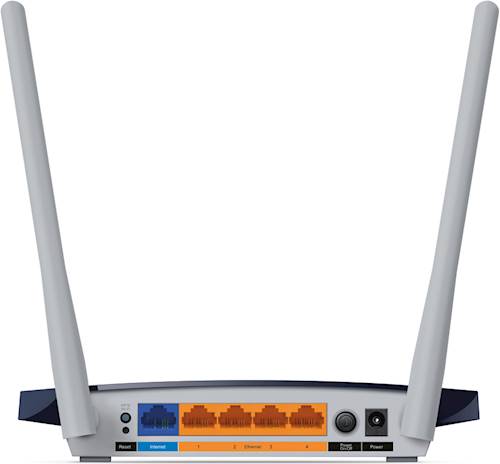
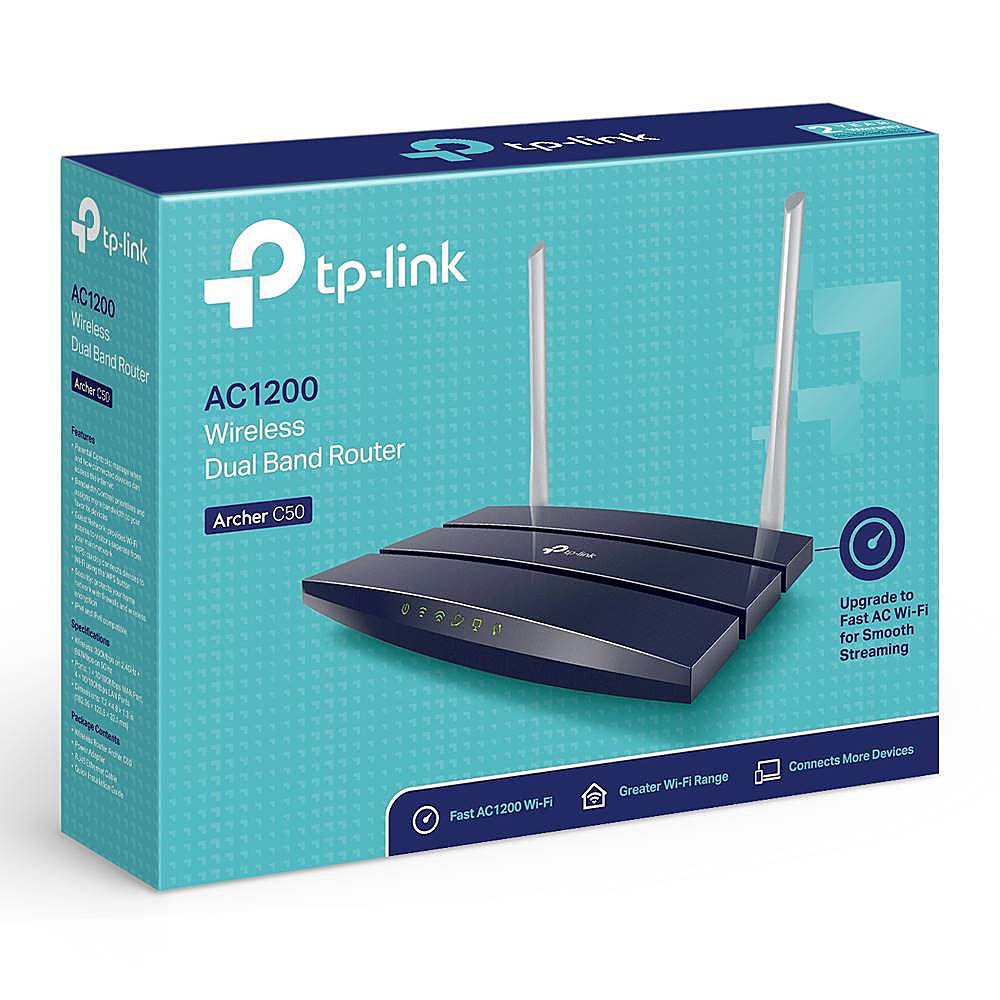
A:AnswerAs long as your AT&T modem has Ethernet output, you can connect the router to it and enjoy reliable, dual-band AC1200 WiFi within your home.
Regards,
TP-Link Support
A:AnswerNo; however it supports VPN pass-through so you can use the VPN service and client software of your choice on your devices, such as your computers and smartphones.
Regards,
TP-Link Support
A:AnswerThe Archer C50 is equipped with Fast Ethernet (100Mbps) ports, so for a 200Mbps plan, we would instead recommend one of our Gigabit Ethernet WiFi routers instead, such as the Archer C6.
A:AnswerThe Archer C50 is equipped with Fast Ethernet (10/100Mbps) ports. If you would prefer Gigabit Ethernet connectivity, we recommend considering one of our various Gigabit Ethernet WiFi router options.
A:AnswerThis router is designed to connect to your Internet source via Ethernet cable (RJ45), not via Telephone line (RJ11). If you have DSL Internet, you will need a DSL modem, then connect the modem to the router via Ethernet.
A:AnswerThe Archer C50 is not designed, nor advertised, as having a modem or being capable of replacing a modem. However, it can be used in conjunction with an existing modem to provide your home with reliable, dual-lband AC1200 WiFi.
A:AnswerWhichever modem is specified as compatible by your Internet provider. We suggest checking their compatibility list, or reaching out to them for information regarding modem compatibility with their service.
A:AnswerThe router provides universal network connectivity via Ethernet and WiFi. Your Ethernet and WiFi devices will be able to conveniently connect to the router the same way they would with any other router. If you are unsure how to do this, we suggest consulting with HP and Qwest for more information.
A:AnswerDepends.
What standards does your Modem support?
I bought this by mistake, thinking that my Verizon Fios modem was old enough that it was a couple of wireless generations back. It wasn't.
So, MY modem is actually better than this.
I'm donating this one to my church for use in space that has poor WiFi.
A:AnswerYes, you can configure this unit as a wifi hotspot and get all the additional features (including dual band) not available from your unit from AT&T. One word of warning: this does not support more than 100 mb/s on it's inbound WAN port, same as your current unit. It says it supports gigabit speeds, but that's only between devices connected to it, and does not apply to the incoming speed from your ISP. So if you ever upgrade to higher speeds from AT&T (or any other provider), this will be a bottleneck for any wired or wifi devices connecting through it.
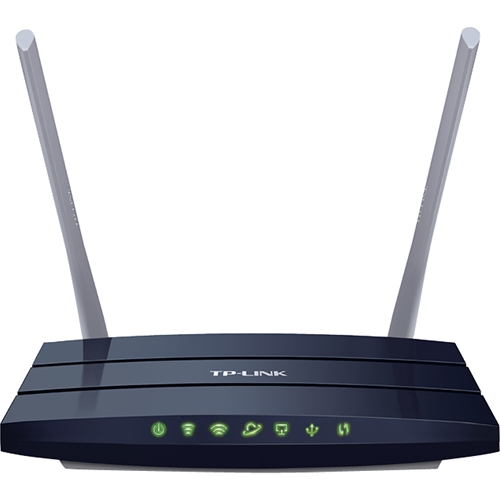
A:AnswerIf your TVs support WiFi connectivity, they can connect to the router via their WiFi interface. Depending on your TV, its WiFi connection process may vary (if WiFi is supported).
A:AnswerA VPN service would need to be installed on your network clients (i.e. computers, smartphones) for VPN connectivity. Depending on your networking needs, we might suggest considering one of our enterprise class VPN routers.
A:AnswerYes. This router needs to connect to the modem in your bedroom for internet. Then, your desktop computer in living room can connect to this router for internet through wired connection (you will need a very long wire from living room to bedroom) or wireless connection (you need to setup your home Wi-Fi wireless network and your computer needs to have Wi-Fi adapter).