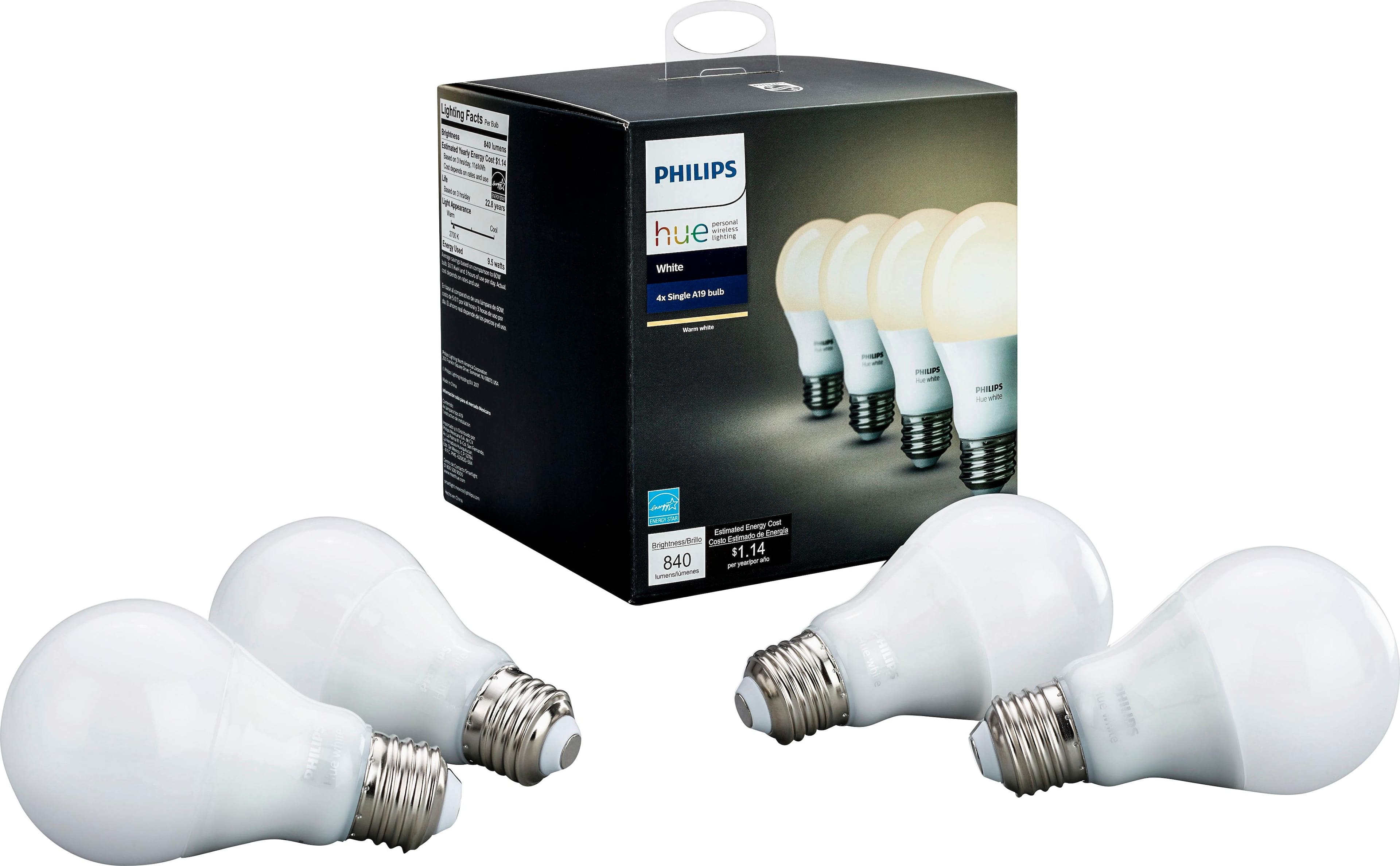
A:AnswerThey sell an adapter at any home improvement store that you screw into the bulb socket that has a 110v plug in the adapter and you then screw the bulb into the adapter.
A:AnswerThat would primarily depend on how far your modem/router's WiFi signal reliably reaches. Like with any WiFi device, your existing WiFi signal strength will determine how far they can be from the router before signal degrades or is lost. If additional signal is needed, a WiFi extender may be worth considering.
Regards,
TP-Link Support
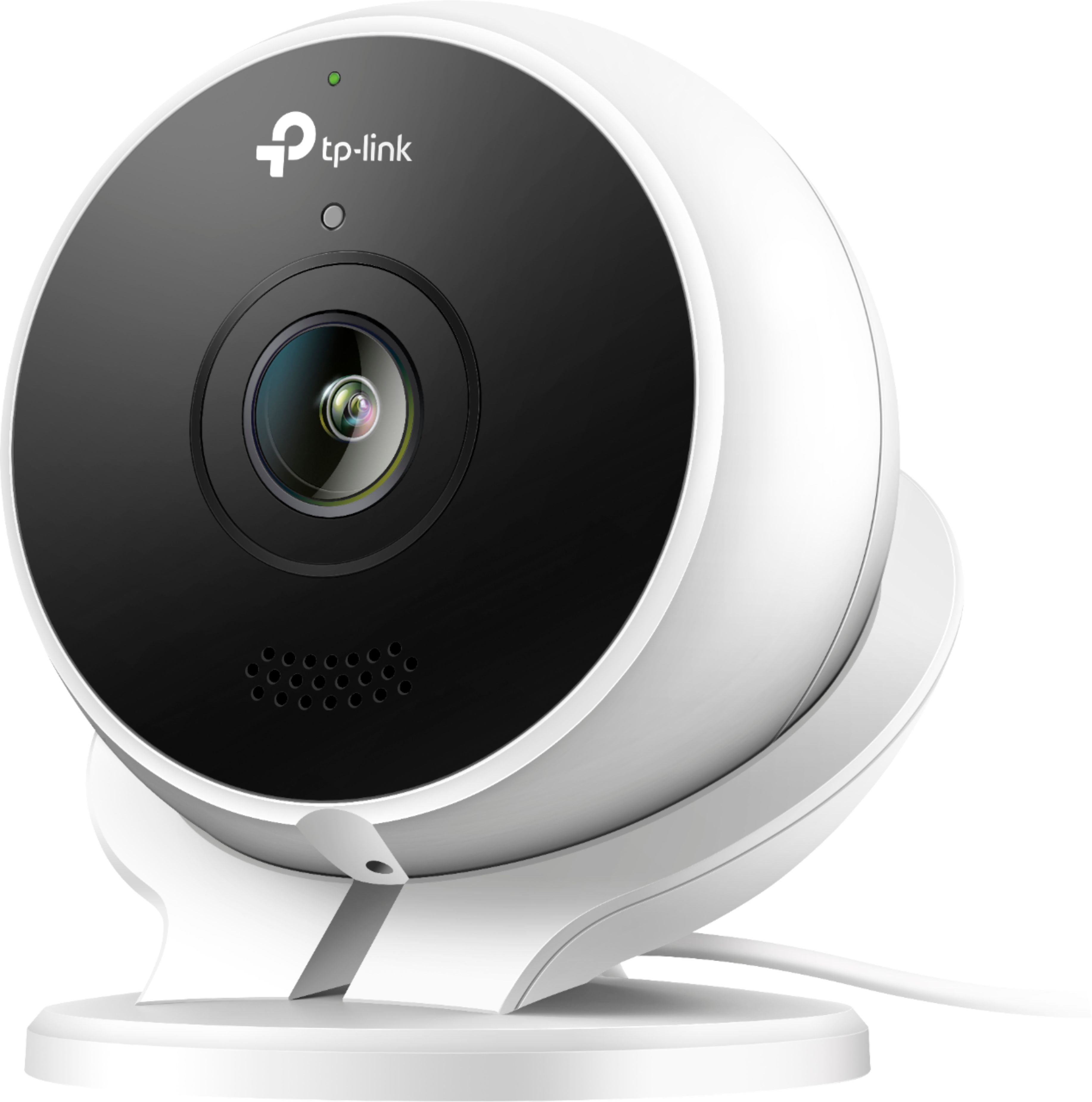
A:AnswerYes, this TP Link camera can be used to see through a window and the view is quite clear. However, at night the reflections from inside lights on the glass make it an issue. If you turn off night vision, it is better at night through a window.
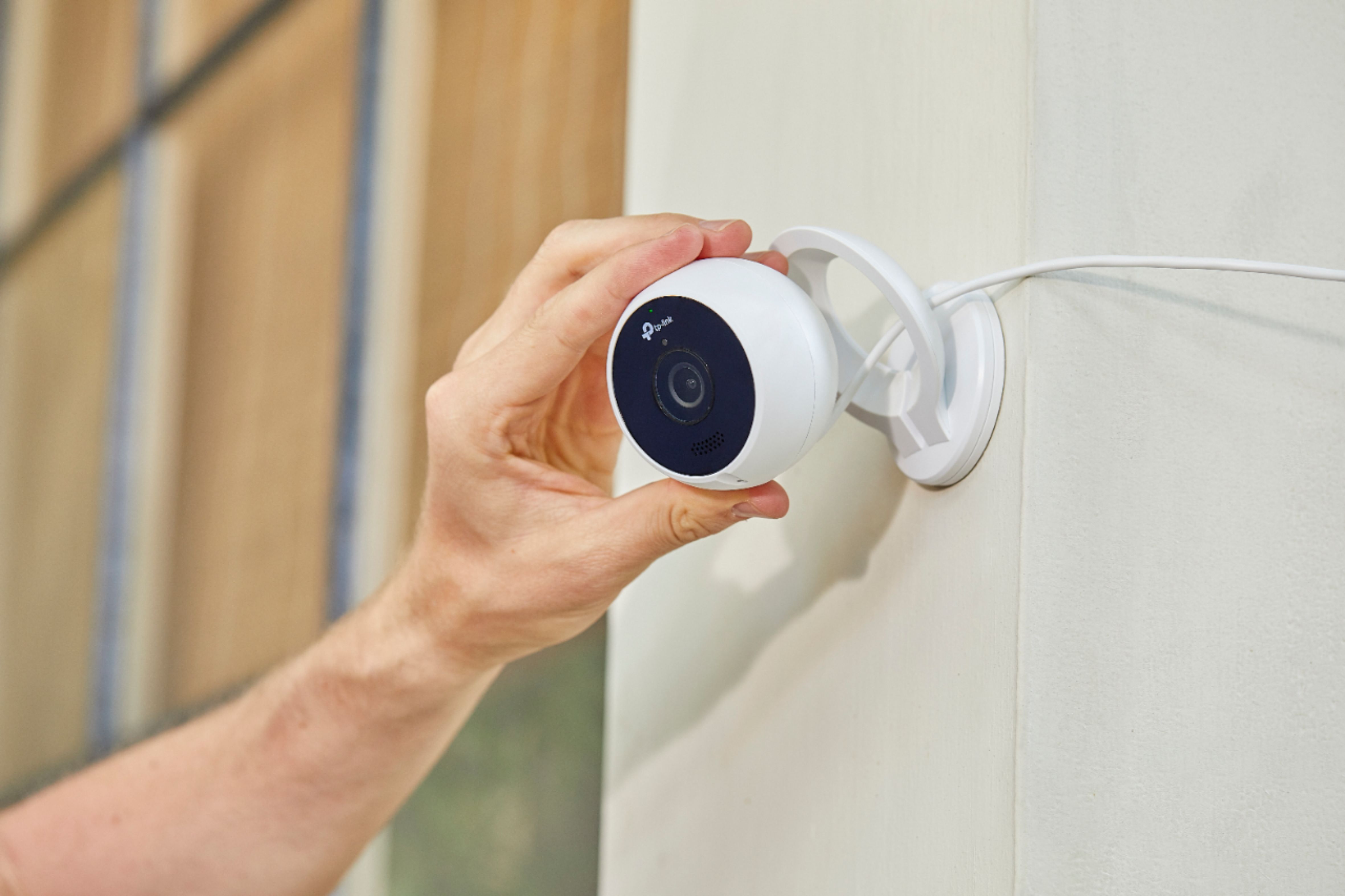
A:AnswerThe instructions say to connect the camera to your wifi before installing it outdoors. That way you can position it closer to your wifi source during the setup. That allows it to initialize and download any firmware updates with a stronger connection. Then move it outdoors and install it where you want it.
It doesn't matter how close the phone is to the camera when setting it up. It is the distance from the camera to the wifi source that matters. Your phone is not directly communicating with the camera at all.
A:AnswerMaybe read the full description of what your buying before pulling the trigger. There's nothing false about it. Wireless refers to the networking capabilities.
A:AnswerI have a Cobra system with 4 cameras hooked to a recorder but this one works totally independently from it. It is real easy to set up the online viewing of multiple Kasa cameras through the app. I never could figure out how to configure my Cobra 4 camera system to be viewable off-site.
A:AnswerI tried that, but the reflection of the glass into the camera won't let you see much, especially at night time with the night vision mode, besides this is an outdoor camera
A:AnswerFor detailed information regarding our Kasa Care plans and storage options, please see our helpful FAQ here: https://www.tp-link.com/us/support/faq/1962/
Regards,
TP-Link Support
A:AnswerThere is no subscription fee to use this camera unless you want to save the video for more than 2 days. But, if there's a video you want, you can just download it to your device.