A:AnswerI don’t see that function in the app. Since the device and most likely your WiFi router are running off house power I don’t see a way for it to send a message. If you need a notification you may need to look for a a dedicated device to notify you. Be well.
A:AnswerIt should. I have it linked to Google Home/Assistant on my phone and it works flawlessly. That's essentially the same as what Google Nest Mini would do. I'm getting a Google Nest Mini as well so I wont have to keep my phone nearby.
A:AnswerIf it is a 2.4Gz Wi-Fi, it will. A lot of smart products, and older phones/laptops will only connect to 2.4G. So, if they work, you should be good.
A:AnswerYes, it will. Your devices will not charge, of course, while it is off. You mentioned a monitor. You can switch a monitor off using this, but be sure not to switch a computer off this way. You must shut it down through the software or you risk corrupting data on it. If a computer is involved, after you have shut it down properly, you are safe using this switch to turn off the surge protector and all of the things plugged into it. These have been really useful for me, and they are reliable.
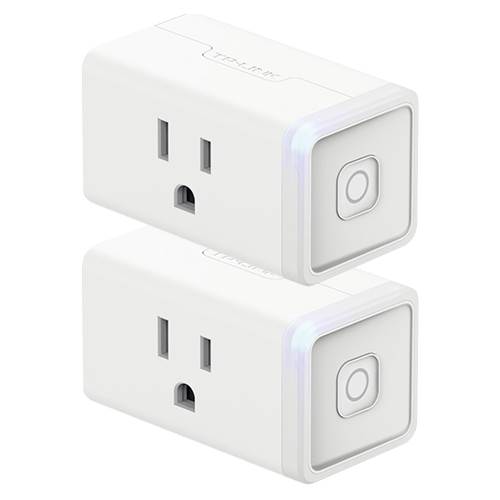
A:AnswerI have tried it on the heater and it does overheat the plug making it shut off for safety reasons. I do use one on a 5000 btu ac unit I have installed in my dog's house. That works fine.