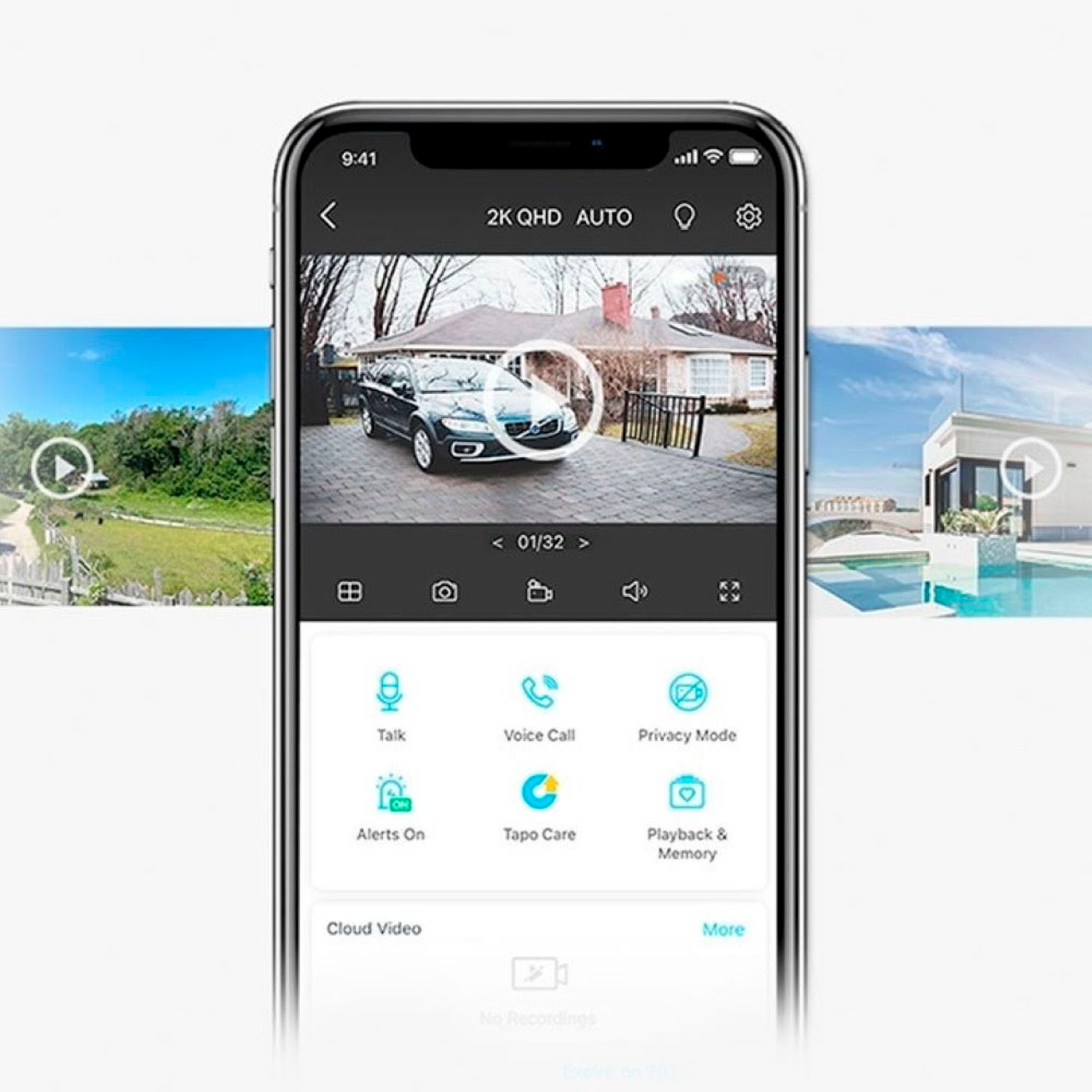
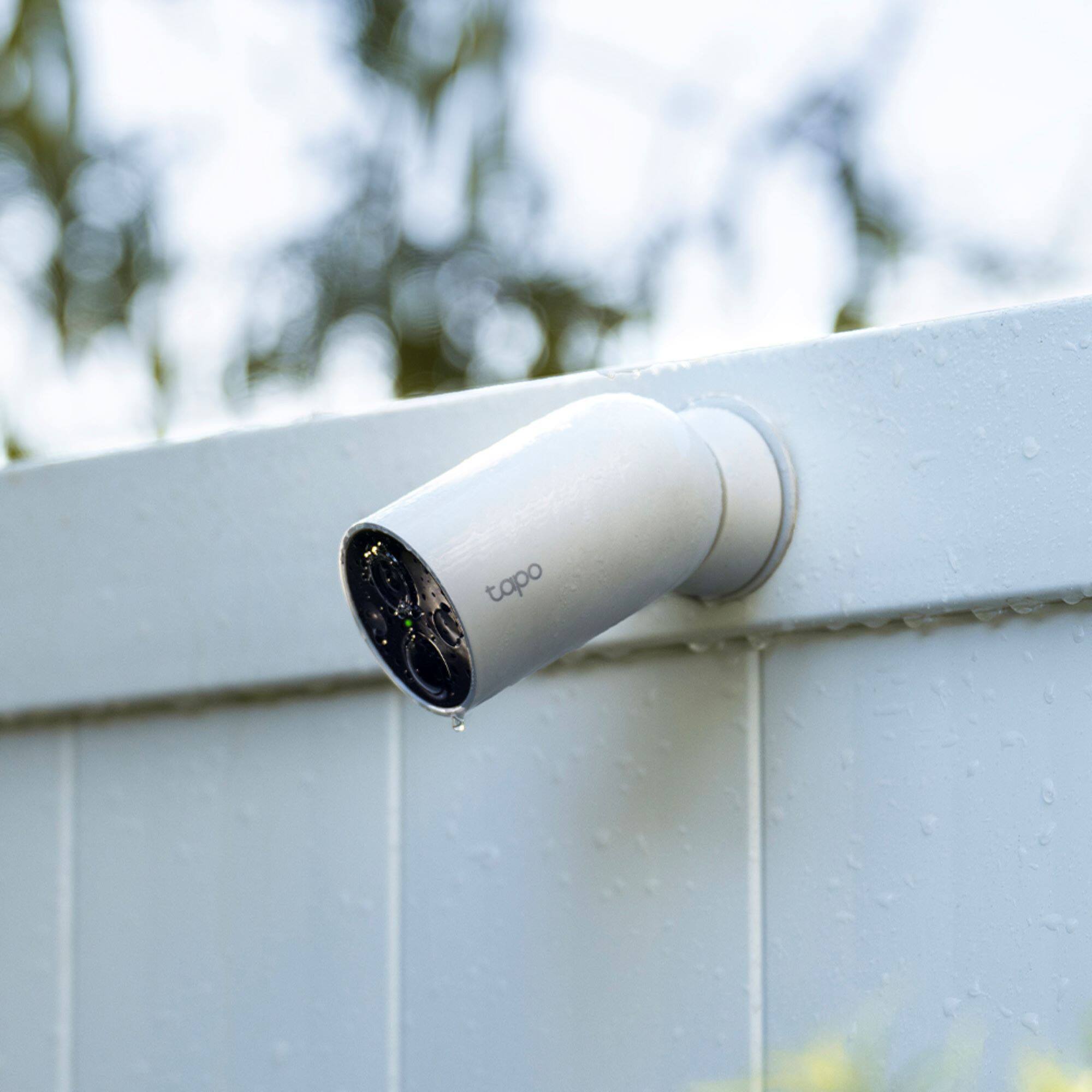
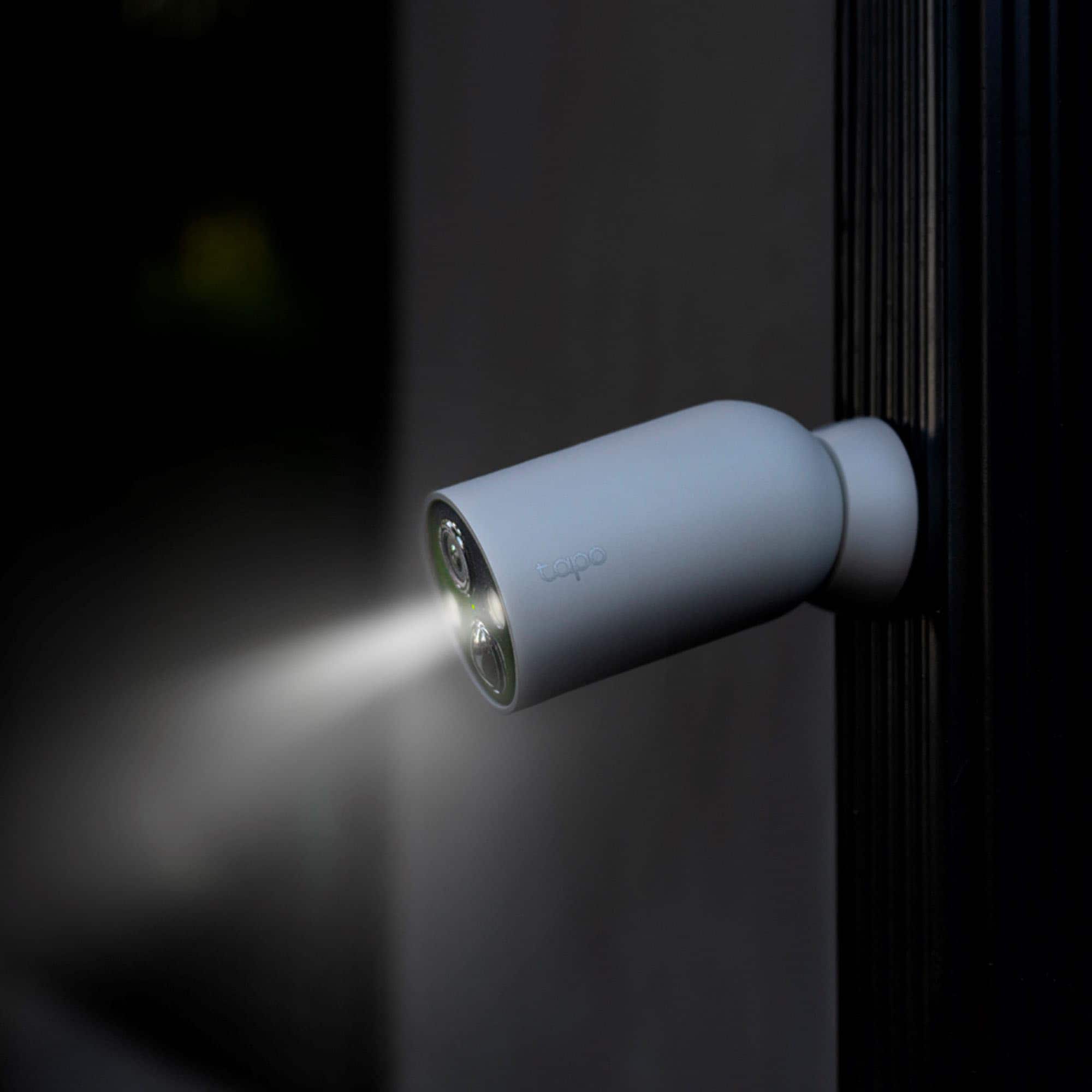
A:Answer Hi! Yes, you can access the cameras from multiple phones. Depending on your management preferences, you either can sign in to your primary Tapo account on each phone for full administrative access on each device, or you can share your Tapo devices with family accounts by following the steps in our FAQ: https://www.tp-link.com/us/support/faq/2613/
Family shared accounts will have access to the Live View, Talk, Voice Call, Pan/Tilt Control, and the SD card video Features of Tapo Cameras, but will be unable to change the other settings of the cameras.