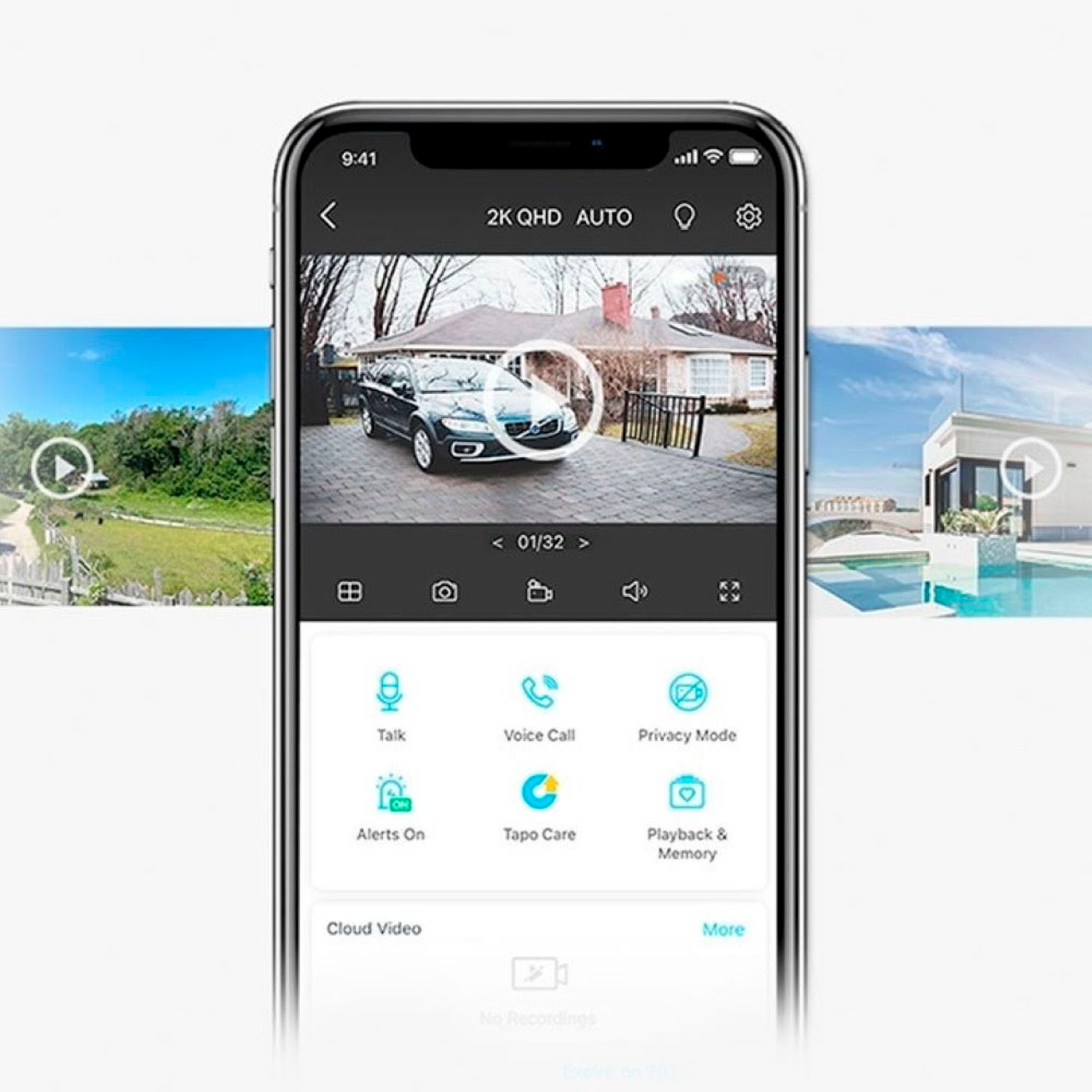
A:AnswerHi! The latest version of the Tapo app supports Kasa device integration, so you can use the Tapo app for both your Tapo and Kasa cameras. For more information on this option, please see our FAQ here: https://www.tp-link.com/us/support/faq/3614/
A:AnswerHi Carole,
The Tapo app can be easily installed for free via the App Store (iPhone) or Google Play (Android), and is designed for an intuitive, user-friendly experience.
A:AnswerThe App is Tapo. We recommend confirming you are looking at the right app to check the other developer apps and make sure you see Deco and Tether as well.
A:AnswerApp allows you to select viewing for up to 9 cameras at one time. I believe you can have up to 32 cameras linked through the same user account. We run on android platform and windows PC. Multiple devices can use the app at the same time (we've had 3) but not sure the max.
A:AnswerHi KP,
If the hotspot provides encrypted 2.4 GHz Wi-Fi connectivity with an adequately stable signal strength at the camera locations, they should be able to connect to the Wi-Fi network. However, to maintain management and access to the cameras via the Tapo app, the cameras must maintain a consistent network connection.
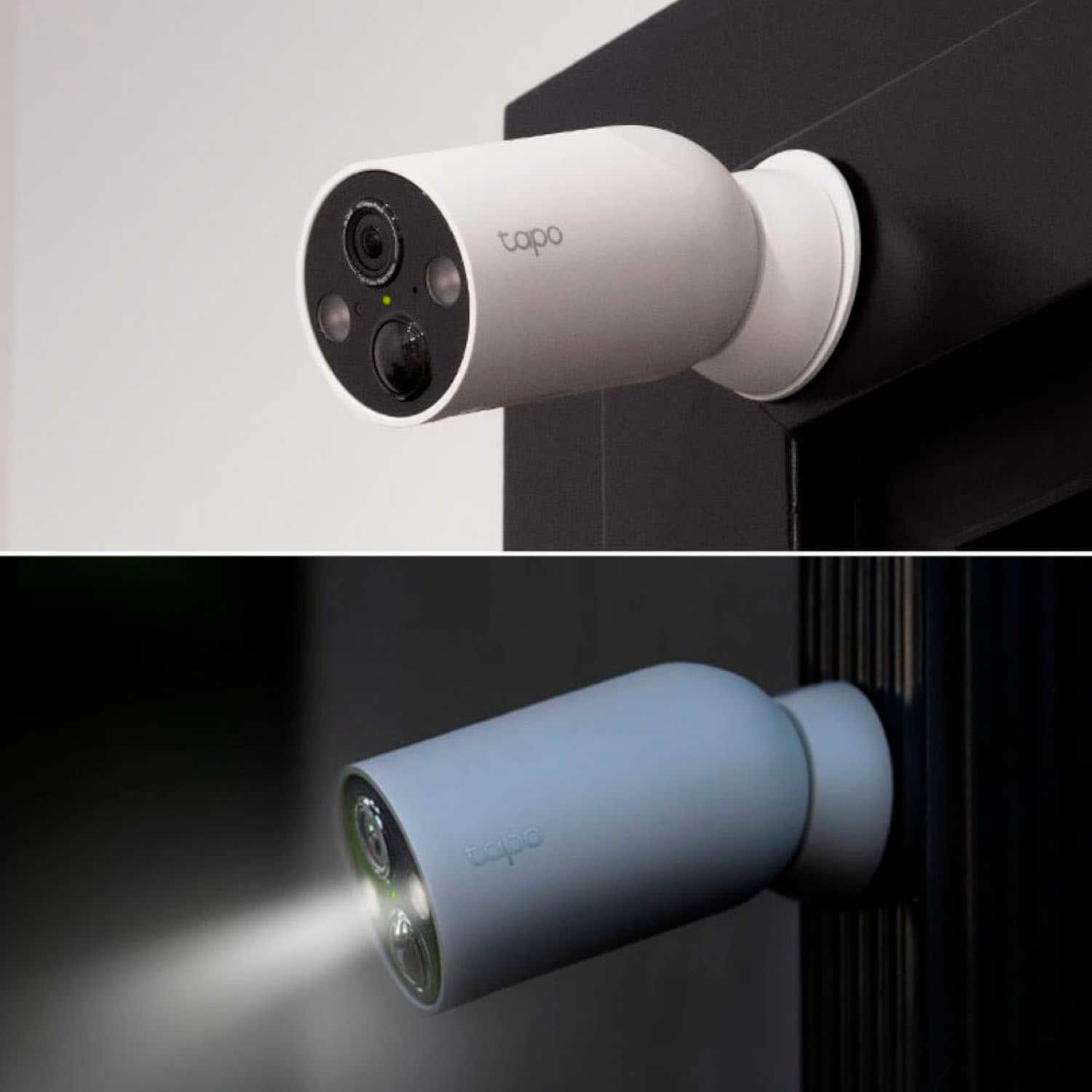
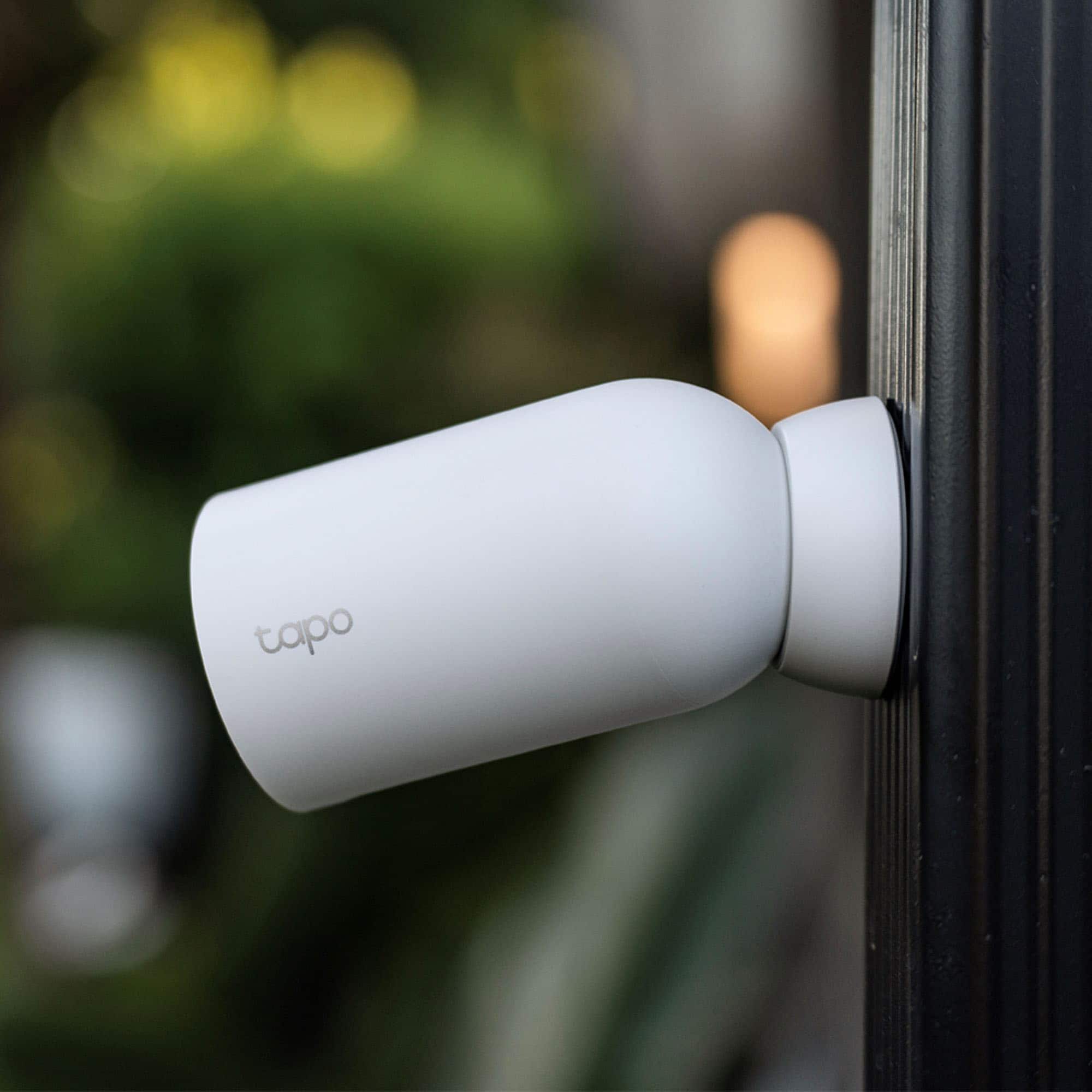
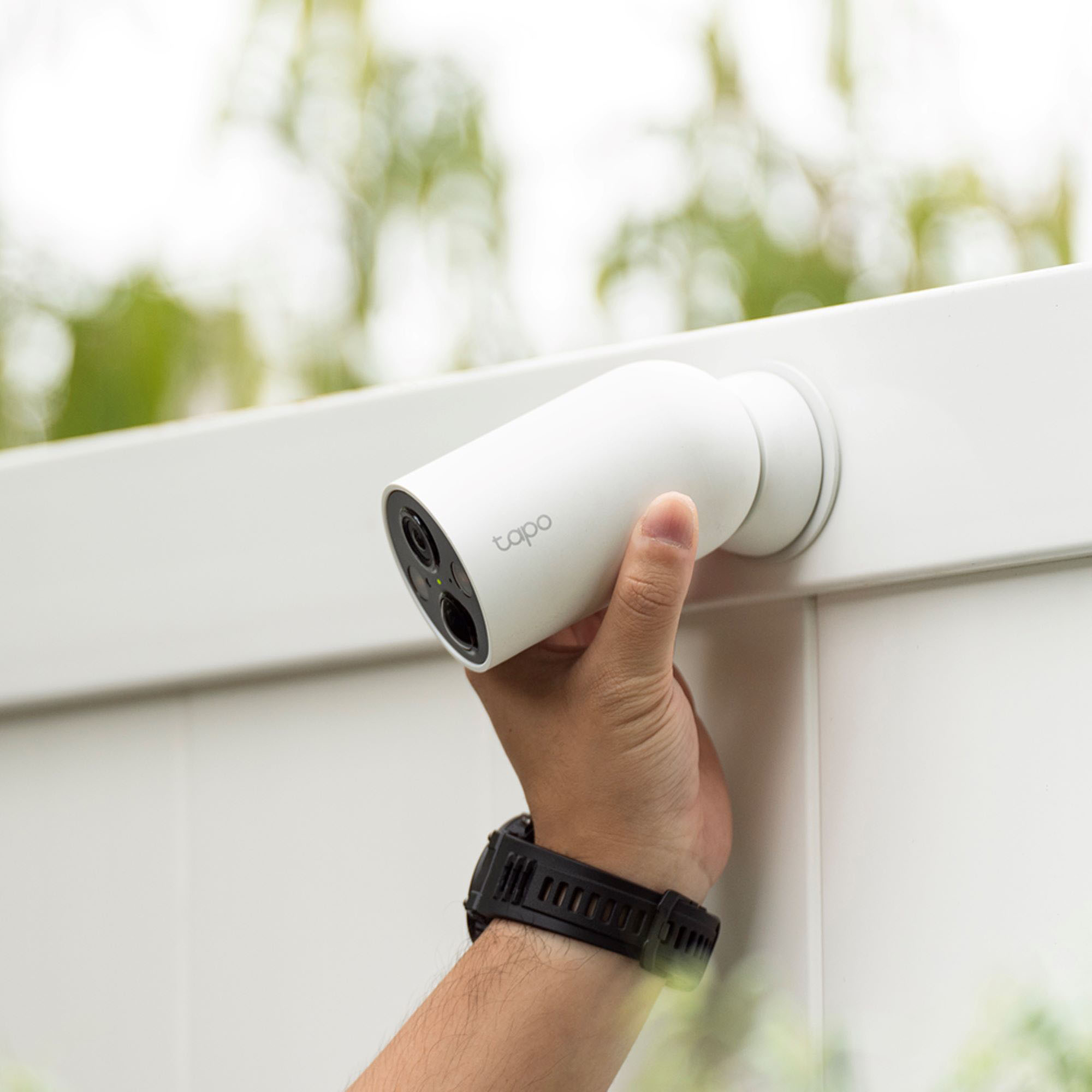
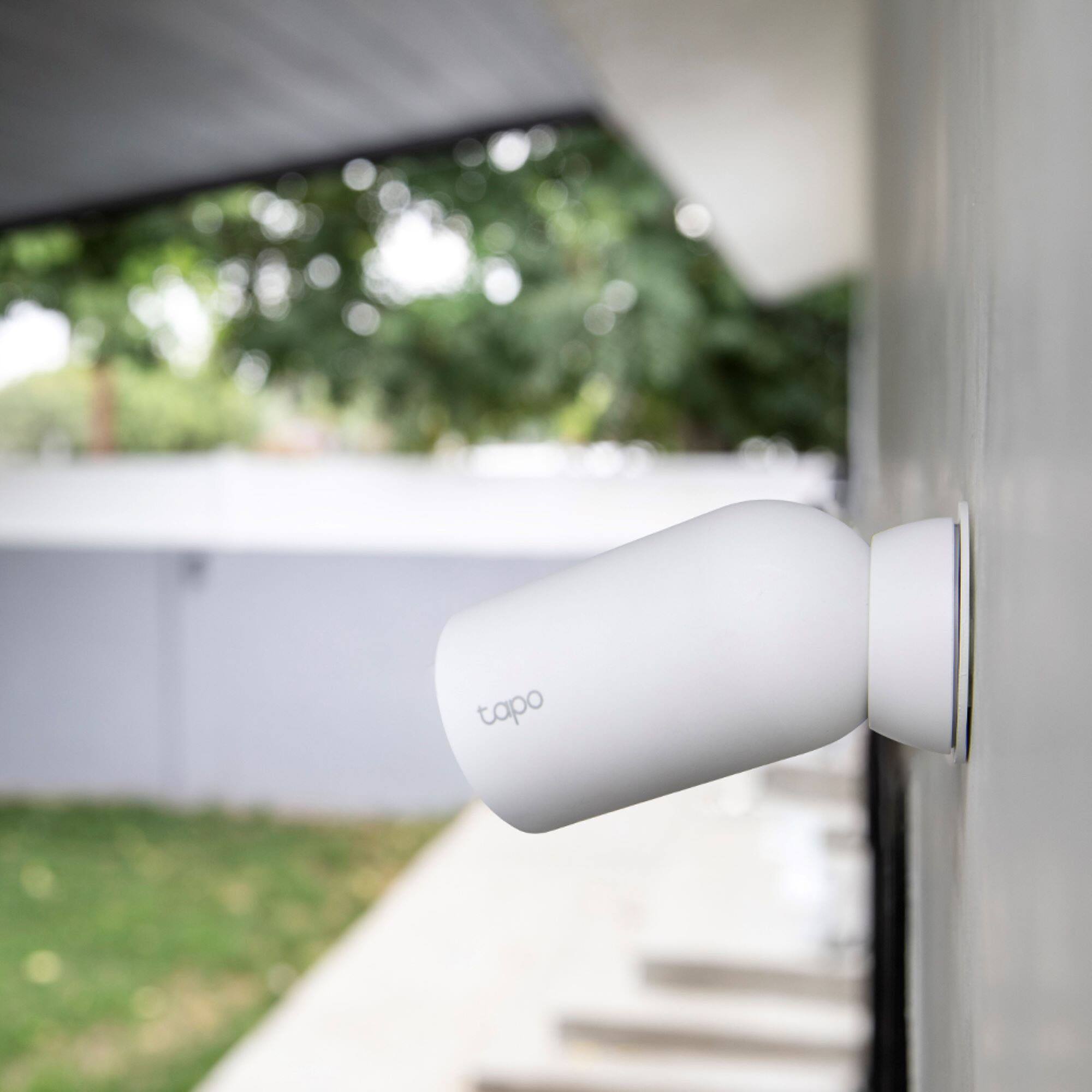
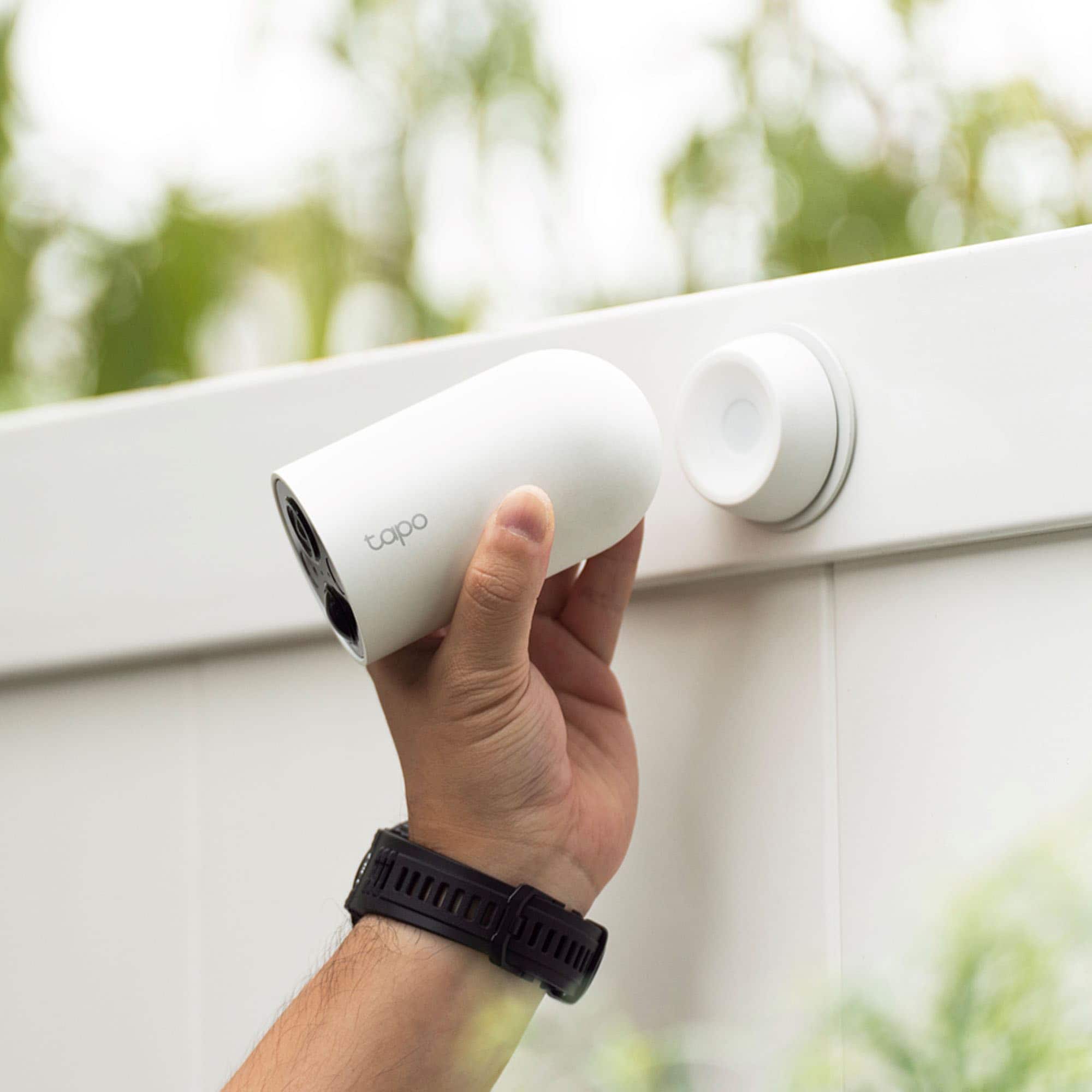
A:AnswerIt is possible to snatch the device because it’s only secured via a magnet. The best solution is to place it in a spot that is not easily accessible.
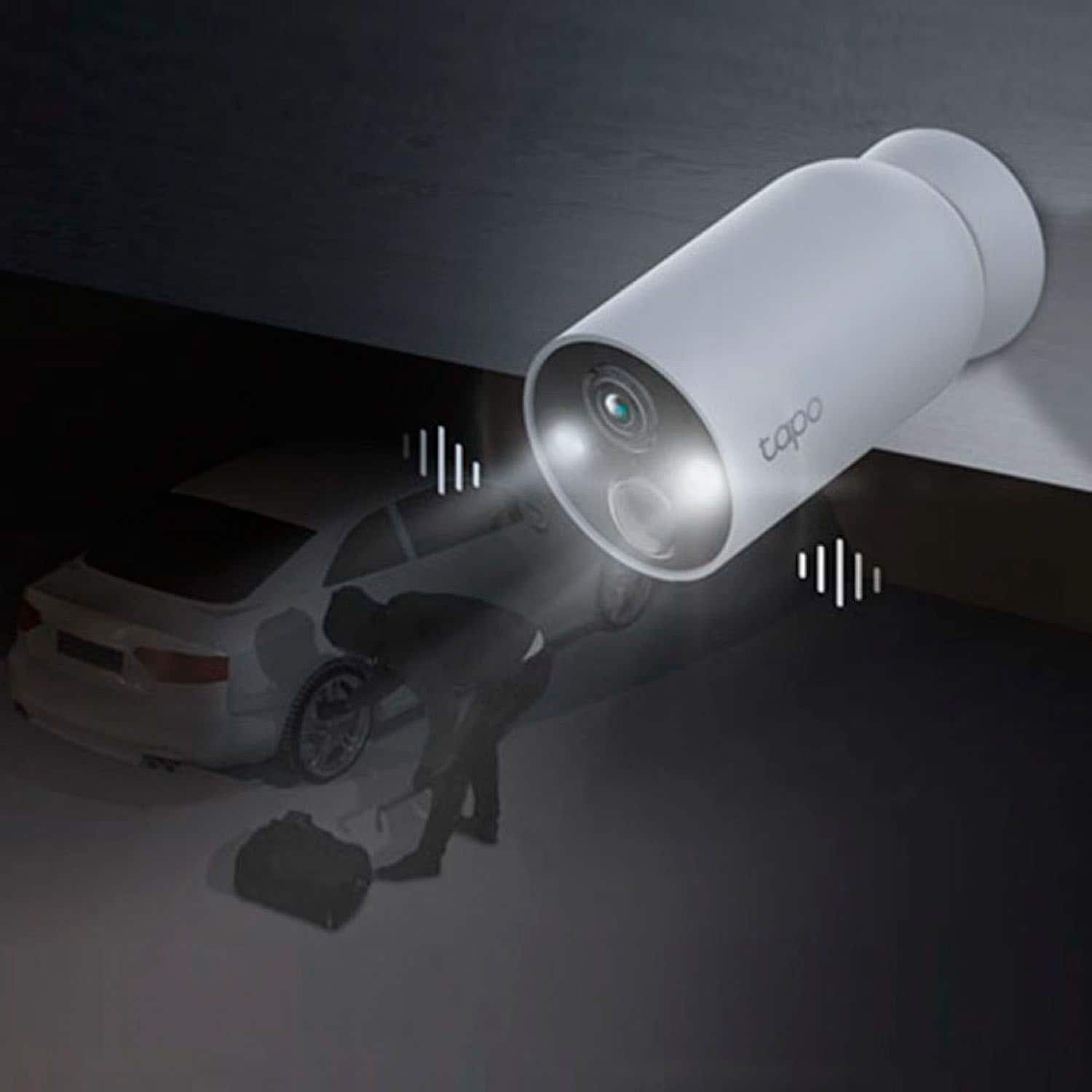
On the other hand, it does record and alert within seconds of motion being detected. You can see it immediately when you get the notification.
A:AnswerHi,
To set up your Tapo Camera, simply download and install the Tapo app (free on Android and iOS) on your phone, create a TP-Link ID (or log in with an existing one), then add the camera using the in-app instructions. You will need access to an existing, password-protected Wi-Fi network that is within range of the camera's location. For guided assistance, feel free to contact our official TP-Link Support Team here: https://www.tp-link.com/us/support/contact-technical-support/
A:AnswerHi Camabue,
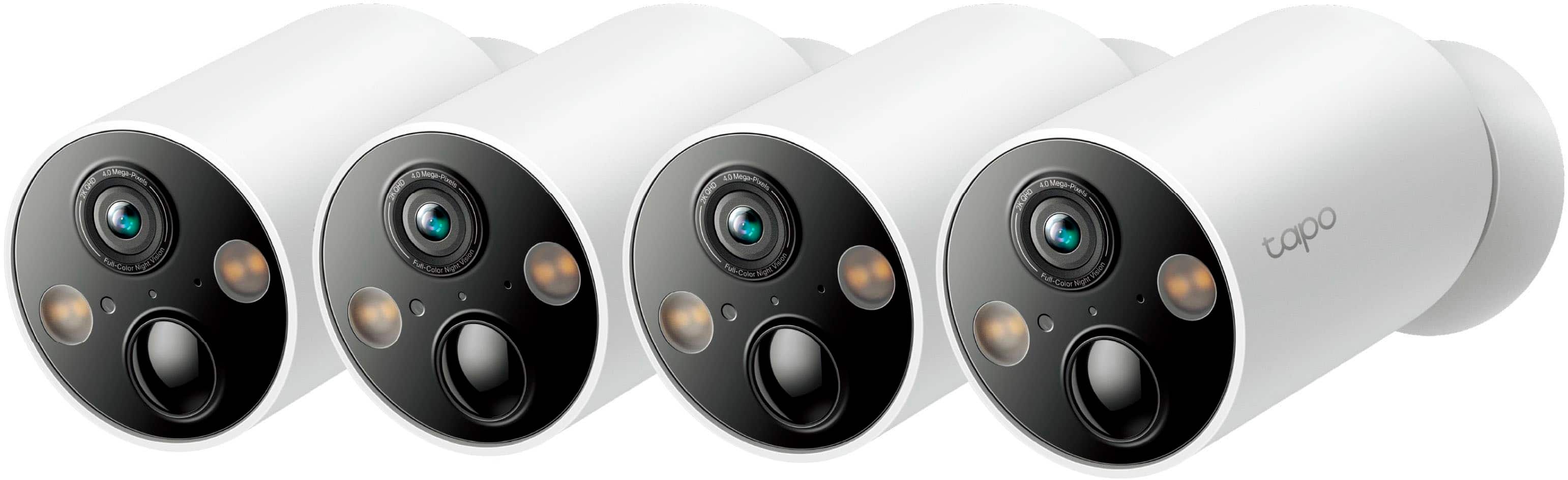
The Tapo TC85 Wire-Free Indoor/Outdoor Cameras are not equipped with anti-theft devices. We recommend taking necessary precautions to prevent theft or damage if such concerns are present.
A:AnswerI did not see a way to connect these cameras to a dedicated screen. Only via app. I also have not yet found a way to monitor them via a web browser.
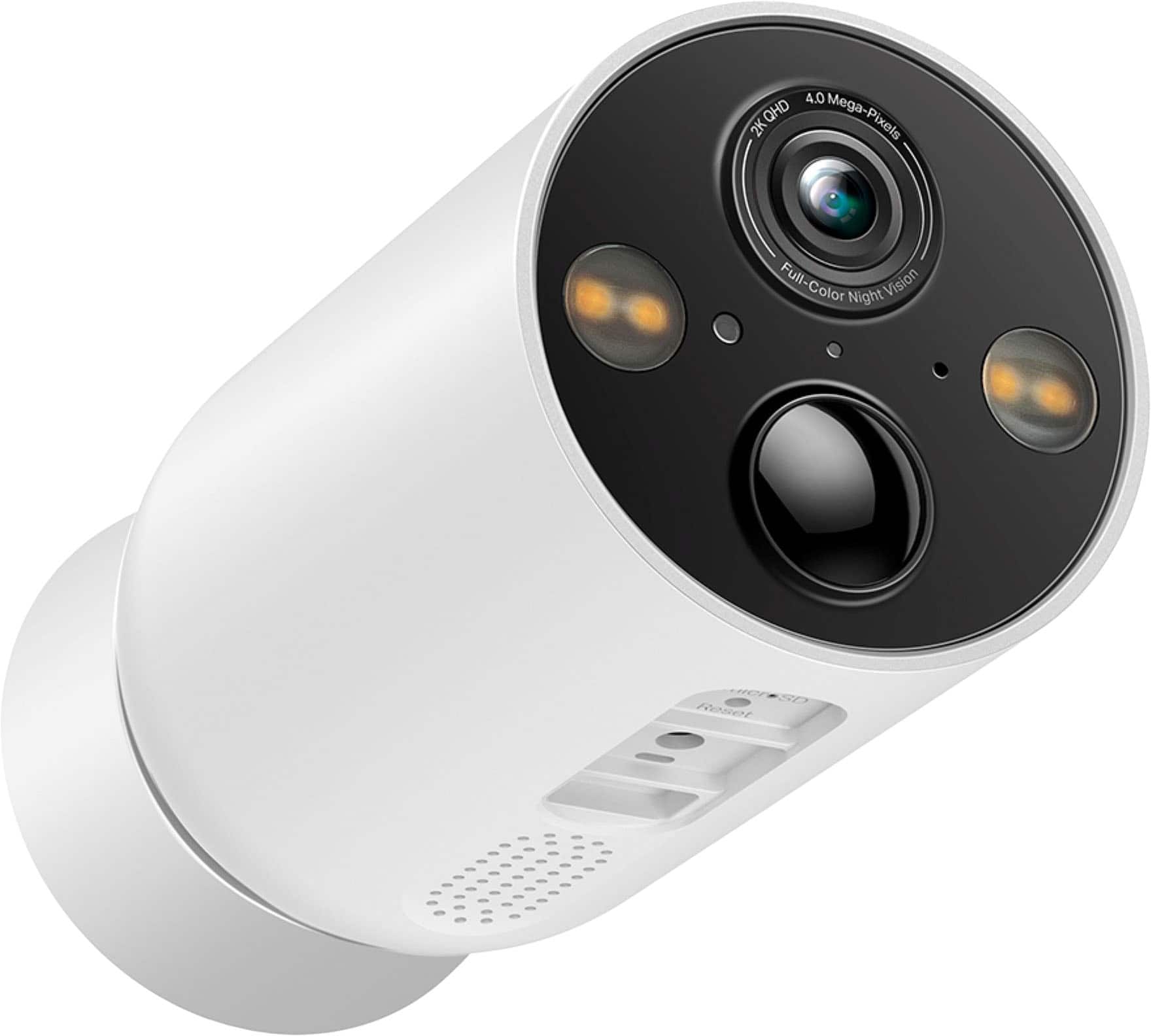
A:AnswerOur MagCam connect directly to your home's 2.4 GHz network. They do not require a hub as they wireless and not Sub-G. You do have the option, if you have a Tapo H200 hub, to record to the local storage of the hub. In the US the Hub comes with the Tapo C400S1/C400S2 or the Tapo C420S1/C420S2. If you don't have the hub the cameras can still record locally via a MicroSD card.
A:AnswerHi Moon2ya,
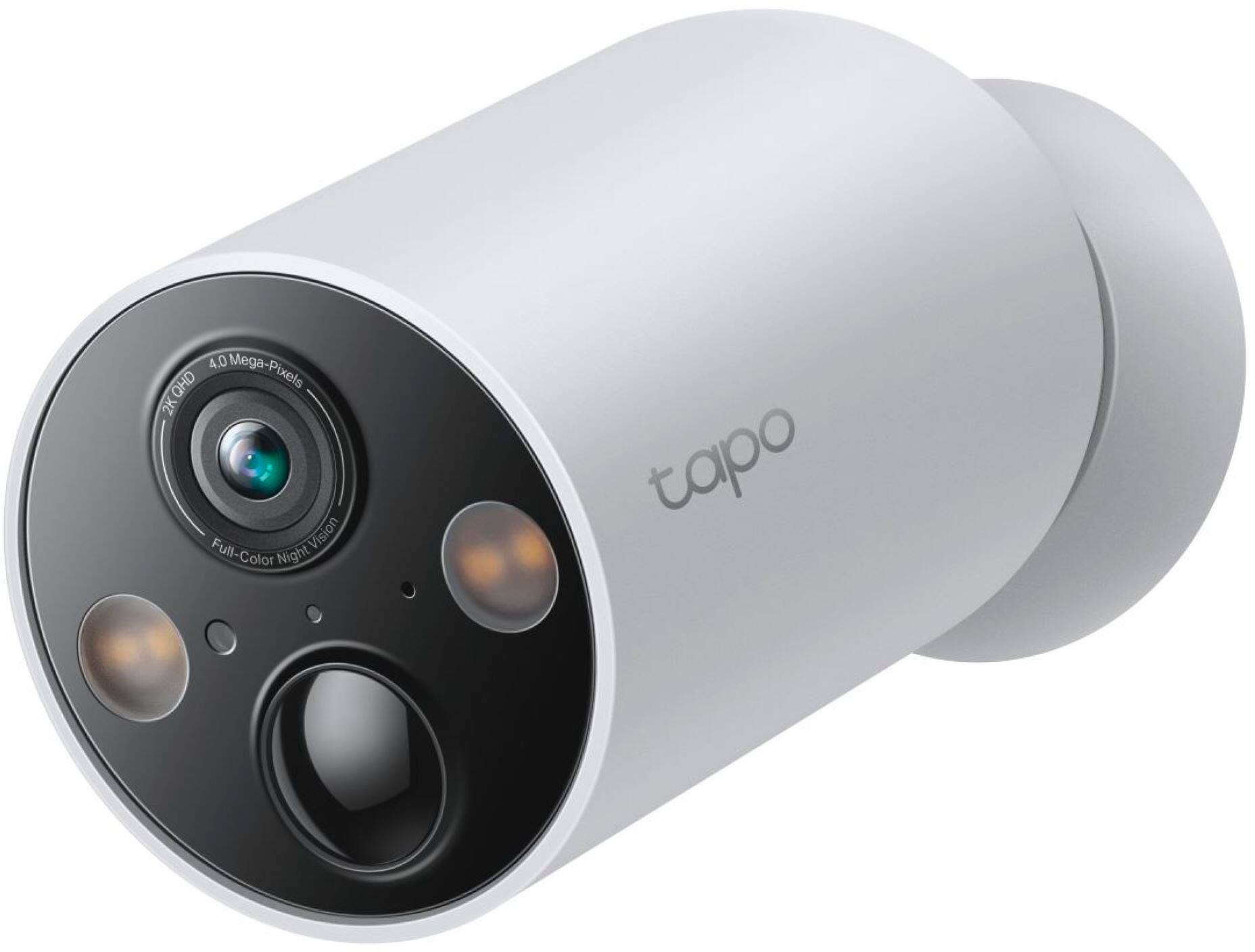
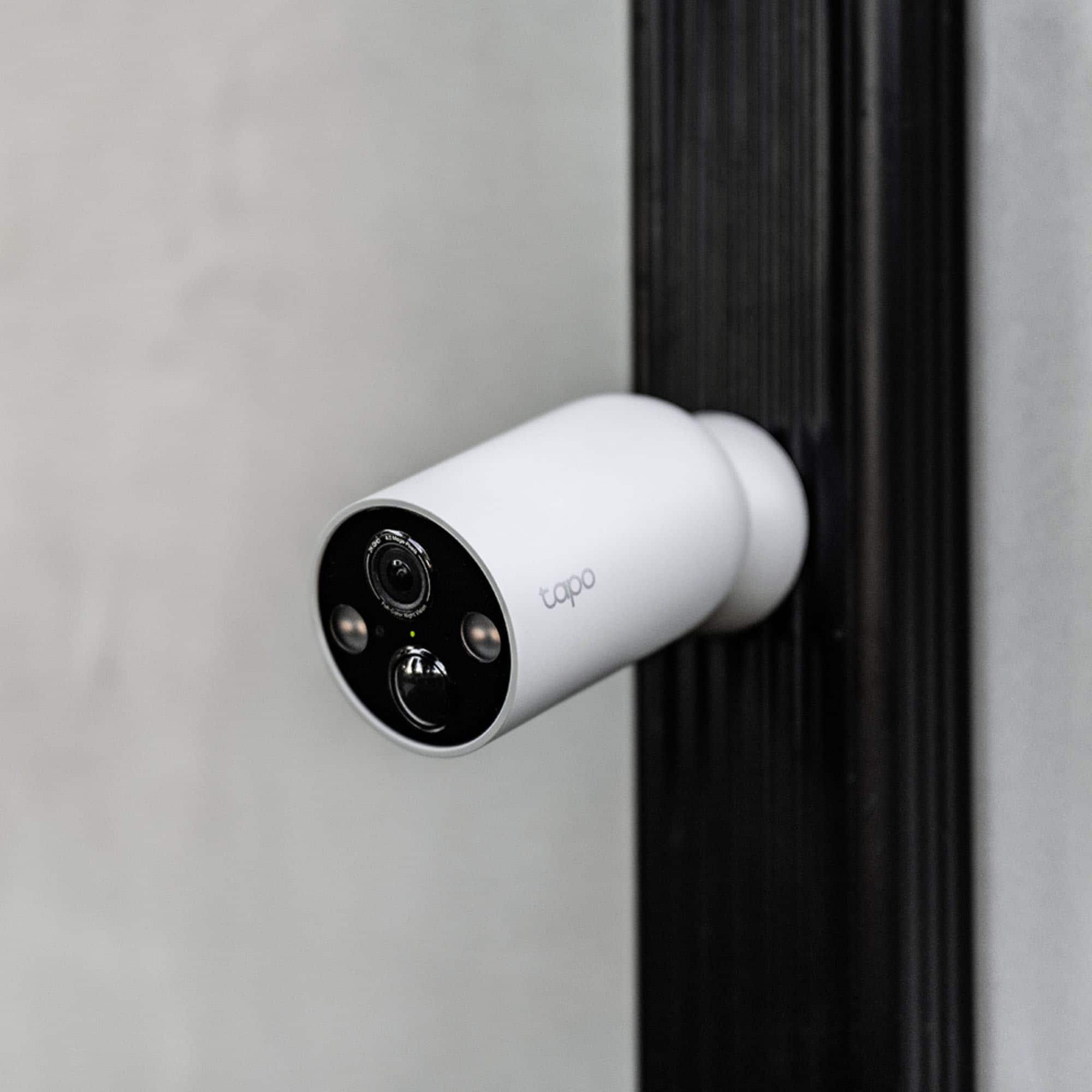
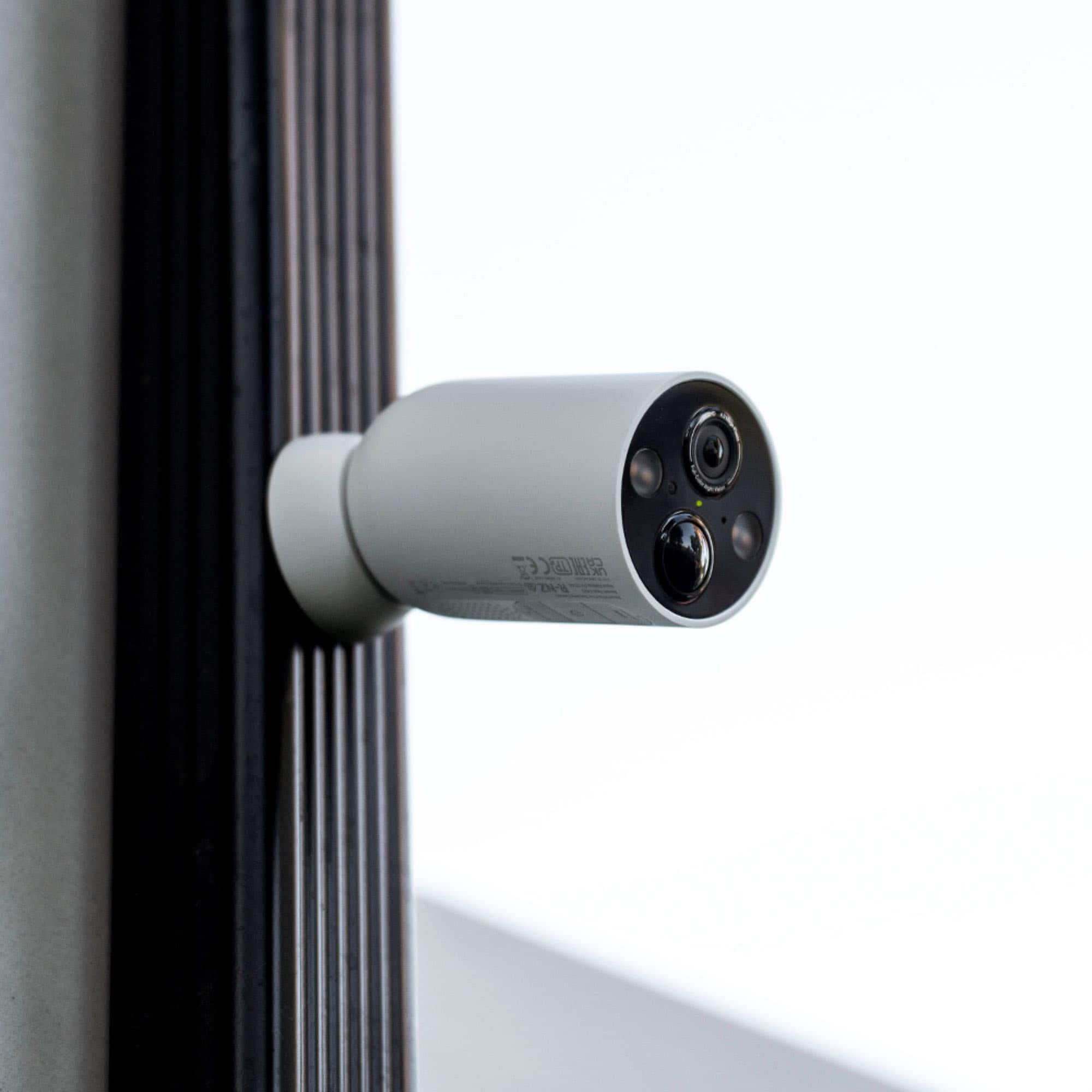
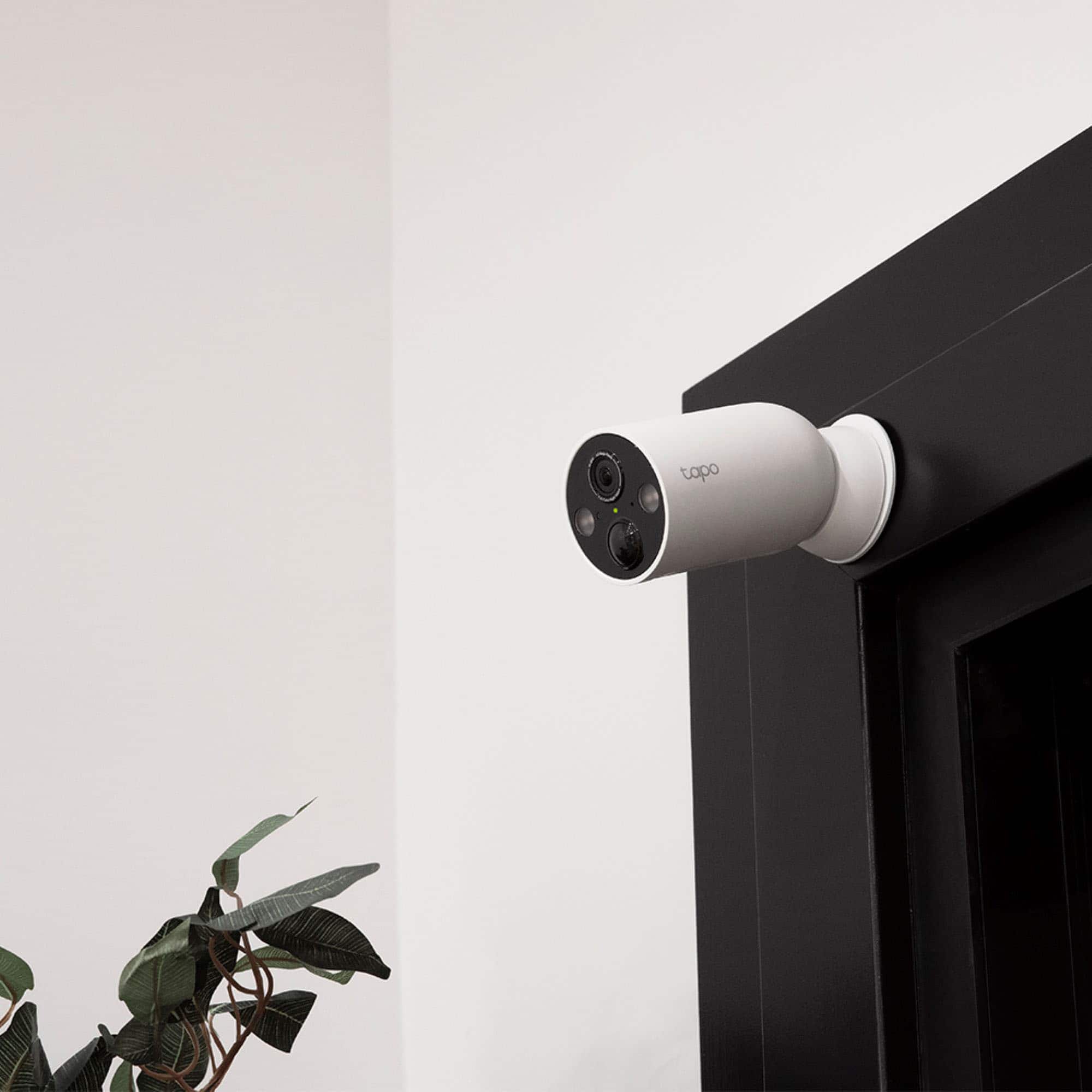
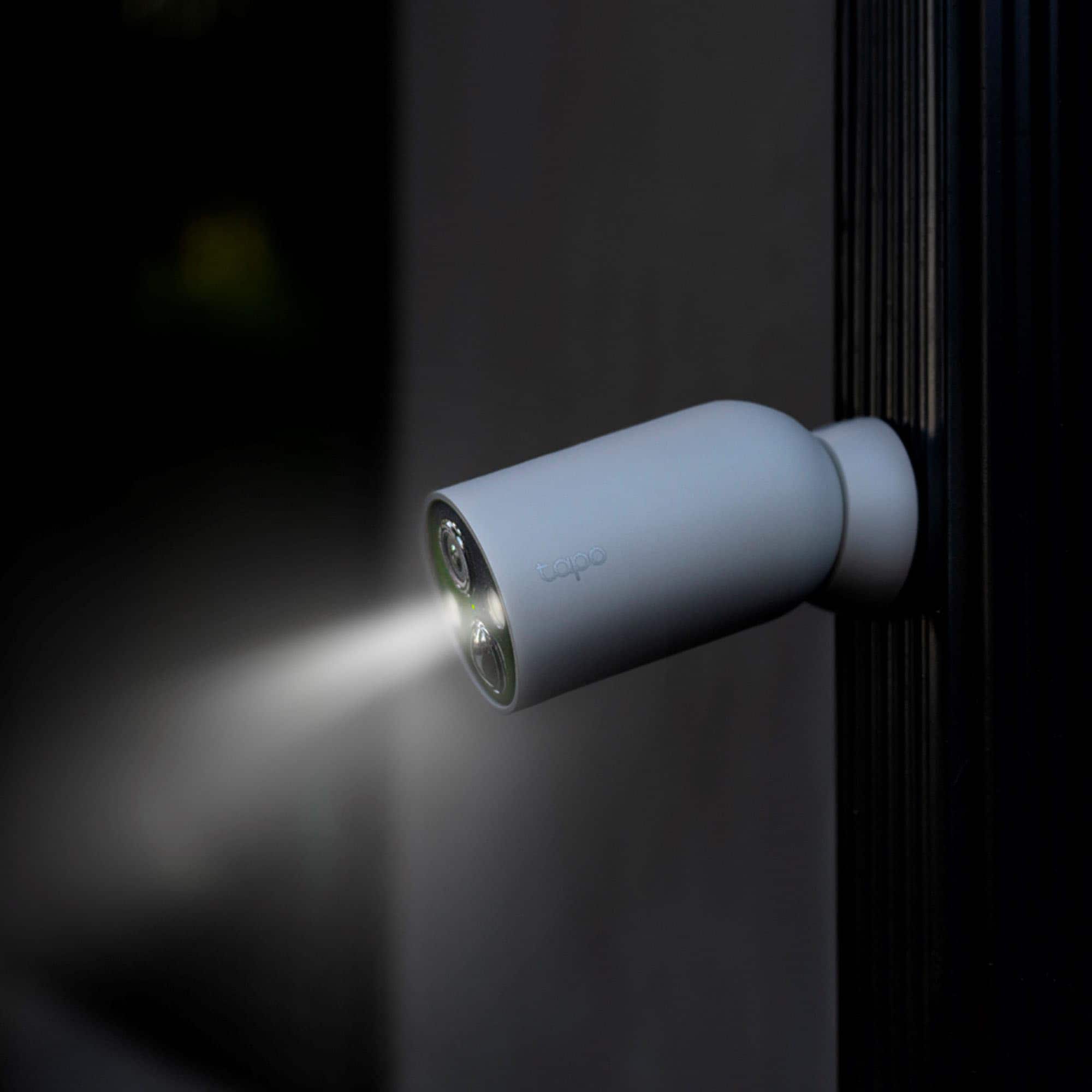
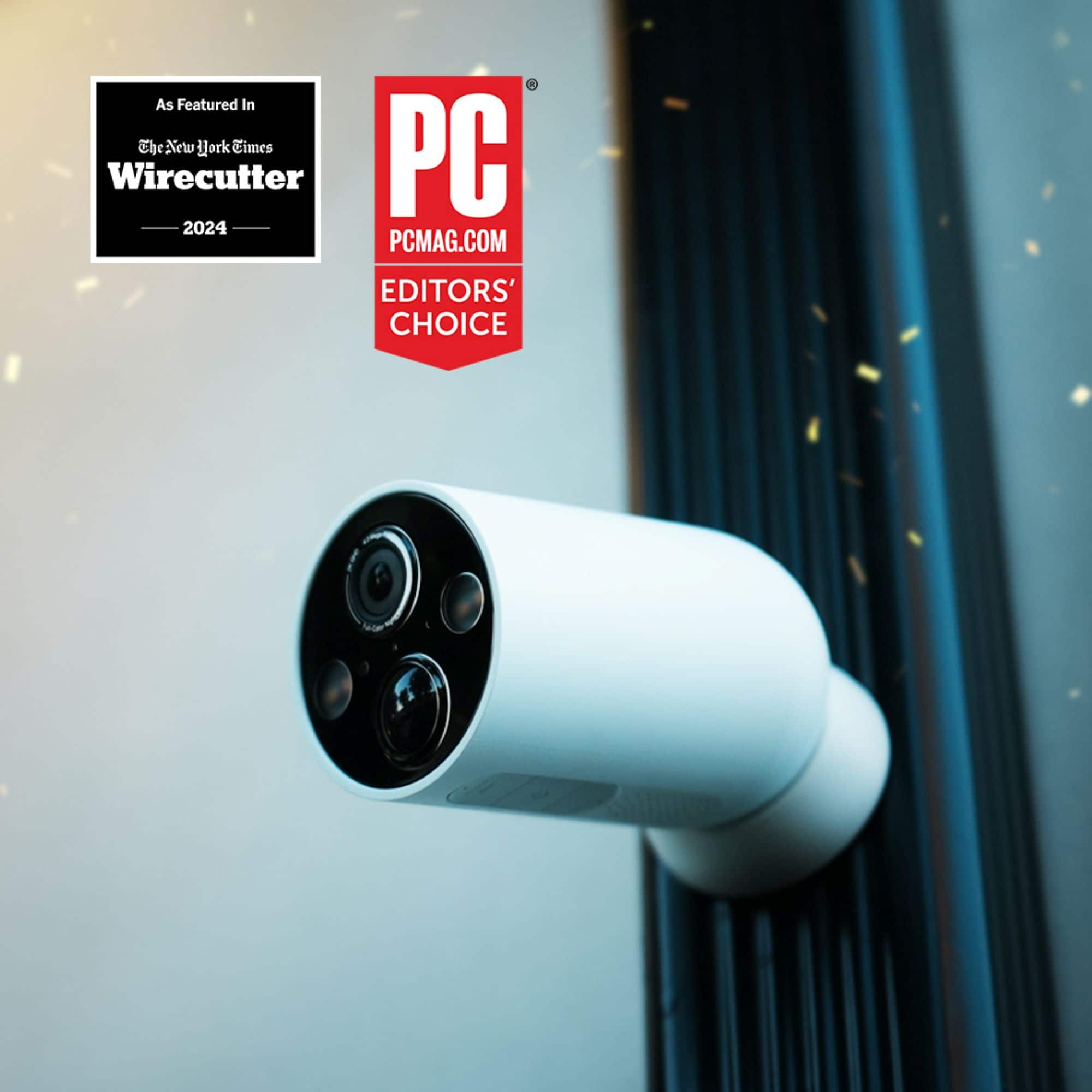
The Tapo TC85 is equipped with Full-Color Night Vision, enhancing your security by revealing brighter, full-color images and vivid details even in low-light conditions with built-in spotlights and the starlight sensor.
A:AnswerHi Cbbb,
Without Internet connectivity, the camera's live view will not be accessible remotely. However, if the camera and your smartphone are connected to the same Wi-Fi network, even without the Internet, you should be able to view and manage the camera locally via the Tapo app.
A:AnswerHi LoHP,
As long as your smartphone and camera are connected to reliable Internet sources, you should be able to open the Tapo app and access the camera within a few moments.