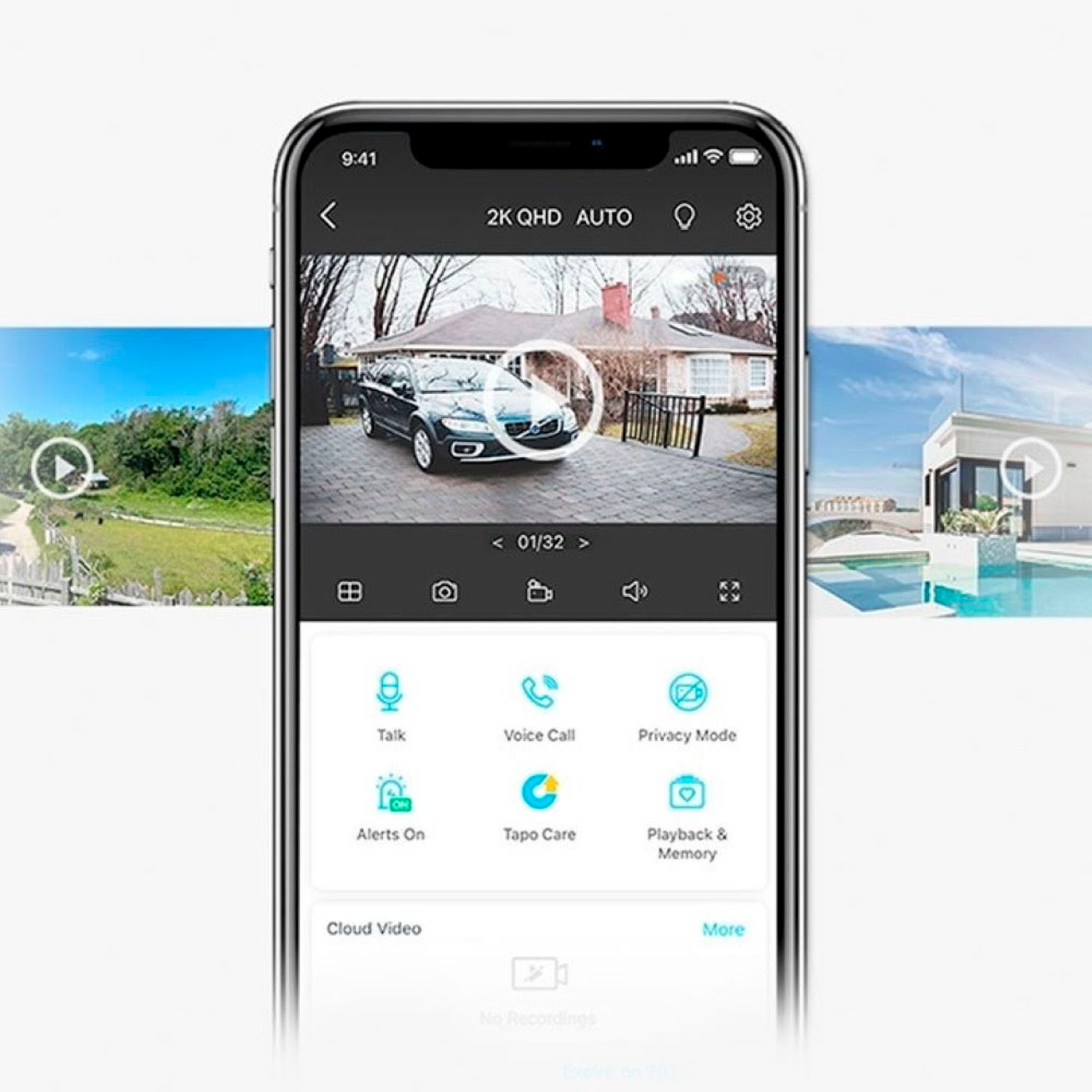
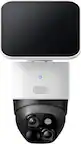
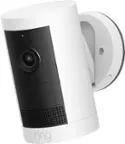
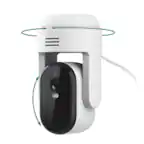
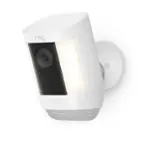
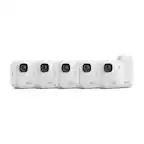
A:AnswerYou can share the camera's live feed with other Tapo accounts through the Tapo app. But if you want to give another person access to the footage recorded you would need to either download the clip and share it between the two devices or give them access to the owner account.
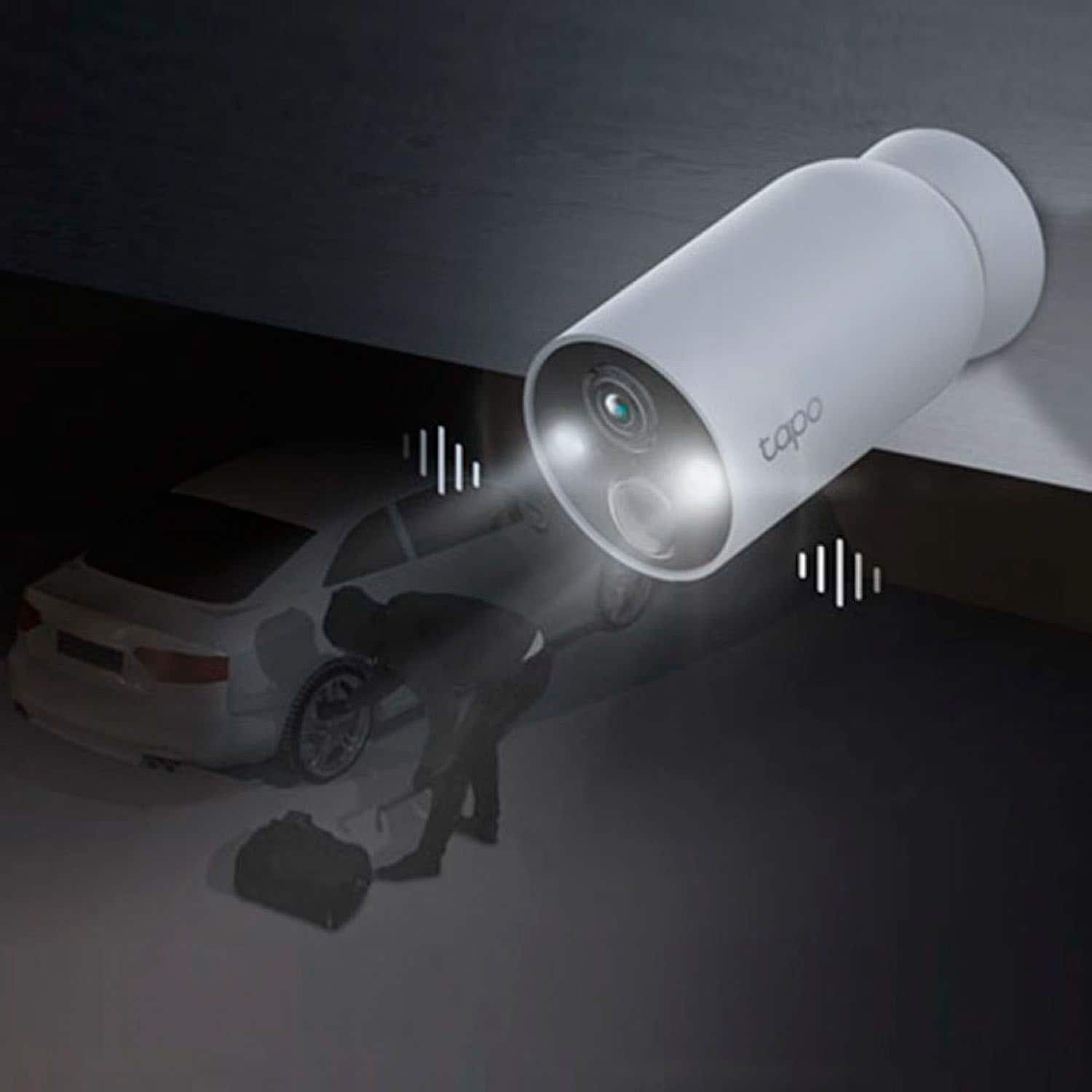
A:AnswerClip durations will vary depending on the duration in which the camera's detection parameters are met. Using the Tapo app, you can customize the camera's detection parameters to fit your specific home monitoring needs.
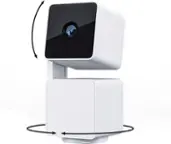
A:AnswerHi! No, Tapo TC85 Cameras do not require a hub for setup or use. The cameras connect to your existing router's 2.4GHz Wi-Fi network, and are conveniently managed via the Tapo app.
A:AnswerAs long as your router supports both 2.4GHz and 5GHz bands simultaneously, you can connect the cameras on the 2.4GHz band, then connect your phone to the 5GHz band, and they will technically be on the same LAN; just using separate SSIDs. There should not be any performance or bandwidth reduction as long as your 5GHz compatible devices are connecting via 5GHz.
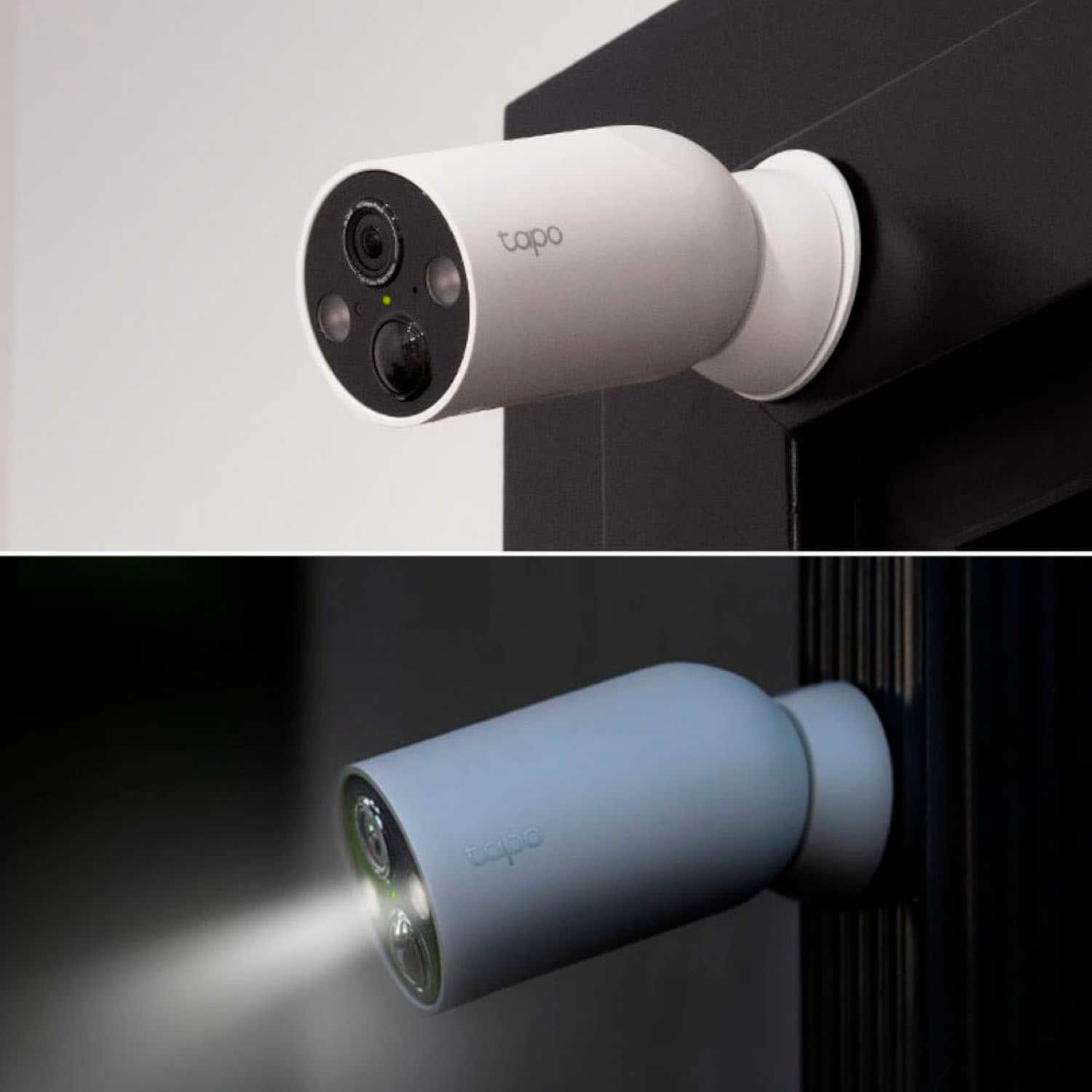
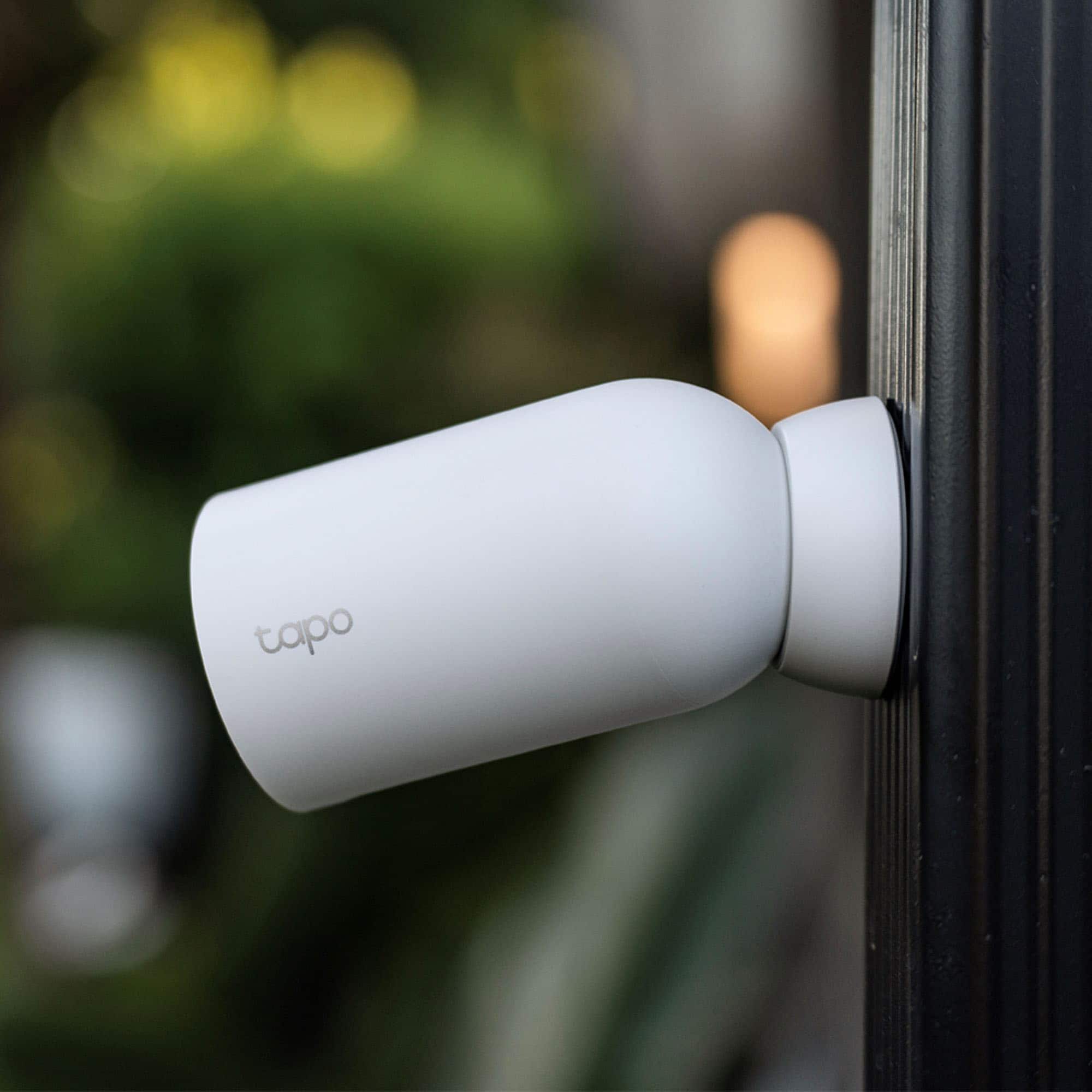
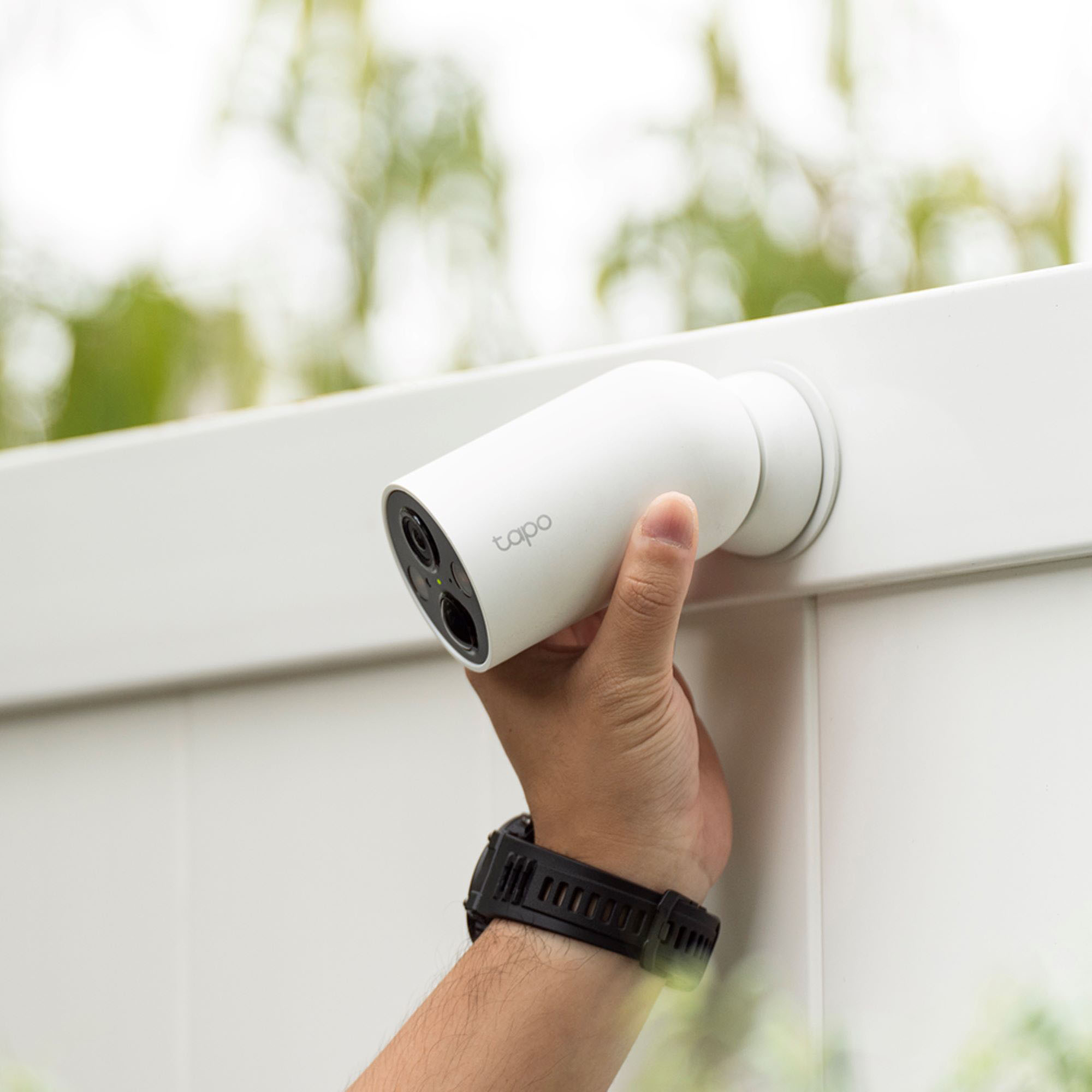
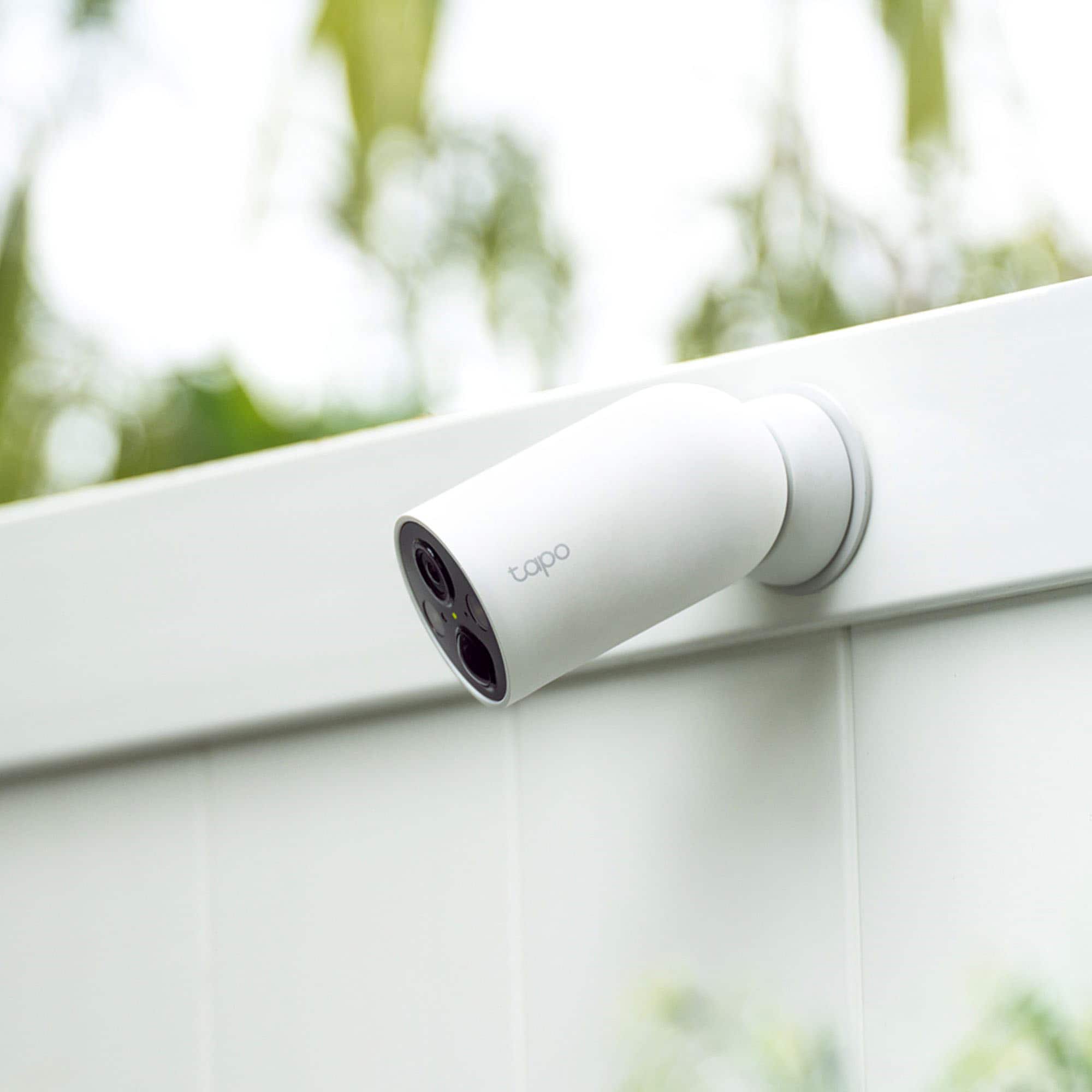
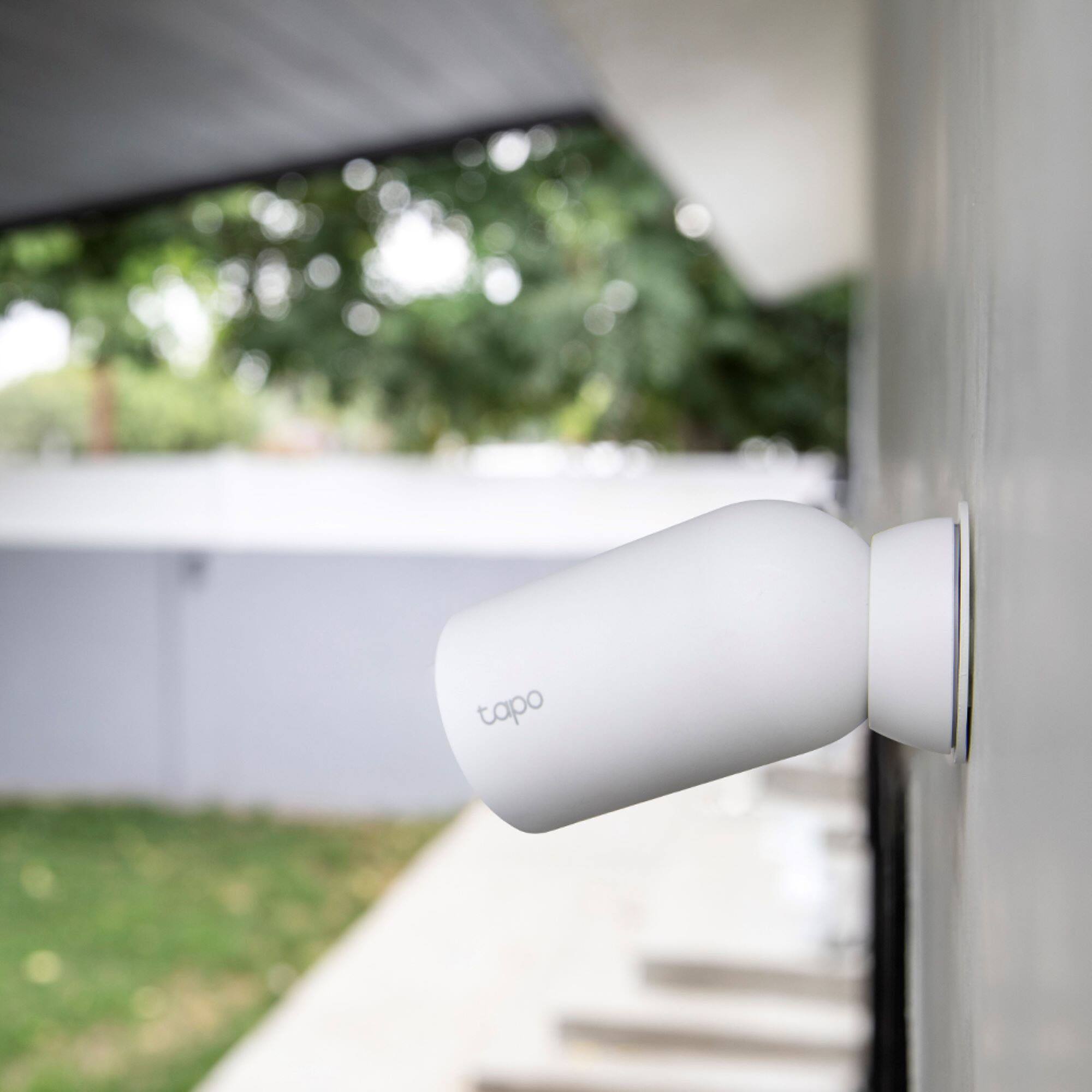
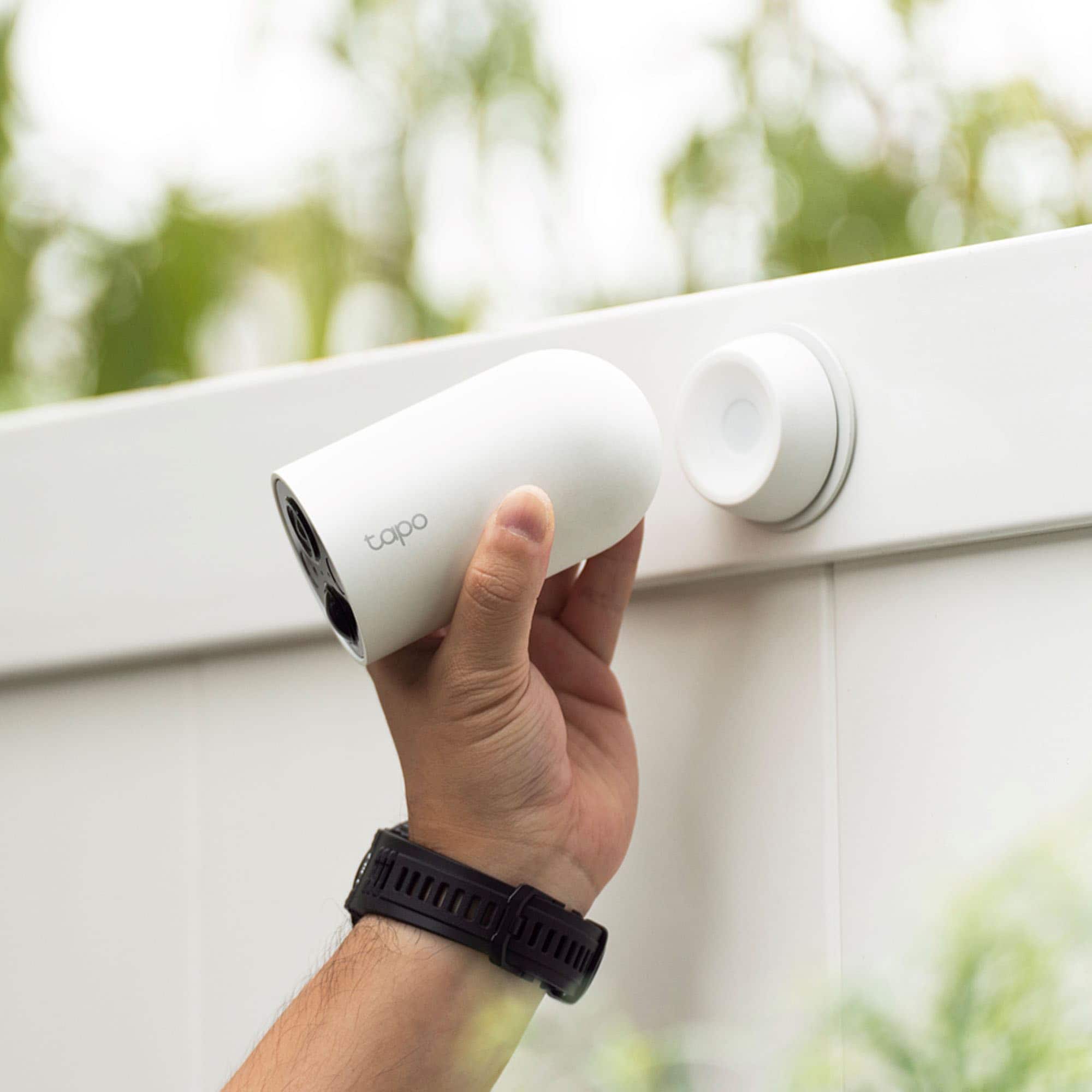
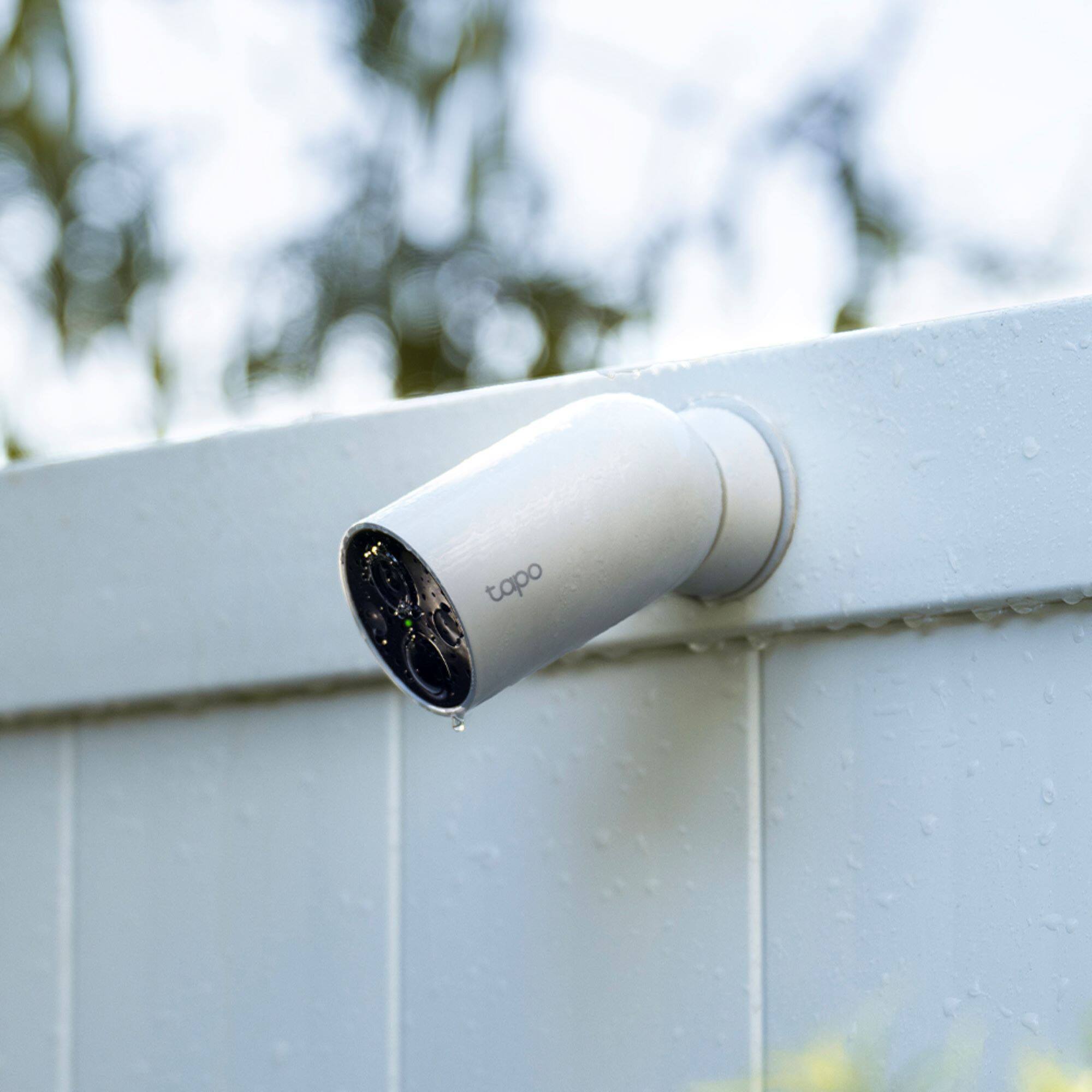
A:AnswerThe magnetic base holds the camera firmly, so it should withstand common weather elements. If you are concerned about the possibility of a person hitting or moving it physically, we suggest installing the camera in a location that is not easily reached.
A:AnswerHi! Tapo cameras support Google Home integration, as shown in our FAQ here: https://www.tapo.com/us/faq/73/ The live video feed can be viewed in the Tapo app or by casting the live view to a compatible device (e.g., a Chromecast-enabled device, Fire TV, etc.)