A:AnswerUse the tool. Push it in straight and FIRMLY... don't be shy...the tray should pop out a short distance. When it does, gently pull it out all the way and lay in your sim and/or your micro SD card. To re-insert the tray, verify the correct position by aligning the tool removal hole, then gently push the filled tray back into the unit.
A:AnswerHi. This is Mae from TracFone Wireless. Yes. You can use the phone that way, but keep in mind that not all features will work. On the other hand, please know that the device already comes with a pre-installed SIM card. There's no need to purchase or insert a new one. If you want to activate the phone, then you will have to add an airtime plan. Thanks.
A:AnswerI verified this Tracfone Santos! The phone came as for the Verizon network, so i tried a relatives activated Tracfone AT&T SIM card in this phone and it recognizes the card and gives a cell signal while making a call. So this phone is like no other Tracfone has put out in the past as it receives all the signals listed in the question and even Sprint towers as well!
A:AnswerHi. This is Cristy from TracFone Wireless. Yes. We will transfer your current active number, remaining benefits (minutes and service days) and the Triple Minute Plan benefits to your new phone.
A:AnswerHi. This is Katrina from TracFone Wireless. There is no activation fee; however, you need to purchase an airtime card in order to activate the phone.
A:AnswerHi. This is Arianne from TracFone Wireless. Yes. This device has a On The Go (OTG) capability and can read an external Micro USB flashdrive using an OTG.
A:AnswerSure you can use this on your safelink plan anytime and use the sim card that comes with the phone. When you get the phone just call safe link and they will activate it on your safe link. Really easy.
A:AnswerHi. This is Janet from TracFone Wireless. Yes. You're Double Minute Plan benefits will be transferred along with your phone number and any remaining minutes.
A:AnswerYes, it'll work right out of the box, though I suggest charging it first. Mine was only 50% charged when it arrived. You don't need to activate it, if you only want to use it with a wifi signal to access the internet, or use the camera etc. All those features work. But in order to make and receive phone calls, you'll have to activate it, either using the Tracfone service, or Safelink service. I don't know if it will work with other carriers or not. Oh, and, there is an emergency call feature, that apparently allows you to call out, though I don't know to where, maybe 911? And that type of call does not require activation or even a sim card, if I remember right.
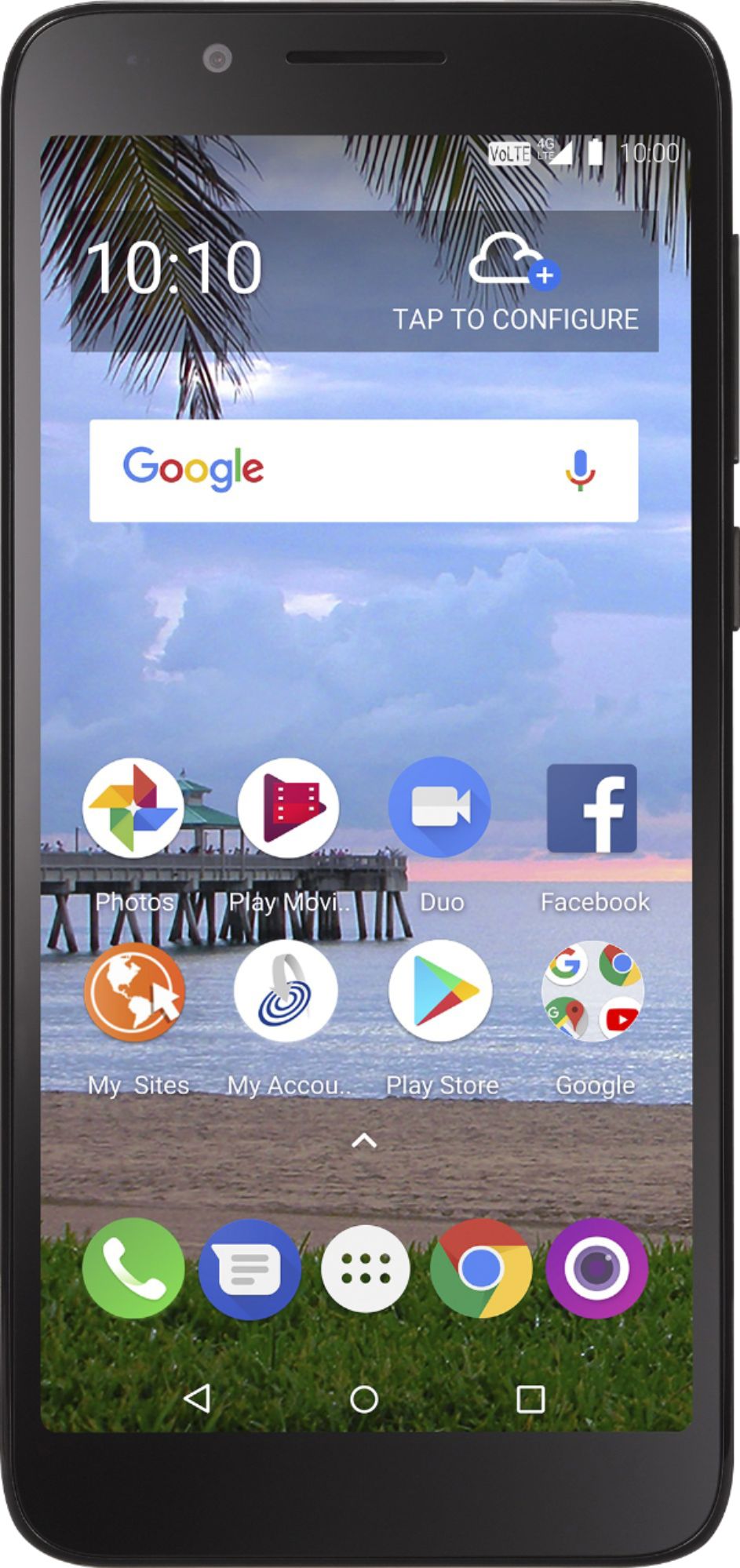
A:AnswerHi. This is Mae from TracFone Wireless. No. FaceTime is not compatible with Android phones and is only available for Apple devices. However, you can try to install third-party apps that are Android-compatible and do the same thing as FaceTime.
A:AnswerPull down from top. it should say data. if it’s blue data is on. push the word data to turn off. Apps use data in the background even when you’re not using that app so turn on data saver or restrict background data and turn off data when you’re not using it.
A:AnswerYou must buy a card to get started, unless you are transferring minutes from another TracFone. The number of minutes is usage-based rather than time-based. In other words, it lasts either weeks or months depending on how much you use it. 450 minutes of talk/text will last me about a month, but my cell phone is not my primary number. The TracFone app (free on Google play) will help you keep track of how much you have left and how fast you're using it.
A:AnswerYou need to buy a minute card before any activation. I was able to transfer my phone number from my old phone. I was also able to transfer old minutes. You may be able to get a new number issued. My minutes also roll over with my SafeLink plan.