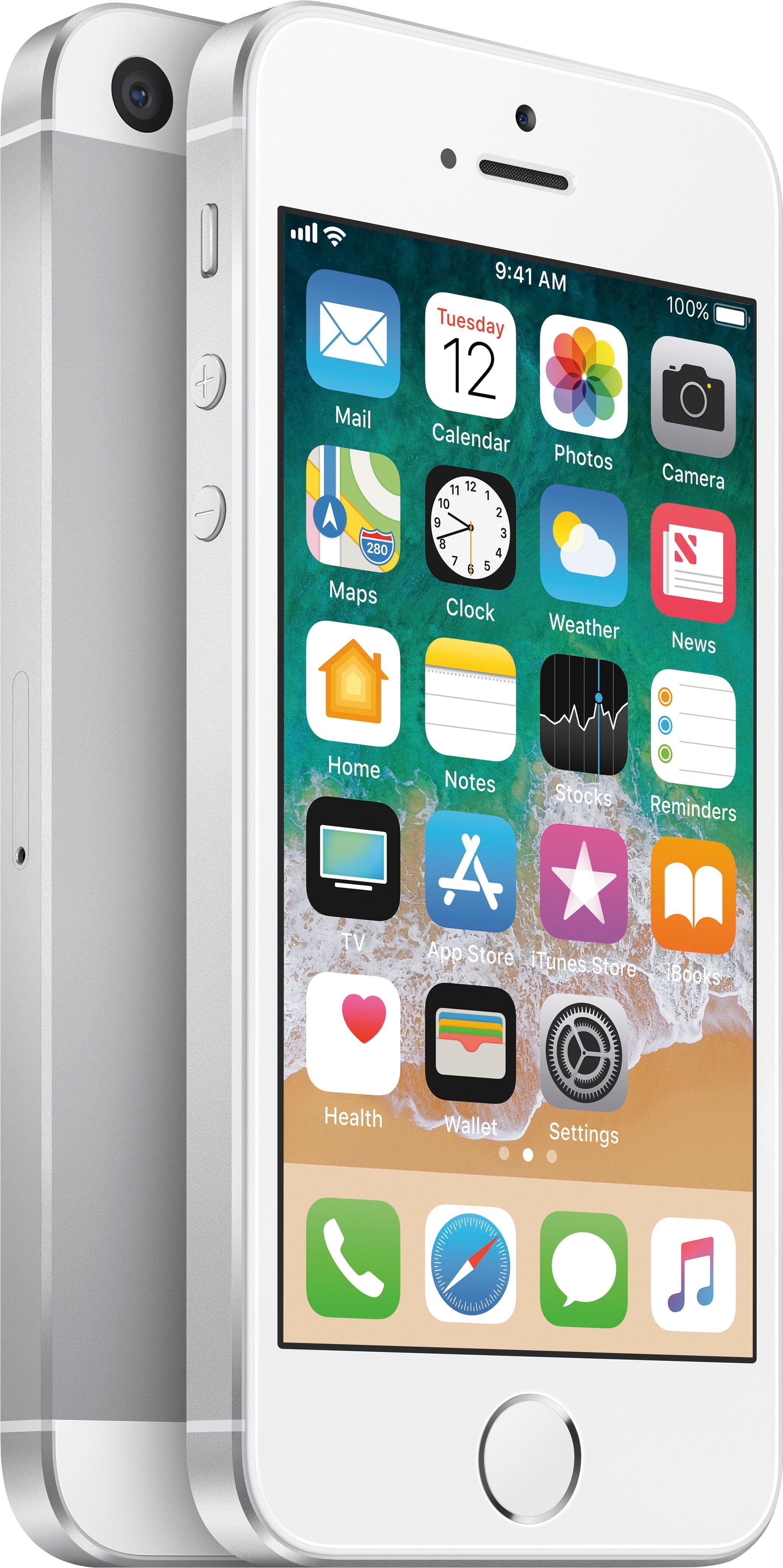
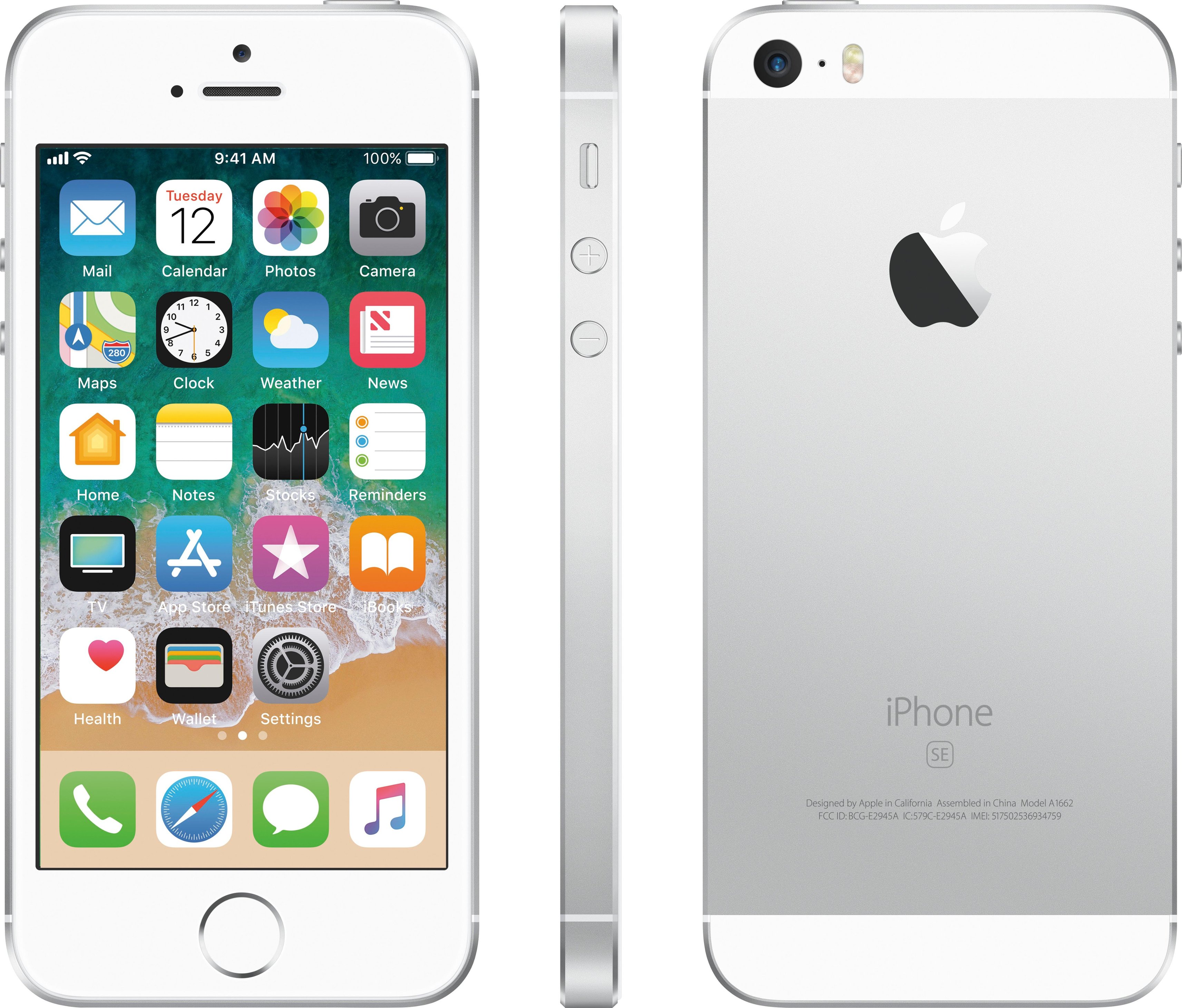
A:AnswerI have this phone in a different area code, but it works great so far, and I was able to transfer phone number, minutes, etc without any issues. Transferred from an Android ZTE.
A:AnswerHello, Bob. This is Angel from TracFone Wireless. Yes,it is possible. You will need to complete the software update by going to Settings > General > Software Update, then click the “Download and Install” link.
A:AnswerHi. My name is Cristy and I work with TracFone Wireless. Yes. All remaining minutes for talk, text and data will be carried over to the new phone.
A:AnswerHi. My name is Glen from TracFone Wireless. Beginning April 1, 2017, all TracFone Smartphone releases will no longer have Triple Minute Plan benefits.
A:AnswerHi. This is Janet from TracFone Wireless. Yes, it will work within the US territory, including Alaska, Puerto Rico and the U.S. Virgin Islands as long as we have network towers that could support your device technology.
A:AnswerI just gave this to my wife yesterday as a Christmas gift and it is a brand new Apple I-Phone. it is not re-furbished or used. We already transferred her information and telephone number from her old Trac-Fone to this Apple Trac-Fone.
A:AnswerIt appears sold out at the moment. I would recommend checking the Best Buy site regularly. They also have an optional Notify me button to use. So far, my iPhone SE with Tracfone is working great and I hope you can get one soon.
A:AnswerHi. My name is Arianne from TracFone Wireless. Yes, you can transfer your existing minutes from your current phone to this phone. There is no contract. However, we need to ask for your complete address for us to check if this phone will work in your area. Please contact us via chat at http://bit.ly/2gQCmUz?caseId=41023 and we will be glad to assist you.