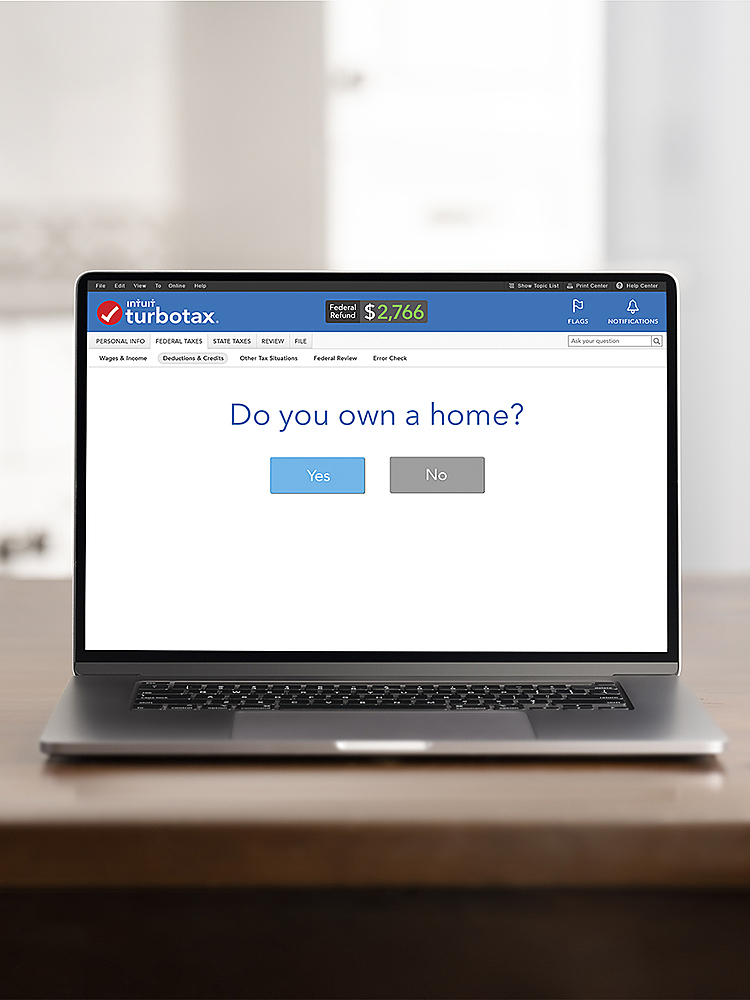
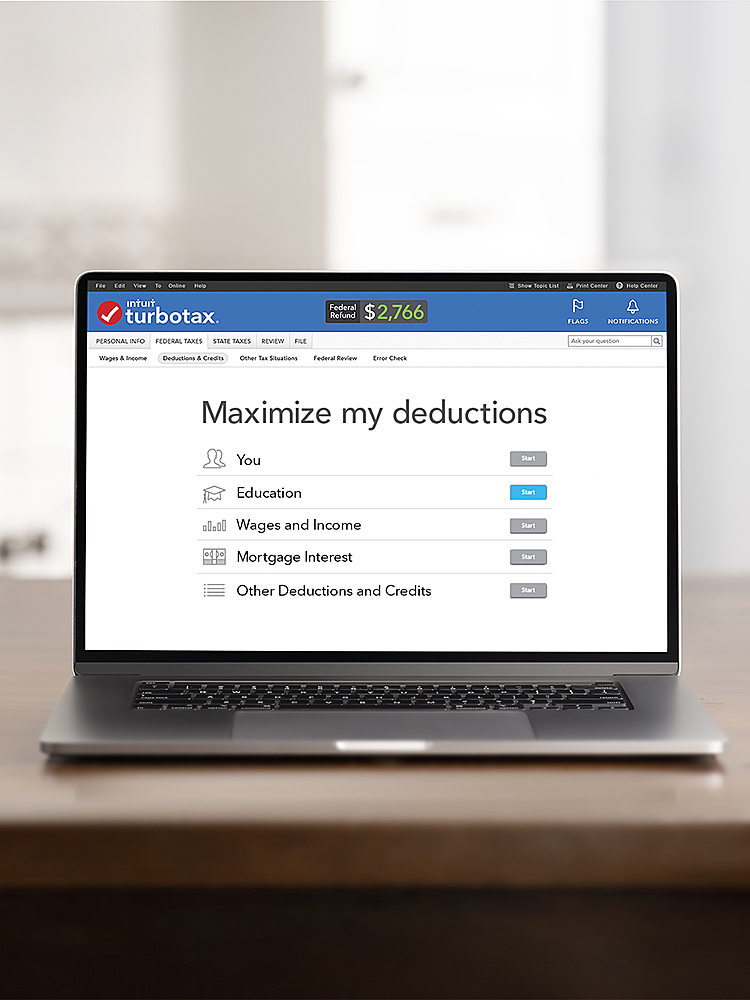
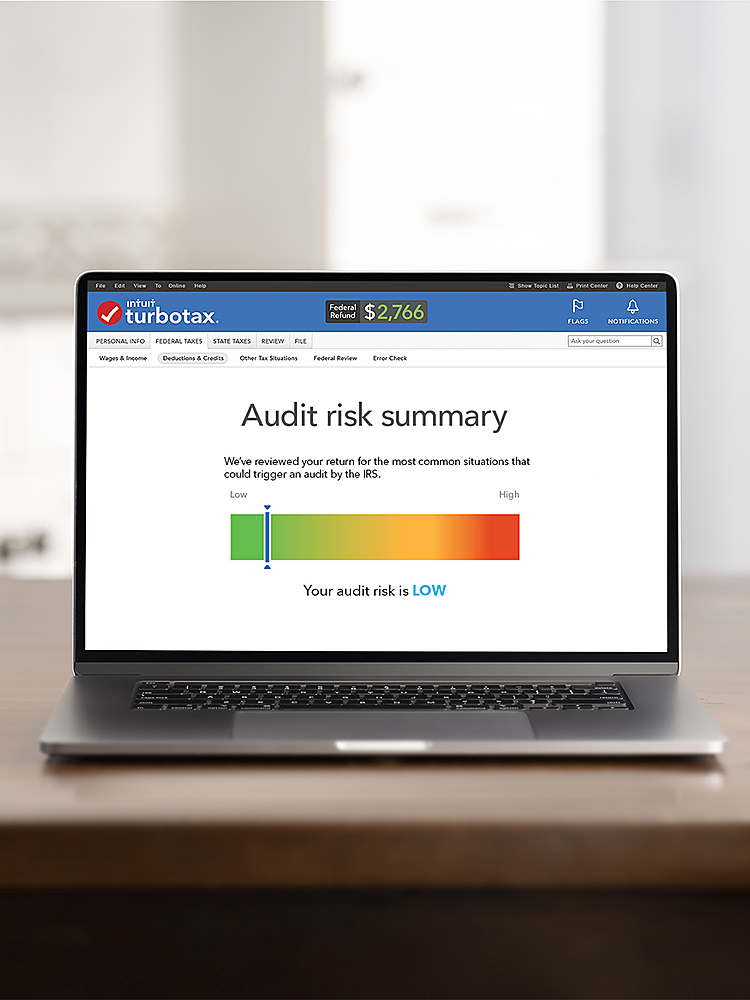
A:AnswerWhile TurboTax Deluxe + State does include Form 5695, we do suggest TurboTax Home & Business + State to get the guided interview questions to ensure information is being accurately entered. If you are comfortable manually entering your information, you can use Deluxe + State in Forms Mode. While using Forms Mode will not prevent you from e-filing, it does void the TurboTax Accuracy Guarantee. If you override any values that were calculated by TurboTax, this will void the Accuracy Guarantee and you will be unable to e-file. However, you would still be able to print and file your return.
A:AnswerThis says federal and state, so I still have to pay an additional fee for state when it's free to file federal online anyways. So what am i paying for?
A:AnswerYes, TurboTax Deluxe 2021 Federal + State Download can report income on a W-2 and self-employed income reported on a 1099. We recommend visiting the TurboTax Community to find the product that best fits your tax needs.
A:AnswerHere are the minimum system requirements for TurboTax for Mac 2021: Operating System 2021: macOS Catalina 10.15 or later, processor: Multi-core Intel processor with 64-bit support, Hard Drive Space: 1 GB, RAM: 2 GB or more recommended
A:AnswerI do not know. I bought a download version from Best Buy. You can also create an account on the TurboTax website, buy the version you want and file with them, too.
A:AnswerTurboTax Deluxe + State 2021 desktop software can be installed, authenticated, and activated on up to 5 different computers per the TurboTax Desktop Software End User License Agreement for Tax Year 2021.
A:AnswerFound this by scrolling up a bit.
Includes 5 federal e-files and 1 State via download ($40 value). State e-file sold separately. Free U.S.-based product support (hours may vary).