Questions & Answers
- Model:
- INT940800V140
- |
- SKU:
- 6645978
Highly rated by customers for: Overall Performance, Ease of Use
$69.99$69.99
Page Showing 21-25 of 25 questions
Q: QuestionHow soon do I have to download this 2025 version. I have back taxes to complete.
Asked by MichealW.
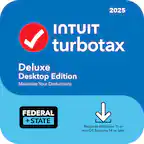
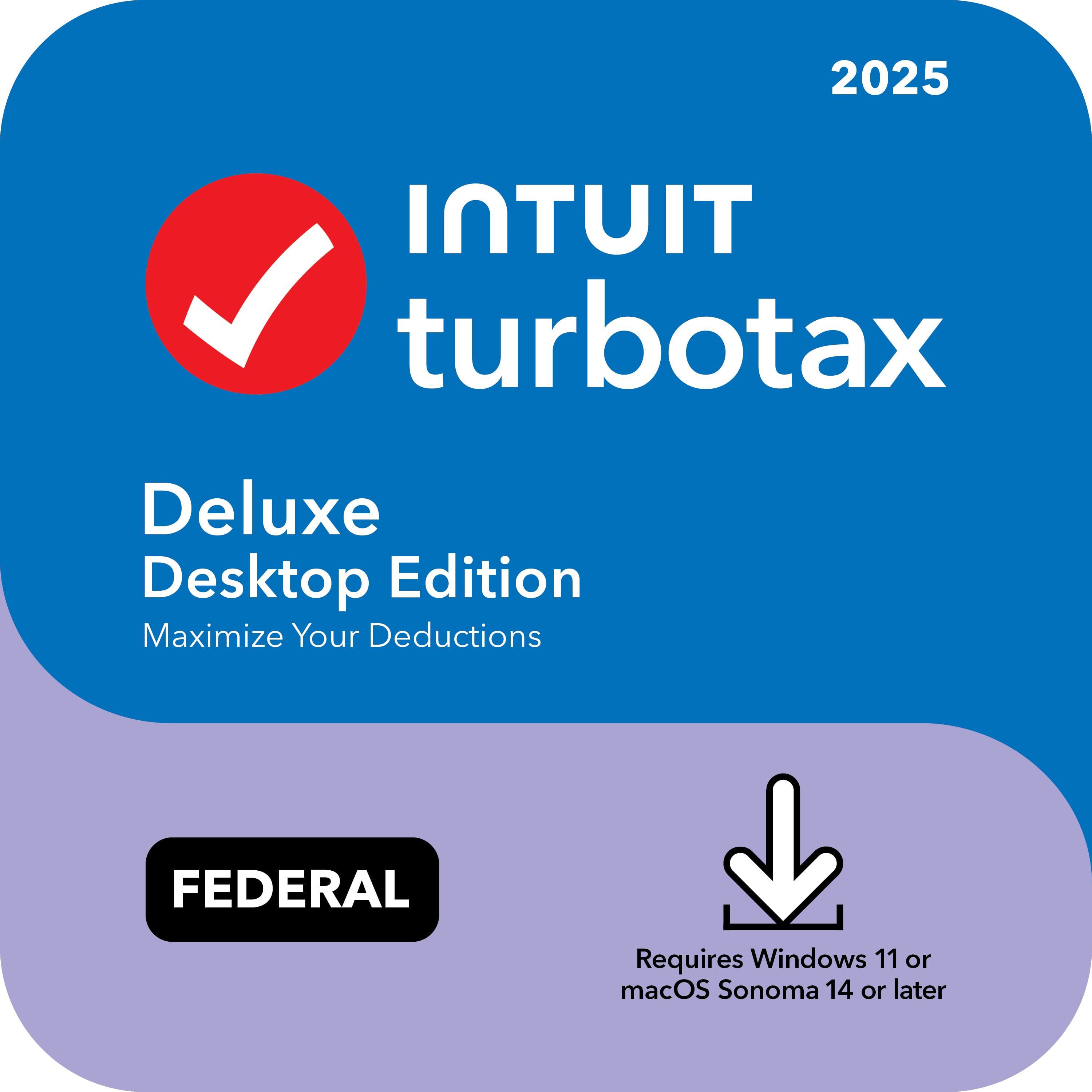
- A:Answer TurboTax Deluxe 2025 Federal Only + E-file – Mac OS, Windows can be downloaded at any time after purchase. Once your purchase is complete, you’ll receive an email with instructions to download and activate the software. Your computer will need to meet the system requirements: Windows 11 (64-bit) or macOS Sonoma 14 or later. Please note that TurboTax Deluxe 2025 Federal Only + E-file – Mac OS, Windows is only valid for the 2025 tax year. If you’re filing back taxes, you can generally file up to three years back. Please keep in mind that you’ll need to purchase and download the TurboTax Desktop software for each specific tax year you’re filing.
Answered by TurboTax Brand Expert
Q: QuestionWindows 10 laptop. Can I use deluxe turbo tax digital
Asked by Pops.
- A:Answer TurboTax 2025 products require Windows 11 (or for macOS, Sonoma 14) to run. To use this TurboTax software, you will need to upgrade to Windows 11. You also have the option to use TurboTax Online through our website if an upgrade is not a sufficient path for you. Reach out to our social support team should you have additional questions on which product is best for you. You can find us on Facebook, X (formerly Twitter), and Instagram.
Answered by TurboTax Brand Expert
Q: QuestionHOW DOES THE NEW TURBO TAX 2025 WITH WINDOWS 11 INTERACT WITH PREVIOUS YEARS TURBO TAX THAT WERE DONE ON WINDOWS 10? DOES IT STILL TRANSFER THE INFORMATION FROM ONE YEAR TO THE NEXT AUTOMATICALLY?
Asked by Gettingtoold.
- A:Answer TurboTax Desktop 2025 on Windows 11 will transfer last year's tax data file (.tax2024 file) or PDF from the 2024 version of TurboTax Desktop or Online that was done on Windows 10. It even transfers PDFs created in TaxACT or H&R Block tax prep software. We recommend backing up your previous .tax or PDF files before following the next to ensure no data is lost during the transition. For step by step instructions, please refer to the article in the TurboTax Community site titled “Transfer last year's return to TurboTax Desktop for Windows”.
Answered by TurboTax Brand Expert
Q: QuestionDoes it include a CD
Asked by Anonymous.
- A:Answer No. The TurboTax Desktop products for tax year 2025 are only available via download. TurboTax will no longer offer Desktop software in a CD format. After purchase, you'll receive the download and activation steps via email and in the Order Details of your BestBuy account to easily and securely install your product.
Answered by TurboTax Brand Expert
Q: QuestionDoes Turbotax still support Win 10?
Asked by hitch.
- A:Answer The TurboTax Desktop Deluxe 2025 software is designed to run on Windows 11 (64-bit). Windows 10 is not supported.
Answered by TurboTax Brand Expert
Page 2, Showing 21-25 of 25 questions
Most-viewed items
- $50.99$50.99The price was $59.99