A:AnswerI founds that Best Buy and Amazon tend to have the best prices online. I got my first string of 600 for about $160 back in November 2020. The next day they went up to $200 and stayed there for months. I just got another string from Best Buy a few weeks ago when the price dropped again for a few days.
If you can, just keep checking prices and wait for them to drop.
A:AnswerWe purchased two sets of the 600-light sets (total of 1200 lights) for a 9 foot tree with a broad base. This provided more than ample coverage for our tree around the full circumference. 1200 lights may work for a 12 ft tree. I will say that the app seemed to have trouble with the 3d mapping of the tree given the number of lights. It would sometimes fail after trying to make the composite map of the tree. We ended up returning ours due to connection issues and the need to remap the lights multiple times. Each time we had to pull the tree away from the wall to map the backside lights and being able to stand far enough back to get the full tree in frame of the mapping app was difficult. They were amazing while they worked but within 24 hours of finally getting them set up they lost wifi connection and required being set up again from scratch.
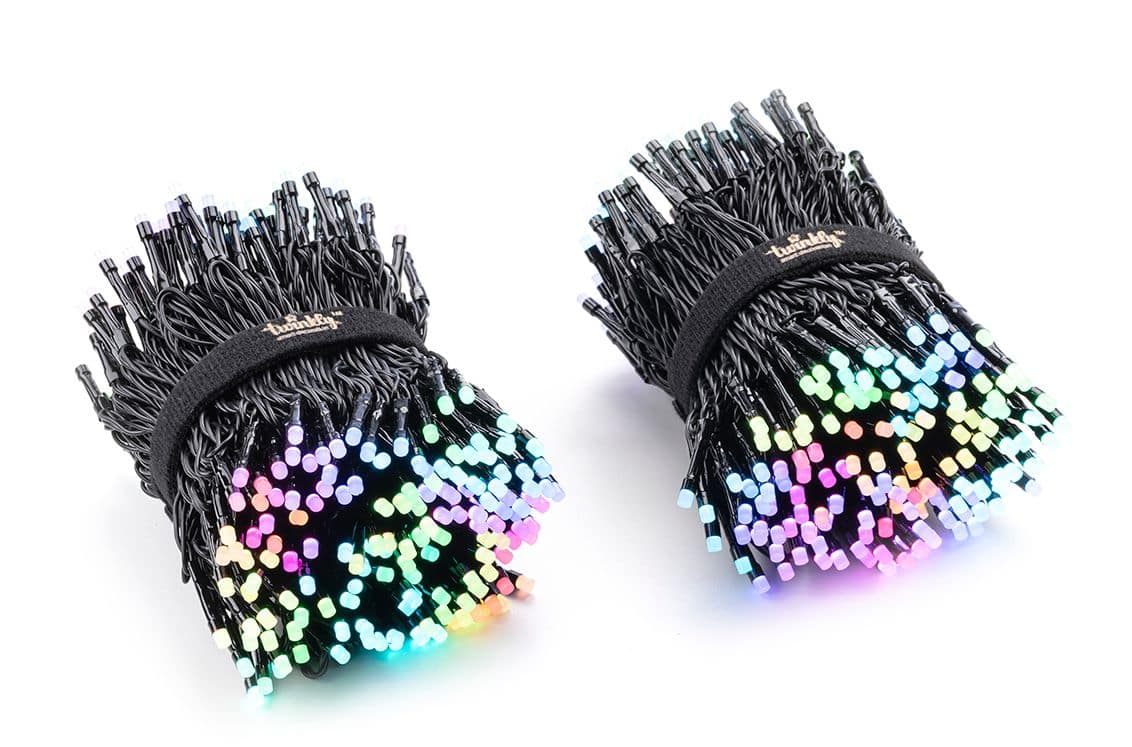
A:AnswerThey are 2 strands of 300, however, they are both attached to the same controller/power source. So, each 300 light length has a long lead wire that goes to the controller/power supply. You could make them one continuous (faux) by powering them in the center and running each of them away from the center. They are great lights and very easy to decorate with.
A:Answeryou are required to have a cell phone to set them up, because of the process that is used to connect them to your wifi. After you do so though, you can get by without a phone depending on your needs. I personally wrote an app called artnet2twinkly that allows you to control them from stage software running on a windows pc, and other people have done linux work.
A:AnswerThe phone app allows you to set times for it to turn on or turn off.
As far as control, you have to be on the same network as the lights are on to make changes or for control.
A:Answeryou can do it from two devices, but they aren't really designed to be used from two devices at the same time. If you do anything to the mapping or whatever, you'll have to log out and back in on the other device, and custom effects do not sync across devices.
A:AnswerHi! I notice that a user has already given you a great tip, however if you need any assistance, you can reach us via the "contact us" form in the Help section of the twinkly official website!
A:AnswerI believe that the Twinkly lights are only compatible with other Twinkly sets. If you have multiple Twinkly brand units, you can control up to 10 units simultaneously with the app. They can be individually controlled, or they can be synchronized with each other through the app.
You can either connect via WIFI directly to the Twinkly unit, or for access to all features, it needs to be connected to a 2.4GhZ wifi network, and your phone/tablet will need to be connected to the SAME wifi network.
Additionally, any Twinkly set can be put on an external timer that cuts power, and when powered back up, it returns to the previous setting automatically. I hope this helps...
A:AnswerNo, it dosn’t matter. Once the lights are on the tree, you are going to use the app to “map” where they are. They are smart lights and will sync beautifully once mapped.