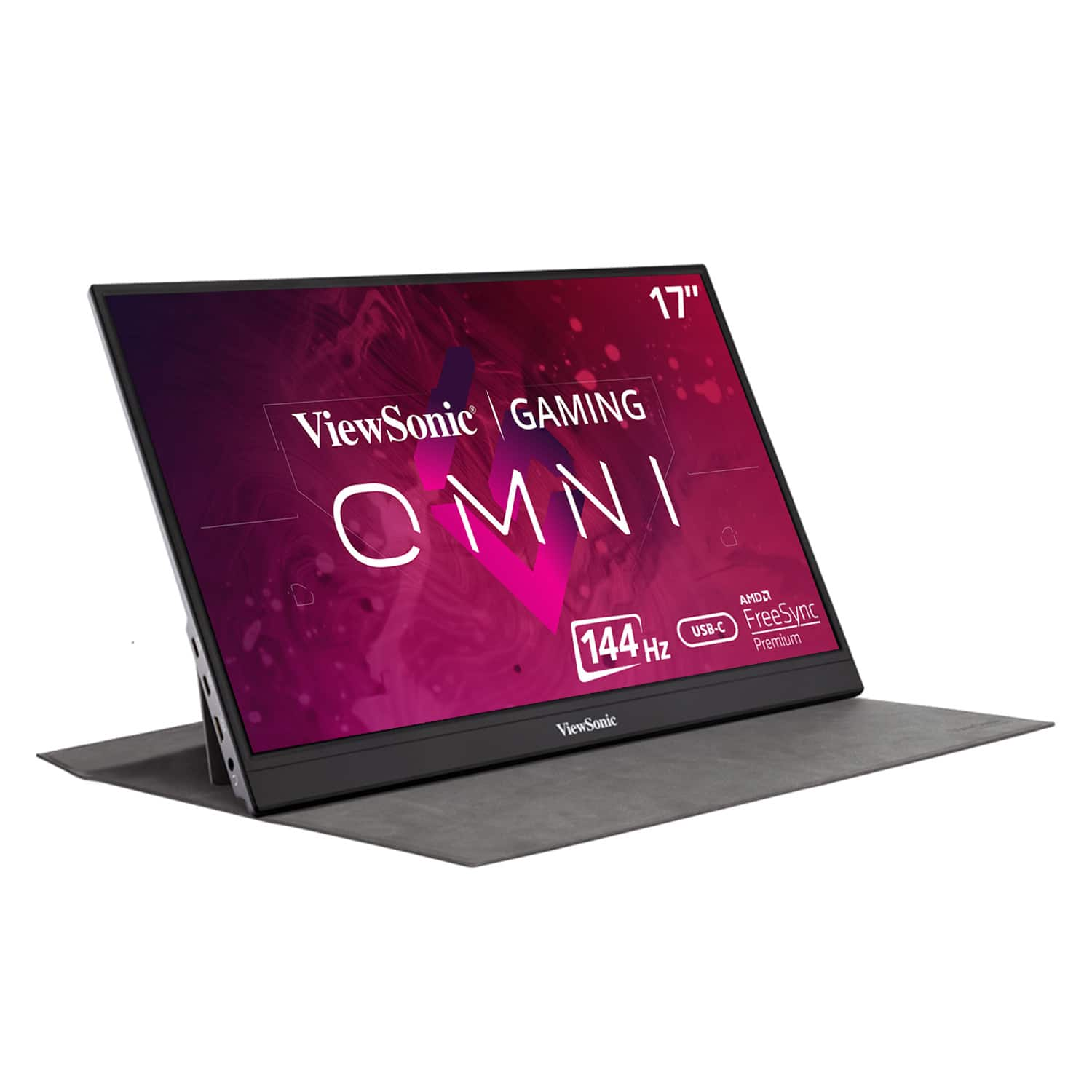
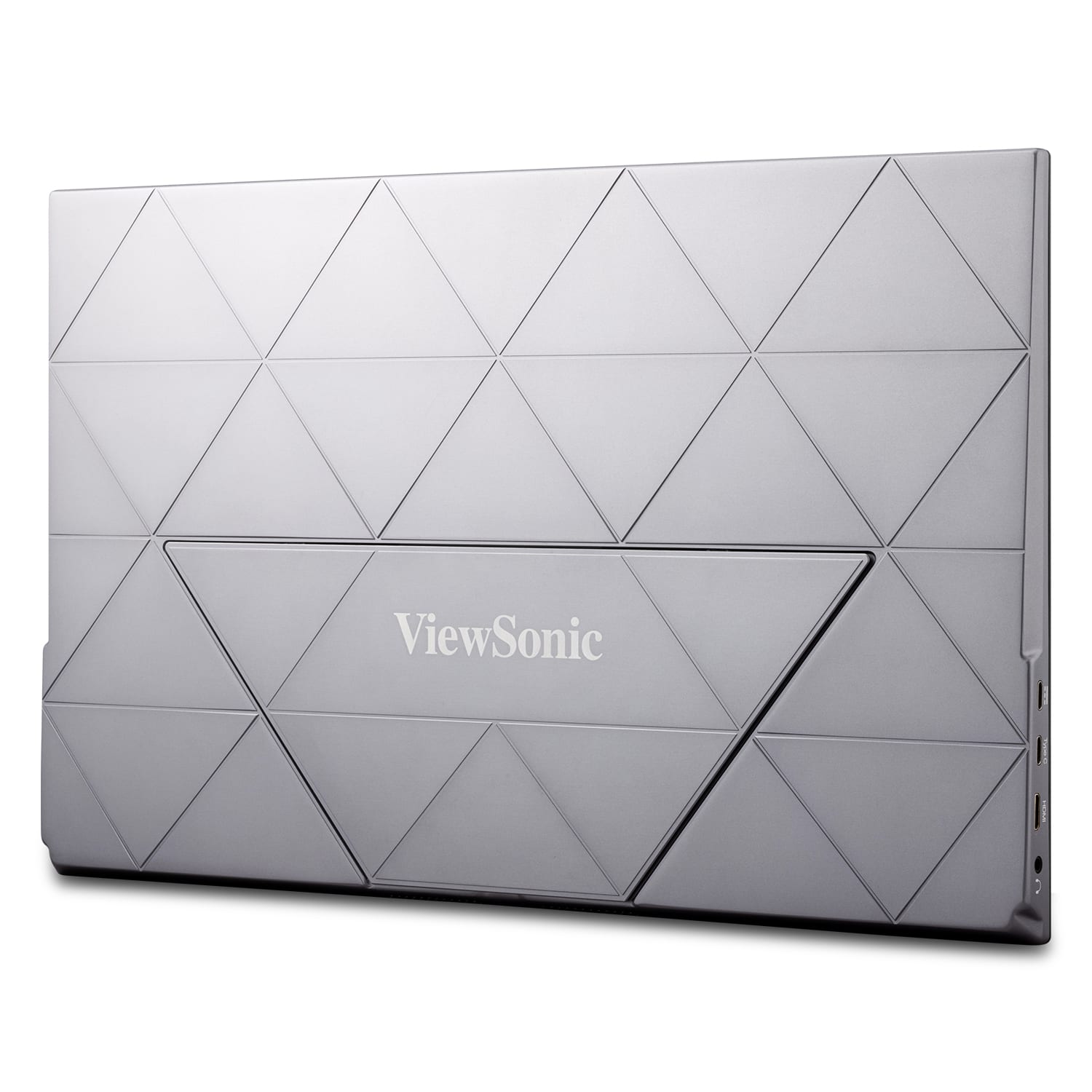
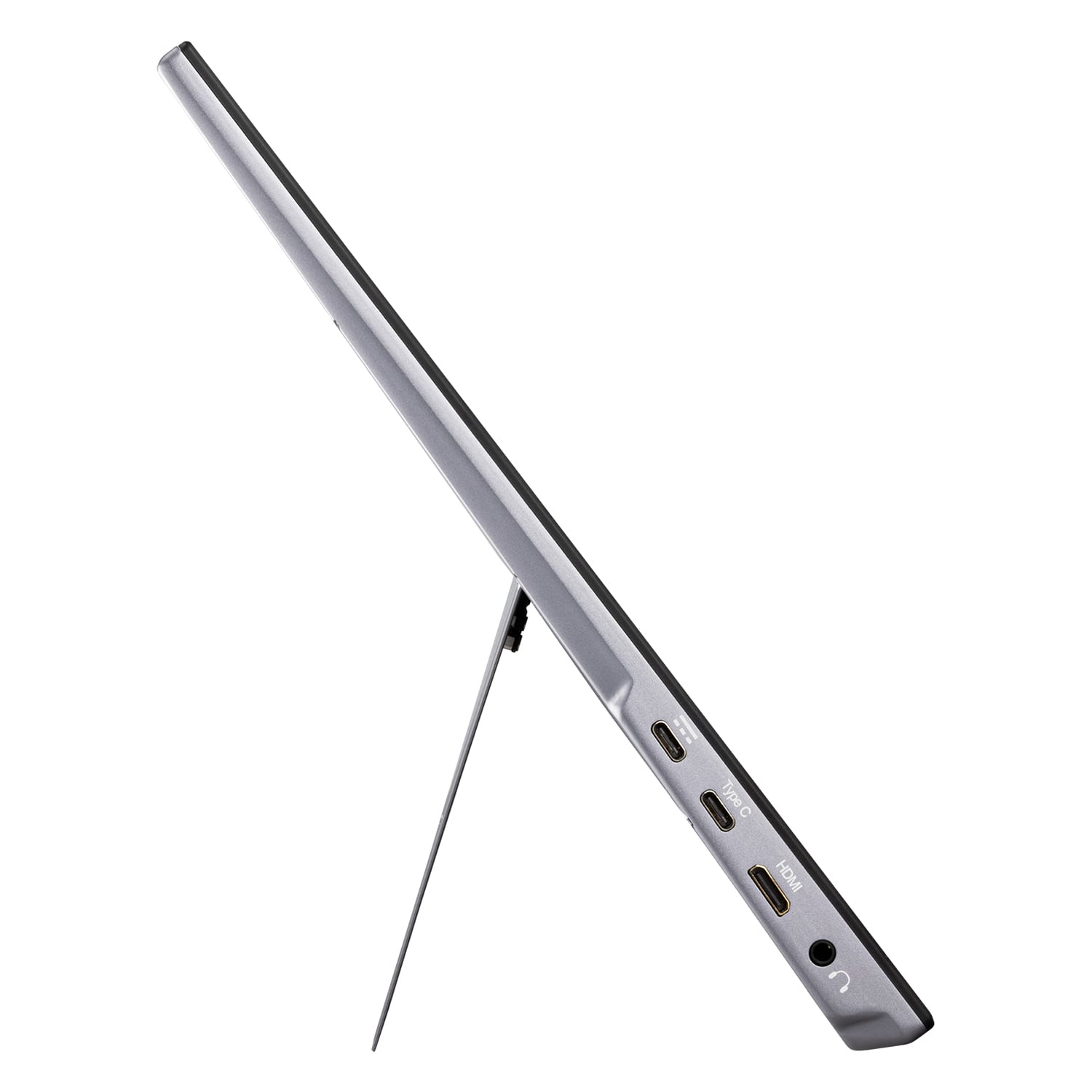
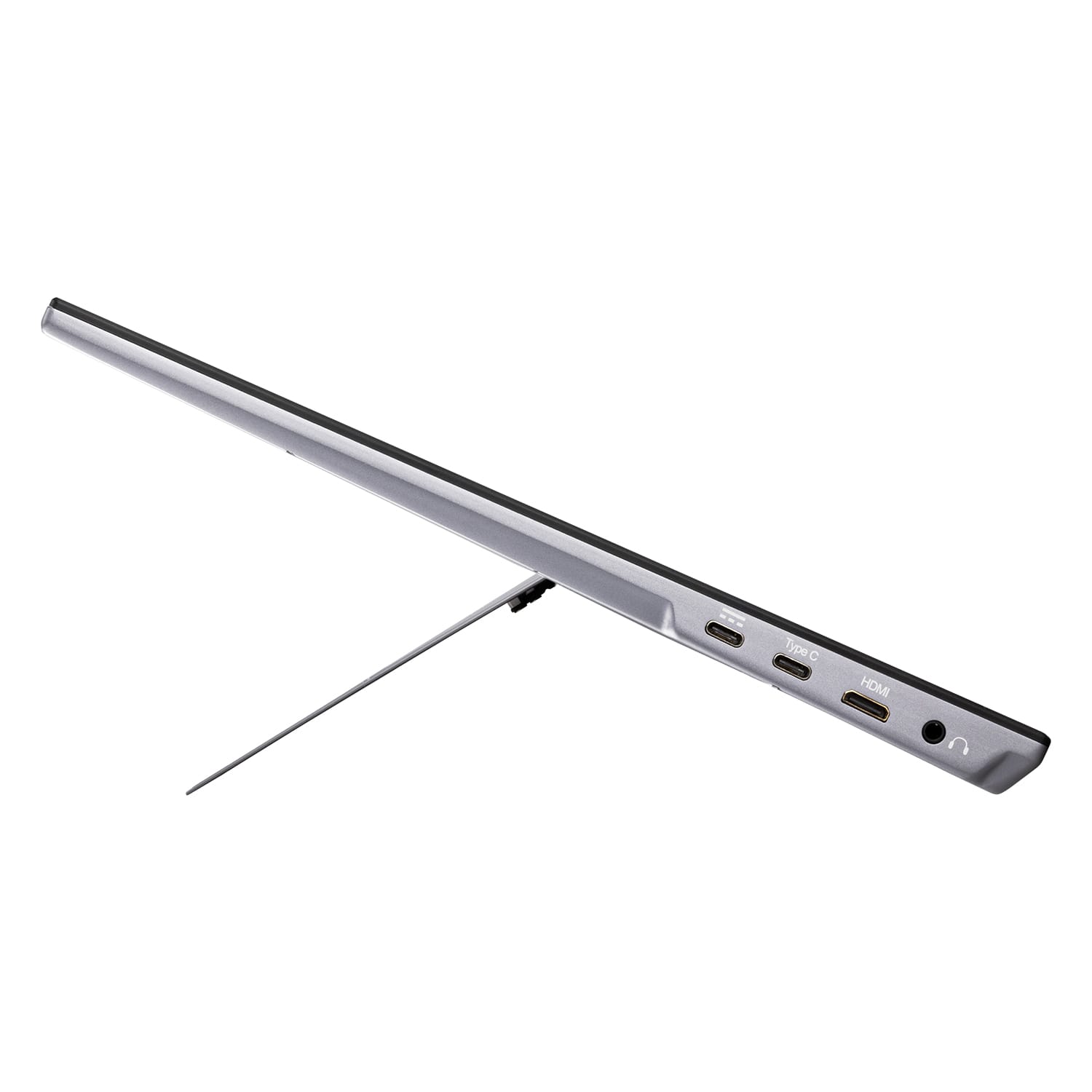
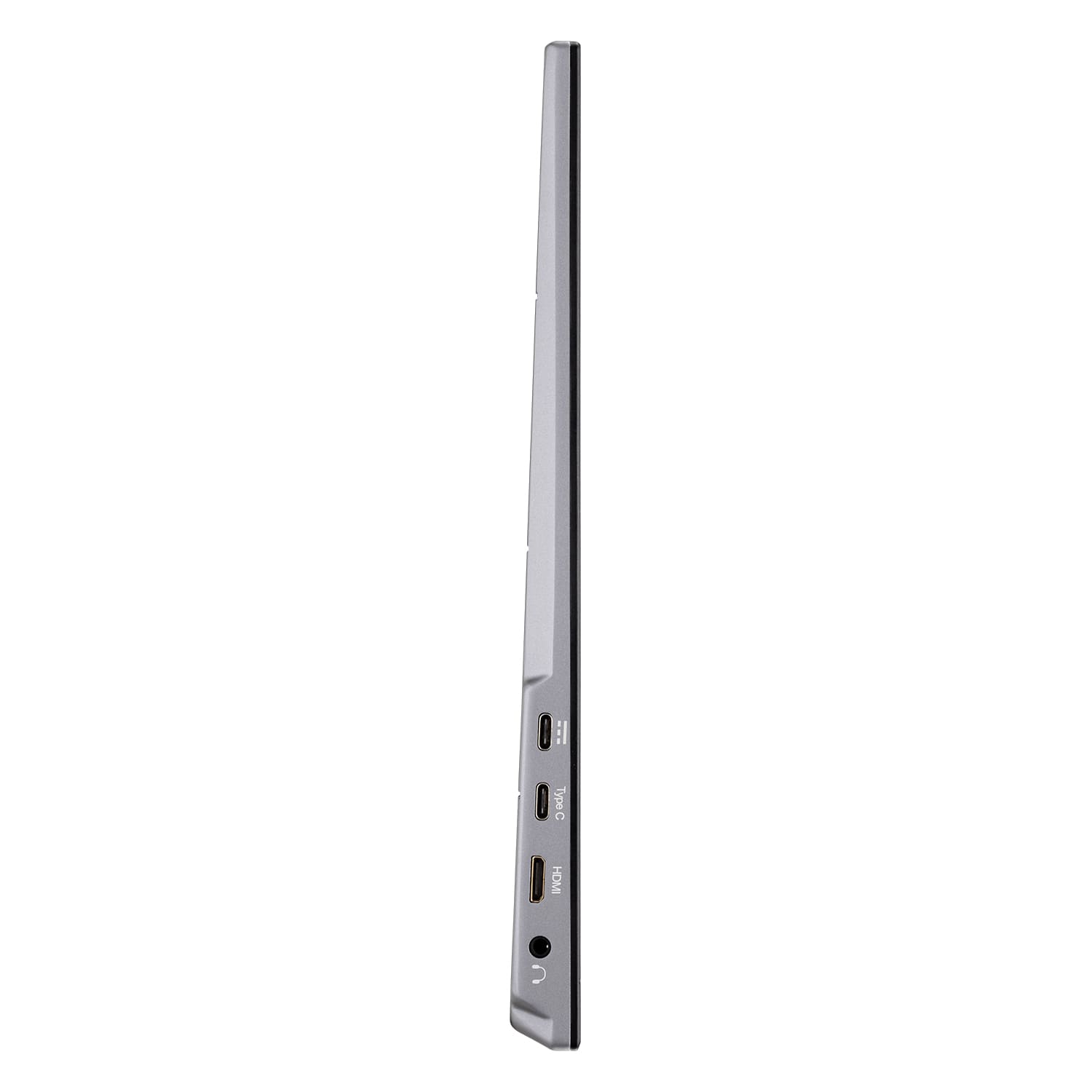
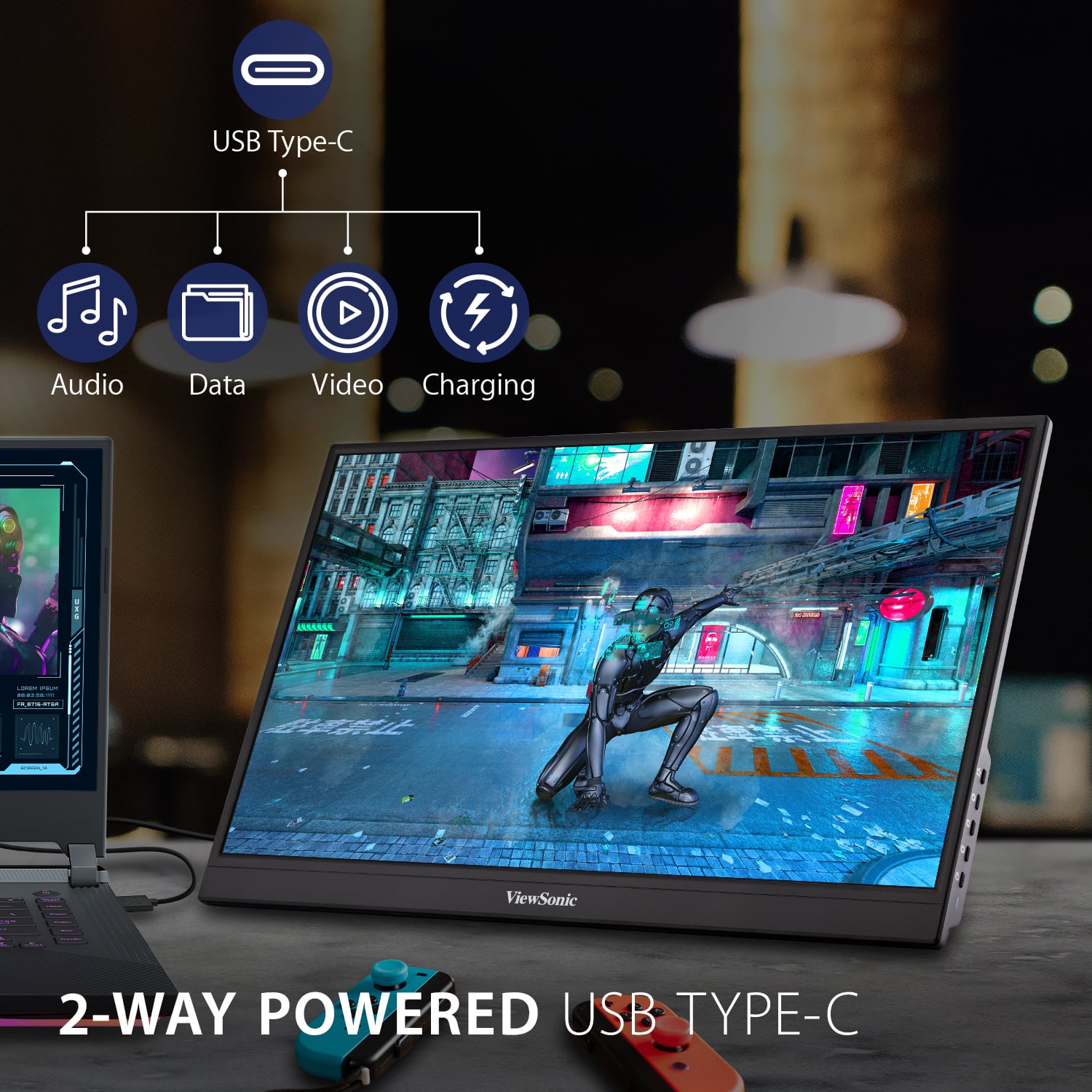
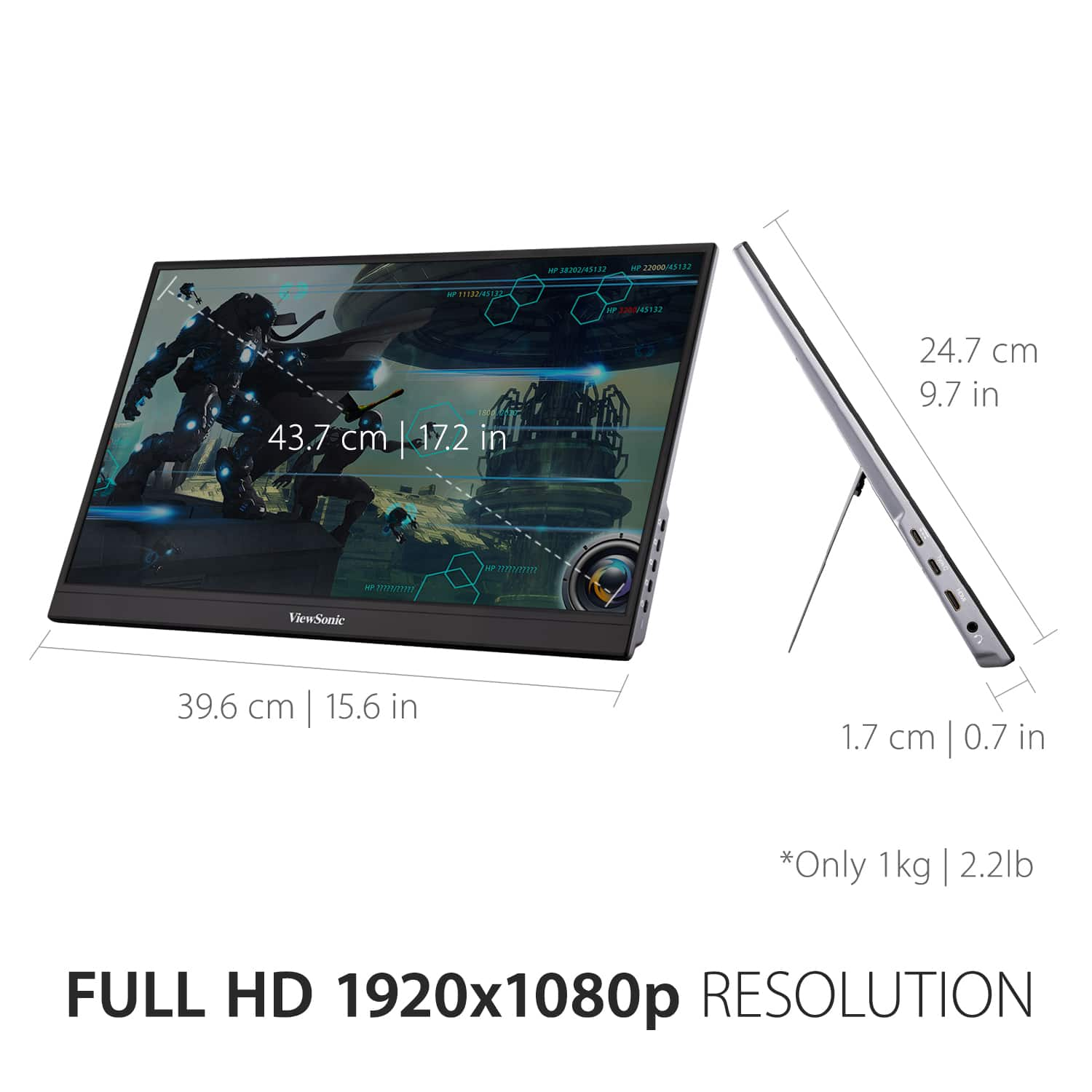
A:AnswerYes, the portable monitor can be connected to a mobile device. Please check with the mobile device manufacturer for video out specifications of the mobile device and for HDMI adaptor recommendations.
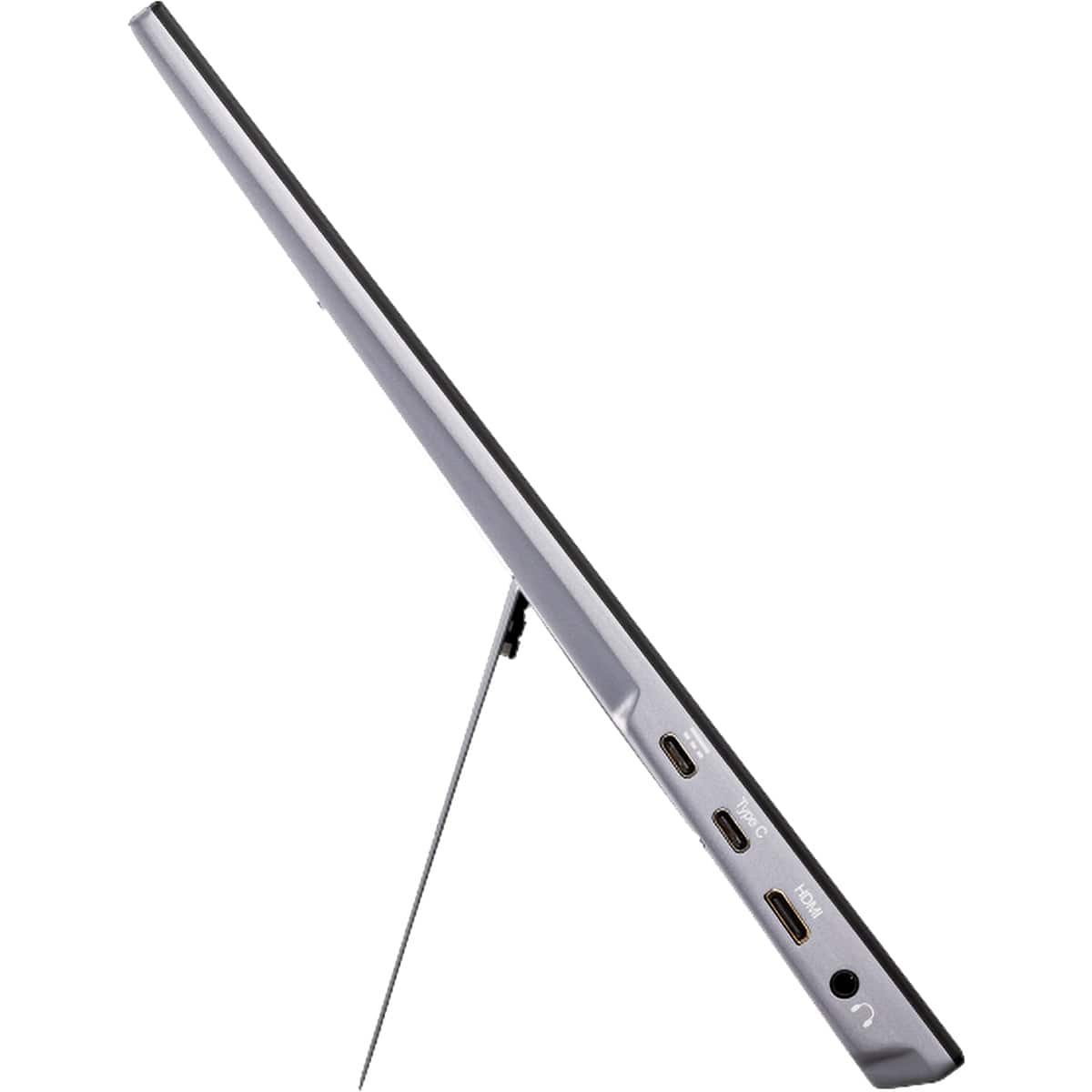
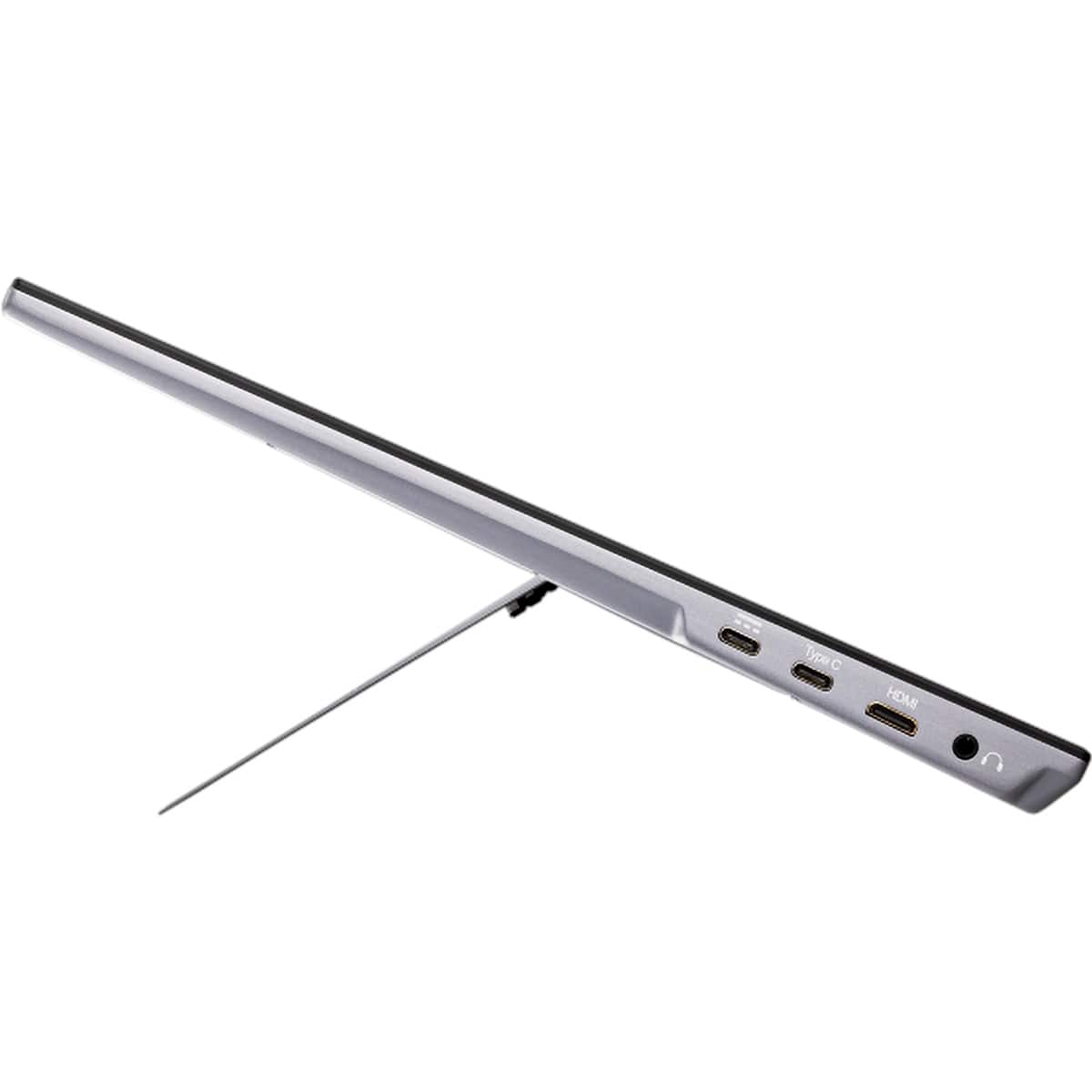
A:AnswerWe advise a direct connection using the available ports on the monitor, which would be USB-C or mini-HDMI. Any adapter cables we cannot guarantee will work.
A:AnswerI would think so, but keep in mind this is not as powerful and reliable as a traditional monitor. Portable monitors are meant to be on the go with limitations.
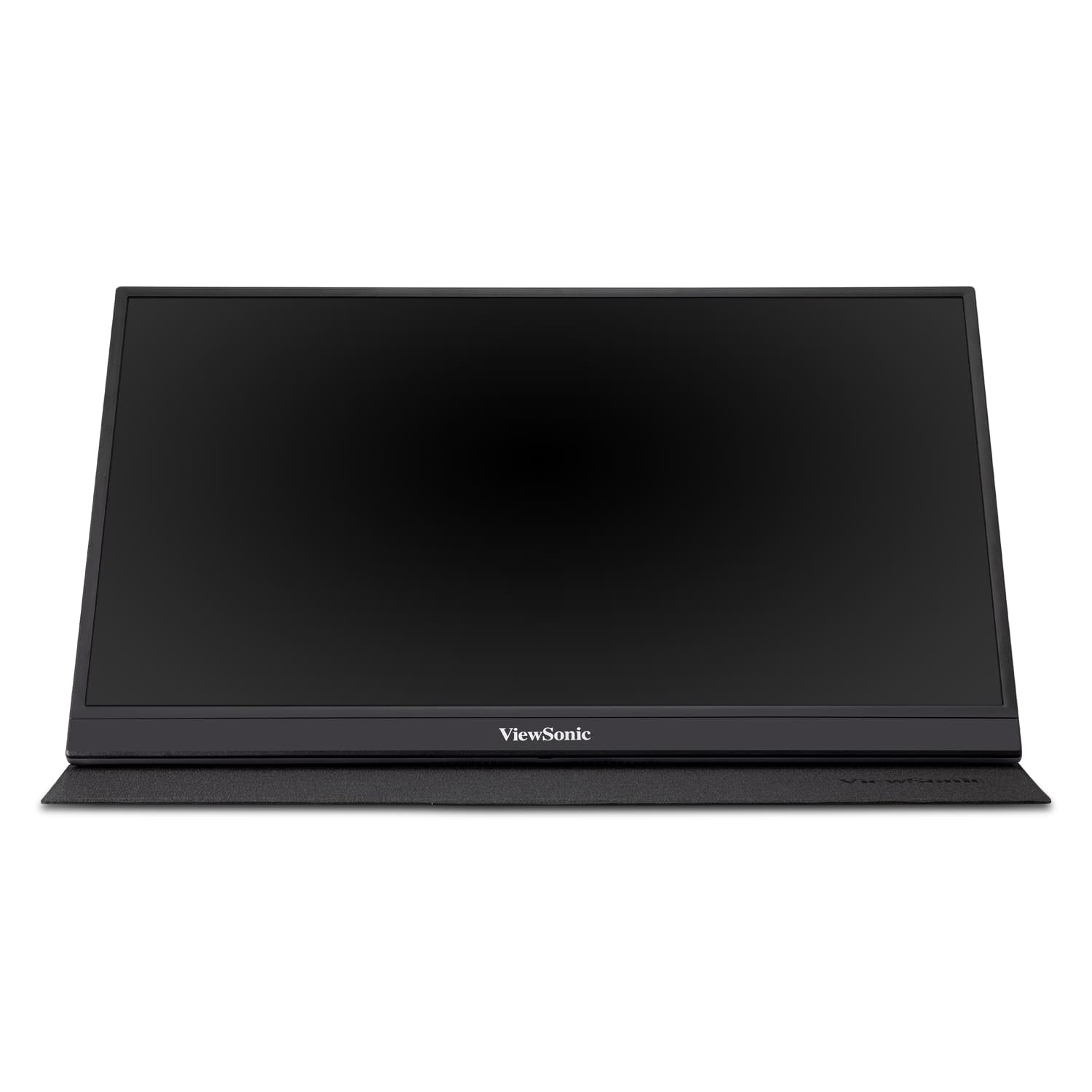
A:AnswerThe VX1755 is only a monitor and does not include a built-in computer or Bluetooth receiver. The monitor itself cannot connect to a Bluetooth device, however, if you're using the monitor with a computer that can connect to a Bluetooth device there will be no issues.
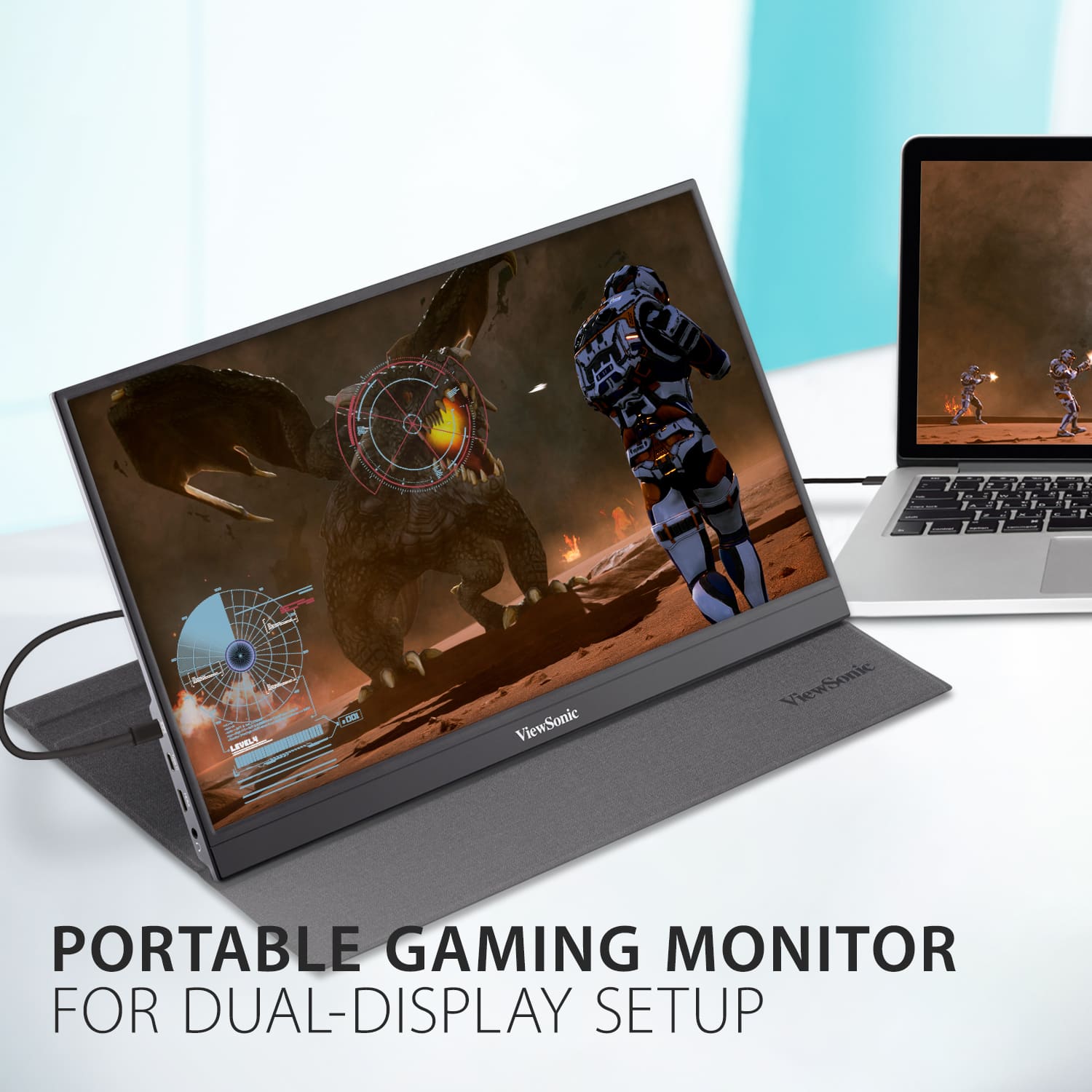
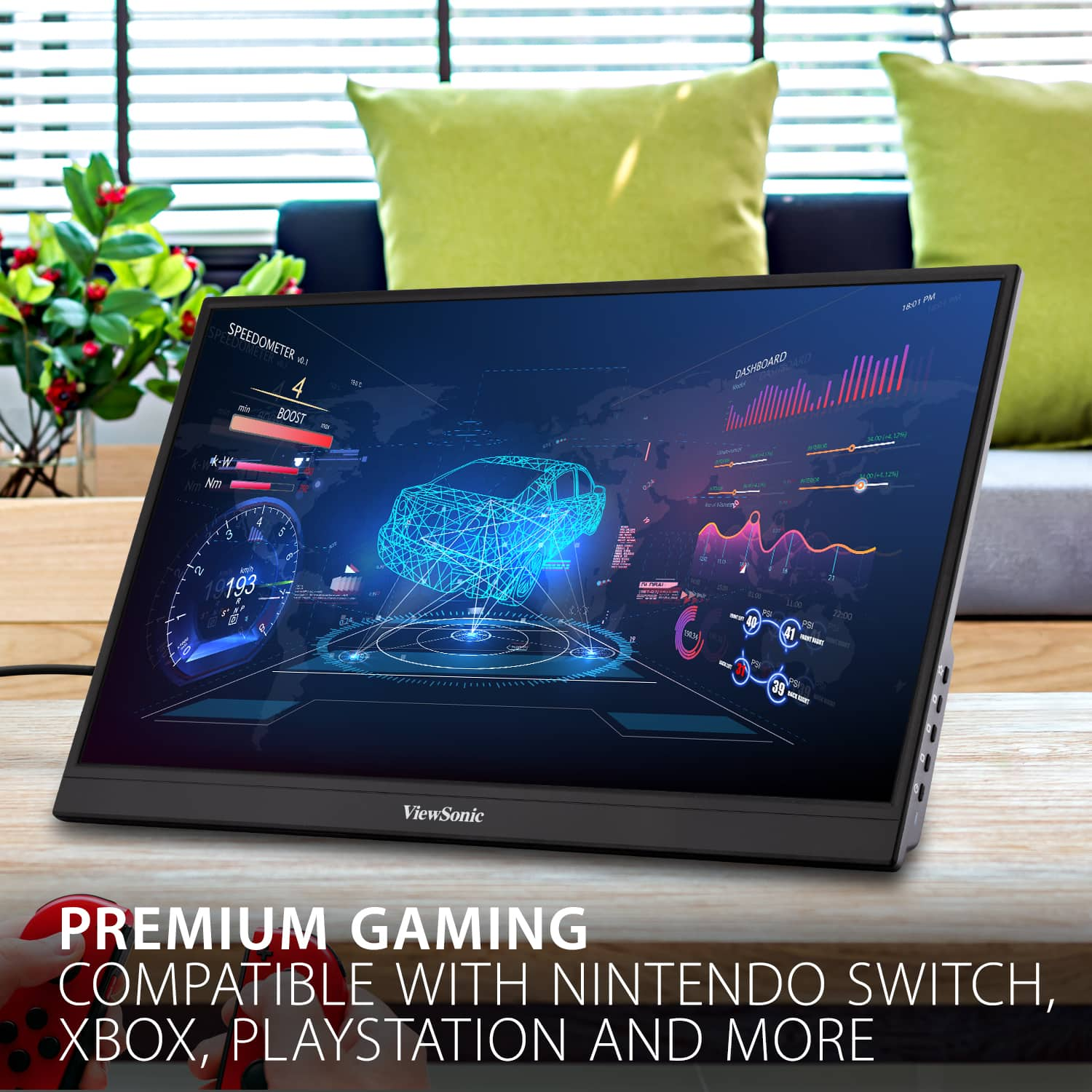
A:AnswerIt will work with any device that supports USB-c video connection or an HDMI connection. I've used it on a Macbook Pro (via USB-C), Nintendo Switch and PS5 (via HDMI).
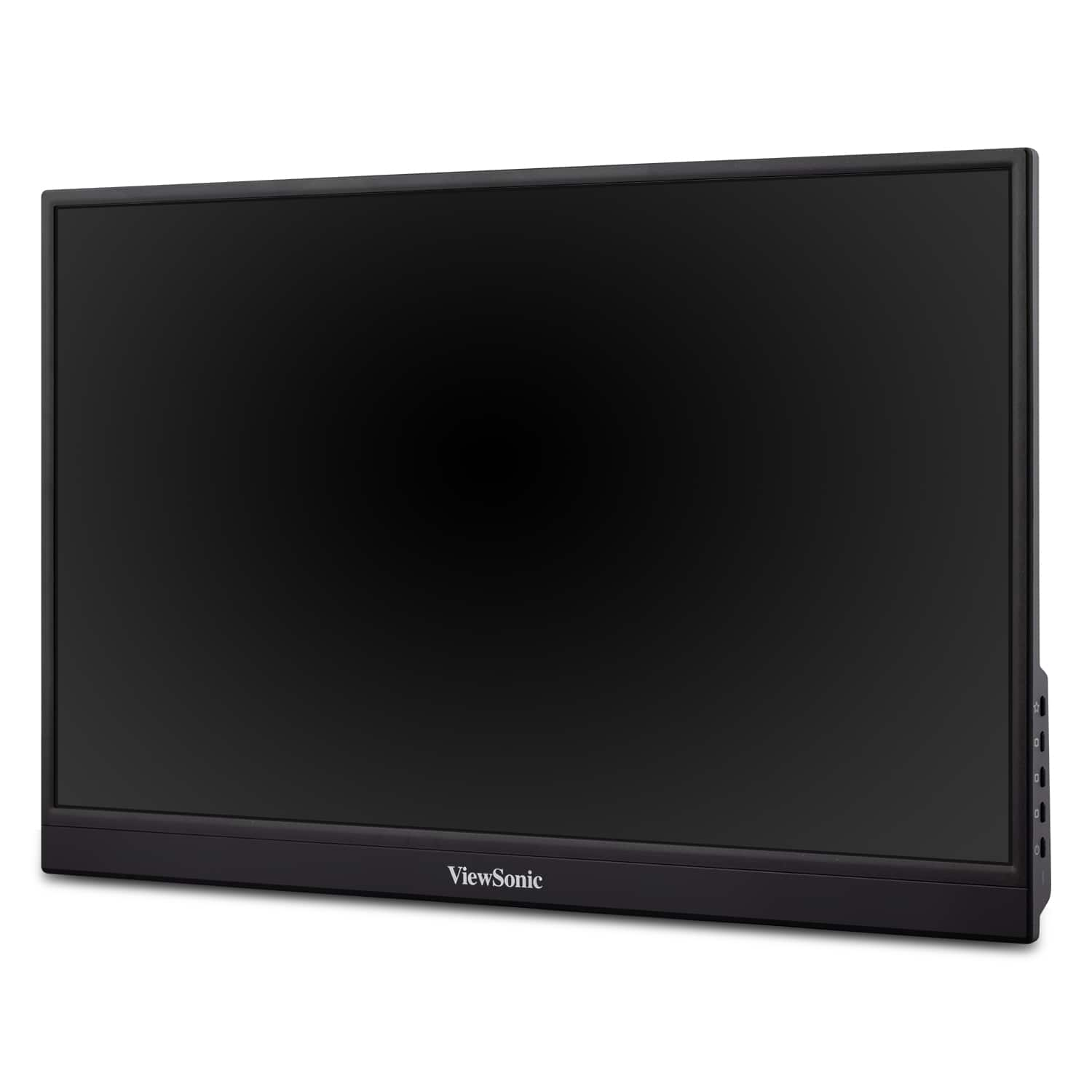
A:AnswerNot to my knowledge. It does not have a processing unit like a computer. it is solely a monitor. You can however, connect a webcam to the computer you may be using and then mount the webcam above the monitor.