A:AnswerHello Jerry,
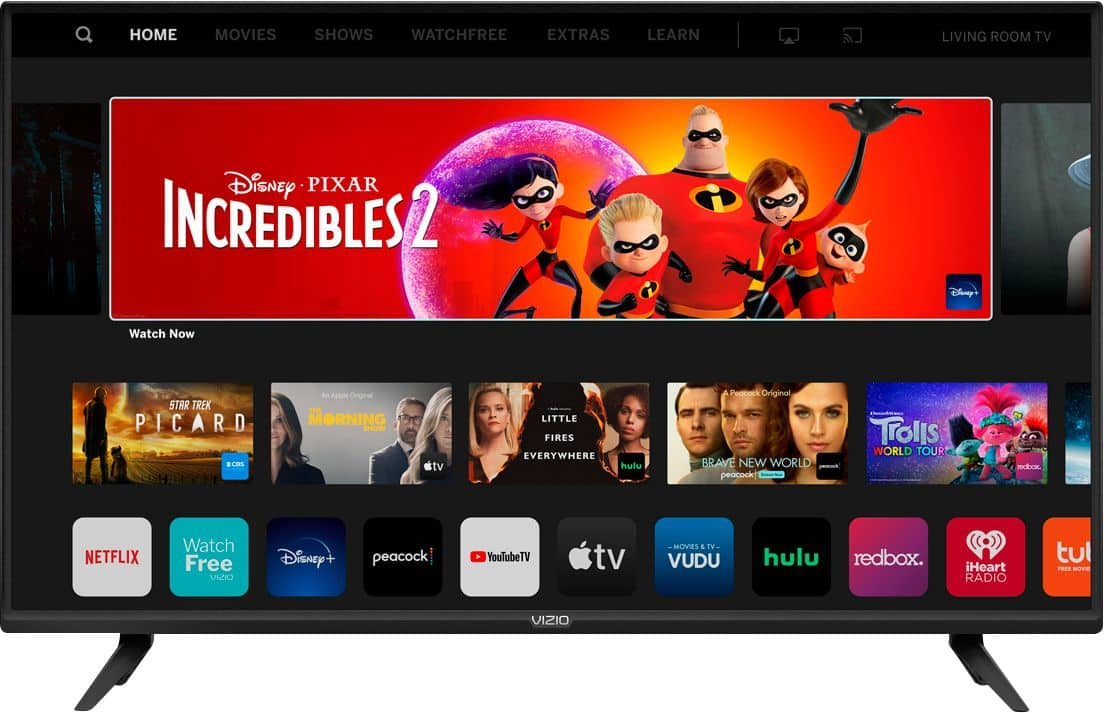
This TV uses our SmartCast Platform which offers a host of built in apps, as well as support for Google's Chromecast, Apple's AirPlay 2, and voice support for SIRI, Google Home, and Alexa. You are not able to manually download additional apps, however new apps are added to the platform often. If you find there is an app you want to watch that is not on SmartCast you may be able to cast it using Chromecast or Apple AirPlay from your phone or mobile device.
A:AnswerHello Markat,
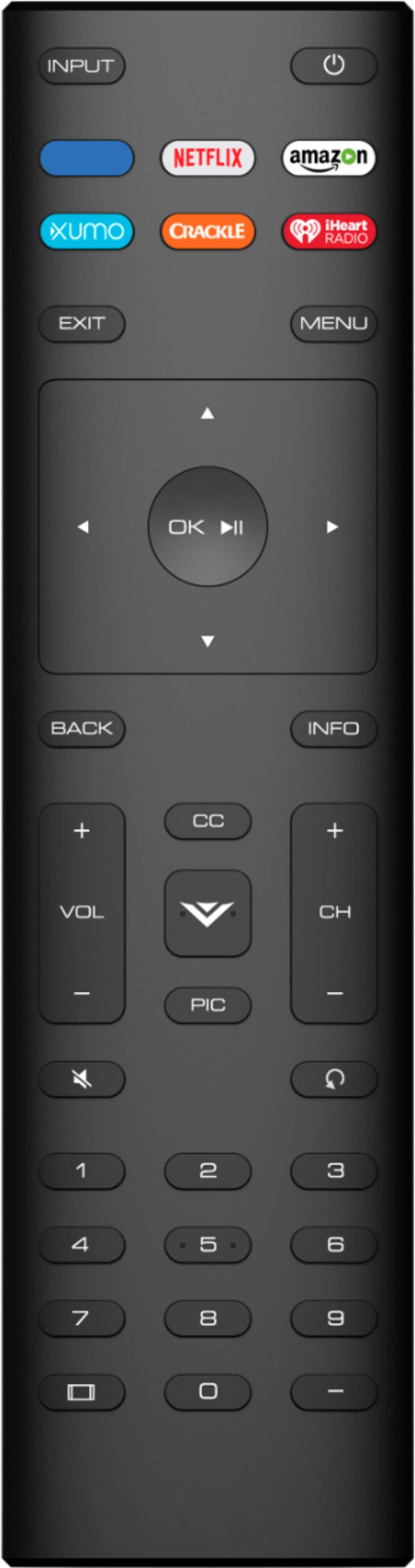
Depending on the model of remote, some features could work. To answer your question I would like to get more details on the exact DISH remote model you have. You can reach out to our technical support team by going to support.vizio.com and clicking 'contact us'.
A:AnswerHello Bandit,
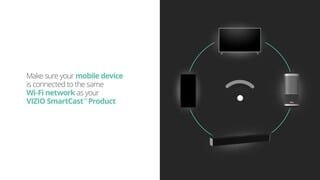
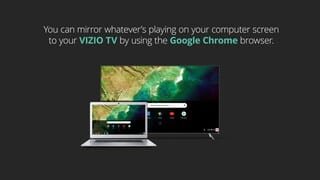
Screen mirroring requires both devices to be on the same Wi-Fi network. You should be able to connect the TV to your mobile hotspot to stream content and access the online services of the TV. If you have questions or would like help our award-winning technical support team is available through text message, chat, or over the phone. Just go to support.VIZIO.com and click on ‘Contact Us’.
A:AnswerHello Wilddan,
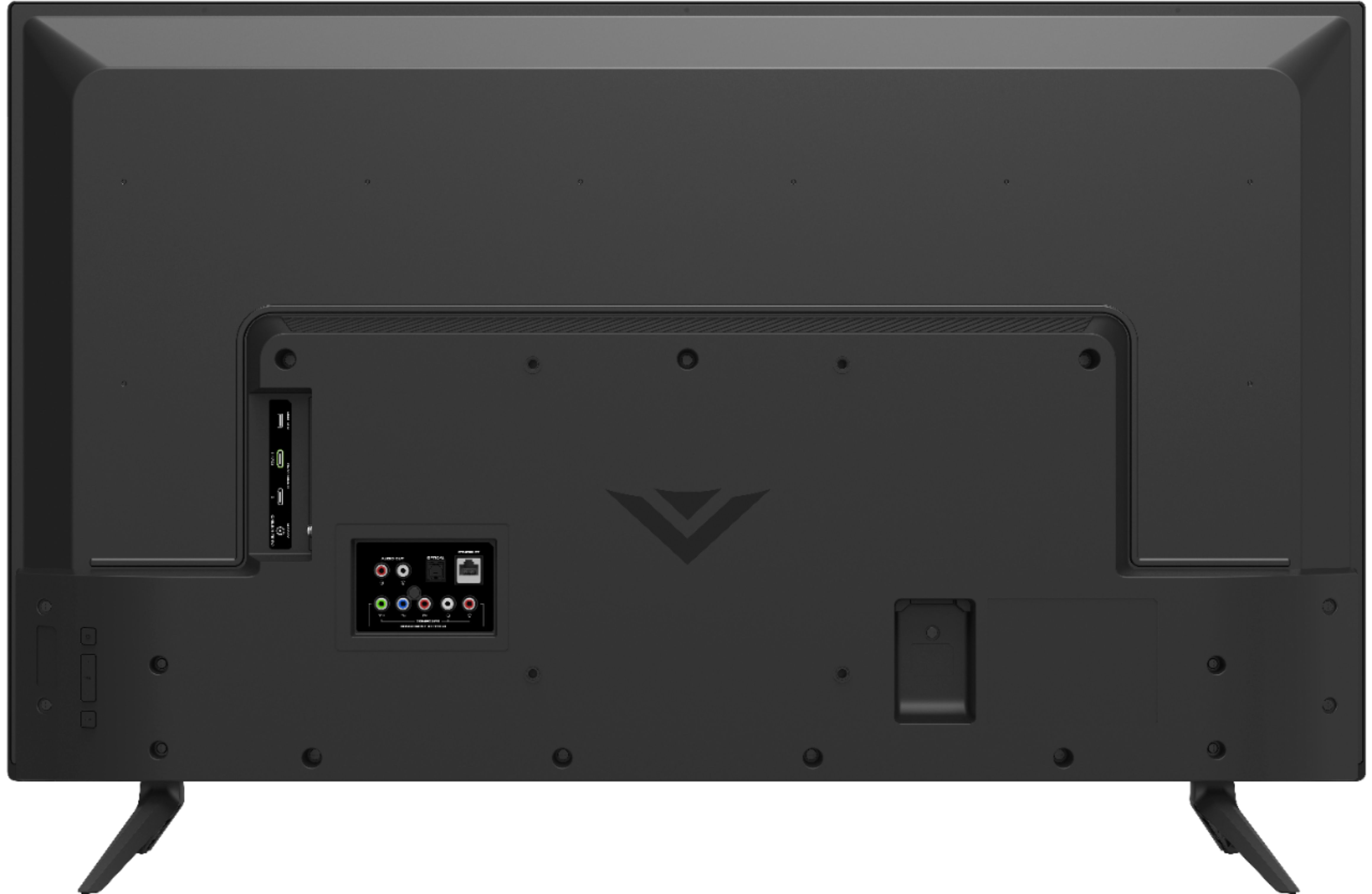
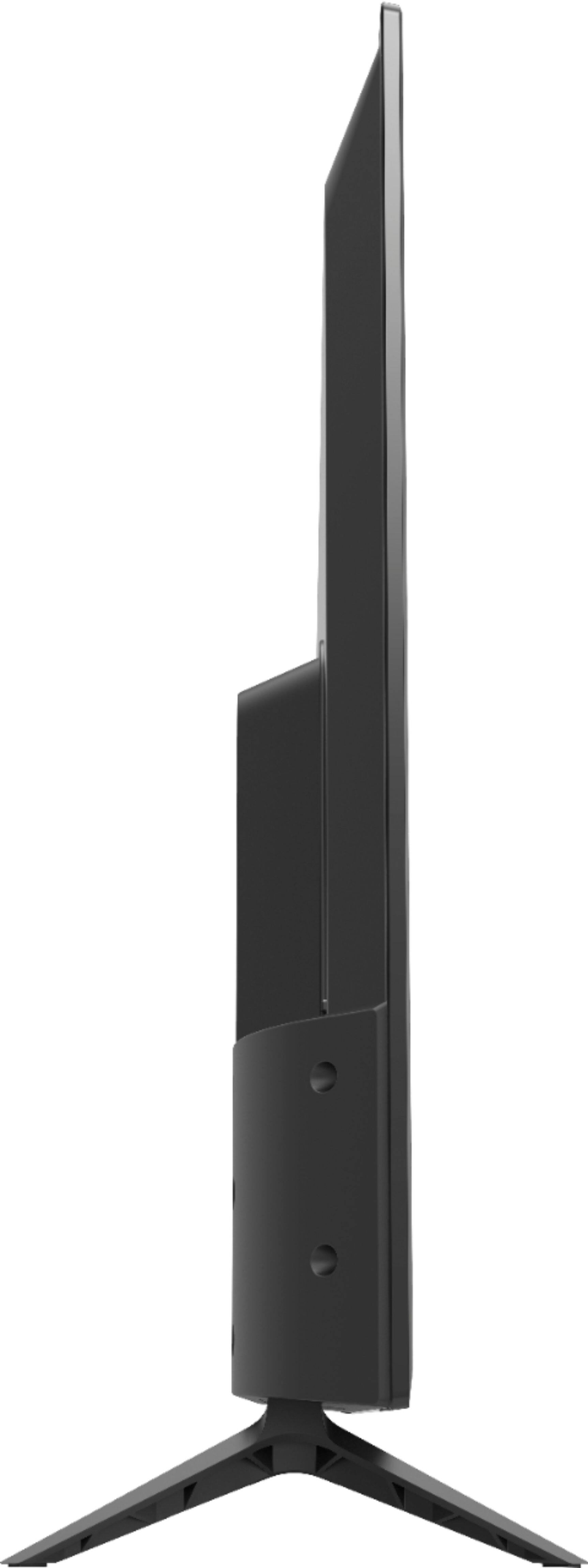
This TV uses a standard 200mm x 200mm VESA pattern, so if you have a vertical mount that supports that mounting pattern you could mount this vertically.
A:AnswerHello,
Yes you could connect the Apple TV HD box to this TV. This TV also has our SmartCast Platform which offers a host of built in apps, as well as support for Google's Chromecast, Apple's AirPlay 2, and voice support for SIRI, Google Home, and Alexa.
A:AnswerHello Huby,
Yes you can display pictures from your phone by casting or screen mirroring, and you can playback photos from a USB on the TV. For more information on how to cast you can check out this article: https://support.vizio.com/s/article/How-to-Cast-to-your-VIZIO-SmartCast-Device?language=en_US
A:AnswerHello goodguy,
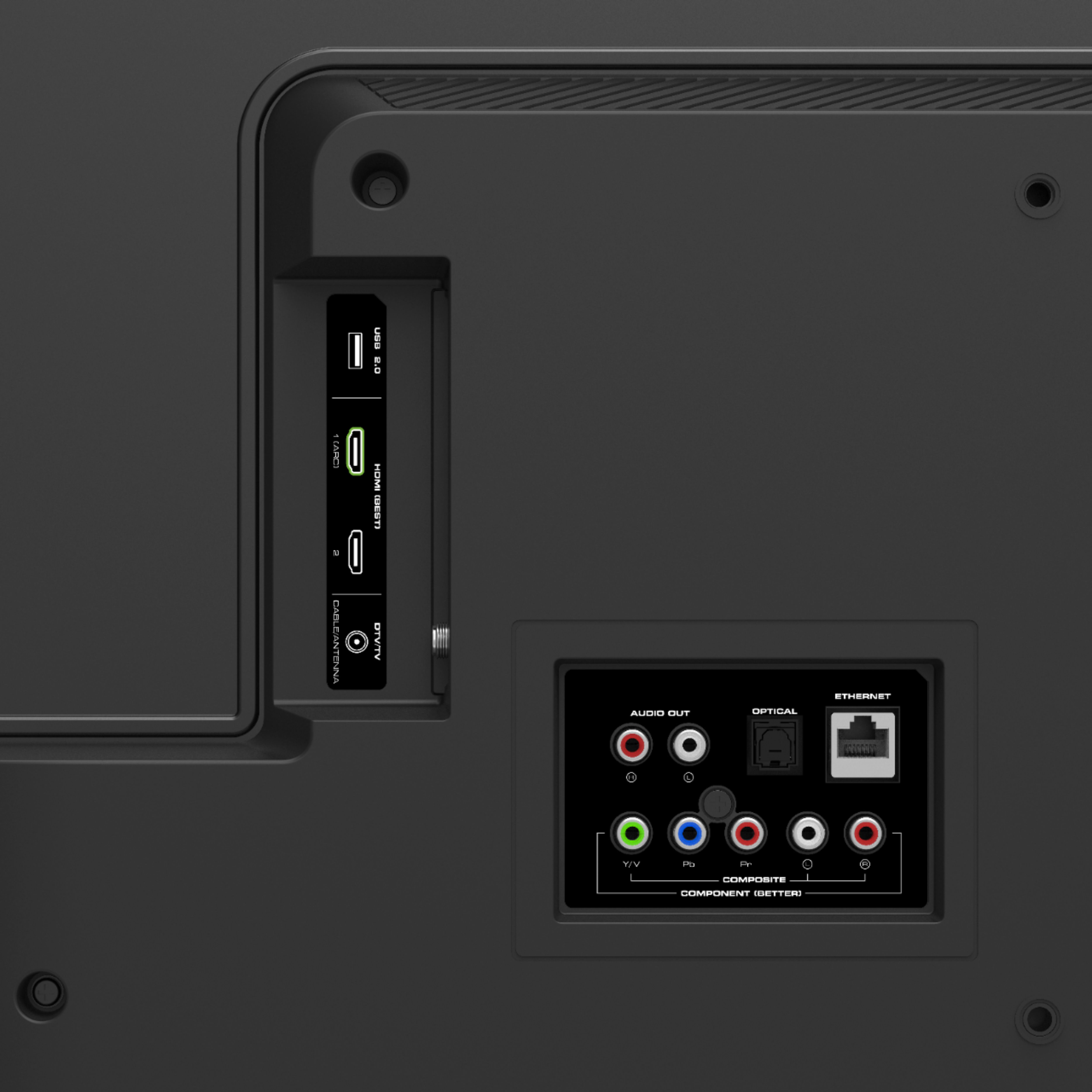
You absolutely can use this TV to watch DVDs without the need for internet, Wi-Fi, or cell service. I would recommend calling our award-winning technical support team if you would like some assistance getting this set up. When you have a free moment, they’re available through text message, chat, or over the phone. Just go to support.VIZIO.com and click on ‘Contact Us’.



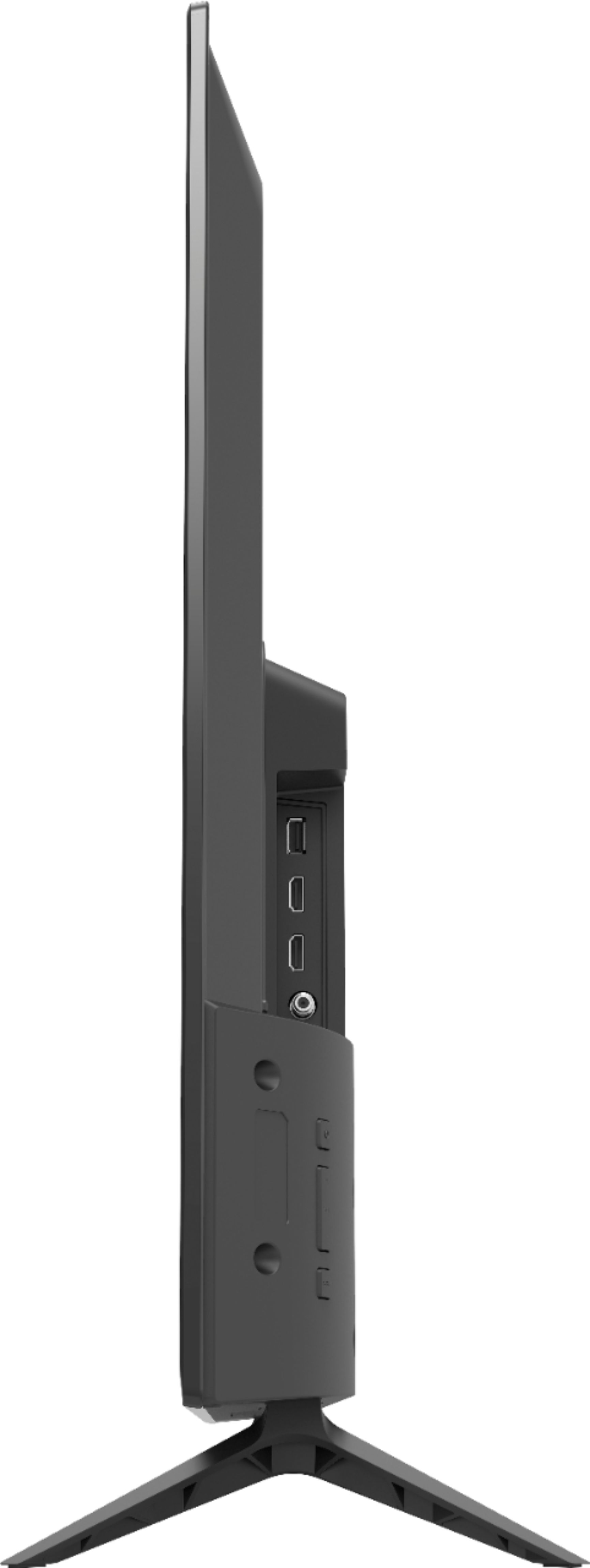
A:AnswerHello AnnMarie, Depending on the cable services most cable boxes require connecting either, Hdmi cable or coaxial cable, or component cables to connect to televisions. Any of the listed cables that mention will work with the TV model D40F-G9.
A:AnswerYes, all SmartCast televisions support Apple AirPlay 2 so that you can share content from the latest applications on your phone, tablet, or computer directly to the TV.