A:AnswerYou can change some video formats using the square button on the bottom left of the remote. If this does not work please contact our customer support at 877-878-4946.
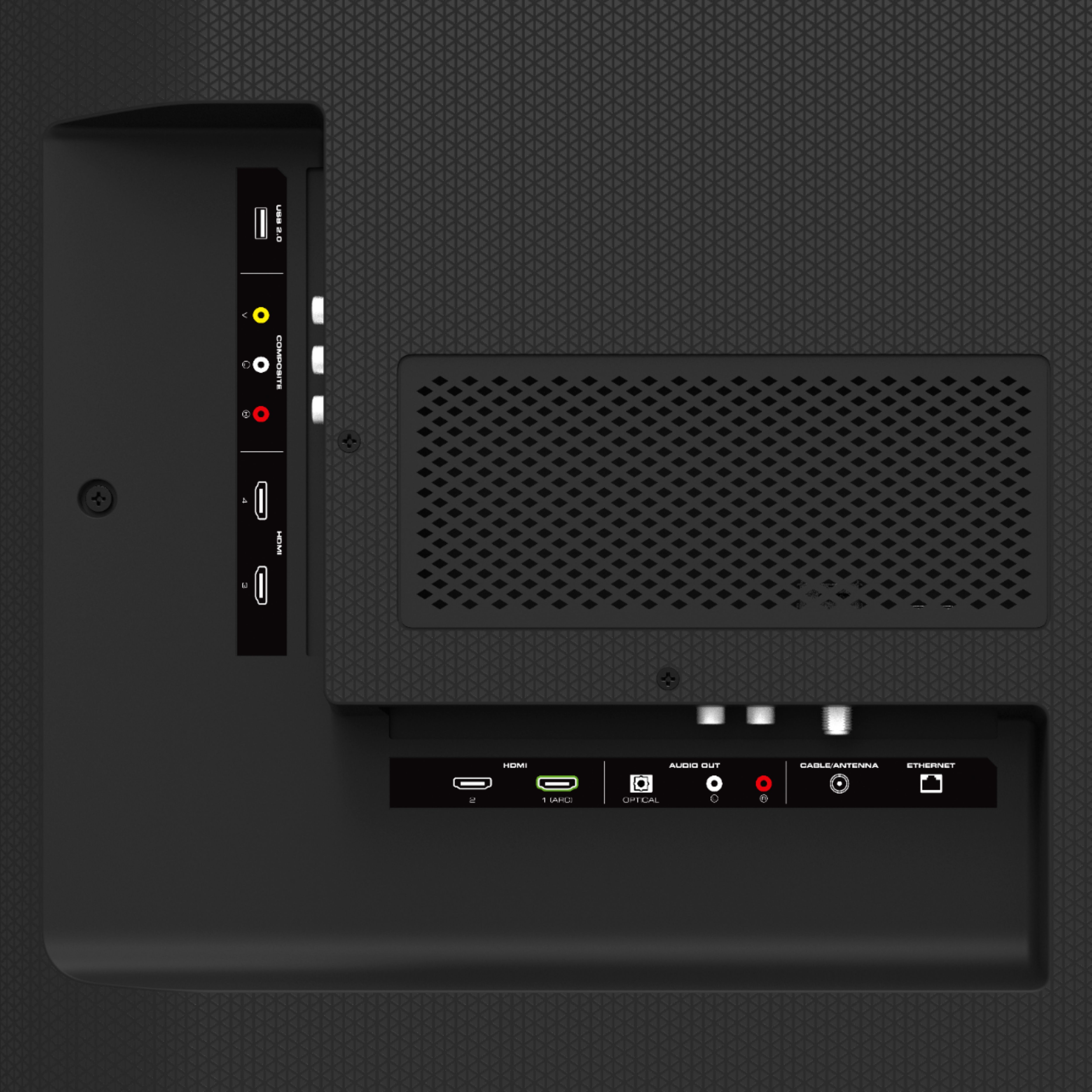
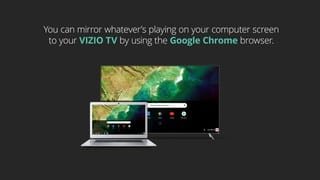
A:AnswerYes. You will achieve the best results if your PC has a video card with an HDMI output. You can then just connect your PC to the TV using an HDMI cable.
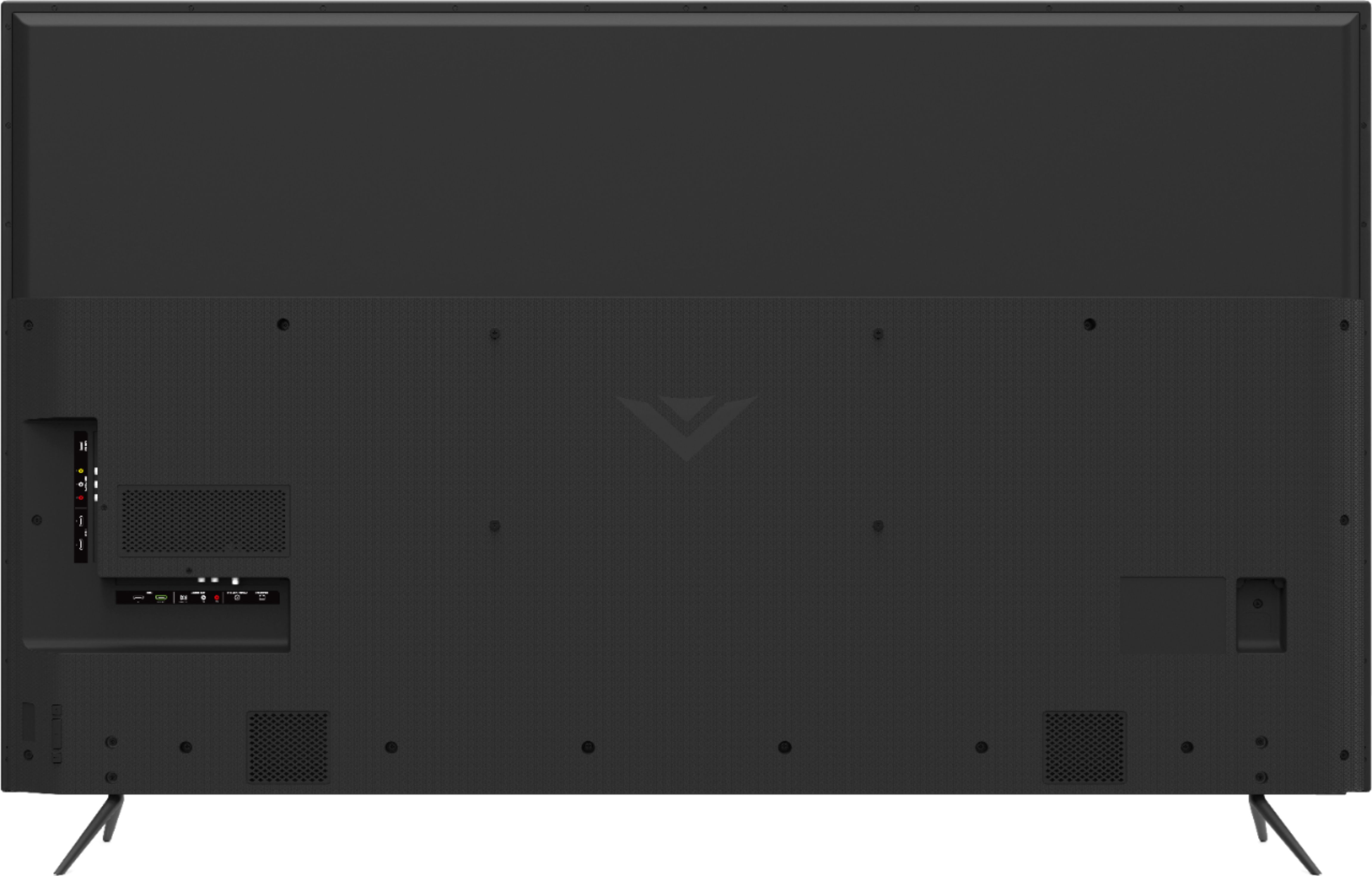
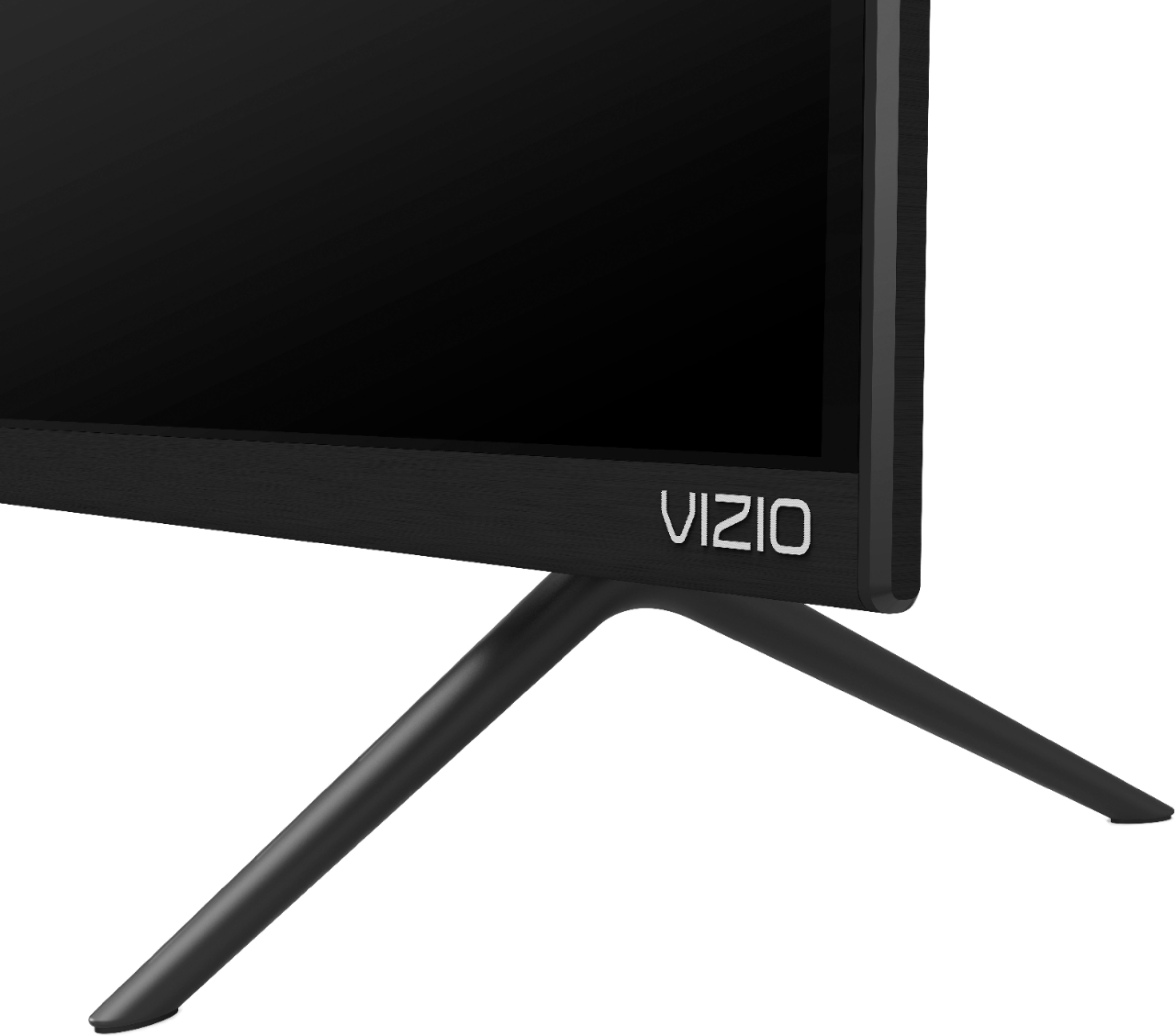
A:AnswerOur existing TV stand is also too small for this set; what we did was obtain a 1"x12"x 6' board (actual width 11 1/4 inches), cut it to 62" length, stained it and varnished it to match our table and CAREFULLY positioned the board on the table and set the TV on it . The width of the "feet" are just under 11" -This should work until we invest in a bigger table.
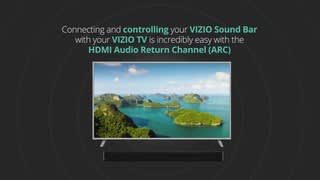
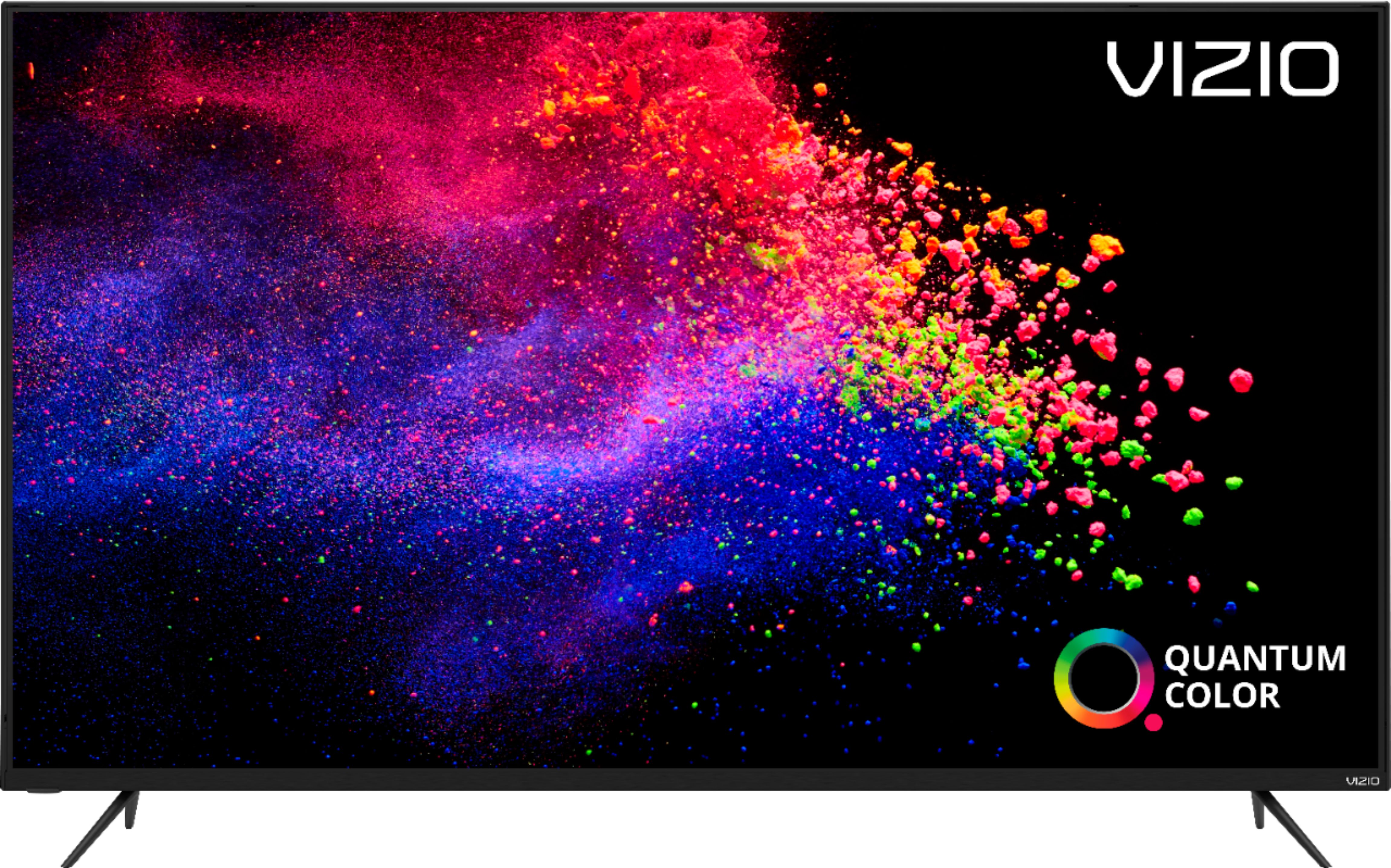
A:AnswerTo make sure you’re getting the most out of you VIZIO TV, we’d recommend making sure your devices are connected with an HDMI cable, and are set to broadcast in 4K (2160p) or Full HD (1080p). You can also individually adjust your picture settings in the menu. For brighter rooms try using the ‘Calibrated’ setting, for darker rooms try ‘Calibrated Dark’.
A:AnswerThe tv is has back up power. I change the input to a port that is unused that way there is not power going to the tv. This will fix your problem of it turning on. If no picture is going to it, it will remain off