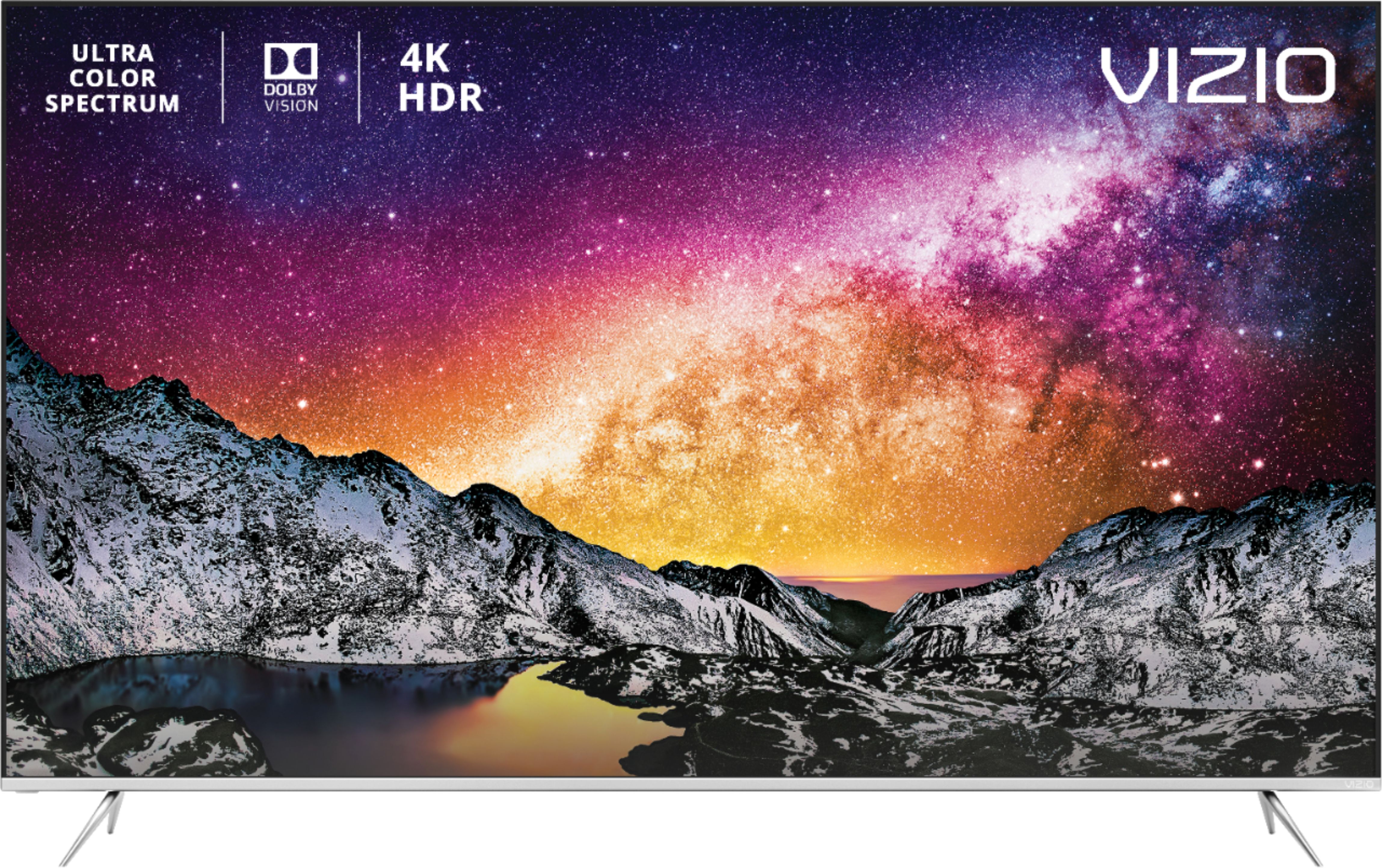
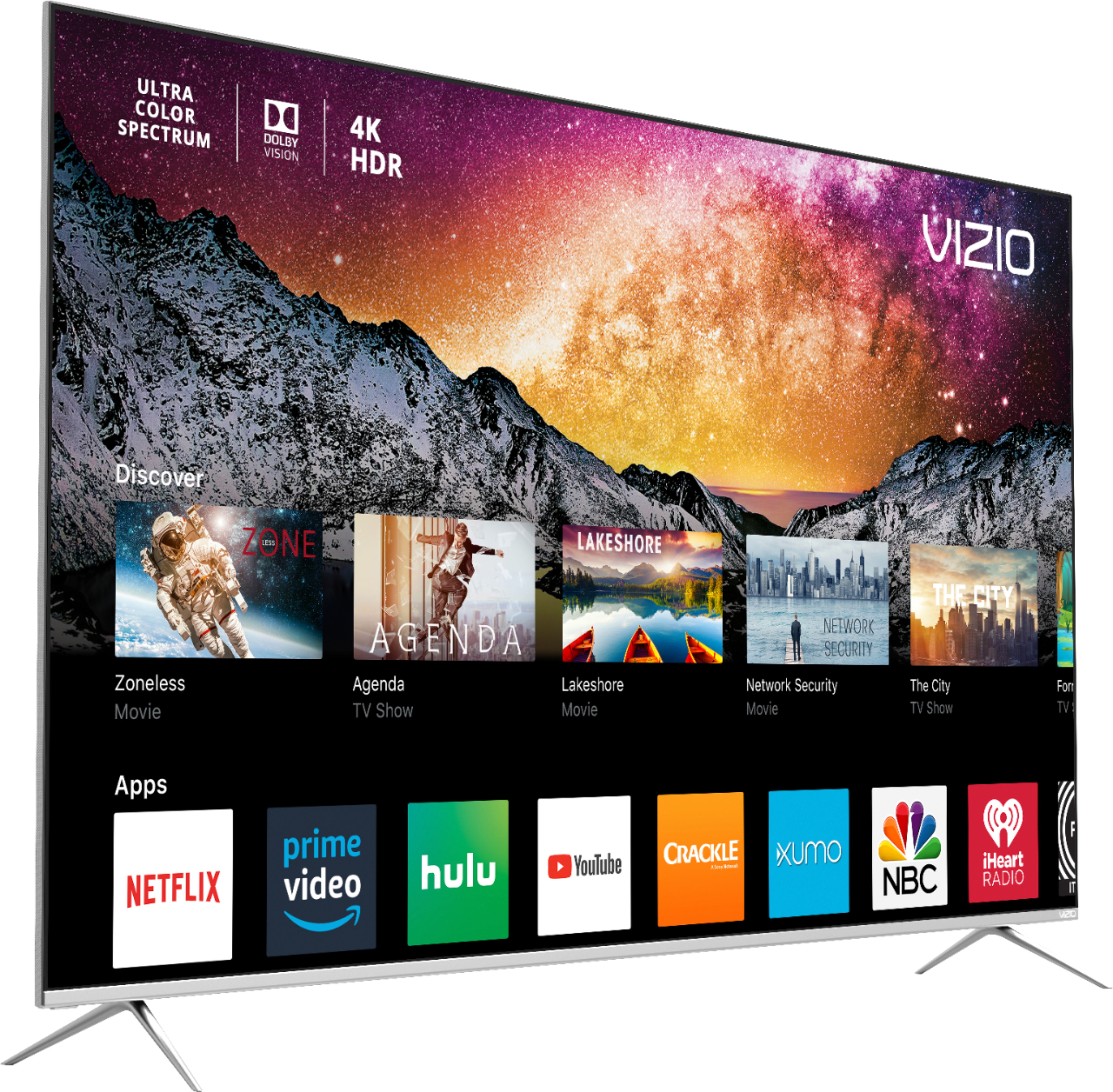
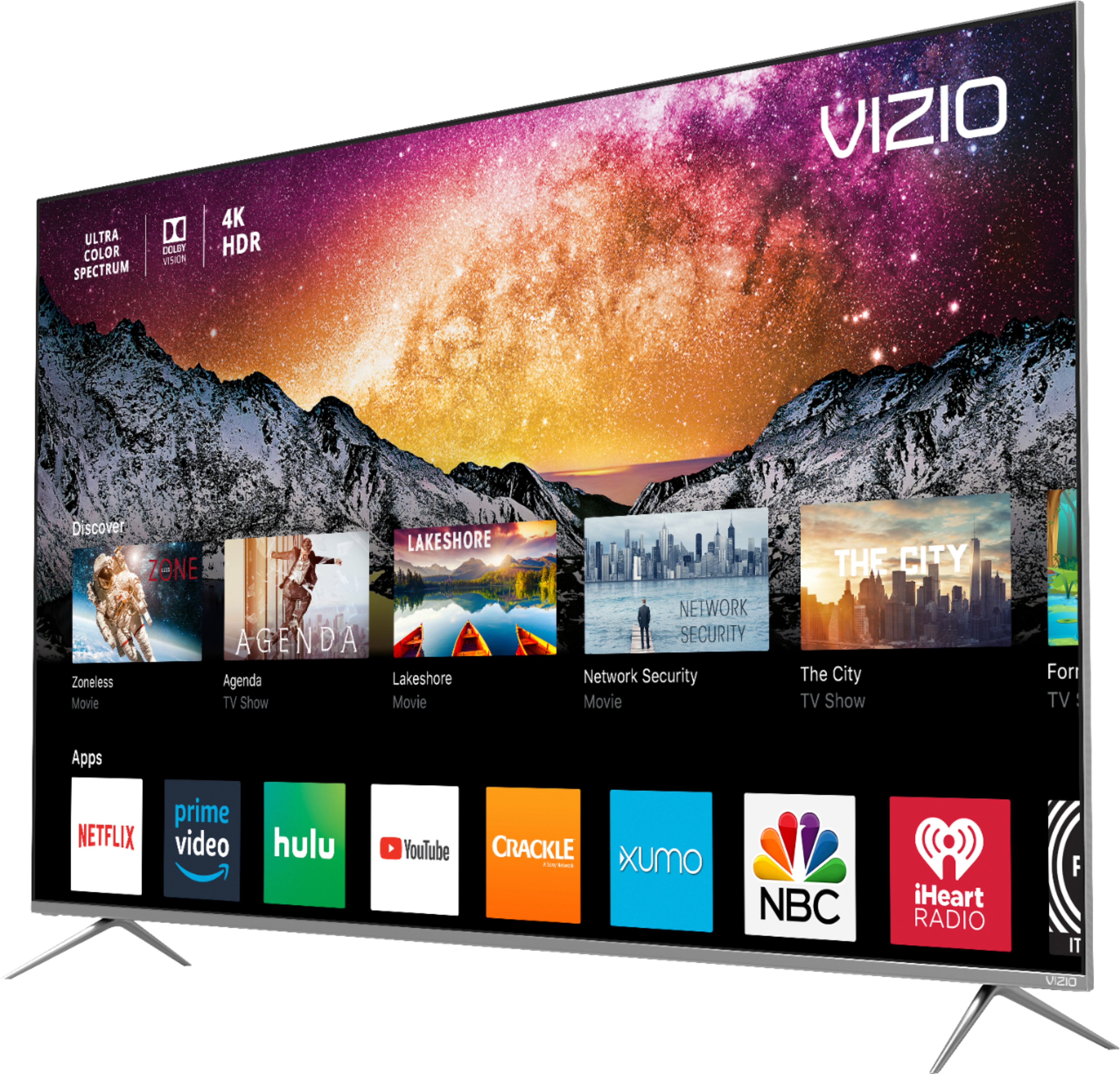
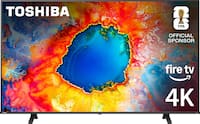
A:AnswerAndy I got my 75" P-series about a month ago and I've had zero issues. Honestly, I took a few months to decide on which TV to get and I couldn't be happier with my choice.
A:AnswerI hope this will answer the question. After I received an alert about your question I decided to check it out. I played a movie on cable which is 1080p. I then played that same movie on Vudu with a 4K UHD resolution. I notice no real difference in the color, just the resolution. I am really enjoying this television. I would recommend this television to anyone.
A:AnswerAlthough my location did say unavailable I went into my local best buy, purchased this item with none in stock and they called me the next day with a delivery date one week from my purchase. I suggest doing the same to get this hard to find TV!
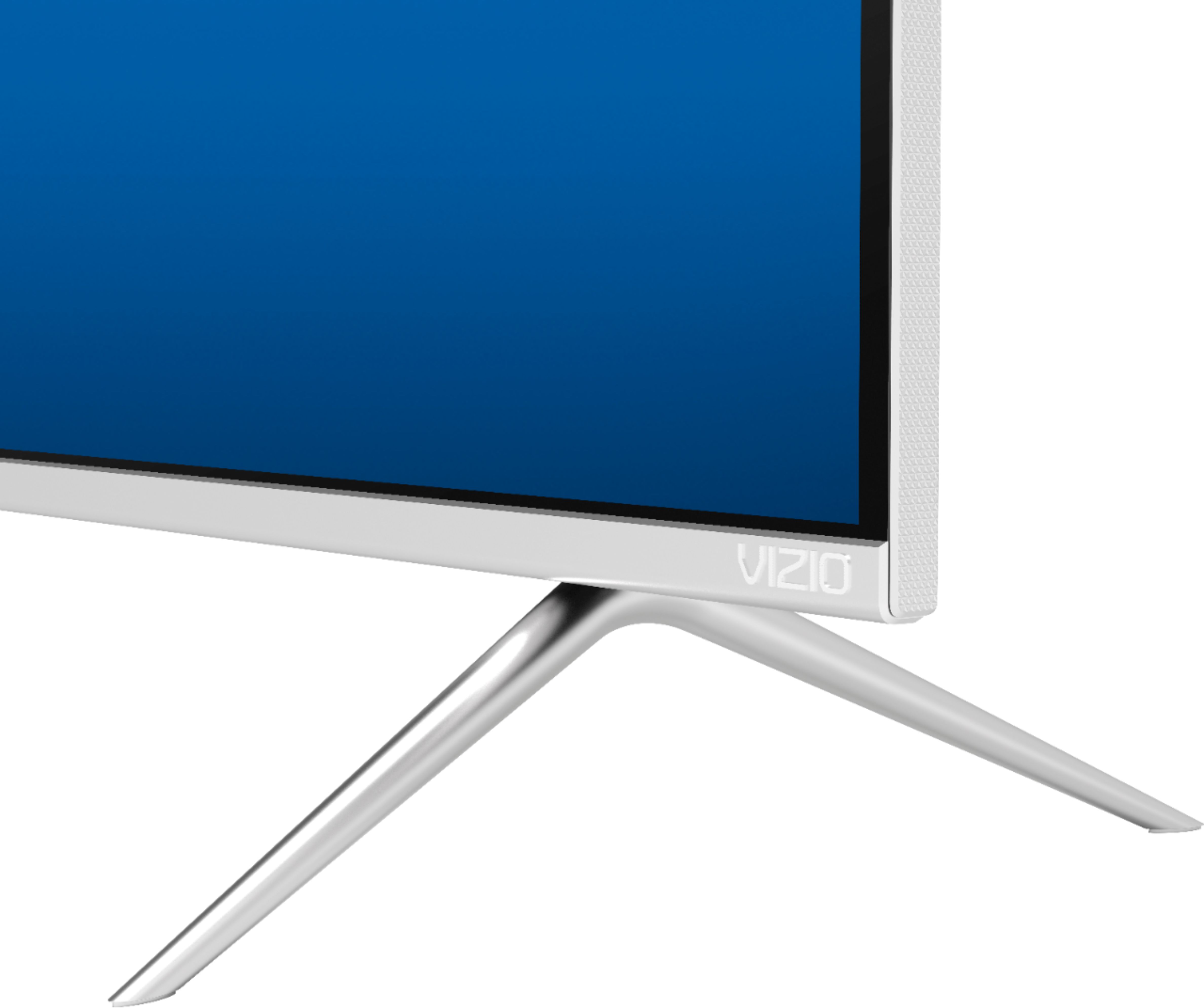
A:AnswerI have the TV on a wall mount, but I checked the stands that were in the box. They are just over 13" front to back. Personally, I would want a couple of inches on both front and back for safety and cleaning.
A:AnswerA few things that might help you get the kind of picture quality you are looking for. First, make sure the Display is getting a hi-definition or 4K signal. This means making sure that you're source device (like a cable/satellite box) is capable of HD or 4K, and that it's connected to your Display with an HDMI cable that can deliver the HD or 4K picture. You can also change between pre-set picture modes on the display by pressing the PIC button on your remote. This will toggle between a few picture setting that look good in different situations. If your display is in a bright room try Vivid or Calibrated. If it’s in a dimmer room try Calibrated Dark.

A:AnswerYou can turn on the equalizer by turning off the Surround Sound setting in the menu. You am prefer the audio however with the Surround Sound and Volume Leveling settings turned off.
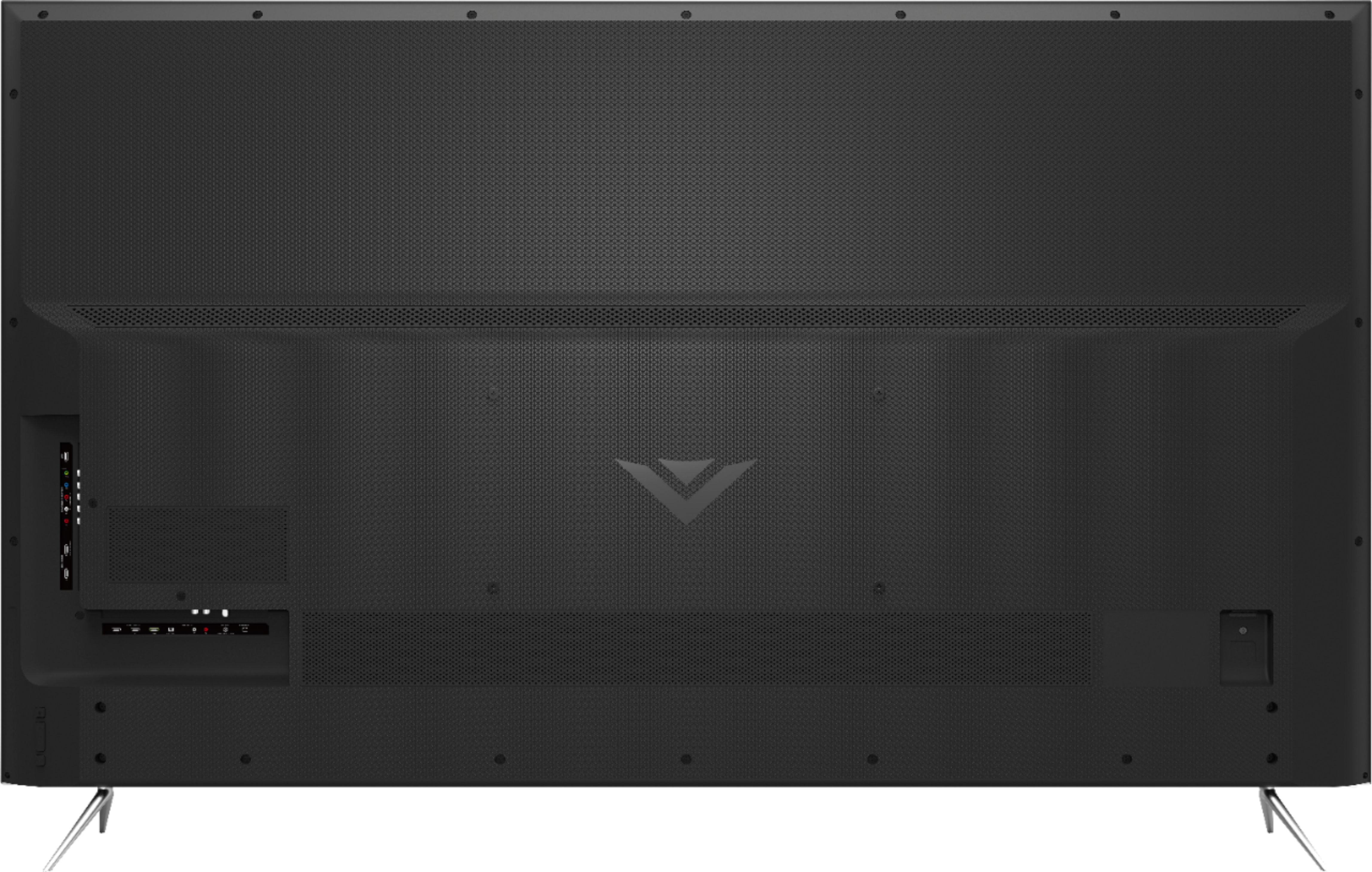
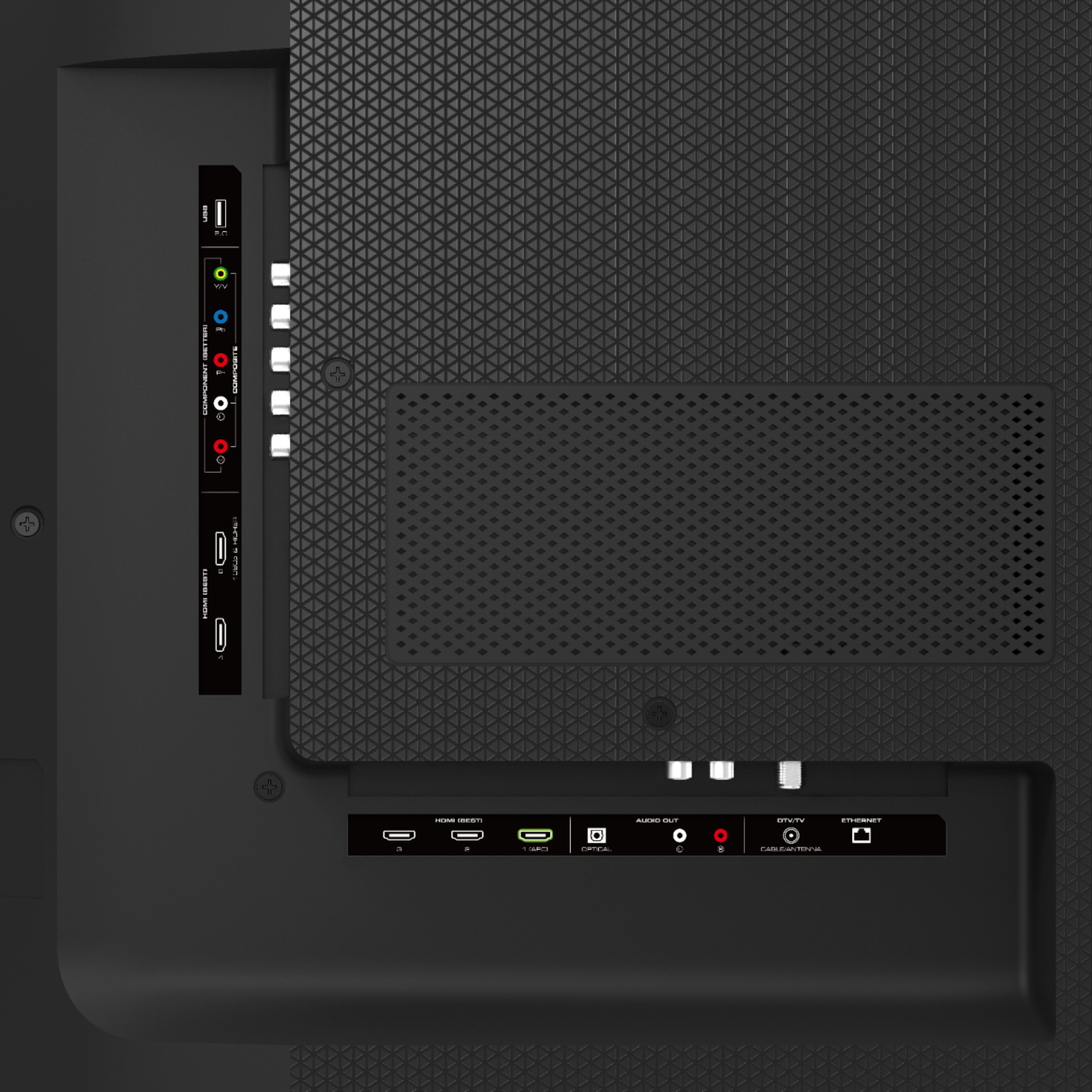
A:AnswerI own this set and it does not support Bluetooth so you will need to connect your soundbar using an HDMI (for ARC), Optical, or Analog connection. There are also adapters you can purchase to add Bluetooth to this TV. If you only need to connect the 2 rear Vizio wireless speakers that come with the large soundbar it should work fine as long as the soundbar itself is plugged into one of the above mentioned inputs. But to answer your question simply...no, the main soundbar unit cannot be used wireless without an adapter.