A:AnswerYes even if it didn't had the HDMI you could use the auxiliary cable but given you can do HDMI it would be a great addition to PC streaming and gaming I have tried my PC via aux and 4K TV via HDMI and iPhone via Bluetooth works perfectly on all devices.
A:AnswerIt comes with every possible cord one would ever need to make any type of connection to your equipment. In fact I've never seen such an array of cords.
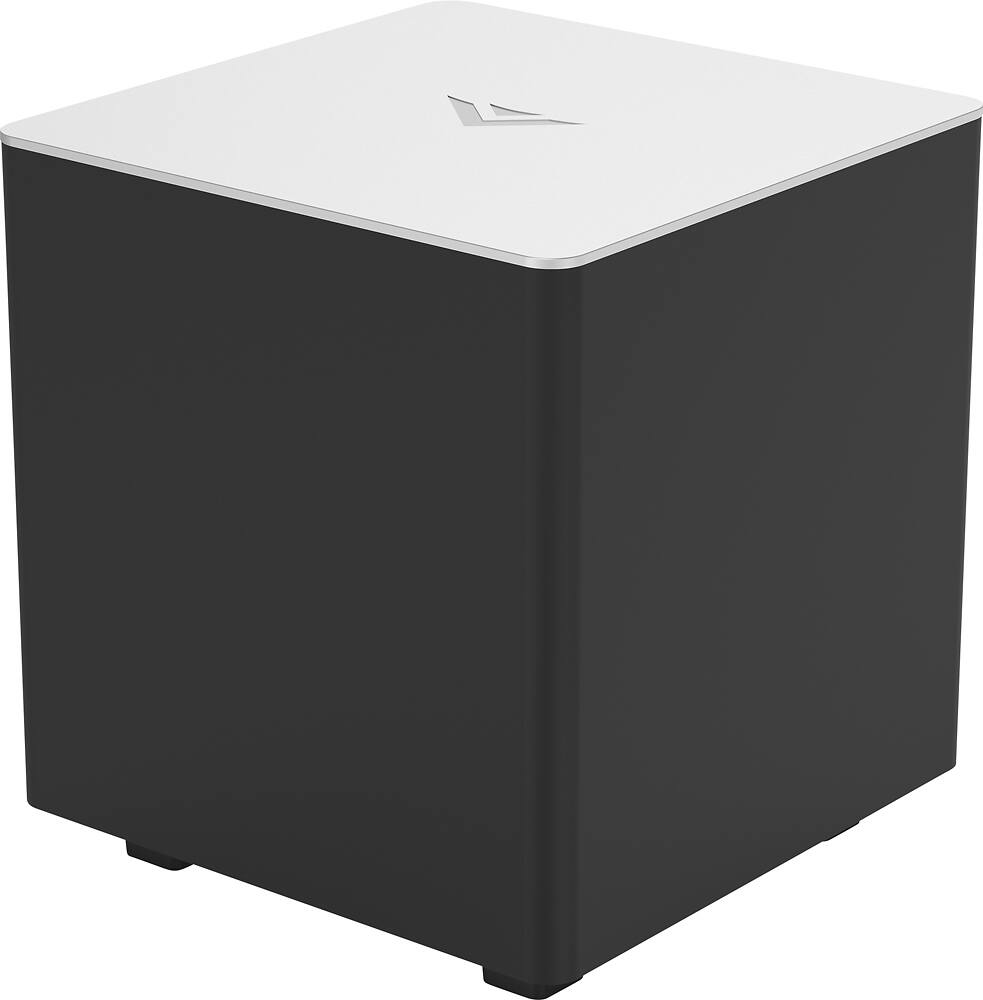
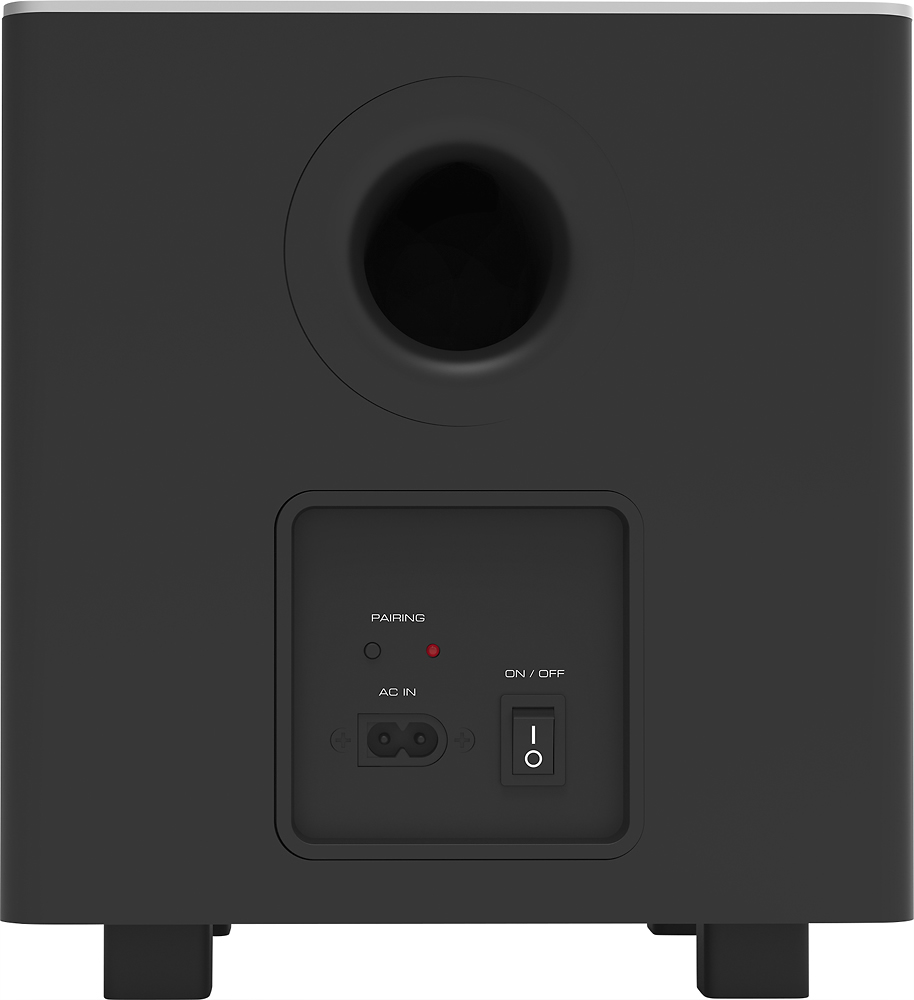
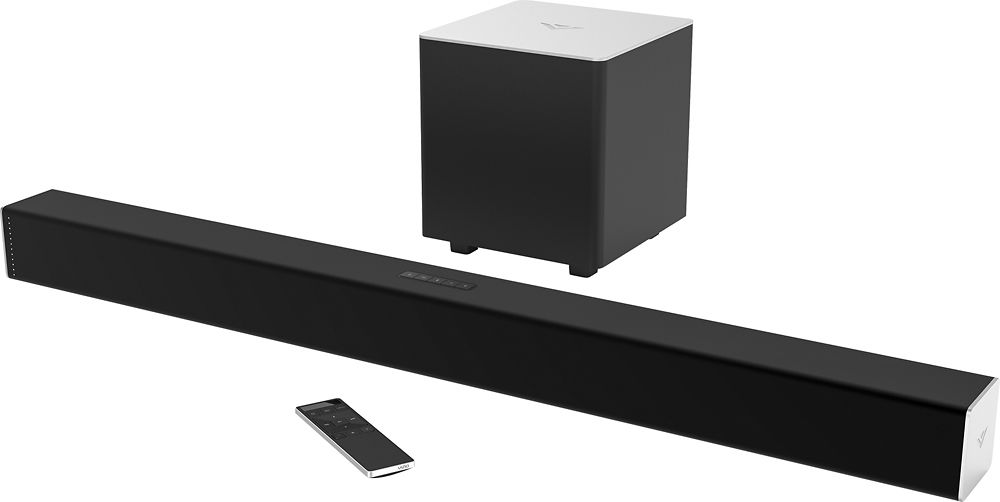
A:AnswerAbout 8 1/2" x 8 1/2" x 9". Small enough that I could cut a hole in the bottom of my couch and confidently hide it underneath the couch.
The Bluetooth connection has so far been flawless.
A:AnswerI have had the same problem. Been trying for two weeks to get it to connect but no luck whatsoever. Oh well, I love the Vizio 4K TV connected to this sound system.
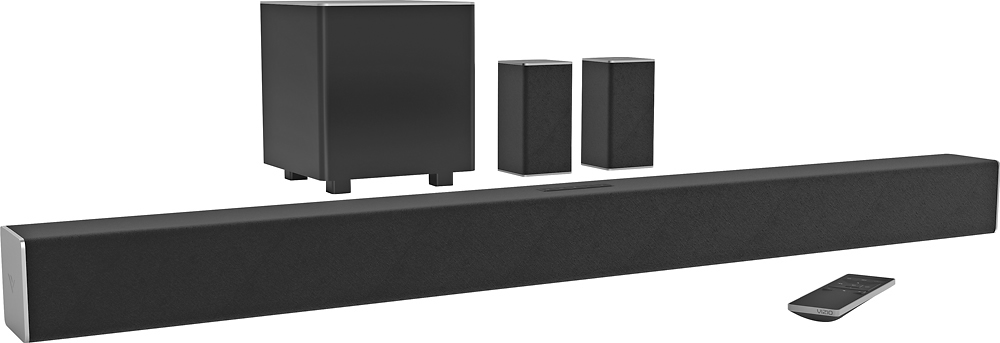
A:AnswerI've had the system about a month now and whenever I stream using the googlecast/viziocast or airplay with my Apple devices it comes out of the soundbar, subwoofer and satellite speakers! Totally awesome system and BIG sound!
A:AnswerIt depends on how the surround sound content is mixed. But typically the rear speakers are used for specific audio to provide a sense of space and realism to the video content.
I hope this was helpful.