A:AnswerHello Jay, Please be informed that Plex Media Server organizes photos, videos, music, movies, and TV shows giving instant access anytime, anywhere. Please refer to the mentioned link for manage Plex Media Server: https://support-en.wd.com/app/answers/detailweb/a_id/34741/kw/plex -Need Help? Please see our "'Contact Us" page for information.
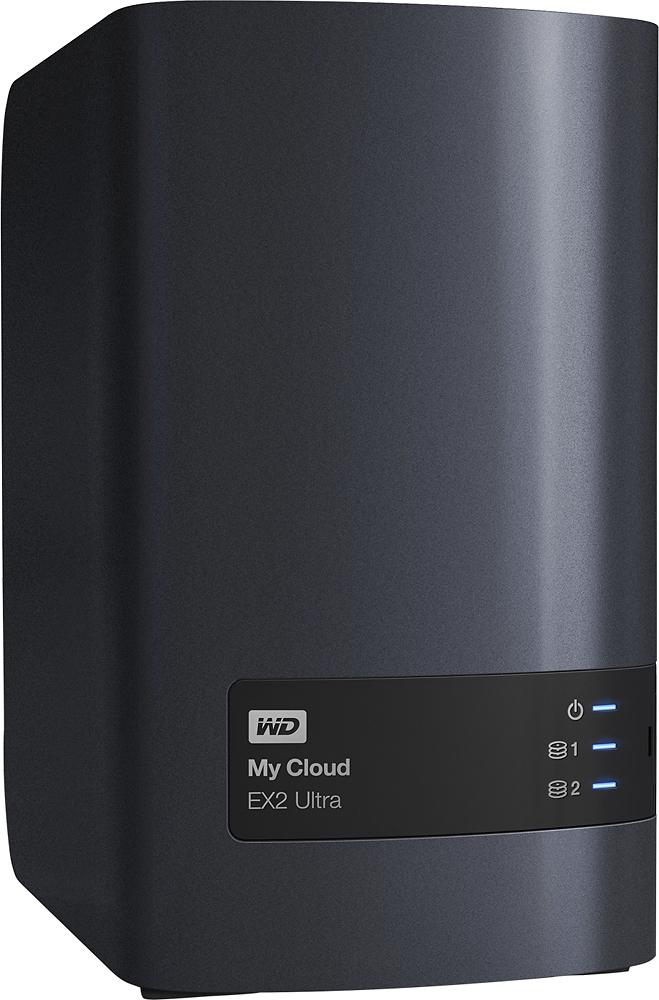
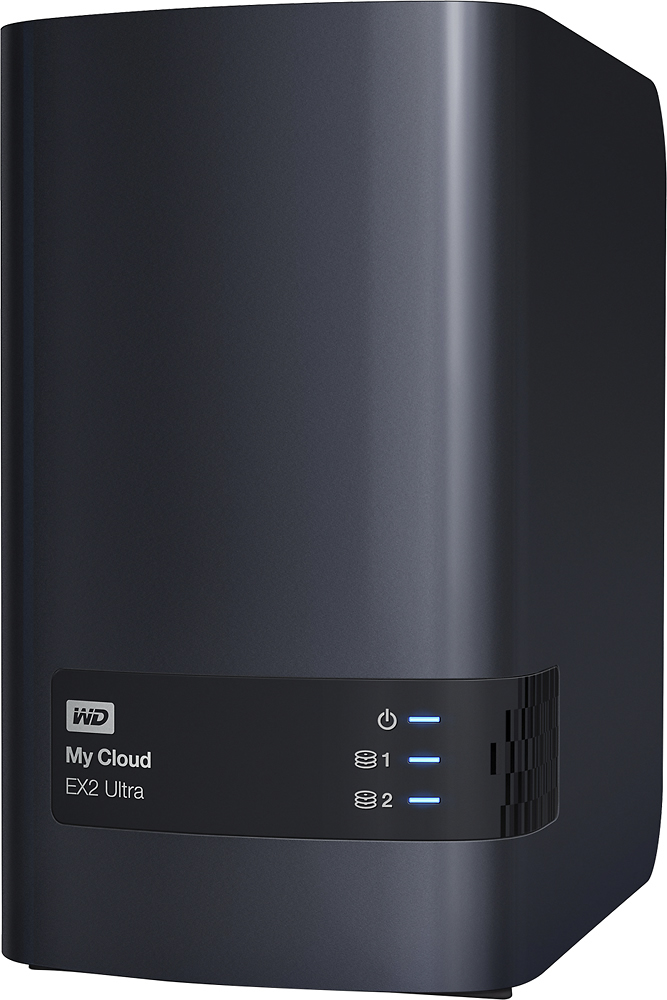
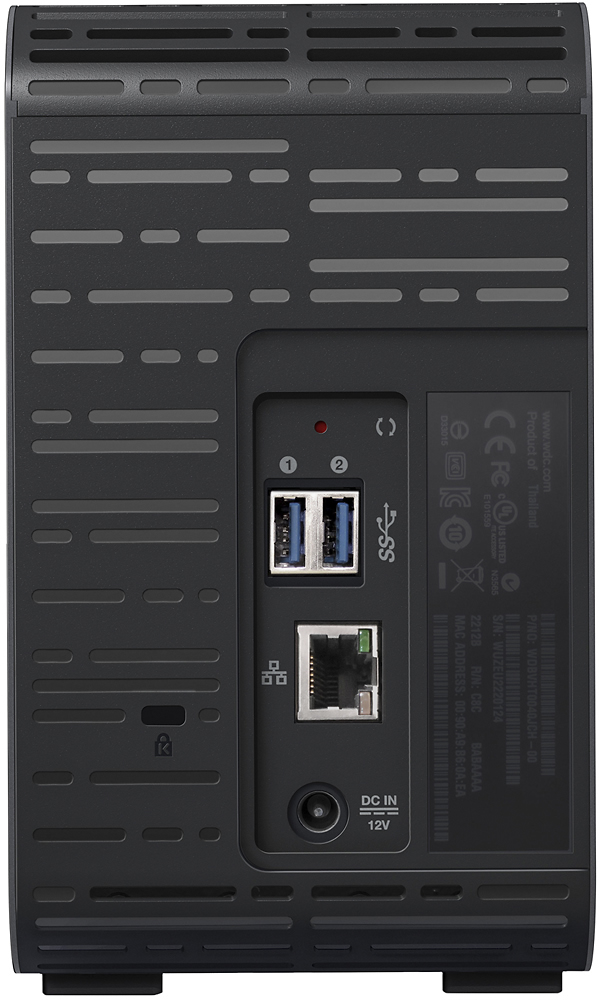
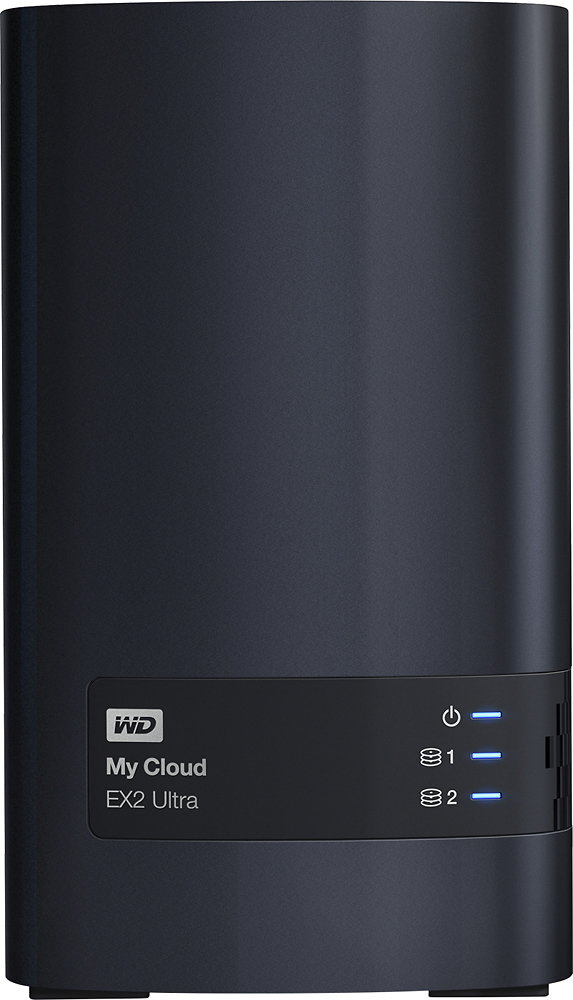
A:AnswerIt depends on the drives you have. This system uses 2 hard drives you can buy with the nas or without. Also, this model model comes with the powerful Marvell ARMADA 385 1.3GHz dual-core processor, you'll get ultra-fast transfer rates for high performance streaming. It also comes with 1GB of DDR3 memory, so you can multitask with ease. The newer EX2 Ultra has a leg up on its previous generation EX2 with 128K sequential performance with speeds as high as 116MB/s read and 112MB/s write. Hope that answers your questions. I absouletly love the ease of use and the built in apps like PLEX DROPBOX and Surveillance NVR for security cameras. If your undecided from the selection of NAS out there this is the best way to go and you wont be disappointed at the office or at home.
A:AnswerYes...
I got this while my wife was taking classes...
I made her My Doxuments linked to thus as drive Z:
It linked via the network path... So as long as she had internet she could link it...
Yes other users also could have access as I did to be able to solve any issues or help/view any document.... Security levels can also be used
It is 100% NAS
A:AnswerUnique share names are available when you set up the device. Just make sure you are on the same subnet on your network so you can transfer between the two NAS units.
A:AnswerHello, Please be informed that WD SmartWare or Acronis, PC users can customize when and where their content is saved, while Mac users have full access to Apple Time Machine for personalized backup. You can even automatically back up your data to a separate My Cloud NAS device, or any supported cloud service like Amazon S3, ElephantDrive
or Acronis*. 256-bit AES volume encryption, when enabled, helps to securely store files across your entire.-Need Help? Please see our "'Contact Us" page for information.
network.
A:AnswerYes you can and it is fairly easy to do so! I have it set up that way as i have 3 pcs 2 macs and several other apple products and external drives.
A:AnswerIt depends on how much storage you need. This comes with two hard drives in mirror configuration, so it only gives you 4TB of room. If this is enough for you, it could be a good option.
A:AnswerHello KenC, We would like to inform you that you could map the My Cloud Ex2 Ultra device to access it locally under network on the computer. You may refer to the link mentioned below: How to Map Network Drive on Windows for WD My Cloud-https://support-en.wd.com/app/answers/detailweb/a_id/9323/kw/map and
How to Map a Network Drive on macOS for My Cloud & My Cloud Home-https://support-en.wd.com/app/answers/detailweb/a_id/24148/kw/map o know more about the drive detailed information please refer to the mentioned link :https://bit.ly/37nX3px. Need Help? Please see our "'Contact Us" page for information.