A:AnswerYes you have to partition it if you want to make it work with both because it will need to be formatted for OS X as well a pc or just leave as is for pc. Or just reformat for OS X. Partitioning would create two “spaces” for separate operating systems, be advised you will only be able to read one partition on either or.
A:Answeryes but i might suggest pitching in a few more dollars and getting a 4tb instead if you can afford it.
it comes as a ntfs drive, so you will need to plug it in your computer, right click the drive and pick format, and pick exfat
playstation doesnt read ntfs which is the factory setting on this drive but it only takes seconds to switch to exfat.
A:AnswerHello, Please be informed that WD My Passport portable hard drive is a plug and play device which designed for Windows and Mac operating system. We have not tested the drive on mobile devices or an iPhone. Therefore, we recommend you to move the data from phone to computer or vice versa using your computer. For more info about the drive, refer to the link: https://products.wdc.com/library/AAG/ENG/4078-705155.pdf
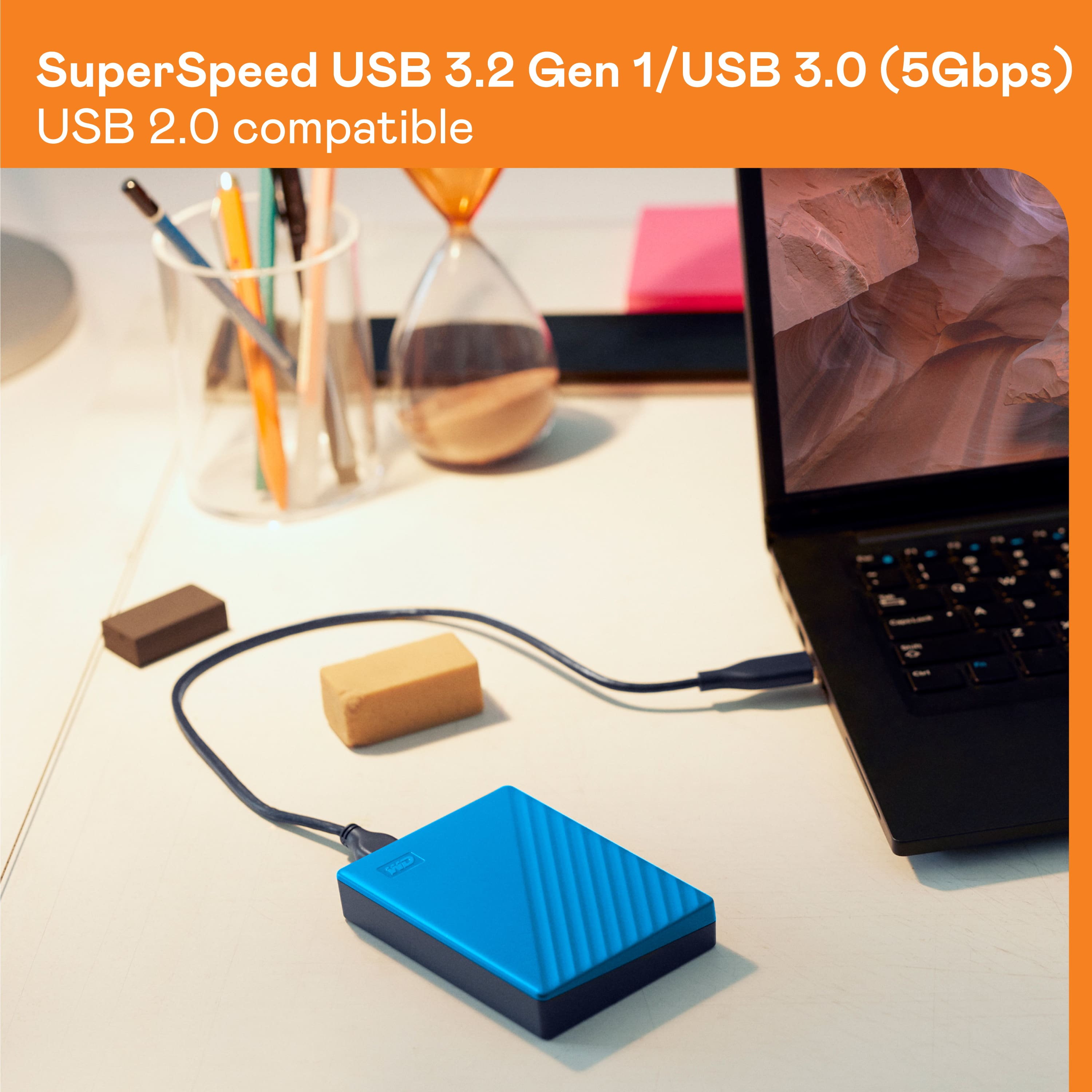
A:AnswerHello Jake, Please be informed that you could password protect the device using WD security software. Please refer to the mentioned link to use WD Security Software : https://support-en.wd.com/app/answers/detailweb/a_id/50696/. It comes with Connector Micro-B, Interface
USB 3.2 Gen 1, USB 2.0 For more info about the drive, refer to the link: https://products.wdc.com/library/AAG/ENG/4078-705155.pdf
A:AnswerHi, Please be informed that WD My Passport External drive comes preformatted in NTFS format for Windows OS, However, In order to use the drive for macOS you can reformat the drive to APFS file system compatible on Mac by using this link: https://support-en.wd.com/app/answers/detailweb/a_id/8200/ Please be informed that reformatting is a data destructive process, please backup the data from the drive before reformatting it. If you are facing any issue, please open a support ticket at https://support-en.wd.com/app/ask/session, the customer support team will contact you as soon as possible.
A:AnswerHi Izzi, Please be informed that WD My Passport portable hard drive is a plug and play device which designed for Windows and Mac operating system. We have not tested the drive on mobile devices or an android device. Therefore, we recommend you to move the data from phone to computer or vice versa using your computer. For more info about the drive, refer to the link: https://products.wdc.com/library/AAG/ENG/4078-705155.pdf
A:AnswerHi, Please be informed that the WD My Passport External Portable drive is a plug 'n' play device tested and designed for Windows and Mac computers for seamless operation. We recommend you to please check with your host device vendor for more compatibility information. For more information about the drive please refer to the link: https://products.wdc.com/library/AAG/ENG/4078-705155.pdf
A:AnswerHello, Please be informed that the WD Passport External drive comes preformatted in NTFS format for Windows OS, In order to use the drive for macOS you can reformat the drive with macOS supported APFS file system by using this link: https://support-en.wd.com/app/answers/detailweb/a_id/8200/ Please be informed that reformatting is a data destructive process, please backup the data from the drive before reformatting it. For any assistance with the product, please feel free to or submit a support request at https://support-en.wd.com/app/askweb we will be happy to assist you.
A:AnswerThis has a USB port hookup at the end of its cord. I've been using it for my desktop computer. It COULD potentially hook up to a phone, but at the very least, you would need some sort of adapter.
A:AnswerHello, We are sorry to hear about your experience, We'd like to gather more information so, We request you kindly open a support ticket at (https://support-en.wd.com/app/askweb) to elaborate on the issue and, our support team will get in touch with you at the earliest.
A:AnswerHello, Please be informed that the WD My Passport hard drive is a plug 'n' play device tested and designed for Windows and Mac computers. We have not tested drive with the router, it may or may not work. To know more about the drive refer to the link: http://products.wdc.com/library/AAG/ENG/4078-705155.pdf -Need Help? Please see our "'Contact Us" page for information.
A:AnswerHello Dani, Please be informed that the WD My Passport External drive comes preformatted in NTFS format for Windows OS, However, in order to use the drive for macOS you can reformat the drive with macOS supported HFS+J file system by using this link: https://support-en.wd.com/app/answers/detail/a_id/3879 .In order to use the drive with both Windows and MacOS you need to reformat the drive to exFAT file format by referring to the link: https://support-en.wd.com/app/answers/detail/a_id/20821 .Please be informed that reformatting is a data destructive process, please backup the data from the drive before reformatting it.-Need Help? Please see our "'Contact Us" page for information.
A:AnswerHello, Please be informed that the WD My Passport External drive comes preformatted in NTFS format for Windows OS, However, in order to use the drive for macOS you can reformat the drive with macOS supported HFS+J file system by using this link: https://support-en.wd.com/app/answers/detail/a_id/3879 .In order to use the drive with both Windows and MacOS you need to reformat the drive to exFAT file format by referring to the link: https://support-en.wd.com/app/answers/detail/a_id/20821 .Please be informed that reformatting is a data destructive process, please backup the data from the drive before reformatting it.-Need Help? Please see our "'Contact Us" page for information.
A:AnswerHello JPesvy2024, WD My Passport is a plug n play device and designed for Windows and Mac. Number of data files/folders to be stored in the drive depends on the size of the drive. To know more about the drive refer to the link: https://www.westerndigital.com/en-in/products/portable-drives/wd-my-passport-usb-3-0-hdd?sku=WDBYVG0010BBK-WESN -Need Help? Please see our "'Contact Us" page for information.
A:AnswerHello Soozan, Please be informed that the WD My Passport drive is a plug 'n' play device tested and designed for Windows and Mac computers. To know more about the drive please refer to the link: http://products.wdc.com/library/AAG/ENG/4078-705155.pdf -Need Help? Please see our "'Contact Us" page for information.
A:AnswerHello Fire, Please be informed that the WD My Passport drive is a plug 'n' play device tested and designed for Windows and Mac computers. You can store any data to the drive but you could not play the games directly from this drive. To know more about the drive refer to the link: http://products.wdc.com/library/AAG/ENG/4078-705155.pdf -Need Help? Please see our "'Contact Us" page for information.
A:AnswerHello Sam, Please allow me to inform you that you could backup entire computer using Acronis True Image for Western Digital software. However it will not backup operating system. Please refer to the following link: https://support-in.wd.com/app/answers/detailweb/a_id/15564/ For more info about the drive, refer to the link: http://products.wdc.com/library/AAG/ENG/4078-705155.pdf -Need Help? Please see our "'Contact Us" page for information.
A:AnswerHello Montana88, Please be informed that the WD My Passport drive is a plug 'n' play device tested and designed for Windows and Mac computers. We recommend you to please check with your host device vendor for more compatibility information. To know more about the drive refer to the link: http://products.wdc.com/library/AAG/ENG/4078-705155.pdf -Need Help? Please see our "'Contact Us" page for information.