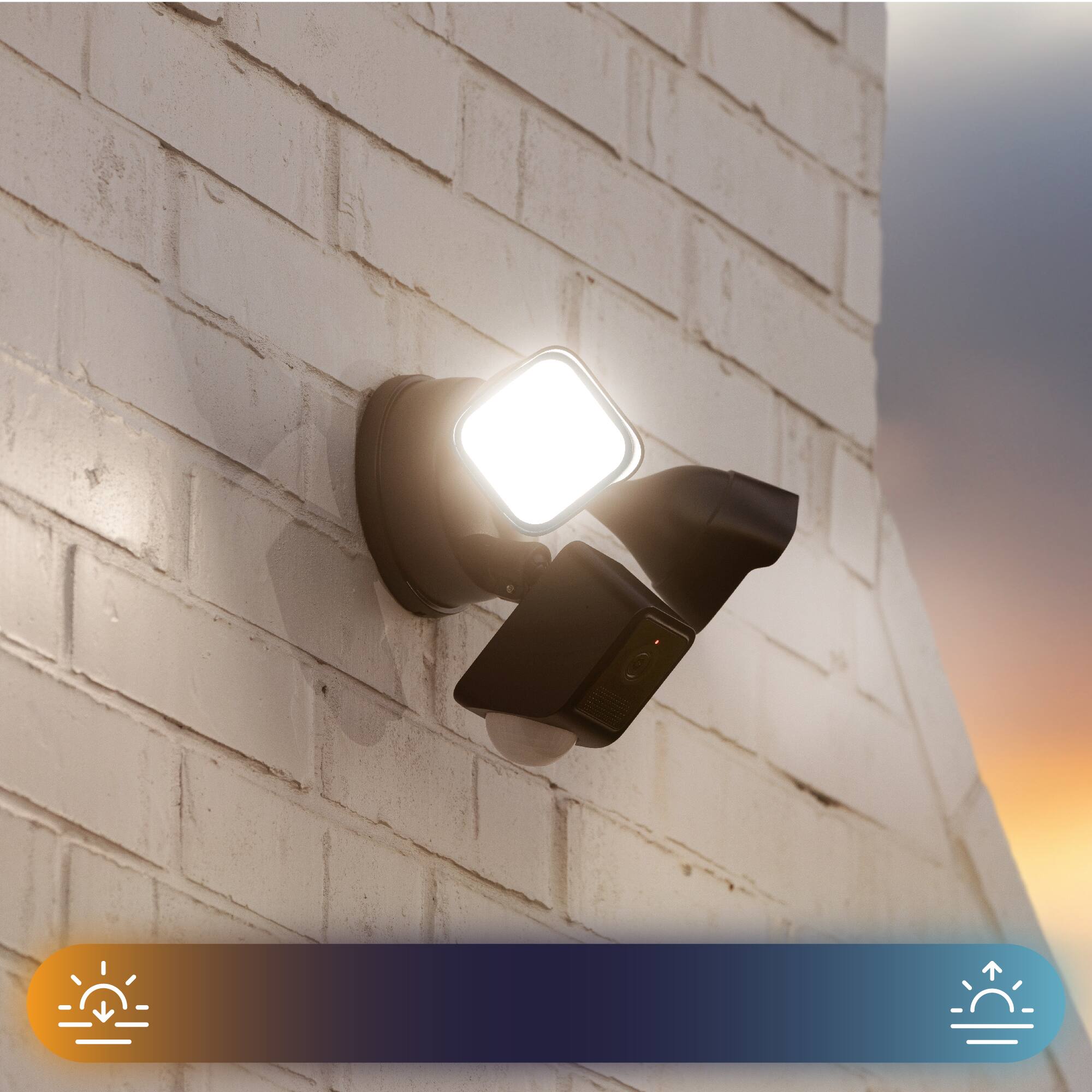

Questions & Answers
- Model:
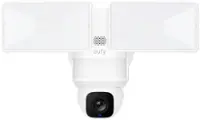
- WYZECFL2BL
- |
- SKU:
- 6580549
Highly rated by customers for: Camera Quality, Setup, Lights
$99.98Your price for this item is $99.98
Page Showing 1-20 of 26 questions
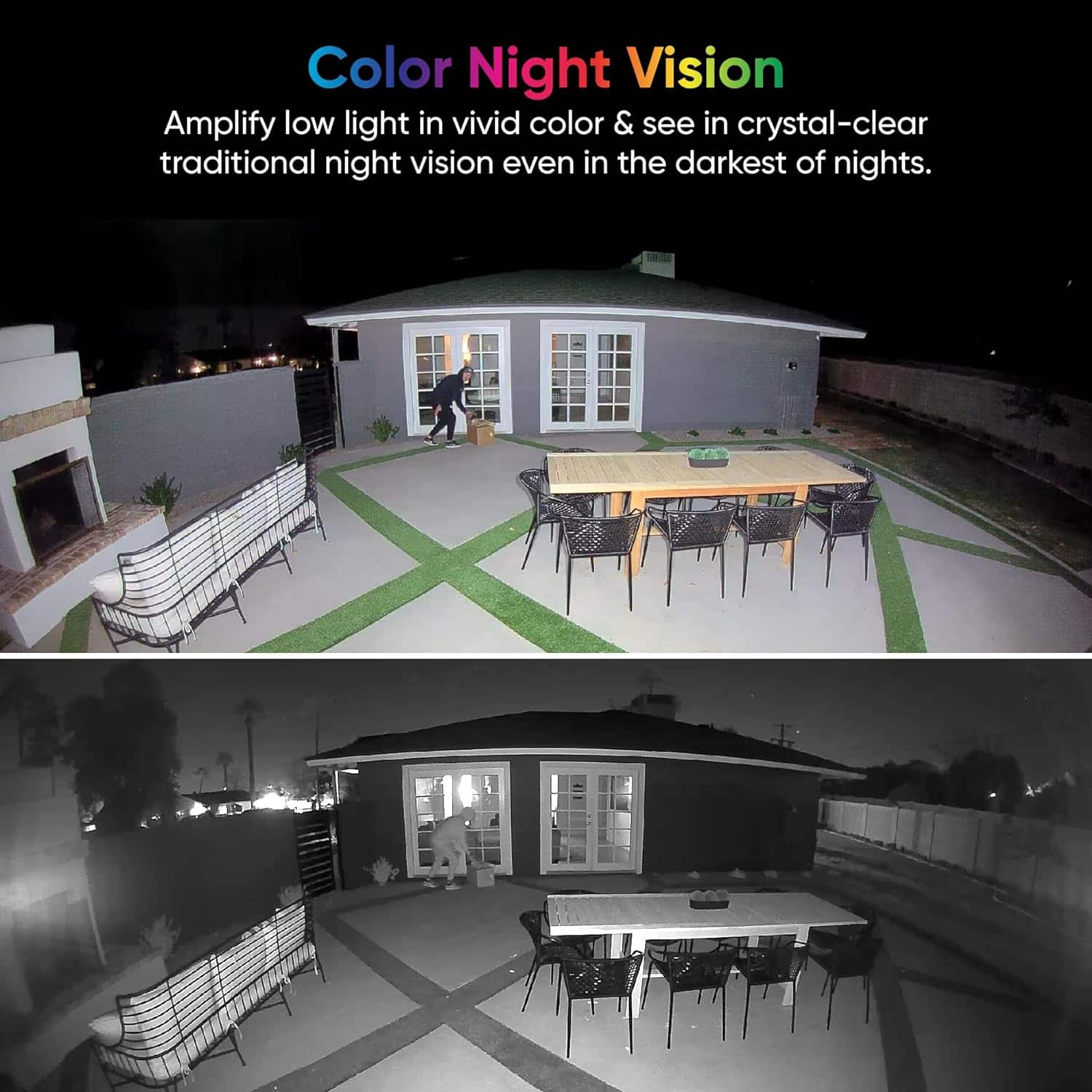
Q: QuestionDoes the camera have night vision?
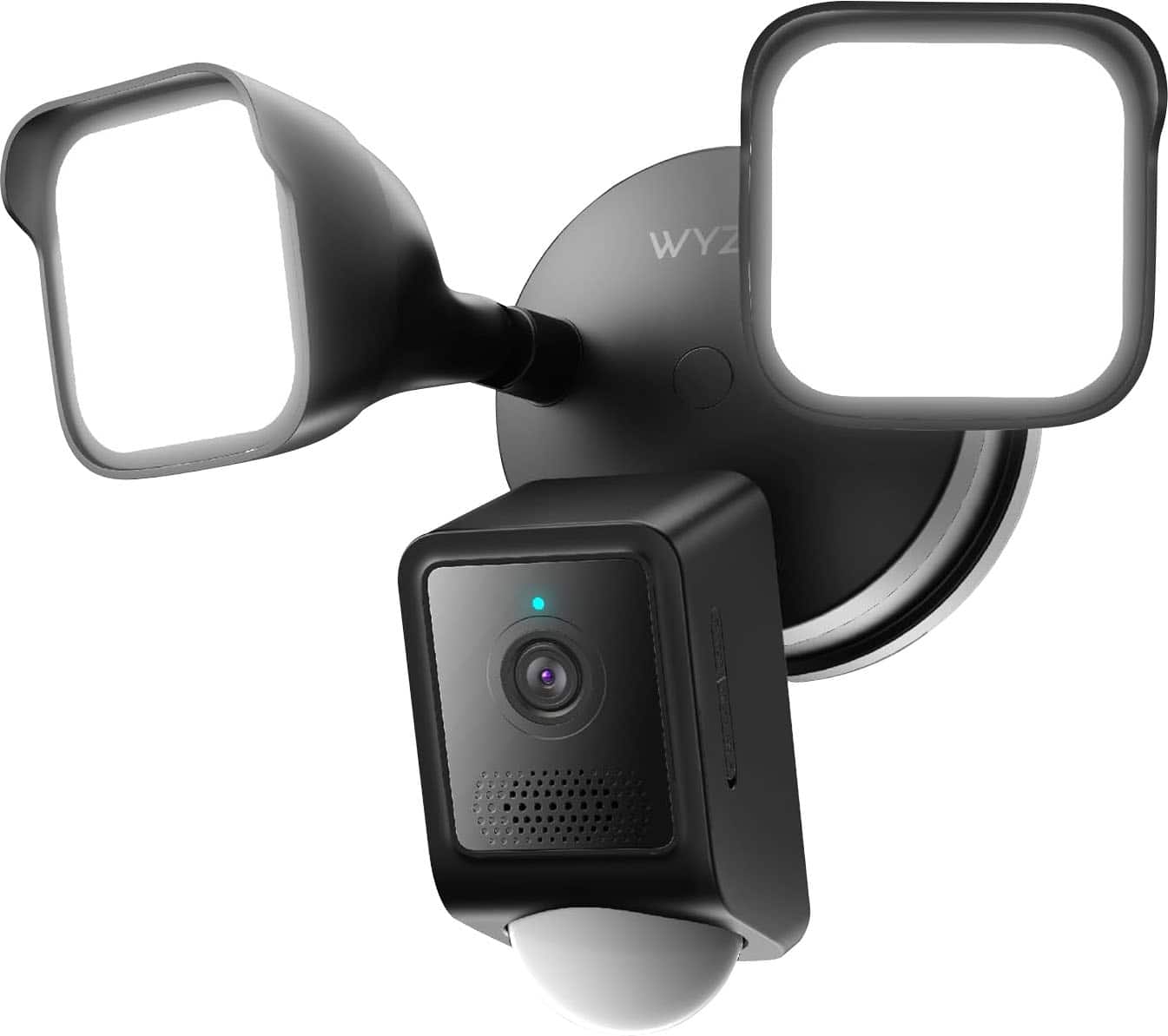
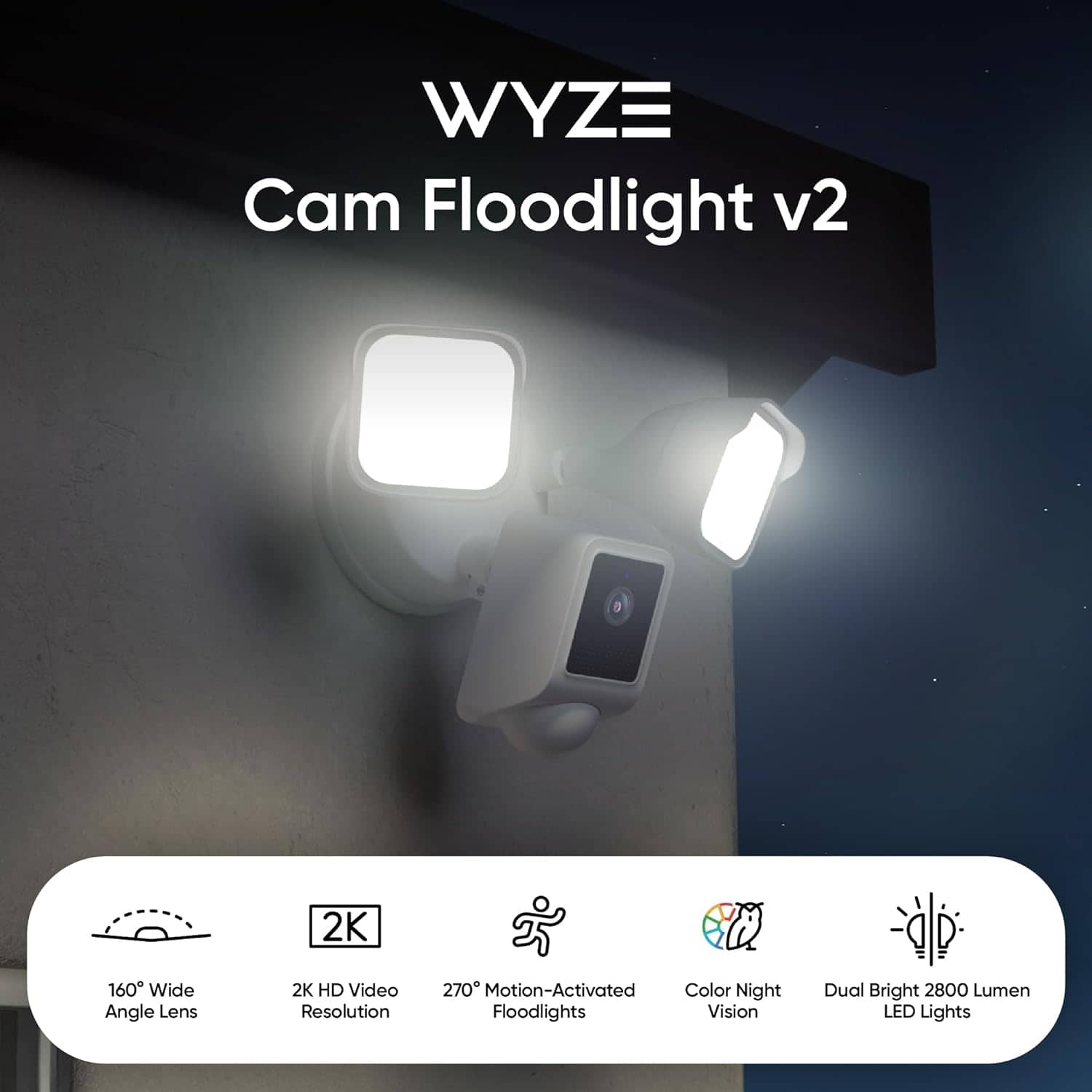
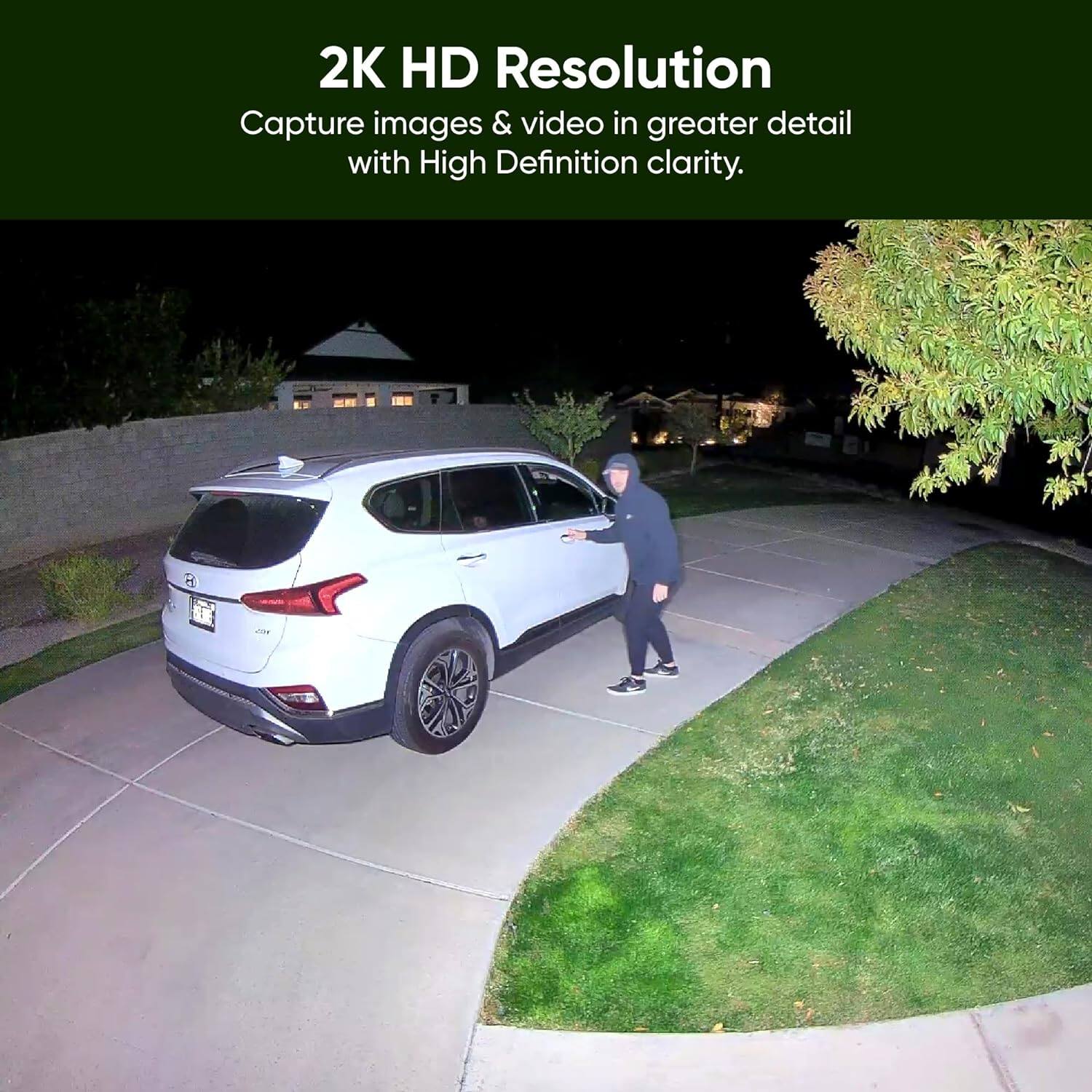
- A:Answer This camera features 2K video with Color Night Vision.
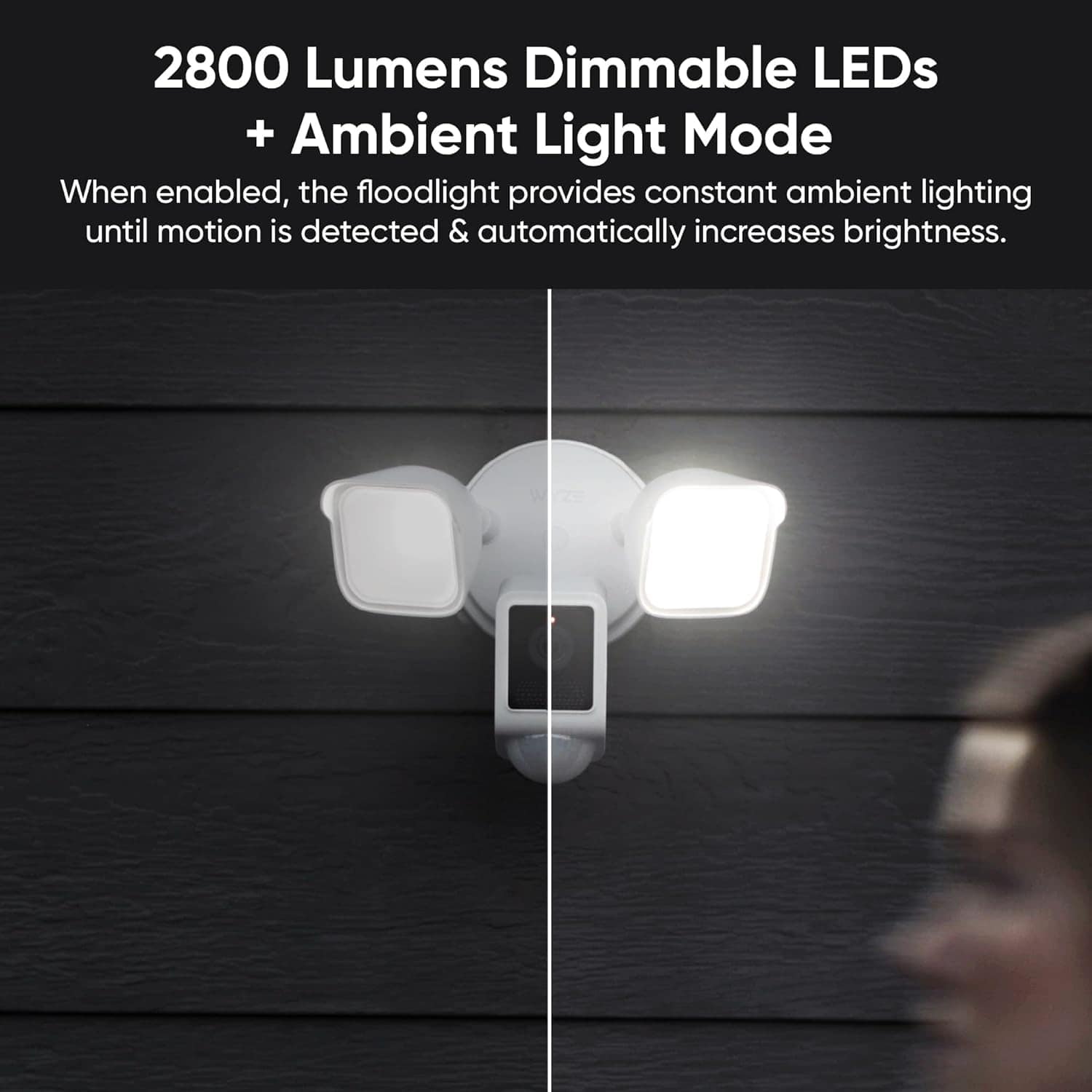
This question and answer was generated by AI based on customer and product data.Q: QuestionHow many lumens does the floodlight have?
- A:Answer The floodlight has a light output of 2800 lumens.
This question and answer was generated by AI based on customer and product data.Q: QuestionIs the camera weather resistant?
- A:Answer This camera is weather resistant.
This question and answer was generated by AI based on customer and product data.Q: QuestionWhat is the maximum distance the light can project?
- A:Answer The maximum light projection distance is 90 feet.
This question and answer was generated by AI based on customer and product data.Q: QuestionCan the floodlight be controlled remotely?
- A:Answer This floodlight can be controlled remotely.
This question and answer was generated by AI based on customer and product data.Q: QuestionWhat is the warranty duration?
- A:Answer The manufacturer's warranty for both parts and labor is 1 year.
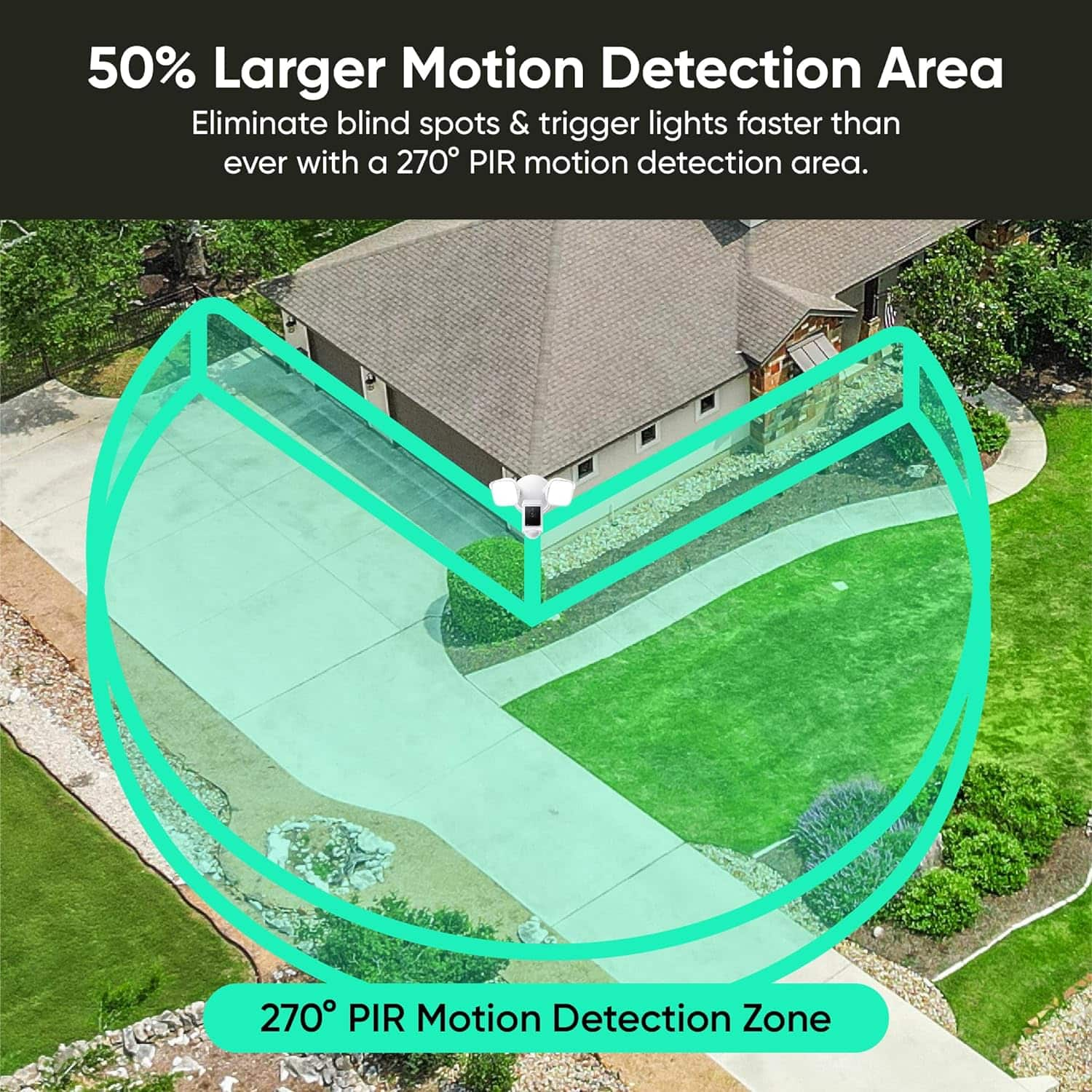
This question and answer was generated by AI based on customer and product data.Q: QuestionWhat is the range of the motion detection?
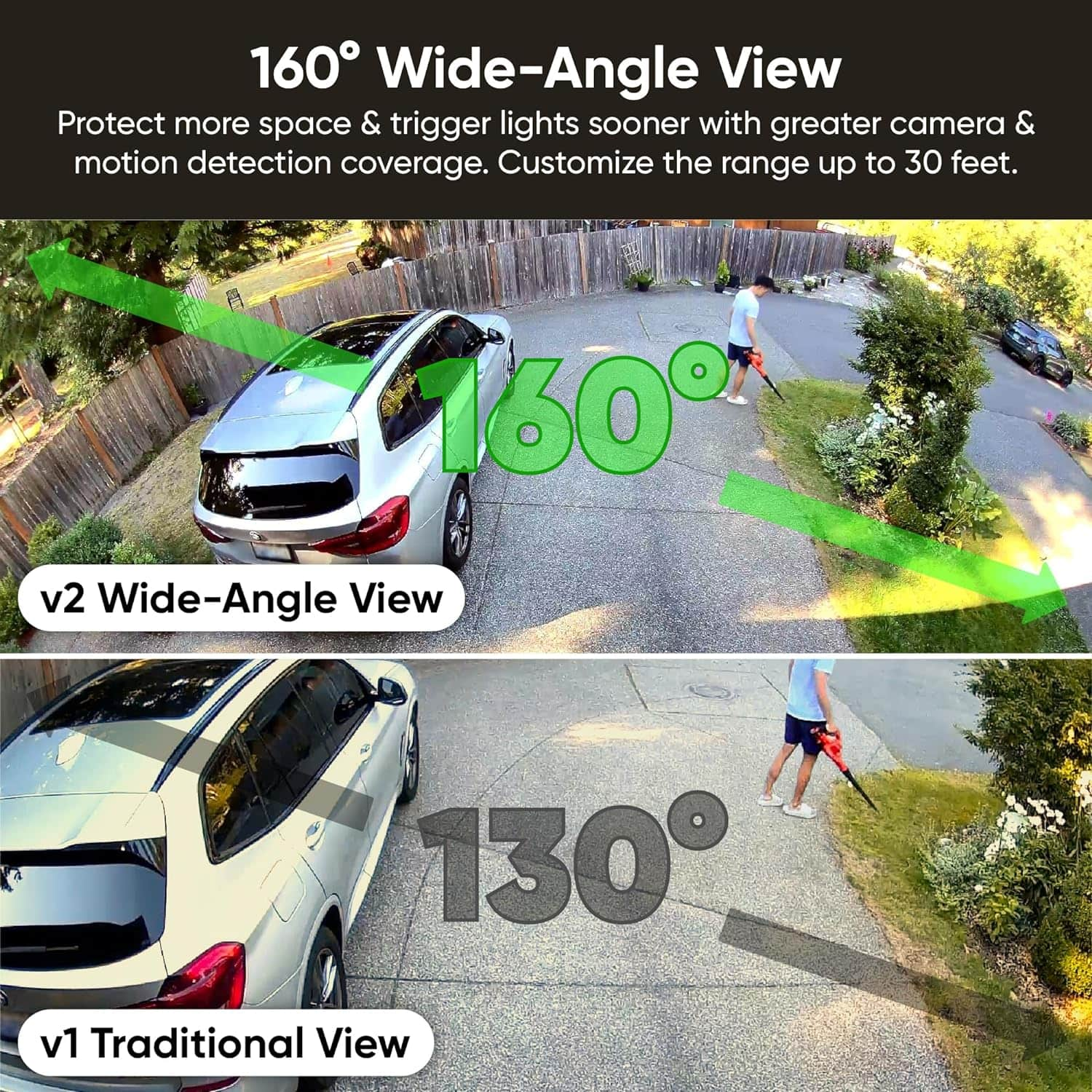
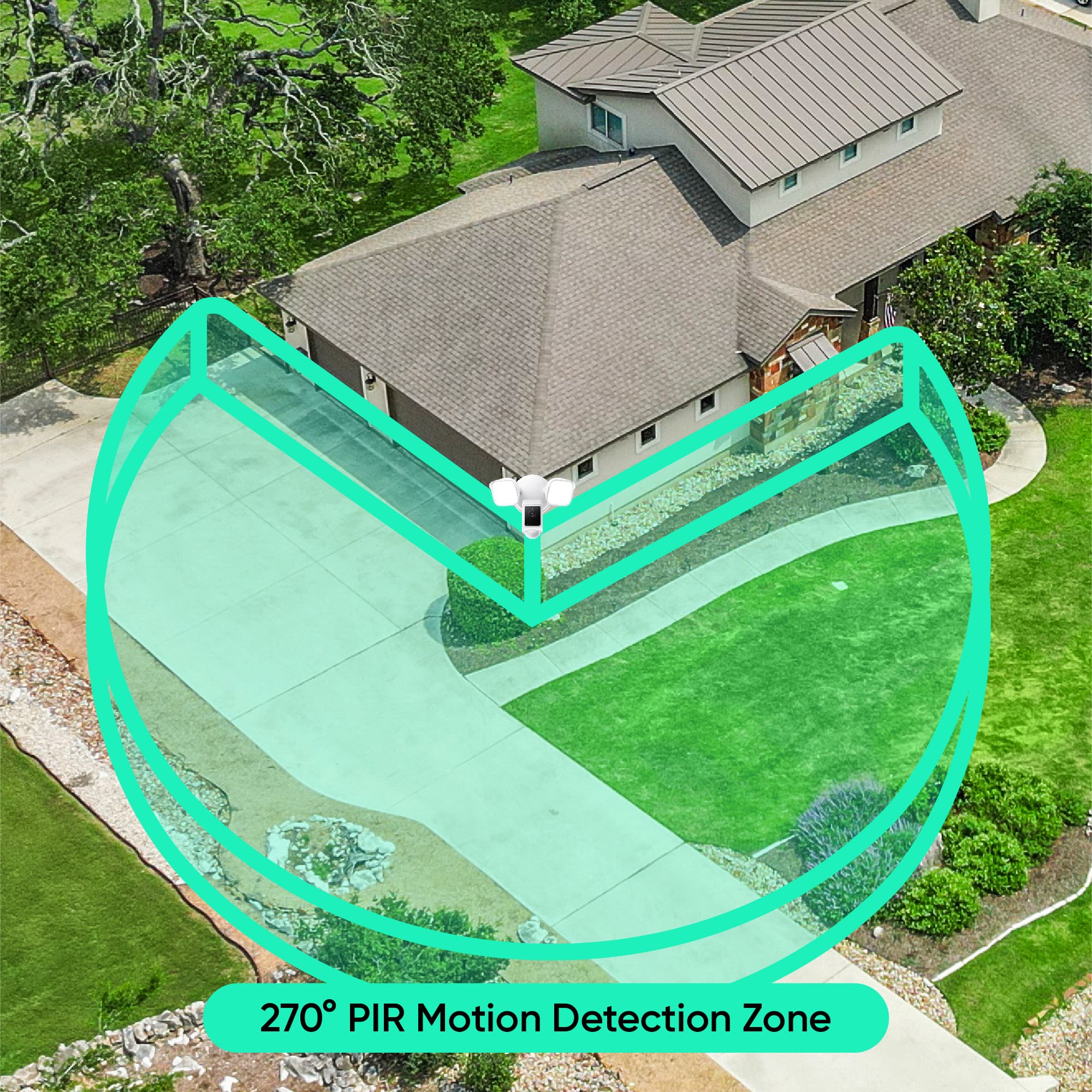
- A:Answer The motion detection range is 100 feet.
This question and answer was generated by AI based on customer and product data.Q: QuestionHow much is the subscription?
Asked by Jimmyjones.
- A:Answer Hi there! Wyze has multiple subscription plans, including Cam Plus and Cam Unlimited, with different prices and features. You may read more about this here: https://www.wyze.com/pages/service-plans If you have other questions, concerns, or would like to speak more about our products please reach out to our Wizards team (https://wyzelabs.zendesk.com/hc/en-us) so we may help. Thank you and have a great day!
Answered by Wyze Labs
Q: QuestionDoes this camera connect to the internet via Wifi?
Asked by Ed.
- A:Answer Yes, and is easy to conect. You just need to doit in the Wize app.
Answered by DinaR
Q: QuestionCan the spotlight and camera have different range detections? Can the camera turn on before an object gets close to the house with the light turning on when the object is within 20ft?
Asked by BeeFromNY.
- A:Answer Hi there! Yes, with a Wyze Cam Floodlight, you can set up different detection ranges and triggers for the camera and the spotlight using in-app settings and rules. If you have other questions, concerns, or would like to speak more about our products please reach out to our Wizards team (https://wyzelabs.zendesk.com/hc/en-us) so we may help. Thank you and have a great day!
Answered by Wyze Labs
Q: QuestionCan you replace floodlight light bulb?
Asked by Anonymous.
- A:Answer Hi there! No, we cannot replace the bulb on a Wyze Cam Floodlight because it uses integrated LEDs that are not designed to be individually replaced. If the LEDs fail, you would typically need to replace the entire floodlight unit. If you have other questions, concerns, or would like to speak more about our products please reach out to our Wizards team (https://wyzelabs.zendesk.com/hc/en-us) so we may help. Thank you and have a great day!
Answered by Wyze Labs
Q: Questioncan the camera swivel 45 degrees so as to not look directly at my neighbors house but at my side walkway?
Asked by MrL.
- A:Answer Yes you can pretty much put in any direction you want, I love them
Answered by CarlosW
Q: QuestionDoes this requires a monthly service fee
Asked by Tony.
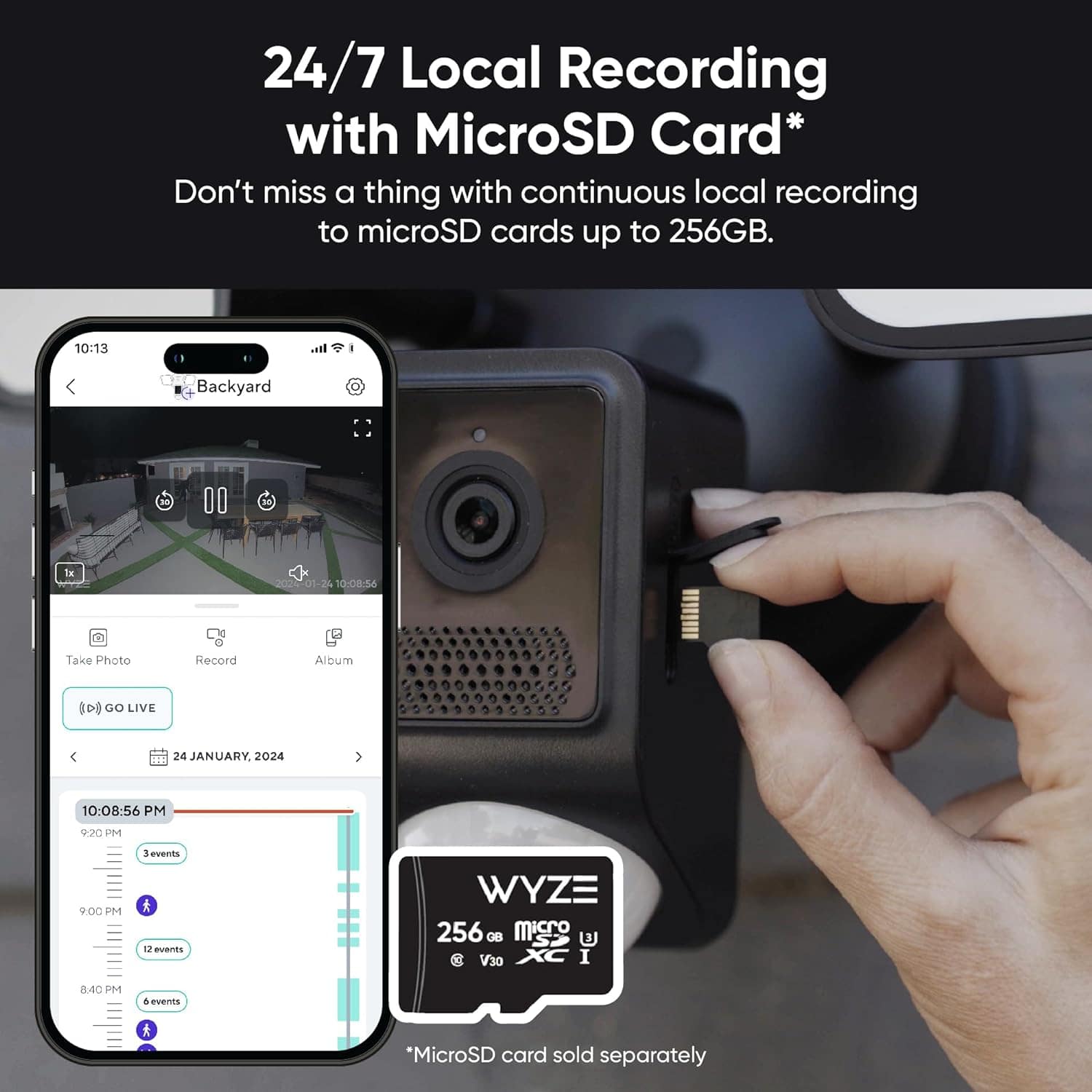
- A:Answer You can do the monthly fee but is not necessary. You can insert an sd card. I am not paying and have the sd card and is perfect. The app sends you notifications on your phone and you can look at them on the sd card. If you want the subscription I believe is like $2.99 per month.
Answered by DinaR
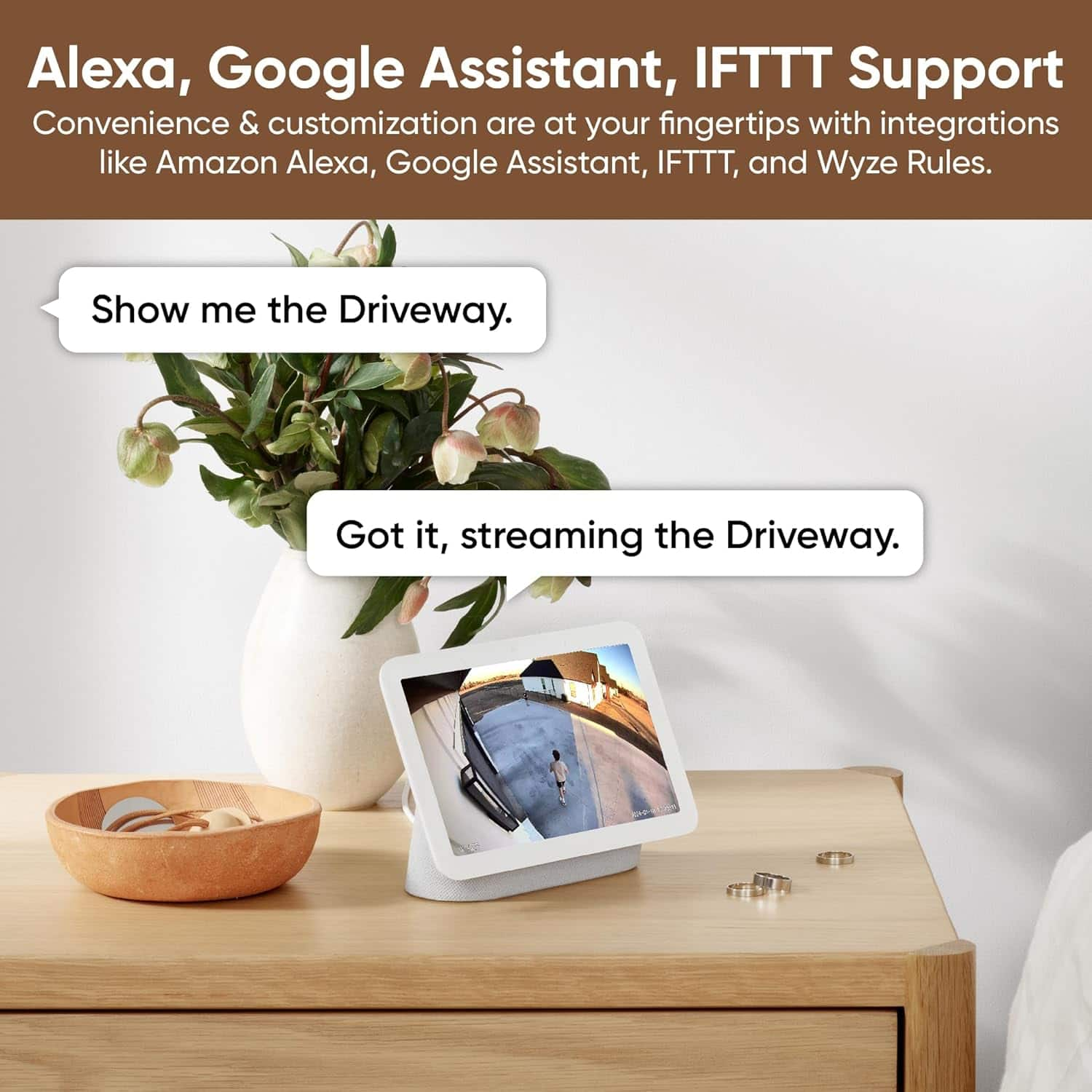
Q: QuestionCan I added it to Google Home app?
Asked by Aamer.
- A:Answer Hi there! Yes, you can add Wyze devices to the Google Home app! Here's how you can do it: Steps to Add Wyze Devices to the Google Home App 1. Set up your Wyze device in the Wyze app and ensure it is working properly. 2. Update the firmware of your Wyze device to the latest version: Go to the Wyze app. Navigate to Account > Firmware Upgrade. 3. Download and configure the Google Home app on your device. 4. Open the Google Home app and follow these steps: Tap the "+" icon in the top left corner. Select Set up device. Tap Works with Google. Search for Wyze Home in the list. Log in with your Wyze account credentials. 5. Google Assistant will automatically sync and populate a list of the devices from your Wyze account. Important Notes Once connected, you can control your Wyze devices using Google Assistant voice commands. If you delete a Wyze device from the Wyze app, it will also be removed from the Google Home app during the next sync. You can unlink your Wyze account from Google Assistant if needed by following the instructions here (https://support.google.com/googlenest/answer/7073578).
Answered by Wyze Labs
Q: Questionwhat is the length of the cord
Asked by Anonymous.
- A:Answer Hi there! The length of this power cord is 20 feet. This allows for flexible installation, ensuring you can reach outdoor-rated outlets with ease. If you have not already please reach out to our Wizards team (https://support.wyze.com/) so we may help out. You may tap on the Message icon in the bottom right hand corner of the support site > fill out the questionnaire > choose the way in which you would like to speak with our team. Please include as much information on your issue as possible. Our products come with a 1-year manufacturer warranty, so if the device is determined to be defective we will be happy to exchange it for you. Thank you for your feedback and have a great day!
Answered by Wyze Labs
Q: QuestionCan the floodlight be completely off until motion is detected?
Asked by Lynne.
- A:Answer Yes. It’s based on motion detection. Or are you referring to the camera too?
Answered by BMill
Q: Questionwhich SD card I need to buy for this item
Asked by Sonnia.
- A:Answer It’s the micro sd card
Answered by BMill
Q: QuestionCan the be controlled manually?
Asked by Jackson.
- A:Answer You can control it through the wyze app.
Answered by BMill
Q: QuestionCan be mounting the system in the ceiling outdoor
Asked by Vic.
- A:Answer You can mount it wherever you want.
Answered by BMill
Page 1, Showing 1-20 of 26 questions
Top Rated
- Black Friday Deal$59.99Your price for this item is $59.99
- Black Friday Deal$99.99Your price for this item is $99.99
- Black Friday Deal$119.99Your price for this item is $119.99
- Black Friday Deal$189.99Your price for this item is $189.99
- Black Friday Deal$159.99Your price for this item is $159.99
- Black Friday Deal$119.99Your price for this item is $119.99
- $49.99Your price for this item is $49.99$99.99The comparable value for this item is $99.99
- Black Friday Deal$159.99Your price for this item is $159.99
- Black Friday Deal$199.99Your price for this item is $199.99
- Black Friday Deal$139.99Your price for this item is $139.99
- Black Friday Deal$59.99Your price for this item is $59.99
- Black Friday Deal$149.99Your price for this item is $149.99
- $99.99Your price for this item is $99.99$149.99The comparable value for this item is $149.99
- Black Friday Deal$139.99Your price for this item is $139.99
- $199.99Your price for this item is $199.99
- Black Friday Deal$119.99Your price for this item is $119.99
- Clearance$32.99Your price for this item is $32.99
- $84.99Your price for this item is $84.99$99.99The comparable value for this item is $99.99
- Black Friday Deal$199.99Your price for this item is $199.99