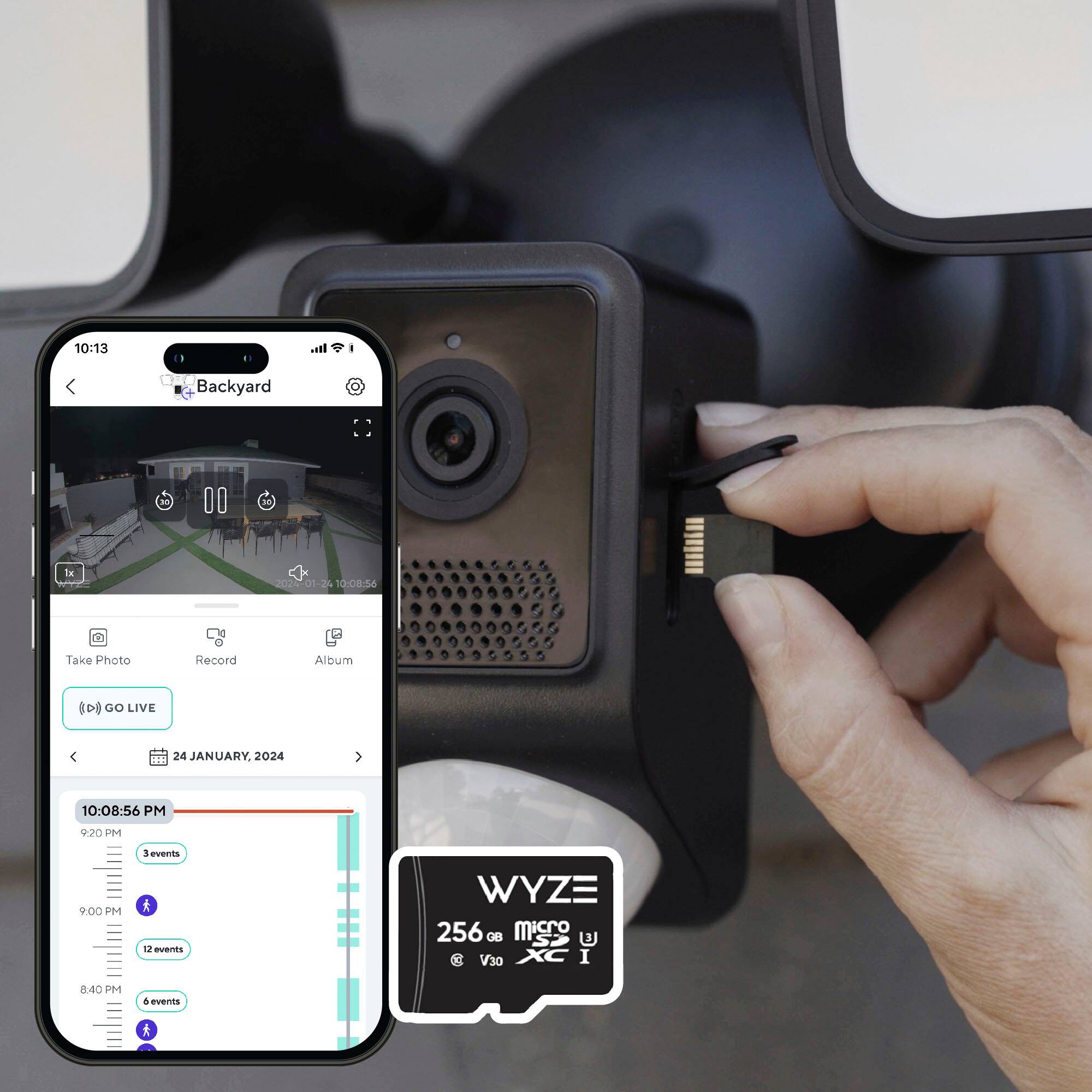
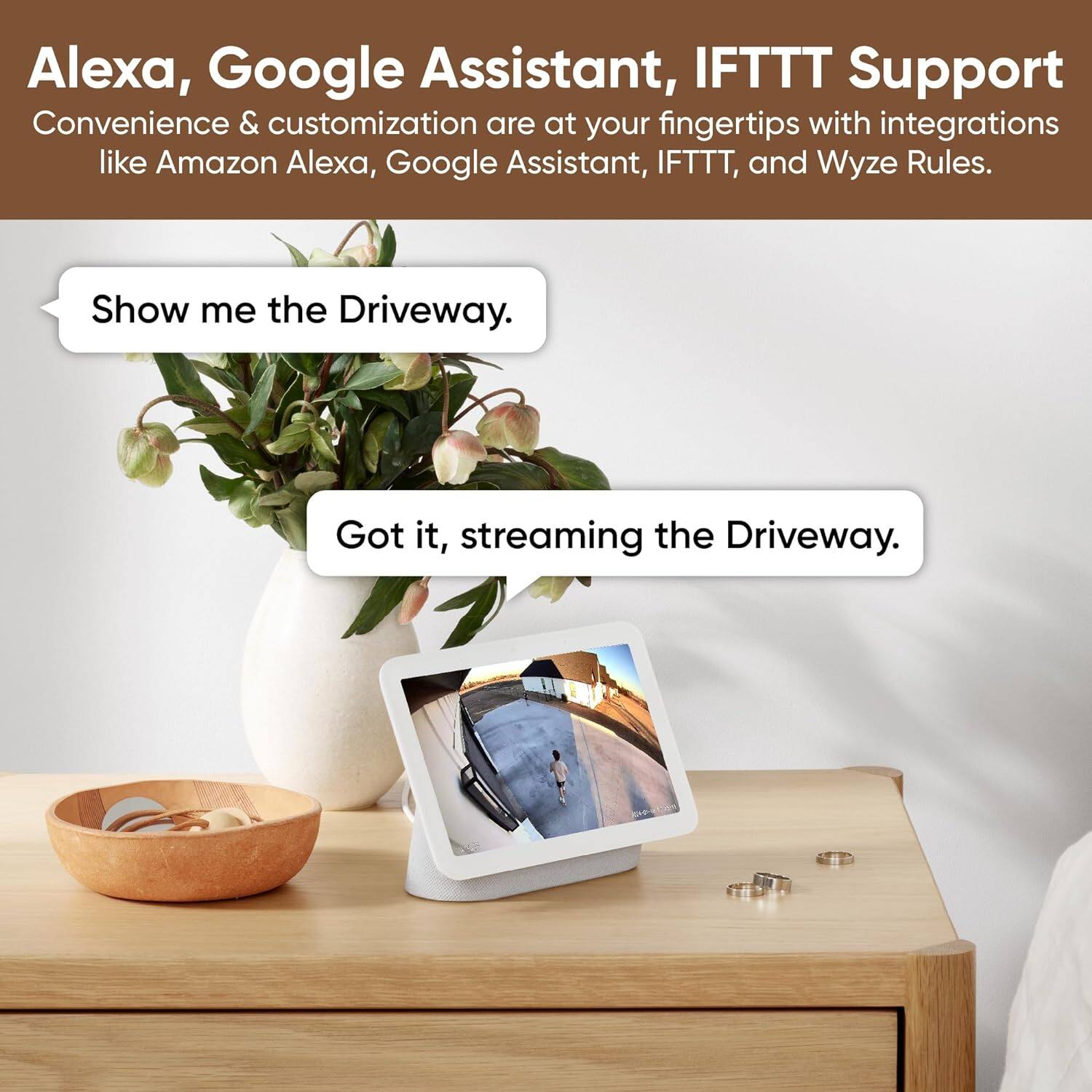
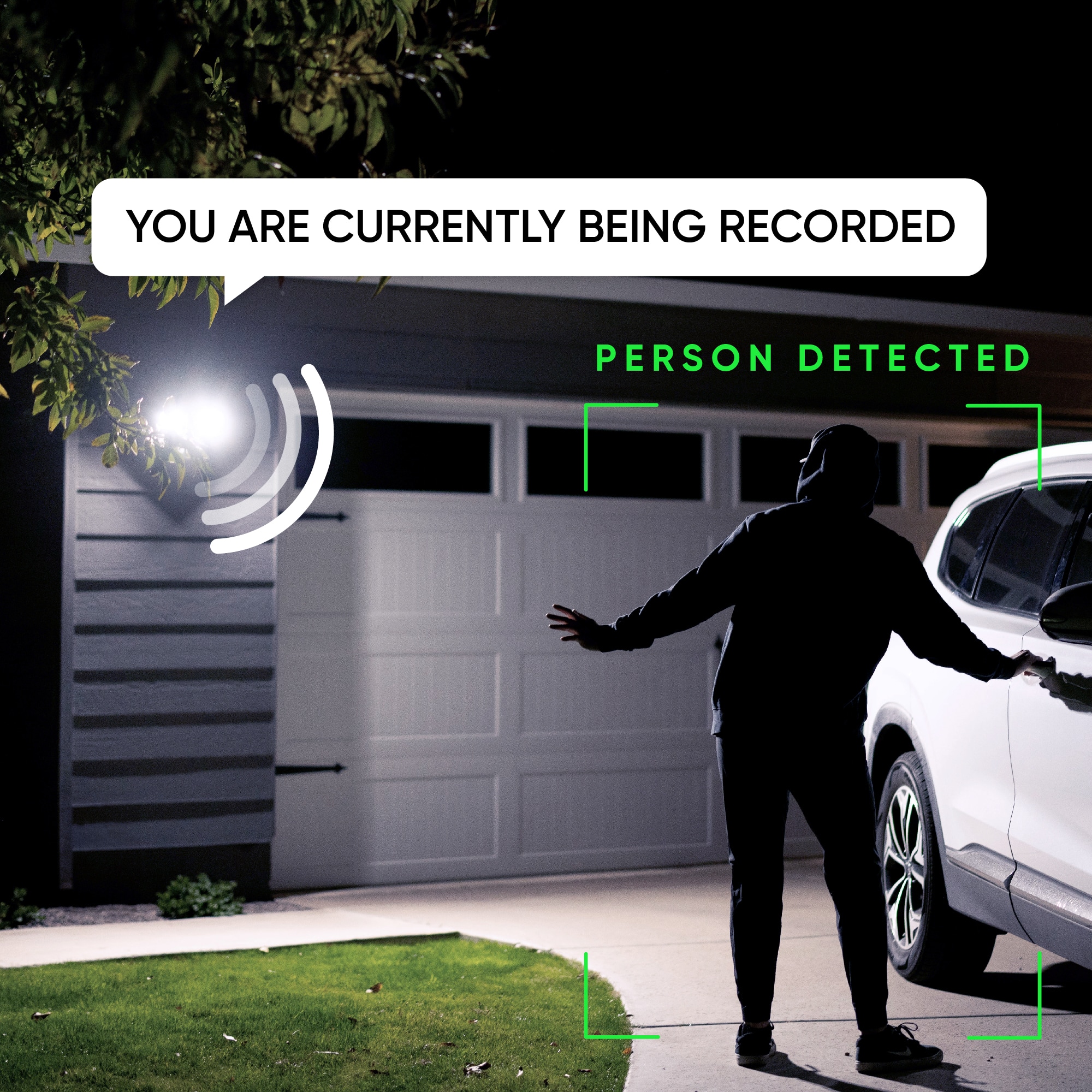
A:Answer Yes, multiple Wyze devices, including the Wyze Cam Floodlight v2 and other cameras, can be managed within the same Wyze app. The app allows you to add and control multiple devices under a single account, with all devices appearing in your device list. You can organize them into groups for easier management, such as grouping cameras by location, and even view live feeds from multiple cameras simultaneously. The app supports all Wyze devices, including cameras, plugs, lights, and locks, offering a seamless experience for managing your smart home. To ensure smooth performance, it's essential to have a reliable Wi-Fi network capable of handling multiple devices. You may also reach out to us at: (https://wyzelabs.zendesk.com/hc/en-us) so we may further assist you if you have other queries or concerns. Thank you and have a great day!