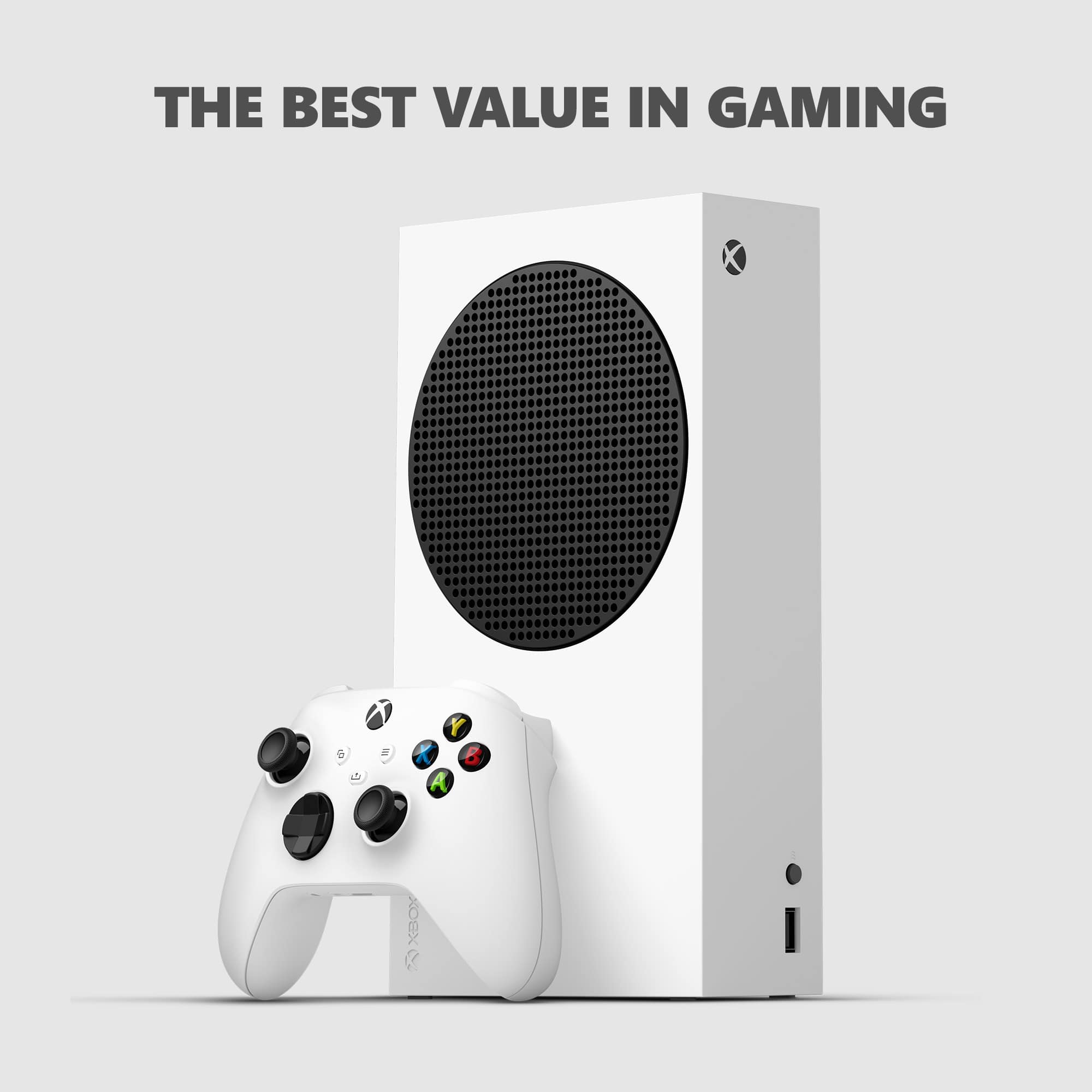
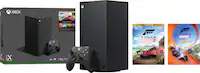
A:AnswerThank you for your question. Xbox Series S is an all-digital console and is not compatible with disc-based games. The great news is that it can play all digital games designed for Xbox Series X/S, almost all Xbox One games, and hundreds of games designed for Xbox 360 and original Xbox.
A:AnswerThank you for your question! Yes, many sports games are currently included with Xbox Game Pass Ultimate, including Madden NFL 20 and Madden NFL 21, EA Sports Rory McIlroy PGA Tour, and NBA Live 19. For a full list of games available through Xbox Game Pass Ultimate, please go here: https://www.xbox.com/en-US/xbox-game-pass/games
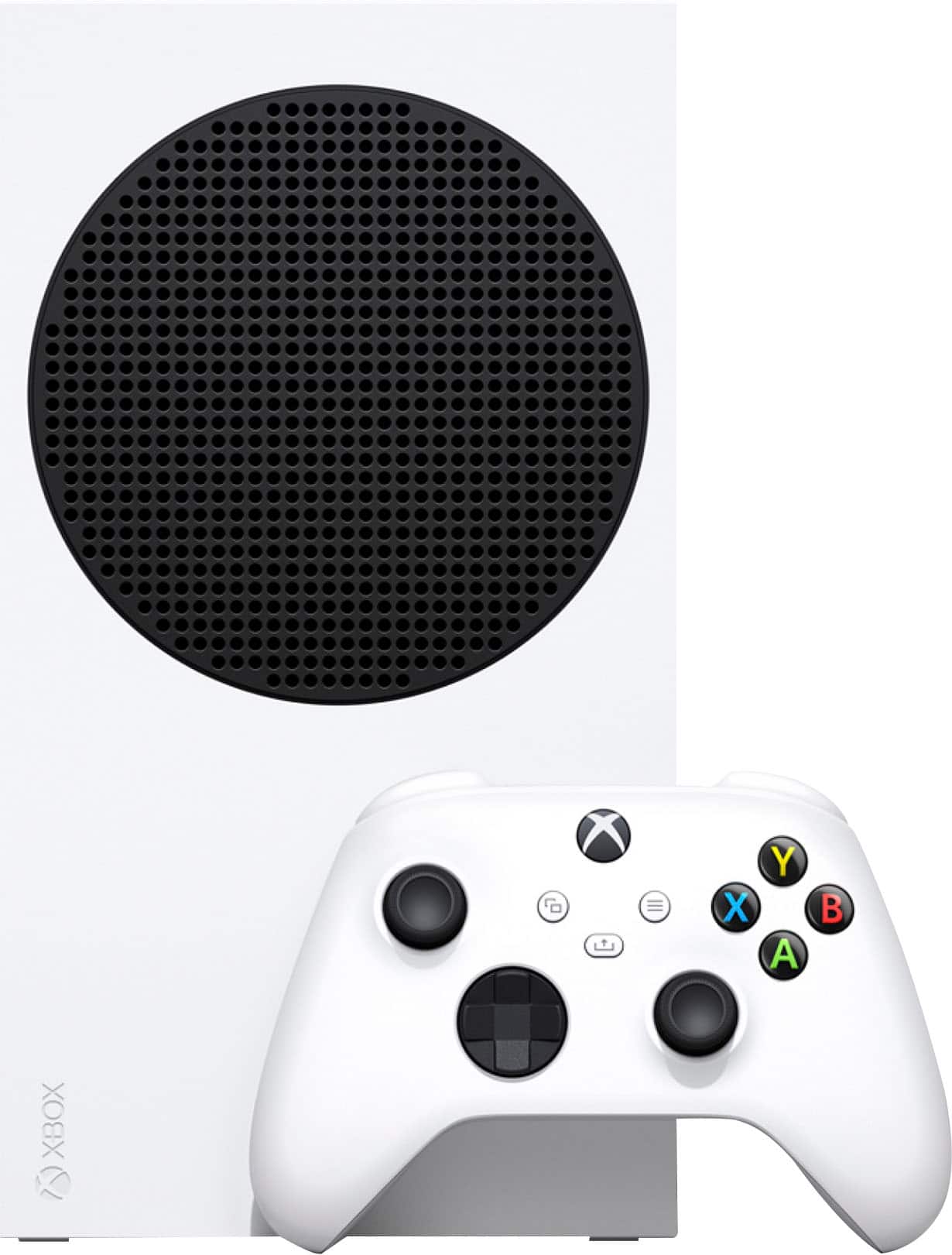
A:AnswerThank you for your question! Xbox Series S is an all-digital console so it doesn't play traditional game discs or cartridges. Digital versions of Xbox games may be purchased through the console's online store or from retailers, and then downloaded onto the console. If you have any other questions about Xbox Series S, our team at Xbox Support can answer it here: https://support.xbox.com/en-US/help/hardware-network/console/xbox-series-x-faq
A:AnswerThank you for asking! You have 60 days after your purchase to add Geek Squad Protection, including standard Geek Squad Protection Plans, Plans with Accidental Damage from Handling, and Product Replacement Plans. Please note that Xbox Series S comes with a one-year limited manufacturer warranty from Microsoft.
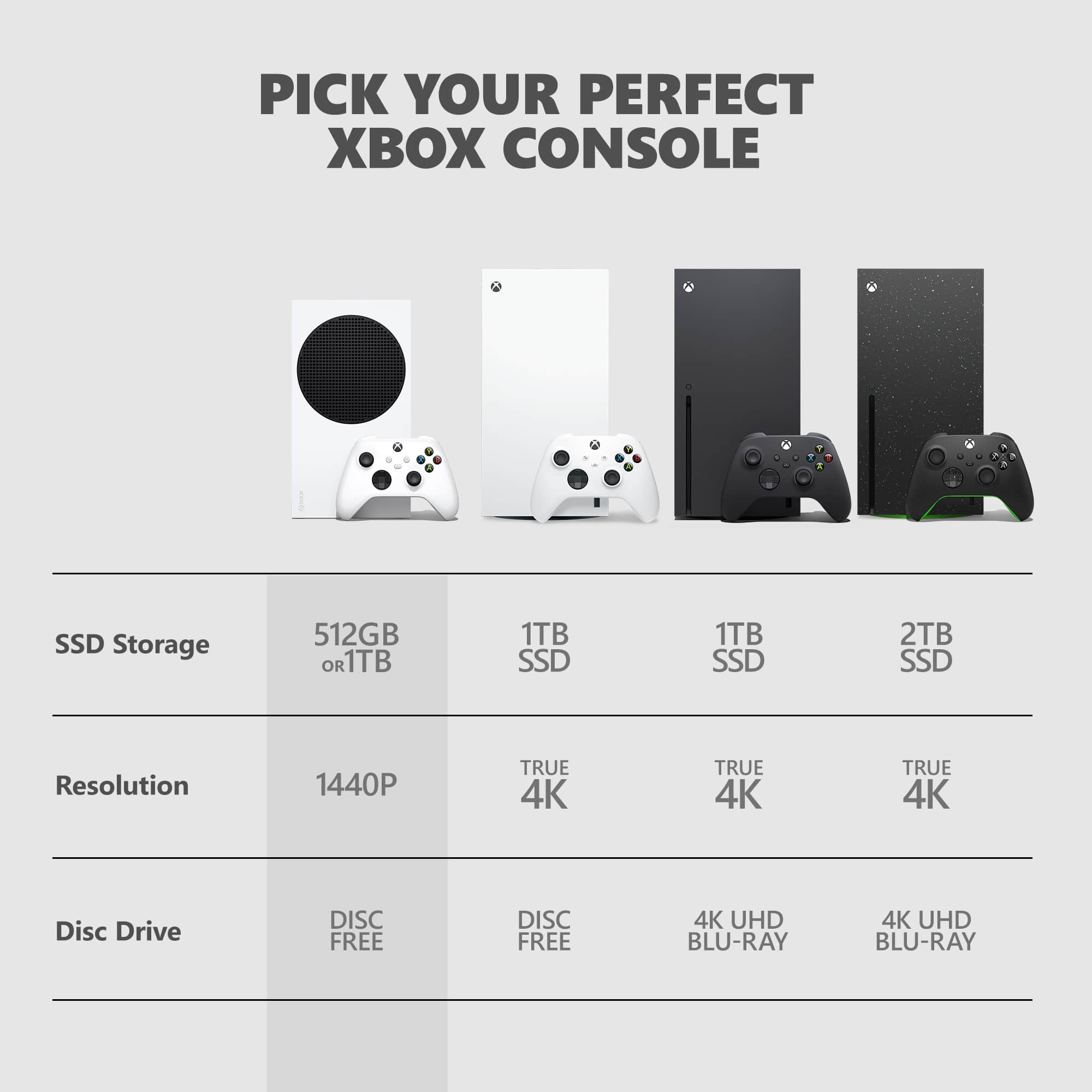
A:AnswerThank you for your question. Xbox Series S is an all-digital console that can stream video content in 4K UHD. It does not have an optical drive, and cannot play physical game discs or Blu-rays/DVDs. To play physical media, we suggest getting Xbox Series X instead.
A:AnswerThank you for your question. No, Xbox Series S is not compatible with external disc readers. If you would like to play physical Xbox game discs or Blu-ray/DVDs, we recommend getting Xbox Series X which has a built-in 4K UHD Blu-ray drive.
A:AnswerThanks for asking! If you're already a Xbox Game Pass Ultimate member, then the 24 months of Ultimate membership may be added to your existing account. Any digital games and save data you've downloaded through Xbox Game Pass Ultimate will transfer to your new Xbox Series S.
A:AnswerUnfortunately, Xbox Series X/S consoles aren't available until they are back in stock. But don't worry, we're working hard to make more available. We recommend checking back with Best Buy online regularly for updates.
A:AnswerXbox Series S connects to the Internet by Wi-Fi or a wired Ethernet connection. For more information on how to set up the console, please go here: https://support.xbox.com/en-US/help/hardware-network/getting-started-set-up/set-up-new-series-x-s
A:AnswerIf you're running low on storage, you have a couple of options. The best solution is to invest in the Seagate SSD 1TB Expansion Card for Xbox Series X/S, which will add 1TB of SSD storage to your console. For more information, go here: https://www.bestbuy.com/site/seagate-storage-expansion-card-for-xbox-series-xs-1tb-solid-state-drive-nvme-expansion-ssd-for-xbox-series-xs/6425015.p?skuId=6425015
Another solution is to add a standard external hard drive, which can be used to store and play Xbox 360 and Xbox One games that have not been enhanced for Xbox Series X/S.
A:AnswerThank you for your question. Unfortunately, Xbox Series S is an all-digital console and is not compatible with Xbox games on disc. If you have a library of physical disc games, we recommend purchasing Xbox Series X instead.
A:AnswerDue to overwhelming demand, Xbox Series X|S consoles may not currently be available. If you have not been able to purchase one, be sure to check back with Best Buy online. We expect more consoles to be available in the future.
A:AnswerThe Xbox Series X|S supports the HDMI 2.1 standard. As such, you have access to several advanced video features, including 4K UHD video playback,120Hz refresh rate, and HDR10/Dolby Vision support.