A:AnswerIf you contact support until you get a representative that will send you an invoice for one they will ship you one but it's not available on the website. Only through support.
A:AnswerKeep contacting support until you get a representative that will send you an invoice for one. Ordering through support has been the only way but it takes multiple representatives to get one to send you the invoice.
A:AnswerEach Xbox console is manufactured for a specific Blu-ray and DVD region, following international standards. The Xbox console can play Blu-ray discs and DVDs that are sold in the same region as the console.
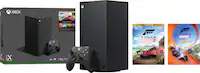
A:AnswerI was playing on PS4 ( going to that from Xbox 360) I decided I was tired of PlayStation not having good games and decided to go for the Xbox series X2 TB. I’m glad I did. I really like this console better than PS.
A:AnswerFrom what I’ve seen so far you are correct GameStop and Walmart will not carry this edition. Only seen it available new at Best Buy and Microsoft online.
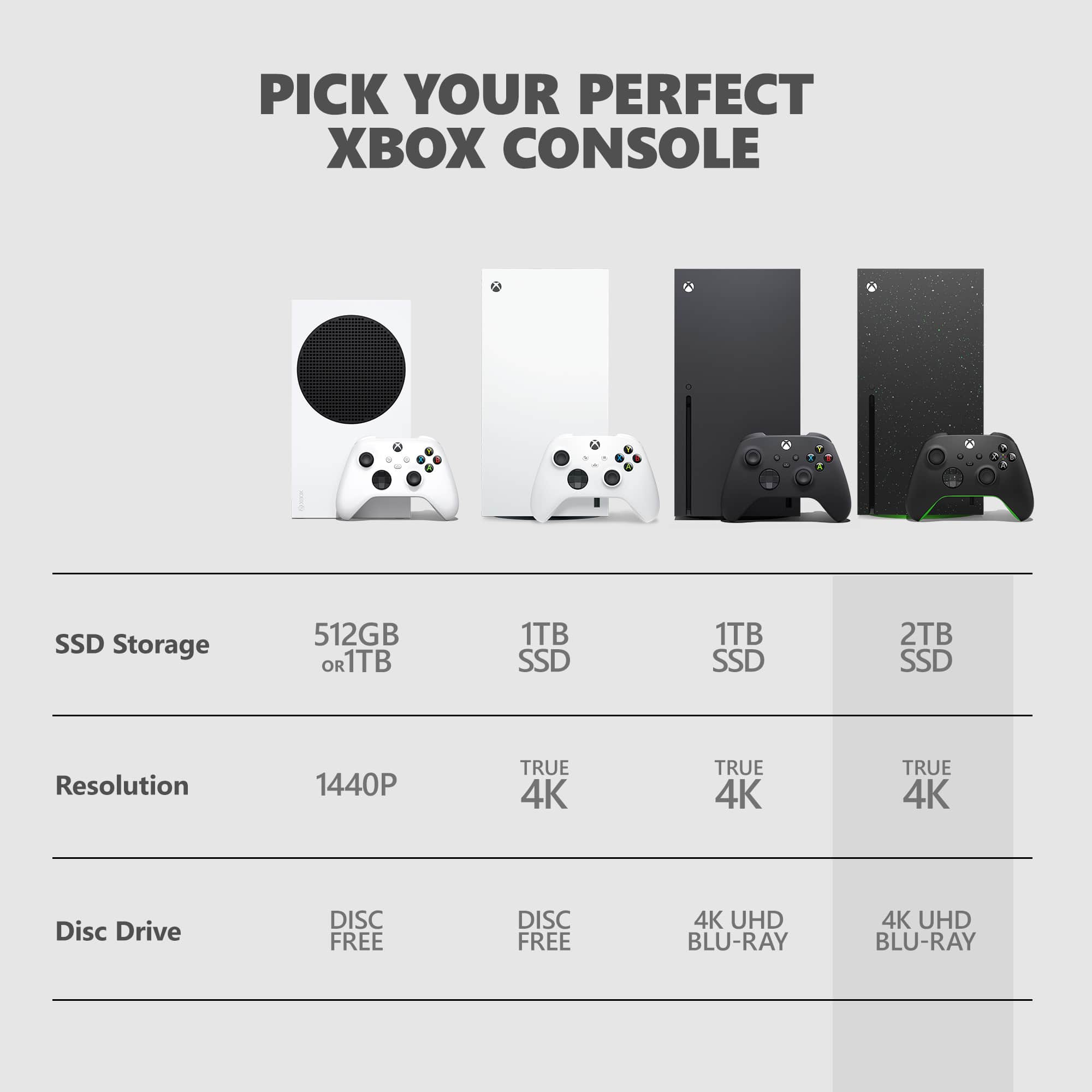
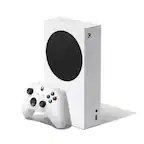
A:AnswerSo the answer is no, you do not have to repurchase. Series S is all Digital , Series X does support digital , it just has a disc player to play games if you prefer physical copy. Think of it as blu ray disc movie or digital .
Series X has disc player to play CD's DVD Blu ray and of course Xbox Disc games.
Series X i have but all my games digital, i still have few of my disc games saving them for just collections.
But everything is saved on your son xbox account all the games movies you bought on the cloud. Just gotta redownload it. 2TB is a good one especially if he plays call of duty fortnite minecraft
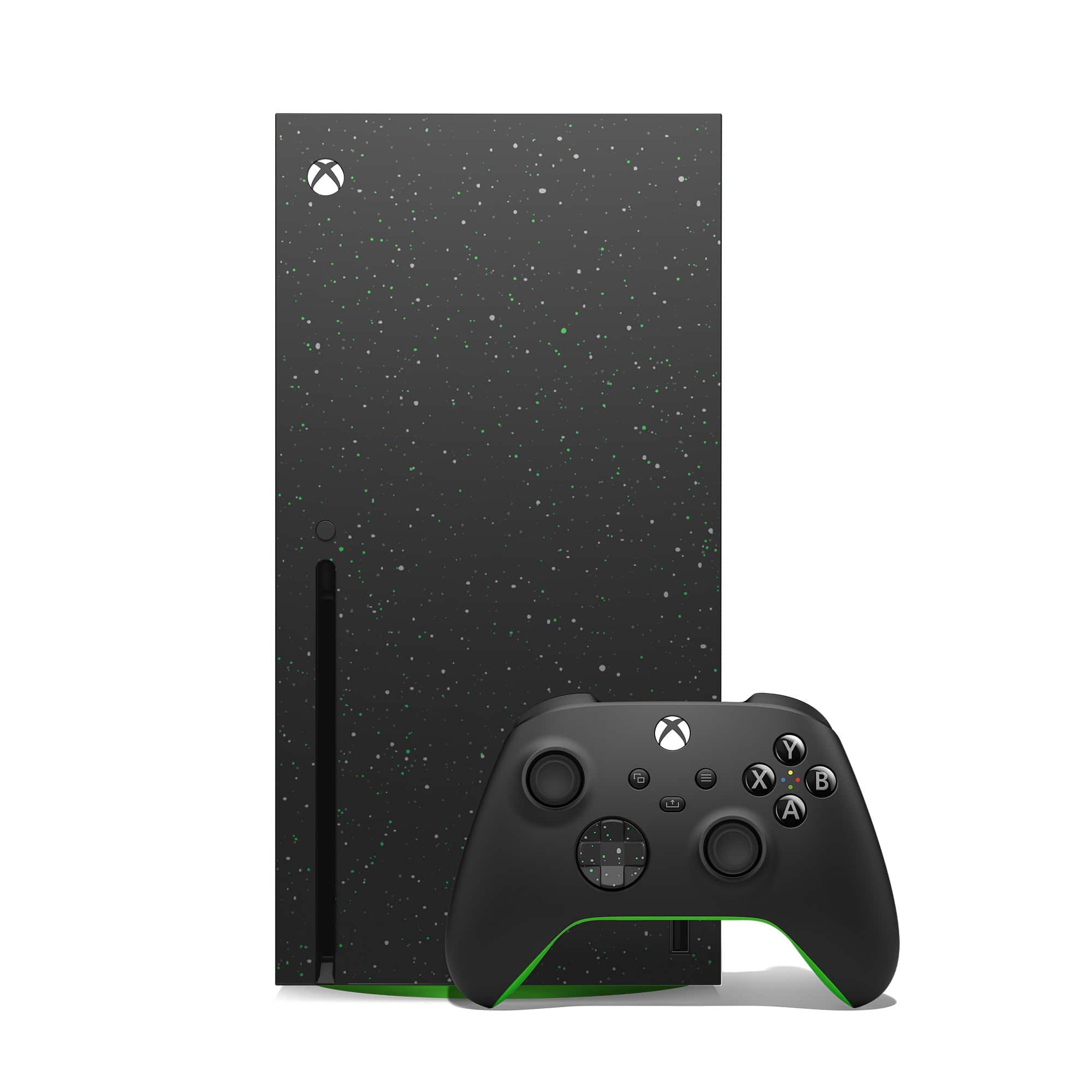
A:AnswerI hope someone answered this for you. If not:
Yes, the Xbox Series X can play 4K UHD discs:
The Xbox Series X has a built-in 4K UHD Blu-ray Disc player.
It can play physical games, including older Xbox titles that are backward compatible.
To play a 4K disc, you can:
Insert the disc into your Xbox.
Select the Blu-ray Player app when it appears.
Select Install on the Blu-ray Player app details page.
The disc should start playing automatically.
You can also check if your Xbox supports 4K by looking for a sticker that says "Xbox One X" or "Xbox One S" on the right side near the network port.
To make sure your Xbox is set to 4K, you can:
Go to Settings.
Go to General.
Go to TV and display.
Make sure 4K UHD is selected.
Go to 4K TV.
Check if your TV supports 4K or 120 hertz.
Go to Video modes.
Make sure 4K is check marked.