A:AnswerYes, the Yale Assure Lock with Wi-Fi is managed with the Yale Access app, and with it you have full control from any connected remote location. You're able to lock/unlock the door, share unique codes for permanent or temporary access, get real-time notifications and more!
A:AnswerThis product is not compatible with myQ. However, you can purchase a Yale | LiftMaster Smart Lock that integrates with the myQ hub and mobile app.
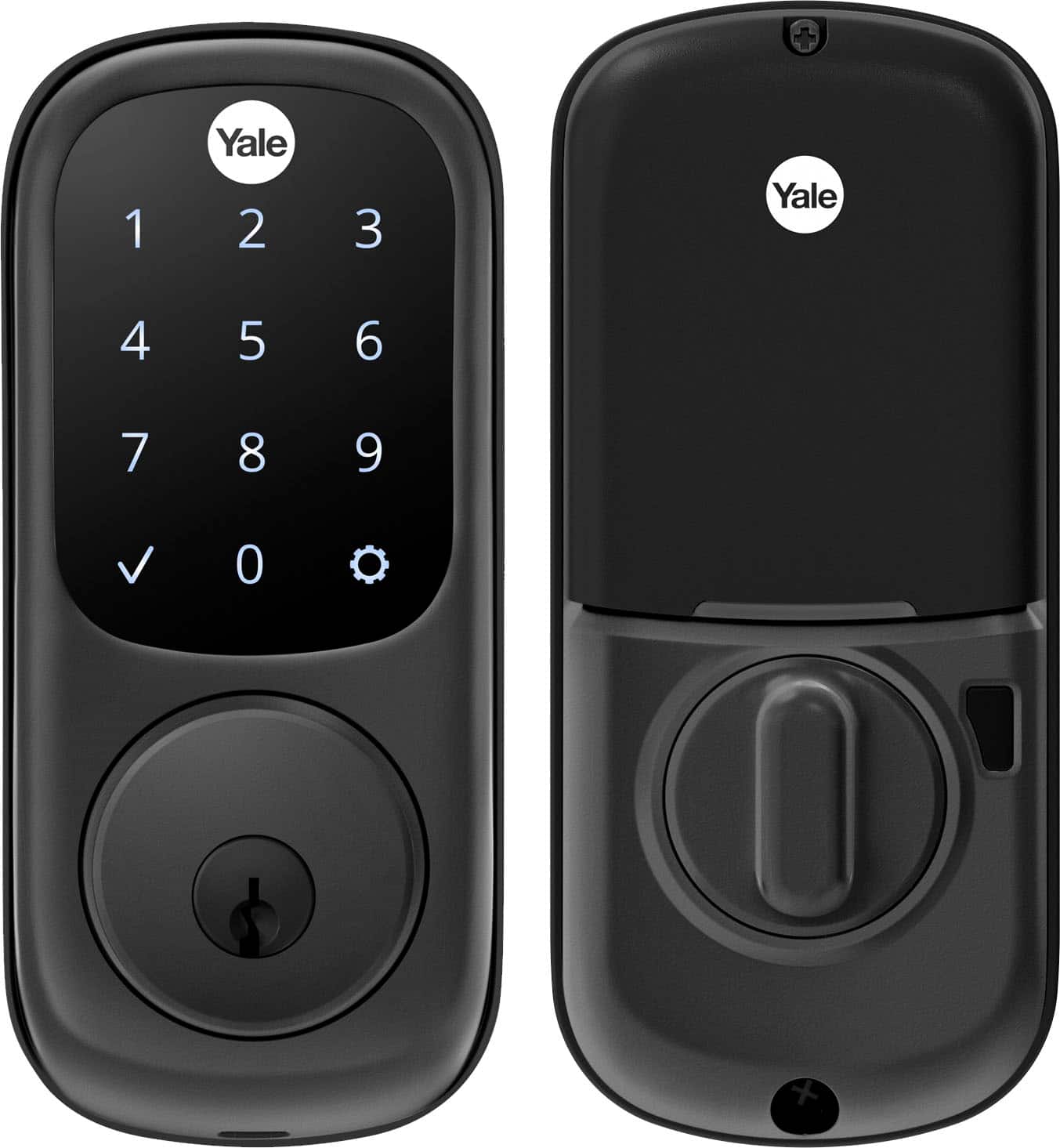
A:AnswerThe lock does not need wifi for use. This particular model not only comes with 2 physical keys for emergency use (or whenever you choose to use the keys) and a touchpad that lights up allowing for the input of the programmed passcode. Usage of the smart module and the sensor is purely optional, however access is not allowed from anywhere unless that module is installed. For security purposes, even with the wifi module installed and connected to the internet, for me to use the auto unlock feature or other smart features, my phone with the app must be on Bluetooth, the same wifi SSID, and must be in range of the lock.
A:AnswerYes if you meet the condition.
It’s via Bluetooth with the August app. However, for this to happen you need to cross the geofence (i believe it’s a 200 feet radius), so if you cross that then at the moment you get back pretty much next to the door it unlocks automatically. If you only step outside to your yard and come back it will not Auto Unlock as you did not cross the geofence.
A:AnswerAny Yale Assure Lock, Assure Lever or Yale Pro SL with Z-Wave is compatible with Ring Alarm due to Ring's protocol being Z-Wave. The optional Z-Wave module must be installed. This model comes with that module and the proximity sensor for when the door is opened/ajar.
When Ring security is integrated with the compatible Yale lock, the following features are available:
1. Disarm the system when you unlock
2. Arm the the system when locking
3. Lock or unlock the door from the Ring home screen
4. View activity from the app, such as:
Lock/unlock events
Locking using 1 touch
Unlocked by specific users (codes)
When a user is added/removed
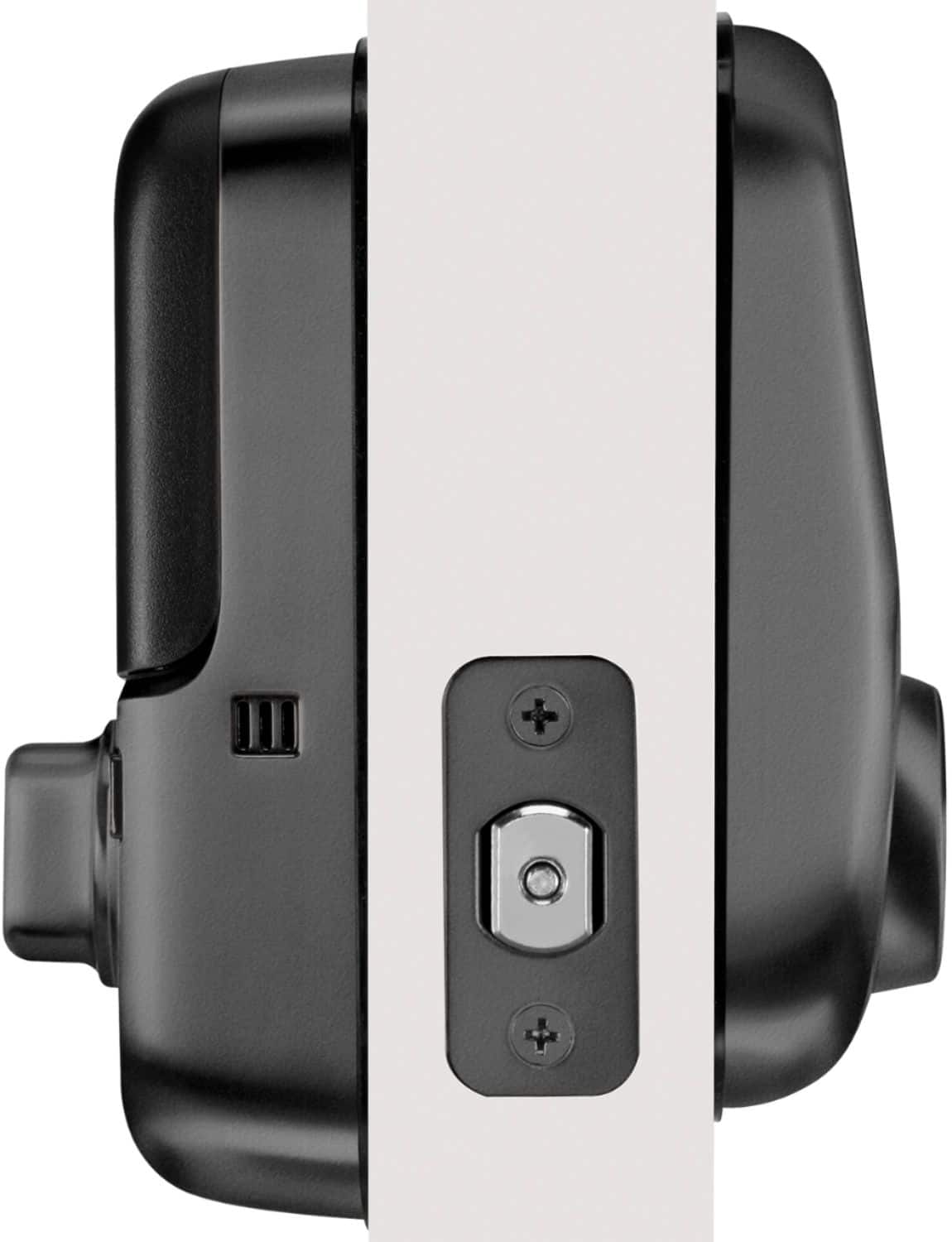
A:AnswerThat was also a concern of mine. The depth is 1 5/16” and does not interfere with the latch on my storm door which is a sizable one. It’s close — about 1/2” away — but it’s not an issue.
A:AnswerYes! You have to connect both lock and adapter to the August app. Read the instructions to install the adapter on their website, it only comes with instructions to install the lock.
A:AnswerYes! With this model of the lock you are able to change access permissions remotely (including adding/removing codes) with the Yale Access app.
A:AnswerNo, that is not the design of the Yale Assure Lock deadbolt. For any alignment issues, you can contact our awesome customer care team to help you out!
A:AnswerThe lock comes with a traditional key, or the option to unlock your door via the app or touchscreen keypad. It does not come with an electronic key fob.