Customer Ratings & Reviews


- Model:
- 910-004860
- |
- SKU:
- 5749107
Customer reviews
Rating 4.6 out of 5 stars with 543 reviews
(543 customer reviews)Rating by feature
- Value4.4
Rating 4.4 out of 5 stars
- Quality4.8
Rating 4.8 out of 5 stars
- Ease of Use4.6
Rating 4.6 out of 5 stars
Customers are saying
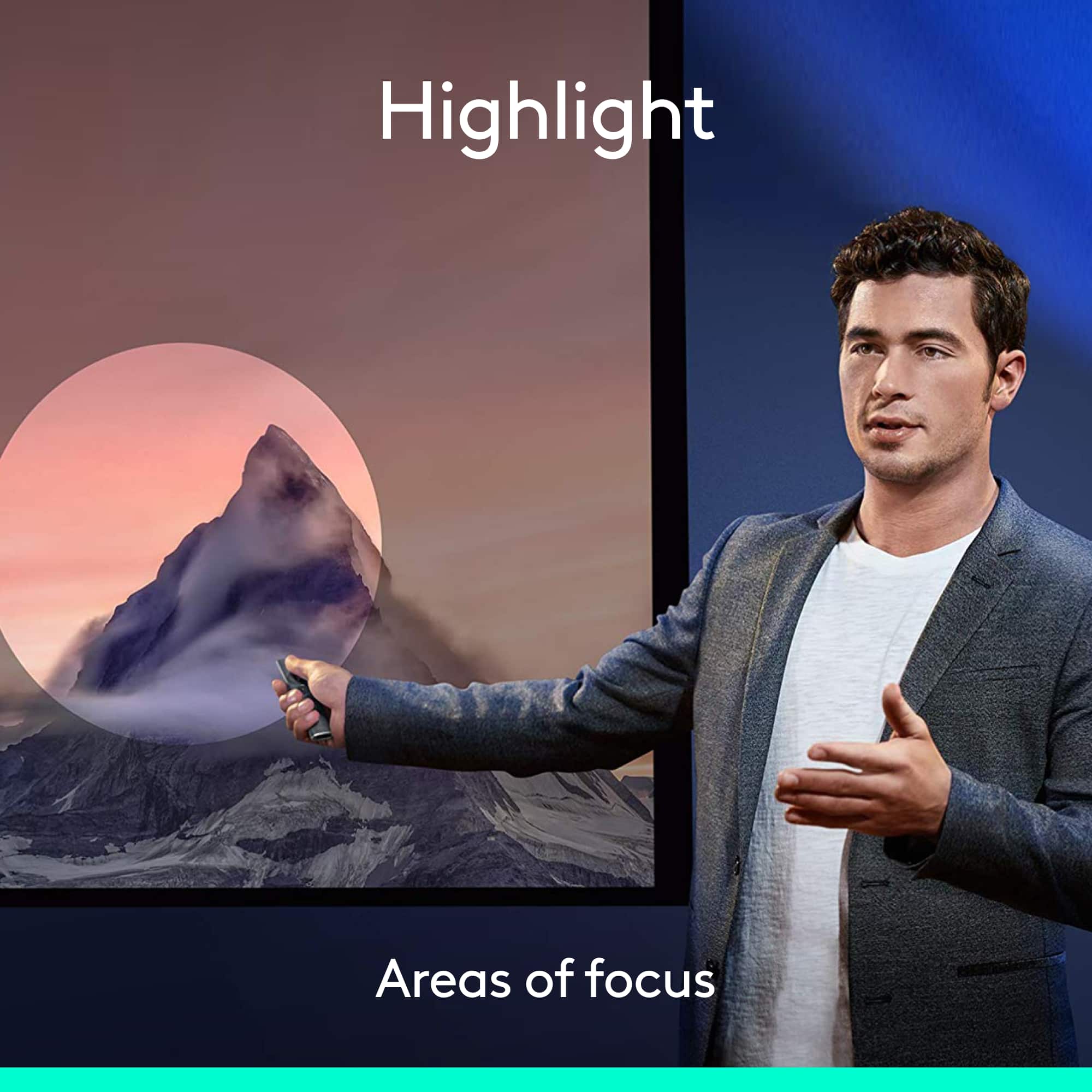
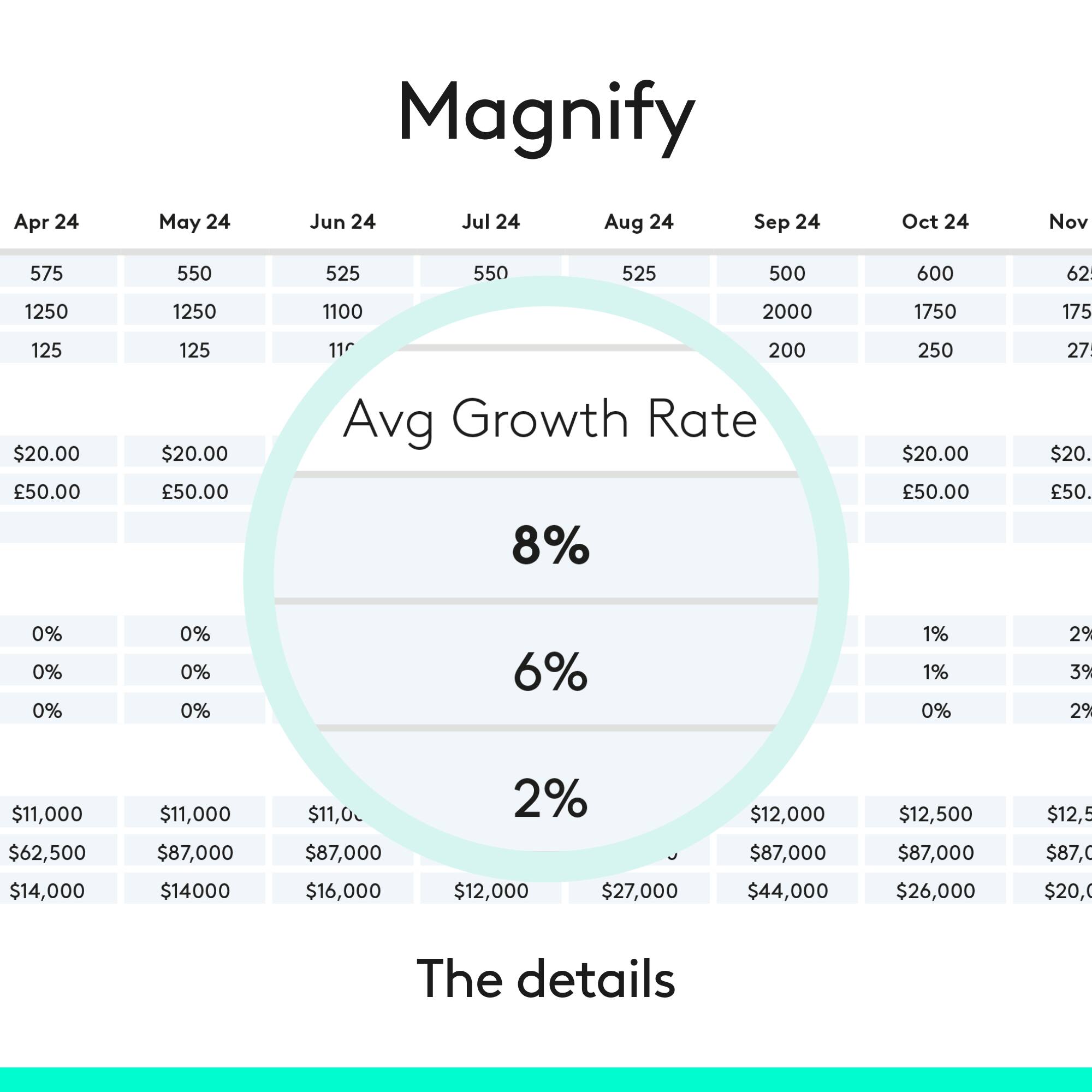
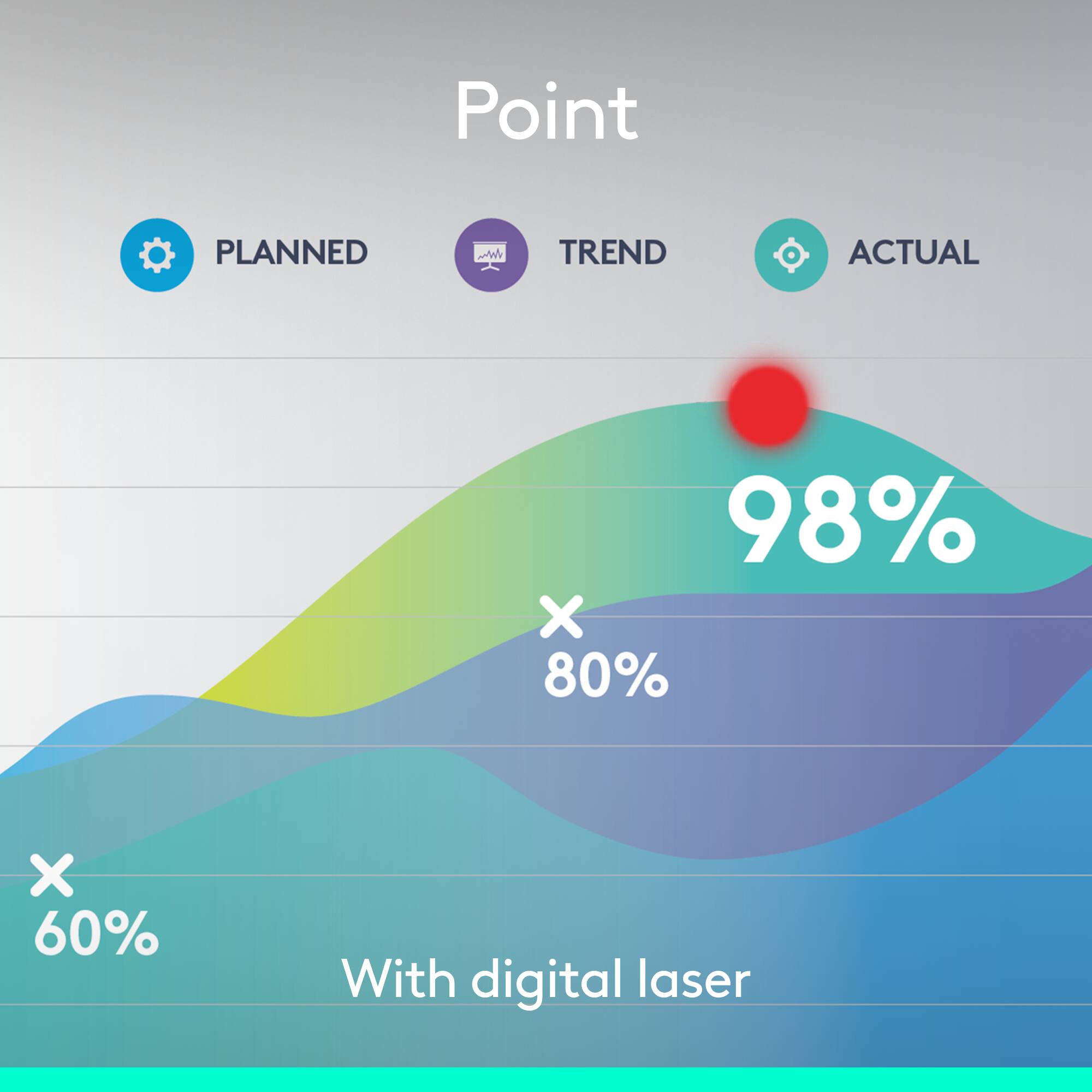
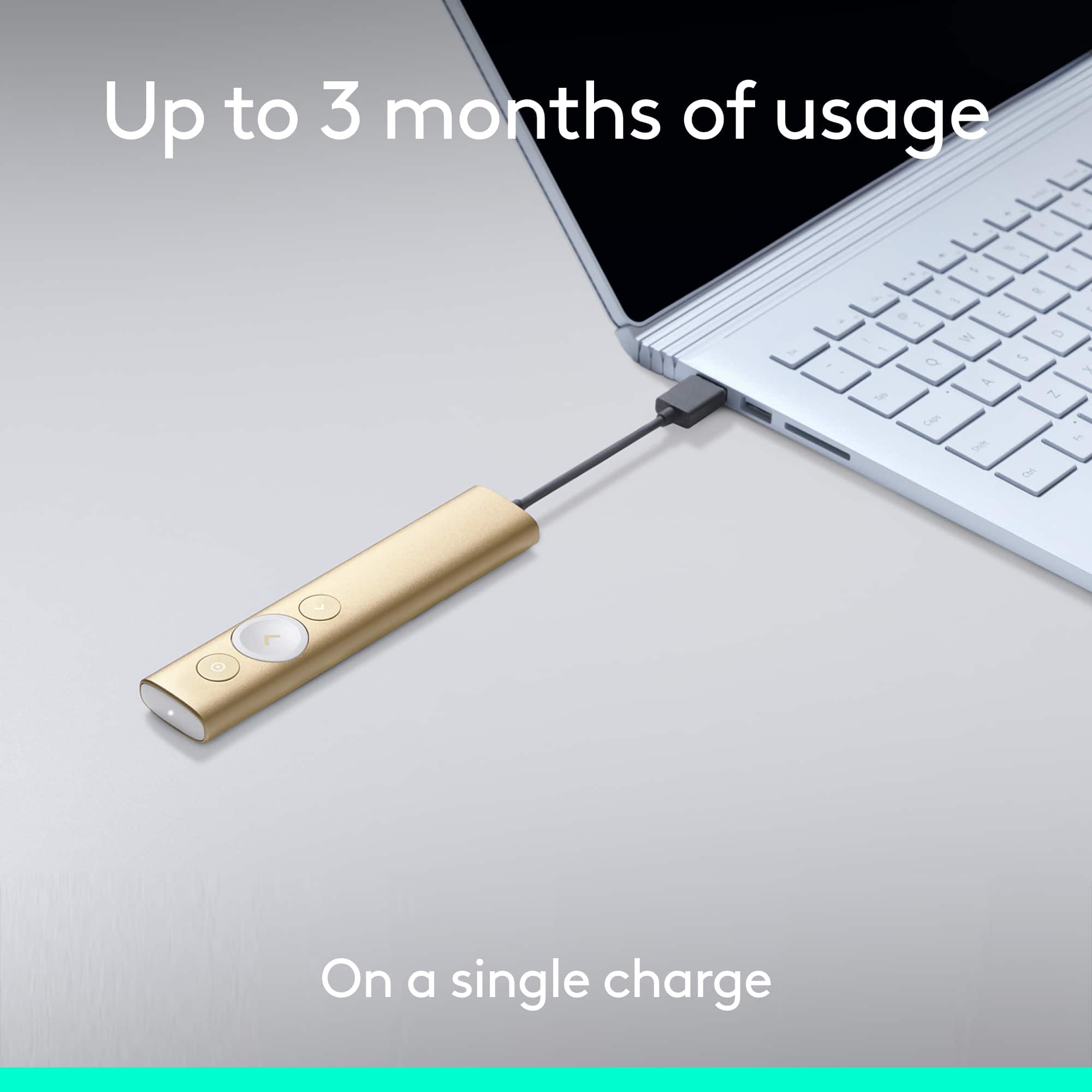
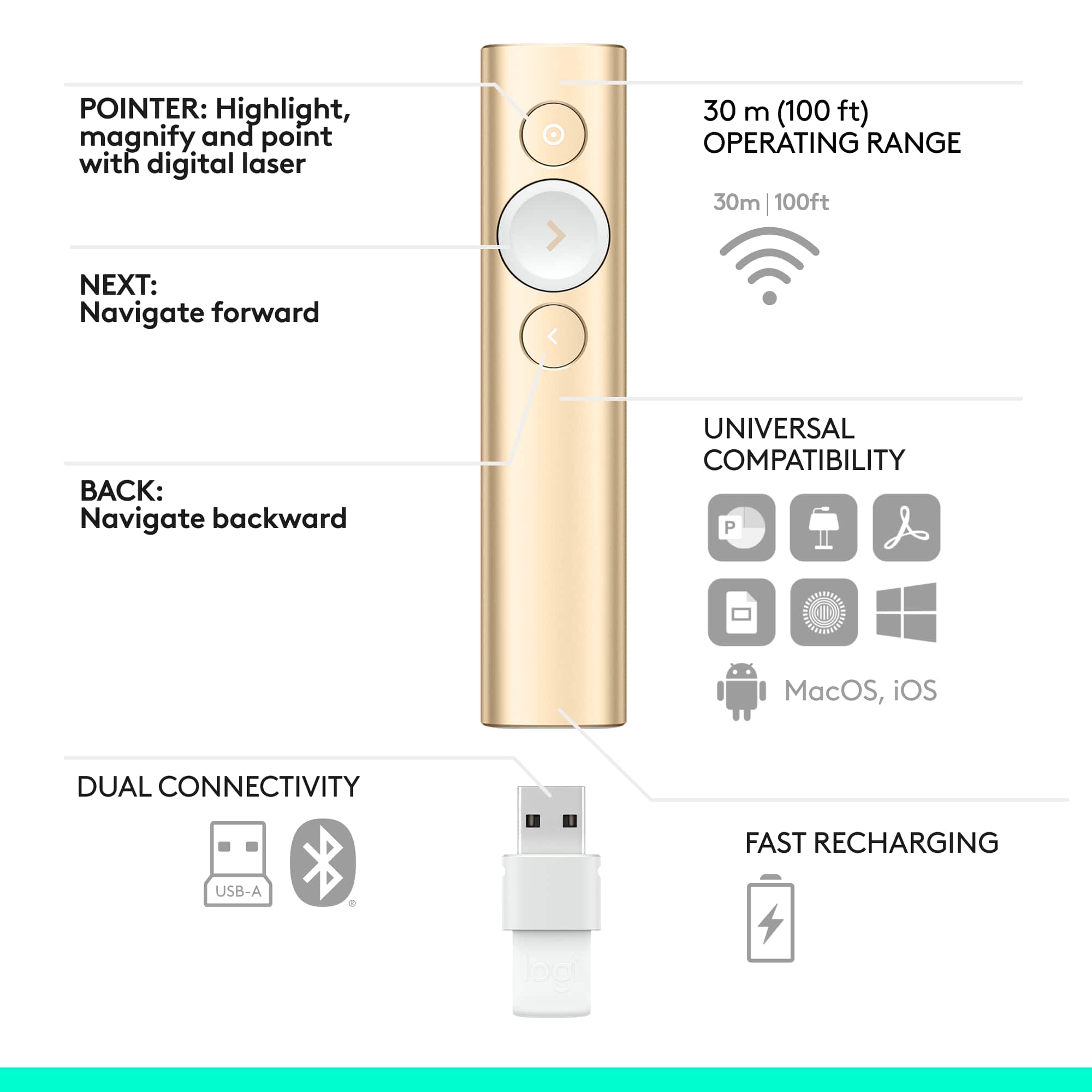
Customers appreciate the Spotlight Presentation Remote's ease of use, impressive range, and long battery life. Many also highlight the device's spotlight feature, sleek design, and compatibility with various systems. Positive feedback frequently mentions the convenient size and functionality. While some find the price point high, and others experienced minor software installation challenges, the overall user experience is largely positive.
This summary was generated by AI based on customer reviews.
Rated 5 out of 5 stars
Great way to spotlight presentations
||Posted .This reviewer received promo considerations or sweepstakes entry for writing a review.I was looking for a way to highlight items on a presention to a tv monitor since laser pointers do t show up. The spotlight is perfect.
This review is from Logitech - Spotlight Presentation Remote with 100 ft Range and Quick Charging - Slate
I would recommend this to a friendRated 5 out of 5 stars
Remote
||Posted . Owned for 1 week when reviewed.This reviewer received promo considerations or sweepstakes entry for writing a review.Amazing presentation remote. Easy to use and makes presenting on a TV display professional.
This review is from Logitech - Spotlight Presentation Remote with 100 ft Range and Quick Charging - Slate
I would recommend this to a friendRated 5 out of 5 stars
Very long range
||Posted .This reviewer received promo considerations or sweepstakes entry for writing a review.This presenter is so simple to use and the range is fantastic. No more embarrassing glitches when I give a presentation. Well worth the extra money.
This review is from Logitech - Spotlight Presentation Remote with 100 ft Range and Quick Charging - Slate
I would recommend this to a friendRated 4 out of 5 stars
Presentation clicker
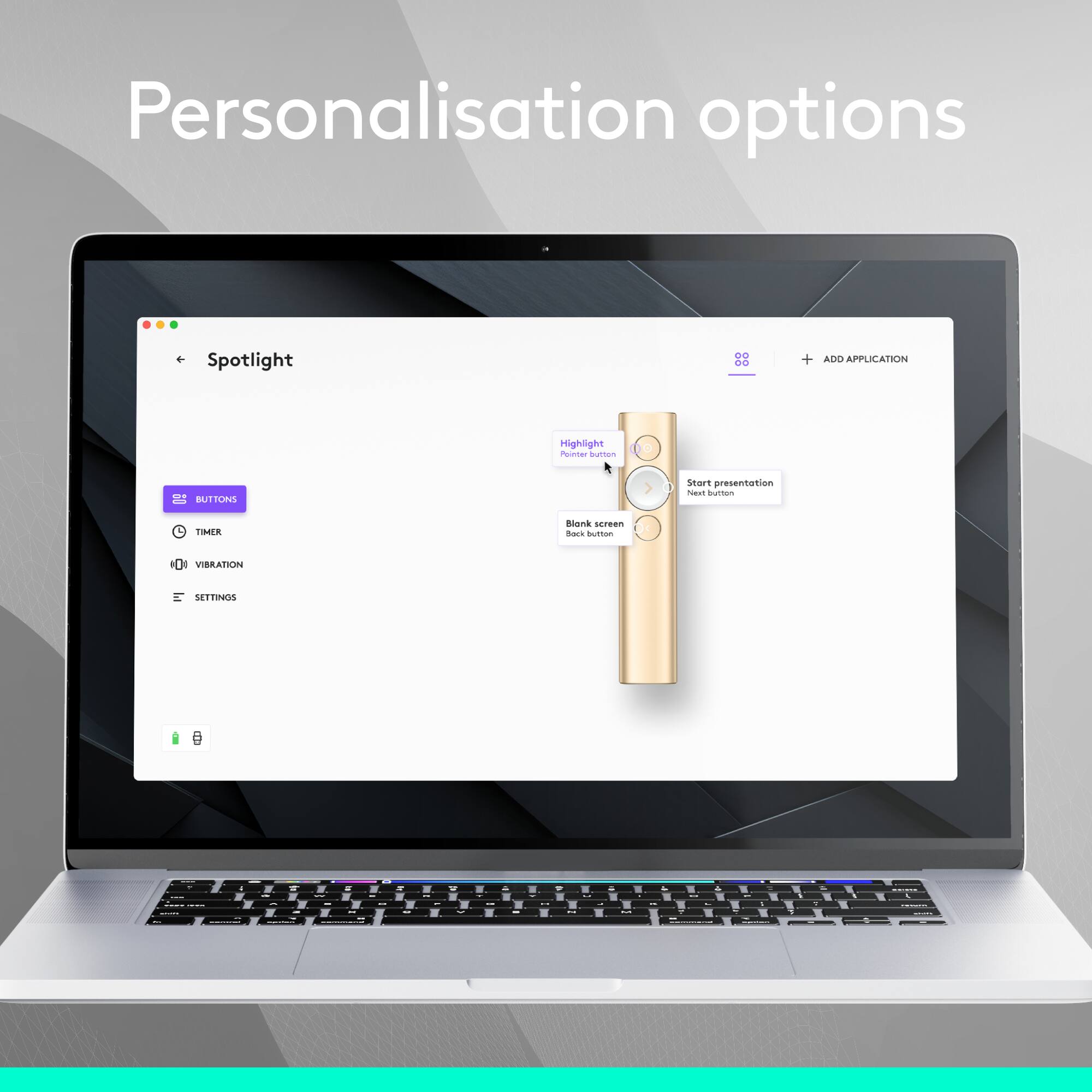
||Posted .This reviewer received promo considerations or sweepstakes entry for writing a review.It’s ok but since I use an-issued laptop I need an admin to put the software on my laptop to change the settings so I can program the buttons. But it works well with both Macs and windows .
This review is from Logitech - Spotlight Presentation Remote with 100 ft Range and Quick Charging - Slate
I would recommend this to a friendRated 5 out of 5 stars
Wonderful...
||Posted . Owned for 1 month when reviewed.This reviewer received promo considerations or sweepstakes entry for writing a review.It's wonderful presenter which puts your presentation in spotlight
This review is from Logitech - Spotlight Presentation Remote with 100 ft Range and Quick Charging - Slate
I would recommend this to a friendRated 5 out of 5 stars
Great Buy
||Posted . Owned for 6 months when reviewed.This reviewer received promo considerations or sweepstakes entry for writing a review.Has a nice range. I can literally walk around my classrooms while using this!
This review is from Logitech - Spotlight Presentation Remote with 100 ft Range and Quick Charging - Slate
I would recommend this to a friendRated 5 out of 5 stars
Outstanding
||Posted . Owned for 3 weeks when reviewed.This reviewer received promo considerations or sweepstakes entry for writing a review.I have been really happy with the clicker so far. It makes sense for high stake presentations. It is pretty much fool proof.
This review is from Logitech - Spotlight Presentation Remote with 100 ft Range and Quick Charging - Slate
I would recommend this to a friendRated 5 out of 5 stars
Perfect fir my mac
||Posted . Owned for 3 weeks when reviewed.This reviewer received promo considerations or sweepstakes entry for writing a review.It perfectly works with my mac. It made my presentation easier.
This review is from Logitech - Spotlight Presentation Remote with 100 ft Range and Quick Charging - Slate
I would recommend this to a friendRated 5 out of 5 stars
Great on a MacBook
||Posted .This reviewer received promo considerations or sweepstakes entry for writing a review.My wife bought this for presentation on her MacBook. It worked perfectly right out of the box. I need to buy one of these for myself.
This review is from Logitech - Spotlight Presentation Remote with 100 ft Range and Quick Charging - Slate
I would recommend this to a friendRated 3 out of 5 stars
Good but...
||Posted .This reviewer received promo considerations or sweepstakes entry for writing a review.This product is good, but you must download software for the spotlight features and all of the extra features that come along with this presenter. In most work environments or school environments for that matter you will not be able to download the software on each computer you use let alone even one. Without the software you essentially have a very expensive remote that can go forward and backwards during a presentation, but that is it. Everything else is amazing, but this was a deal-breaker for me. I returned it and bought the Logitech R800 with green laser pointer.
This review is from Logitech - Spotlight Presentation Remote with 100 ft Range and Quick Charging - Slate
I would recommend this to a friendRated 2 out of 5 stars
Sharp looks poor performance
||Posted . Owned for 2 weeks when reviewed.This reviewer received promo considerations or sweepstakes entry for writing a review.I was looking forward to using this high-end remote, but it was a complete disappointment. I used the R800 for many years and thought this would be a great update. The pros: sharp looking, easy to set up in my mac laptop. The cons: the pointer is super weak and barely visible, the pointer has a lag, and it gets out of focus a lot during a presentation, no option to mute the screen, and you need to be glued to your presentation podium because it won't work if you move more than five feet away, and last but not least, it won't work with all computers. I called customer service, and they tried to give me the old story that maybe I am doing something wrong, but it is a software issue, and they are working to fix it. I called our IT guy after my class was over to double-check for me, and he told me to bring it back. That is disappointing and frustrating, as I teach in large lecture halls, and it would be nice to have some of the functions advertised, but if they don't work, then it is useless.
No, I would not recommend this to a friendRated 5 out of 5 stars
Great Presenter
||Posted .This reviewer received promo considerations or sweepstakes entry for writing a review.Purchased this presenter for my wife when she had her first consulting job. The battery life and features of the presenter work great.
This review is from Logitech - Spotlight Presentation Remote with 100 ft Range and Quick Charging - Slate
I would recommend this to a friendRated 5 out of 5 stars
Great presentation Remote
||Posted . Owned for 1.5 years when reviewed.This reviewer received promo considerations or sweepstakes entry for writing a review.Till this day in 2020 it works like new. Love the spotlight feature because people are amazed when I use it.
This review is from Logitech - Spotlight Presentation Remote with 100 ft Range and Quick Charging - Slate
I would recommend this to a friendRated 5 out of 5 stars
Great Remote
||Posted .This reviewer received promo considerations or sweepstakes entry for writing a review.If you are doing any presentations you will want this remote. It has a longer range then a lot of the less expensive remotes.
This review is from Logitech - Spotlight Presentation Remote with 100 ft Range and Quick Charging - Slate
I would recommend this to a friendRated 4 out of 5 stars
Works Great; but....
||Posted .This reviewer received promo considerations or sweepstakes entry for writing a review.Easy to get started, but have to admit the interface for making changes and customizing is well less than intuitive. Fix that its 5 stars. After I did get it configured, it really is great !
This review is from Logitech - Spotlight Presentation Remote with 100 ft Range and Quick Charging - Slate
I would recommend this to a friendRated 5 out of 5 stars
Upscale remote
||Posted . Owned for 3 weeks when reviewed.This reviewer received promo considerations or sweepstakes entry for writing a review.If you present often, this is worth purchasing. If only occasionally, then you are still good with a cheaper remote.
This review is from Logitech - Spotlight Presentation Remote with 100 ft Range and Quick Charging - Slate
I would recommend this to a friendRated 5 out of 5 stars
Great for presentations
||Posted .This reviewer received promo considerations or sweepstakes entry for writing a review.This really helps presentations with financial information. It's a little sensitive but with practice, the spotlight feature works great.
This review is from Logitech - Spotlight Presentation Remote with 100 ft Range and Quick Charging - Slate
I would recommend this to a friendRated 5 out of 5 stars
Great solution for LCD presentations
||Posted .This reviewer received promo considerations or sweepstakes entry for writing a review.For a while now we have been fighting with presentations using big screen TVs. Now we are able to highlight and point without a physical pointer.
This review is from Logitech - Spotlight Presentation Remote with 100 ft Range and Quick Charging - Slate
I would recommend this to a friendRated 5 out of 5 stars
Cool presentation device.
||Posted . Owned for less than 1 week when reviewed.This reviewer received promo considerations or sweepstakes entry for writing a review.This works very good, and I've more to learn for sure! Easier than using a mouse, that's for sure.
This review is from Logitech - Spotlight Presentation Remote with 100 ft Range and Quick Charging - Slate
I would recommend this to a friendRated 5 out of 5 stars
Presenter
||Posted . Owned for 7 months when reviewed.This reviewer received promo considerations or sweepstakes entry for writing a review.Love it! Perfect for presentations ! Love the laser or spotlight feature !
This review is from Logitech - Spotlight Presentation Remote with 100 ft Range and Quick Charging - Slate
I would recommend this to a friend