Customer Ratings & Reviews

















- Model:
- RC72LA-ALLYX.Z1X
- SKU:
- 6583218
Rating by feature
- Performance
Rating 4.8 out of 5 stars
- Storage Capacity
Rating 4.7 out of 5 stars
- Controller
Rating 4.7 out of 5 stars
Customers are saying
Customers often highlight the ROG Ally X's overall performance, improved battery life, and ideal balance of portability and power as key strengths. The device also receives positive feedback for its screen quality, game compatibility, storage capacity, ample RAM, efficient heat dissipation, and acceptable noise levels. While the device is considered a bit heavy, the primary concern appears to be the user experience with the operating system.
This summary was generated by AI based on customer reviews.
- Pros mentioned:Screen quality
Excellent upgrade
||Posted . Owned for 1 week when reviewed.This reviewer received promo considerations or sweepstakes entry for writing a review.Feels more premium and loving the new black color.
I would recommend this to a friend - Pros mentioned:Battery life, Overall performance, Screen quality

A "Pro" version of the Ally
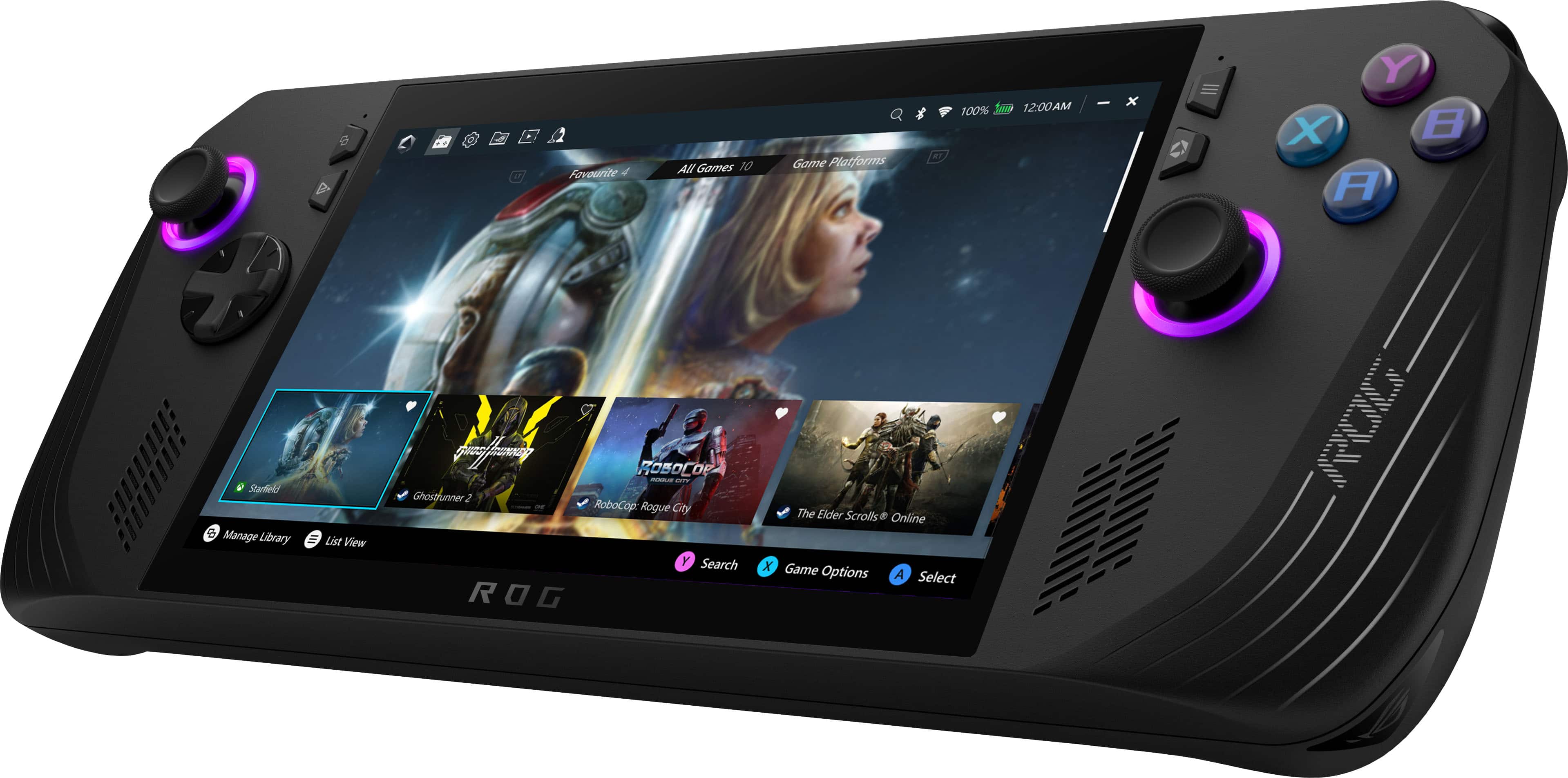
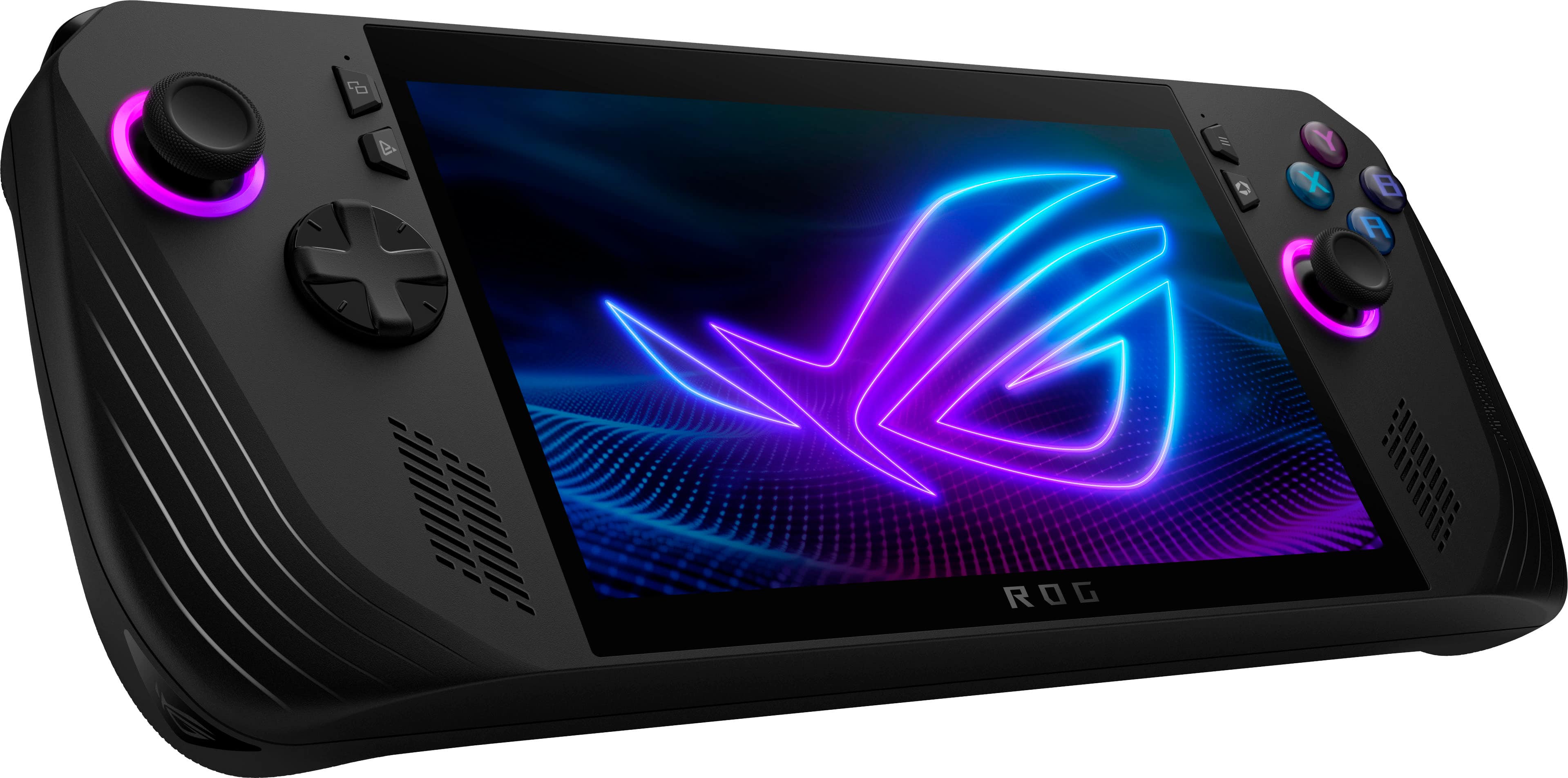
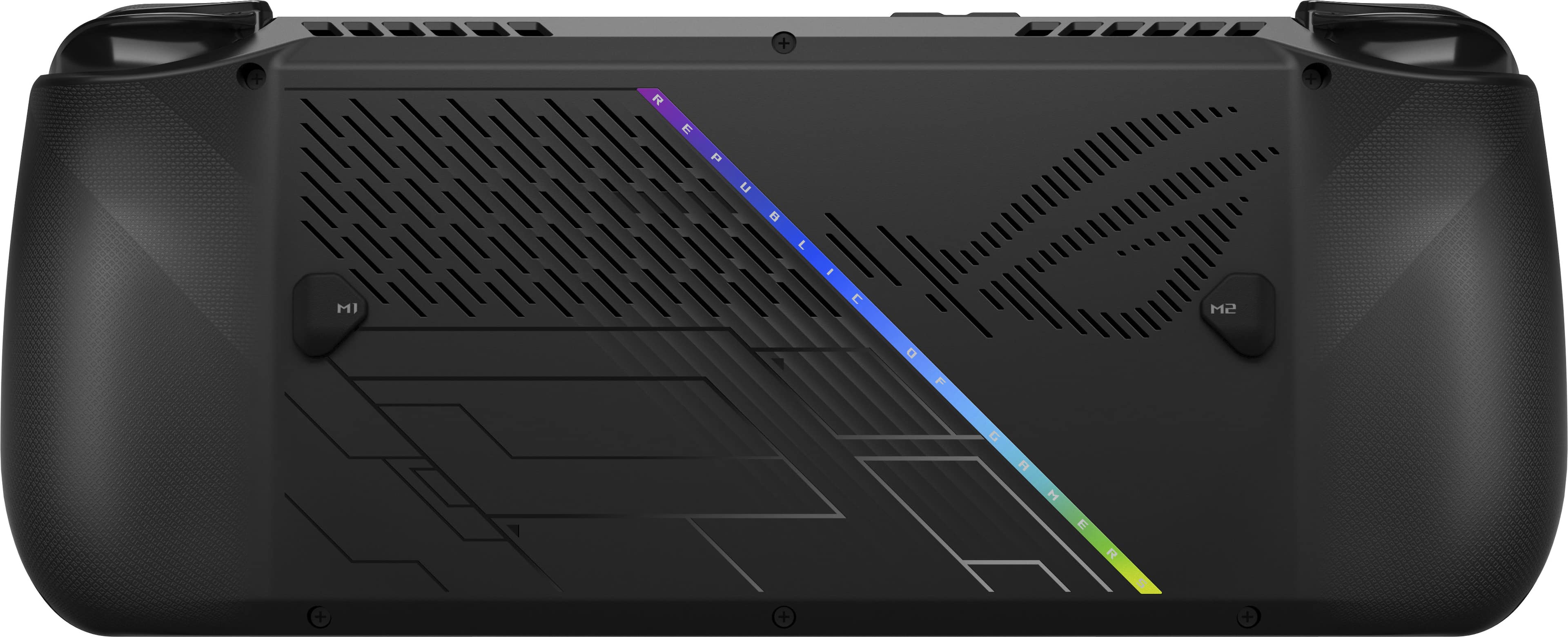
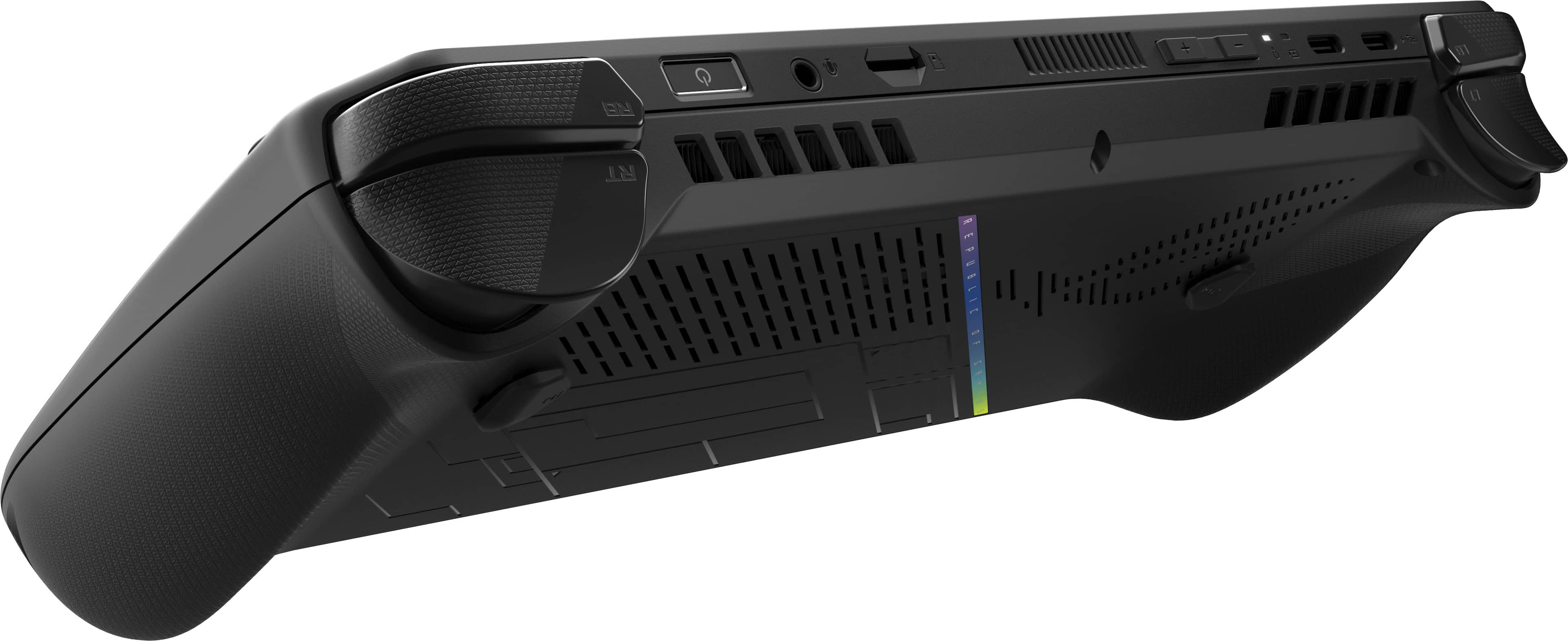
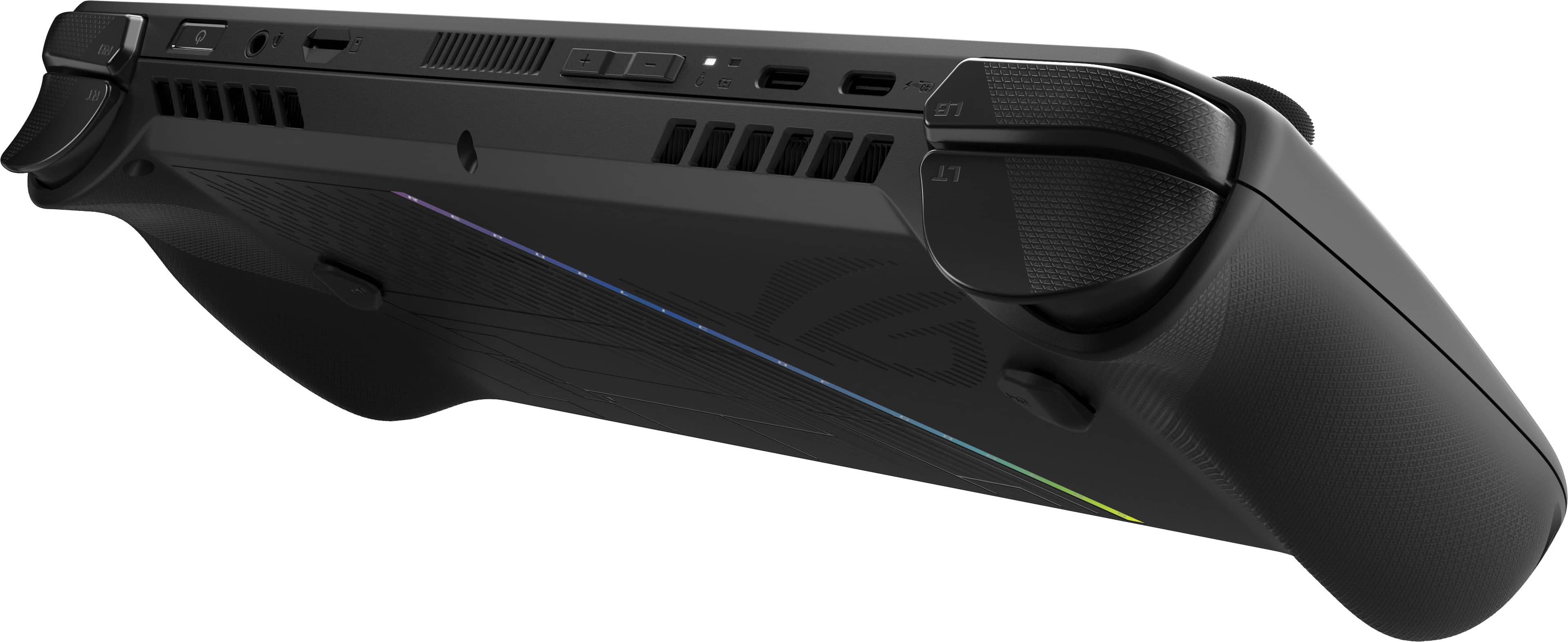
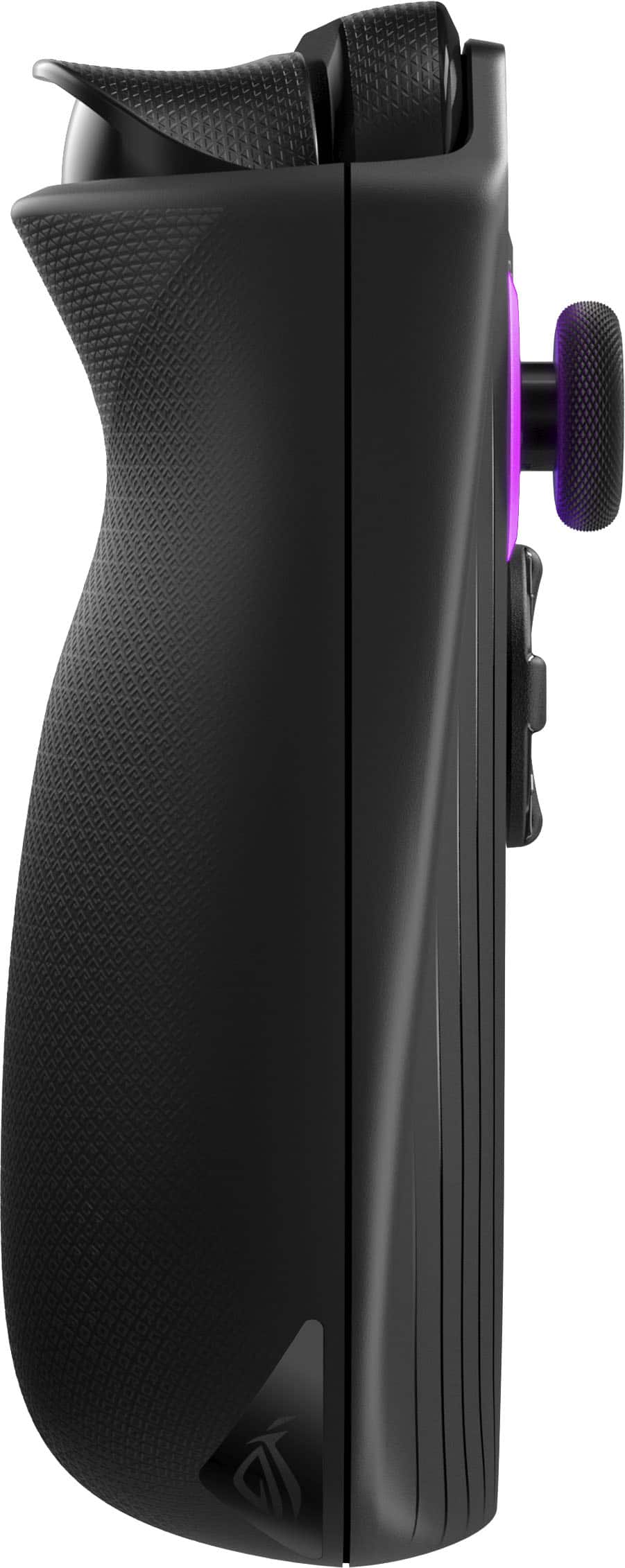
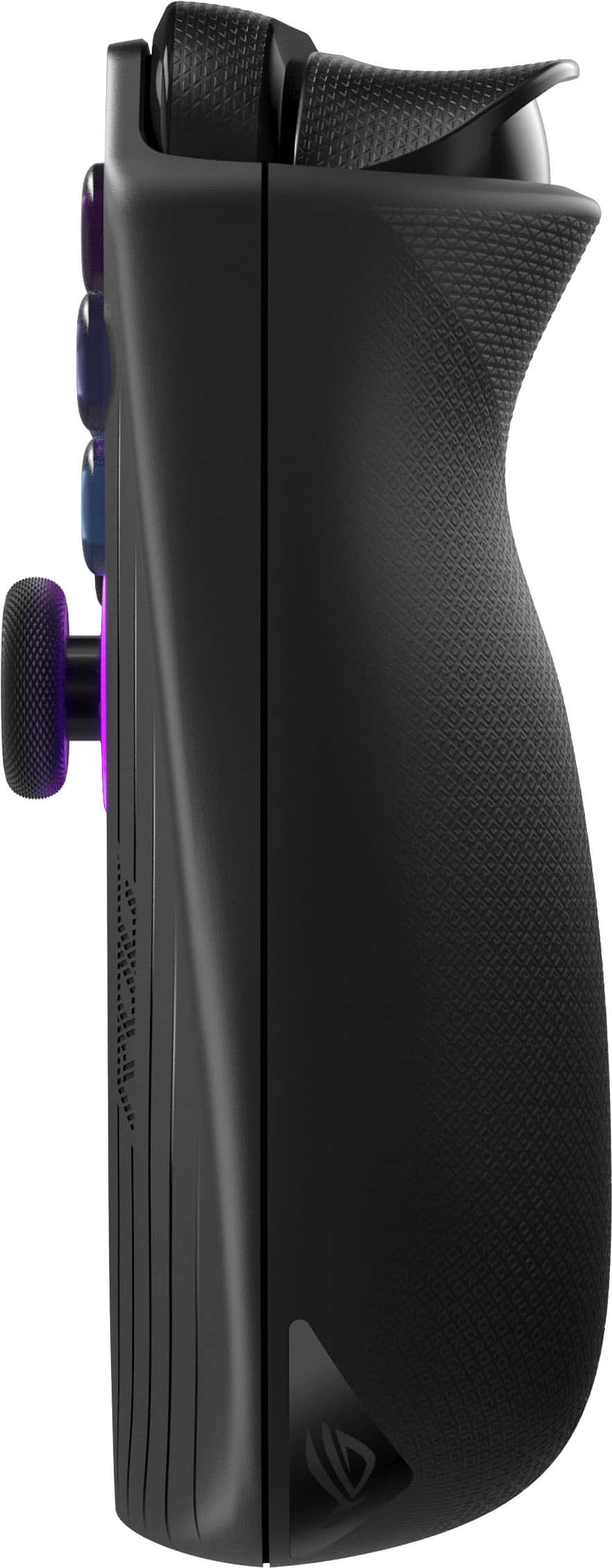
|Posted .This reviewer received promo considerations or sweepstakes entry for writing a review.Great Great speakers Quiet in on Turbo SD card slot Great 120Hz screen with V-Sync 2280 NVME allows more upgrade options RAM faster and larger than standard Ally Higher TDP for Silent and Performance on battery Double the battery from the standard Ally New hand grips are more comfortable Great battery life for the form factor 2 USB-C ports and one with Thunderbolt Works with external GPU for more horsepower Supports multiple game platforms Windows OS allows Xbox emulators Can be used as your regular pc Improved cooling system barely gets warm Thumbsticks support Aura Sync Buttons are clicky similar to an Xbox controller Controls have been improved and feel tighter Asus provides optimum game settings for most games No So Great ASUS controversy over warranty issues RAM and Wi-Fi not upgradable Still not OLED D-Pad squeaks Right shoulder button randomly triggers in 1 game Speakers quieter after firmware upgrade Included stands feel cheaply made Buttons get blocked from working in certain games, including volume Supports 100-watt charging but only includes 65-watt charger Windows still has poor touchscreen support First, if you have an original Ally, Extreme or non-Extreme edition, the Ally X isn’t likely a big enough upgrade unless you just have money to burn. The best way to think of the Ally X is more of a “Pro” version of the original Ally instead of a new version. It isn’t a massive upgrade to every part of the Ally but careful changes to the original to fine to the design. For the most part they succeeded. Out of the box, the most notable change is simply the color change from black to white. There is still a cheap cardboard kickstand in the box but now it is in two pieces which is a small improvement as it won’t tip over now. The Ally X supports 100-watt charging but the charger included is still the original 65-watt. Looking closer, the hand grips are slightly larger and more rounded making holding easier for someone with larger hands. The bottom left and right corners have been rounded as well so you don’t have a squared off edge. Asus mentions the new shoulder buttons are upgraded Hall sensors but what they don’t mention is they are more curved giving a distinct feeling of the upper and lower buttons. Another subtle change is the power button with fingerprint reader is now recessed slightly. This makes finding the button by feel easier than the original Ally. Controls 8/10 The new design feels more comfortable in the hand. It is slightly heavier, but it makes it feel solid. The larger, more sculpted hand grips and shoulder buttons make it feel easier to hold with a more natural feel in the hands. The lower should buttons have a longer travel that feels smoother. The upper shoulder buttons have a clicky feel to them with a distinct activation point. The joysticks feel firmer giving better feedback making movements feel more precise. The d-pad feels completely different with a more domed design with 8 distinct activation points. The one thing that made it feel slightly cheap was it would randomly squeak during usage. Thankfully this didn’t effect performance. The XYAB buttons look the same but have slightly more travel and a more clicky feeling very similar to an Xbox controller. Asus says they have changed the spacing between the joysticks and the d-pad and buttons which is nice, but there is still one small downside. The right joystick is very close to the touchscreen. This means that sometimes when playing you can cause random things to happen as you trigger controls in the game. For example, in Halo you can accidentally trigger your weapon to fire as you are moving. Strangely, when this happens the weapon sometimes continues to fire until you are out of ammo. The activation was random so it can’t be said if that is exact problem. This also happened on the original Ally and one option mentioned was to disable the touchscreen. It would be great if Asus offered option in Command Center to disable the touchscreen quickly for situations like this. I have had it trigger when pressing the Y button hard sometimes. So far, I have only had this happen with versions of Halo so it might be a software issue, but it is worth verifying if you purchase one. There are other game specific control quirks that might need to be worked out. The vibration motors would run constantly in Halo Reach but work perfectly fine in ODST. Cooling 10/10 Asus usually does a great job on their cooling solutions and the Ally X is no slouch. Even when gaming while plugged in with 30W Turbo the Ally only became slightly warm in the center. You can feel them working because they can push out good amount of heat that you can feel straight out of the top air vents. During extended gameplay there wasn’t any sign of heat buildup either. This is likely due in part to the cooling redesign where the fans seem to be on most of the time. Because of the sound profile they are barely audible even at full tilt. Audio 9/10 Asus says have upgrade the speakers to be louder than the previous generation. When first unboxed that was true, but after some updates the answer is more that it depends on what you are doing. Watching YouTube videos or playing music the new speakers are noticeably louder and have much better range. While the no substitute for good headphones or discreet speakers they are good enough to make you question if you really feel like using headphones. After a recent update some games became noticeably quieter. For example, in Halo the music and sounds seem noticeably quieter. This can be improved by turning off Dolby audio, but it is still quieter. The same is also true in Minecraft. However, in Forza the opposite is true. Sounds are just as loud as the Ally X was first unboxed, so the change is something software related. A full solution hasn’t been found but overall, it is a minor issue. Every game has been plenty loud for most situations, and any weren’t they were was when headphones would be best anyway. Battery Life 10/10 While there are a lot of subtle tweaks, the battery upgrade is the not-so-subtle change. Doubling the size from 40 Wh to 80 Wh puts the battery size squarely into the laptop category with hardly any change in the overall weight or feeling. On silent mode it isn’t hard to get over 6 hours of gaming out of this device. If you are playing retro games or willing to turn down the quality even more, you can manually adjust the TDP down to 7 watts and you could possibly get over 11 hours of gameplay. Of course, if battery life is less of a concern, you can push it up to 25 watts and boost up to 30 watts for 2 minutes and still have a good chance of getting over 3 hours of gameplay. In testing, turning off CPU Boost seems to really help extend on battery gaming. Unless your game is CPU bound, leaving CPU Boost on just pushes more power to the CPU unnecessarily killing your battery life. The Silent power profile has been bumped from 10 to 13 watts and Performance from 15 to 17 watts and yet gameplay on battery is still longer than the original Ally. Overall, it is a great feeling to know if you have the option to turn down the power and the battery would likely last longer than you would gaming. Overall, unlike my original Ally, with the Ally X I don’t pay as much attention to battery life unless I need to take it for an extended period. I can play for a bit and set it down. When I return I can feel confident there is enough battery left for a good 20 or 30 minutes to relax. You can’t do the same with a regular gaming system or a console. It feels as quick and convenient as playing a game on your phone. Performance 10/10 Of course, this will never compete in performance with a system has a discrete GPU, but it is surprising how capable the Ally X is for the size. While it is the same CPU as the previous generation, the upgraded RAM helps. With the original Ally the default setting was 4GB of ram for the GPU and 16GB for the system. With Ally X the system can keep the 16GB but now the default VRAM is doubled to 8GB. Older games this isn’t much of an issue but in games such as Forza 2023 this translates to being able to run on High detail settings without RSR and still being to stay north of 35FPS when on 25-Watt Turbo in the Benchmark tool. Halo Infinite was able to maintain a minimum of 30FPS on 25-Watt Turbo but with settings on high. That isn’t ideal, but it was a bit surprising to see it able to keep frame rates above 30. The highest playable preset was Medium with a low of 45FPS. On legacy titles, such as Halo Reach, the Performance preset could keep framerates above 55FPS. If you prefer a slower pace or just want more game time on battery, Minecraft on default settings could run easily on Silent smoothly and play for 3 hours and still have more than half of the battery left. I didn’t bother trying RTX as RTX support even with Nvidia GPUs is hit or miss in Minecraft. I’m still playing around with Emudeck and retro games, but this is where if you needed to go the distance without charging you have a good chance. Games up to SNES and Sega Megadrive run easily at 13 watts and likely much less. I have more games and tweaking to do where I don’t know where to start and that is a nice problem to have. For modern popular games you can save the time tweaking and just visit the ROGAllyLife website and get the best settings for the game for the power profiles that work. Final Thoughts While the ROG Ally X could use further improvement, it is overall a solid evolution of the original Ally. While it comes with the downsides and complexities of a Windows gaming device, it also comes with all the upsides and options. If it is in your budget and you can look past the controversy with Asus warranty support, the ROG Ally X is the best Windows gaming handheld on the market now.
I would recommend this to a friend - Pros mentioned:Overall performance
New Ally X is fantastic, best handheld yet
||Posted . Owned for 1 week when reviewed.This reviewer received promo considerations or sweepstakes entry for writing a review.The new Ally X is fantastic, loved the original and this is way better and way faster
I would recommend this to a friend - Pros mentioned:Overall performance
It literally my best buy.
||Posted . Owned for 1 month when reviewed.This reviewer received promo considerations or sweepstakes entry for writing a review.Great gaming system I really enjoy the graphics. I can't stop playing it.
I would recommend this to a friend - Pros mentioned:Portability
Gift card please
||Posted . Owned for 2 weeks when reviewed.This reviewer received promo considerations or sweepstakes entry for writing a review.I think this is also great! I like being to play games on tour, yay!
I would recommend this to a friend The best Handheld console
||Posted . Owned for 1 month when reviewed.This reviewer received promo considerations or sweepstakes entry for writing a review.Best handheld currently on the Market. I managed to play Alan wake 2 and really enjoyed this device its an awesome hardware and great software support from Asus. my first unit was built on 2024/7 and had bad finger print reader censor and wobbly stick but Bestbuy easily replaced it for me and I am so happy with great bestbuy customer service❤️
I would recommend this to a friend- Pros mentioned:Battery life, Overall performance, Screen quality
Awesome handheld gaming rig
|Posted .This reviewer received promo considerations or sweepstakes entry for writing a review.This is my first PC-based gaming handheld and I am super happy with it. I had considered competitors but wasn't fond of the operating system others used or control layout - ASUS got it right. The Ally X is certainly an upgrade from the first edition ROG - Now sporting a AMD Ryzen Z1 Extreme Processor, 24GB of RAM (Yes 24 GB of RAM - not many desktops or laptops come with anything over 16 GB unless you build it that way. And a 1TB SSD - which while common, is awesome to see on such a small device. The native resolution is 1080p with a 120 Hz refresh rate - and anything more would be a waste - the 7 inch touch screen is small (It's a handheld, anything bigger would defeat the purpose) - and there's some games I would avoid playing on this - Star Citizen being one of them (But that 24 GB of ram allowed me to load in just fine) or anything that needs a higher resolution. Did I mention it's touch screen? With all this power, you'd think it would get hot, and fast - wrong, Asus knocked it out of the park with their cooling system on this thing. My game of choice is Elderscrolls Online and it runs GREAT. FPS is fine, and with graphics on high, the unit warms up in the back a little bit, and it's felt more a the top of the device, but I can play HOURS without having to let things cool down, which is nice. A certain out of this world computer manufacturer should take notes on Asus's cooling methods. And for having a 80w battery - don't worry about losing power fast, but if your settings aren't set right, it will throttle performance. Sound is pretty darn good for a handheld - the speakers are crisp and loud, but lacking bass (again to be expected). It has two USB 2 ports (either port can power) and a micro SD slot for additional storage which I find awesome!. Ergonomically speaking the device is a little on the chunky and heavy side compared to a certain, more colorful handheld gaming device, but I also can't really compare to anything else in its class. That being said, I have to take a break every hour or so as my wrists get tired out. The joysticks, ABXY buttons and directional pad are pretty well placed, with offset joysticks, which tend to aggravate my wrists a bit more, but the buttons are responsive for the most part (some misfires with A button if my thumb isn't on it properly) The led lighting on the joysticks are cool, and this might be dumb but I would have liked to see the ABXY and directional arrows to light up, not just around the joy sticks. Lastly the power and volume buttons - the volume is on the left, power on the right - and surprise! It has a fingerprint reader built in - basically press the power button, wait for it to boot and it will have captured your ID and log you in. Armory Crate SE - If any one runs a ROG rig, you know what Armory Crate is then Armory Crate SE will be about just as user friendly as it's big brother. For those of you who don't know, Armory Crate SE is Asus' solution for a centralized gaming platform - you can customize control layouts, tweak performance, customize lighting, and access your library of games - I use Steam/Epic/Battle Net and it's nice having everything under one roof. The base operating system is Windows 11, so if a game isn't launcher friendly, you still have access to Windows- basically just a super small laptop at this rate, can do everything you would do on a laptop. Overall, if you are new to the handheld segment and want something super versatile? The Ally X is the way to go.
I would recommend this to a friend - Pros mentioned:Overall performance
This device isbactuallybreally good.
||Posted . Owned for 3 weeks when reviewed.This reviewer received promo considerations or sweepstakes entry for writing a review.Yo, as expensive as this was, once i used it for a week it made me want to keep it. This device is a beast; 9/10.
I would recommend this to a friend - Pros mentioned:Overall performance
Really impressed!
||Posted . Owned for 3 weeks when reviewed.This reviewer received promo considerations or sweepstakes entry for writing a review.Works perfectly. No issues so far. Really happy with my purchase!
I would recommend this to a friend - Pros mentioned:Overall performance
Review
||Posted . Owned for 1 month when reviewed.This reviewer received promo considerations or sweepstakes entry for writing a review.Great Customality Easy to Upgrade Phenomenal Performance
I would recommend this to a friend A fun console on the go
||Posted .This reviewer received promo considerations or sweepstakes entry for writing a review.If you want a small game machine with a great amount of power, don’t skip on this little powerhouse! Trying to bind commands to the controller inputs could be a little more intuitive.
I would recommend this to a friend- Pros mentioned:Overall performance
Best pc handheld
||Posted . Owned for 2 weeks when reviewed.This reviewer received promo considerations or sweepstakes entry for writing a review.It’s a blast! Best pc handheld it’s also my desktop computer
I would recommend this to a friend Totally Recommend
||Posted .This reviewer received promo considerations or sweepstakes entry for writing a review.Get the 2 tb version . Very impressed with the system
I would recommend this to a friendGreat buy
||Posted . Owned for 1 month when reviewed.This reviewer received promo considerations or sweepstakes entry for writing a review.Great device. It is quick and responsive, I have been able to load a number of games, both new and old. Battery life has been about 2 hours of steady game play.
I would recommend this to a friendOpen box deals rock
||Posted . Owned for 3 weeks when reviewed.This reviewer received promo considerations or sweepstakes entry for writing a review.Asus is the Goat I love the ROG Ally X its slightly chunky compared to it's predecessor but it's one of my favorite pieces of tech♡♡♡♡♡
I would recommend this to a friendFast Shipping
||Posted . Owned for 3 weeks when reviewed.This reviewer received promo considerations or sweepstakes entry for writing a review.The purchasing process was extraordinarily simple, the purchase confirmation was timely, and the delivery time was more than adequate. And the above, without considering that the item had a discount of $100
I would recommend this to a friendIt works
||Posted .This reviewer received promo considerations or sweepstakes entry for writing a review.Open box was good no issue. Device is a little hard to get working with controller. Probably wouldn’t spend 800 bucks again in one
I would recommend this to a friendRog ally x
||Posted .This reviewer received promo considerations or sweepstakes entry for writing a review.It works pretty well, the only issue I’ve had is that r2 spring is somewhat broken, it still works but for how long will stay like that.
I would recommend this to a friend- Pros mentioned:Battery life, Screen qualityCons mentioned:Weight
What the Original Should Have Been
|Posted .This reviewer received promo considerations or sweepstakes entry for writing a review.I’ve had the original ROG Ally (Z1 Extreme) since launch day last year and I’ve been generally happy with it despite its battery life and well-documented SD card slot issues. The originally Ally seemed like a slightly rushed attempt from ASUS to get a device into the increasingly competitive gaming handheld market. The new ROG Ally X should not be viewed as a major upgrade to the original model. Rather, it is a refinement — it represents what I think ASUS should have launched last year, with some major quality-of-life improvements and minimal performance gains. Unfortunately, even this new model at least one widespread quality control issue that ASUS will have to work to fix. === SETUP === - Setting up the ROG Ally X is essentially like setting up a Windows laptop or desktop, but the major drawback is that there are a TON of updates out of the box that must be installed. And the updates are in multiple places: Windows Update, the Armoury Crate app, the MyASUS app, and probably some other places that I’m forgetting. Just be sure to allow at least 30 minutes to set up the device and apply updates. - Armoury Crate continues to act as the central location for system settings and your game library on the ROG Ally X. The app seems slightly refined on this new model, with the most commonly used screens and settings more readily accessible. - Users who aren’t familiar with PC gaming might feel overwhelmed when trying to tweak the various settings on the Ally X to ensure optimal performance. This is partly because the most important settings are located in multiple places: Armoury Crate, the AMD Radeon GPU driver software, and Windows settings. In addition to this, you’ll need to research (or at least play around with) the in-game graphics/performance settings for every game to find a good balance of visual quality and performance (FPS). Unlike a game console, this is not a set-it-and-forget-it kind of device. === DESIGN AND COMFORT === - The Ally X is noticeably heavier than the original Ally, but it doesn’t feel *too* heavy. It feels just right, thanks in large part to the more ergonomic handgrips that are much easier to grip for long periods of time. The handgrips are ever so slightly thicker and more contoured at the edges. The differences are minor at first glance, but they feel so much better in the hand. - I’m glad that the Ally X comes in black — the white color of the original Ally was always very distracting to me while gaming. The is RGB lighting around each joystick is basically identical to the original Ally and can be customized or turned off via Armoury Crate. They look nice, but they also flash or pulse even when the device is in standby mode, which can be distracting. - On the Ally X, ASUS greatly reduced the size of the rear paddles, so they are much harder to press by accident (thank you, ASUS!). The joysticks also have a slightly tighter, more premium feeling to them. - Other notable design changes/improvements: The Ally X now supports up to 100W charging (though only a 65W adapter is included); it now supports full-size, M.2 2280 NVMe SSDs, allowing for easy and cheap SSD upgrades (potentially up to 8 TB); and the XG Mobile external GPU connector is gone and has been replaced with a second USB-C port with Thunderbolt 4 capability. - The SD card slot — easily the most controversial part of the original ROG Ally — has been moved from the left side of the device to the right side. It remains to be seen whether this redesign will solve the Ally’s SD card problems, but I have not had any issues with it in my 1 week of using the device. - The Ally X has the same 1080p, 500-nit, 120Hz screen as the original model. It’s a great screen, but I still think I would have preferred an OLED panel, even if it meant a slightly lower refresh rate. === PERFORMANCE === - The Ally X has the same Z1 Extreme chip as the original Ally, but this time, ASUS has included 24GB of faster LPDDR5X RAM, with 8GB allocated by default to the GPU. This alone results in some performance gains, but it’s not a drastic difference compared to the original model. In the Armoury Crate app, you can adjust how much RAM is dedicated to the GPU. - Since I still own the original Ally, I was able to compare the performance of both models running the same games. I ran all of these games rendering at 720p with medium presets on Turbo mode. Resident Evil 4 (Ally X: 58 FPS; Original Ally: 54 FPS); Cyberpunk 2077 (Ally X: 46 FPS; Original Ally 43 FPS); God of War (Ally X: 58 FPS; original Ally: 53 FPS). - So yes, there are marginal performance gains across most games, but it is barely noticeable in most use cases. I will probably be able to squeeze out a bit more performance by further tweaking the in-game settings and AMD driver settings, but the point stands: don’t upgrade to the Ally X expecting some massive leap in gaming performance. It just isn’t there. - Now for the bad part: there is a very annoying issue with the Ally X that causes the rumble/vibration motor to constantly stay activated while gaming. If you fire a weapon or perform some other action in a game that would normally cause a brief controller vibration, the Ally X vibrates - but it just keeps on vibrating and does not stop. The only way to stop the vibration is to pause the game or switch to the Windows desktop, and then go back into the game. My initial research on various forums indicates that this is a widespread issue. ASUS needs to address this ASAP with a firmware update, because it makes gaming almost impossible if you leave the rumble feature turned on. === BATTERY LIFE === - One of my biggest complains with the original Ally was that you basically had to be near a power outlet or an external battery pack if you wanted to game while traveling. Somehow, ASUS has managed to double the capacity of the battery in the Ally X without adding significant bulk or weight. The original Ally had a 40Wh battery; the Ally X has an 80Wh battery. - With the original Ally, I was rarely able to get more than 90 minutes of battery life. With the Ally X, I have been able to use it for more than 3 hours on battery while running games on “Performance” mode. To take advantage of this beefier battery, ASUS has even increased the total power draw in Performance mode from 15W to 17W, resulting in small but noticeable performance gains while gaming on battery. - Long story short: the battery life problems of the original Ally are largely a thing of the past with the Ally X. But I still wouldn’t leave home without a fast USB-C charger. === OVERALL === The ROG Ally X is what the original Ally should have been. It is not an Ally 2.0 nor does it offer any significant new features or performance gains — so most users of an original Ally should not feel the need to upgrade. Rather, ASUS has addressed some of biggest frustrations and limitations of the original model with the Ally X. It feels more comfortable to hold, supports standard size SSDs, and has incredible battery life for a gaming handheld. Unfortunately, it’s not perfect: navigating the multiple apps and settings menus to adjust performance and install updates can get very confusing; there’s no OLED display; and there is a very annoying bug with the rumble/vibration motor. Still, this is arguably the most powerful and capable gaming handheld on the market.
I would recommend this to a friend Worth it.
||Posted . Owned for 3 months when reviewed.This reviewer received promo considerations or sweepstakes entry for writing a review.Great system, and pretty easy to learn to use even being a beginner. Would definitely recommend.
I would recommend this to a friend