Customer Ratings & Reviews

- Model:
- B346CBMJDPHZX
- |
- SKU:
- 5386131
Customer reviews
Rating 4 out of 5 stars with 3 reviews
(3 customer reviews)to a friend
Customers are saying
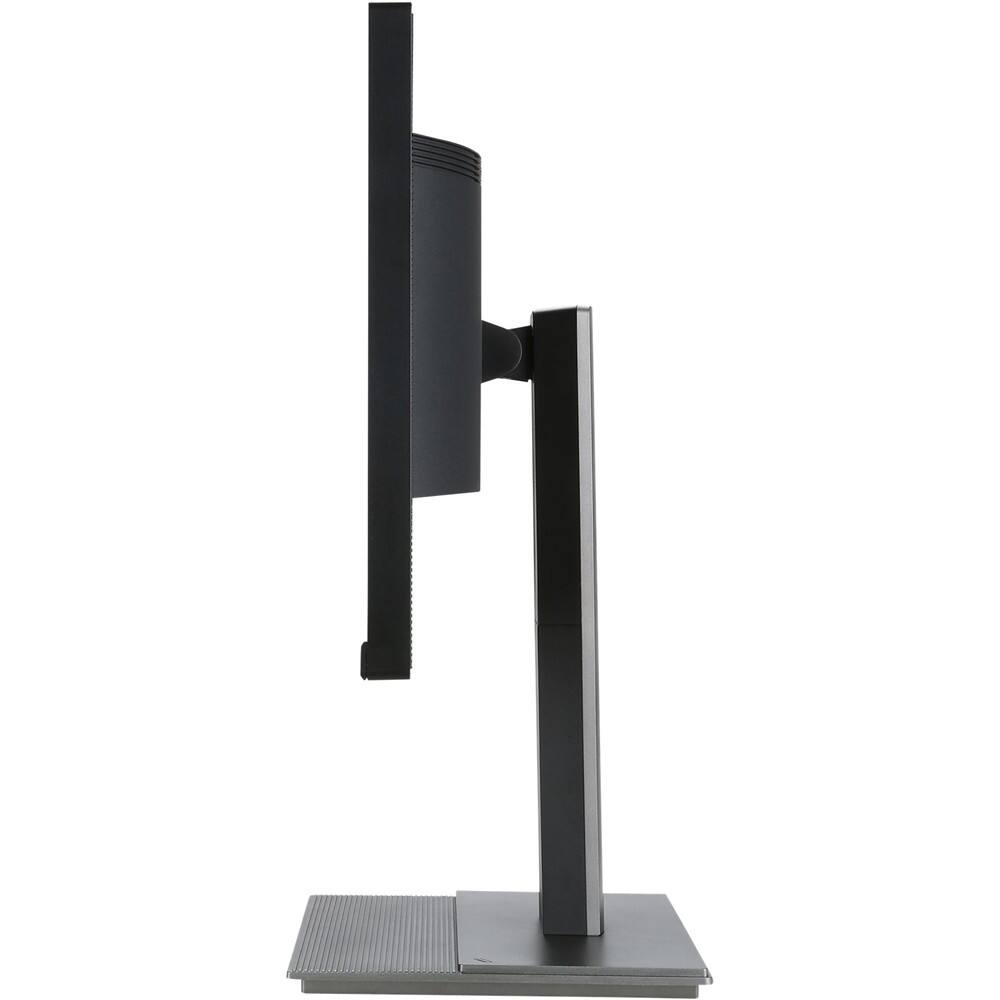
Customers frequently mention the stand of the B346C 34" LED HD 21:9 Ultrawide Monitor. Some customers find the stand to be rather large.
This summary was generated by AI based on customer reviews.
Rated 4 out of 5 stars
An Honest
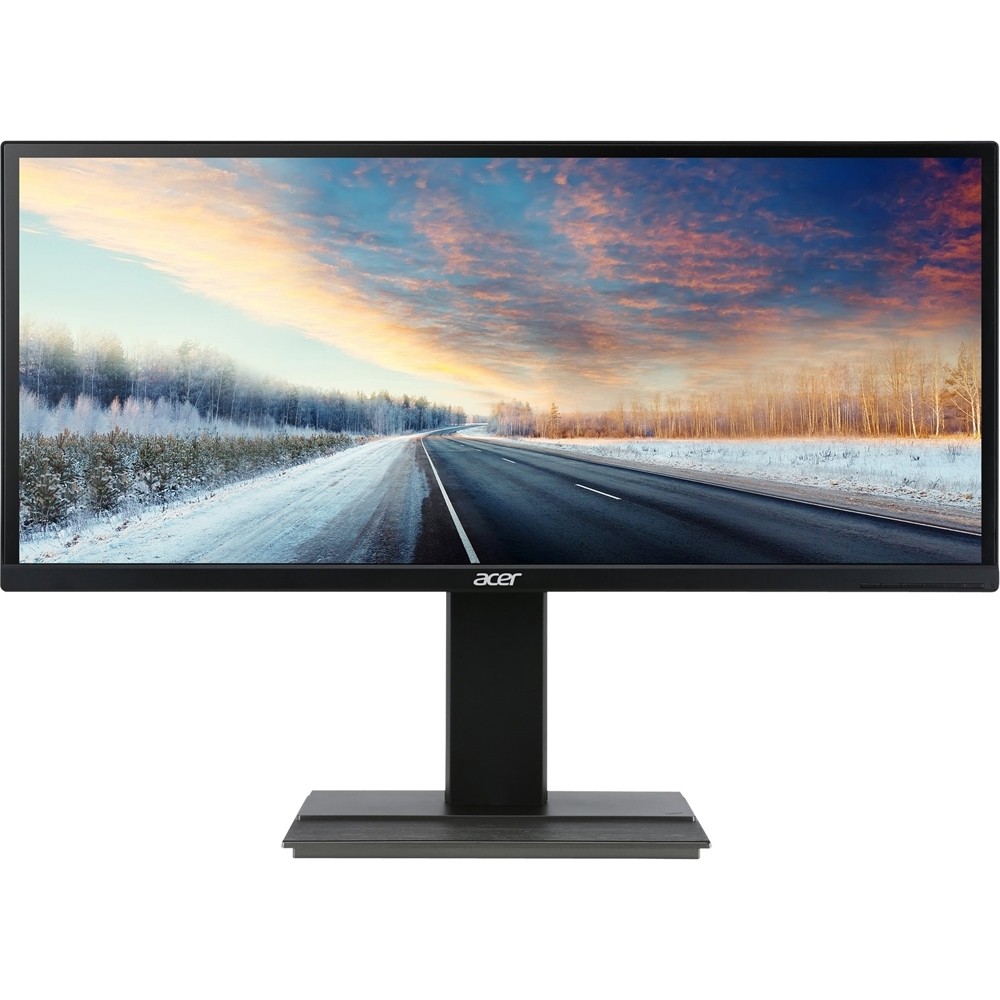
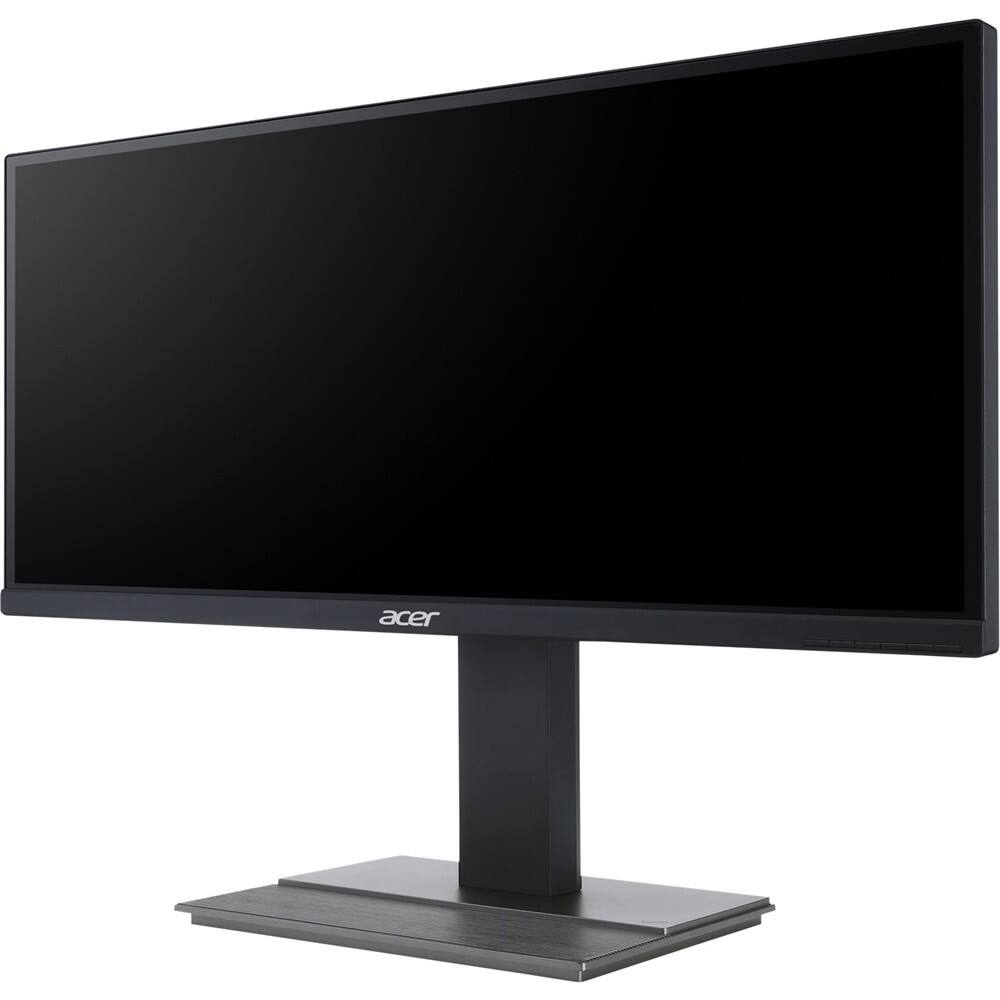
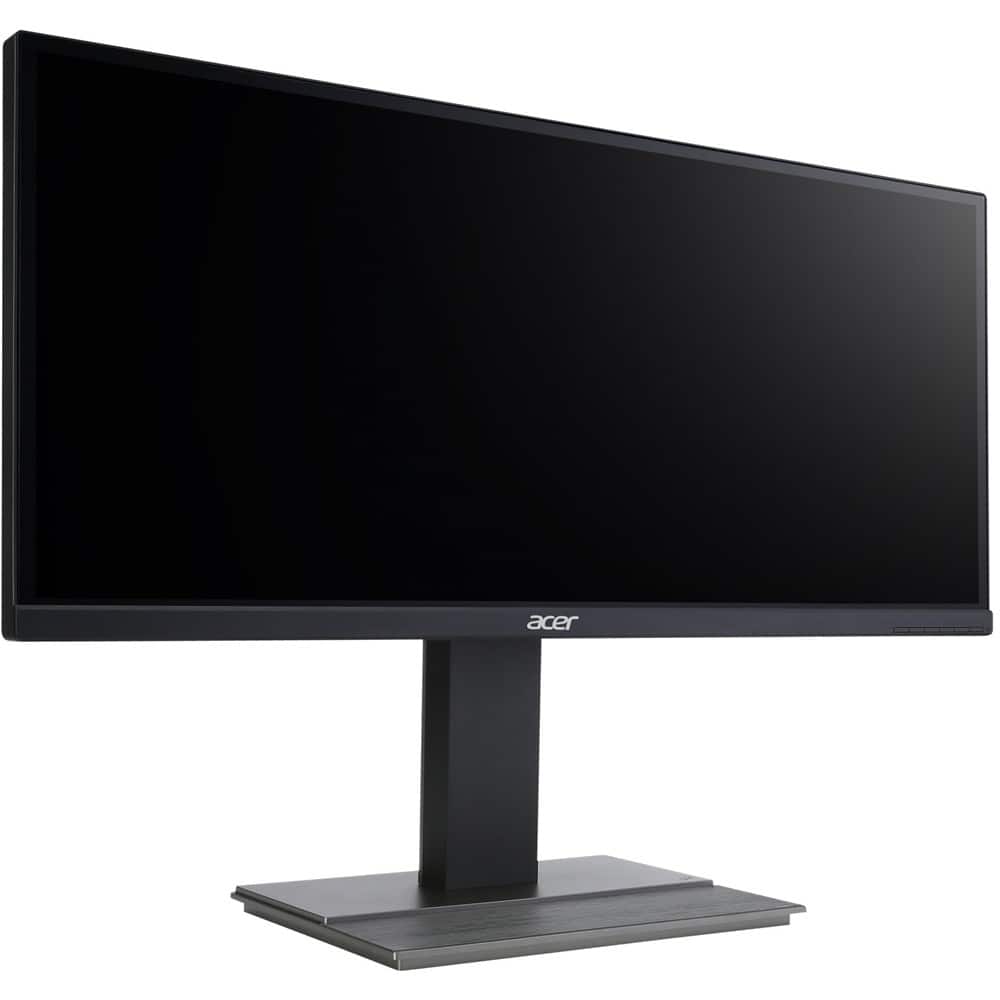
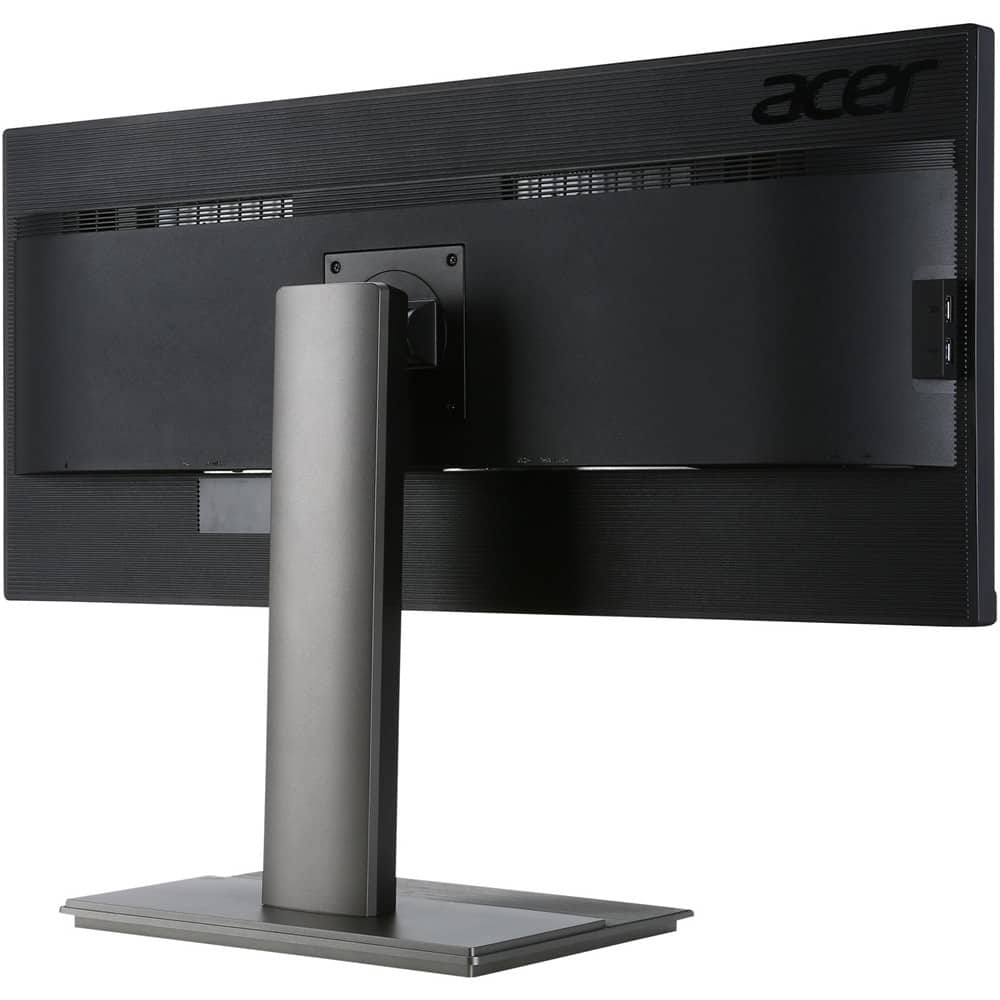
||Posted .This reviewer received promo considerations or sweepstakes entry for writing a review.Note I have also posted my review on amazon as well, so if you already looked at the review at amazon and find this similar, now you know. Package: So let’s start with the packaging. It’s a pretty big box and a bit heavy too. I know it’s a 34” wide monitor but sheesh, it’s like I’m carrying a TV. It’s not really a complaint, more like it surprised me a little. 6 cables come with the entire package. DVI, HDMI, and DP (Display Port) which is what I’m using currently. An Audio jack cable, USB 3.0 cable, and the power cable. I don’t know what version of HDMI or DP is provided. I have a picture of the ports available on this monitor.There are 4 USB 3.0 ports rather than only 2. The other two are at its side. I also have a few other pictures to show how large it is for scaling and frame size as well. The stand base has a small magnet in it for paper clips. The stand also has a disc underneath to allow turning the monitor more easily. The monitor tilts nicely and I can adjust the height VERY smoothly. Usually I don’t bother with saying stuff like that as it’s there and I don’t care, but the smoothness of adjusting the height seriously impressed me. One suggestion before I continue, don’t lift the monitor by the sides which is mainly the screen. The thing is heavy and nicely built but that doesn’t mean you can cause a potential damage to the screen. I lifted it by the back part of the monitor which has all the ports as it feels better built. This isn’t really a complaint but I figured I’d share this info for those who like to take care of their electronics. Complaints: The stand is rather big. LG has their stand spread out wide on the table but it doesn’t invade the front of your desk (judging from pictures taken from others). I previously had two 21.5” monitors and had no issues with the stand. I have a long gaming mouse pad and with this 34” monitor the stand has some of it sit on the mouse pad. As I am happy with the stand material and quality the size is a little irritating. I am able to live with it but it is a small complaint of mine since it could have been better constructed to less invade your desk space. I have had a small issue with a gaming and I can’t seem to replicate the again for some odd reason. It wasn’t really a tear but it was a line of blurring as I was playing Final Fantasy 14. The time it had an issue was when I was pressing my keys to initiate skill attacks and a line the size of my pinky stretched across the screen blurring a bit. Very noticeable and happened very often in the short 2-minute span. I I have no idea what happened and it hasn’t happened with any other game I had. I do recall making on change to my monitor in its settings. I went to the menu and to the wrench icon and set something called OD to extreme. I’m not sure if this helped but I messed with this first before trying to replicate the blurring lines. Pros: Text is still legible for those worried about it. I mainly bought this monitor to have more screen real estate for programming so I am reading and there are absolutely 0 issues I have with the text. If your still worried, a 21.5" monitor is about 1920 X 1080 Resolution. This 34" is 2560 X 1440 resolution. In short there are much more pixels than a 21.5" as there is more space to cover and the amount of pixels are enough to make the text legible like any other monitor. It will mainly depend if you computer can handle a resolution without any problems or lag. I also noticed one of my gaming picture looks a bit fuzzy and I can't fix that for some odd reason. For the gaming section my specs are: Intel core i5 3rd generation, 32GB ram, SSD for games, and a GDDR5 2GB GTX960 PNY I played a few games at the highest resolution which is the main difference alongside with switching from DVI to DP and ultra-graphics. Note I used the display port along with a DVI 21” monitor on the side playing a youtube video at 720p minimum. Final Fantasy 14 A Realm Reborn. I thought I had beautiful graphics with my DVI 21” monitor but this 34” blows it out of the park. I had ultra-graphics with my 21” but for some reason it looks so much more beautiful on my 34”, I actually sat there and just stared at the beautiful scenery that Square Enix developed. At the highest setting I sit at around 49fps but that’s a graphics card issue, but even so it still looks as smooth as 60fps. Doom (2016) from Bethesda. I figured I’d have more issues with my graphics than FF14 but I had a constant flow of 60fps. The only graphical difference was with Doom as I couldn’t have ultra on my 21” which was previously High-Graphics. For some reason though, the graphics didn’t seem to impress, but the frame rate did as I had issues with getting enough frames on Ultra-graphics on my 21" which I believe is thanks to the DP. Warframe, no change in my frames. The amount of detail increase is incredible though. Normally it’s there and I see teeth and other details but the teeth became noticeably detailed along with my warframe’s improved detail. I could see threading vs my 21” where it wasn’t noticeable at all unless you focus hard you could make out something. Verdict: Overall this monitor is seriously good, even though I have a few complaints and problems with it, it works very nicely. I expected text to be a little blurry and even gaming to be a little odd but I have no issues what so ever. Note that if a game doesn’t run at a specific resolution you’ll have black bars on the side. Not to mention this monitor isn’t advertised for gaming and yet it looks amazing. This isn’t irritating me as much as I thought it would. For a wide monitor this price, it’s pretty amazing. It just makes me want a curved monitor that much more. The main reason it gets 4 stars is mainly the stand base. I do recommend this monitor for those who are in the market for one but aren’t really wanting to throw money like no other. !Update 8/19/2016! The issue I experienced with the blurring line in FF14 is what would be considered tearing however instead of a shifted image it's more blurred than anything. multiple lines can form. This is not to say this monitor is bad. This simply means it isn't for serious High end ultra graphic games. Also I'd like to point out this has only happens with FF14, not Doom 2016 or warframe or any other game (that I own). This is mainly to deter those who use their PC's to play High end games as it isn't marketed as a gaming monitor nor is it really designed for such a difficult task. Gaming pushes both PC and the Monitor (depending on specs) to it's limit and this monitor does have a limit that will not appeal to gamers. This is not to deter those who are looking for a wide screen monitor for office work, coding/programming, video editing and etc. note I DO NOT experience tearing at all during said tasks. I have watched movies, watched youtube videos and recorded videos without tearing. legibility is great even sitting 4 feet away. Even during compiling I don't experience issues.
I would recommend this to a friendRated 4 out of 5 stars
Honest Review
||Posted .This reviewer received promo considerations or sweepstakes entry for writing a review.Package: So let’s start with the packaging. It’s a pretty big box and a bit heavy too. I know it’s a 34” wide monitor but sheesh, it’s like I’m carrying a TV. It’s not really a complaint, more like it surprised me a little. 6 cables come with the entire package. DVI, HDMI, and DP (Display Port) which is what I’m using currently. An Audio jack cable, USB 3.0 cable, and the power cable. I don’t know what version of HDMI or DP is provided. I have a picture of the ports available on this monitor.There are 4 USB 3.0 ports rather than only 2. The other two are at its side. I also have a few other pictures to show how large it is for scaling and frame size as well. The stand base has a small magnet in it for paper clips. The stand also has a disc underneath to allow turning the monitor more easily. The monitor tilts nicely and I can adjust the height VERY smoothly. Usually I don’t bother with saying stuff like that as it’s there and I don’t care, but the smoothness of adjusting the height seriously impressed me. One suggestion before I continue, don’t lift the monitor by the sides which is mainly the screen. The thing is heavy and nicely built but that doesn’t mean you can cause a potential damage to the screen. I lifted it by the back part of the monitor which has all the ports as it feels better built. This isn’t really a complaint but I figured I’d share this info for those who like to take care of their electronics. Complaints: The stand is rather big. LG has their stand spread out wide on the table but it doesn’t invade the front of your desk (judging from pictures taken from others). I previously had two 21.5” monitors and had no issues with the stand. I have a long gaming mouse pad and with this 34” monitor the stand has some of it sit on the mouse pad. As I am happy with the stand material and quality the size is a little irritating. I am able to live with it but it is a small complaint of mine since it could have been better constructed to less invade your desk space. I have had a small issue with a gaming and I can’t seem to replicate the again for some odd reason. It wasn’t really a tear but it was a line of blurring as I was playing Final Fantasy 14. The time it had an issue was when I was pressing my keys to initiate skill attacks and a line the size of my pinky stretched across the screen blurring a bit. Very noticeable and happened very often in the short 2-minute span. I I have no idea what happened and it hasn’t happened with any other game I had. I do recall making on change to my monitor in its settings. I went to the menu and to the wrench icon and set something called OD to extreme. I’m not sure if this helped but I messed with this first before trying to replicate the blurring lines. Pros: Text is still legible for those worried about it. I mainly bought this monitor to have more screen real estate for programming so I am reading and there are absolutely 0 issues I have with the text. If your still worried, a 21.5" monitor is about 1920 X 1080 Resolution. This 34" is 2560 X 1440 resolution. In short there are much more pixels than a 21.5" as there is more space to cover and the amount of pixels are enough to make the text legible like any other monitor. It will mainly depend if you computer can handle a resolution without any problems or lag. I also noticed one of my gaming picture looks a bit fuzzy and I can't fix that for some odd reason. For the gaming section my specs are: Intel core i5 3rd generation, 32GB ram, SSD for games, and a GDDR5 2GB GTX960 PNY I played a few games at the highest resolution which is the main difference alongside with switching from DVI to DP and ultra-graphics. Note I used the display port along with a DVI 21” monitor on the side playing a youtube video at 720p minimum. Final Fantasy 14 A Realm Reborn. I thought I had beautiful graphics with my DVI 21” monitor but this 34” blows it out of the park. I had ultra-graphics with my 21” but for some reason it looks so much more beautiful on my 34”, I actually sat there and just stared at the beautiful scenery that Square Enix developed. At the highest setting I sit at around 49fps but that’s a graphics card issue, but even so it still looks as smooth as 60fps. Doom (2016) from Bethesda. I figured I’d have more issues with my graphics than FF14 but I had a constant flow of 60fps. The only graphical difference was with Doom as I couldn’t have ultra on my 21” which was previously High-Graphics. For some reason though, the graphics didn’t seem to impress, but the frame rate did as I had issues with getting enough frames on Ultra-graphics on my 21" which I believe is thanks to the DP. Warframe, no change in my frames. The amount of detail increase is incredible though. Normally it’s there and I see teeth and other details but the teeth became noticeably detailed along with my warframe’s improved detail. I could see threading vs my 21” where it wasn’t noticeable at all unless you focus hard you could make out something. Verdict: Overall this monitor is seriously good, even though I have a few complaints and problems with it, it works very nicely. I expected text to be a little blurry and even gaming to be a little odd but I have no issues what so ever. Note that if a game doesn’t run at a specific resolution you’ll have black bars on the side. Not to mention this monitor isn’t advertised for gaming and yet it looks amazing. This isn’t irritating me as much as I thought it would. For a wide monitor this price, it’s pretty amazing. It just makes me want a curved monitor that much more. The main reason it gets 4 stars is mainly the stand base. I do recommend this monitor for those who are in the market for one but aren’t really wanting to throw money like no other.
I would recommend this to a friendRated 4 out of 5 stars
Great Monitor with Quality
Posted .This reviewer received promo considerations or sweepstakes entry for writing a review.Purchased for about $430 thanks to Best Buy's greatest feature, price matching. Now onto the monitor itself. It's solid. Quality is great, barely any light bleed in my panel. The only con I do have with this monitor is the stand. It is large and will take up desk space unless you use a VESA mount. I have yet to wall mount mines, but since I have a keyboard tray, it's not a inmedieate hassle for me. Standard built in features, but you should download monitor management programs to ease settings such as brightness, contrast, etc. Backgrounds, try to look up for "21:9 background." Reddit may have links that will provide some that are of higher quality, but Google will work as well. Gaming, some modern and a few older games will support the 21:9 resolution. There is a Steam curator list of games that do.
I would recommend this to a friend