Customer Ratings & Reviews


- Model:
- T232HLABMJJZ
- SKU:
- 4015004
Rating by feature
- Features
Rating 4.1 out of 5 stars
Customers are saying
Customers value the touchscreen functionality and large, clear screen of the T2 Series 23" IPS LED HD Touchscreen Monitor, frequently praising its ease of use and sharp image quality. While the price is considered reasonable by many, some users noted that the sound quality and stand could be improved. The monitor's design and additional USB ports also received positive feedback.
This summary was generated by AI based on customer reviews.
Great monitor for Windows 8
||Posted .This reviewer received promo considerations or sweepstakes entry for writing a review.This is my first Acer product and I would purchase Acer products in the future.
I would recommend this to a friendBest touch screen
||Posted .This reviewer received promo considerations or sweepstakes entry for writing a review.We use this on a daily basis and absolutely love it.
I would recommend this to a friendGreat Monitor, Except
||Posted .This reviewer received promo considerations or sweepstakes entry for writing a review.If there was a Display port, and/or a DVI port instead of just an HDMI and SVGA it would be 10/10
I would recommend this to a friendAfforadable and top quality!
||Posted .This reviewer received promo considerations or sweepstakes entry for writing a review.I bought this on sale for 299 and it has performed as advertised. Top deal and great quality.
I would recommend this to a friendNo Need To Read
||Posted .This reviewer received promo considerations or sweepstakes entry for writing a review.Had one already. Broke it. Bought another. Great!!
I would recommend this to a friendWhat's not to like?
||Posted .This reviewer received promo considerations or sweepstakes entry for writing a review.I cannot think of anything more I'd want from this monitor.
I would recommend this to a friendGreat for images.
||Posted .This reviewer received promo considerations or sweepstakes entry for writing a review.It has great detail in photos I use for my Plant ID.
I would recommend this to a friendDoes what I want. Works fine. No problems.
||Posted .This reviewer received promo considerations or sweepstakes entry for writing a review.Really enjoy using it. It works fine. I've had no problems with it.
I would recommend this to a friendNo touch
||Posted .This reviewer received promo considerations or sweepstakes entry for writing a review.BB sold it to me to use with a docking station for my Surface Pro3. I spent the extra $ for touch screen that they told me would function with the docking station but it simply doesn't or they don't know how to allow it to work this way.
No, I would not recommend this to a friend- Pros mentioned:Screen size, Touchscreen
Awesome display and makes Windows 8 Fun!
Posted .This reviewer received promo considerations or sweepstakes entry for writing a review.This is my first experience with a large touchscreen monitor. Others have been laptops or tablets. This is different... Amazing. As a regular monitor, it is perfect in my opinion. The colors are vibrant and clear. Picture quality is amazing. Add the touchscreen feature and its downright FUN! I've had such a good time trying out software and old games. Not to mention all the new apps available with Windows 8. Suddenly it all makes sense. I strongly recommend this monitor. I'm a picky person and have a great deal of stress in buying new electronics. Often I'm hopeful that it will meet my hopes and expectations. Very often I'm left disappointed. This monitor has been nothing but exceptional and a complete pleasure to own. Purchase with confidence from Best Buy and know that you're going to have a really great experience with this new Acer touchscreen monitor!
I would recommend this to a friend - Pros mentioned:Ease of use
Great price for a HD ten point touch screen
Posted .This reviewer received promo considerations or sweepstakes entry for writing a review.I been using this 23in monitor for over four months now and had no issues with this product. I hook up my laptop full HD HDMI output and the other input I hook up my Sony Blu-ray player that I also bought at BestBuy also at a "Great price". I watch movies, play video games, and computer usage etc... Great quality at a great price. Has built in speaker which is good for an extra speaker surround sound. I love the fact it has 3 USB ports since I have a lot of USB devices that need connecting without switching them out. Screen looks sharp in design and easy to clean.
I would recommend this to a friend I am dissapointed Windows suite didn't come in it
||Posted .This reviewer received promo considerations or sweepstakes entry for writing a review.I'm very disappointed with this system! It should have come with the Window's suite.
No, I would not recommend this to a friend- Pros mentioned:Resolution, Screen size
Great Touchscreen with Windows 8.1
Posted .This reviewer received promo considerations or sweepstakes entry for writing a review.Great resolution, colors and picture quality are great. It works very well with Windows 8, and was a breeze to set up. This is my first touchscreen monitor, that isn't a tablet or phone, and I'm loving it. It's a great size for my desk, and the easily adjustable viewing angles allow me to easily switch what i'm doing without having to stop just to tilt the screen.
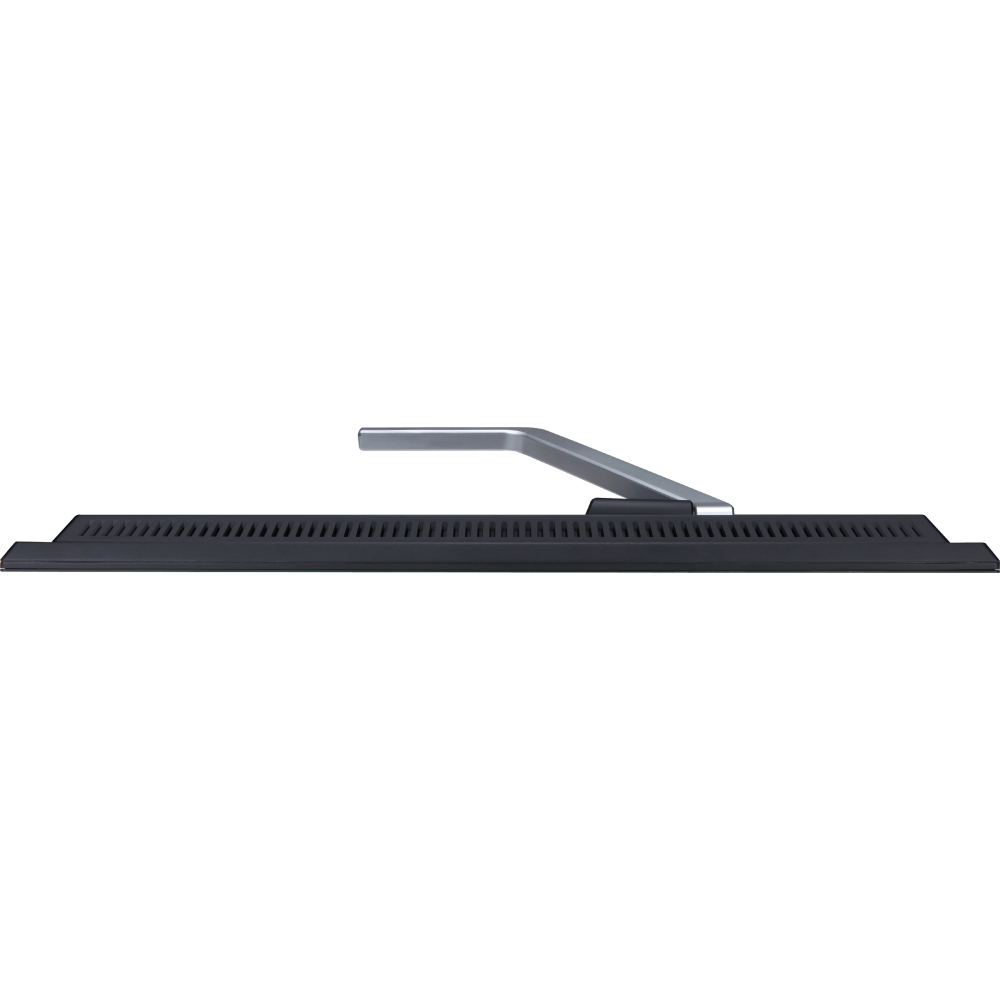
I would recommend this to a friend - Pros mentioned:TouchscreenCons mentioned:Stand
My first touchscreen
Posted .This reviewer received promo considerations or sweepstakes entry for writing a review.This is my first touchscreen monitor and I love it. I was an early adopter of Windows 8 and tried touchpads and touch sensitive mice, but nothing compares to having an actual touchscreen. This monitor is made for 8.1 and windows recognized it right out of the box. My only complaint is the nut on the stand had to be loosened to get the stand to tilt. The instructions say it may be stiff and should click into place. There was no way it was going without loosening the nut. Overall I'm very satisfied with my purchase. Don't forget to check pricing on amazon as best buy will price match. I got this monitor for $100 cheaper than best buys retail price due to price matching.
I would recommend this to a friend - Pros mentioned:Touchscreen
Great monitor for the price
Posted .This reviewer received promo considerations or sweepstakes entry for writing a review.This is a really beautiful touch screen monitor. I'm using it with a Lenovo desktop computer. A couple points regarding the setup... First of all, when you set up the monitor you MUST use the USB cable that comes with it to connect it to your computer. There is one line that tells you to do this at the bottom of the User's Guide if you load up your CD and read it which I of course didn't do until I had problems... You will also use either the HDMI cable OR the VGA cable to connect to your computer. So 2 cables are required - not just one. I didn't realize this important fact so I had a nice dead monitor at first. Once I plugged in the USB cable it was "lights, camera, action" time! Another glitch I ran into which the manual doesn't discuss is that if you don't hear any audio, then perhaps your computer is defaulting to non-existent speakers instead of to the monitor speakers. I had that problem too. To fix that in my Windows 8.1 system, I had to change my default audio to be the monitor's speakers instead of the computer's speakers. I did this by running a search on "Manage Audio Devices". Once I took care of that I had good audio. Note that I said good audio - not great audio. I feel that the audio is rather low. I will probably end up installing a couple more speakers because I like loud speakers. I'm still thrilled with this monitor and highly recommend it. It is sleek and modern and I loooove the touchscreen. Note: I am using it with the HDMI cable and have a dedicated graphics board in my computer with 2GB dedicated ram for the monitor. One other important point that the manual doesn't tell you is that there IS a power switch - it is tucked away on the bottom right SIDE of the slender glass monitor. I found it by accident. It isn't shown in any diagrams and I didn't realize it even had a power switch until I accidentally pressed it. I hope that the above information helps someone because it took me hours to figure out all these little crucial details which are not plainly spelled out in the manual. I'm brand new to current hardware and Windows 8.1 so none of this was intuitive to me. My old system was 8+ years old and used XP. I'm happy to be in the 21st century now!
I would recommend this to a friend - Pros mentioned:Touchscreen
Great Touch Screen
Posted .This reviewer received promo considerations or sweepstakes entry for writing a review.I bought this to go with my new windows 8.1 laptop. It has great screen quality. I thought I would use the touch interface more than I do, but that is not Acer's fault. Well built.
I would recommend this to a friend - Pros mentioned:PriceCons mentioned:Sound quality
Excellent monitor but one flaw
Posted .This reviewer received promo considerations or sweepstakes entry for writing a review.I'm a techy guy and I was impressed when I opened this up and set it up but when I was configuring everything I noticed that cables that are included were poor luckily I had spare vga cable and to hook on my graphics card I had a vga to Dvi adapeter once it was hooked on it was good but I'm still wondering can I hook speakers In back of monitor and not use default audio I got speakers already but they are hooked up on pc input instead of hdmi but other than all this for price for 299.99 is a deal breaker get it you'll love it I love mine I went from 2 monitor's to 1 and probably getting one more of this monitor for 2 screen experience again!
I would recommend this to a friend - Pros mentioned:Screen size, Touchscreen
A Great Value In TouchScreens
Posted .This reviewer received promo considerations or sweepstakes entry for writing a review.The tilt display for stylus touch pen, is very nice and unexpected. Touch is awesome once calibrated a couple of times works very precisely. Big display, actually doesn't take up a lot of space very nicely done. Windows 8.1 Pro is so much better on this Monitor it is fully unlocked for full use of all the features it is accompanied with. I believe if not mistaken it can be used with a Mac for dual operating system touch functionality for Windows 8 operating system daisy chained from Mac. The price is right on.
I would recommend this to a friend - Pros mentioned:Screen size, Touchscreen
Terrific value for the price
Posted .This reviewer received promo considerations or sweepstakes entry for writing a review.Was initially going to get an all-in-one, but glad i didn't. The price of a CPU + this monitor was far less than getting a comparable all-in-one. The picture is great, the touch is great, and the value for the quality is outstanding. And it looks good too!
I would recommend this to a friend Bad HDMI Cable
Posted .This reviewer received promo considerations or sweepstakes entry for writing a review.Monitor is great, but it came with a defective HDMI cable. The signal kept going in and out. When I took it back to Geek Squad after having purchased it a week ago, they determined it was likely the bad hdmi cable. However, they couldn't swap it out and instead wanted me to return the whole packaged monitor/cable/etc and unfortunately, be out a computer for a week while I waited for a new one. Solution was to purchase a better HDMI cable from Best Buy. Shouldn't a product come with cables that work?
No, I would not recommend this to a friendBrand response from TeamAcer
Posted .Dear Moni,
Sorry to hear you are having problems with the HDMI cable for your Acer monitor. This is not the experience we want our customers to have and we would certainly like to help you get this resolved. Please fill out this form so that we can assist you:
http://csapps.acer.com/prompt/?key=34c84111b3293cf380964b3e224a90f2fd2fc78d
Thank you
Acer America