Customer Ratings & Reviews

- Model:
- 00589MCB
- SKU:
- 6541791
to a friend
Mom likes it
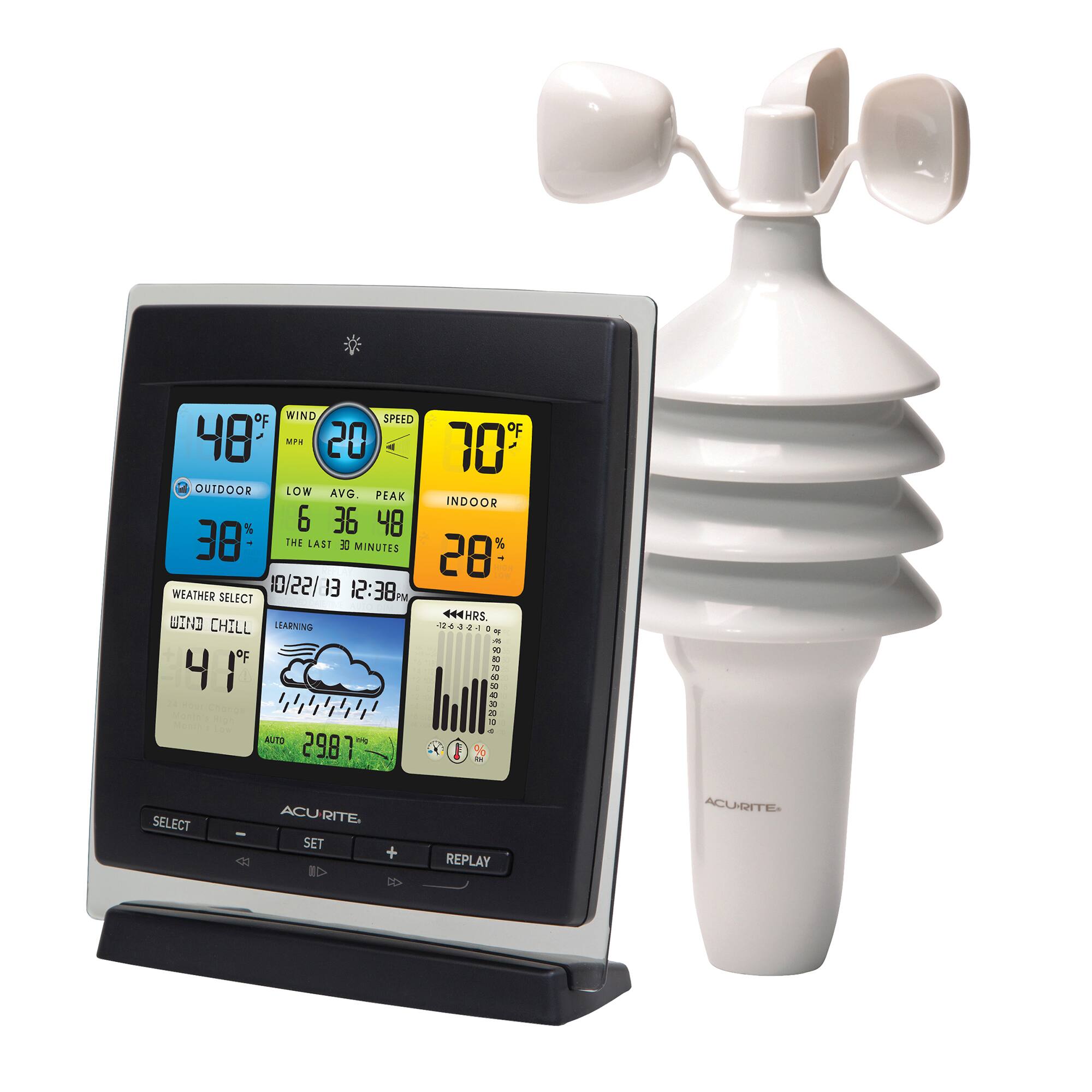
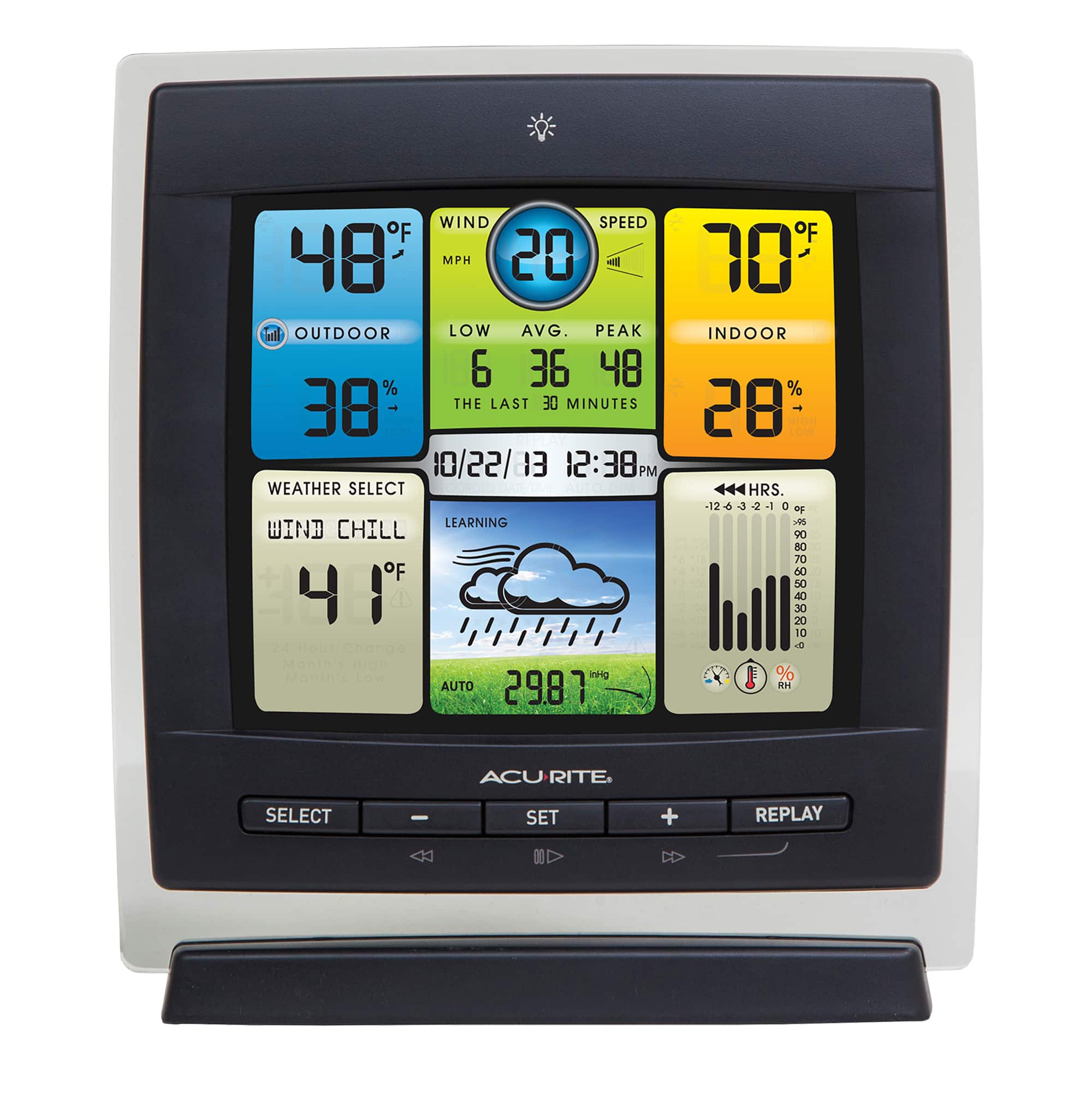
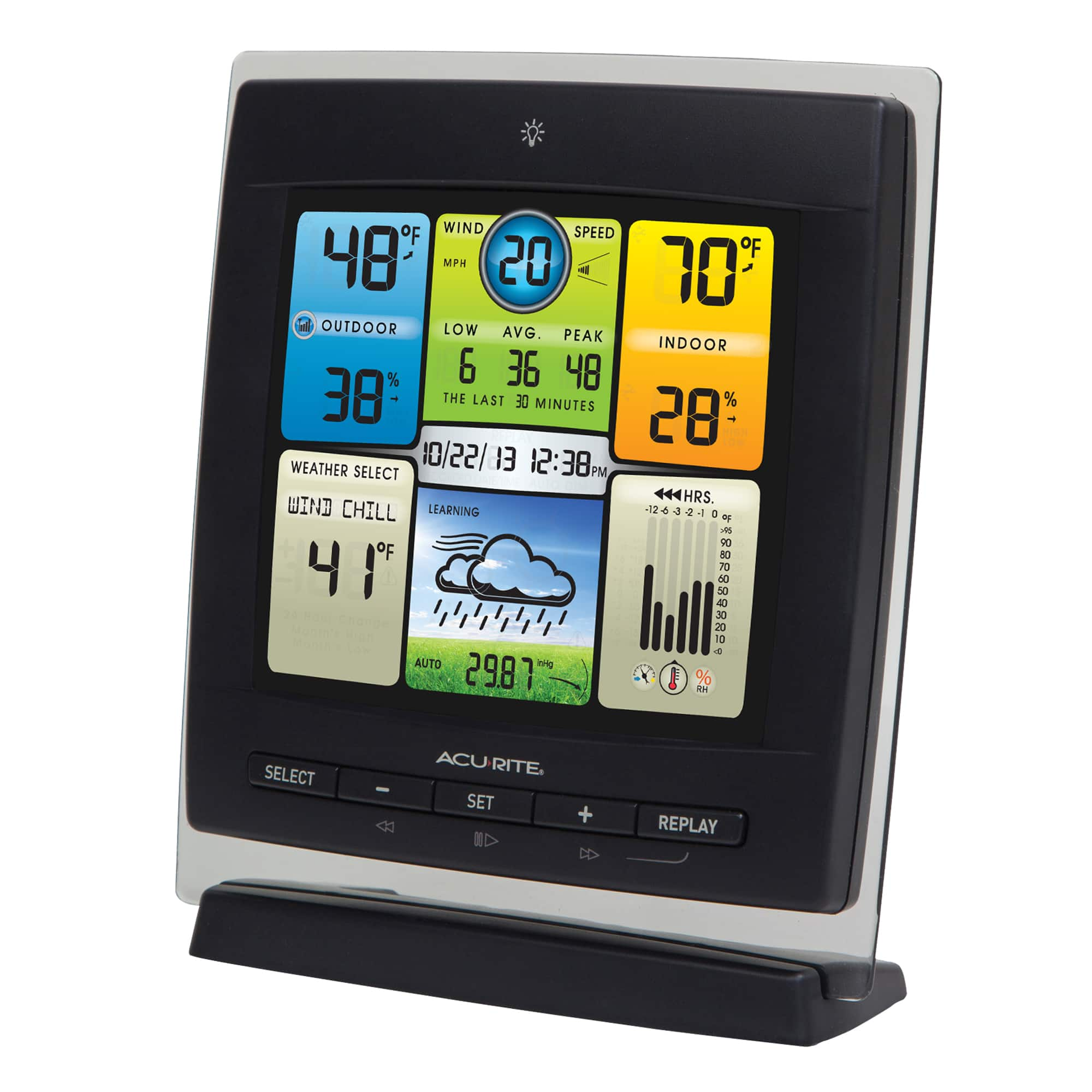
||Posted . Owned for 1 month when reviewed.This reviewer received promo considerations or sweepstakes entry for writing a review.Purchased as a Christmas gift for parents. Mom commented that she likes the bright, cheerful display.
I would recommend this to a friendBrand response from AcuRite
Posted .Thank you for the time that you have taken to write your review, we appreciate your feedback! If there is ever anything that we can assist you with, please reach out to our support team via live chat or email request on the AcuRite Support website.
Have a fabulous day!
Haylee
AcuRite Support Team
Good Value
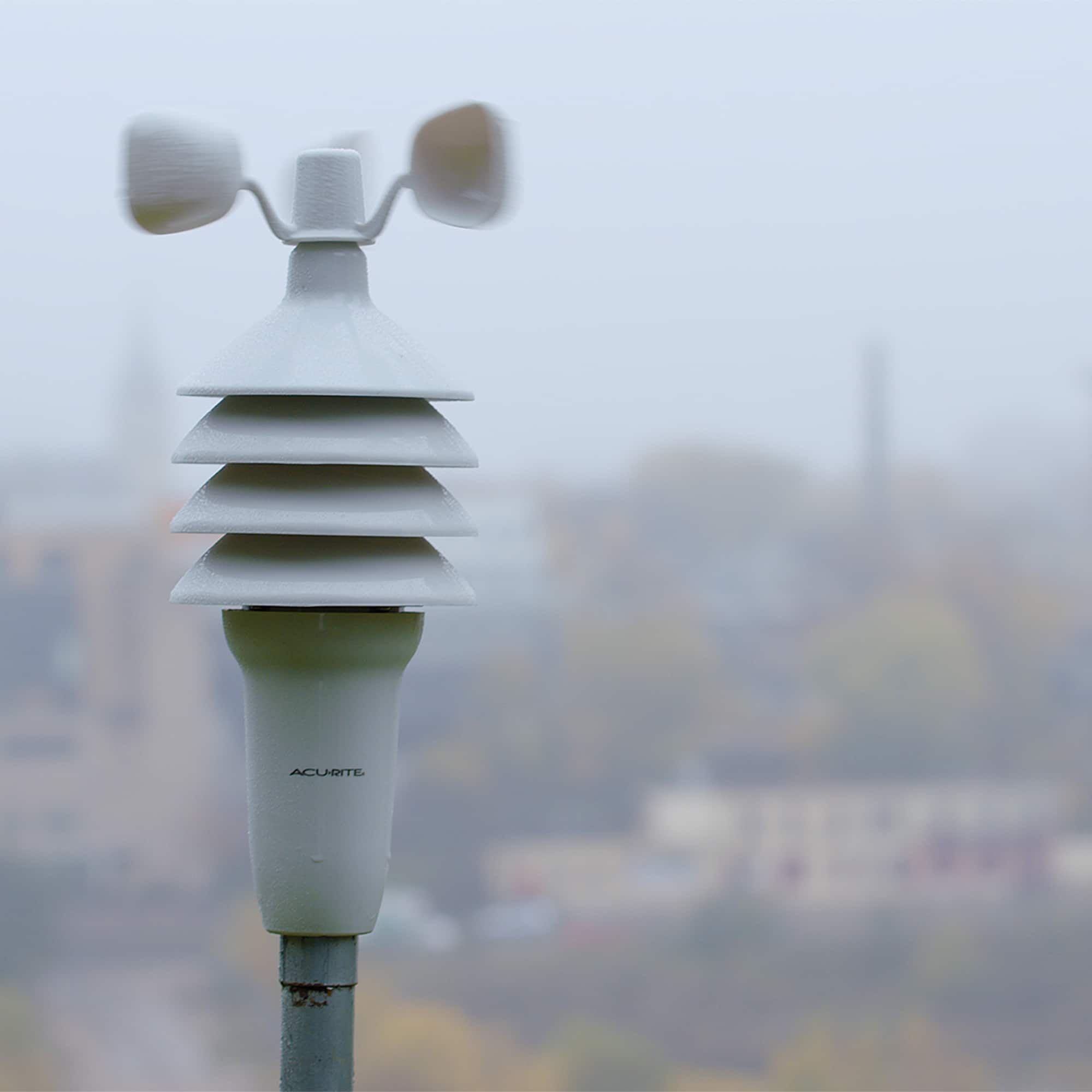
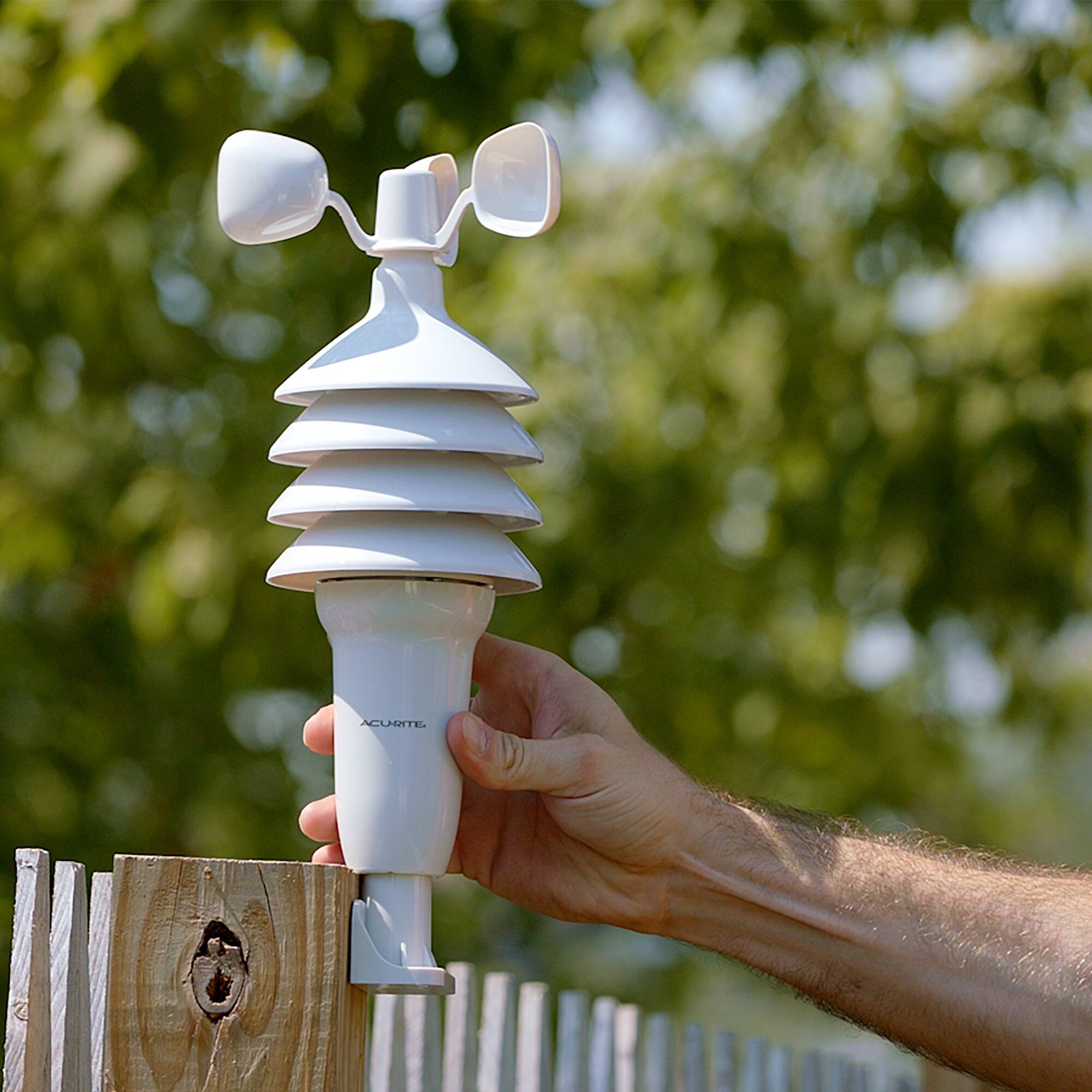
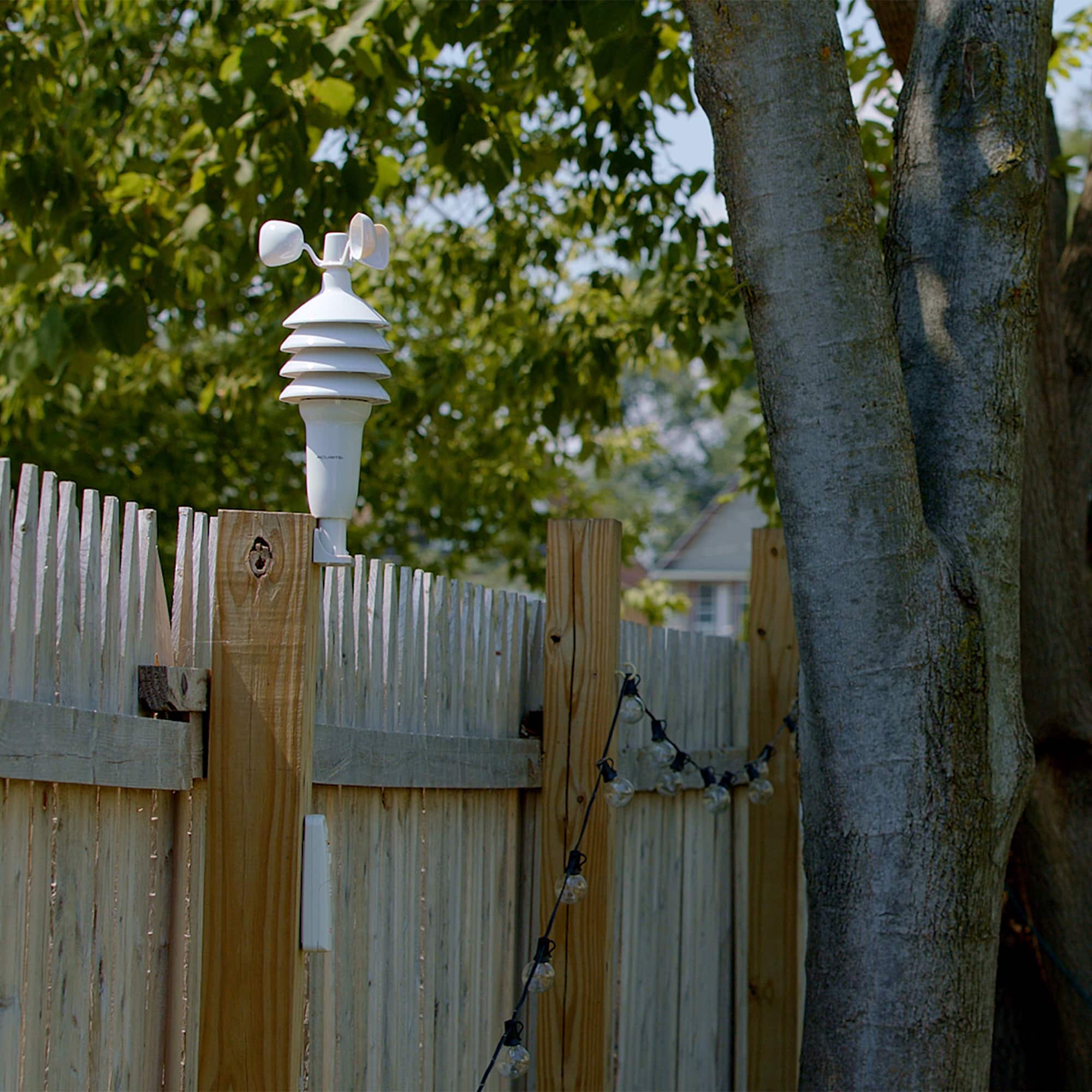
||Posted . Owned for 3 weeks when reviewed.This reviewer received promo considerations or sweepstakes entry for writing a review.Overall, I am pleased the Notorious Weather Station, however I don’t feel like the wind speed is registering the correct wind speed. Other than that, the temperature and humidity seem to register accurately. I am pleased with the shipping on this item and will buy from Best Buy in the future. I am also pleased with their pricing.
I would recommend this to a friendBrand response from AcuRite
Posted .Thank you for the time that you have taken to write your review, we appreciate your feedback! If there is ever anything that we can assist you with, please reach out to our support team via live chat or email request on the AcuRite Support website.
Have a fantastic day!
Haylee
AcuRite Support Team
Not always accurate
||Posted . Owned for 1 month when reviewed.This reviewer received promo considerations or sweepstakes entry for writing a review.Calibrating temperature is difficult. The recorded indoor temperature does not stay agree what the house thermostat reports. The temperature can be adjusted but goes either high or low afterwards. It never matches the thermostat. Outdoor temperature seems to be accurate. An older version that finally quit working always had the correct temperature.
No, I would not recommend this to a friendBrand response from AcuRite
Posted .We apologize that your station is reading inaccurately, but we would be happy to assist! First, please make sure that you are using fresh batteries as well as the included power adapter with the display, then perform the following reset. ***This will clear all data on the display.***
1. Remove all power, AC adapter and/or batteries from the display unit for a full five minutes.
2. Press and hold down the reset button, located in the battery compartment, for 20 seconds if applicable.
3. Plug back into AC power and/or insert recommended batteries.
4. Press and hold down the reset button for an additional 20 seconds if applicable.
5. Verify that the unit has powered on and once a connection has been made, attempt to set time and date.
For further assistance, please reach out to our support team via live chat or email request on the AcuRite Support website.
Have a fantastic day!
Haylee
AcuRite Support Team
Easy set up
||Posted . Owned for 1 month when reviewed.This reviewer received promo considerations or sweepstakes entry for writing a review.Easy to set up. Easy to read, seems accurate so far.
I would recommend this to a friendBrand response from AcuRite
Posted .Thank you for the time that you have taken to write your review, we appreciate your feedback! If there is ever anything that we can assist you with, please reach out to our support team via live chat or email request on the AcuRite Support website.
Have a splendid day!
Haylee
AcuRite Support Team
Very poorly calibrated
||Posted . Owned for less than 1 week when reviewed.This reviewer received promo considerations or sweepstakes entry for writing a review.Very poorly calibrated. The temperatures out of the box are atleast 3* off. I know it can be updated, but shouldn't have to be when its brand new.
No, I would not recommend this to a friendBrand response from AcuRite
Posted .We apologize that your station is reading inaccurately, but we would be happy to assist! First, please make sure that you are using fresh batteries in both units, then perform the following reset. Please follow the steps carefully as the order is crucial to the success of the reset.
Hard Reset:
1. Bring both the sensor and display unit together and remove batteries from the outdoor sensor. Make sure that the Wireless Reception Indicator on the display drops to zero bars to ensure that your display was connected to the correct sensor. (If your wireless reception indicator already indicates zero bars, please proceed to Step #2.)
NOTE: If your display unit continues to show a strong connection, there is another sensor in your area that your display is connecting to (either a neighbor's or from another of your AcuRite units). If you have multiple sensors, make sure to use a different ABC channel on each.
2. Remove the batteries and/or power adapter from the display unit.
3. Change the A-B-C setting on both units to a new, matching channel then press and hold the reset button in the battery compartment of the display for 20 seconds, if applicable.
4. Reinstall the batteries in the outdoor sensor.
5. Reinstall batteries and/or power cord into the display unit then immediately press and hold the reset button again for 20 seconds, if applicable.
6. Let the units sit within a couple of feet of each other for approximately 5 minutes or until you see a solid sensor signal.
For further assistance, please reach out to our support team via live chat or email request on the AcuRite Support website.
Have an exceptional day!
Haylee
AcuRite Support Team
Package
Posted .This reviewer received promo considerations or sweepstakes entry for writing a review.This was a gift so not happy that it came in cardboard box and not a display type box.
I would recommend this to a friendBrand response from AcuRite
Posted .Thank you for the time that you have taken to write your review, we appreciate your feedback! If there is ever anything that we can assist you with, please reach out to our support team via live chat or email request on the AcuRite Support website.
Have a splendid day!
Haylee
AcuRite Support Team