Customer Ratings & Reviews


- Model:
- AX4U360016G18A-DW50
- SKU:
- 6455435
to a friend
Poor quality control, awful lighting integration
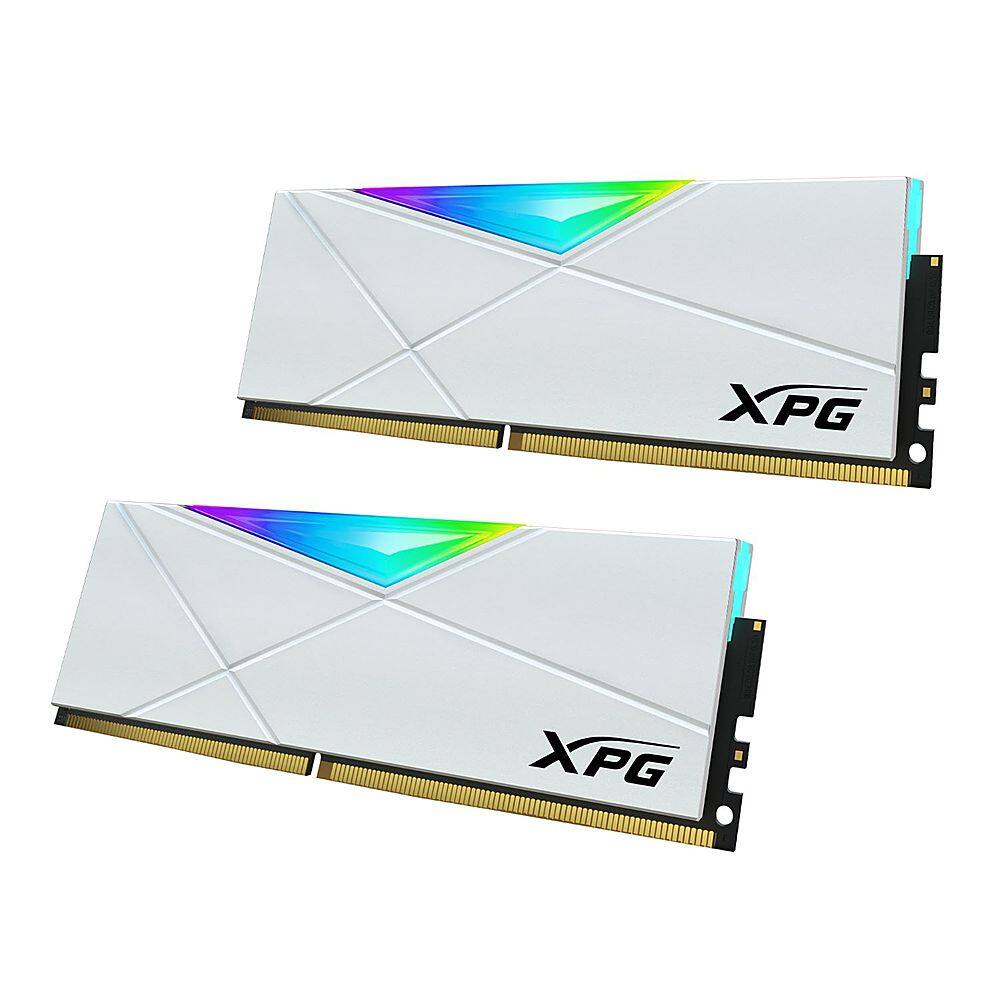
||Posted . Owned for 1 week when reviewed.This reviewer received promo considerations or sweepstakes entry for writing a review.I purchased two of these 16 x 2 kits for my latest upgrade and, after several days of troubleshooting, returned both kits. For the impatient (TLDR): Good: The look of the ram and the baked in lighting (smooth, provided you don't hook it up to ASUS Armory) Good bang for the buck on speed/size, assuming your kit works Bad: Pre-set XMP profiles unstable Major quality control issues (2/4 sticks had defects on gold contacts causing BSOD) Lighting integration with other software (ASUS Armory, Dragon Center) is really bad XMP lighting software is awful and almost nonfunctional Verdict: you get what you pay for. Unless you're a gambler, pay a little extra for a known and dependable manufacturer. Extended review: Before I go into the bad, I do want to mention the good points. On paper, these have great stats. On board these puppies have two XMP profiles, one for 3200 and one for 3600, depending on your needs. The actual rgb is smooth and the baked in effects are very nice, eye-catching, and fits a white and black build aesthetic really well. Price per DIMM is ok but these are frequently on sale so you can save a lot as compared to a brand like Corsair if you pay attention to the sales. If you happen to be very lucky, you would be quite happy with these on a hardware level. However, that is where the good news ends. The major issue with these is the quality control. I purchased two kits and in both kits there was one DIMM with patinaed contacts, where the gold contact was misapplied or mis-plated. Testing on three different motherboards (all have latest bios installed), neither DIMM would allow the system to post and instead would throw random errors before blue screening. Aggravatingly, although all three boards had status debug leds, none of the motherboards indicated DRAM errors and instead would show an all clear so it took an incredible amount of time to locate this quality control issue as I one by one swapped known good parts into my test system until just the ram was left. Assuming you do have a set without the quality control issues, I experienced issues with the pre-set XMP profiles. Based on the two working DIMS, changing to a pre-set profile would also cause the system to fail to post. Manually changing things around to set your own overclock profile would not result in a failed post, so it seems to be an issue with the profiles themselves or in how XPG coded them. I could not locate a particular error other than enabling them at all caused a black screen followed by an unending boot cycle. This occurred on all three systems that I tried these DIMMs on. Exasperated, I booted successfully on two DIMMs and tried to get the lighting to work. XPG has, on their website, a lighting utility that should work with their ram and their ssds. I was only able to get their utility to recognize the ram about 1/4 of the time and the ram didn't want to seem to adopt any changes I made there. To be fair, XPG really buries that utility on their site and instead they tout how their ram should work with other manufacturer's lighting solutions. As such, I tried to coordinate the ram with ASUS Armory and with MSI's Dragon Center. On the MSI system, Dragon Center would not recognize these DIMMs at all, even with XPG's awful software installed in case it was needed as some sort of translation layer. ASUS Armory does recognize the ram as generic rgb ram and will try to get it to sync with the rest of your lighting set up but the lighting on the DIMMS won't keep time with the rest of the system and seems to slow down and chug. I don't know if this is an issue with how XPG interprets the rgb code from ASUS Armory or if the confusion is on Armory's end but, in the end, it looks bad, like running Cyberpunk 2077 on integrated graphics and lowest possible settings. Since the two working DIMMs were not up to the standard of the rest of the system that I was going to use them for, in terms of lighting and OC capability, I returned all four to Best Buy. I appreciate Best Buy's return service for immediately accepting the return and for refunding my money. I immediately took those funds and bought slightly more expensive but comparable Corsair Vengeance Pro SLs, which immediately worked without issue.
No, I would not recommend this to a friendBrand response from Adata Technology Team
Posted .Hello SoItShallBe,
We are sorry to hear about your recent experience with the XPG SPECTRIX D50 32GB 2x16GB Kit. Your feedback is important to us and we will pass along the information to our product team. Should you choose to give XPG products another chance we'd be more than happy to assist you with issues you may encounter in the future. We can be reached at: [email protected] Regards, ADATA Team
Upgraded my custom built AMD 5950 PC to 64gb ram
Posted .This reviewer received promo considerations or sweepstakes entry for writing a review.Matched my previous 32GB PC build to 64GB. Worked and paired great with my other matching 32GB pair.
I would recommend this to a friend